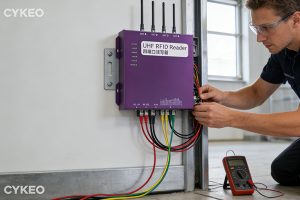
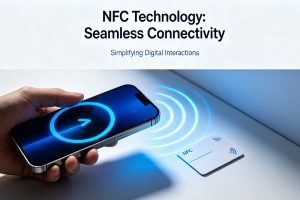
A wireless RFID scanner is a portable device capable of reading RFID tag information without physical contact. It typically communicates with a host device via Bluetooth, Wi-Fi, or USB. Combining RFID technology with wireless connectivity, these scanners are widely used in mobile asset management, inventory checks, inspection tasks, and more.
How Wireless RFID Scanners Work
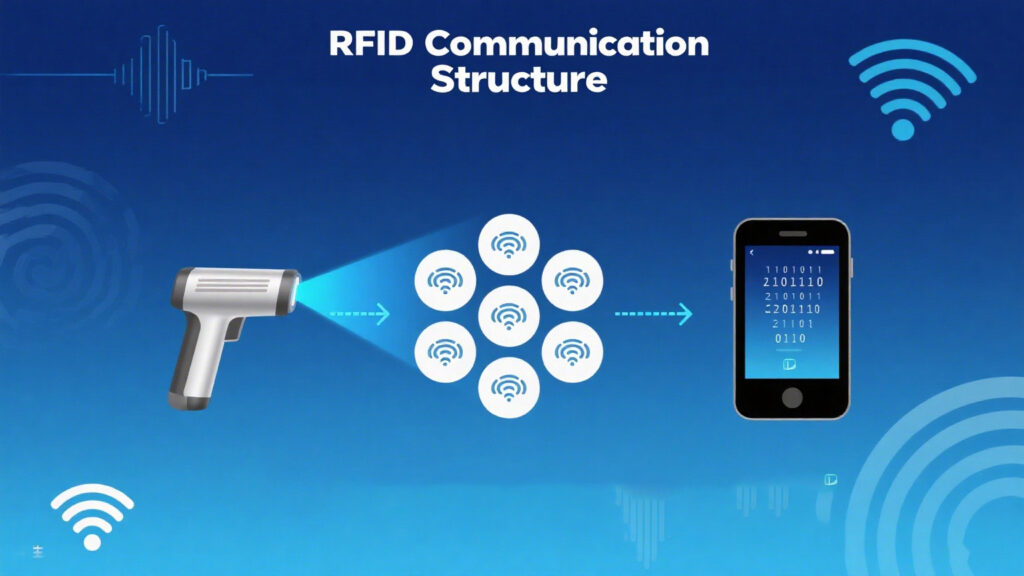
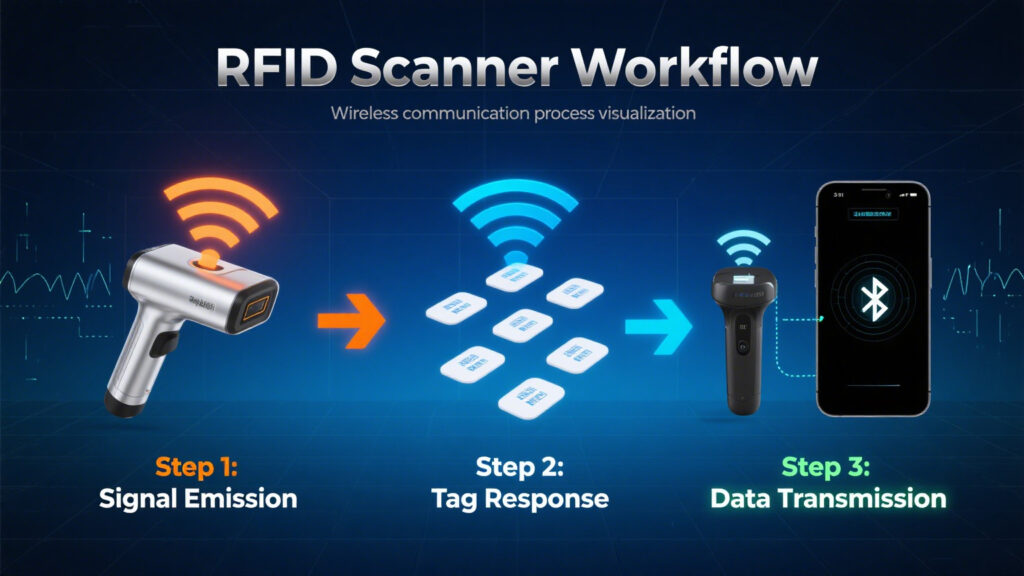
Wireless RFID scanners emit radio frequency signals via their antenna to activate RFID tags (either passive or active) and receive the returned data. The scanner then transmits the data wirelessly to a PC, smartphone, or cloud platform to complete the identification and logging process.
Common frequency bands include:
UHF (Ultra-High Frequency): Suitable for long-range, large-scale inventory scanning
HF/NFC (High Frequency/Near Field Communication): Ideal for short-range, identity-based applications
LF (Low Frequency): Strong anti-interference capability, suited for metal-heavy environments
Key Features and Technical Highlights of Wireless RFID Scanners
Typical features of wireless RFID scanners include:
Wireless Connectivity: Supports Bluetooth, Wi-Fi, USB, etc.
Offline Cache: Supports batch mode to collect data without an internet connection
System Compatibility: Works with Android/iOS/Windows platforms
Lightweight and Durable: Dustproof, drop-resistant, and suitable for harsh environments
Long Battery Life: Enables all-day operation without frequent charging
Applications of Wireless RFID Scanners
Wireless RFID scanners are used across a wide range of industries and scenarios, such as:
Warehouse and Inventory Management: Quickly read shelf tags and improve inventory accuracy
Retail Loss Prevention and Item Tracking: Monitor product movement in real time
Medical Equipment Management: Track key medical assets to enhance scheduling efficiency
Manufacturing Traceability: Link production processes and materials for transparent operations
Outdoor Asset Inspections: For power facilities, railways, and regular equipment checks
How to Choose the Right Wireless RFID Scanner
When selecting a suitable device, consider the following factors:
Frequency Support (UHF, HF/NFC): Does it meet the needs of your use case?
Reading Distance: Close-range (<1m) or long-range capability
Data Transmission Interface: Does it support Bluetooth, Wi-Fi, USB, etc.?
Offline Scanning & Memory: Can it cache data when offline?
Compatibility: Is it compatible with your OS and software platform?
Durability & Battery Life: Can it run all day and meet protection standards (e.g., IP54)?
Market Trends
All-in-one multi-frequency devices (e.g., support both UHF + NFC)
SDK support for broader mobile app compatibility
Lighter design and stronger cloud integration
Conclusion
Thanks to their flexibility, efficiency, and multi-functionality, wireless RFID scanners have become an ideal solution for modern asset tracking and mobile identification. Businesses should choose devices based on their application scenarios, budget, system compatibility, and technical requirements. With the growth of IoT and cloud platforms, wireless RFID scanning technology will continue to evolve toward greater intelligence and automation.
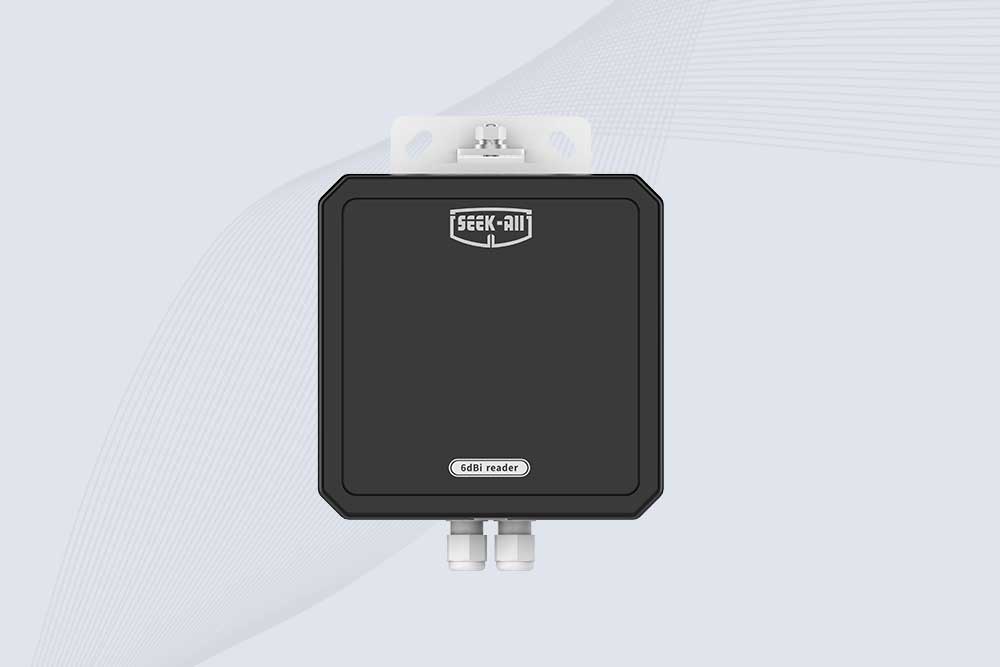
SSD-RA06L is an industrial UHF RFID reader with a built-in 6 dBi antenna, 3 m read range, 600+ tags/s, Ethernet, RS232, and optional Wi-Fi, 4G, and PoE.
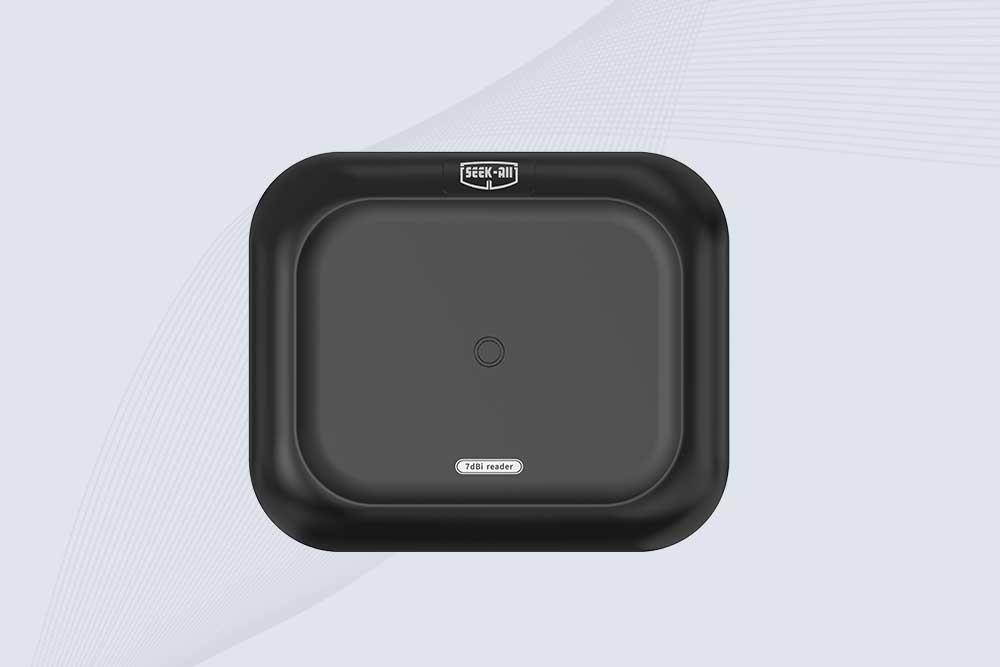
SSD-RA07L industrial UHF RFID reader with integrated 7 dBi antenna, up to 6 m reading distance, over 600 tags/s, Ethernet, RS232, and optional Wi-Fi, 4G, and PoE.
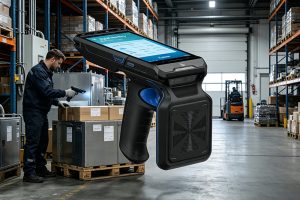
Discover rfid handheld reader writer solutions from Cykeo for mobile inventory, asset tracking, and tag programming. Improve field operations with fast RFID reading, writing, and data management.
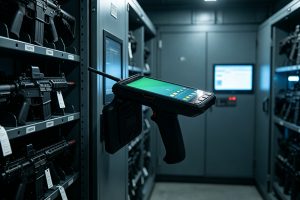
gun rfid systems improve weapon tracking, inventory accuracy, and secure access control using Cykeo ultra high frequency RFID technology for armories and law enforcement.
Learning how to install RFID card reader? Step-by-step for USB desktop readers, door access control systems, and industrial panel mounting. Wiring diagrams and configuration tips from CYKEO engineers.
Wondering if your NFC is working? Learn how to check NFC functionality on Android and iPhone, test NFC tags, identify common issues, and fix NFC problems with this practical step-by-step guide.
 Cykeo RFID IoT Solution Products R&D Manufacturer