 Cykeo RFID IoT Solution Products R&D Manufacturer

How Often Does an RFID Transmitter Signal a Reader?
197Wondering how often does an RFID transmitter signal a reader? CYKEO explains active vs. passive tag rates, from milliseconds to seconds. Optimize your tracking now.
MoreAll RFID Product
Most people don’t think about NFC until it suddenly stops working.
Maybe your phone won’t read a tag. Maybe a contactless payment fails for no obvious reason. Or perhaps you’re trying to set up an access card and nothing happens when you tap your phone.
The good news is that checking NFC isn’t complicated. In many cases, you can tell whether the problem is with the phone, the tag, or the settings in less than five minutes.
Here’s how to find out if your NFC is actually working.
Before testing anything, confirm that your device has NFC hardware.
Some phones include NFC by default, while others do not. Even within the same product series, certain regional versions may support NFC while others don’t.
The quickest ways to check are:
If there is no NFC option anywhere in settings, your device may not include NFC hardware at all.
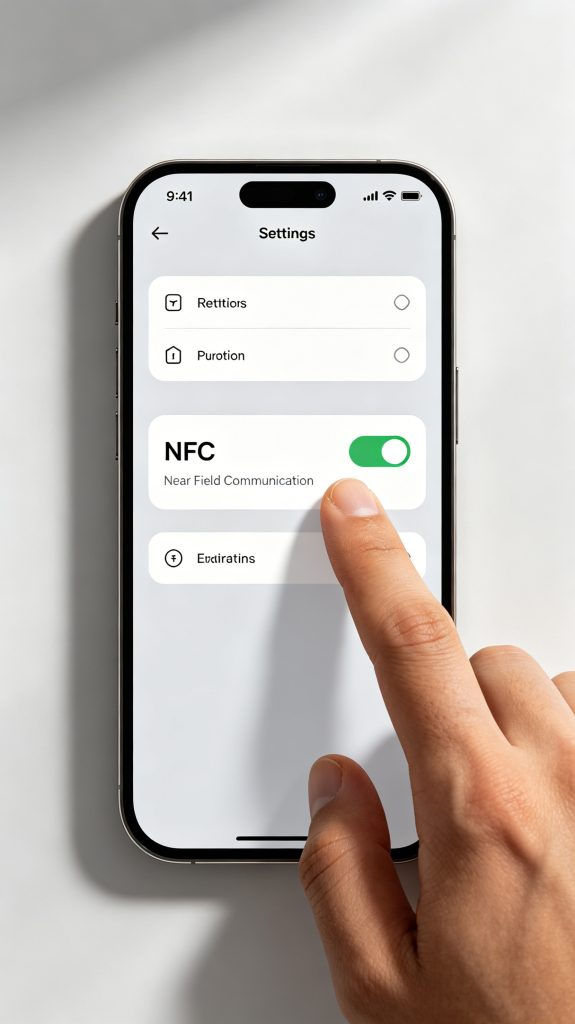
This sounds obvious, but it is one of the most common reasons NFC appears to be broken.
Open your settings menu and verify that NFC is enabled.
On most Android phones:
Sometimes software updates, battery-saving modes, or system resets can disable NFC without users noticing. Many reported NFC issues are solved simply by turning the feature back on.
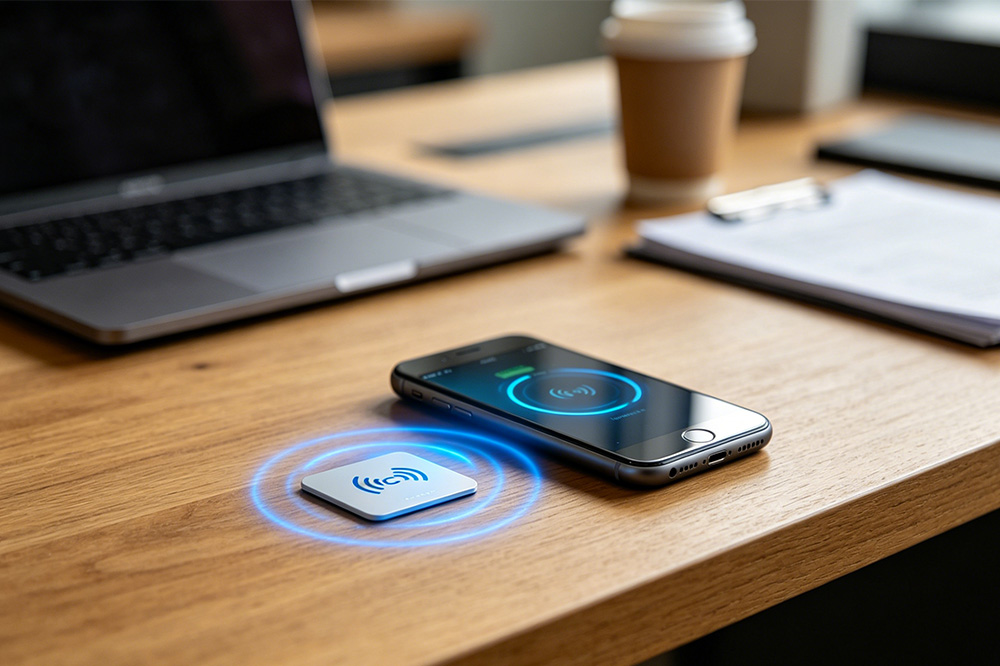
The easiest real-world test is using an NFC tag.
With NFC enabled:
If the phone immediately responds, NFC is working.
If nothing happens:
Remember that the NFC antenna is usually located near the center or upper portion of the phone, not necessarily near the camera. Finding the correct position can take a few tries.
Getting NFC tag to respond is one thing. Making sure your smartphone can actually communicate with a specific NFC or RFID reader is another.
Different readers use different frequencies, protocols, and communication methods, which is why a reader that works perfectly with one phone may not work with another.
If you’re trying to connect a smartphone to an NFC or RFID reader and aren’t sure where to start, this guide walks through the compatibility checks in plain English, without requiring any technical background:
Read next: How to Test NFC & RFID Reader Compatibility With Your Smartphone
It covers common compatibility issues, what specifications actually matter, and a few quick tests you can perform before buying new hardware.
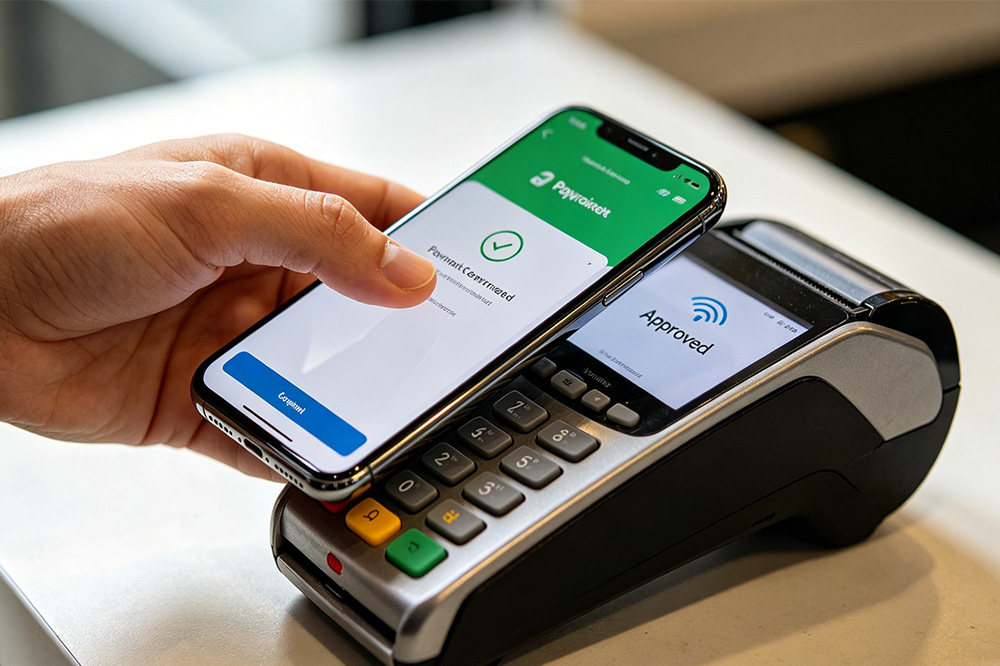
Another practical test is making a small contactless payment.
If the payment terminal detects your phone:
If the terminal never reacts, there may be an NFC issue.
Keep in mind that payment failures can sometimes be caused by payment app settings rather than NFC itself. Several users have reported that NFC worked normally after reconfiguring their payment applications.
Many free NFC utilities can verify whether the NFC reader is detecting nearby tags.
These apps can:
If the app consistently detects tags, your NFC hardware is most likely working correctly.
If the app never detects any tag, further troubleshooting may be necessary.
Sometimes the problem isn’t your phone.
NFC tags can become damaged through:
Try testing at least two or three different tags.
If one tag fails but others work, the tag itself is likely the problem rather than your phone.
Some thick phone cases can interfere with NFC communication.
Metal components are especially problematic because they can block radio signals.
If NFC suddenly stops responding, remove the case and test again.
NFC works only within a very short distance.
Moving the phone just a few centimeters away from the tag can break communication.
Try slowly moving the back of the phone across the tag until detection occurs.
Occasionally, system updates introduce NFC-related bugs.
Online user reports show that NFC functionality can sometimes stop working after firmware upgrades, only to be restored in later updates.
Like many wireless functions, NFC services can occasionally become stuck.
A simple restart often resolves temporary software issues. Some users have also reported success after toggling NFC off and on again.
If NFC remains completely unresponsive after:
there is a possibility of hardware damage involving the NFC antenna or NFC chip.
If NFC is not working, try the following:
✓ Confirm the phone supports NFC
✓ Turn NFC off and back on
✓ Restart the device
✓ Remove the phone case
✓ Test multiple NFC tags
✓ Update the operating system
✓ Test contactless payment functionality
✓ Use an NFC testing app
✓ Check for system diagnostics tools
✓ Factory reset as a last resort
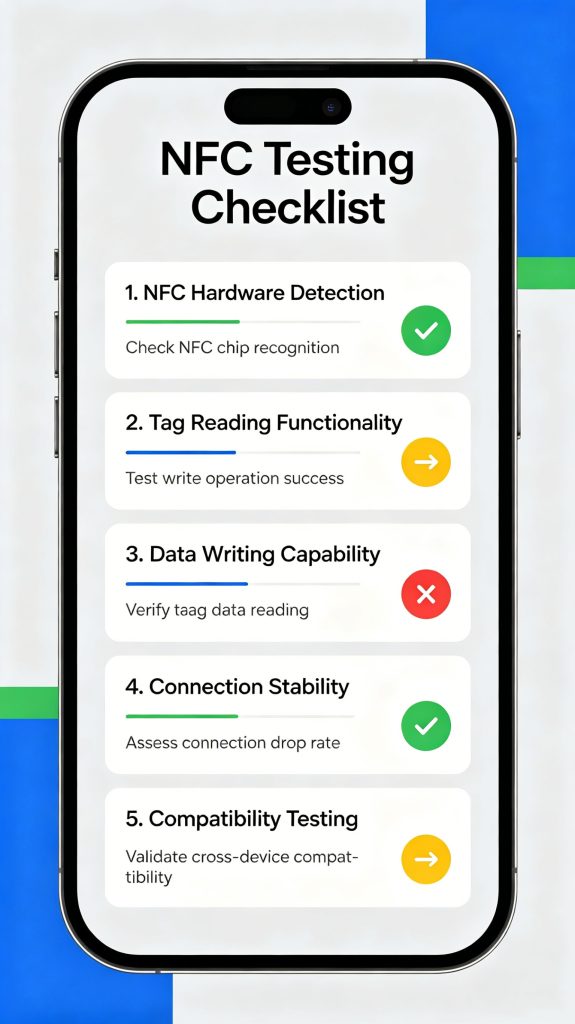
If your phone can successfully read at least one NFC tag, there’s a good chance the NFC hardware is fine.
From there, most problems usually come down to software settings, phone cases, unsupported tags, or compatibility issues between devices.
Instead of assuming the NFC chip is broken, start with a few simple tests. A quick scan using a known-working tag often reveals the answer much faster than digging through settings menus or factory-resetting your phone.
And if you’re planning to use your phone with an external NFC or RFID reader, it’s worth checking compatibility first. A few minutes of testing can save a lot of frustration later.ose tests fail, working through the troubleshooting steps above will help narrow down the real cause and get NFC working again.
RFID Industry Writer | IoT & Asset Tracking Analyst
James writes about RFID technology, asset tracking, and the practical challenges of digital transformation across warehousing, retail, manufacturing, and logistics.
His work focuses on how RFID is applied in real-world operations—improving inventory visibility, automating workflows, and helping businesses manage assets with greater accuracy and efficiency.
He regularly covers topics including UHF RFID, smart cabinets, RFID portals, tool tracking, warehouse automation, and industrial IoT trends..
Wondering how often does an RFID transmitter signal a reader? CYKEO explains active vs. passive tag rates, from milliseconds to seconds. Optimize your tracking now.
More
how to scan rfid using handheld readers. Learn real-world scanning steps, accuracy tips, and high-efficiency workflows with Cykeo UHF RFID devices.
More
Need practical read distances? Learn how far away RFID chips can be read in LF, HF/NFC, and UHF systems, and what factors change the actual range.
More
Learn how does rfid theft work, how RFID security gates detect unauthorized items, and how smart EAS systems prevent inventory loss with reliable protection.
More