 Cykeo RFID IoT Solution Products R&D Manufacturer


What is RFID Antenna Used For? (Spoiler: It Runs Your Warehouse)
311Get past the theory. See exactly what is RFID antenna used for in daily operations—from speeding up shipping to stopping theft. Learn why it’s your system's workhorse.
MoreAll RFID Product
Every RFID project starts with the same purchase order question: a cheap USB RFID reader costs a fraction of a desktop RFID encoder, so why pay more? The honest answer is that plenty of jobs only need the cheap one. The problem shows up when teams buy a read-only device for a write-heavy workflow, then spend weeks wondering why labels come out blank or why scan results double-count. The difference between the two device types is not a spec-sheet detail — it decides whether your tag data is trustworthy.
This guide walks through what each device is actually built to do, where the cheap option saves money without risk, and where a desktop encoder pays for itself. If you are still shopping and have not filtered listings yet, the checklist in Cheap USB RFID Reader: What to Check Before Buying covers the specs that separate usable readers from returns-waiting-to-happen.
A cheap USB RFID reader is a read-first device. It connects over USB, draws power from the same cable, and usually enumerates as a HID keyboard or a serial port — plug it in and tags start popping into whatever field your cursor sits in. No power brick, no driver hunt, no mount.
For reading, that simplicity is the whole point:
Where the “cheap” part bites is everything past the read. Budget readers often run low output power, have wide and uncontrolled read zones, and expose few or no write commands through their SDK — if the vendor ships an SDK at all. Some can technically write, but pushing a stable EPC to a tag through a device designed for keyboard-wedging reads is a frustrating way to spend an afternoon.
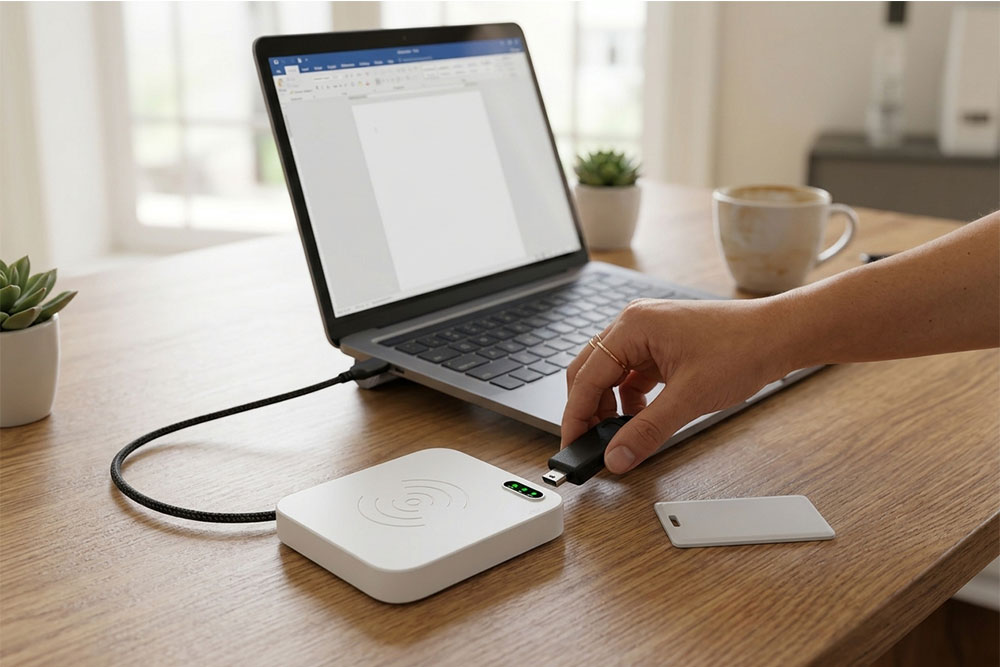
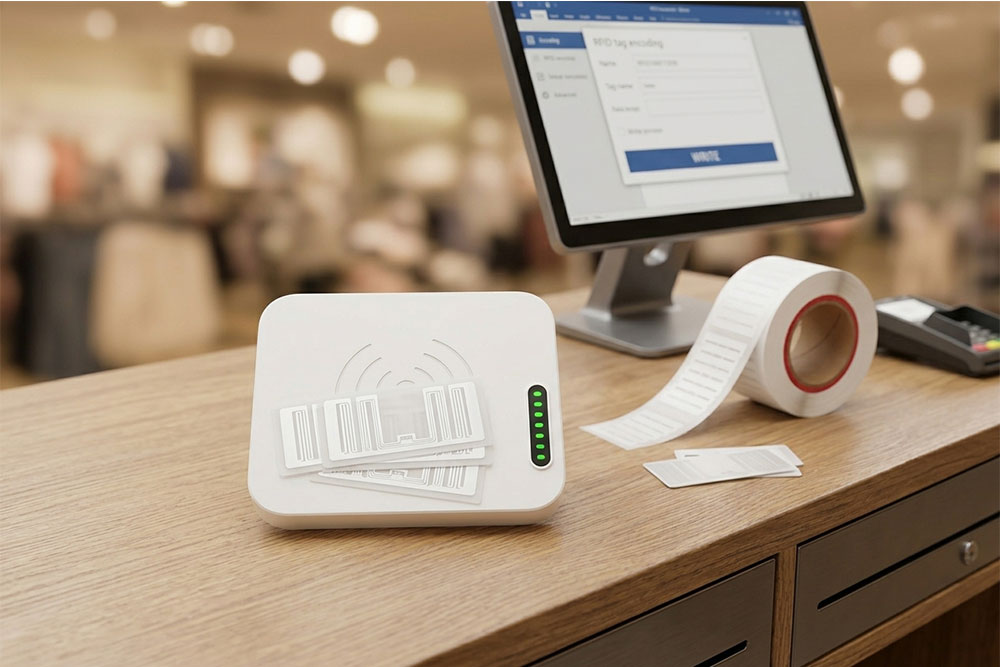
A desktop RFID encoder looks similar from across the room: a box on a desk with a USB cable. Inside, it is a different animal. Encoders use a near-field antenna design that concentrates the reading and writing field into a small, defined zone directly above the device. You place one tag, it programs that one tag, and a cart rolling past in the background does not join the job.
That controlled zone is what makes the writing side reliable. Encoding a UHF label means sending an EPC, optionally a TID-based lock, and access passwords — and getting every one of those writes confirmed. Devices in this class, like the CYKEO-D1C USB RFID Card Reader, pair USB-C connectivity with stable output power tuned for short-range tag issuance, badge personalization, and label encoding. For heavier duty cycles, the CYKEO-D6L Desktop UHF RFID Reader Writer handles batch programming with a stronger 33 dBm output and integrates into existing management systems.
[INSERT IMAGE: two-column comparison infographic — see design note in Section 6]
| Factor | Cheap USB RFID Reader | Desktop RFID Encoder |
| Typical cost | Low, often impulse-purchase territory | Higher, reflects tuned antenna and write hardware |
| Read range | Short to moderate, loosely defined zone | Short by design, tightly controlled zone |
| Write capability | Limited or absent on budget models | Full read/write with confirmation and locking |
| Anti-collision | Basic | Tuned for single-tag placement accuracy |
| SDK / API | Varies; budget units often keyboard-emulation only | Full SDK with read and write command sets |
| Best fit | Spot reads, check-in desks, verification | Tag issuance, encoding, batch programming |
One row deserves extra attention: the SDK row. Developers building their own software routinely underestimate how much work a keyboard-emulation-only reader pushes onto them later. A reader that exposes proper read/write APIs over USB-HID or virtual serial turns integration into a weekend instead of a quarter. Cykeo ships open SDKs and demo programs with its desktop line precisely for this reason — their RFID modules follow the same philosophy, letting integrators embed read/write logic directly into kiosks and terminals rather than bolting on a closed black box.
A team buys a cheap USB reader, discovers it technically accepts write commands, and programs 500 event badges the night before doors open. Roughly one in ten comes out blank because the reader’s write confirmation was never reliable at that output power. With a desktop encoder, each write is acknowledged in software before the next tag enters the queue — you know the batch is good while the tags are still on the desk.
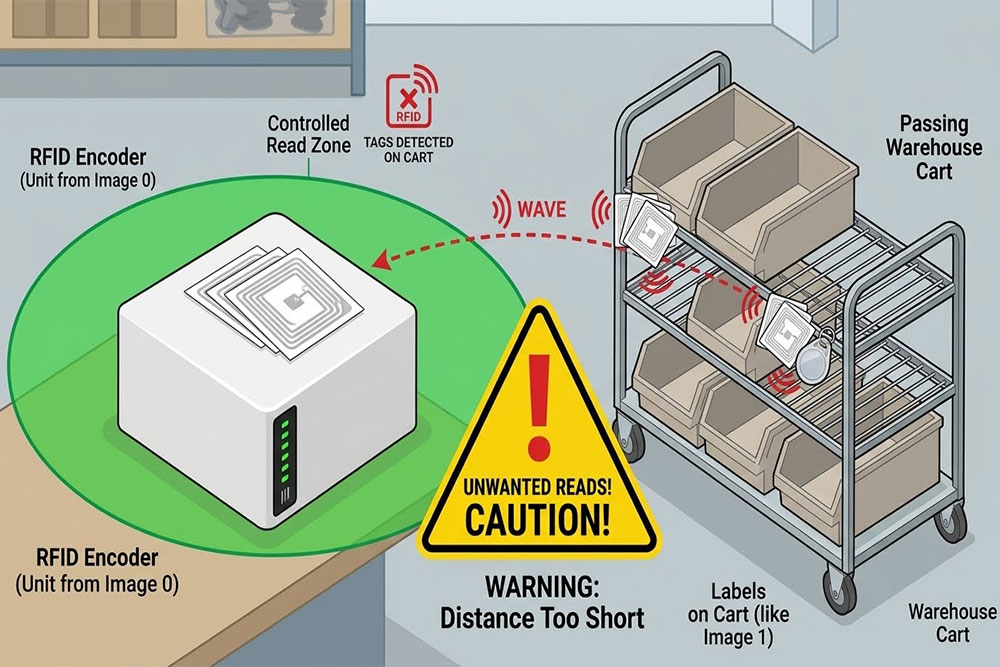
An encoder with an uncontrolled read zone picks up a tag in a courier’s jacket pocket mid-job. Now two tags respond, the software writes to the wrong one, and inventory data silently drifts. Near-field desktop units confine the field so tightly that this failure mode largely disappears. If your workflow involves carts or conveyor proximity, this is the single strongest argument for paying for an encoder.
A pilot works fine with one cheap reader. Then the client asks for a second station, a third, and a gate reader at the dock. Mixing device classes with incompatible SDKs multiplies your maintenance surface. Sticking to one hardware family — for example pairing desktop encoders with RFID gate readers from the same manufacturer — keeps commands, firmware behavior, and support channels consistent.
If the answers land you in encoder territory, browsing the full USB RFID reader category puts both classes side by side — near-field desktop units like the CYKEO-D2L built on the Impinj R500 chip sit alongside compact models, which makes the spec comparison concrete instead of abstract.
Can a cheap USB RFID reader write to tags at all? Some can. Budget USB readers occasionally include basic write support, but output power and write confirmation are usually weak points. If writing is more than an occasional task, treat write capability as a primary purchase criterion rather than a bonus feature.
Is a desktop RFID encoder compatible with the same tags as a USB reader? For UHF devices, yes — both work with ISO 18000-6C (RAIN) tags. The encoder simply handles the same tag population with better write control. Check frequency band compliance (FCC/ETSI) for your region before ordering either type.
Do I need a desktop encoder just to verify tags? No. Verification only requires reading. A cheap USB RFID reader handles EPC checks well, as long as its read zone does not accidentally pick up neighboring tags on a cluttered desk — holding tags one at a time solves that in practice.
What does “near-field control” actually mean on a desktop encoder? The antenna is tuned so the effective field covers a small area directly above the device, typically a few centimeters. Tags outside that zone receive too little energy to respond, which prevents stray reads during single-tag programming jobs.
Can one device serve both roles in a small operation? Often, yes. A desktop encoder reads tags as well as it writes them, so a small office or library desk can run everything on one encoder and skip the cheap reader entirely. The reverse does not hold — a read-first budget device cannot substitute for an encoder when writing becomes routine.
Price differences between these two device classes reflect a real hardware difference, not marketing tiers. Buy the cheap USB RFID reader when your workflow reads tags that someone else programmed. Buy the desktop RFID encoder when the tags passing over your desk start life blank. Teams that match the device to the job avoid both failure modes that cost real money: blank label batches and silently corrupted inventory data. For manufacturers offering open SDKs on both classes — and engineers who help you choose before you buy — Cykeo’s about page outlines their OEM/ODM support for integrators building custom RFID applications.

Discover SSD-D4AL, a USB-HID UHF RFID reader with 4/8/16 antenna options, Impinj E710/X3M1 chipset, plug-and-play USB power, and OEM customization.
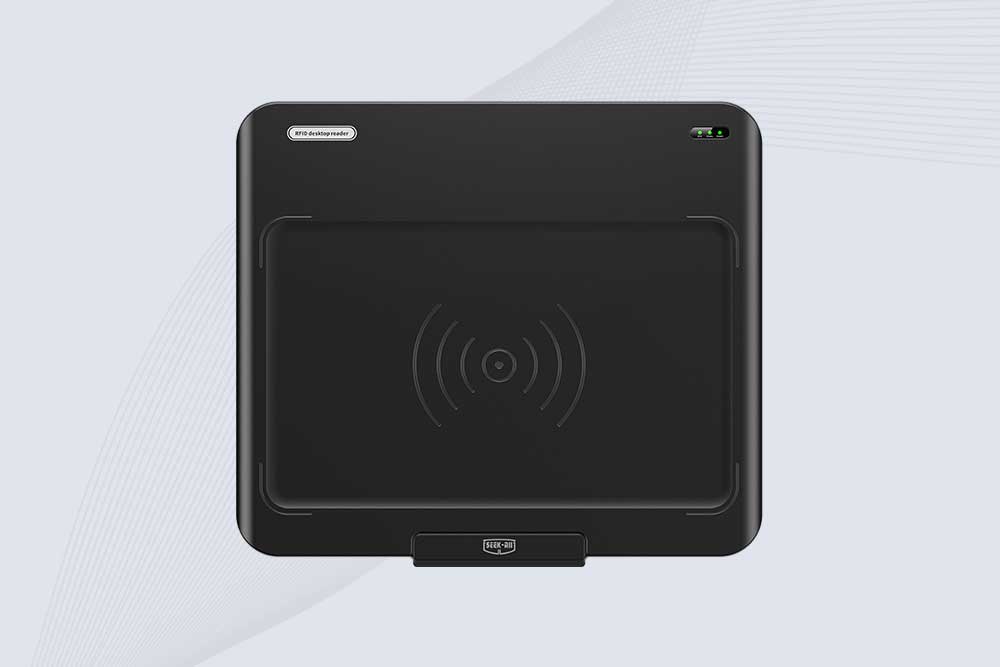
SSD-D3AL is a USB-HID UHF RFID reader with 0–30 cm reading, 0–15 cm writing, over 600 tags/s recognition, USB plug-and-play operation and OEM Logo customization.
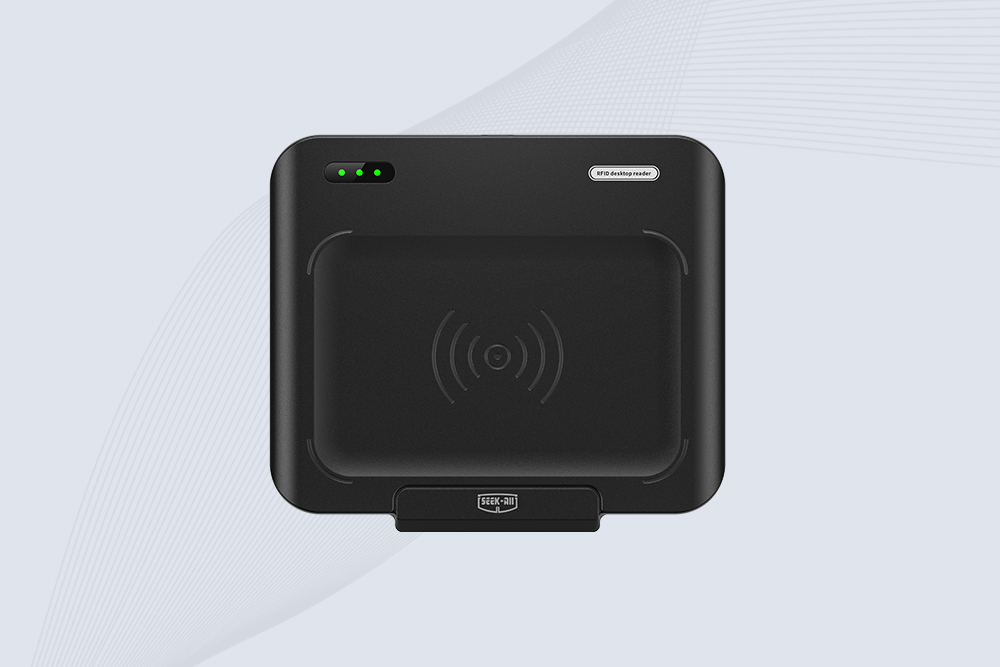
SSD-D1AL is a compact USB UHF RFID reader with Impinj E710/X3M1 chipset, USB-HID, 600+ tags/s recognition, 4/8/16 antenna support and plug-and-play USB power.

CYKEO CYKEO-D1LA USB RFID Reader is a compact desktop solution with near-field control for precise tag reading and encoding. Powered by USB, supporting ISO 18000-6C, and built for stable batch writing, this usb rfid tag reader fits retail, libraries, offices, and controlled RFID encoding tasks.
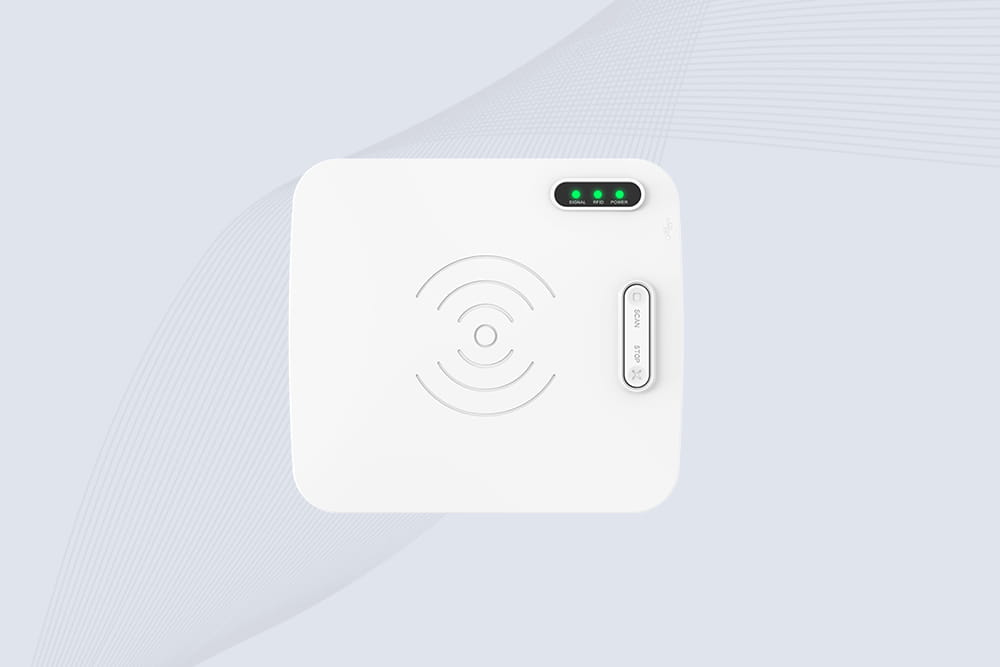
CYKEO CYKEO-D1L RFID scanner USB is a compact desktop UHF RFID scanner designed for short-range tag writing and verification. This usb rfid scanner supports batch encoding, stable 0–26 dBm output, and works across Windows, Linux, and Android systems.
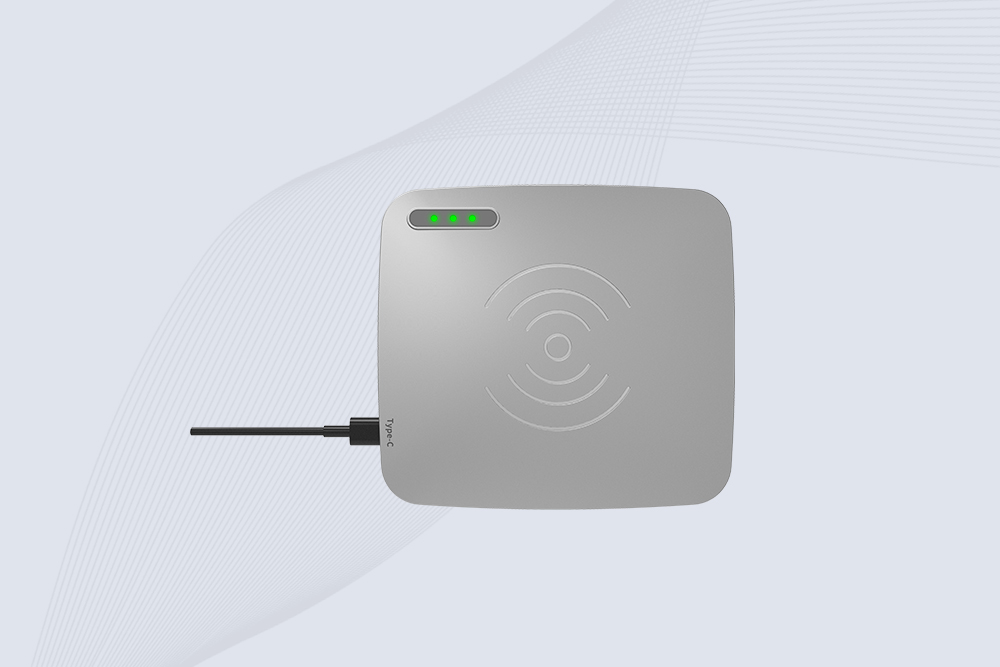
CYKEO CYKEO-D1C USB RFID Card Reader is a near-field UHF desktop writer designed for secure, short-range tag encoding. With USB-C connectivity and stable 26 dBm output, this rfid reader usb c is ideal for badge issuance, label encoding, and controlled desktop RFID workflows.
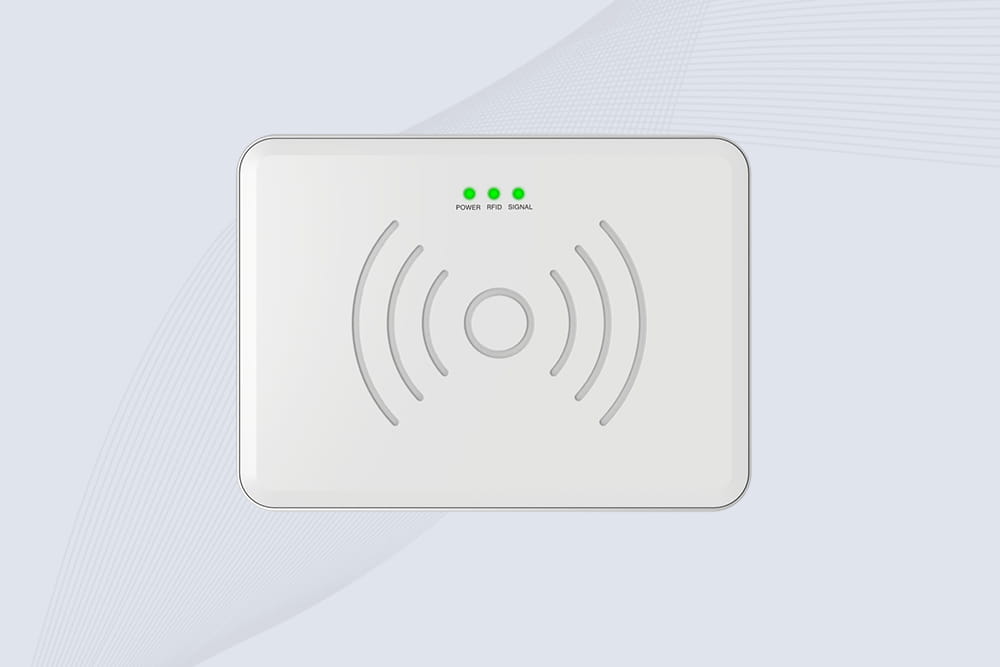
CYKEO CYKEO-D2L RFID Reader USB is a compact desktop encoder built on the Impinj R500 chip. With near-field control and stable USB power, this usb rfid card reader delivers precise tag writing for offices, retail counters, and small-scale logistics encoding tasks.
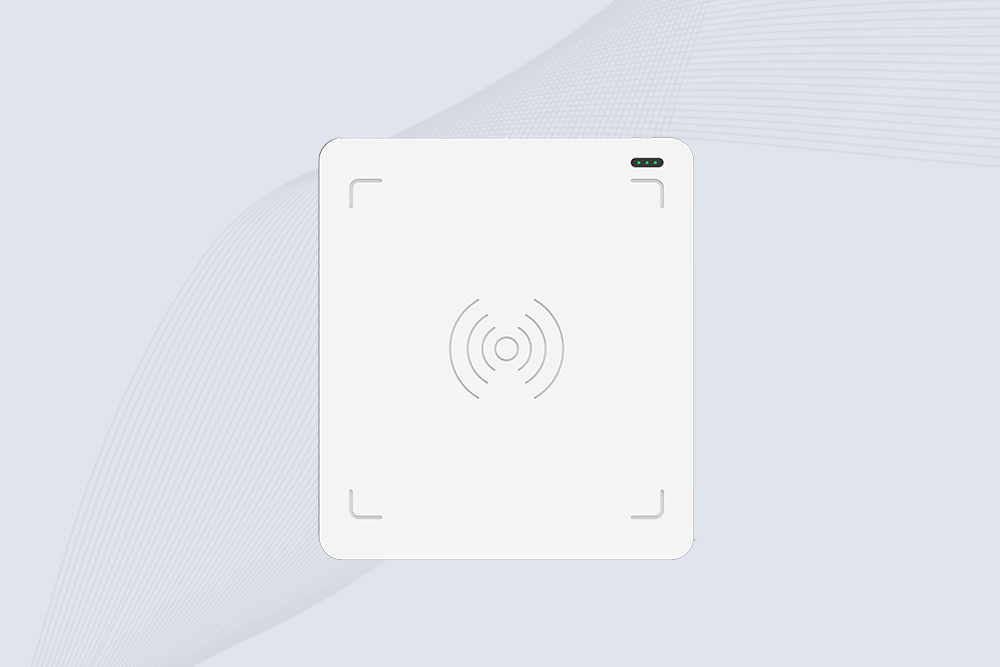
CYKEO CYKEO-D3L USB RFID Tag Reader delivers stable UHF tag reading and writing for daily desktop and light industrial tasks. Designed for controlled short-range operation, this USB RFID Tag Reader works reliably with rfid tag and reader systems in libraries, tool tracking, and inventory registration.
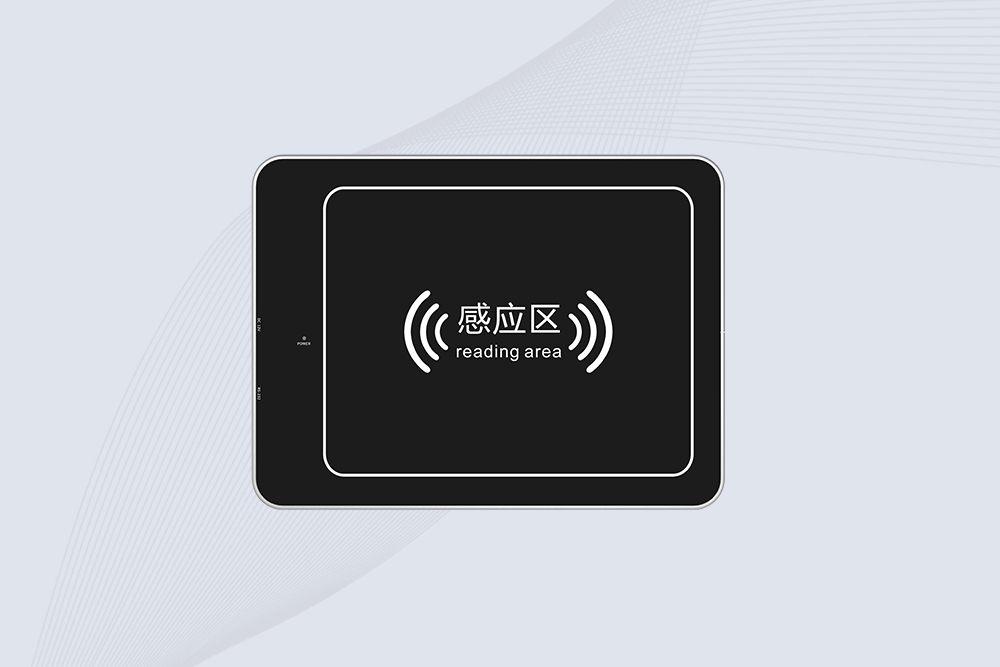
The CYKEO CYKEO-D4L UHF RFID Tag Reader is a stable Desktop RFID Reader designed for accurate tag registration, borrowing, and return workflows. Built with the Impinj R2000 chip, this UHF RFID Tag Reader delivers controlled short-range reads for libraries, asset tracking, and inventory management environments.
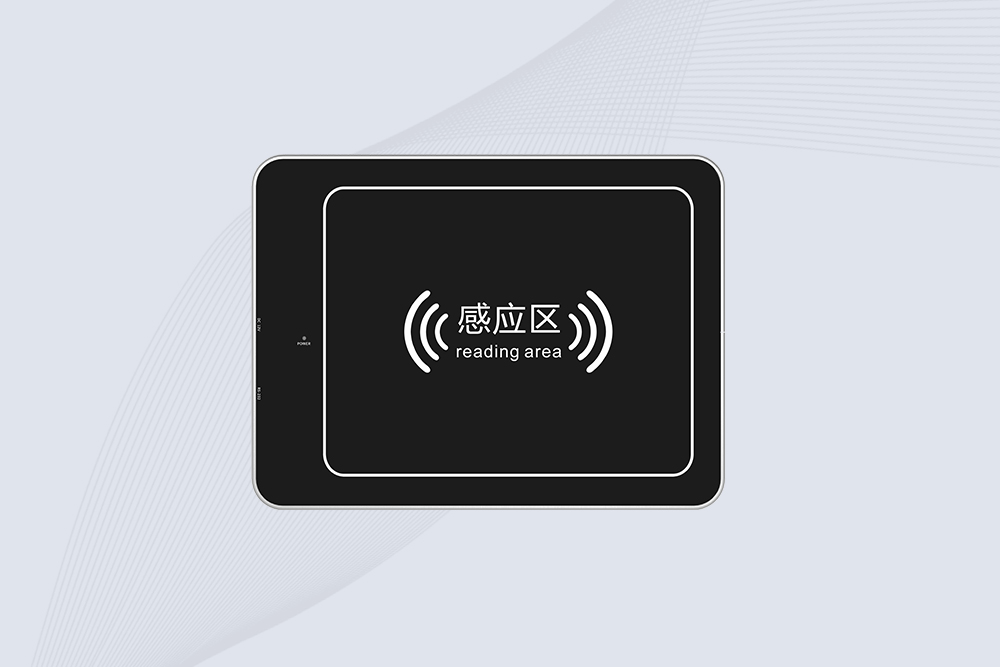
The CYKEO CYKEO-D5L Desktop RFID Card Reader is a stable UHF RFID Card Reader designed for controlled short-range reading and writing. Built for libraries, tool rooms, and asset desks, this UHF RFID Card Reader supports dense tag handling, secure data processing, and easy USB integration.
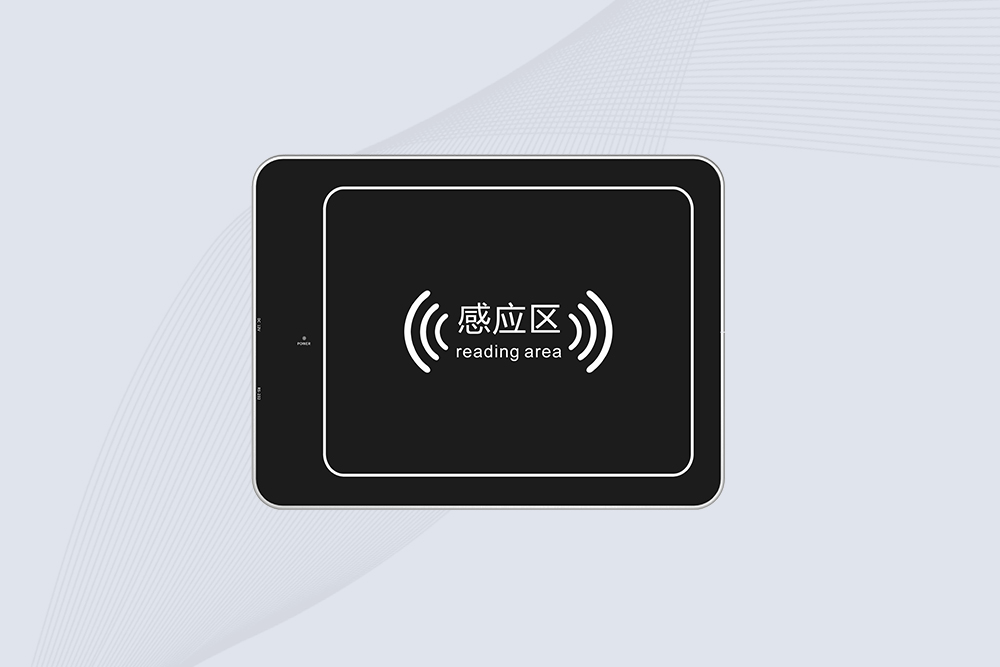
The CYKEO CYKEO-D6L RFID Reader Writer is a heavy-duty Desktop RFID Reader designed for short-range, high-accuracy tag programming. Built for libraries, labs, and asset desks, this RFID Reader Writer supports batch processing, stable 33dBm output, and seamless integration with existing management systems.
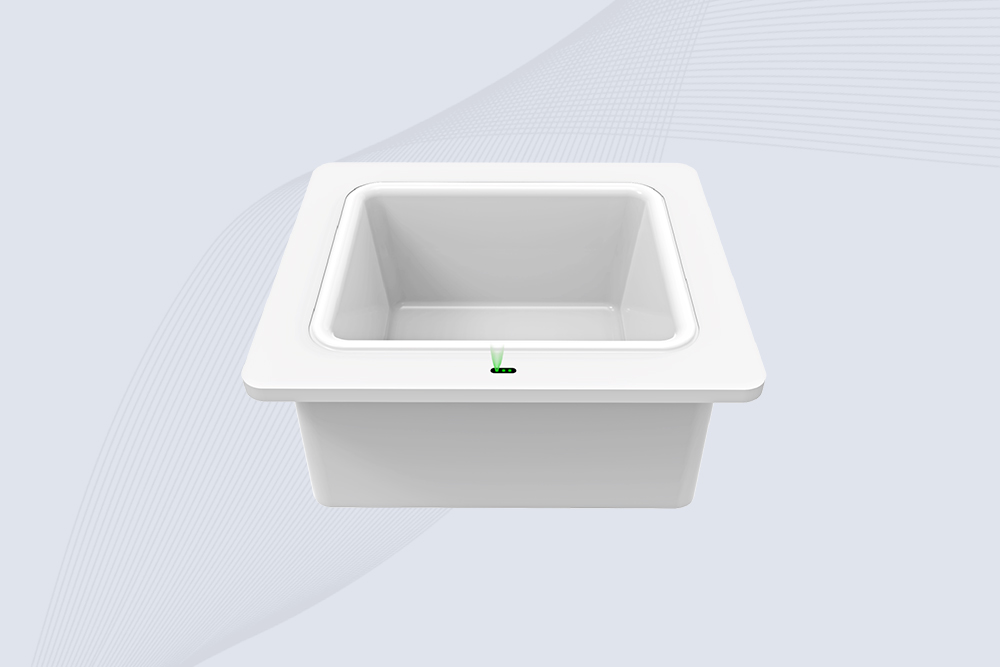
Cykeo CYKEO-D8B UHF RFID tunnel and RFID Desktop Reader features 30+ items batch reading,
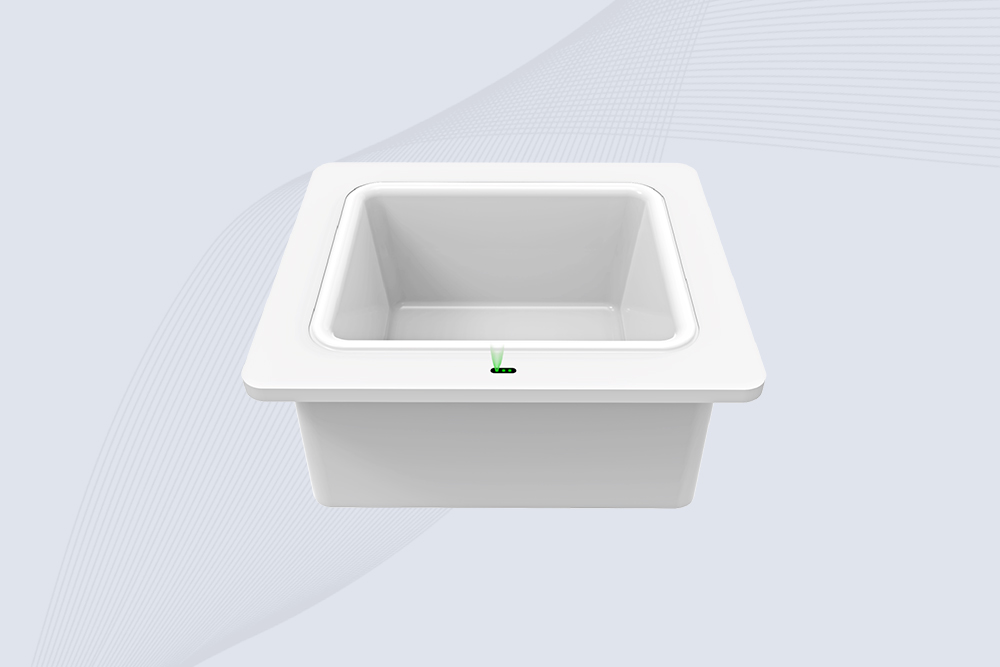
Cykeo CYKEO-D8A embedded RFID badge reader offers 30+ tags/sec scanning, 20cm anti-crosstalk precision, and DC 12V power for unmanned stores, warehouses, and smart inventory systems.
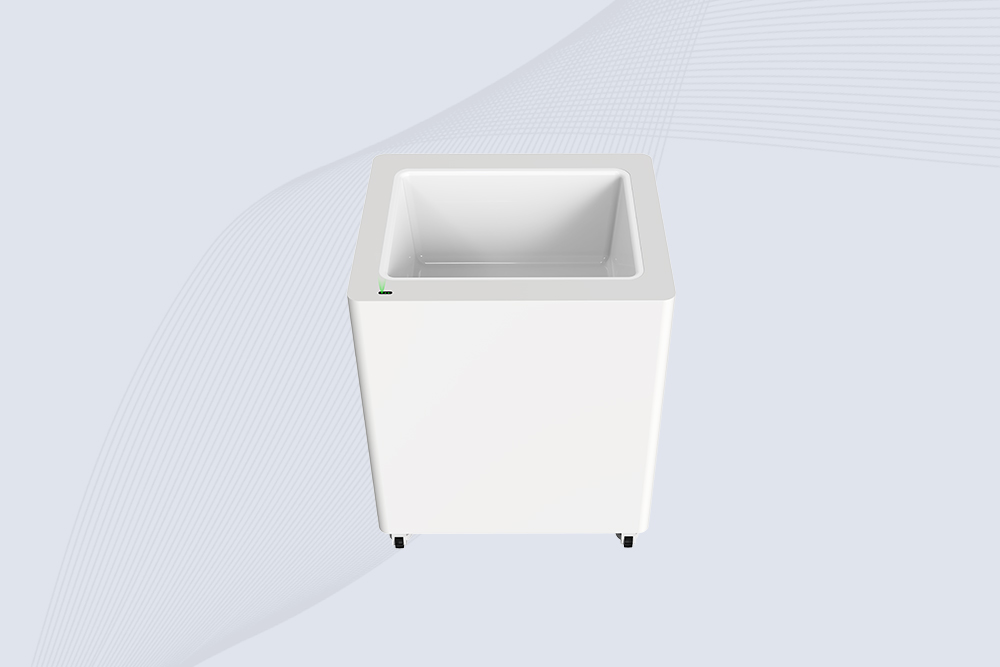
Cykeo’s CYKEO-D8C UHF RFID gate reader achieves 200-tag/batch scanning with adjustable power control, ideal for retail inventory and smart warehouse management.
RFID Industry Writer | IoT & Asset Tracking Analyst
James writes about RFID technology, asset tracking, and the practical challenges of digital transformation across warehousing, retail, manufacturing, and logistics.
His work focuses on how RFID is applied in real-world operations—improving inventory visibility, automating workflows, and helping businesses manage assets with greater accuracy and efficiency.
He regularly covers topics including UHF RFID, smart cabinets, RFID portals, tool tracking, warehouse automation, and industrial IoT trends..

Get past the theory. See exactly what is RFID antenna used for in daily operations—from speeding up shipping to stopping theft. Learn why it’s your system's workhorse.
More
how long-range RFID readers work, what affects their reading distance, and where they’re making automation smarter — from logistics to industrial systems
More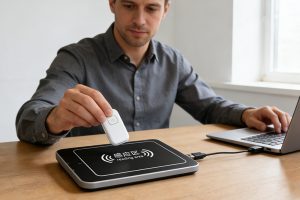
Looking for an RFID reader writer? CYKEO explains how these devices read and program tags, the difference between desktop and handheld units, and which one you need.
More
A long range RFID scanner can help libraries automate book identification, inventory counting, returns, sorting, and selected security workflows. UHF RFID al...
More