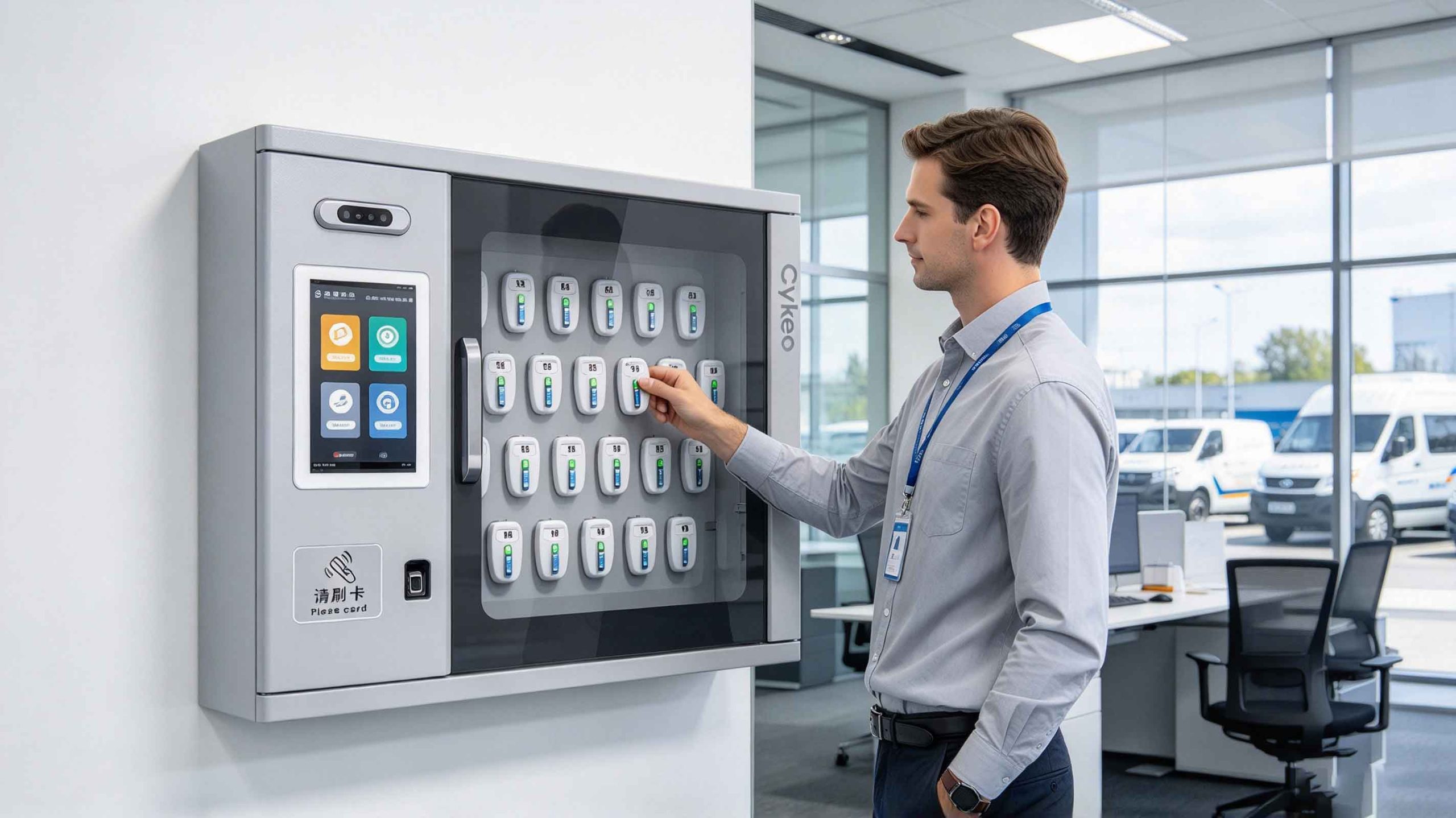
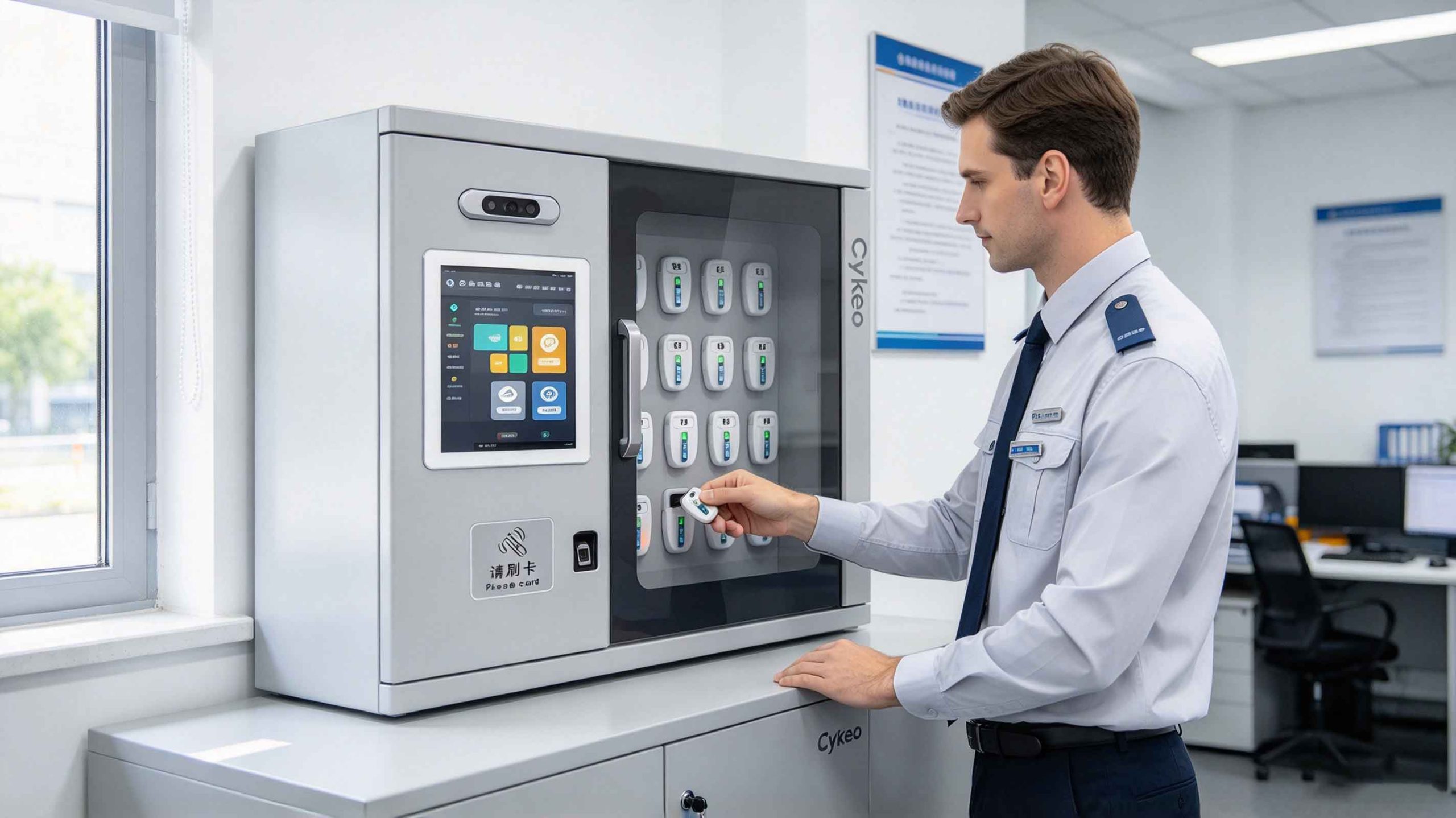
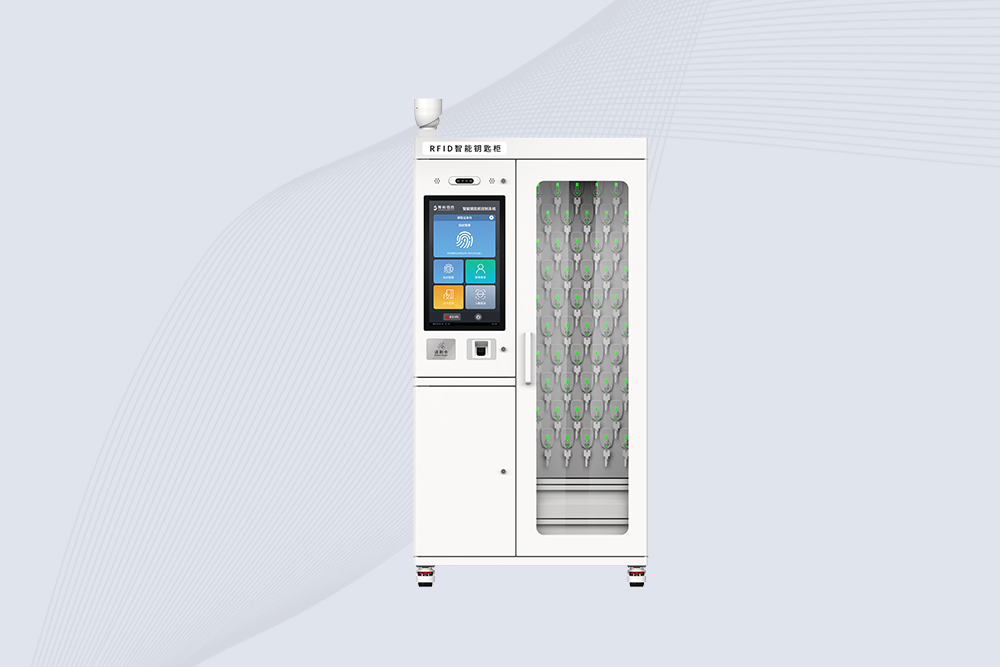
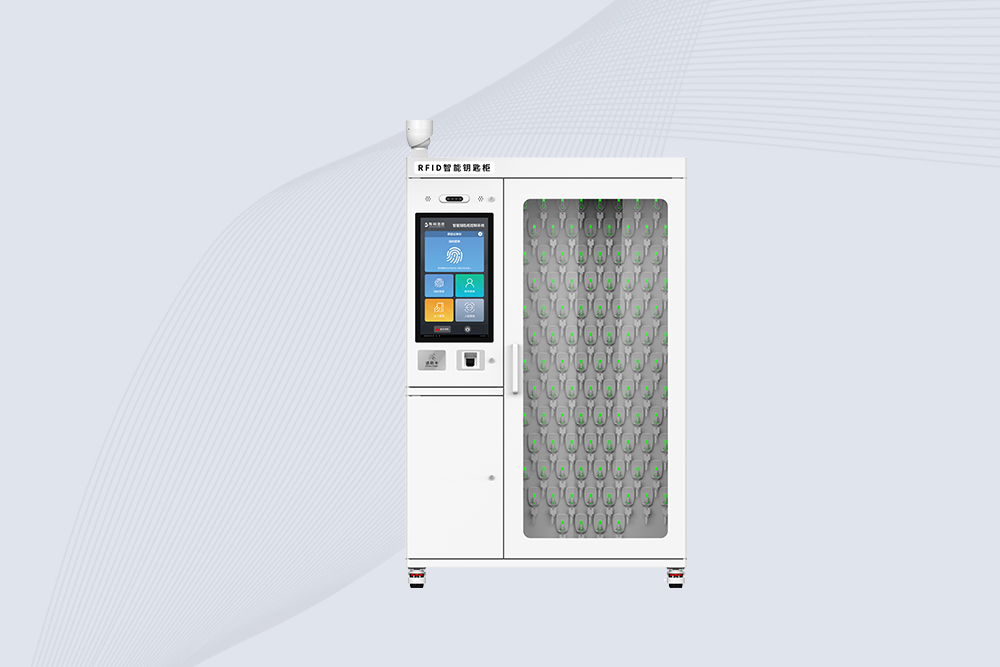
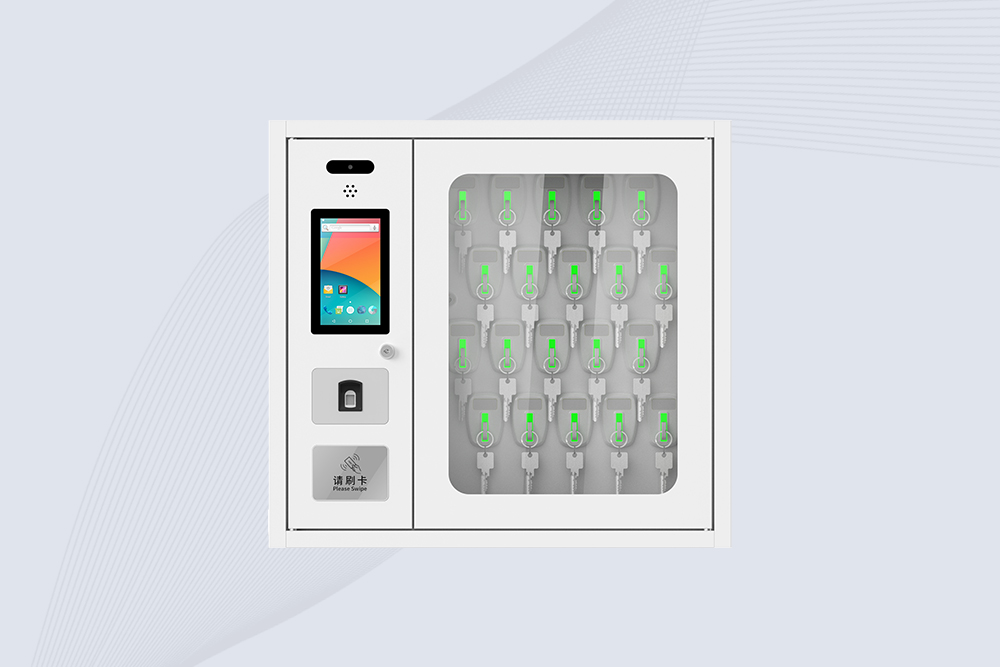
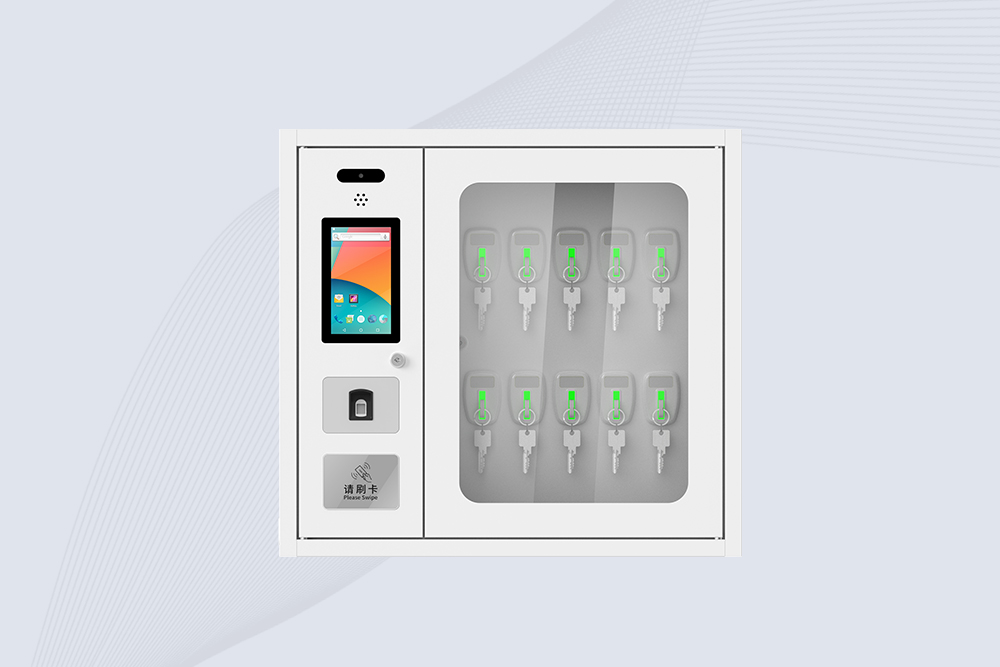
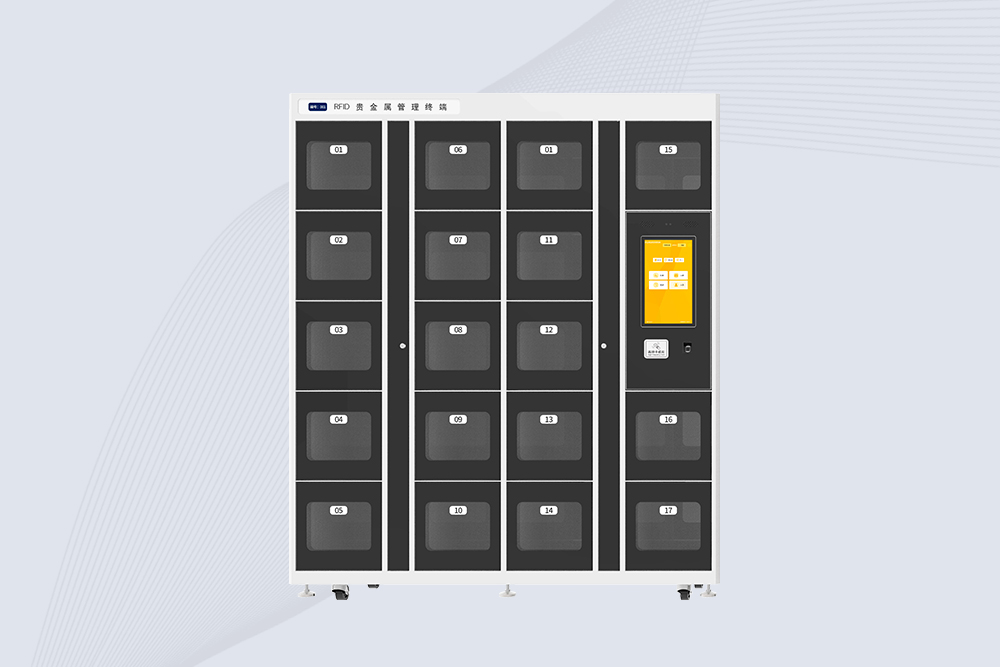
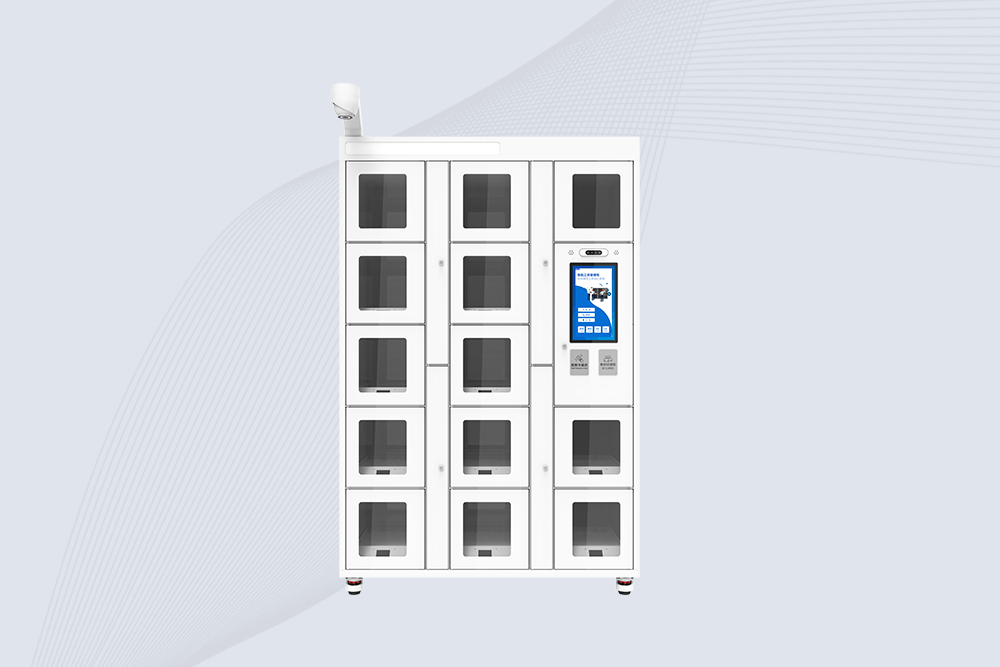
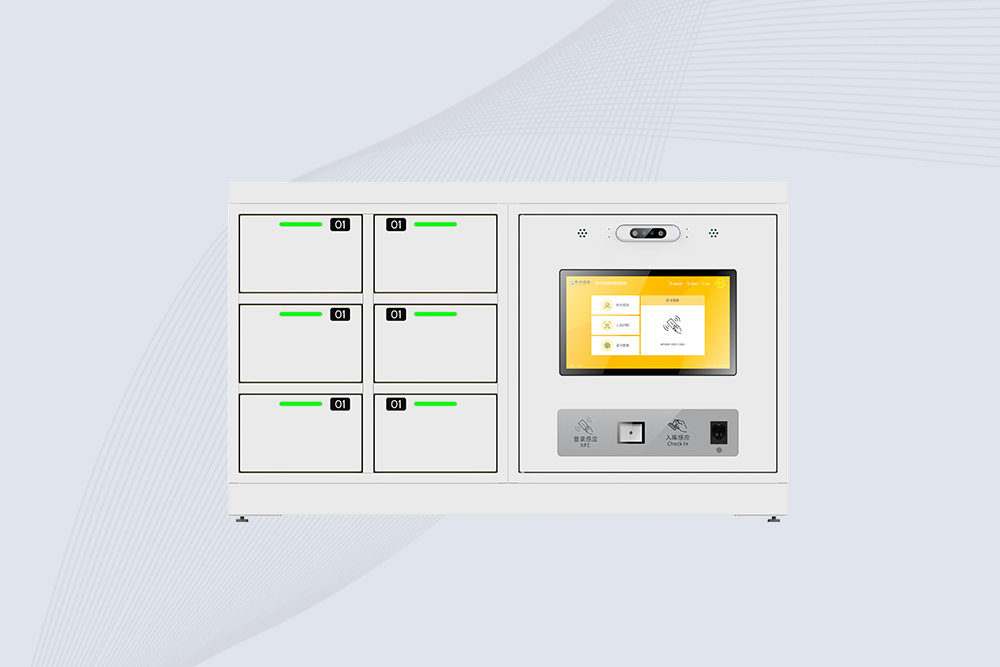
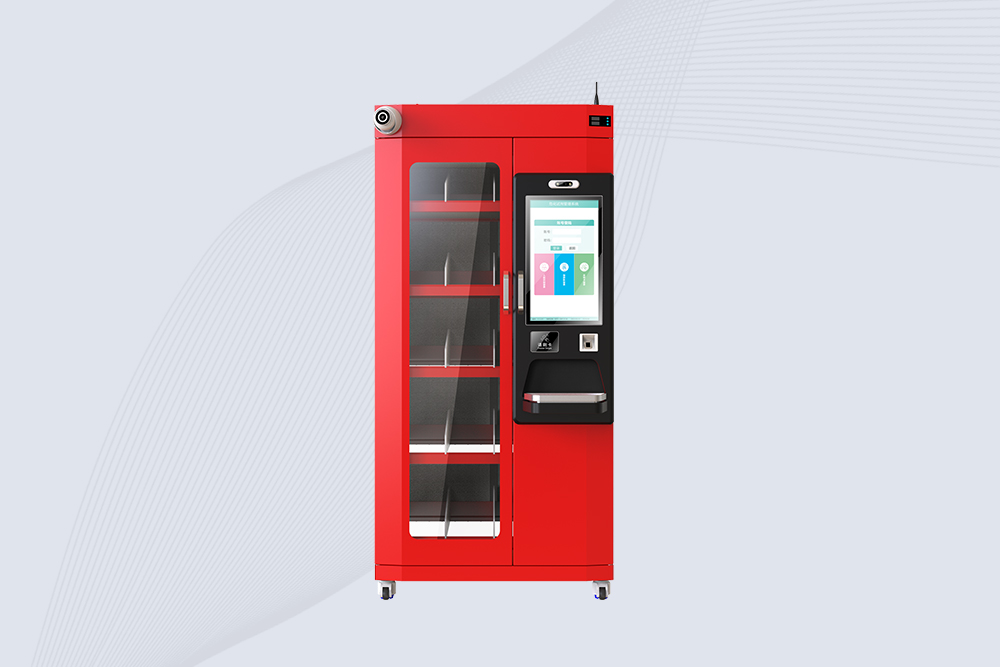
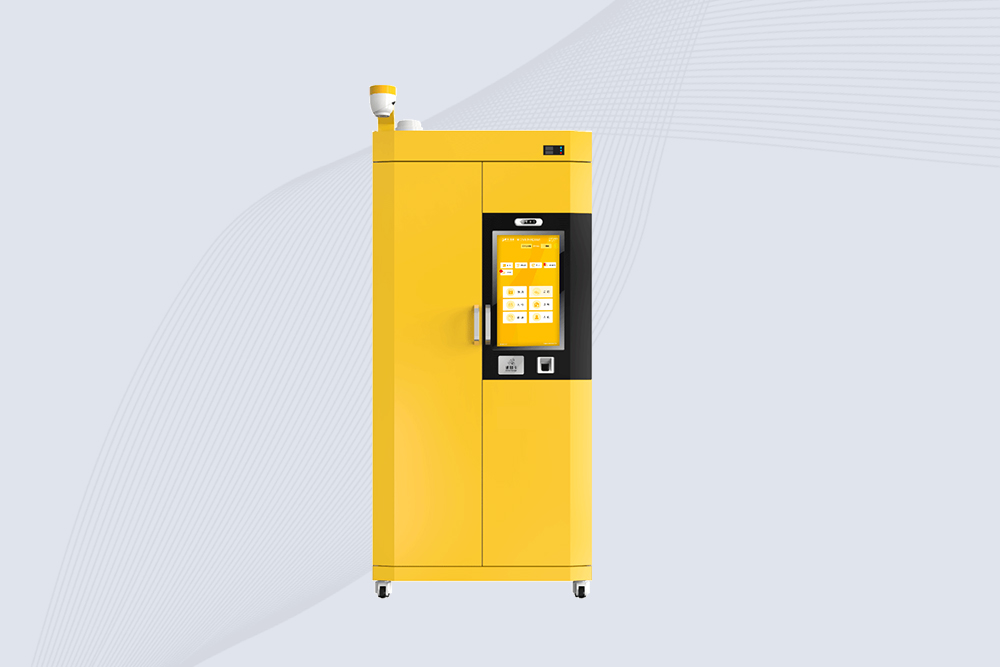
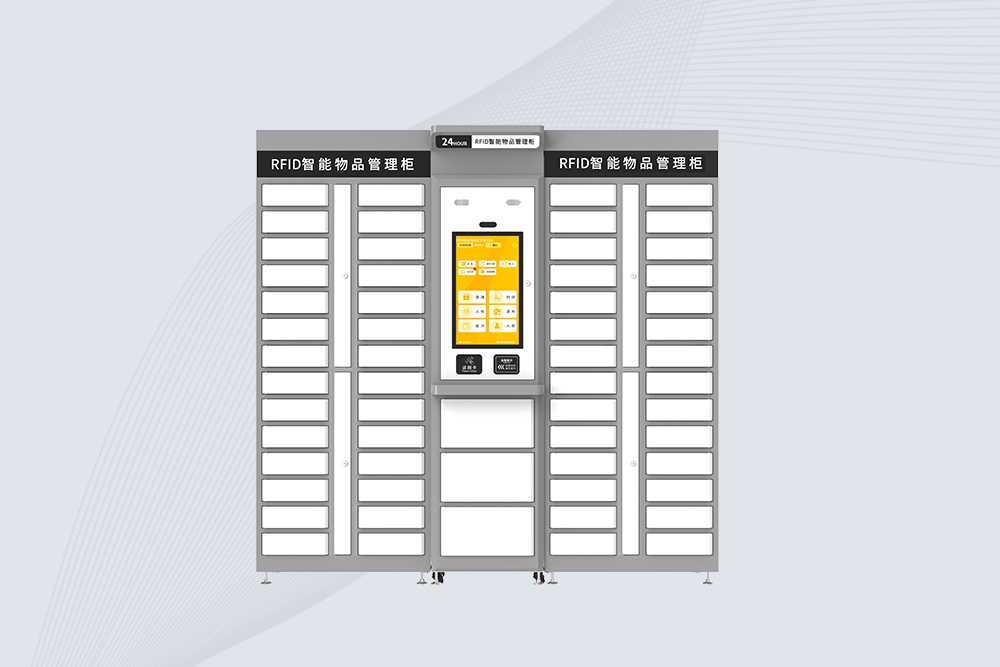
RFID keys are keys fitted with radio-frequency identification (RFID) credentials so a system can identify and manage them electronically. In a smart RFID key cabinet, each key is secured to a corresponding RFID tag or key fob, allowing the cabinet to verify key presence, control authorized removal and return, and record key-related activity. This is especially useful for organizations managing shared vehicle keys.
Traditional key boards rely on people to sign keys in and out, remember where they belong, and report missing items. That process can become difficult to supervise when multiple departments share a vehicle fleet or when keys are needed outside normal office hours.
An RFID smart key cabinet adds electronic identification, user authentication, and individual key-slot control. Depending on its configuration, it may also use fingerprint recognition, facial recognition, or IC card authentication, with software and database functions for approval, remote queries, and monitoring.
For organizations managing government or enterprise vehicles, the important distinction is that the cabinet manages both the key and the person accessing it. RFID identifies the assigned key; authentication and permission rules determine who may take it.
What Is an RFID Key Cabinet?
An RFID key cabinet is an electronically controlled storage unit designed to secure, identify, issue, and return tagged keys. Unlike a simple lockable cabinet, an intelligent model can associate each key with an individual storage position and a registered user.
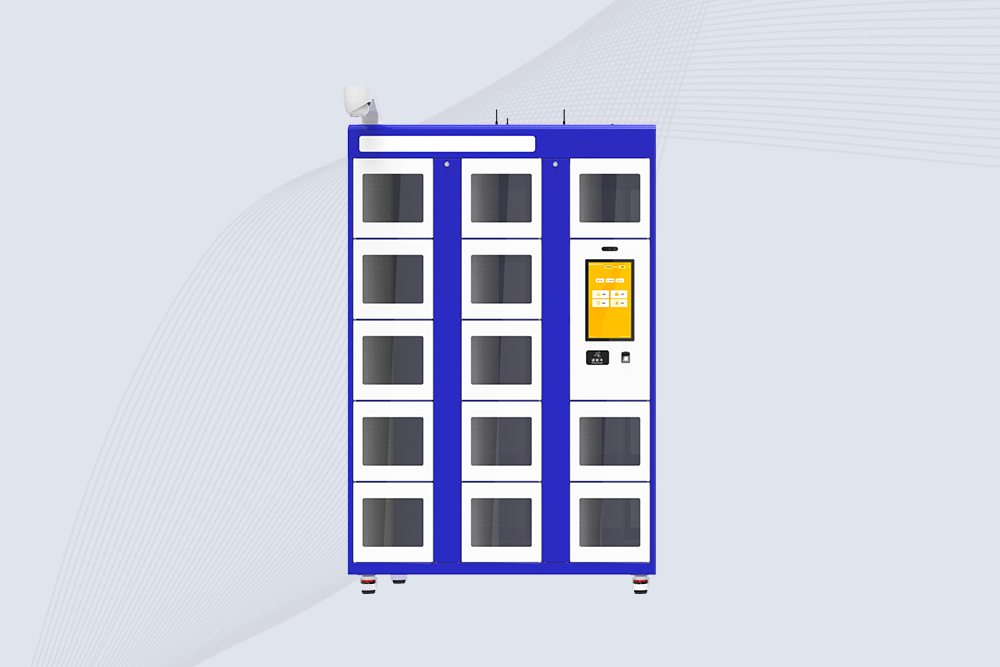
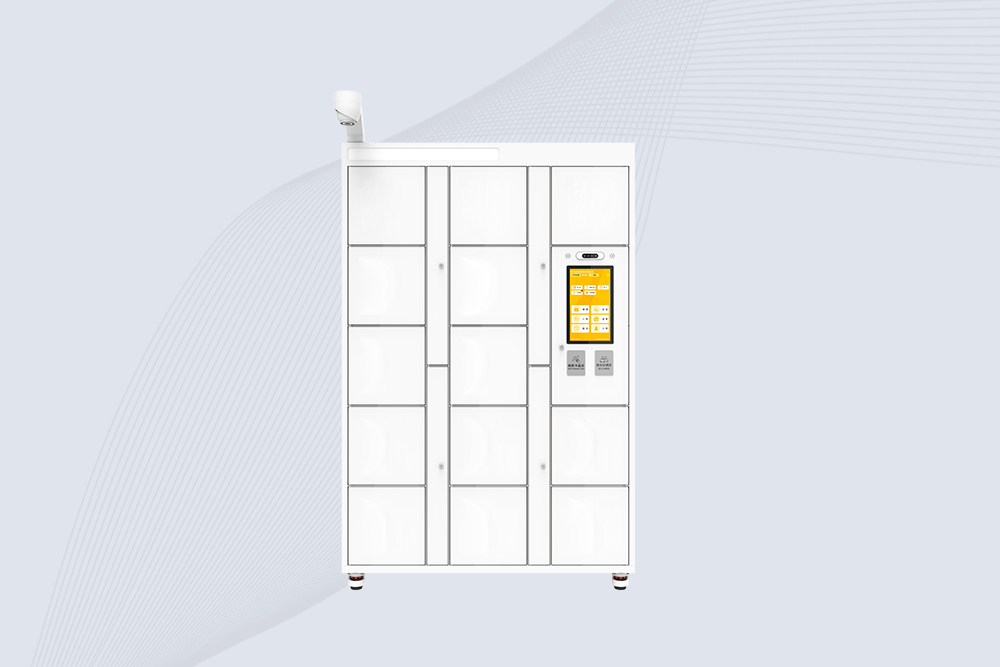
A typical system combines these components:
RFID key tags or fobs: Each physical key is attached to its assigned RFID identifier.
Individually controlled key slots: Each position can be controlled separately for access and RFID detection.
User authentication: Depending on the model, users may log in by IC card, fingerprint, or facial recognition.
Touchscreen interface: Staff can interact with the cabinet, select a key, and complete the issue or return process.
Management software and database: Authorized administrators can manage users, permissions, key records, and transaction history.
Network connectivity: Where supported, the system can provide remote queries, approval workflows, and monitoring.
The value comes from connecting these functions. A cabinet that only stores keys improves physical organization; a cabinet that also verifies users and detects key status can help establish a more accountable process.
How Does an RFID Smart Key Cabinet Work?
The operating sequence is straightforward, but each step matters when keys control access to company vehicles, restricted areas, or shared equipment.
1. Bind each key to its RFID identifier
During setup, the physical key is attached to a dedicated RFID smart key fob or tag. The key’s record is then associated with the appropriate identifier in the management system. Correct binding is essential: if a tag is registered against the wrong vehicle or key position, the cabinet may accurately detect the tag but still display misleading information.
2. Authenticate the user
A staff member logs in using one of the configured authentication methods. Depending on the cabinet, options may include an IC card, fingerprint, or facial recognition. Administrators can configure permissions according to the organization’s procedures.
3. Authorize and release the selected key
The user selects an available key through the cabinet interface. If the request is authorized, the corresponding slot can release its locking mechanism. RFID detection helps the system identify the key associated with that position.
4. Verify return and update the record
When the key is returned, the cabinet can use RFID detection to check its presence. The system can then update the key’s status and retain the associated transaction record, subject to its software configuration.
A useful operational detail: a successful unlock and a confirmed key return are two different events. Staff should not treat a cabinet door opening as proof that the correct key was taken or returned. Individual slot control, RFID detection, and transaction records work together to provide a clearer record of what happened.
Key Features of an RFID Key Tracking System
For fleet managers, facility administrators, and public-sector organizations, the useful features are not limited to storing keys securely. The system also needs to make key status visible and keep the issue-and-return process manageable.
Feature
How it supports key management
RFID key identification
Associates each tagged key with its registered record
Individual slot control
Controls unlocking separately for each key position
RFID presence detection
Helps verify whether a key is present in its assigned position
Multiple authentication options
Supports configured methods such as IC cards, fingerprints, or facial recognition
Remote queries and monitoring
Allows authorized staff to check records and key status where network functions are enabled
Approval workflows
Supports controlled key issuance according to organizational procedures
Emergency unlocking
Provides an alternative access method for designated emergency situations
Expandable cabinet configuration
Allows the system to grow through compatible auxiliary cabinets
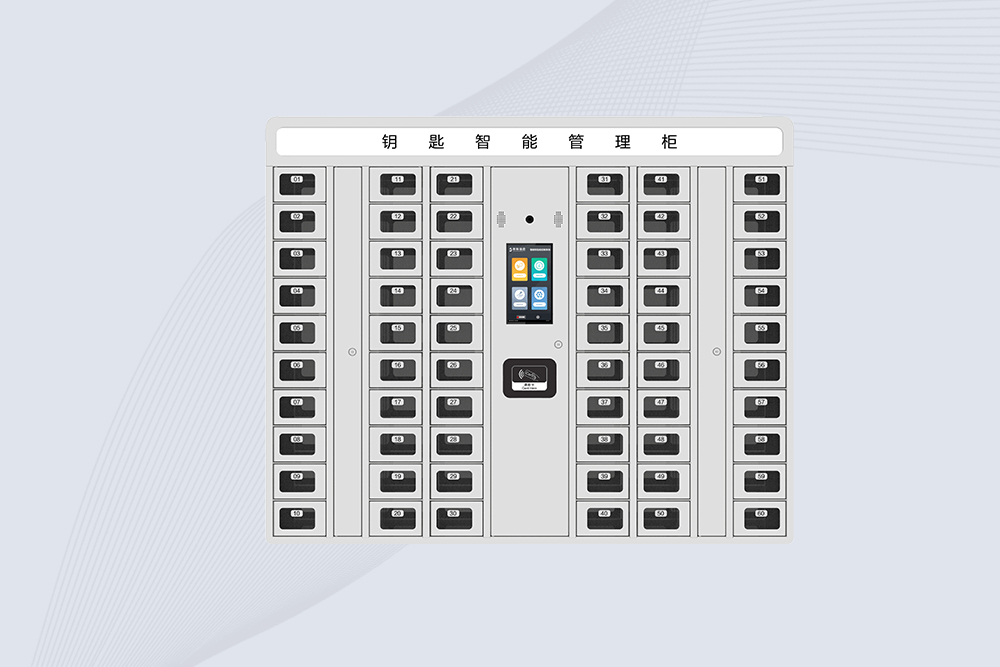
Example: Managing a 50-position vehicle key cabinet
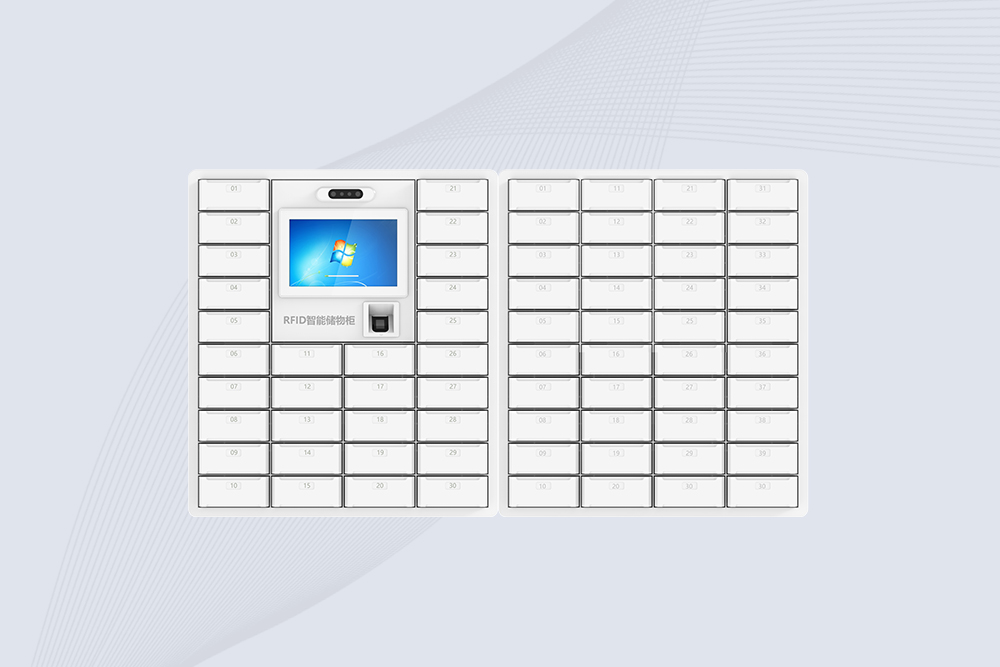
Consider a fleet office where several departments share company vehicles. A cabinet with 50 independently managed key positions can assign each vehicle key a designated location. Staff authenticate themselves, request the relevant key, and return it to its assigned position after use.
The specified cabinet configuration also includes a 10.1-inch capacitive touchscreen, an emergency unlocking function, and a storage compartment with one door at the bottom. Compatible auxiliary cabinets can be connected to expand capacity.
These are configuration-specific features, not universal specifications for every RFID key cabinet. Before deployment, the buyer should confirm the supported cabinet capacity, expansion method, authentication options, and management software functions.
Where Are RFID Key Cabinets Used?
Government and enterprise vehicle fleets
Centralizes shared vehicle keys, helps identify their assigned positions, and provides a more structured record of collection and return.
Factories and industrial facilities
Helps manage keys used for maintenance areas, service vehicles, equipment rooms, and other controlled spaces.
Facilities and shared-service departments
Makes it easier for administrators to review key assignments, investigate missing returns, and manage access permissions.
An RFID key cabinet helps fleet teams identify, issue, and return vehicle keys through a controlled electronic process.
Security and Deployment Considerations
RFID identification does not, by itself, guarantee that a key cabinet is secure. The overall result depends on the credential technology, authentication settings, physical locking mechanism, user permissions, and how administrators handle exceptions.
The National Institute of Standards and Technology (NIST) provides guidance on RFID system security, including risks associated with unauthorized reading, credential exposure, and system implementation. Its publication is a useful technical reference when evaluating RFID-based access systems
For a real installation, evaluate these points before purchasing:
Confirm that each key is bound to the correct RFID tag and cabinet position.
Establish how lost keys, lost credentials, and staff departures are handled.
Verify whether access records show the user, key, and relevant transaction status.
Test return detection instead of assuming that closing the slot confirms the key is present.
Confirm the available network, remote monitoring, and approval functions with the supplier.
Define an emergency unlocking procedure and restrict its use to authorized personnel.
A practical acceptance test should include normal key collection, return, unauthorized access attempts, a missing key, and recovery after a power or network interruption. These tests reveal operational gaps that a product demonstration alone may not expose.
RFID detection and individual slot control help verify key presence and support a more accountable return process.
How to Choose an RFID Key Cabinet for Your Organization
Choosing an RFID key cabinet should start with the number of keys and the way employees collect and return them—not simply the cabinet’s appearance or touchscreen size. For government departments and enterprise vehicle fleets, the system needs to support daily key circulation, clear user permissions, and reliable key-status checks.
1. Check capacity and expansion options
Estimate the number of keys that need to be stored today, then account for planned fleet growth. A cabinet with 50 independent key positions, such as the specified configuration described here, can support a centralized fleet-key management workflow. If the organization may need more positions later, confirm whether compatible auxiliary cabinets can be connected and how the software manages keys across cabinets.
2. Match authentication to the site’s security requirements
Different facilities have different access policies. IC card authentication may fit an existing employee credential system, while fingerprint or facial recognition may be appropriate where stronger identity verification is required. Confirm which methods are actually supported by the selected configuration, whether they can be combined, and how user permissions are administered.
3. Verify individual slot control and RFID detection
This is one of the most important technical checks. Each key position should have its own controlled unlocking and RFID detection functions if those capabilities are required by the workflow. Ask the supplier to demonstrate what happens when a user opens a slot but does not remove the key, returns a different key, or leaves the assigned position empty.
4. Review software, records, and remote management
A touchscreen makes the cabinet easier to operate, but management software determines how useful the records are after a transaction. Confirm whether the system supports user-to-key binding, key inventory, remote status queries, approval workflows, monitoring, and transaction-history searches. Also establish which functions require a network connection and what happens during a network interruption.
5. Understand emergency access and maintenance
Emergency unlocking is valuable when normal access is unavailable, but it needs a defined procedure. Ask who can authorize emergency access, how the cabinet is secured afterward, and whether the event is recorded. Routine maintenance should also cover RFID detection, slot locks, the touchscreen, authentication devices, and the backup or recovery process.
RFID Key Cabinet vs. Traditional Key Cabinet
Management requirement
Traditional key cabinet
RFID smart key cabinet
Physical key storage
Yes
Yes
Electronic key identification
Usually unavailable
Supported when RFID tags and detection are configured
Individual slot unlocking
Depends on the cabinet
Available in the specified configuration
User authentication
Often manual or external
May support IC cards, fingerprints, or facial recognition
Key status checks
Usually manual
RFID-based presence detection can support electronic checks
Remote queries and approvals
Requires separate processes
May be supported by connected management software
Transaction records
Often paper-based
Can be recorded electronically, depending on system configuration
A traditional cabinet can be sufficient when only basic storage is required. An RFID model becomes more useful when several people share keys, administrators need to trace transactions, or key availability must be checked without physically inspecting every hook.
Frequently Asked Questions About RFID Keys
1. What is an RFID key?
An RFID key is a physical key associated with a radio-frequency identification credential, such as an RFID tag or smart key fob. The credential allows a compatible system to identify the key electronically. In an intelligent key cabinet, it can help manage key assignments, detect key presence, and record collection and return activity.
2. What is an RFID key cabinet used for?
An RFID key cabinet stores and manages keys through electronic identification and access control. Common applications include government vehicle fleets, company cars, industrial facilities, and shared equipment rooms. Depending on its configuration, the system can authenticate users, control individual key positions, check key status, and support remote monitoring.
3. How does an RFID smart key cabinet identify keys?
Each key is attached to a registered RFID tag or smart key fob. A compatible reader detects the credential, and the management system associates it with the relevant key record or storage position. Correct tag registration and reader compatibility are essential for reliable identification.
4. Can an RFID key cabinet use fingerprint or facial recognition?
Yes, if the selected model supports those authentication options. Some smart key cabinets can be configured for IC card, fingerprint, or facial recognition login. Buyers should confirm the exact supported methods, user enrollment process, and permission settings before selecting a configuration.
5. How many keys can an RFID smart key cabinet manage?
Capacity varies by model. The cabinet specification described in this article supports 50 independent key positions and can be expanded by connecting compatible auxiliary cabinets. The available capacity after expansion depends on the cabinet design, connection method, and management software.
6. Can an RFID key cabinet track whether a key has been returned?
An RFID-enabled cabinet with individual slot detection can check whether a tagged key is present in its assigned position. The system can update key status and retain transaction records if the relevant software functions are enabled. For dependable operation, the return process should be tested with missing keys, incorrect placements, and interrupted connections.
7. Are RFID keys secure?
RFID keys can support controlled access, but security depends on more than RFID identification alone. Credential technology, authentication strength, locking hardware, permission management, and lost-key procedures all matter. Organizations should verify the security capabilities of the specific system and establish clear rules for issuing, returning, and disabling credentials.
Cykeo’s RFID Key Cabinet offers biometric security & solar options for corporate/rental sectors. Tracks 50 keys with ISO 15693 compliance & ERP integration.
Industrial RFID Key Management Cabinet with biometric auth, unlimited expansion, -30°C operation, and 22″ touchscreen for prisons/utilities. Manages 100+ keys.
Industrial RFID Smart Key Cabinet with face/fingerprint recognition, 10.1″ touchscreen, SAP integration, and IP54 rating for prisons/utilities. Manages 60+ keys.
Industrial RFID Biometric Key Cabinet with fingerprint/face recognition, 10.1″ touchscreen, SAP integration, and IP54 rating for fleet/retail key control.
Cykeo’s industrial RFID storage cabinet features UHF tracking, 21.5″ touchscreen, Windows/Android OS, and face/fingerprint access for secure asset management. Real-time alerts for archives, labs, and tool control.
Cykeo’s industrial RFID loss prevention cabinet features UHF sensors, multi-factor authentication, -30°C~60°C operation for pharma/retail/archives. Stops theft with real-time alerts & SAP integration.
Cykeo’s RFID Seal Management Cabinet offers 100-tag/sec scanning, biometric security, SAP integration, and audit trails for government/banking/compliance.
Cykeo’s RFID Chemical Management Cabinet offers 400-tag/sec scanning, VOC leak detection, corrosion-resistant design, and SAP integration for labs/pharma/industrial plants.
Cykeo’s UHF RFID precious metal cabinet offers drawer-level tracking, biometric access, and SAP integration for banks/vaults/bullion storage. ISO 27001 certified.
Cykeo’s RFID hard disk cabinet offers military-grade steel, HF RFID tracking, chain-of-custody audits, and Splunk/QRadar integration for government/financial sectors.
Cykeo’s RFID hard disk management cabinet offers 140-drive capacity, multi-factor authentication, NIST compliance, and Splunk integration for government/financial sectors.
Cykeo CYKEO-MG28 smart rfid locker system features IP54 cabinet, 21.5″ touchscreen, and RFID/QR/biometric authentication for industrial asset security.
Cykeo CYKEO-G0628 uhf rfid locker system features 21.5″ touchscreen, fingerprint/RFID authentication, and modular cabinets for industrial asset security.
The 2025 USDA regulation requires cattle to wear RFID electronic ear tags. This article shares selection, deployment, and management insights from frontline ranch experience, helping farmers quickly comply while improving management efficiency.
How rfid tags work explained with real RFID engineering insights. Learn how RFID chips, readers, EPC codes and smart workstations create accurate identification systems.
RFID tag writing requires a compatible UHF RFID reader writer, encoding software, and correct memory configuration to write and verify EPC or application dat...
Which industries benefit most from RFID reader technology? Explore healthcare, retail, logistics, and more—plus how Cykeo drives efficiency and accuracy.
 Cykeo RFID IoT Solution Products R&D Manufacturer