 Cykeo RFID IoT Solution Products R&D Manufacturer
How Far Can RFID Chips Be Read?
174How far can RFID chips be read? Discover the realistic read ranges for LF, HF & UHF systems, and what factors affect performance in your application.
MoreAll RFID Product
You can write an RFID tag with a compatible UHF RFID reader writer and encoding software that supports the tag’s chip, protocol, and memory structure. The process normally involves identifying the tag, selecting its writable EPC or User Memory area, sending the write command, and reading the tag again to verify the stored data.
When people search for how to write rfid tag, they are usually looking for a practical way to put an identification number, product code, asset reference, or other application data onto a UHF RFID tag.
For professional applications, the process starts with the RFID chip, not the software.
Passive UHF RFID, commonly referred to as RAIN RFID, uses the EPC Gen2 / ISO/IEC 18000-63 technology family. GS1 describes RAIN RFID as passive UHF RFID and explains that a RAIN RFID solution can read and write tagged items through an RFID reader.
A typical UHF RFID writing setup contains:
| Component | Purpose |
|---|---|
| UHF RFID tag | Stores the identification or application data |
| RFID reader writer | Communicates wirelessly with the tag |
| RFID Antenna | Creates the RF operating field |
| Encoding software | Controls tag selection and writing |
| Database/system | Supplies and records the correct identifier |
This distinction becomes important on an actual production floor.
A tag may be detected immediately but still refuse a write operation. The problem could be a locked memory bank, an incompatible command, incorrect access settings, or a mismatch between the RFID IC and the software.
In Cykeo RFID testing, I normally establish the tag-reader relationship first and only then optimize the writing workflow. It saves considerable troubleshooting time later.
A UHF RFID tag does not contain one undifferentiated storage area.
GS1 defines four logical memory banks for RAIN RFID tags:
The EPC memory contains the Electronic Product Code used to identify the tagged object. TID memory contains tag-identification information. User Memory, when implemented, can hold additional application information. Reserved memory contains security-related passwords.
For many warehouse and logistics applications, EPC memory is the primary writing target.
GS1 explains that EPC provides a mechanism for encoding GS1 identifiers onto RAIN RFID tags and can serialize identifiers such as GTIN for item-level traceability.
That creates a useful relationship:
Product or asset record → EPC → RFID tag → reader → business system
The tag does not need to store the entire product database.
That is one of the practical lessons I have found most useful when planning RFID deployments. Teams sometimes try to put too much information onto the tag simply because User Memory exists. In many cases, a properly structured EPC connected to a database is enough.
There is no single capacity for every UHF RFID tag.
GS1 states that a RAIN RFID tag typically carries no more than 8 KB of data, although capacity varies by chip, application, and tag type. GS1 also notes that simple license-plate-style tags can use 96-bit or 128-bit identifiers, while some high-memory passive UHF tags can store up to 8 KB.
This difference affects the writing strategy.
For a warehouse item that only needs a serialized identifier, a compact EPC may be appropriate. For an application that needs additional product information on the tag itself, a UHF IC with User Memory may be selected.
The important point is to choose the memory capacity before mass purchasing tags.
A larger memory capacity is not automatically better if the application never uses it.
For most UHF RFID encoding projects, the EPC deserves special attention.
GS1’s current EPC Tag Data Standard defines the Electronic Product Code and specifies the memory contents of Gen2 RFID tags. The current GS1 repository lists TDS version 2.3.0 as the current version, modified in October 2025.
The EPC is not simply a random hexadecimal number.
Depending on the application, EPC encoding can represent GS1 identifiers and serialization information. GS1 also documents different EPC binary coding schemes and explains that shorter schemes can use fewer bits, while longer schemes provide larger serialization ranges but may require more memory.
For an engineering project, I therefore recommend deciding:
Those questions should be answered before operators start encoding thousands of tags.
This is where many basic explanations of how to write rfid tag become misleading.
Not every memory bank should be treated as general-purpose storage.
GS1 specifies that TID memory contains tag-identification information, while the EPC memory contains the EPC. User Memory is optional and is available for additional information when implemented.
In addition, security controls can prevent further writing.
GS1 explains that Gen2V2 tags can use password-protected lock functions for memory protection. EPC memory, for example, can be locked against overwriting while remaining readable, and permanent lock functions can make a memory state irreversible.
That leads to a practical rule:
Test first. Lock later.
During development, keep the writing workflow reversible. Verify the EPC and application behavior before applying permanent protection.
The actual operation is more controlled than simply pressing a Write button.
A typical workflow is:
Inventory → Select → Access → Write → Read back → Verify
The reader first detects tags within its RF field. The software then identifies the intended target. The system accesses the appropriate memory bank and issues the writing command.
The GS1 Gen2 specification explicitly defines a Write command and identifies the memory bank through the MemBank field. The standard also defines the starting word address and data to be written.
That technical detail explains why the software needs to know more than just “write this number.”
It needs to know where the number belongs.
For example:
The reader firmware handles the low-level RF communication. The application determines what information should be written and why.
A successful write response should not automatically be treated as a successful production record.
After writing, read the tag again.
Then compare:
Source EPC → Written EPC → Read-back EPC
If the three values agree, the encoding record can be marked as verified.
If they do not, isolate the tag before it enters inventory.
This approach is particularly important in batch encoding. GS1 notes that serialized identifiers are normally stored in the dedicated EPC memory bank, while additional information can be placed in User Memory.
A practical encoding station can therefore maintain:
That creates a traceable connection between the physical tag and the business record.

The external appearance of an RFID label tells you very little about its actual writing capabilities.
Before configuring a writing station, confirm:
The last point is often underestimated.
GS1 notes that UHF RFID performance depends on factors including reader power, interference, antenna characteristics, polarization, and tag orientation. Its guidance gives several meters as a typical UHF passive RFID range, with much longer distances possible in specialized conditions.
But write distance is not the same thing as read range.
For a desktop encoding station, I often prefer a controlled writing area over maximum range. If the operator is programming one tag, the system should make it obvious which tag is being written.
A tag that responds from five meters away may be useful for inventory tracking. It is not necessarily desirable when an operator is trying to program one tag on a desk.
Laboratory testing is clean.
The production floor rarely is.
Tags may be:
A writing process that works perfectly on a bare tag should therefore be tested again with the final product and mounting position.
This is where field experience becomes valuable.
I would rather spend an hour testing ten tags under real conditions than discover after a 10,000-tag encoding run that the production material changes the RF response.
For Cykeo projects, reader configuration, tag selection, antenna behavior, filtering, and application software are considered together. The objective is not simply to make an RFID tag accept a value once. It is to make the writing operation repeatable.
Before moving to mass encoding, confirm:
GS1 also notes that RAIN RFID tags can store additional information beyond a unique identifier, including standardized application data in User Memory, while the EPC can act as a pointer to information stored in a database.
That distinction is central to a scalable RFID architecture.
After the first successful test tag is written, the next challenge is consistency.
In real RFID deployments, how to write rfid tag is rarely about programming one tag. A warehouse, factory, or asset-management project may require thousands or even millions of RFID tags to receive unique identifiers before they enter daily operations.
A professional bulk encoding workflow usually connects the RFID writer with the company’s data system.
A typical process includes:
| Step | Operation |
|---|---|
| 1 | Import product, asset, or inventory records |
| 2 | Generate unique EPC values |
| 3 | Present RFID tags to the writing station |
| 4 | Select the correct target tag |
| 5 | Write EPC or User Memory data |
| 6 | Read the tag again for verification |
| 7 | Save the encoding result |
The important part is not only speed.
A fast system that creates incorrect identifiers creates more work later.
During RFID deployment projects, I have found that the most reliable encoding stations are not necessarily the ones with the highest RF output. They are the systems that control the entire workflow: correct tag selection, stable communication, automatic verification, and clear error handling.
Batch writing introduces a different challenge from normal RFID reading.
A reader may detect many tags simultaneously. That capability is valuable for inventory counting, but controlled encoding requires precision.
When writing RFID tags, the system should know:
For example, imagine a production table with 100 unused RFID labels and one target tag waiting for encoding.
A reader with a large RF field may detect all 101 tags.
That is useful during inventory.
It is not ideal during writing.
A controlled workstation may use:
The goal is simple:
One command should affect one intended tag.
The RFID reader writer performs communication, but software determines the workflow.
A professional RFID encoding application can manage:
For example, a tool-management company may have thousands of equipment records.
The software can assign:
Tool ID:
CY-000458

EPC:
Generated unique identifier

Status:
Encoded and verified
The RFID tag becomes the physical link between the equipment and the digital record.
Without this connection, writing an RFID tag only creates stored data. It does not create a usable tracking system.
Security becomes important when RFID tags move from testing into operation.
During development, engineers normally keep tags writable because parameters may change.
After deployment, some applications may require memory protection.
GS1 explains that Gen2v2 RAIN RFID tags include security improvements such as stronger authentication features and protected memory access mechanisms.
Common security actions include:
However, locking should happen at the correct stage.
A common mistake is permanently locking tags before the complete system has been tested.
A better workflow is:
Once memory is permanently locked, correcting an encoding mistake may become impossible.
Cykeo develops RFID solutions for applications where tags are not only written but also integrated into operational systems.
The engineering process considers:
For UHF RFID applications, Cykeo hardware supports EPC C1G2 / ISO18000-6C communication.
The CYKEO-M4L UHF RFID module is designed for OEM applications, integrating RF front-end technology and baseband processing. It supports adjustable output power up to 33 dBm with 1 dBm adjustment steps, dense multi-tag recognition, filtering, and API-based integration.
For desktop RFID writing applications, a dedicated reader writer can provide controlled tag programming, registration, verification, and database connection.
For industrial projects, this difference matters.
A tag writer used for a small test project and a writer integrated into a production system have different priorities.
A desktop engineer may value simplicity.
A factory may value:
The correct solution depends on the environment.

A common approach is buying a reader first and selecting tags later.
For professional projects, the opposite approach is usually safer.
The tag determines:
An EPC is an identifier, not simply a note field.
Poor identifier planning can create problems when the RFID system connects with ERP, WMS, or asset-management software.
The EPC structure should be planned before encoding begins.
Higher RF power is not always the solution.
A failed write may come from:
Changing power without diagnosis may create additional interference.
A successful write command is only one step.
The complete process should confirm:
Written value = Expected value = Database record
This simple rule prevents many downstream problems.
Yes. A compatible RFID reader writer can write supported data to an RFID tag’s writable memory. For UHF RFID, the available memory and write functions depend on the specific RFID IC.
Most industrial UHF RFID applications write an EPC identifier. Some applications also use User Memory for additional information, depending on the tag design and system requirements.
Many RFID tags support rewriting unless the memory has been locked or permanently protected. The exact capability depends on the RFID chip and configured security settings.
A typical setup requires a compatible RFID tag, UHF RFID reader writer, antenna system, encoding software, and a computer or integrated controller.
Common causes include locked memory, incorrect memory selection, unsupported write commands, incompatible software, or an RFID IC that does not match the reader configuration.
The number depends on the reader, software, antenna design, and workflow. Industrial systems usually focus on controlled batch encoding rather than simply maximizing the number of tags in the RF field.
Perform a read-after-write check. The system should read the stored EPC or User Memory value and compare it with the original data record before marking the tag as successfully encoded.
Understanding how to write rfid tag requires more than knowing how to send a write command.
A reliable UHF RFID writing process combines:
The strongest RFID deployments are built around repeatable processes rather than individual successful tests.
A tag should leave the encoding station with the correct identity, the correct data structure, and a verified connection to the system that will use it.
That is the approach Cykeo follows when developing RFID writing and identification solutions for industrial applications.
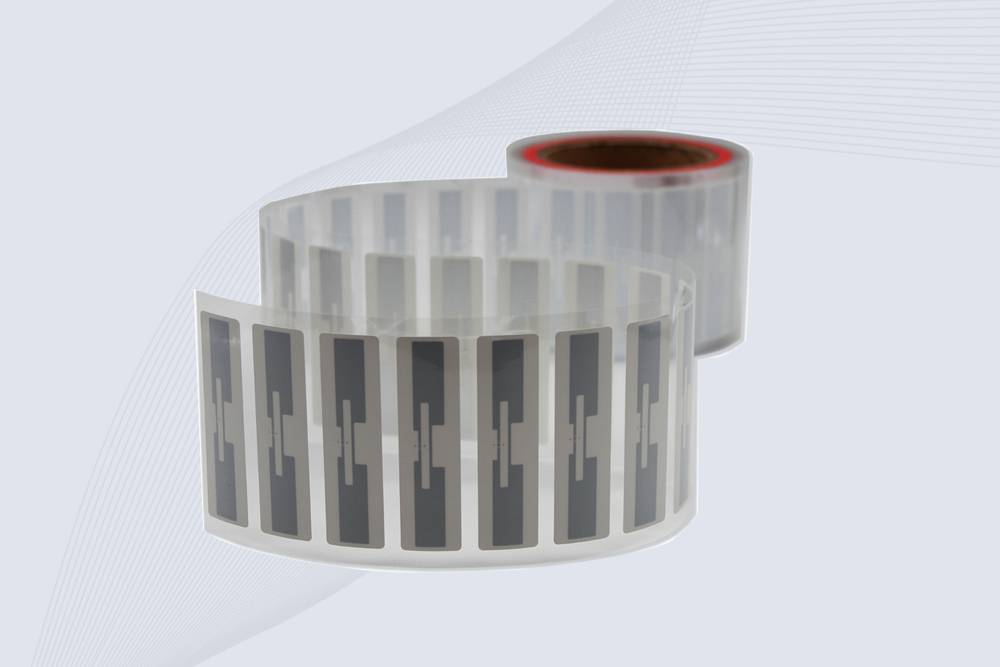
CYKEO Passive RFID Tags are made for wet and high-humidity environments where standard labels do not last. This rfid passive tag is often used around liquids, chemicals and temperature changes, providing stable reading distance and long data life for industrial tracking.
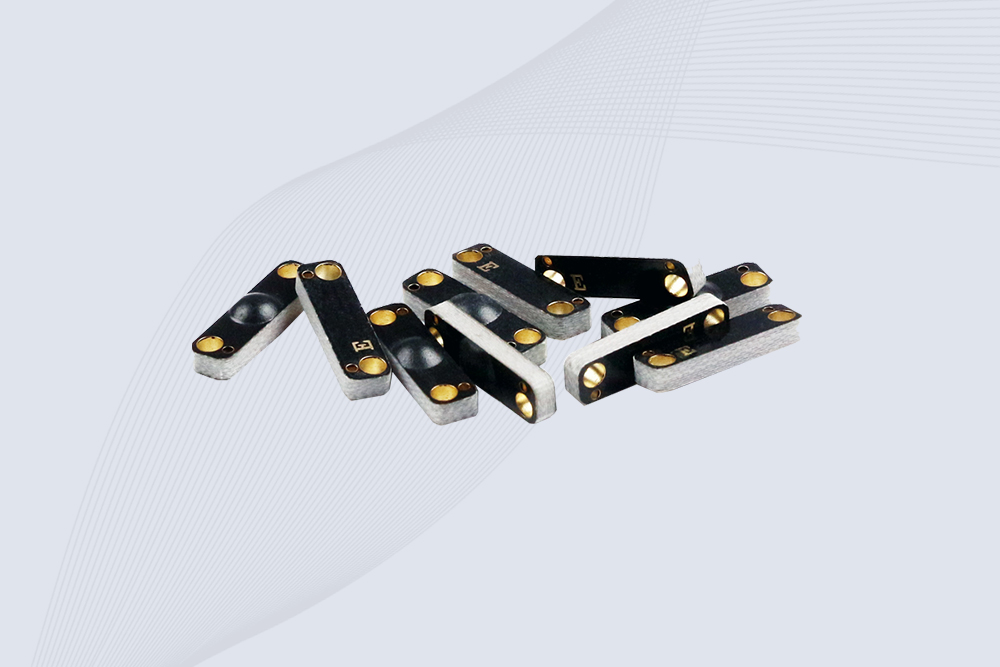
CYKEO CYKEO-PCB1504 Metal RFID Tags is a compact anti-metal UHF RFID solution built for direct mounting on metal surfaces. With stable 8-meter read range, Ucode-8 chip, and long data retention, this rfid metal tag fits tools, containers, automotive parts, and industrial asset tracking.
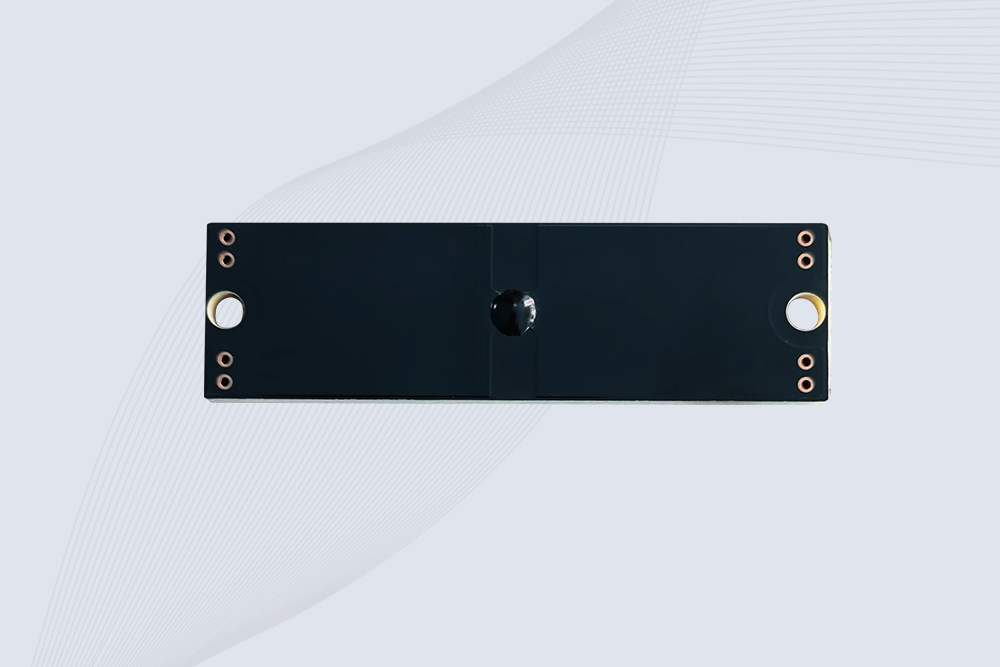
CYKEO CYKEO-PCB7020 On-Metal RFID Tags are designed for reliable tracking on steel and metal surfaces. Built with an FR4 epoxy body and industrial-grade chips, these On-Metal RFID Tags deliver stable performance, long data life, and chemical resistance, making them a dependable RFID anti-metal tag for harsh environments.
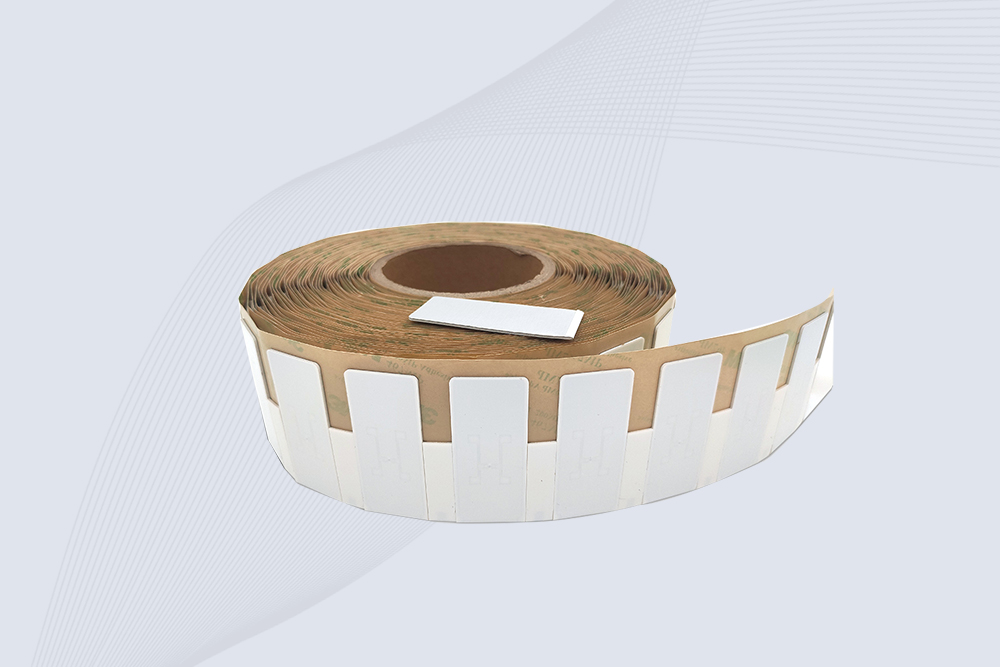
The CYKEO CYKEO-60-25 Anti-Metal RFID Tag is built for metal surfaces where standard tags fail. Designed for long-range performance, harsh environments, and stable data retention, this Anti-Metal RFID Tag is ideal for industrial assets, containers, and equipment tracking using on metal RFID tags.
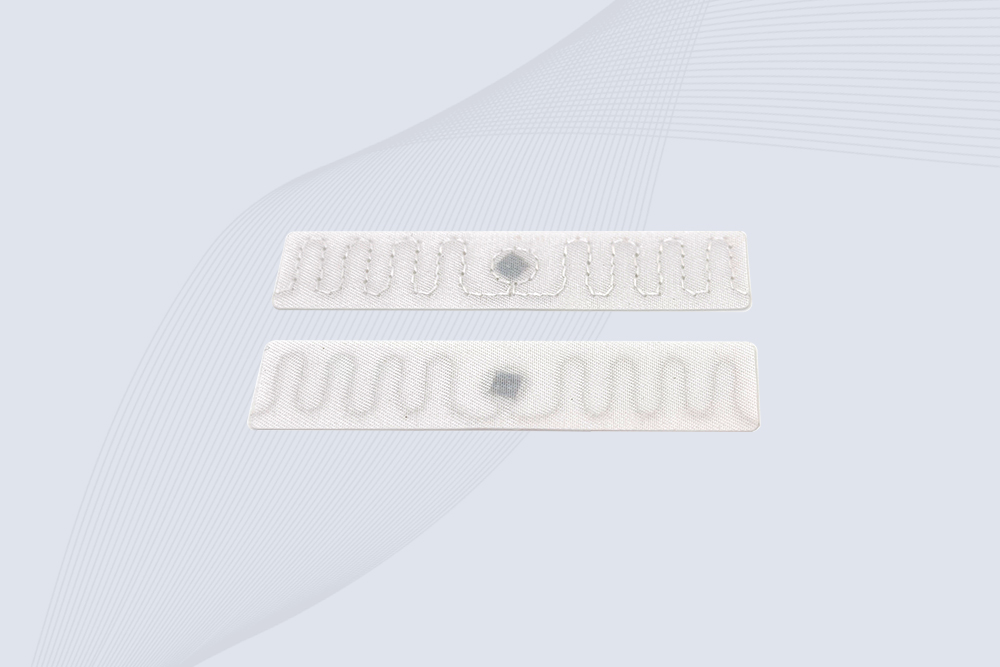
The CYKEO RFID Laundry Tag is designed for long-term textile identification in harsh laundry environments. Built to withstand high heat, chemicals, and repeated washing, this RFID Laundry Tag delivers stable performance for hotels, hospitals, and industrial laundry operations using laundry rfid tags at scale.
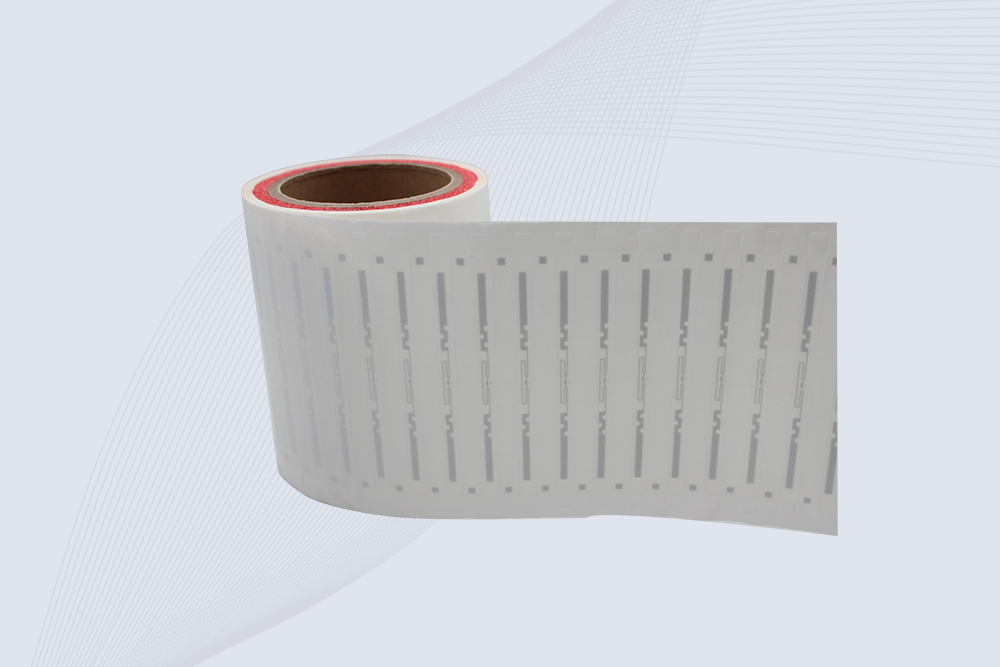
The CYKEO CYKEO-125-7 RFID Book Tag is designed for reliable book and document tracking in libraries and archives. This RFID Book Tag delivers long read range, dense placement support, and stable performance on shelves, making it a practical rfid tag on books for library automation, file management, and archival systems.
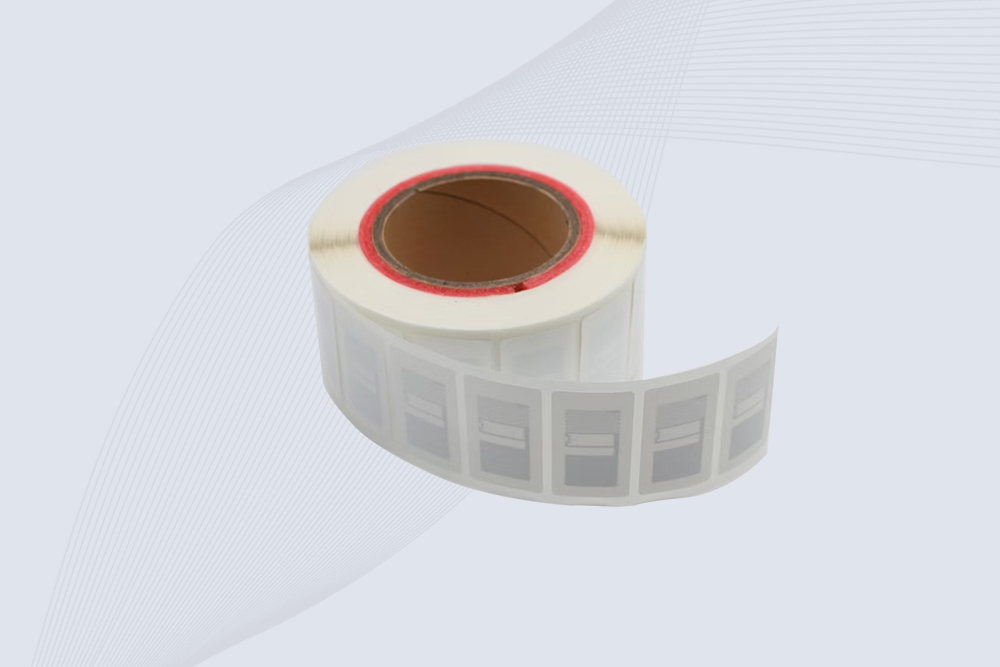
CYKEO RFID tags in hospitals are designed for sterile environments where accuracy matters. These autoclavable RFID tags support long-term tracking of surgical tools, implants, and medications, helping hospitals improve visibility, compliance, and patient safety.

CYKEO RFID Cable Tie Tag is built for reliable identification on metal surfaces. This UHF RFID Cable Tie Tag is widely used in rfid tags for inventory systems, industrial asset management and Hospital RFID Tags, offering stable read performance, long service life and global EPC Gen2 compatibility.
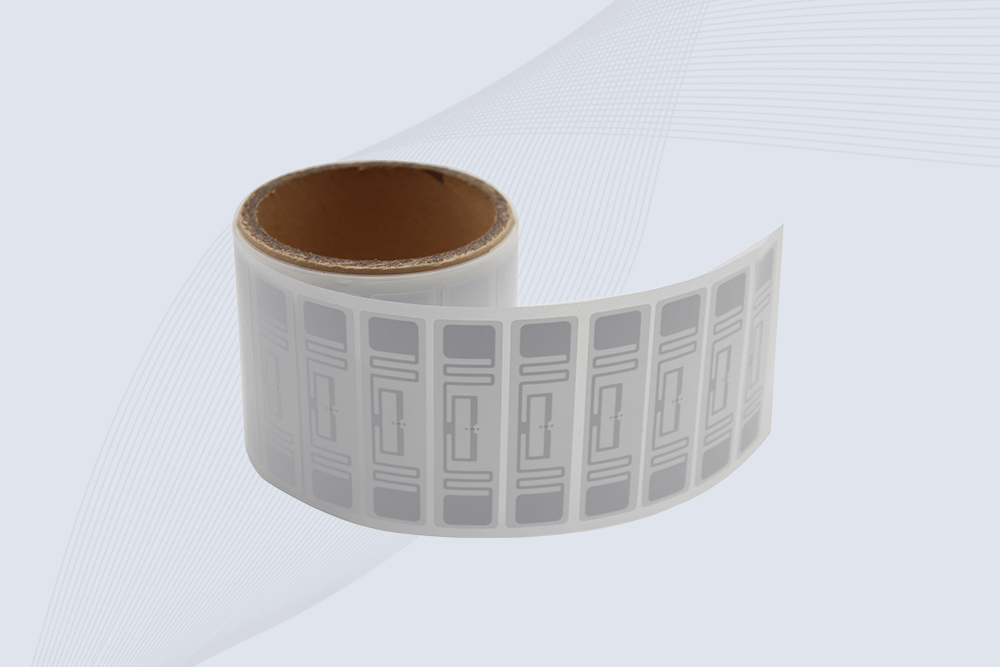
CYKEO RFID Asset Tag is designed for stable identification of metal assets in industrial environments. This UHF RFID Asset Tag is commonly used for rfid tag asset tracking on equipment, tools and containers, providing reliable reads, long service life and ISO/IEC 18000-6C support.
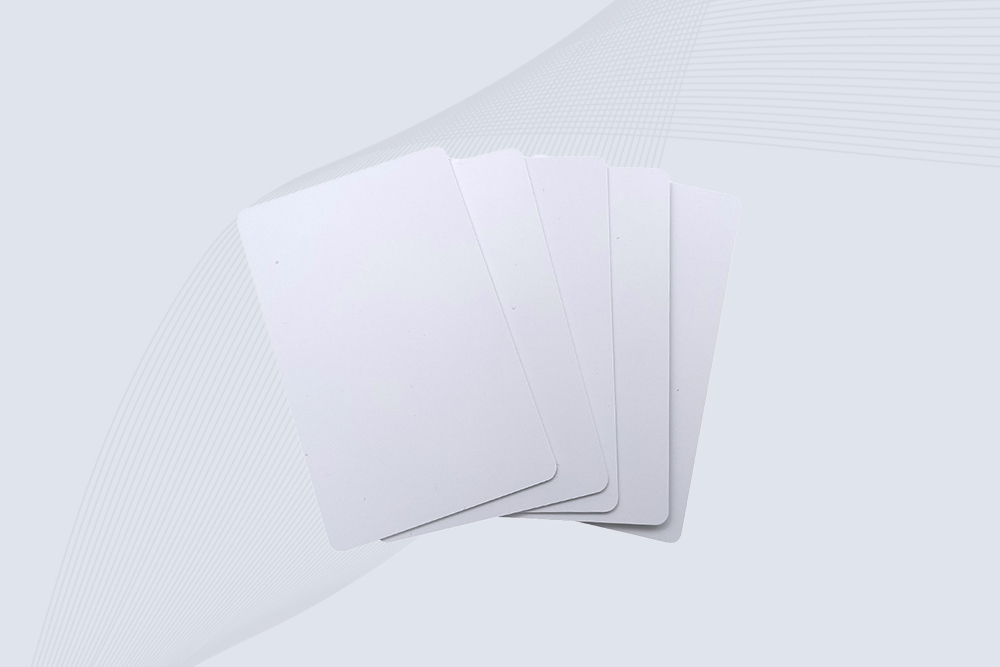
CYKEO UHF RFID Card is designed for fast identification and long-term use in industrial and commercial systems. Supporting ISO 18000-6C, this UHF RFID Card works at 860–960 MHz and is suitable for custom RFID cards used in asset tracking, access control and inventory management.
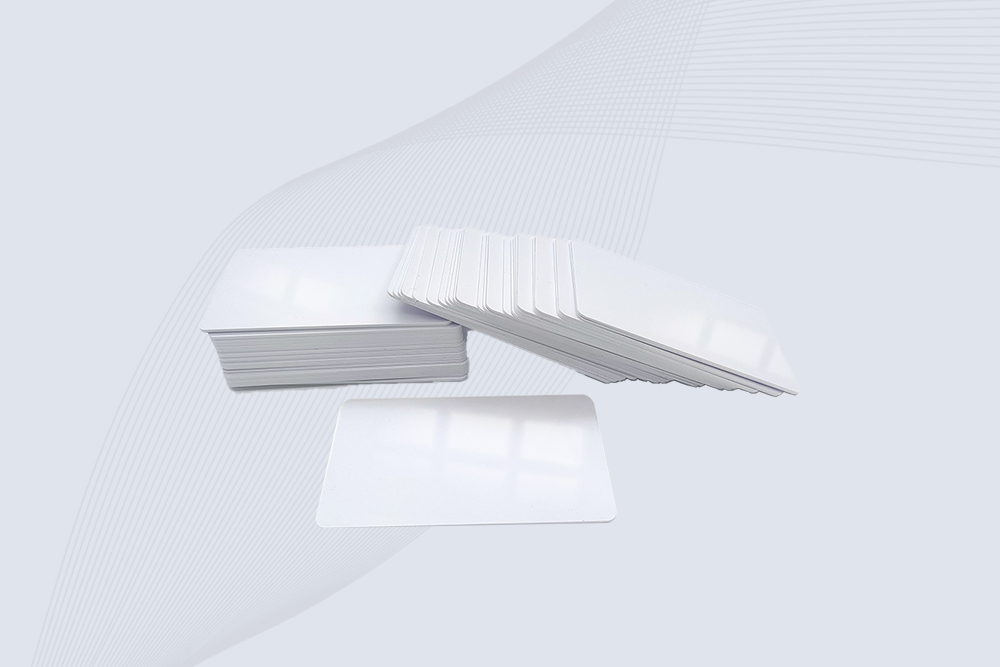
CYKEO HF RFID Cards are designed for secure and stable access control systems. These 13.56 MHz RFID key cards support ISO 14443-A, reliable rewriting and long service life, making HF RFID Cards suitable for offices, campuses, events and membership management.
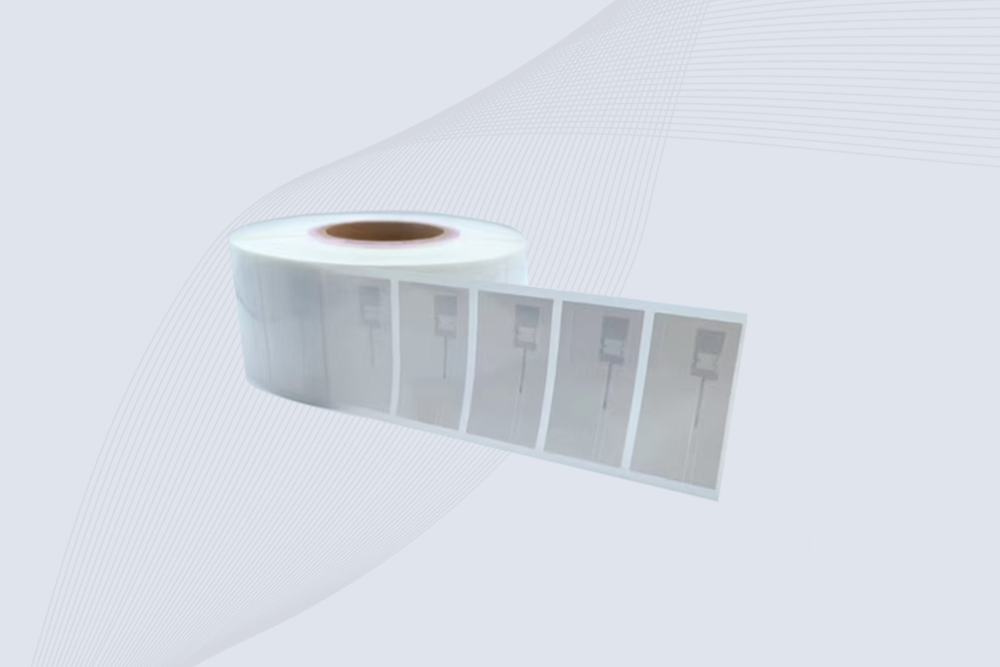
CYKEO UHF RFID Tag is designed for reliable tracking of metal jewelry and high-value items. This Jewelry RFID Tag supports long-range reading up to 8 meters, anti-counterfeit protection and stable performance on metal, making it suitable for retail, inventory control and asset management.
How far can RFID chips be read? Discover the realistic read ranges for LF, HF & UHF systems, and what factors affect performance in your application.
More
Discover how the long range card reader from Cykeo delivers reliable RFID access control, vehicle identification, and industrial asset management with fast, contactless reading.
More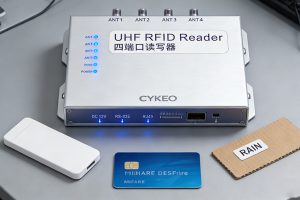
Can an RFID reader read multiple tags models? Short answer: yes, with multi-protocol or hybrid readers. Long answer: frequency, protocol, and power matter. Here's what works.
More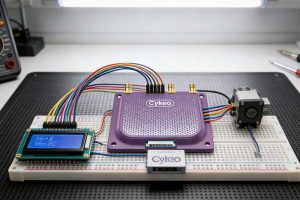
A practical guide on how to use RFID module with Mega Board (Arduino Mega 2560). Learn wiring, coding, and project ideas for advanced RFID applications.
More