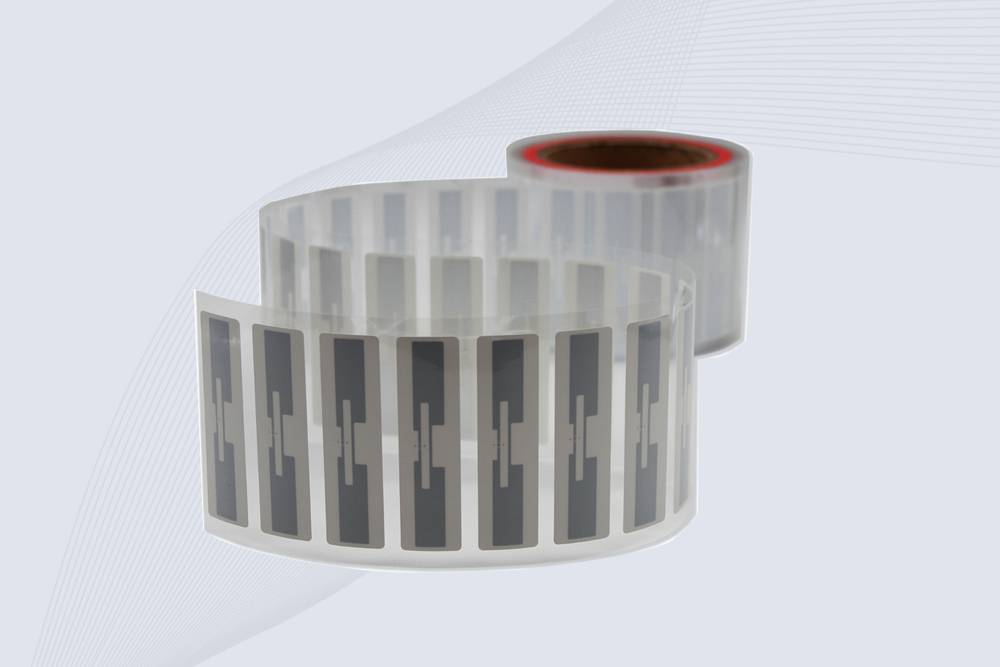
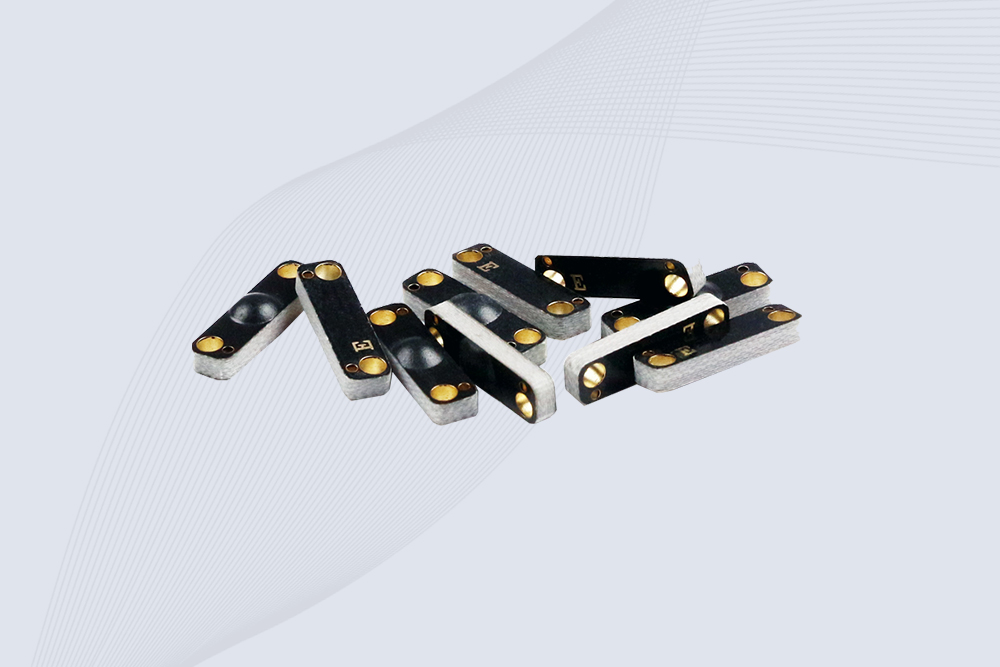
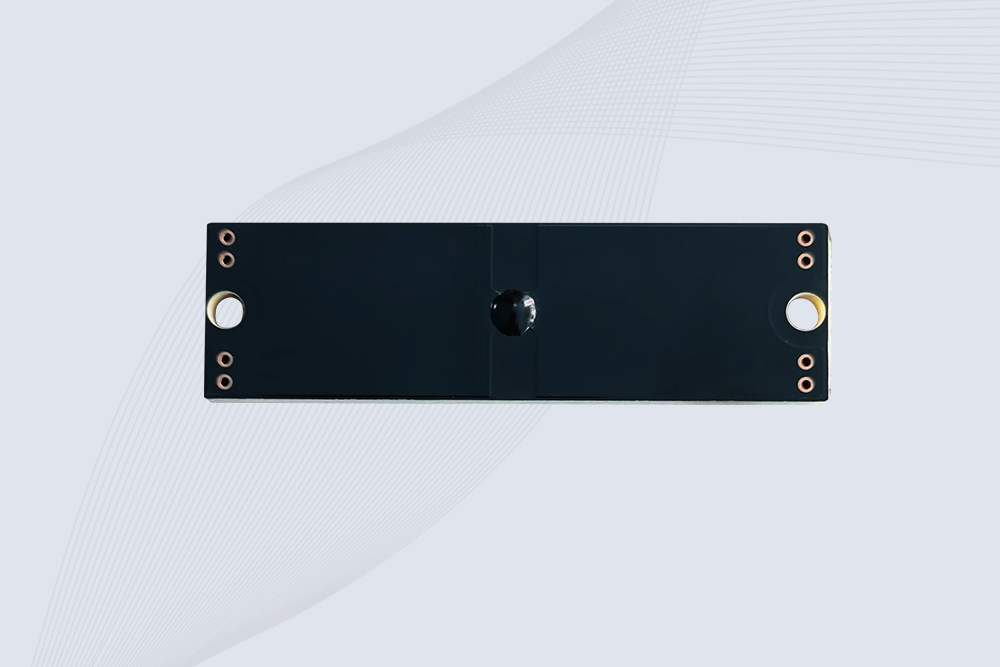
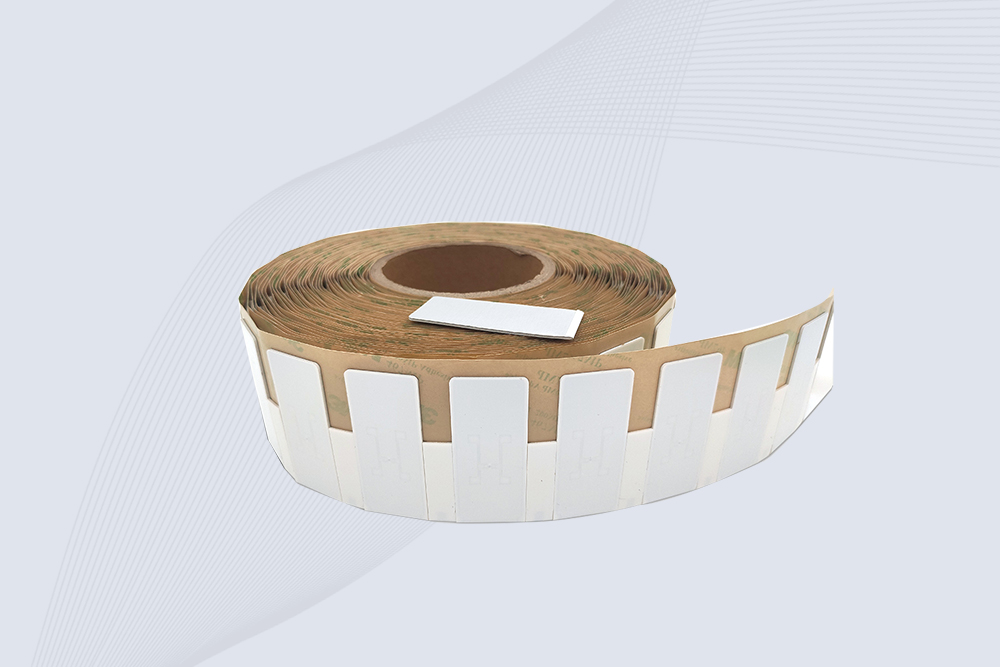
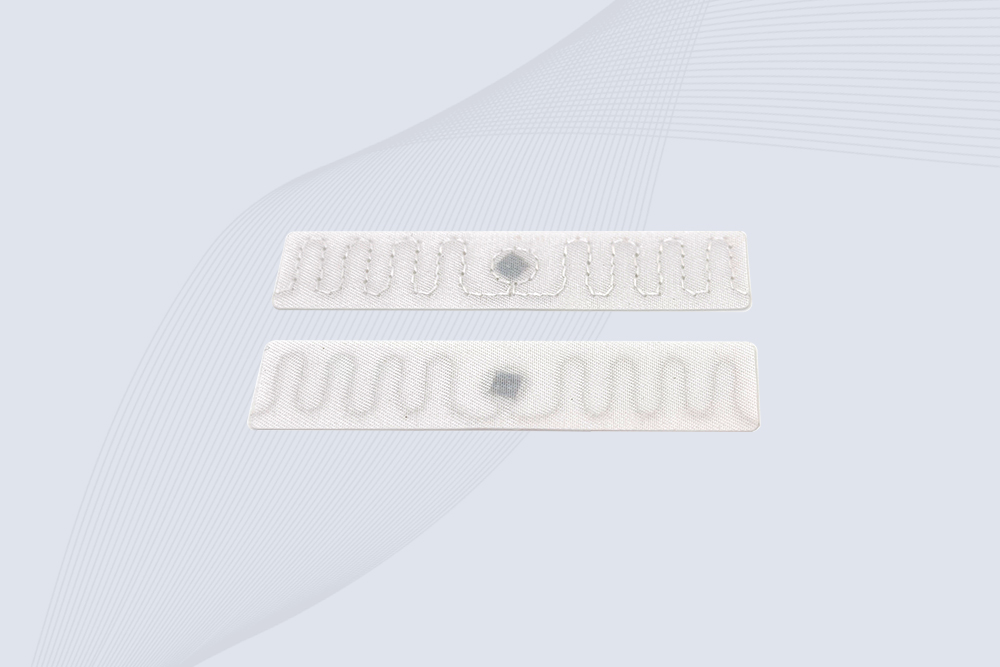
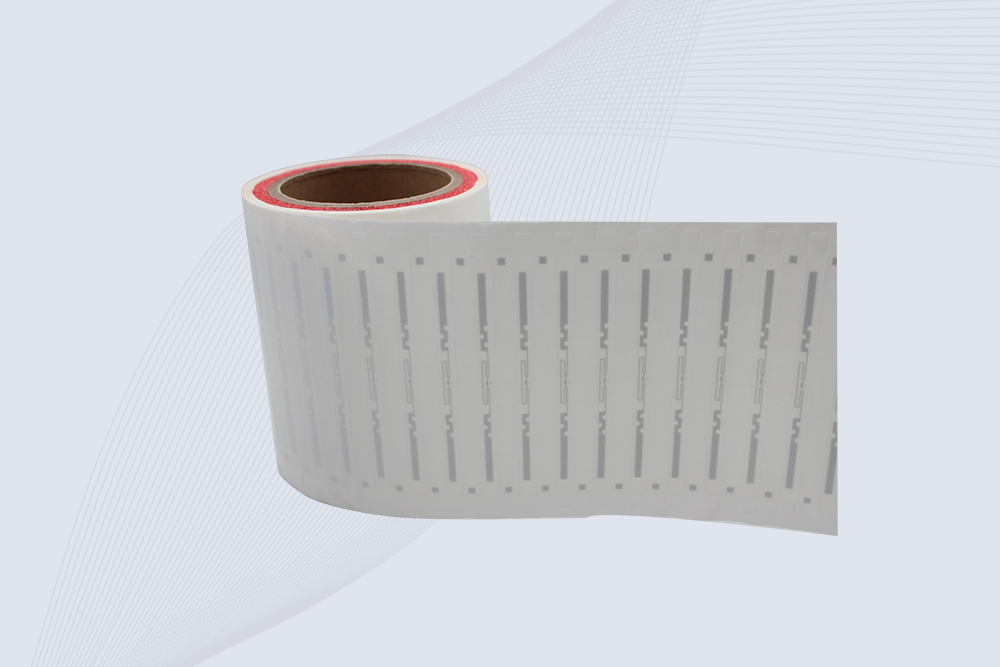
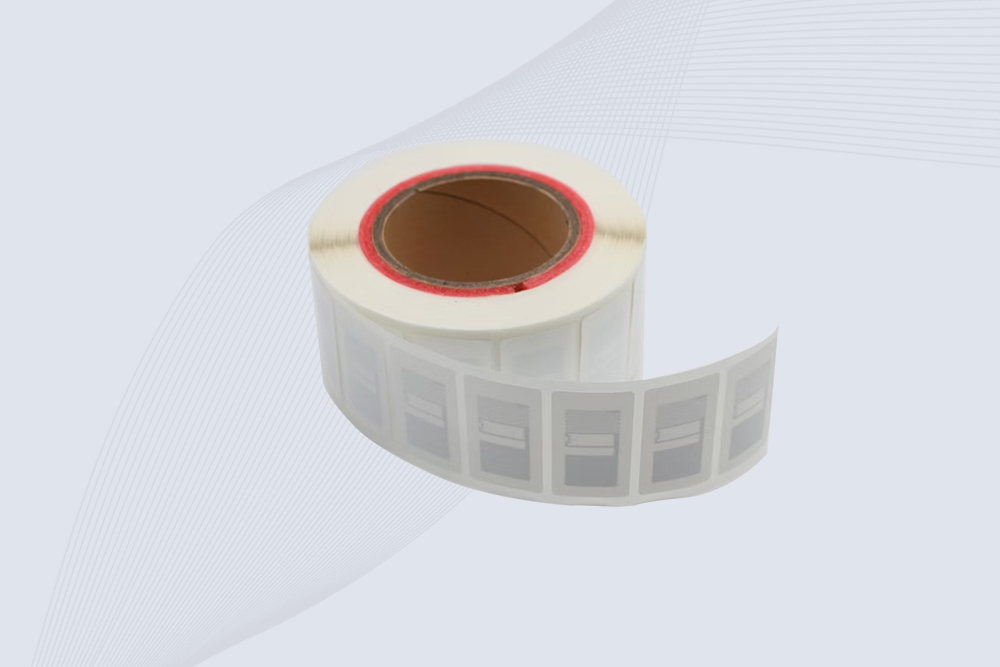
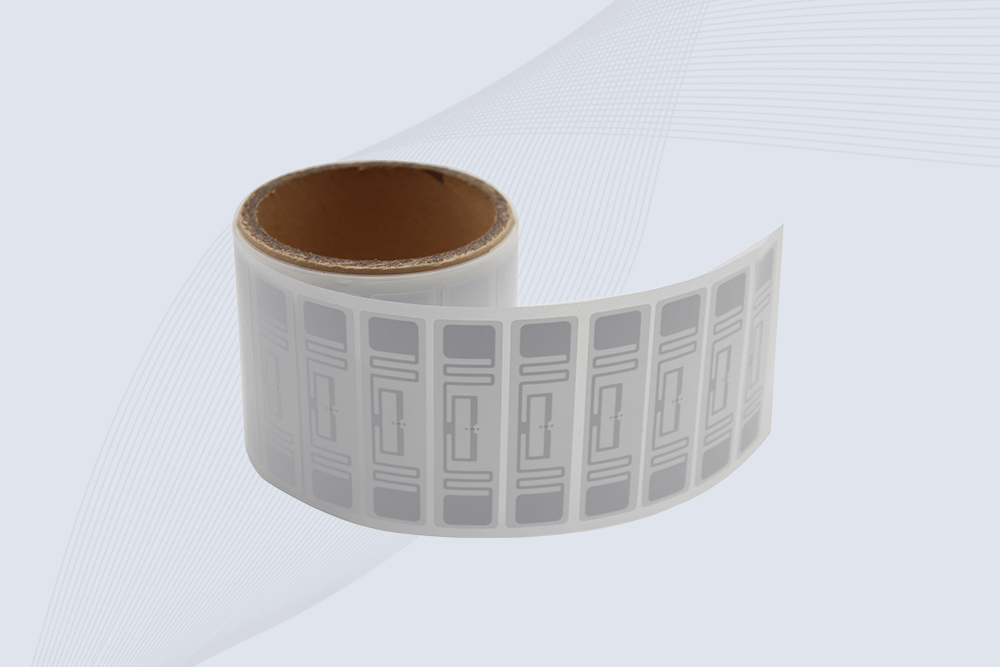
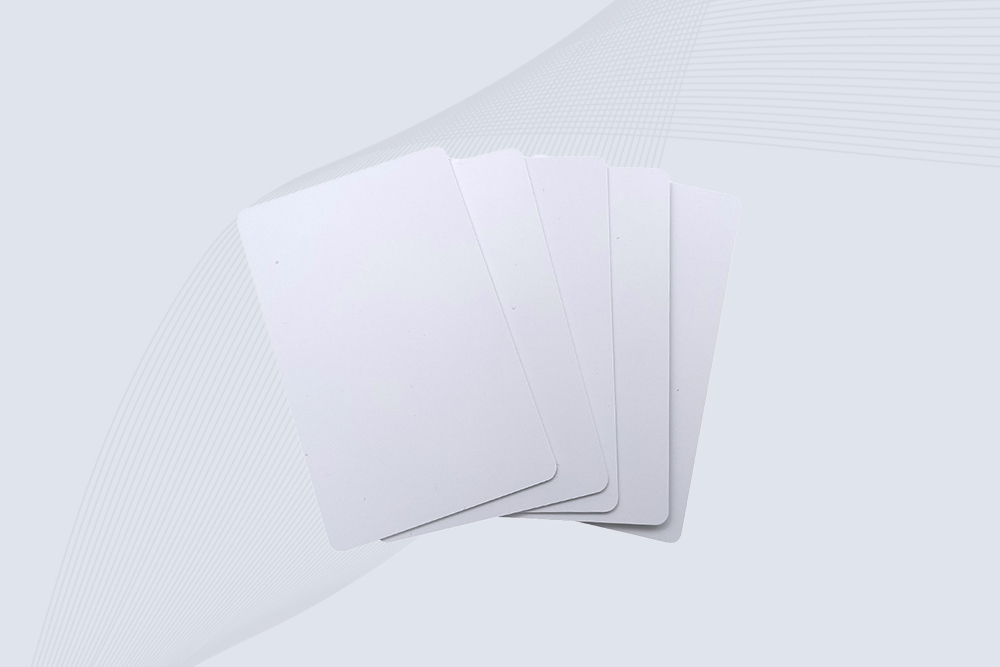
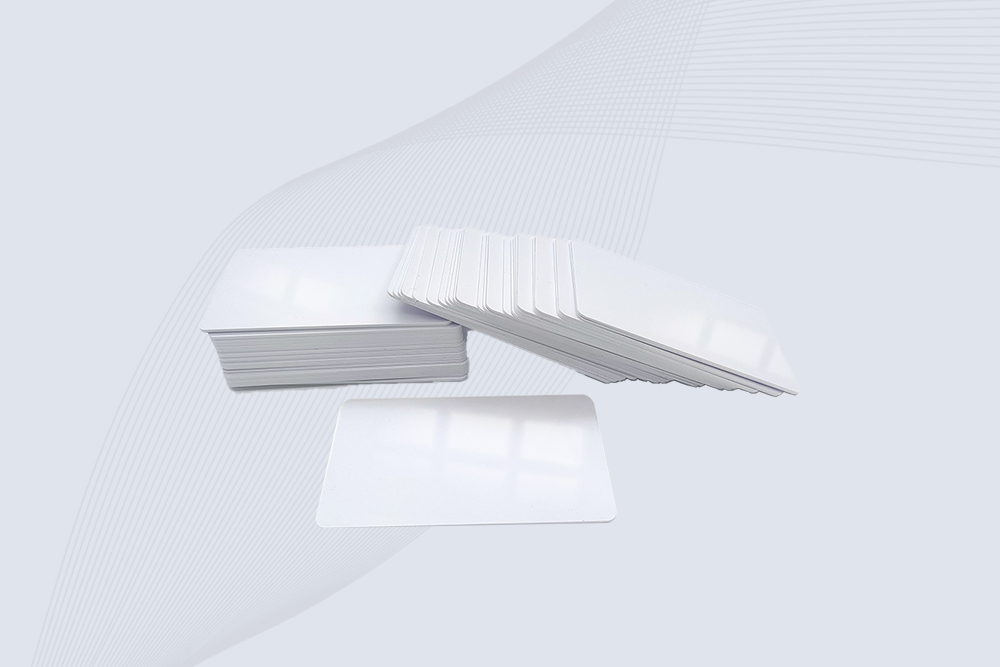
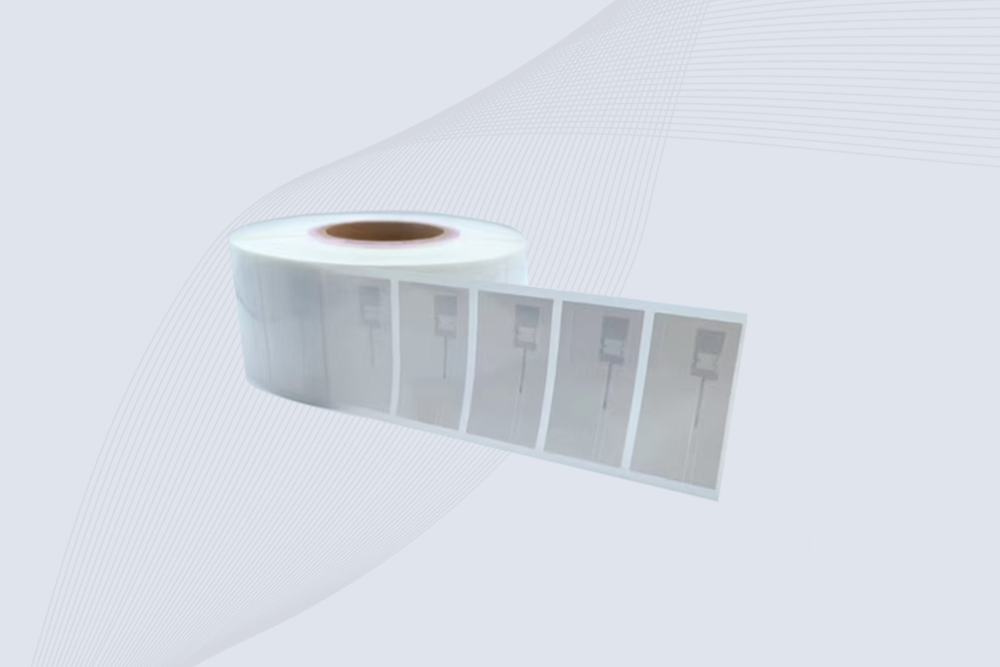
You can write RFID cards with a compatible UHF RFID reader writer and encoding software that supports the card’s chip, protocol, and writable memory. The process normally involves identifying the card, selecting the correct EPC or User Memory area, writing the required data, and reading it back to verify the result.
How to write RFID cards with UHF RFID technology
When someone asks how to write rfid cards, the first question should not be which software to install. It should be what kind of UHF RFID card is being written.
For the type of RFID systems used in logistics, warehousing, retail, manufacturing, and asset management, the relevant technology is generally passive UHF RFID, also called RAIN RFID. GS1’s current EPC UHF Gen2 standard specifies the air-interface protocol for UHF RFID, while ISO/IEC 18000-63 covers the corresponding Type C air-interface technology in the 860–960 MHz range.
That matters because UHF RFID writing is not equivalent to writing an ordinary memory card.
The reader communicates with the RFID IC through an RF field. The tag responds by backscattering information to the reader, and supported commands allow the system to access and modify writable memory. GS1 describes this reader-to-tag process as the foundation of passive UHF RFID operation.
In practical Cykeo RFID work, I treat five things as one system:
UHF RFID card or tag
UHF RFID reader writer
Antenna and RF environment
Encoding software
Identification database
A problem in any one of them can look like a “failed RFID write.”
That is why the first production test should never be a thousand-card batch.
What information can you write to a UHF RFID card?
The answer depends on the RFID IC.
Current GS1 Gen2 documentation defines EPC memory and TID memory as required, while User Memory is optional. EPC memory contains the electronic product code, TID memory carries tag-identification information, and User Memory can hold additional application data when implemented by the tag.
This gives a useful working distinction:
UHF RFID memory
Typical purpose
Normally changed by the application?
Reserved
Kill and access passwords
Only when required
EPC
Main electronic identifier
Yes
TID
Tag/chip identification
Generally no
User Memory
Additional application data
Depends on tag
For most commercial encoding projects, EPC memory is the starting point.
GS1 explains that EPC provides a way to encode GS1 identifiers onto RAIN RFID tags and can serialize identifiers such as GTIN for traceability and visibility applications.
User Memory is different. It is intended for application data beyond the unique identifier. GS1 notes that typical RAIN RFID tags often carry no more than about 8 KB of data, although actual capacity varies considerably by chip and application. Simple license-plate style tags may use only a 96-bit or 128-bit identifier, while some higher-memory UHF tags provide substantially more storage.
That difference is easy to miss when selecting cards.
If a customer only needs a unique asset number, buying a high-memory UHF card may add unnecessary cost. If the application requires additional data to travel with the physical item, User Memory may become relevant.
Why EPC memory is usually the first place to look
In a warehouse deployment, the EPC often acts as the bridge between the physical RFID card and the software record.
For example:
Asset 000582 → EPC value → UHF RFID card → WMS record
The reader does not need to understand the entire business history of the asset. It only needs to reliably capture the identifier. The business system can then retrieve the associated information.
GS1’s EPC Tag Data Standard defines how EPCs and other data are represented on Gen2 RFID tags. The standard specifically addresses EPC encoding as well as User Memory and tag-manufacturer information.
This separation is valuable in real deployments.
I have seen RFID projects become unnecessarily complicated when teams try to put every product attribute directly into the tag. A UHF tag does not need to become a miniature database. Often, a reliable serialized EPC plus a properly designed backend record is the cleaner architecture.
How a UHF RFID card writer actually writes data
A UHF RFID card writer does not “send a file” to the card.
The reader and software perform a controlled RF communication sequence.
A simplified production workflow is:
Inventory → Select → Access → Write → Verify
First, the reader identifies cards within its RF field. The software determines which card is the intended target. The system then accesses the required memory area and sends the write command.
The reader receives a response from the tag.
Then comes the step I would not remove from a production workflow:
read the card again.
The returned EPC or User Memory value should be compared with the original source record. If the values match, the encoding operation is recorded as successful. If not, the card can be isolated for another attempt.
It sounds obvious. On a real encoding station, this check saves time.
A technician may have 300 cards on a table. One card gets written incorrectly. Without verification, the problem might only appear when that card reaches the warehouse.
UHF RFID card writing requires controlled tag selection
Reading a large number of UHF tags is one thing. Writing the correct one is another.
The reader’s anti-collision and selection functions become important when several cards are within the antenna field. GS1’s EPC Gen2 architecture includes tag selection, inventory, and access functions as part of the UHF RFID interface.
For a desktop writing station, I normally recommend a controlled writing zone:
Keep the target card centered in the intended field.
Keep unused cards outside the active writing area.
Use software filtering when multiple tags are detected.
Confirm the target EPC before writing.
Read the card again after writing.
Record the result automatically when possible.
This is particularly important for how to write rfid cards in batches. The objective is not simply to make the reader write quickly. It is to make the reader write the correct value to the correct card repeatedly.
A controlled UHF RFID workstation allows engineers to encode, read, and verify RFID card data before deployment.
How to choose a UHF RFID card before writing
The physical card should be selected before the encoding software is configured.
At minimum, confirm:
UHF frequency compatibility
RFID IC/chip model
EPC memory capacity
User Memory availability
Supported write operations
Lock and access features
Card material and antenna construction
Expected operating environment
The latest GS1 Gen2 specification makes an important distinction here: EPC memory is required, but its size is manufacturer-defined; TID memory is also required, while User Memory is optional.
That means two cards that look almost identical from the outside can have materially different writing capabilities.
This is one reason Cykeo engineering tests focus on the actual RFID card sample, rather than assuming all UHF cards behave the same way.
A card lying flat on a clean desk is a very easy RF target.
A card mounted against equipment, placed near metal, inserted into a holder, or positioned among other cards is a different engineering problem.
UHF RFID card writing and security
Writing data is also a security question.
GS1 explains that Gen2v2 RAIN RFID tags support password-protected lock functions for memory protection. Depending on the memory bank and configuration, data can be protected against writing, and the standard also provides a permanent-lock mechanism.
This creates an important rule for production encoding:
Do not lock the memory before the data workflow has been completely verified.
During development, engineers generally need the ability to rewrite test values. Once production data has been checked and the business process requires protection, appropriate access controls can be applied.
For sensitive application data, GS1 also describes encryption of User Memory data before it is written to the tag, with encryption handled by the reader, middleware, or enterprise software rather than requiring the tag itself to perform the encryption.
So the writing station should not be designed as an isolated device.
It should fit into the organization’s wider data and security architecture.
Practical UHF RFID card writing test at Cykeo
For a new UHF RFID card project, I would begin with a small sample rather than immediately configuring mass production.
The first test should answer a few simple questions:
Does the reader detect the card consistently?
Does the expected EPC appear?
Can the intended memory bank be accessed?
Can the desired value be written?
Does read-back verification return the same value?
Does the card remain readable after repositioning?
Does the card behave consistently across several samples?
If one card works and the next one fails, stop and identify the difference before changing RF power.
If writing works only when the card is positioned at one very specific point, investigate the antenna field and card construction.
If reading works but writing does not, inspect the memory bank, access conditions, lock state, and reader command support before assuming an RF-range problem.
Those distinctions make troubleshooting much faster.
How to write UHF RFID cards for batch encoding
Once the first few cards have passed testing, the next challenge is repeatability.
For how to write rfid cards in a warehouse, factory, or asset-management project, the encoding station should connect the RFID identifier with the business record. A practical batch workflow can look like:
Import the card or asset list.
Generate or assign the required EPC.
Present one card to the UHF RFID writer.
Select the intended tag.
Write the EPC or permitted User Memory.
Read the card again.
Compare the returned value with the source record.
Save the result and move the card to the completed batch.
The software should ideally flag duplicate EPCs and failed verification automatically.
This becomes particularly important when operators are working through several hundred cards. A card that fails at the workstation can be replaced immediately. A card discovered to be wrong after distribution becomes a much more expensive problem.
How to program UHF RFID cards without creating duplicate IDs
A UHF RFID system depends heavily on identifier discipline.
If three physical cards accidentally receive the same application identifier, the reader may correctly report all three cards while the backend system cannot distinguish them as intended.
For that reason, the encoding database should maintain a record similar to:
Record
Example
Asset number
AS-005821
EPC
Serialized EPC value
RFID card
Physical card reference
Encoding status
Passed
Verification
Confirmed
Date/time
Production record
Operator
Assigned workstation user
The exact fields depend on the application, but the principle remains the same: the card’s written value and the business record should be created together.
GS1’s EPC Information Services architecture is designed around sharing EPC-related event information across enterprise and supply-chain systems. Its event model records information such as what object was involved, when an event occurred, and where it happened.
That makes RFID encoding more than a hardware task. The identifier needs somewhere useful to go after it leaves the writer.
RFID card writing distance: closer is often better
A common mistake is assuming that a longer UHF RFID read range automatically makes a better card writer.
For encoding, the requirement is usually different.
A desktop RFID writer may deliberately operate over a relatively controlled near-field or short-range area so that the software can identify one card and avoid unintentionally writing another card sitting nearby.
This is particularly useful for:
Employee card issuance
Asset card programming
Product-label encoding
Library identification
Tool identification
Production-line registration
During commissioning, I normally establish the actual write zone rather than simply increasing RF power until the card responds.
The target is controlled communication.
If a card can only be written after an operator places it in one exact position, the antenna arrangement may need attention. If several cards respond when only one should be programmed, the active field may be too broad for the workstation.
UHF RFID card writer software and integration
A professional UHF RFID card writer should not be treated as an isolated peripheral.
For a small project, manufacturer software may be sufficient. For an industrial deployment, SDK and API access becomes much more useful because the RFID writing process can be integrated directly into the existing application.
A customized application can handle:
Card detection
EPC generation
Product lookup
Data writing
Read-back verification
Duplicate checking
Operator authorization
Encoding logs
Database synchronization
Cykeo’s UHF RFID solutions support integration-oriented development through SDK/API resources, making it possible to adapt RFID reader functions to a customer’s software environment.
This approach is especially valuable when the company already has a WMS, ERP, MES, asset-management platform, or proprietary database.
The operator should ideally see one workflow, not five disconnected tools.
Desktop RFID writing versus production-line encoding
The physical setup changes with the application.
Environment
Typical requirement
Desktop workstation
Controlled short-range writing
Warehouse preparation area
Batch encoding and verification
Production line
Automated trigger and database integration
OEM equipment
Embedded UHF RFID module
High-volume deployment
Automated data assignment and logging
Cykeo’s CYKEO-M4L is an example of an embedded UHF RFID module designed for OEM integration. It supports ISO18000-6C / EPC C1G2 and provides adjustable output power up to 33 dBm in 1 dBm steps, together with dense multi-tag recognition and filtering capabilities.
That type of module is useful when the RFID writer needs to become part of a machine rather than remain a separate desktop device.
Common problems when writing UHF RFID cards
The card is detected but the write fails
Check the selected memory bank, access permissions, lock status, card IC, and software command support.
Do not immediately increase RF power.
The wrong card receives the data
Check tag selection and the physical writing area. Keep unused cards outside the active field and use filtering where appropriate.
Some cards work while others do not
Compare the IC model, antenna construction, memory configuration, and physical condition of the cards. External appearance is not enough to establish compatibility.
Writing works on the desk but fails after installation
Test the card in its final environment. Metal surfaces, liquids, enclosures, and nearby RF equipment can alter UHF performance.
The EPC is correct but the application cannot find the item
The RFID reader may be working correctly. The problem may be the database mapping between the EPC and the corresponding product or asset record.
This distinction is important in troubleshooting. RFID communication and business-system integration are separate layers.
Read-after-write verification confirms that the UHF RFID card contains the intended identification data before deployment.
How Cykeo approaches UHF RFID card writing
At Cykeo, the writing problem is approached from the complete RFID system rather than from the reader alone.
For desktop applications, a controlled RFID writing station can handle card registration, identification, read/write operations, filtering, and verification.
For embedded applications, the CYKEO-M4L module provides a compact OEM platform with an RF front end and baseband DSP, firmware support, API integration, and EPC C1G2 / ISO18000-6C compatibility.
For fixed industrial installations, Cykeo UHF RFID readers can combine Ethernet or serial communication with multi-tag processing, filtering, and adjustable RF parameters.
The right configuration depends on where the cards will be written and how the resulting identifier will be used.
A desktop card writer and an automated production-line encoder should not necessarily be designed the same way.
Frequently Asked Questions about how to write rfid cards
1. Can UHF RFID cards be written more than once?
Yes, writable UHF RFID memory can generally be rewritten when the specific IC permits it and the memory has not been locked. Always check the RFID chip’s datasheet for write permissions, security settings, and endurance specifications.
2. What is normally written to a UHF RFID card?
The EPC is commonly used as the primary identifier. Some UHF RFID ICs also provide User Memory for application-specific information. The exact data structure depends on the chip and the system requirements.
3. Can I write multiple RFID cards at the same time?
Batch encoding is possible with suitable equipment and software, but controlled tag selection is important. For production writing, the system should identify the intended card and verify its data after the write operation.
4. What equipment is required to write UHF RFID cards?
A typical setup requires a compatible UHF RFID card, RFID reader writer, antenna, encoding software, and a computer or integrated controller. Industrial installations may also connect the writer to a WMS, ERP, MES, or asset-management system.
5. Why does my UHF RFID card read correctly but fail during writing?
Reading and writing use different operations. Check whether the target memory is writable, whether access protection is enabled, whether the reader supports the required write command, and whether the card IC matches the software configuration.
6. How can I verify that an RFID card was written correctly?
Perform a read-after-write operation and compare the returned EPC or User Memory data with the original source record. For batch encoding, automatically record the verification result for every card.
7. Does a UHF RFID card need to be close to the writer?
The required distance depends on the reader, antenna, card construction, and application. For controlled desktop encoding, a shorter writing zone can be advantageous because it reduces the possibility of unintentionally selecting nearby cards.
Conclusion: how to write rfid cards for reliable UHF applications
how to write rfid cards is fundamentally a UHF RFID memory-encoding task supported by the right card, reader writer, software, and data structure.
For a reliable implementation, start with the RFID IC and memory architecture. Define the EPC structure before production. Keep the writing area controlled. Verify every important write. Then connect the encoded identifier to the business database.
The practical objective is not simply to make an RFID card accept data once. It is to create a repeatable process that produces the right identifier on the right card and keeps that identifier usable throughout the application lifecycle.
That is the approach Cykeo takes when developing UHF RFID writing and encoding solutions for industrial applications.
CYKEO Passive RFID Tags are made for wet and high-humidity environments where standard labels do not last. This rfid passive tag is often used around liquids, chemicals and temperature changes, providing stable reading distance and long data life for industrial tracking.
CYKEO CYKEO-PCB1504 Metal RFID Tags is a compact anti-metal UHF RFID solution built for direct mounting on metal surfaces. With stable 8-meter read range, Ucode-8 chip, and long data retention, this rfid metal tag fits tools, containers, automotive parts, and industrial asset tracking.
CYKEO CYKEO-PCB7020 On-Metal RFID Tags are designed for reliable tracking on steel and metal surfaces. Built with an FR4 epoxy body and industrial-grade chips, these On-Metal RFID Tags deliver stable performance, long data life, and chemical resistance, making them a dependable RFID anti-metal tag for harsh environments.
The CYKEO CYKEO-60-25 Anti-Metal RFID Tag is built for metal surfaces where standard tags fail. Designed for long-range performance, harsh environments, and stable data retention, this Anti-Metal RFID Tag is ideal for industrial assets, containers, and equipment tracking using on metal RFID tags.
The CYKEO RFID Laundry Tag is designed for long-term textile identification in harsh laundry environments. Built to withstand high heat, chemicals, and repeated washing, this RFID Laundry Tag delivers stable performance for hotels, hospitals, and industrial laundry operations using laundry rfid tags at scale.
The CYKEO CYKEO-125-7 RFID Book Tag is designed for reliable book and document tracking in libraries and archives. This RFID Book Tag delivers long read range, dense placement support, and stable performance on shelves, making it a practical rfid tag on books for library automation, file management, and archival systems.
CYKEO RFID tags in hospitals are designed for sterile environments where accuracy matters. These autoclavable RFID tags support long-term tracking of surgical tools, implants, and medications, helping hospitals improve visibility, compliance, and patient safety.
CYKEO RFID Cable Tie Tag is built for reliable identification on metal surfaces. This UHF RFID Cable Tie Tag is widely used in rfid tags for inventory systems, industrial asset management and Hospital RFID Tags, offering stable read performance, long service life and global EPC Gen2 compatibility.
CYKEO RFID Asset Tag is designed for stable identification of metal assets in industrial environments. This UHF RFID Asset Tag is commonly used for rfid tag asset tracking on equipment, tools and containers, providing reliable reads, long service life and ISO/IEC 18000-6C support.
CYKEO UHF RFID Card is designed for fast identification and long-term use in industrial and commercial systems. Supporting ISO 18000-6C, this UHF RFID Card works at 860–960 MHz and is suitable for custom RFID cards used in asset tracking, access control and inventory management.
CYKEO HF RFID Cards are designed for secure and stable access control systems. These 13.56 MHz RFID key cards support ISO 14443-A, reliable rewriting and long service life, making HF RFID Cards suitable for offices, campuses, events and membership management.
CYKEO UHF RFID Tag is designed for reliable tracking of metal jewelry and high-value items. This Jewelry RFID Tag supports long-range reading up to 8 meters, anti-counterfeit protection and stable performance on metal, making it suitable for retail, inventory control and asset management.
Discover how embeddable RFID tags improve asset tracking, inventory control, manufacturing visibility, and lifecycle management. Learn tag types, applications, installation methods, and wholesale sourcing tips.
Explore key challenges in UHF passive RFID technology, including signal interference, material limitations, and scalability. Discover how Cykeo addresses these issues.
People ask me all the time, can NFC read and write to RFID? I break down the frequency battle, real-world hacks, and which CYKEO gear gets the job done without the jargon.
Wondering what does RFID tag look like? Discover RFID tag types, internal structure, real industrial applications, and expert insights from Cykeo. Learn how to identify the right RFID tag for every environment.
 Cykeo RFID IoT Solution Products R&D Manufacturer