 Cykeo RFID IoT Solution Products R&D Manufacturer

Can NFC Phone Read RFID? Here’s the Deal.
408Think your phone can scan any RFID? Find out the truth. We break down what "can NFC phone read RFID" really means and why it doesn't work for business tracking.
MoreAll RFID Product
Reading an RFID chip means retrieving information that the chip is designed and permitted to provide. The information may be a unique identifier, an electronic product code, a manufacturer-related identifier, or data stored in a writable memory area.
The process is contactless. An RFID reader generates a radio-frequency field or signal. A compatible chip responds according to its operating technology and protocol. The reader decodes that response and sends the result to a computer, controller, or business application.
There is an important distinction between detecting a chip and reading all of its data. A reader may identify a tag successfully while only retrieving a limited portion of its memory. Other areas may require authentication, a specific command, or a reader with the correct protocol support.
In a warehouse, for example, an operator may scan a carton and see an EPC identifier on the workstation. That does not necessarily mean the full product description, supplier details, or stock quantity are stored on the chip. Those records may live in the inventory database, with the RFID identifier acting as the link.
Depending on the chip and application, a read operation may return:
Not every chip provides every type of information. A simple identification tag may carry only a short identifier, while a more capable chip may include additional memory and security features.
One of the most common reasons an RFID reading setup fails is a mismatch between the chip and reader. The device may be working correctly, but it is operating at a different frequency or using a different communication protocol.
RFID systems are commonly grouped into low-frequency (LF), high-frequency (HF), and ultra-high-frequency (UHF) technologies.
Typical frequency: 125 kHz or 134.2 kHz, depending on the technology.
LF RFID is used in applications such as certain animal identification systems and proximity credentials. Its operating characteristics differ from those of HF and UHF systems, so an LF reader is required for compatible LF chips.
A typical LF reader is designed for relatively close-range identification. The reading distance depends on the antenna, chip, reader design, and surrounding conditions. Do not assume that an LF chip can be scanned by a phone simply because the phone supports NFC.
Typical frequency: 13.56 MHz.
HF RFID is widely used in contactless cards, library applications, NFC tags, and other identification systems. Different HF chip families can use different protocols and memory structures.
NXP’s NTAG213, NTAG215, and NTAG216 are examples of NFC Forum Type 2 Tag-compatible ICs operating at 13.56 MHz. Their published specifications include 144, 504, and 888 bytes of user memory respectively. NXP also specifies a nominal operating distance of up to 100 mm, depending on factors such as field strength and antenna geometry. These figures apply to the NTAG21x family, not to all HF cards. NXP+1
A phone with NFC support may read compatible NFC tags, but that does not make it a universal HF RFID reader. Compatibility still depends on the chip and the application.
Common passive UHF range: approximately 860–960 MHz, depending on regional regulations and the system.
UHF RFID is frequently used for warehouse inventory, logistics, retail stocktaking, and asset tracking. Many passive UHF tags follow the GS1 EPC Class 1 Gen 2 protocol, also standardized as ISO/IEC 18000-63.
Unlike a close-range NFC interaction, a UHF reader can often identify multiple tags within its read zone. The actual distance and number of readable tags depend on the reader, antenna, tag design, mounting surface, RF environment, and configured output power.
This makes UHF useful for carton, pallet, and item-level tracking, but it also introduces a practical challenge: the reader may detect tags outside the operator’s intended target area if the read zone is not controlled.
| Technology | Typical frequency | Common applications | Reader requirement |
|---|---|---|---|
| LF RFID | 125/134.2 kHz | Animal identification, some proximity systems | Compatible LF reader |
| HF RFID | 13.56 MHz | Contactless cards, libraries, NFC applications | Compatible HF reader |
| UHF RFID | Regional bands around 860–960 MHz | Warehouses, retail, logistics, asset tracking | Compatible UHF reader |
Frequency is the starting point, not the final compatibility test. Two chips using the same frequency may still require different reader protocols or commands.
An RFID reader does not simply take a photograph of the information stored inside a chip. It communicates with the chip using radio signals and a defined set of commands. The details vary by frequency and protocol, but the overall process has several stages.
In passive UHF systems, the tag commonly communicates by backscatter: it changes the way it reflects the reader’s signal. The reader detects and decodes those changes. This is one reason antenna placement and the surrounding RF environment matter so much.
Most low-cost inventory tags are passive. They do not contain a battery for normal communication. Instead, the reader supplies the energy needed for the chip to respond.
This makes passive tags practical for large-scale item identification, but it also means that the reader and tag must establish a usable RF link. A damaged inlay, unsuitable mounting surface, poor orientation, or weak field can prevent a successful read.
An active RFID tag works differently because it has its own power source. Active and passive systems should not be treated as interchangeable when choosing readers or planning coverage.
The answer depends on the chip family. Some RFID tags are designed mainly to provide an identifier; others include additional memory for application data. Understanding this distinction prevents a common misunderstanding: a reader may successfully retrieve the tag’s identifier without accessing every memory area.
For RAIN RFID tags, GS1 describes four logical memory banks:
| Memory bank | Main purpose |
|---|---|
| Reserved | Stores access and kill passwords |
| EPC | Stores the Electronic Product Code and related control information |
| TID | Contains tag identification information associated with the chip |
| User | Optional memory for additional application data |
Not every tag implements User memory. GS1 explains that the EPC bank carries the code used to identify the tagged object, while TID information helps identify the tag itself and its capabilities.
That distinction is useful in real inventory work. The EPC may identify the product or logistics unit, while the TID relates to the RFID chip. They answer different questions and should not be confused when building a database.
There is no single storage capacity for all RFID chips.
GS1 notes that RAIN RFID tag capacity varies by chip and application. Simple tags may carry a 96-bit or 128-bit identifier, while higher-memory passive UHF tags can provide up to 8 KB of storage. The latter is not a typical capacity for every inventory label.
For HF/NFC, the NXP NTAG21x family offers a more specific example:
| Chip | User memory |
|---|---|
| NTAG213 | 144 bytes |
| NTAG215 | 504 bytes |
| NTAG216 | 888 bytes |
These are manufacturer-published specifications. The amount available for a particular application can depend on how the memory is formatted and configured. NXP+1
Practical point: Before choosing a chip, calculate the actual data your application needs. If the system only requires a unique identifier linked to a database, a small memory capacity may be entirely sufficient. Storing a full product record on every tag can add complexity without improving the tracking process.
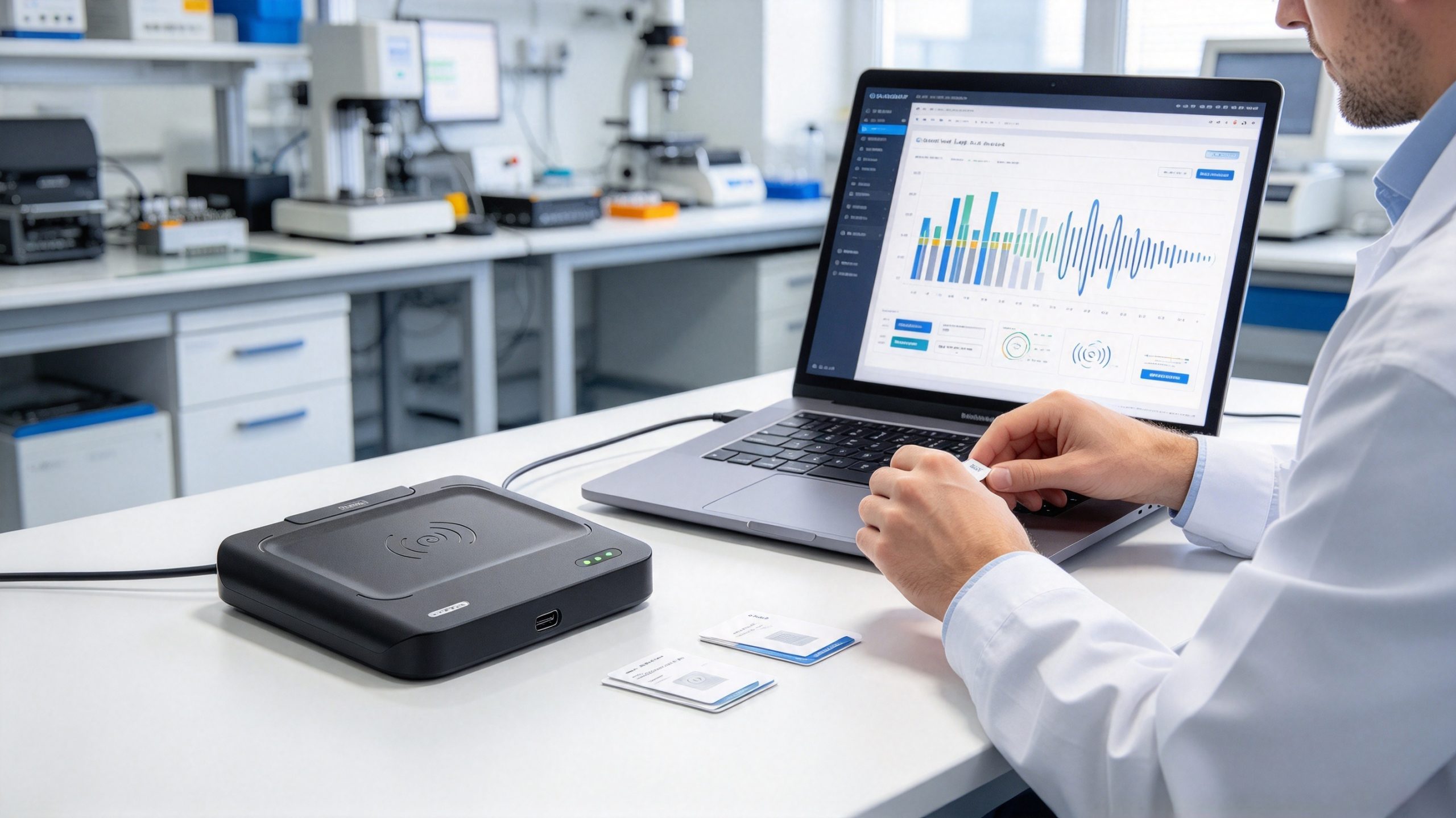
A reader should be selected according to the chip technology and the job it needs to perform. A handheld reader may be convenient for checking individual assets, while a fixed UHF reader may be more suitable for a warehouse portal or conveyor.
Desktop readers are useful for controlled operations such as card enrollment, tag registration, item identification, and small-batch encoding. They are typically placed on a desk or workstation and connected to a computer.
For compatible UHF tag-management tasks, Cykeo’s SSD-D1AL desktop RFID platform is specified with USB connectivity, a maximum port output of 33 dBm, a reading range within 30 cm, and a writing range within 10 cm. These are product-specific specifications; actual performance depends on the tag and operating conditions.
A desktop reader is particularly useful when an operator needs to handle one tag at a time and immediately check the returned information. It is not automatically the best choice for reading tags across a large warehouse or through a moving conveyor.
Handheld readers allow operators to move through a facility and scan tagged assets, shelves, cartons, or equipment. They are useful when the target objects are spread across a large area and a fixed reading station would be impractical.
The key considerations are supported frequency, antenna design, battery life, software integration, and the ability to display or export the required tag data.
Fixed readers are commonly installed at defined reading points, such as warehouse entrances, production lines, storage zones, or conveyor systems. External antennas can be positioned to establish a controlled read zone.
For example, an industrial UHF reader such as Cykeo’s RA9L/CK-D9L family is designed for fixed-reader applications and offers an integrated antenna configuration, with communication options including RS-232 and Ethernet. Confirm the exact model’s interface, antenna configuration, and regional frequency support when designing an installation.
A fixed reader is not automatically more accurate than a handheld unit. Its performance depends on how well the antennas are positioned, how tags are presented, and whether nearby objects cause reflections or unwanted reads.

A reader’s advertised maximum range is not a guarantee that every chip will be detected at that distance. Actual performance depends on the complete radio-frequency link.
Important factors include:
A practical test should use the actual tag attached to the actual object. A loose label tested on a clean desk may behave differently once it is attached to a metal tool, liquid container, or carton containing mixed products.
If an RFID chip is not detected consistently, avoid immediately increasing reader power. First check whether the card or tag is supported, whether the antenna is connected correctly, and whether the chip is positioned as intended. Then test a known-good tag under the same conditions.
Change one variable at a time. If the read result improves after changing tag orientation, for example, record that observation before changing power or antenna position. This makes it easier to identify the real cause rather than masking it with a different configuration.
Reading an RFID chip is not simply a matter of holding a scanner close to an object. The reader must support the tag’s frequency and protocol, and its antenna must create a suitable reading field. The software also needs to interpret the returned data correctly.
For a practical setup, follow these steps.
Before selecting a reader, determine what type of RFID chip is being used. Check the tag label, product documentation, chip datasheet, or system specification.
| RFID technology | Typical frequency | Common applications | Suitable reader |
|---|---|---|---|
| LF RFID | 125–134.2 kHz | Access control, animal identification | LF reader |
| HF RFID | 13.56 MHz | Smart cards, NFC, library systems | HF/NFC reader |
| UHF RFID | Regional bands around 860–960 MHz | Warehouse inventory, logistics, retail | UHF reader |
A frequency mismatch is one of the most common reasons an RFID chip cannot be read. A 13.56 MHz NFC phone, for example, cannot normally read a passive UHF inventory tag. The two technologies use different radio frequencies and communication protocols.
For UHF applications, also confirm the supported air-interface standard. Many supply-chain systems use EPC Class 1 Gen 2, also known as ISO/IEC 18000-63. Regional frequency regulations must be considered when configuring the reader.
Select the reader according to the tag type, reading distance, operating environment, and application.
For example, Cykeo’s SSD-D1AL desktop RFID platform is designed for tag administration and testing. Its supplied specifications include USB connectivity, a read range within 30 cm, and a write range within 10 cm. These are product-specific figures, not guaranteed distances for every tag or installation.
For automated UHF applications, the CYKEO-RA9L/CK-D9L reader family offers an integrated industrial reader design with RS-232 or Ethernet interface options. The appropriate configuration depends on the antenna arrangement, tag type, and installation environment.
Connect the reader to a computer, industrial controller, or application host using its supported interface.
Depending on the device, the connection may use:
After connecting the hardware, configure the reader according to its documentation. Important settings may include:
For UHF systems, setting the correct regional frequency plan is especially important. Do not assume that a reader configured for one market can use the same channel settings in another.
Place the tag where the reader’s antenna can communicate with it.
For a desktop HF reader, the tag may need to be positioned close to the reader surface. For UHF equipment, the effective reading zone can be considerably larger, but the actual distance depends on reader power, antenna gain, tag sensitivity, tag orientation, and surrounding materials.
A useful test is to move the tag gradually through the reading zone rather than relying on one fixed position.
If the chip is attached to a metal object, placed near liquid, or covered by dense packaging, its performance may differ significantly from that of a tag tested in open air. The tag design and mounting method matter as much as the reader’s advertised maximum range.
Open the reader’s demonstration software or integrated application and start an inventory or scan operation.
The software may display information such as:
The exact fields depend on the tag, reader, protocol, and software configuration.
For example, a UHF reader may return an EPC value that identifies a tagged product. The inventory system can then use that identifier to retrieve the product name, SKU, storage location, or transaction record from a database.
This distinction is important: the RFID chip does not necessarily contain the complete business record. It may only provide an identifier that software uses to look up information stored elsewhere.
A successful read does not automatically mean that the returned information is correct for the intended business process.
Check that:
In a warehouse, for instance, a fixed reader may detect several tags as a carton passes through a portal. The application must distinguish the tags that belong to the current shipment from nearby tags that happen to enter the RF field.
This is where reader configuration, antenna placement, filtering, and application logic become essential.
A smartphone can read certain RFID chips, but only when its hardware supports the relevant technology.
Most modern NFC-enabled smartphones support 13.56 MHz NFC communication. They can interact with compatible NFC tags, contactless cards, and supported NFC devices. However, this does not mean that a smartphone can read every RFID chip.
A compatible smartphone can typically read supported NFC tags that follow standards such as NFC Forum specifications. Depending on the phone, operating system, tag type, and app, it may retrieve an NDEF message or other supported information.
Common examples include:
A standard NFC smartphone generally cannot directly read:
If an application requires reading hundreds of UHF tags across a warehouse, a dedicated UHF reader is the appropriate equipment. A smartphone’s NFC function is designed for short-range NFC communication, not long-range UHF inventory operations.
Even when the reader and tag are compatible, reading performance can vary between environments. A tag that works reliably on a test bench may behave differently after it is attached to a metal container or placed inside a carton.
| Factor | Possible effect | Practical approach |
|---|---|---|
| Frequency mismatch | Tag is not detected | Confirm tag and reader frequency |
| Tag orientation | Reduced or inconsistent reads | Test different tag angles |
| Metal surfaces | Detuning or signal reflection | Use metal-mount tags or suitable spacers |
| Liquids | RF absorption, particularly for UHF | Test the actual liquid container and mounting position |
| Reader power | Insufficient or excessive reading coverage | Adjust power and validate the read zone |
| Antenna placement | Missed or unwanted reads | Test antenna position and polarization |
| Dense tag populations | Collisions or inconsistent inventory results | Use supported anti-collision settings |
| Regional settings | Reader may operate on unsuitable channels | Configure the correct regional frequency plan |
Metal and liquid deserve particular attention in UHF RFID installations.
A conventional passive UHF label may perform poorly when mounted directly onto a metal surface. Metal can change the antenna’s electrical characteristics and affect the surrounding RF field. Liquid can absorb UHF energy, reducing the signal available for communication.
The solution is not always to increase reader power. In many cases, the better approach is to select a tag designed for the mounting material, adjust the antenna position, or test a different installation point.
One advantage of UHF RFID is its ability to identify multiple tags during an inventory operation. However, simultaneous reading still requires suitable anti-collision procedures and correctly configured reader software.
In a warehouse, a fixed reader may need to identify tags on several cartons moving through a portal. The result depends on tag spacing, antenna coverage, conveyor speed, reader settings, and the physical arrangement of the goods.
GS1’s EPC Gen2 air-interface standard defines the communication procedures used by compatible UHF RFID systems, including inventory operations and tag communication.
When an RFID reader fails to return the expected information, check the system systematically. Replacing the reader immediately is rarely the best first step.
Possible causes:
What to check:
Confirm the tag frequency and protocol first. Then test the tag at a shorter distance using a known-compatible reader. If several tags fail under the same conditions, inspect the reader configuration and antenna connection.
Intermittent reading often points to an unstable RF environment or inconsistent tag positioning.
Check whether the tag is attached to metal, positioned near liquid, or moving through an area with uneven antenna coverage. For UHF systems, test the tag at different orientations and adjust antenna placement before increasing RF output power.
A reader may successfully identify a tag without having permission or the correct configuration to access other memory areas.
For example, a UHF tag’s EPC may be readable while its User memory is empty, locked, or protected by access credentials. Check the tag’s memory structure and the reader’s access configuration before assuming that the chip is defective.
This is common in warehouses and retail environments where several tagged objects are close together.
Possible solutions include:
The goal is not simply to maximize the number of detected tags. It is to read the correct tags in the intended zone.
A tag may be reported multiple times during a continuous inventory operation. This does not necessarily mean that the chip has duplicated its identity.
The application should distinguish between repeated RF observations and separate business events. For example, an inventory system may need to count one unique EPC once, even if the reader reports it many times during a scan session.
Reading an RFID chip does not mean that every part of its memory is freely accessible.
Some RFID systems use passwords, access conditions, or other security mechanisms to control memory operations. In EPC Gen2 UHF tags, memory is organized into different banks, including Reserved, EPC, TID, and User memory. Access permissions and available functions vary by tag model.
Before attempting to retrieve protected information:
For commercial RFID deployments, security should be considered during system design. Tag identification, user permissions, backend access, and data retention all contribute to the overall protection of the system.
Yes, if the chip is compatible with the phone’s NFC hardware. Most NFC-enabled smartphones can interact with supported 13.56 MHz NFC tags. They generally cannot directly read LF or passive UHF inventory tags without additional compatible hardware.
Yes. You need a reader that supports the chip’s frequency and communication protocol. An NFC phone may be sufficient for some HF/NFC tags, while LF access-control tags and UHF inventory tags normally require dedicated readers.
The reading distance depends on the RFID frequency, tag design, reader output, antenna, orientation, and environment. NFC typically works over a short distance, while passive UHF systems can operate over several meters in suitable conditions. Actual performance must be tested with the intended tag and installation.
Yes. Compatible UHF RFID readers support anti-collision procedures that allow multiple tags to be inventoried within the reader’s field. The number of tags successfully identified depends on the reader, tag population, antenna arrangement, and operating conditions.
Not necessarily. The reader may retrieve an identifier without accessing every memory area. Some memory may be empty, unavailable, locked, or password-protected. The chip’s specifications and access permissions determine which data can be retrieved.
The reader may be returning a valid identifier that has not been linked to a product or asset record in the application. Alternatively, the requested memory area may be inaccessible or unsupported. Check the returned data, tag memory configuration, and database integration.
Often, yes. Passive UHF RFID can read compatible tags through many common non-metallic packaging materials. However, metal packaging, liquids, dense materials, tag placement, and packaging construction can reduce performance. Always test the actual packaged product.
The right reader depends on what needs to be identified and how the reading process will be used.
| Application | Recommended reader type | Main consideration |
|---|---|---|
| NFC product labels | NFC smartphone or HF reader | NFC compatibility |
| Access-control cards | Compatible LF or HF reader | Card frequency and protocol |
| Desktop tag testing | Desktop RFID reader | Read/write functions and software |
| Warehouse inventory | Handheld UHF reader | Mobility and reading coverage |
| Conveyor or portal identification | Fixed UHF reader | Antenna layout and controlled read zone |
| RFID tag encoding | Compatible RFID writer | Memory access and write permissions |
For businesses that need to read and manage UHF tags at a workstation, a desktop platform such as the Cykeo SSD-D1AL may be suitable. For automated inventory or portal applications, an industrial fixed reader such as the CYKEO-RA9L/CK-D9L family can be evaluated according to the required interface, antenna arrangement, and installation environment.
The most reliable selection process starts with the tag specification, not the reader’s maximum advertised range.
To read RFID chips successfully, match the reader to the chip’s frequency and protocol, configure the software correctly, and test the tag in its actual operating environment. A successful scan may return an identifier rather than the complete business record, so the application must interpret and connect that data appropriately.
Understanding how to read RFID chips helps businesses choose suitable equipment, troubleshoot inconsistent reads, and build more reliable RFID identification and inventory workflows.
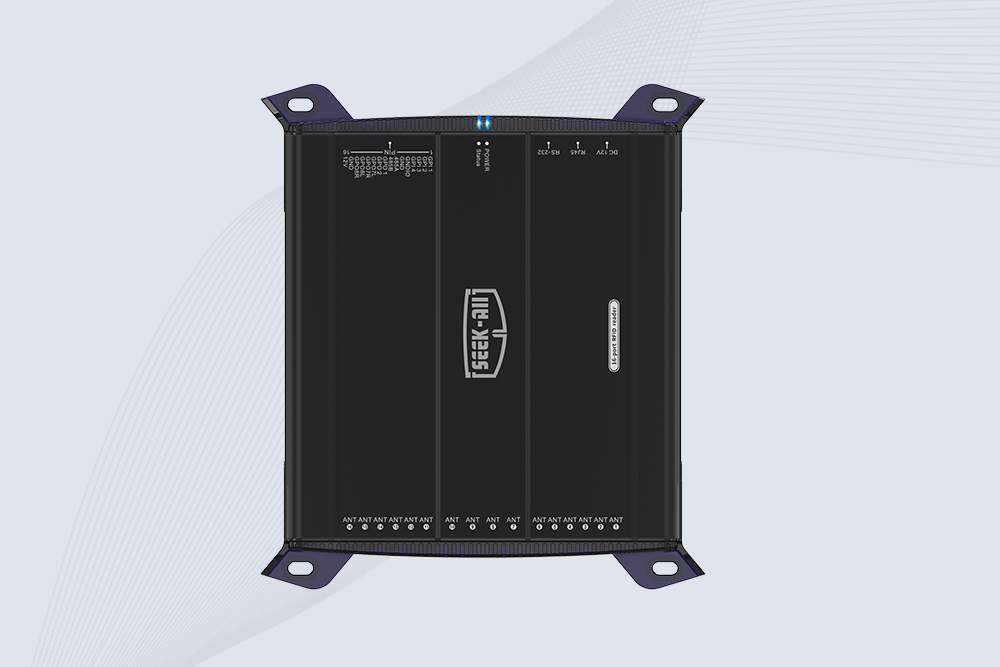
SSD-R16L Multi-Channel RFID Infrastructure for Automated Inventory Management ✔️ 16-Port High-Density RFID Reading Equipped with 16 SMA antenna ports, SSD-R16L supports multi-antenna deployment for warehouses, retail stores, logistics, production lines, and large-area RFID identification. ✔️ High-Speed & Long-Range Performance With up to 33…
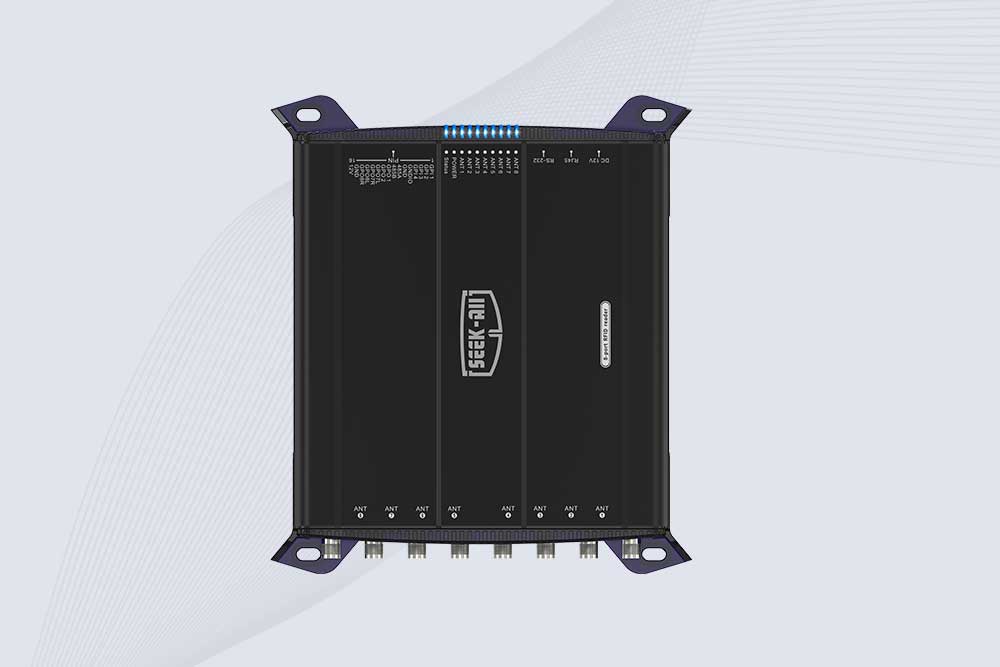
SSD-R8L 8-port UHF RFID reader with 33dBm output, up to 20m reading range and 600+ tags/s recognition. Ideal for warehouse, logistics, retail and asset tracking.
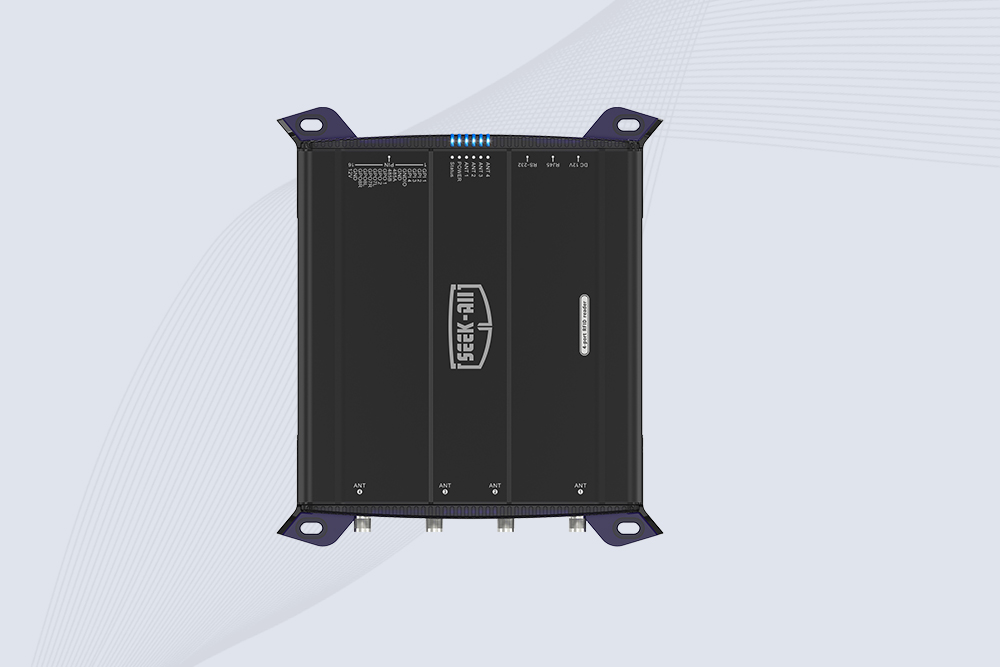
SSD-R4L is a 4-port UHF RFID fixed reader with 33dBm output power, up to 20m reading range, EPC C1G2 support and 600+ tags/s reading speed.
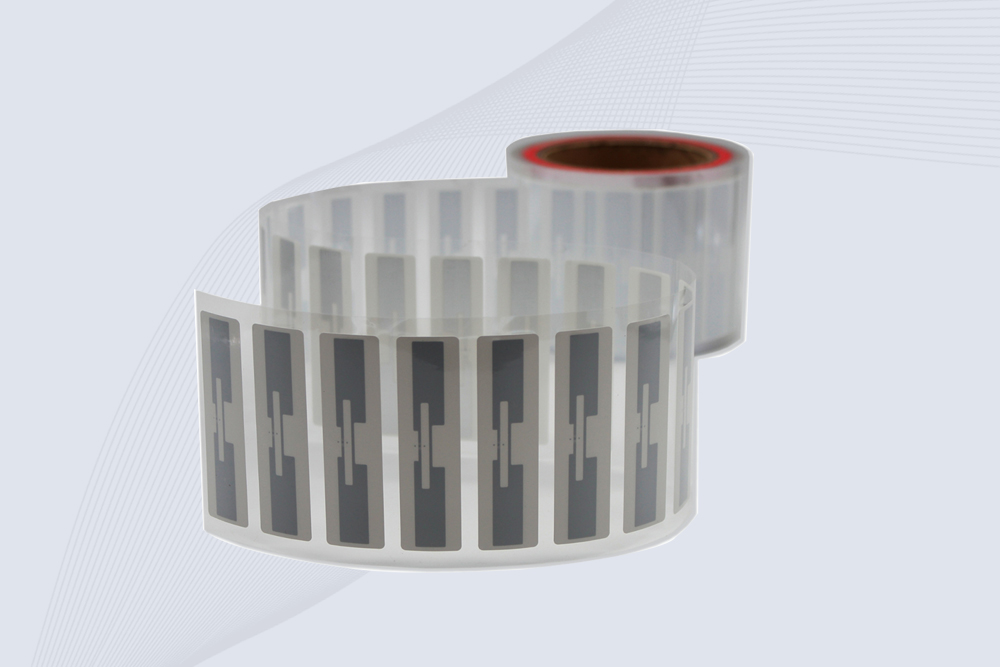
CYKEO Passive RFID Tags are made for wet and high-humidity environments where standard labels do not last. This rfid passive tag is often used around liquids, chemicals and temperature changes, providing stable reading distance and long data life for industrial tracking.
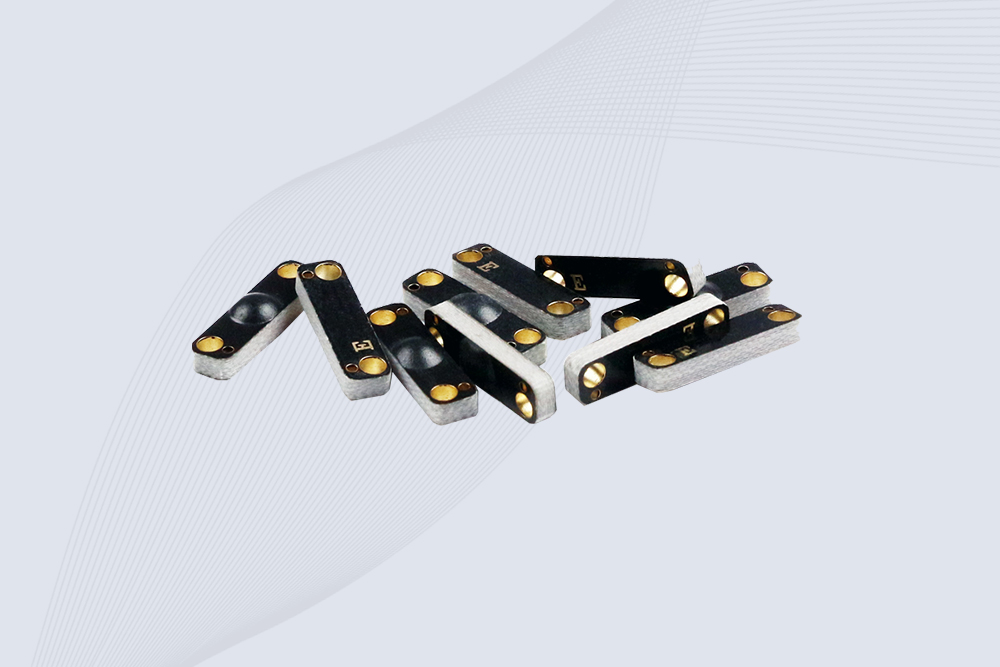
CYKEO CYKEO-PCB1504 Metal RFID Tags is a compact anti-metal UHF RFID solution built for direct mounting on metal surfaces. With stable 8-meter read range, Ucode-8 chip, and long data retention, this rfid metal tag fits tools, containers, automotive parts, and industrial asset tracking.
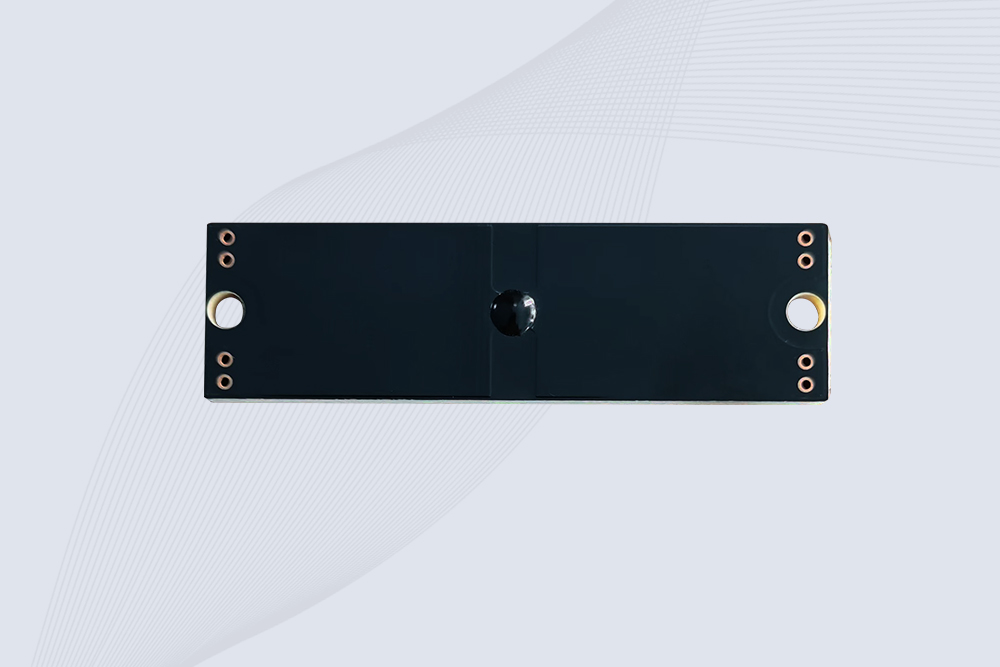
CYKEO CYKEO-PCB7020 On-Metal RFID Tags are designed for reliable tracking on steel and metal surfaces. Built with an FR4 epoxy body and industrial-grade chips, these On-Metal RFID Tags deliver stable performance, long data life, and chemical resistance, making them a dependable RFID anti-metal tag for harsh environments.
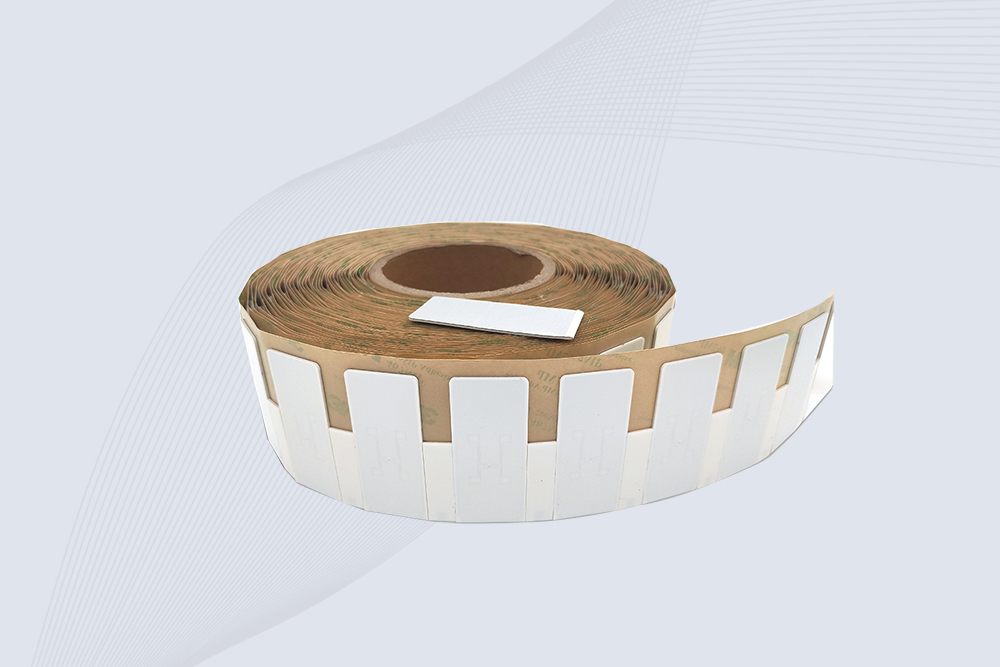
The CYKEO CYKEO-60-25 Anti-Metal RFID Tag is built for metal surfaces where standard tags fail. Designed for long-range performance, harsh environments, and stable data retention, this Anti-Metal RFID Tag is ideal for industrial assets, containers, and equipment tracking using on metal RFID tags.
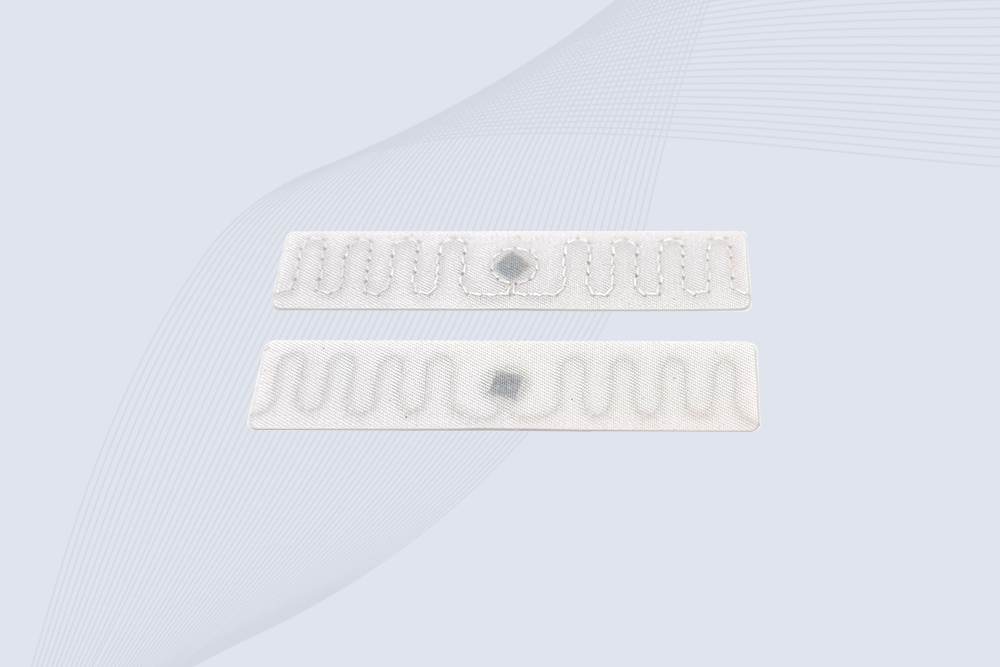
The CYKEO RFID Laundry Tag is designed for long-term textile identification in harsh laundry environments. Built to withstand high heat, chemicals, and repeated washing, this RFID Laundry Tag delivers stable performance for hotels, hospitals, and industrial laundry operations using laundry rfid tags at scale.
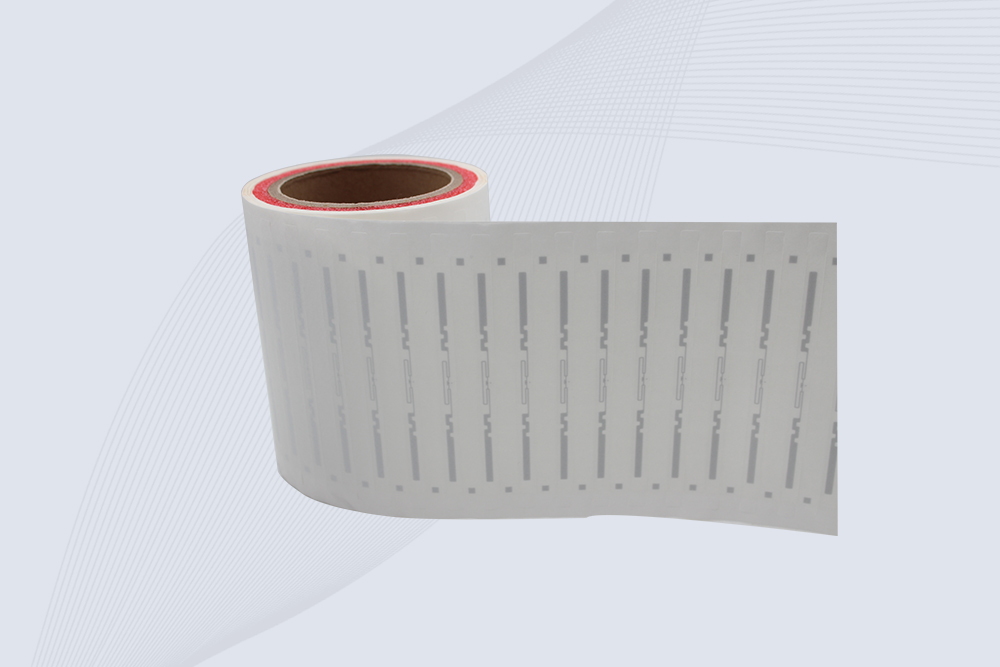
The CYKEO CYKEO-125-7 RFID Book Tag is designed for reliable book and document tracking in libraries and archives. This RFID Book Tag delivers long read range, dense placement support, and stable performance on shelves, making it a practical rfid tag on books for library automation, file management, and archival systems.
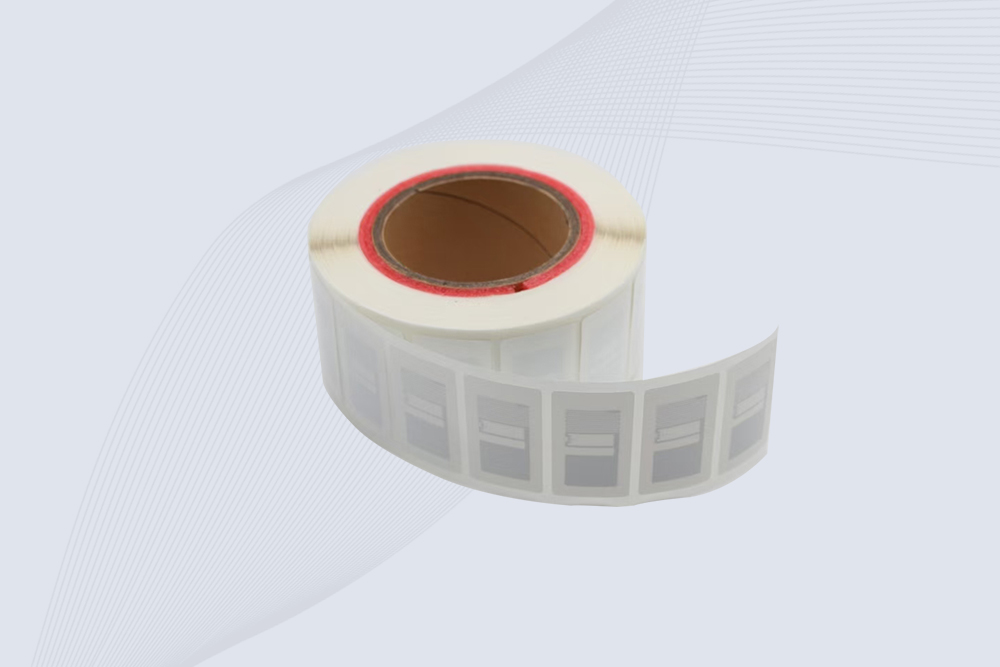
CYKEO RFID tags in hospitals are designed for sterile environments where accuracy matters. These autoclavable RFID tags support long-term tracking of surgical tools, implants, and medications, helping hospitals improve visibility, compliance, and patient safety.

CYKEO RFID Cable Tie Tag is built for reliable identification on metal surfaces. This UHF RFID Cable Tie Tag is widely used in rfid tags for inventory systems, industrial asset management and Hospital RFID Tags, offering stable read performance, long service life and global EPC Gen2 compatibility.
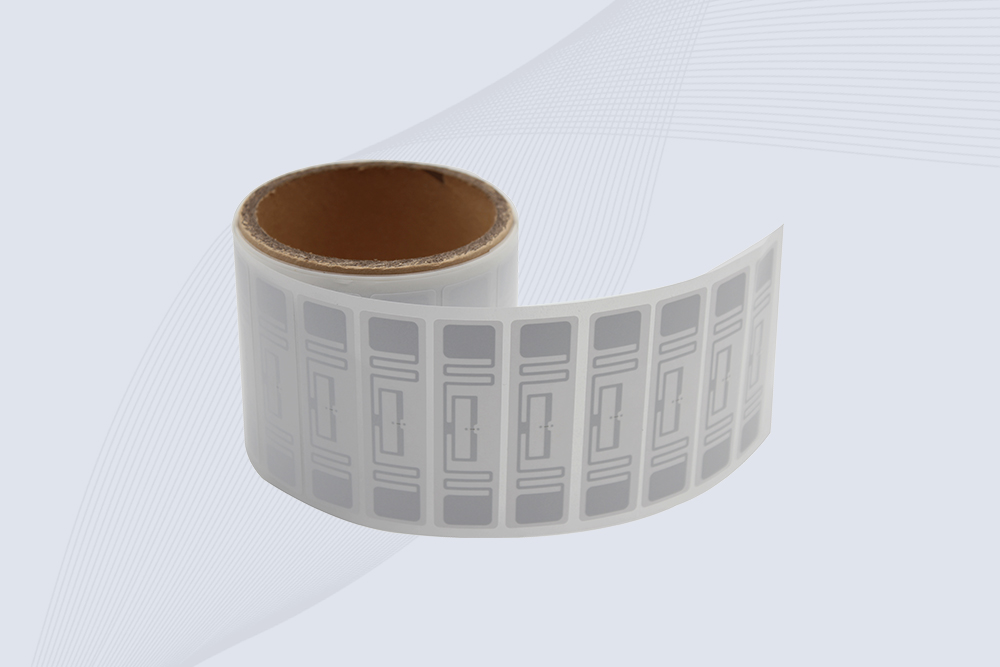
CYKEO RFID Asset Tag is designed for stable identification of metal assets in industrial environments. This UHF RFID Asset Tag is commonly used for rfid tag asset tracking on equipment, tools and containers, providing reliable reads, long service life and ISO/IEC 18000-6C support.
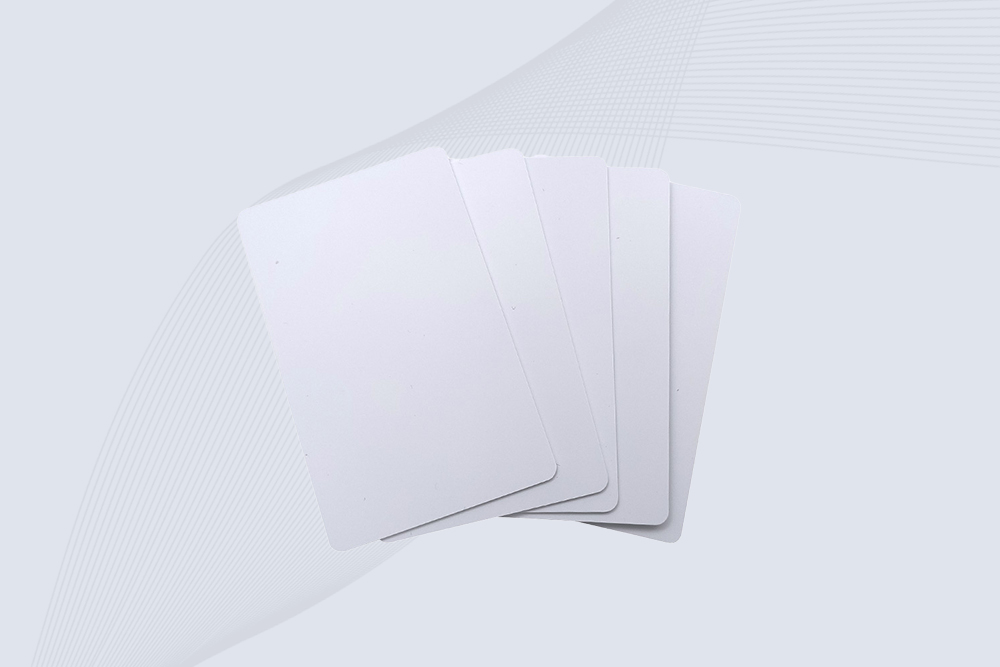
CYKEO UHF RFID Card is designed for fast identification and long-term use in industrial and commercial systems. Supporting ISO 18000-6C, this UHF RFID Card works at 860–960 MHz and is suitable for custom RFID cards used in asset tracking, access control and inventory management.
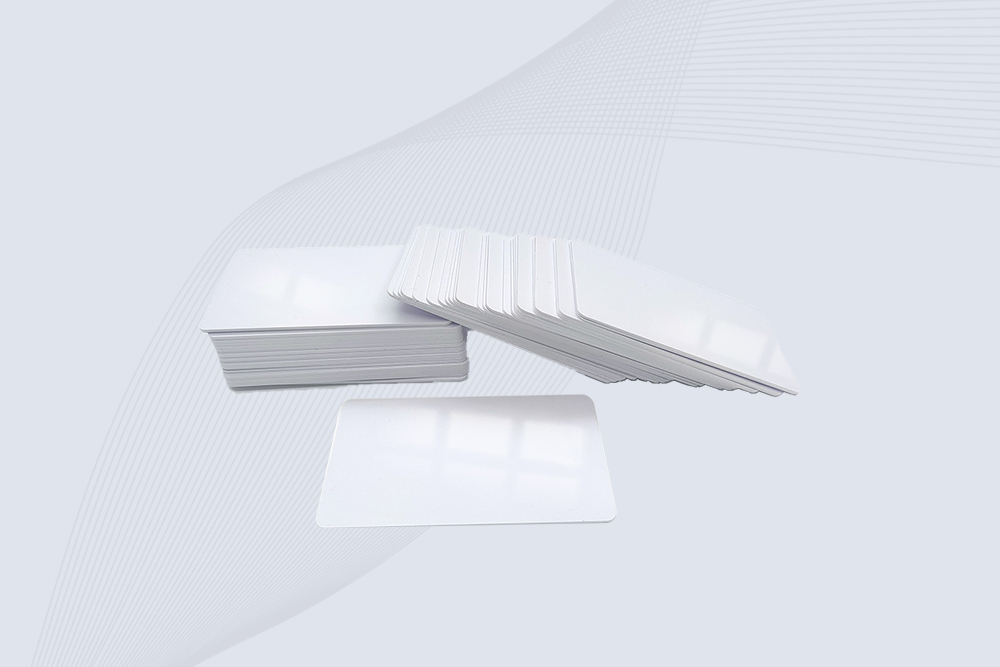
CYKEO HF RFID Cards are designed for secure and stable access control systems. These 13.56 MHz RFID key cards support ISO 14443-A, reliable rewriting and long service life, making HF RFID Cards suitable for offices, campuses, events and membership management.
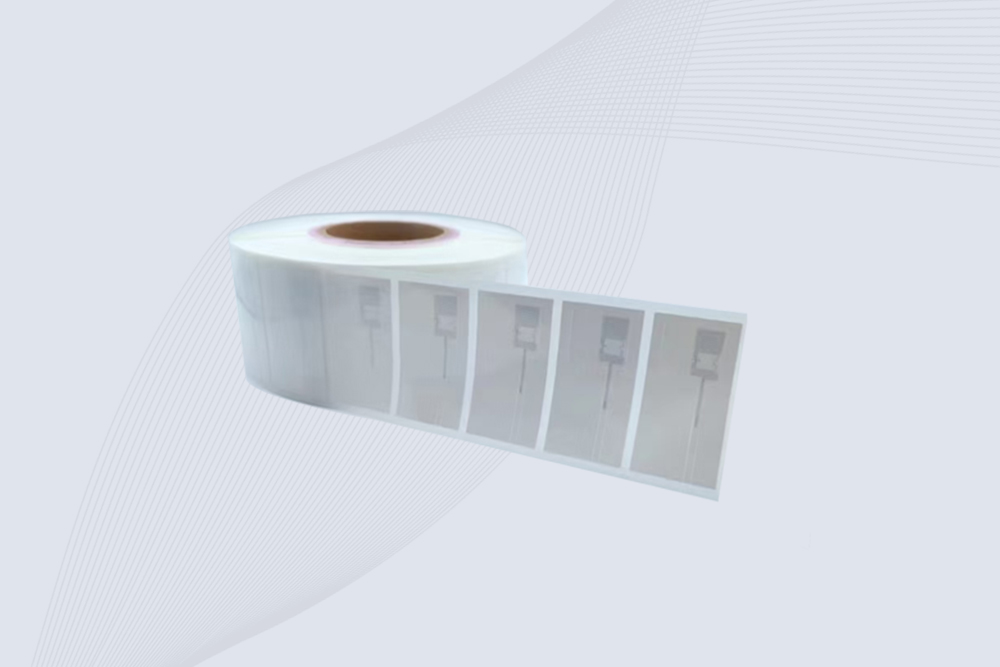
CYKEO UHF RFID Tag is designed for reliable tracking of metal jewelry and high-value items. This Jewelry RFID Tag supports long-range reading up to 8 meters, anti-counterfeit protection and stable performance on metal, making it suitable for retail, inventory control and asset management.
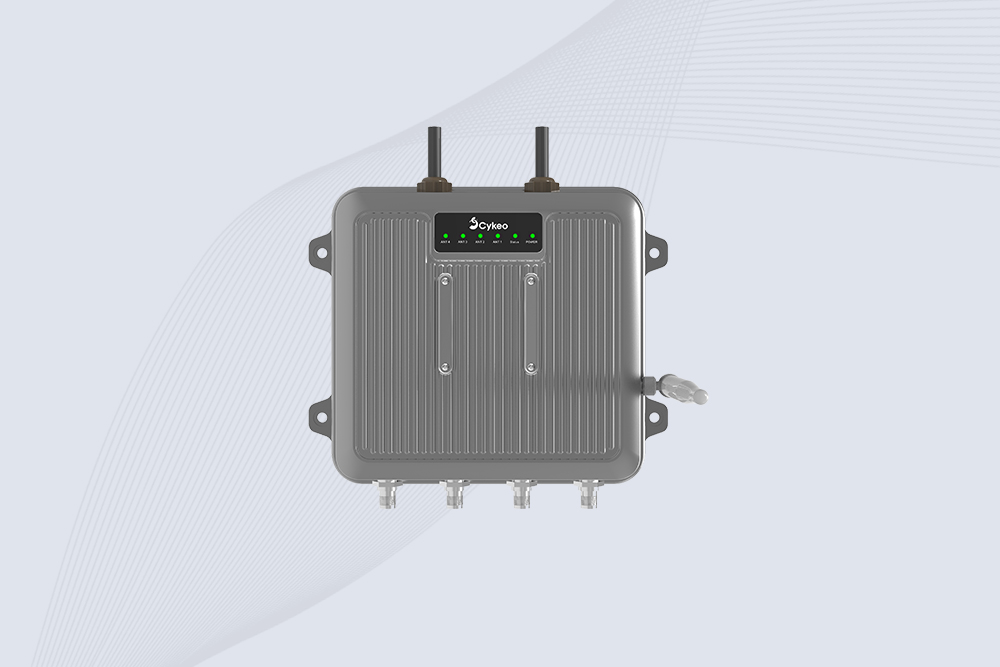
Cykeo CYKEO-C1 industrial Forklift RFID Reader features 20m read range, 600 tags/sec scanning, Impinj R2000 chipset, and IP67 rugged design. Ideal for warehouse logistics and manufacturing. Supports ISO 18000-6C/6B protocols.
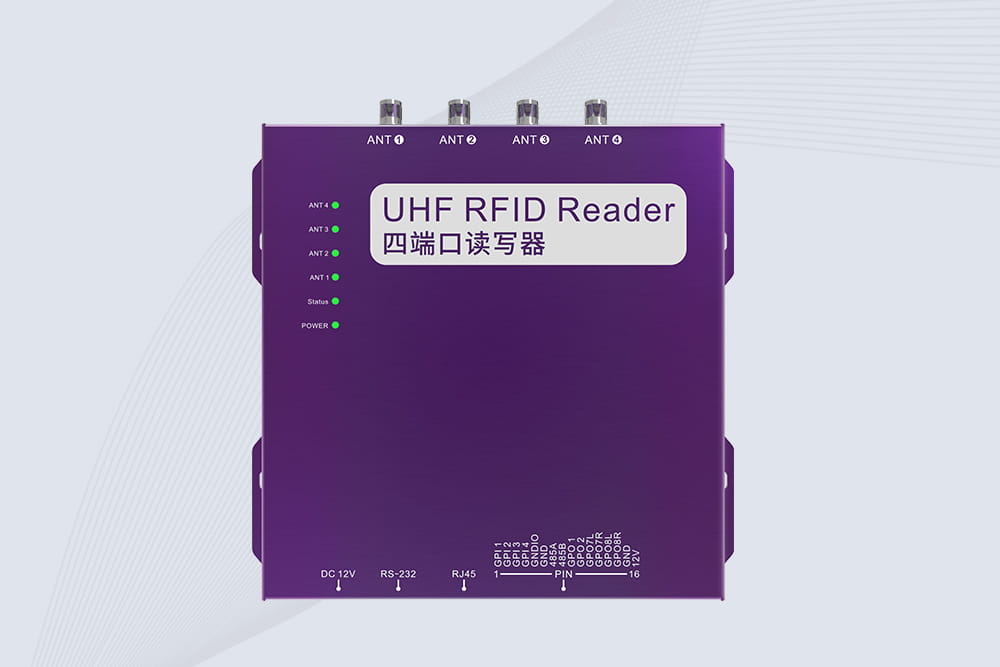
Cykeo CYKEO-R4 industrial UHF RFID Fixed Reader features 4 TNC ports, 400+ tags/sec speed, IP67 housing, and global frequency compliance for vehicle inspection, smart warehouse, and asset management systems.
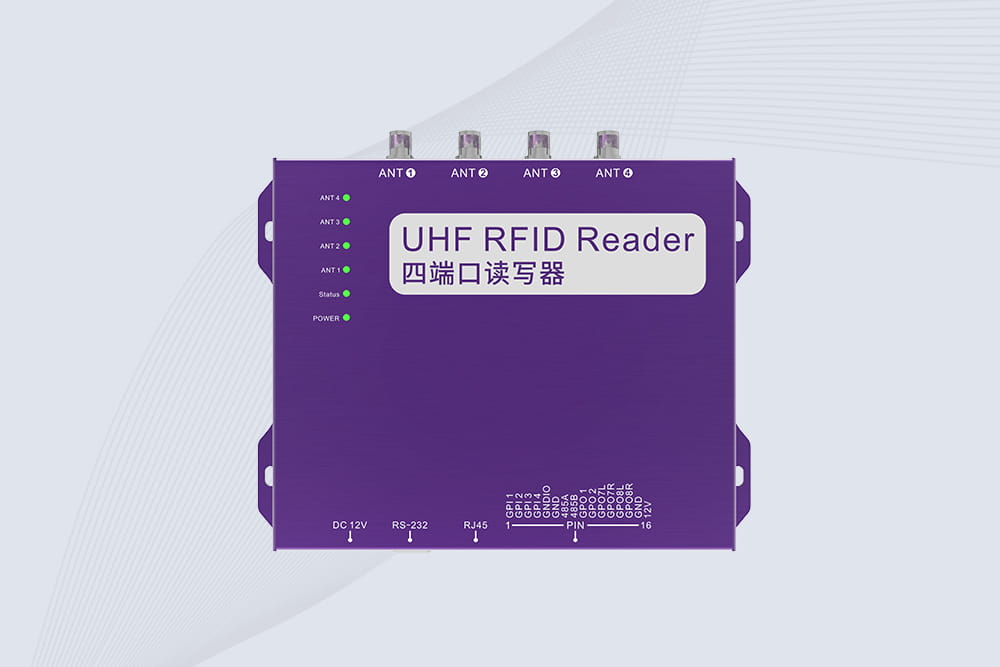
Cykeo’s CYKEO-R4L 4-port Fixed UHF RFID Reader delivers 400 tags/sec scanning, ISO 18000-6C compliance, and IP65 protection. Ideal for warehouse automation, manufacturing WIP tracking, and logistics management.
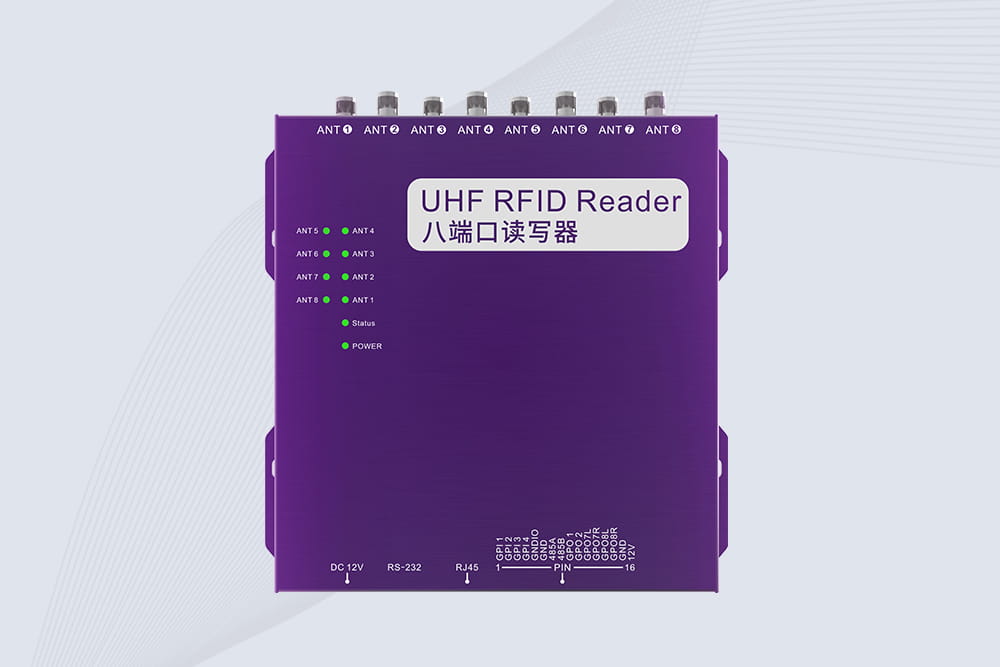
CYKEO CYKEO-R8L Fixed RFID Reader with 8-port UHF design, Impinj-based RF core and up to 20m read range. An industrial Fixed RFID Reader for vehicle inspection, warehouse portals, smart manufacturing lines and secure access checkpoints.
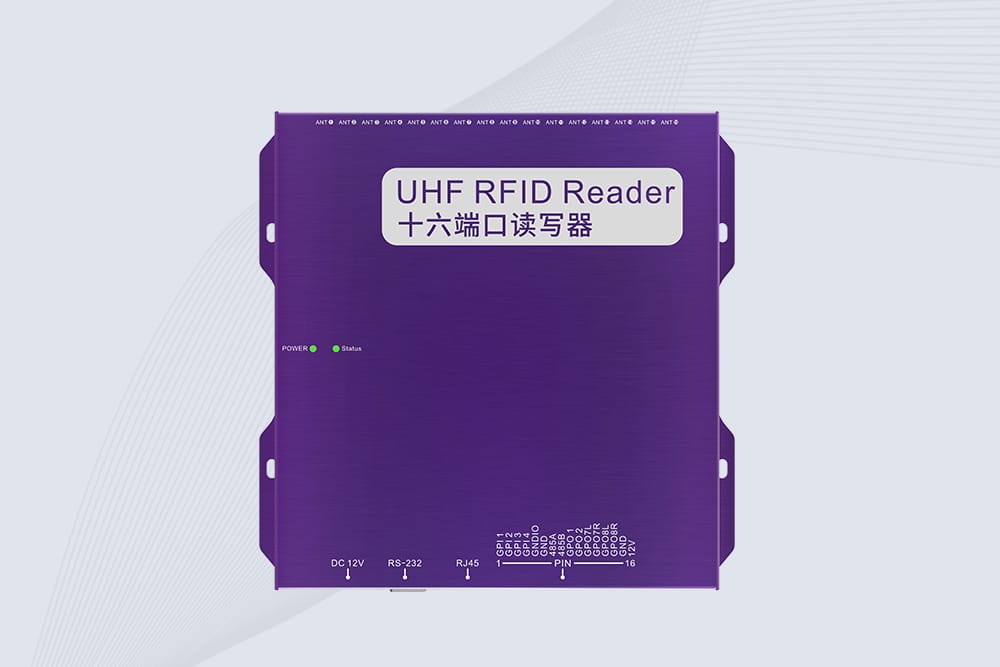
RFID Fixed Reader from CYKEO – the CYKEO-R16L 16-port UHF fixed reader for warehouses, smart cabinets, and production lines. Long-range, multi-tag reading, stable performance for 24/7 industrial use.
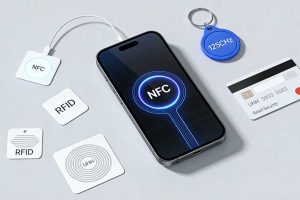
Think your phone can scan any RFID? Find out the truth. We break down what "can NFC phone read RFID" really means and why it doesn't work for business tracking.
More
Discover how RFID tags tracking improves inventory accuracy, asset visibility, and operational efficiency. Learn proven RFID tracking strategies from Cykeo experts.
More
Discover how RFID readers reduce inventory loss by 40% through real-time tracking and accuracy. Learn cost-saving strategies with Cykeo’s RFID solutions.
More
Compare RFID and GPS vehicle tracking systems, including differences in cost, accuracy, and use cases for logistics and fleet management.
More