RFID technology promises contactless scanning, but its effectiveness hinges on one critical question: How close does the scanner need to be to read a tag? The answer isn’t universal—it depends on your RFID system type, environment, and goals. Whether you’re tracking inventory in a cramped storeroom or monitoring assets across a sprawling warehouse, understanding scanning range is key to maximizing ROI. Let’s break down the science, limitations, and hacks to get the most out of your setup.
1. RFID 101: The Three Systems and Their Ranges
RFID systems are categorized by frequency, which directly impacts scanning range:
Type
Frequency
Typical Range
Best For
LF
125–134 kHz
0–10 cm
Animal tracking, access control
HF
13.56 MHz
10 cm–1 m
Library books, retail item tagging
UHF
860–960 MHz
1–15 m
Warehouses, logistics, pallet tracking
Key Insight: Higher frequencies (UHF) offer longer ranges but are more sensitive to interference. Lower frequencies (LF/HF) work better near liquids/metals but require closer proximity.
Four factors determine how close your scanner must be:
A. Antenna Power and Design
High-gain antennas focus energy into a narrow beam for longer reach (e.g., dock doors).
Low-gain antennas spread energy widely for short-range, high-volume reads (e.g., retail checkouts).
B. Tag Orientation and Type
Passive tags rely entirely on the reader’s signal. Misaligned tags reduce range by 30–50%.
Battery-assisted tags (BAP) include a small battery, boosting read distance by 2–3x.
C. Environmental Interference
Metal and liquids reflect/absorb UHF waves, shrinking range.
Radio noise from Wi-Fi or machinery can disrupt signals.
D. Regulatory Limits
Regions cap RFID transmitter power. For example:
EU: 2W EIRP (UHF) → max ~10m range.
US: 4W EIRP (UHF) → max ~15m range.
3. Real-World Applications: Balancing Range and Precision
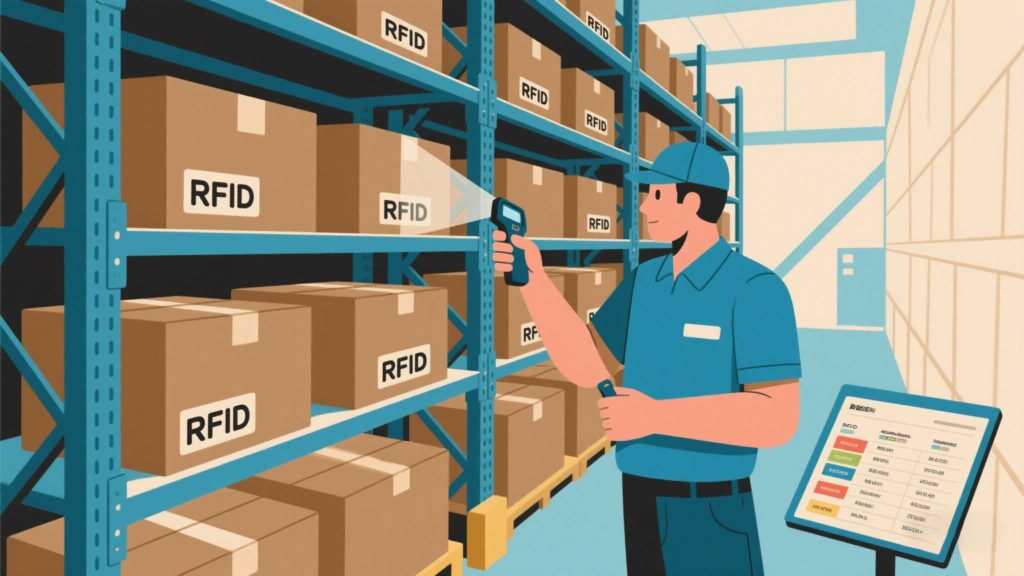
Retail Inventory: Use HF RFID (1m range) for accurate, close-proximity scans of apparel tags without overcapturing nearby items.
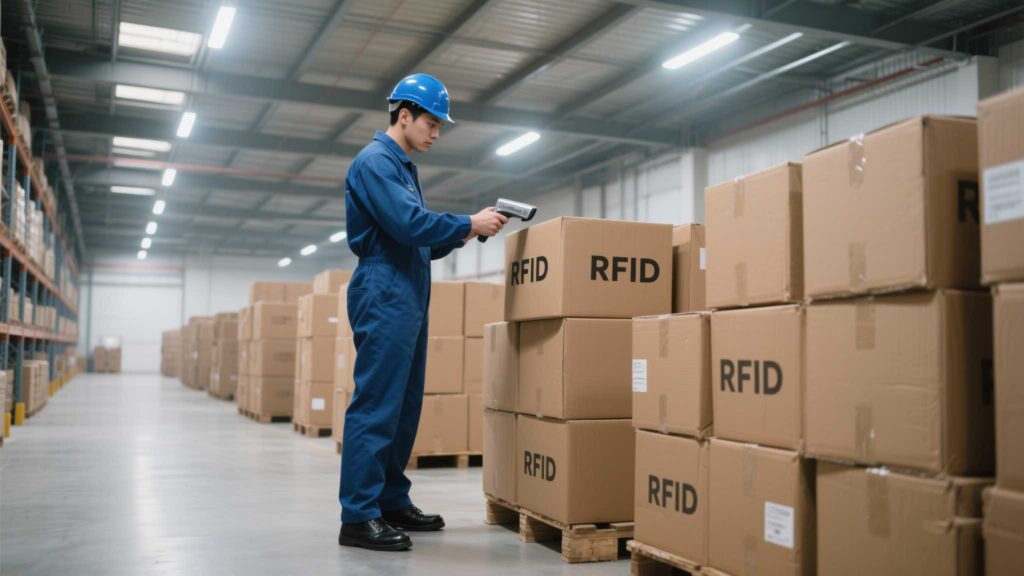
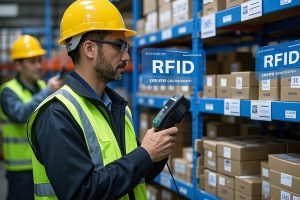
Warehouse Logistics: UHF RFID (8–12m) tracks pallets across aisles but struggles near metal shelves. Cykeo’s anti-interference UHF tags maintain 5m reads in such environments.
Construction Sites: Battery-assisted tags reach 30m+ to locate tools in open areas.
4. How to Optimize Scanning Distance
For Short-Range Needs (LF/HF):
Tag Smartly: Attach tags to flat, non-metallic surfaces.
Reduce Clutter: Avoid stacking tagged items.
For Long-Range Needs (UHF):
Upgrade Antennas: Use high-gain, circular-polarized antennas to combat interference.
Adjust Placement: Mount antennas higher and angle them downward.
Test Power Settings: Gradually increase reader power (within legal limits) to extend range.
Pro Tip: Cykeo’s adjustable UHF readers let users toggle between “precision mode” (1–3m) and “long-range mode” (10–12m) via a mobile app.
5. When “Too Close” Is a Problem
Overlapping reads in dense environments cause “collisions,” where multiple tags respond simultaneously. Fixes include:
Anti-Collision Algorithms: Prioritize tags in the reader’s field.
Zoned Scanning: Use physical barriers or directional antennas to limit coverage.
Over-Ranging: Long-range systems in cramped spaces cause misreads and data noise.
Final Checklist
✅ Chose LF/HF/UHF based on required range and environment.
✅ Tested tag placement and orientation.
✅ Adjusted antenna power/angles to balance range/accuracy.
Takeaway: RFID scanning range isn’t a fixed number—it’s a balance of physics, environment, and smart configuration. By aligning your system’s capabilities with operational realities, you’ll turn “How close?” from a headache into a strategic advantage.
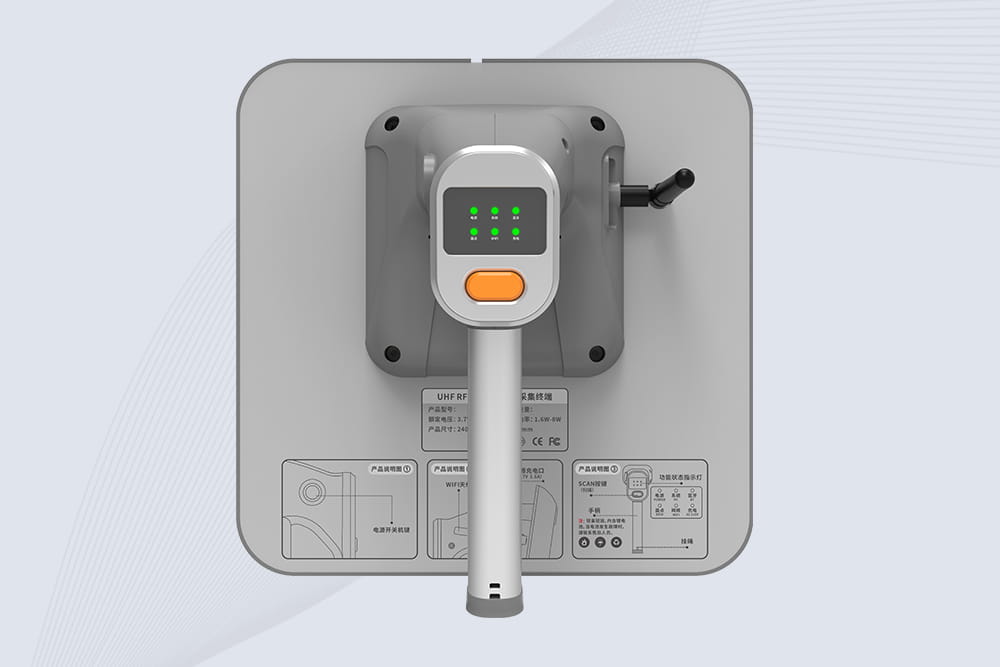
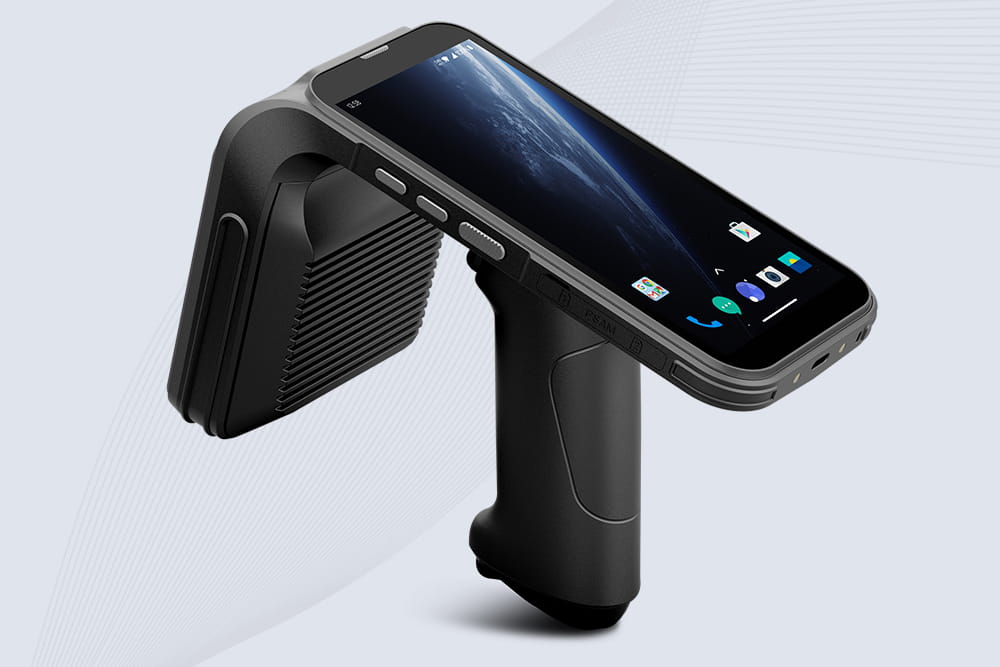
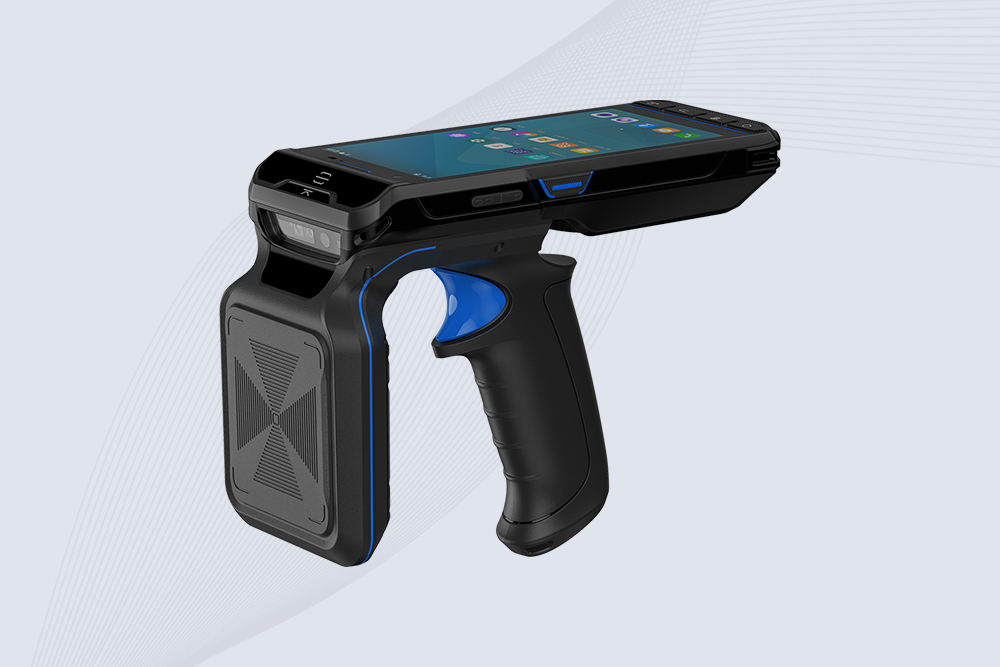
Ultra-Portable UHF Bluetooth Handheld RFID Scanner
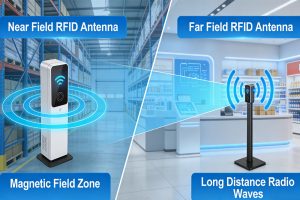
Near-field and far-field antennas play different roles in RFID systems. Learn how they work, their advantages, and how RFID solution providers choose the right antenna for different applications.
Discover why RFID readers outperform barcodes in speed, accuracy, and scalability. Learn how Cykeo’s RFID solutions can transform your business operations.
 Cykeo RFID IoT Solution Products R&D Manufacturer