 Cykeo RFID IoT Solution Products R&D Manufacturer
Passive RFID Tag Range: What You Can Actually Expect
934Discover what affects passive RFID tag range (LF/HF/UHF), real-world read distances, and how to optimize performance for inventory, assets & access control.
MoreAll RFID Product
In fields such as RFID access control, ticketing, and industrial testing, using Android RFID Emulator—based on Host-based Card Emulation (HCE)—has become key method for rapid deployment and debugging. However, this same technology has also been exploited by malicious actors to spoof UIDs, bypass access permissions, and even clone employee access cards. For system integrators and enterprise IT teams, understanding the security implications of Android RFID emulation and implementing effective protective measures has become critically important.

Since Android 4.4, the system has supported Host-based Card Emulation (HCE), allowing smartphones to emulate RFID tag behavior. The emulation process works as follows:
The RFID reader sends an APDU (Application Protocol Data Unit) command to the phone.
The HCE-enabled app on the phone responds with emulated data.
Developers can define the emulated UID, AID, and card information.
The system remains compatible with readers based on the ISO 14443-4 standard.
As result, smartphones can simulate physical RFID cards and interact with systems without requiring hardware-level authorization under certain conditions.
Despite their convenience, Android RFID emulators introduce several security risks that enterprises must consider:
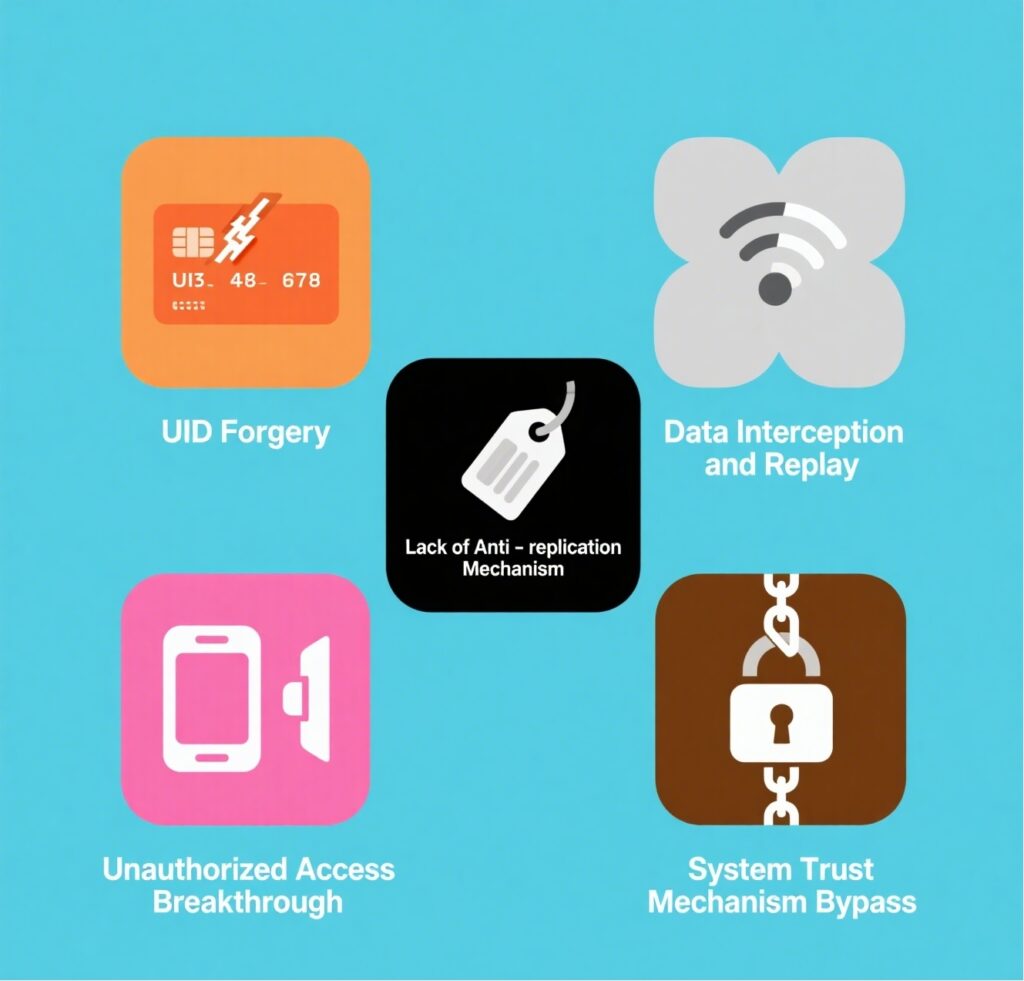
| Risk Type | Description |
| UID Spoofing | Attackers can forge specific UIDs to bypass authentication systems. |
| Data Interception & Replay | Hackers can intercept communication and replay responses from authorized cards. |
| Unauthorized Access | Emulators can simulate access cards to enter restricted areas. |
| Bypassing System Trust | Systems lacking secondary authentication are easily fooled by emulators. |
| Lack of Anti-Cloning Mechanisms | Tags without dynamic encryption or authentication protocols are easy to duplicate. |
▶ Case 1: Emulating an Employee Access Card
An attacker used an Android phone with an NFC emulation app to clone a coworker’s access card UID. By doing so, they entered the company building at night without triggering access control alerts or logs.
▶ Case 2: Exploiting a Ticketing System Vulnerability
In an NFC ticketing system without encryption or authentication, an attacker captured the communication between a legitimate ticket and the reader. They then emulated the ticket using a smartphone to gain unauthorized re-entry at a live event.
▶ Case 3: Industrial Control System Manipulation
A factory used low-security RFID cards to operate critical machinery. An attacker used an Android RFID Emulator to replicate control commands, which led to unauthorized activation and disruption of automated systems.
| Protection Strategy | Description |
| Use dynamic encrypted cards (e.g., MIFARE DESFire) | Prevent UID spoofing with dynamic challenge-response encryption. |
| Enable anti-emulation detection in readers | Restrict specific device types or detect abnormal antenna characteristics. |
| Implement two-factor authentication (2FA) | Combine card swiping with PIN codes, biometric checks, or facial recognition. |
| Deploy device whitelisting mechanisms | Only allow authorized cards or hardware to interact with the system. |
| Monitor unusual card activity and trigger alerts | Flag suspicious behavior like frequent UID changes or access attempts after hours. |
Using Android RFID Emulator can significantly speed up testing and development, especially during prototyping or access control system upgrades. However, once system moves into production, enterprises must take stricter control by:
Clearly separating emulated devices from authorized production hardware.
Restricting emulator usage by time, role, or network.
Building isolated testing environments to avoid cross-contamination with live systems.
Android RFID Emulator is powerful tool for modern RFID development and system validation, but it also opens potential attack vectors if misused. Enterprises and system integrators must understand its working principles and associated risks. By adopting multi-layer encryption, robust authentication, and access control strategies, they can maintain development agility while building a truly secure RFID infrastructure.
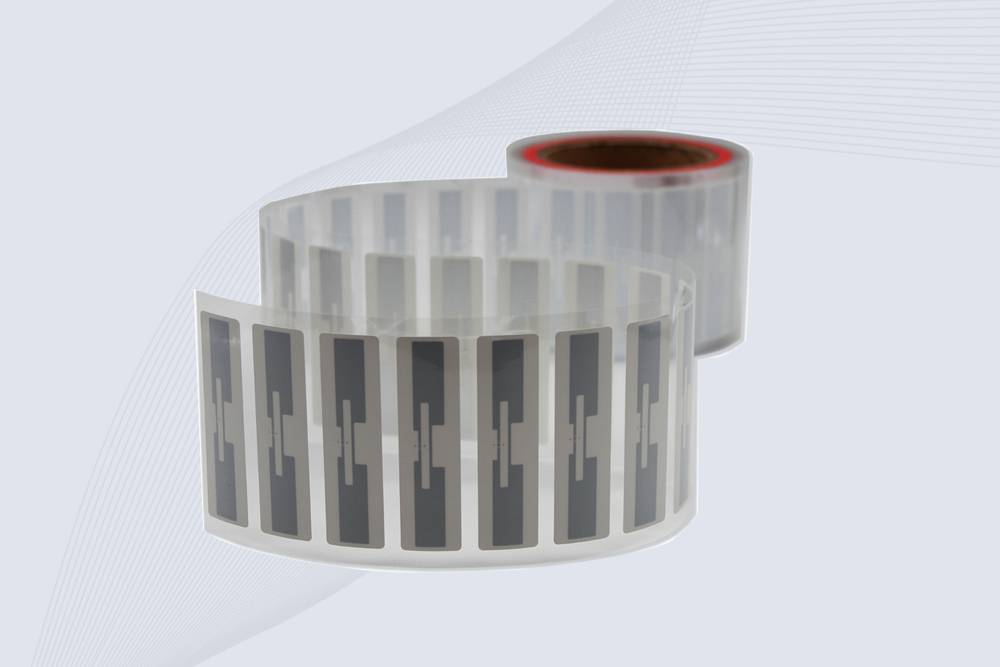
CYKEO Passive RFID Tags are made for wet and high-humidity environments where standard labels do not last. This rfid passive tag is often used around liquids, chemicals and temperature changes, providing stable reading distance and long data life for industrial tracking.
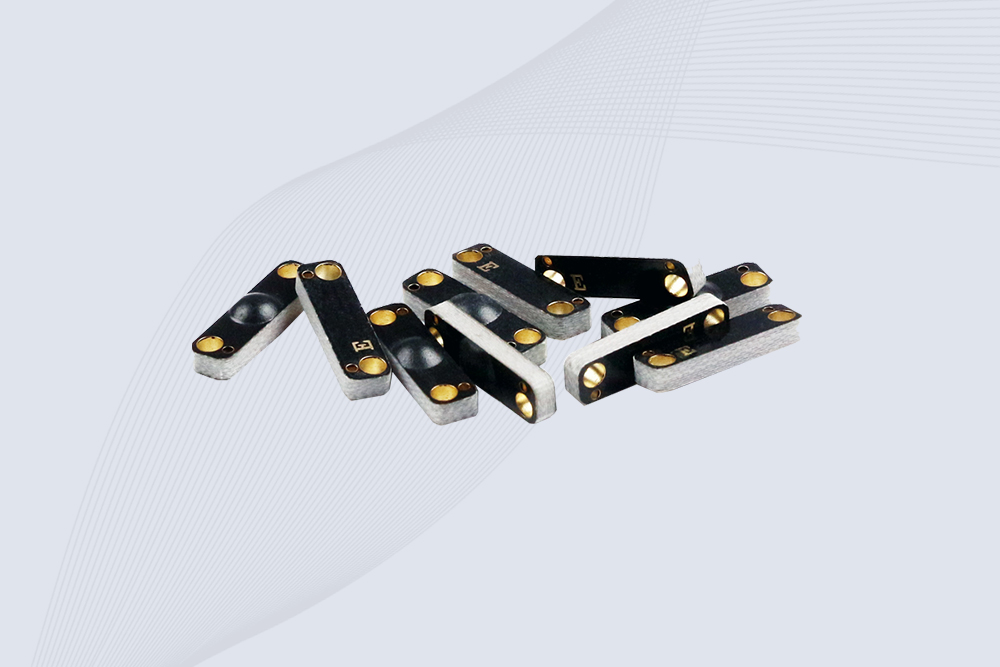
CYKEO CK-BQ1504 Metal RFID Tags is a compact anti-metal UHF RFID solution built for direct mounting on metal surfaces. With stable 8-meter read range, Ucode-8 chip, and long data retention, this rfid metal tag fits tools, containers, automotive parts, and industrial asset tracking.
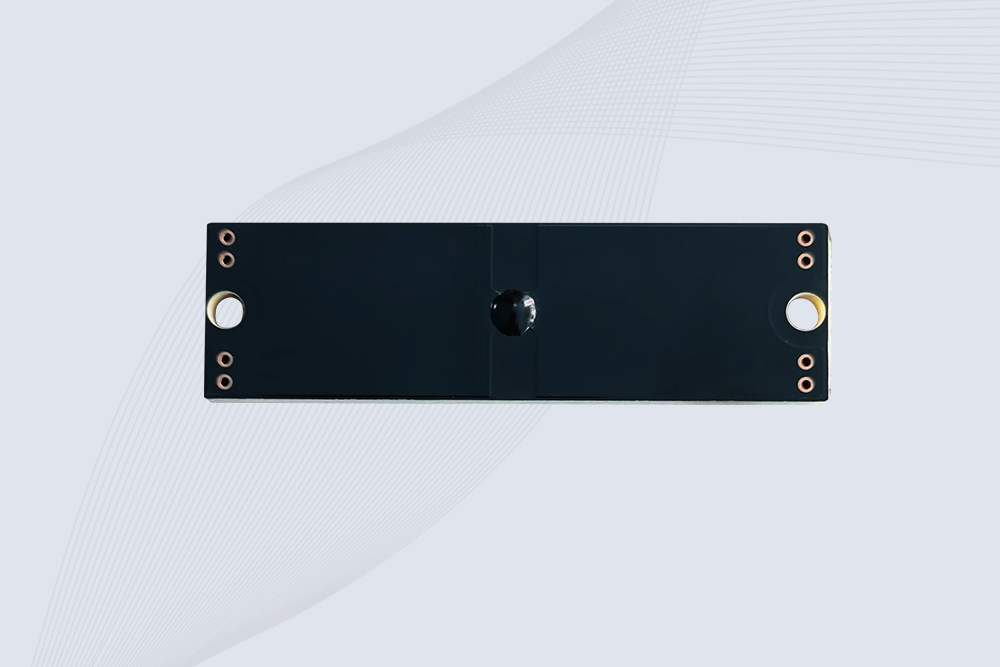
CYKEO CK-BQ7020 On-Metal RFID Tags are designed for reliable tracking on steel and metal surfaces. Built with an FR4 epoxy body and industrial-grade chips, these On-Metal RFID Tags deliver stable performance, long data life, and chemical resistance, making them a dependable RFID anti-metal tag for harsh environments.
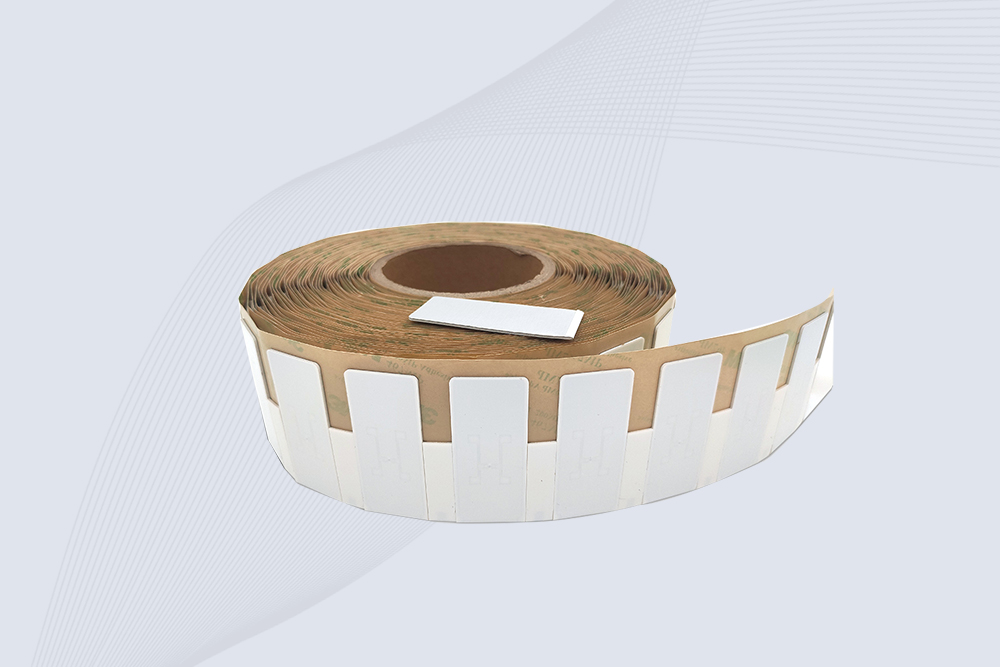
The CYKEO CK-BQ6025 Anti-Metal RFID Tag is built for metal surfaces where standard tags fail. Designed for long-range performance, harsh environments, and stable data retention, this Anti-Metal RFID Tag is ideal for industrial assets, containers, and equipment tracking using on metal RFID tags.
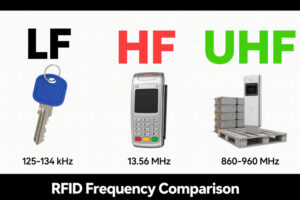
Discover what affects passive RFID tag range (LF/HF/UHF), real-world read distances, and how to optimize performance for inventory, assets & access control.
More
RFID tunnel machine, a cutting-edge technology in modern logistics, is transforming the way warehouses are managed. It is more than just a simple tool; it’s a vital solution to improving warehouse efficiency. By leveraging RFID (Radio Frequ...
More
Discover how RFID readers transform healthcare with real-time tracking, patient safety, and operational efficiency. Explore Cykeo’s cutting-edge RFID solutions for medical settings.
More
The 2025 USDA regulation requires cattle to wear RFID electronic ear tags. This article shares selection, deployment, and management insights from frontline ranch experience, helping farmers quickly comply while improving management efficiency.
More