 Cykeo RFID IoT Solution Products R&D Manufacturer
how to scan rfid card
35RFID card scanning uses a compatible reader to communicate with card chips through radio signals and capture stored information without physical contact.
MoreAll RFID Product
To write to RFID tag, use a desktop RFID writer to input data, place the tag within a controlled range, execute the write command, and verify immediately to ensure near-perfect accuracy.
That’s the short answer. In practice, writing RFID tags repeatedly—hundreds or thousands per day—forces you to care about things most guides skip: signal control, positioning, and consistency.
I’ve worked on tag issuance stations where a small instability—just a few centimeters off—caused hours of rework. That’s why desktop systems exist.
The shift from handheld to desktop isn’t about convenience. It’s about control.
Devices like CYKEO-D2L are designed to eliminate variables:
No guesswork. No movement. Just repetition.
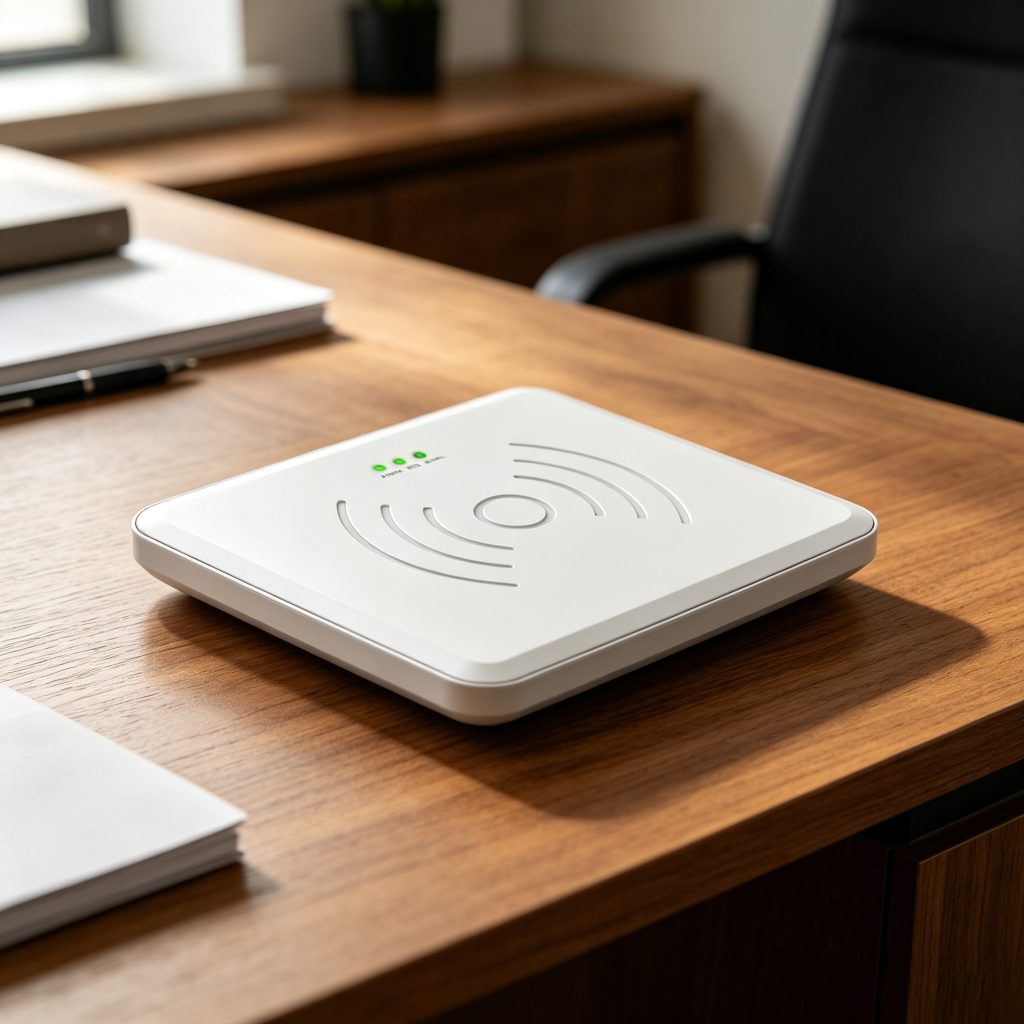
Speed gets attention. Stability does the real work.
In a batch encoding project (~30,000 tags), we logged:
| Metric | Controlled Desktop | Uncontrolled Setup |
|---|---|---|
| Write success rate | 99.2% | 96.9% |
| Rewrites needed | Low | Frequent |
| Operator fatigue | Lower | Higher |
A ~2% difference doesn’t sound dramatic—until it becomes 600+ tags needing rework.
According to RAIN RFID Alliance :
And Impinj notes:
The CYKEO-D2L integrates the Impinj R500, known for stable RF behavior, especially in dense or repetitive encoding environments.
Batch writing is where most systems fail—not because they’re slow, but because they lose control.
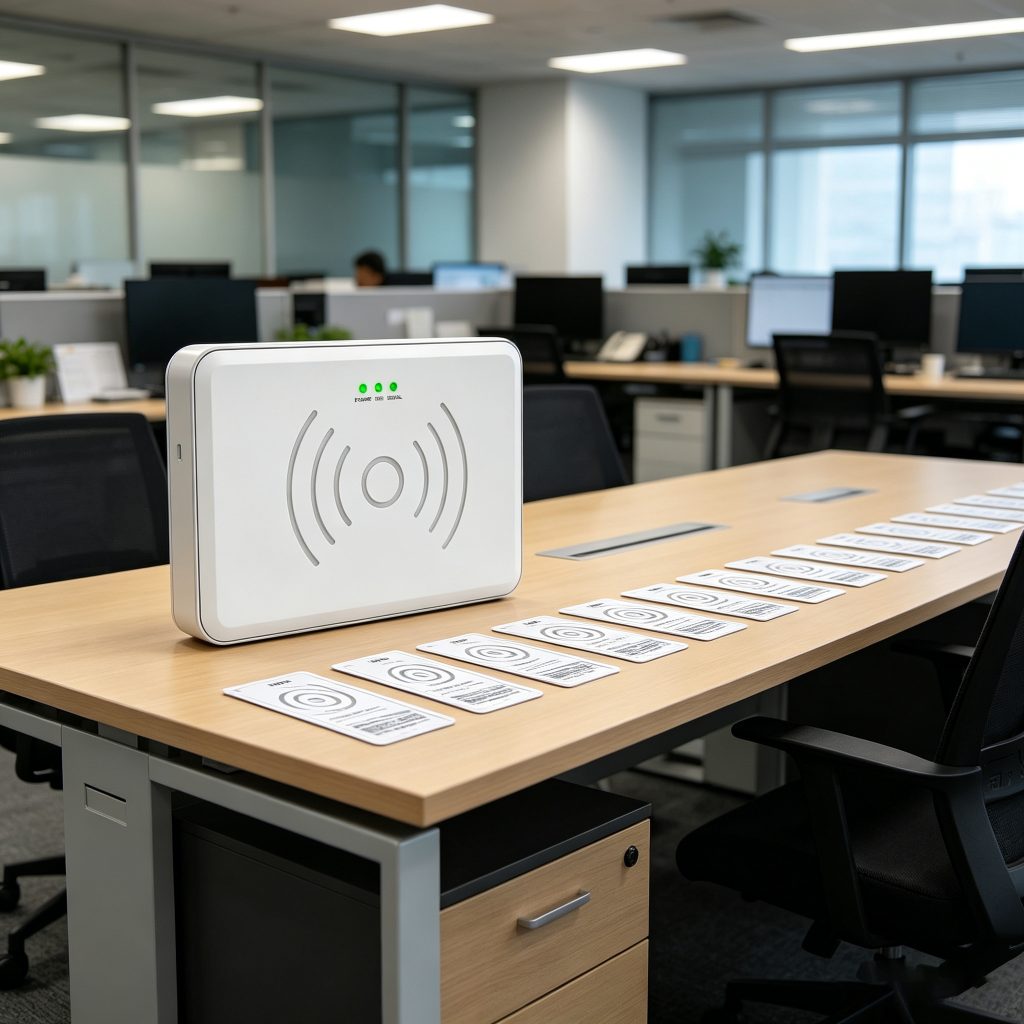
In one deployment, introducing structured batch writing reduced operator intervention by ~35%. No hardware upgrade—just a stable process.
From experience, errors rarely come from the device itself.
They come from:
These changes reduced error rates more than any firmware update I’ve seen.
| Factor | Desktop (CYKEO-D2L) | Handheld |
|---|---|---|
| Write stability | Very high | Medium |
| Batch efficiency | Excellent | Moderate |
| Mobility | Low | High |
| Error control | Strong | Variable |
Different tools, different contexts. But for writing at scale, desktop wins quietly.
Use a desktop RFID writer with controlled range and always verify data after writing.
Yes, desktop systems support batch encoding and automated workflows via software.
Usually due to improper distance, signal overlap, or lack of controlled environment.
Writing RFID tags isn’t difficult. Keeping it consistent is.
A desktop system like CYKEO-D2L doesn’t make the process faster in an obvious way—it makes it predictable. And once encoding becomes predictable, everything downstream—inventory, tracking, audits—starts to behave differently.
That shift is subtle. But it’s where most real efficiency comes from.

RFID card scanning uses a compatible reader to communicate with card chips through radio signals and capture stored information without physical contact.
More
iOS read RFID solutions tested: Discover which setups actually work for inventory. See iPhone compatibility, hidden costs, and how Cykeo users avoid common fails.
More
Learn how to install a long range RFID reader correctly. Discover practical tips for mounting height, reader position, cable routing, grounding, waterproof protection and outdoor deployment.
More
This article provides a deep dive into smart RFID parking systems, covering the technology principles, key components, application scenarios, and advantages. It highlights how RFID improves parking efficiency and security, driving the evolution of...
More