 Cykeo RFID IoT Solution Products R&D Manufacturer

how to read rfid with phone
215Learn how to read RFID with phone using UHF readers. Boost accuracy and speed with mobile RFID solutions trusted in logistics, retail, and healthcare.
MoreAll RFID Product
Writing data to an RFID tag is a controlled process involving radio-frequency communication between an RFID reader-writer and an electronic tag. Unlike printing information on a barcode, RFID programming transfers digital data into the tag’s memory through an antenna. The reader sends a command, the tag processes the request, and the system checks whether the information has been written successfully.
For businesses managing hundreds or thousands of tagged objects, this process is not simply about changing a number. A library needs to associate each tag with a book record. A tool-management department needs to connect a tag with an asset number. A commercial laundry facility may need to identify individual linen items throughout repeated collection, washing, sorting, and distribution cycles.
These applications have something in common: the tag must contain the correct information, and the management system must be able to associate that information with the right physical object.
A properly configured UHF RFID desktop reader-writer makes this process considerably easier. It provides a controlled working area for tag registration, encoding, data modification, and verification without requiring users to operate a large industrial RFID installation.
Writing to an RFID tag means transferring information into one or more writable memory areas inside the tag’s integrated circuit.
An RFID tag generally consists of two main components:
When an RFID reader-writer initiates a writing operation, it communicates with the tag using the supported RFID protocol. The reader identifies the target tag, sends the required data and write command, and waits for the tag’s response.
The process is different from simply reading an RFID tag.
Reading retrieves information already stored in the chip. Writing changes or adds information in a writable memory area. Some tags also support locking specific memory sections to prevent accidental or unauthorized modification.
For UHF RFID systems, the relevant air-interface standard is commonly EPC UHF Gen2, also known as ISO/IEC 18000-63.
This standard defines communication procedures between UHF RFID readers and tags, including inventory operations, memory access, and tag management functions. It provides a common technical foundation for compatible equipment from different manufacturers.
However, compatibility should never be assumed solely because two devices are described as UHF RFID products. Their supported protocols, operating frequency regions, chip capabilities, and software interfaces must also match.
One of the most frequently overlooked parts of RFID programming is memory selection.
A UHF RFID tag does not necessarily store all information in one general-purpose memory area. EPC Gen2 tags typically organize their memory into four banks.
| Memory bank | Main purpose | Typical application |
|---|---|---|
| Reserved | Stores access and kill passwords | Access control and tag protection |
| EPC | Stores the Electronic Product Code and related identification data | Item identification |
| TID | Contains the tag identifier assigned by the chip manufacturer | Chip identification |
| User | Provides additional writable memory when supported | Custom business information |
Not every tag provides the same memory capacity or writable functionality. Some low-cost tags have little or no user memory, while other models offer additional storage for application-specific data.
This distinction matters when selecting tags for a project.
For example, a library may only need a unique EPC identifier linked to a database record. A tool-management application might use the EPC as the primary asset identifier while keeping detailed information, such as tool specifications, maintenance history, department, and borrowing records, in the management system.
There is little reason to write an entire maintenance history into a tag if the software can retrieve it from a database using a unique identifier.
In fact, keeping the EPC relatively short and maintaining detailed records in a central database often makes the system easier to maintain.
The EPC memory bank is frequently used when encoding passive UHF RFID tags.
An EPC is generally represented as hexadecimal data. Its length depends on the selected EPC format and the tag’s available memory.
For instance, a simplified example of an EPC value might look like this:
300833B2DDD9014000000001
This is an illustrative hexadecimal identifier, not a universal RFID encoding format.
When writing EPC data, the software must ensure that:
A common operational mistake is to assume that any hexadecimal string can be written to any UHF RFID tag. In practice, the chip’s memory organization and supported operations determine what can be stored.
Some RFID tags provide a User memory bank for application-specific information.
This can be useful when a business needs to store more than a basic identification number.
Potential examples include:
Nevertheless, User memory should be selected according to actual business requirements rather than used automatically.
More stored information means more data to manage, and the memory capacity of individual RFID chips can vary considerably. If the tag only needs to identify an item, a unique EPC linked to a database is often sufficient.
TID memory deserves particular attention because it is sometimes confused with the EPC bank.
TID identifies information associated with the RFID chip itself. Depending on the chip implementation, it may include manufacturer and chip-model information, as well as an extended identifier.
For ordinary RFID tag registration, TID is generally read rather than rewritten.
This is particularly useful when a management application needs to distinguish between the tag’s electronic identity and the business identification assigned to the physical item.
For example, a maintenance department might associate:
Separating these data elements makes it easier to manage RFID tags throughout their operational life.
The actual writing procedure depends on the RFID chip, reader-writer, software, and application. However, a typical UHF RFID desktop encoding workflow follows a consistent sequence.
First, select an RFID reader-writer that supports the frequency and protocol of the target tag.
For a passive UHF RFID project, check the following specifications:
A desktop reader-writer is especially useful when operators need to process individual tags at a workstation rather than identify objects moving through a warehouse or production line.
For daily registration work, a USB connection can also simplify installation and communication with the host computer.
Connect the reader-writer to the computer using its supported USB interface.
Install the required driver or communication components if the device requires them. Open the manufacturer’s demonstration software or the business’s RFID management application.
Before starting the encoding operation, confirm that:
A stable connection is important because a failed communication session can interrupt a writing operation or leave the operator uncertain about whether the tag was programmed.
Position the RFID tag on the desktop reader’s antenna area.
The antenna design and reading distance have a direct influence on the reliability of the operation.
For example, Cykeo’s desktop RFID reading platform uses a near-field antenna design. Its effective reading range is controlled within 30 cm, while its writing range is controlled within 10 cm.
This shorter working distance is intentional.
During tag registration, operators often place multiple unregistered labels, cards, or tagged objects on a desk. If the reader captures tags outside the intended working area, it may identify the wrong item or interfere with the registration workflow.
A controlled near-field reading zone helps reduce this possibility.
Before changing any data, scan the tag and retrieve its available identification information.
Depending on the tag and software, this may include:
Confirm that the detected tag is the one intended for programming.
This step is particularly important in environments where several tags are close together.
A reader with anti-collision processing can identify multiple tags in the same RF field. However, multi-tag identification does not automatically mean that every tag should receive the same write command.
For controlled registration, the software should select the intended target by its identification information before sending a write operation.
Once the target tag has been identified, select the appropriate memory bank in the RFID software.
For most ordinary asset-registration applications, EPC memory is the starting point.
The operator enters the identification value or imports it from the management system. The software then converts the value into the format required by the RFID reader.
A typical programming interface may contain:
| Parameter | Example | Purpose |
|---|---|---|
| Memory bank | EPC | Selects the target memory |
| Start address | 2 words (20h) | Defines the starting location |
| Data | 300833B2DDD9014000000001 | Information to be written |
| Write length | According to data size | Defines the number of words |
| Access password | Application-dependent | Authorizes protected operations |
The example address above illustrates the beginning of the EPC data field in a conventional Gen2 memory layout. Actual addressing must follow the reader SDK and the target chip’s specification.
There is another detail worth checking: UHF Gen2 write operations use 16-bit memory words. Consequently, the software must correctly handle data length, word alignment, and the EPC Protocol Control (PC) field.
An incorrectly configured EPC length can cause a tag to return unexpected data or make the identifier appear incomplete during subsequent reads.
The current GS1 EPC Gen2 standard, Release 3.0.1, ratified on February 26, 2026, specifies the Write command and its memory-bank and word-address parameters. These are not arbitrary settings created by individual reader manufacturers.
After checking the selected tag and entered information, initiate the write operation.
The reader transmits the required RF command, and the tag processes the data if the selected memory location supports the requested operation.
Several factors can affect the result:
A successful software command should not be treated as sufficient proof that the business record is correct. The next step is verification.
After programming, read the tag again and compare the returned information with the original input.
This is a simple operation, but it prevents many avoidable registration errors.
For example, imagine a library operator registering a new book. The software generates an EPC associated with the book’s catalogue record. After writing, the operator reads the tag again. If the returned EPC matches the generated identifier, the system can proceed with registration.
If the values do not match, the software should report the problem rather than silently marking the item as registered.
A practical verification procedure includes:
For higher-volume registration, automated verification is preferable to relying on operators to inspect hexadecimal strings manually.

A reader-writer may be technically compatible with a tag and still produce inconsistent writing results in an actual working environment.
The reasons are not always obvious.
During registration, an operator might place a tag too close to another label, use an incorrect memory configuration, or attempt to rewrite a tag whose EPC memory has already been protected. The software may report a failed operation, but identifying the underlying cause requires checking both the RF environment and the tag’s configuration.
The following table summarizes common problems and practical troubleshooting approaches.
| Problem | Possible cause | Recommended action |
|---|---|---|
| Tag cannot be detected | Incorrect frequency or poor positioning | Check regional settings and antenna placement |
| Write command fails | Memory area is locked | Check tag access permissions |
| Data is incomplete | Incorrect data length or address | Verify word alignment and memory configuration |
| Multiple tags receive unintended commands | Overlapping reading area | Isolate the target tag and select it by EPC or TID |
| Writing is inconsistent | Weak coupling or unsuitable RF settings | Adjust positioning and reader output |
| Read-back data differs | Incorrect write parameters or interrupted operation | Repeat controlled writing and verification |
One important distinction concerns tag locking.
According to GS1’s guidance on RAIN RFID tag security, Gen2 tags can support password-based memory protection. Depending on the memory bank and lock configuration, writing can be restricted while reading remains possible. Permanent locking can also prevent future changes.
For this reason, a tag should not be permanently locked immediately after its first write unless the application’s data lifecycle has been clearly defined.
A library may need to reuse or reassign labels. A tool-management system may require tag conversion when equipment changes departments. A laundry-management application may need to update identifiers during replacement or maintenance.
The decision to lock a tag belongs to the system administrator, not simply to the default writing procedure.
For businesses that regularly register, modify, and reuse RFID tags, a desktop reader-writer is often more practical than a long-range fixed reader.
The difference is mainly operational.
A fixed RFID reader is commonly installed at a warehouse entrance, production line, conveyor, or designated reading zone. Its purpose is to identify tags within a relatively large working area.
A desktop reader-writer serves a different purpose. It gives an operator a defined location to register an item, encode its tag, verify the information, and associate the tag with a management record.
This distinction is particularly important in applications where a wrong tag assignment can create problems later.
Cykeo’s UHF RFID desktop reading platform uses a near-field antenna design to control the effective operating area.
Its specified operating distances are:
| Function | Cykeo desktop platform |
|---|---|
| Effective reading range | Within 30 cm |
| Effective writing range | Within 10 cm |
| Maximum port output | 33 dBm |
| Computer connection | USB |
| Development resources | C# and Java |
The relatively short writing distance helps operators work with individual tags without unnecessarily activating tags positioned farther away.
For example, when a library employee is registering a new book, the employee can place its RFID label within the designated writing area, select the corresponding catalogue record, and complete the encoding operation.
The operator does not need to move the book through a warehouse-style reading zone.
The 33 dBm figure refers to the platform’s maximum port output, not a universal tag-writing power requirement or an unrestricted radiated-power allowance. Actual RF settings must account for the antenna configuration, applicable regional regulations, and the characteristics of the target tag.
In practical RFID applications, tags are not always presented individually.
An operator may place several labels on a desk, prepare a batch of tools, or process multiple textile items during registration.
When several tags respond within the same RF field, the reader must distinguish their responses.
Cykeo’s desktop platform incorporates an advanced tag-collision processing algorithm to support multi-tag identification and dense tag-reading operations.
It also supports:
RSSI (Received Signal Strength Indicator) provides information about the strength of the received signal. It can help software distinguish tags by their relative signal levels, although it should not be treated as an exact distance measurement.
For a desktop application, this information can help improve target selection when several tags are present.
A desktop RFID platform must work with the management software used by the organization.
Cykeo’s platform uses a USB interface, making it suitable for workstation-based operations where an operator needs to communicate with the reader through a computer.
Development resources for C# and Java are available, allowing software developers to integrate RFID operations into their own applications.
Depending on the system design, these functions can include:
This is useful when the RFID reader is only one component of a larger management system.
For example, a library may already have a circulation platform. Rather than replacing the existing system, developers can integrate RFID reading and writing functions into its registration workflow.
The reader handles communication with the tag. The application manages the relationship between the tag identifier and the actual book record.
That separation is important for long-term system maintenance.
Writing one RFID tag is relatively straightforward. Processing hundreds of tags for a new library collection, a tool inventory, or a commercial laundry operation requires a more carefully designed workflow.
The challenge is not simply increasing writing speed. Each tag must receive the correct identifier, and the system must maintain an accurate relationship between the electronic tag and the physical object.
A practical batch-writing workflow normally involves five stages:
There is an important distinction between batch reading and batch writing. A reader may identify many tags in one inventory operation, but that does not mean all identified tags should receive identical data.
For example, if ten tools are being registered, each tool requires its own identifier. The software must maintain the correct mapping between the ten physical objects and their ten RFID records.
Duplicate EPC values can cause problems in inventory management, particularly when two different objects are assigned the same electronic identity.
A reliable registration application should therefore generate or retrieve identifiers from a controlled database rather than allowing operators to enter arbitrary values repeatedly.
Recommended controls include:
For higher-volume operations, the application should also support transaction logs and recovery procedures.
If a workstation loses communication during a batch operation, the operator needs to know which tags were successfully programmed and which still require processing.
This is much more useful than displaying a single message saying that the batch operation failed.
RFID writing software provides the interface between the operator, the reader-writer, and the business management application.
The software does more than send commands. It controls which tag is selected, what data is transmitted, how the result is checked, and whether the registration record is updated.
For a desktop UHF RFID platform, a typical software interface includes the following functions:
| Software function | Purpose |
|---|---|
| Reader connection | Establish communication with the USB reader |
| Tag inventory | Detect available RFID tags |
| EPC reading | Retrieve electronic identification data |
| Memory selection | Choose EPC or supported User memory |
| Data writing | Send information to the selected tag |
| Verification | Read back and compare written data |
| RSSI display | Show received signal strength |
| Data filtering | Select relevant tags |
| Registration records | Associate tag identifiers with business items |
| Operation logs | Track successful and unsuccessful transactions |
C# is commonly used for Windows-based business applications, including warehouse management, library management, and industrial equipment registration.
When integrating an RFID reader-writer, developers generally need to understand the communication interface and the manufacturer’s software development kit.
A typical integration sequence looks like this:
The following pseudocode illustrates the basic application logic. It is not a device-specific SDK implementation.
// Illustrative RFID tag-writing workflow
var tag = ReadTargetTag();
if (tag != null)
{
string newEpc = “300833B2DDD9014000000001”;
bool writeResult = WriteEpc(
    tag,
    newEpc
);

if (writeResult)
{
    var verifiedTag = ReadTargetTag();

    if (verifiedTag.Epc == newEpc)
    {
        SaveRegistrationRecord(newEpc);
        Console.WriteLine("Tag verified successfully.");
    }
    else
    {
        Console.WriteLine("Verification failed.");
    }
}
}
The actual implementation must follow the reader manufacturer’s API, including its command structure, return codes, data formats, and error-handling requirements.
Java is another option for organizations developing cross-platform management software or integrating RFID functions into existing enterprise applications.
The integration principles remain similar:
Cykeo provides C# and Java development materials for its desktop RFID reading platform, helping developers incorporate RFID reading and writing operations into their own software environments.
For businesses with existing management platforms, this can reduce the need to operate a separate application solely for tag registration.
The usefulness of an RFID tag writer becomes clearer when looking at the daily work performed by different types of organizations.
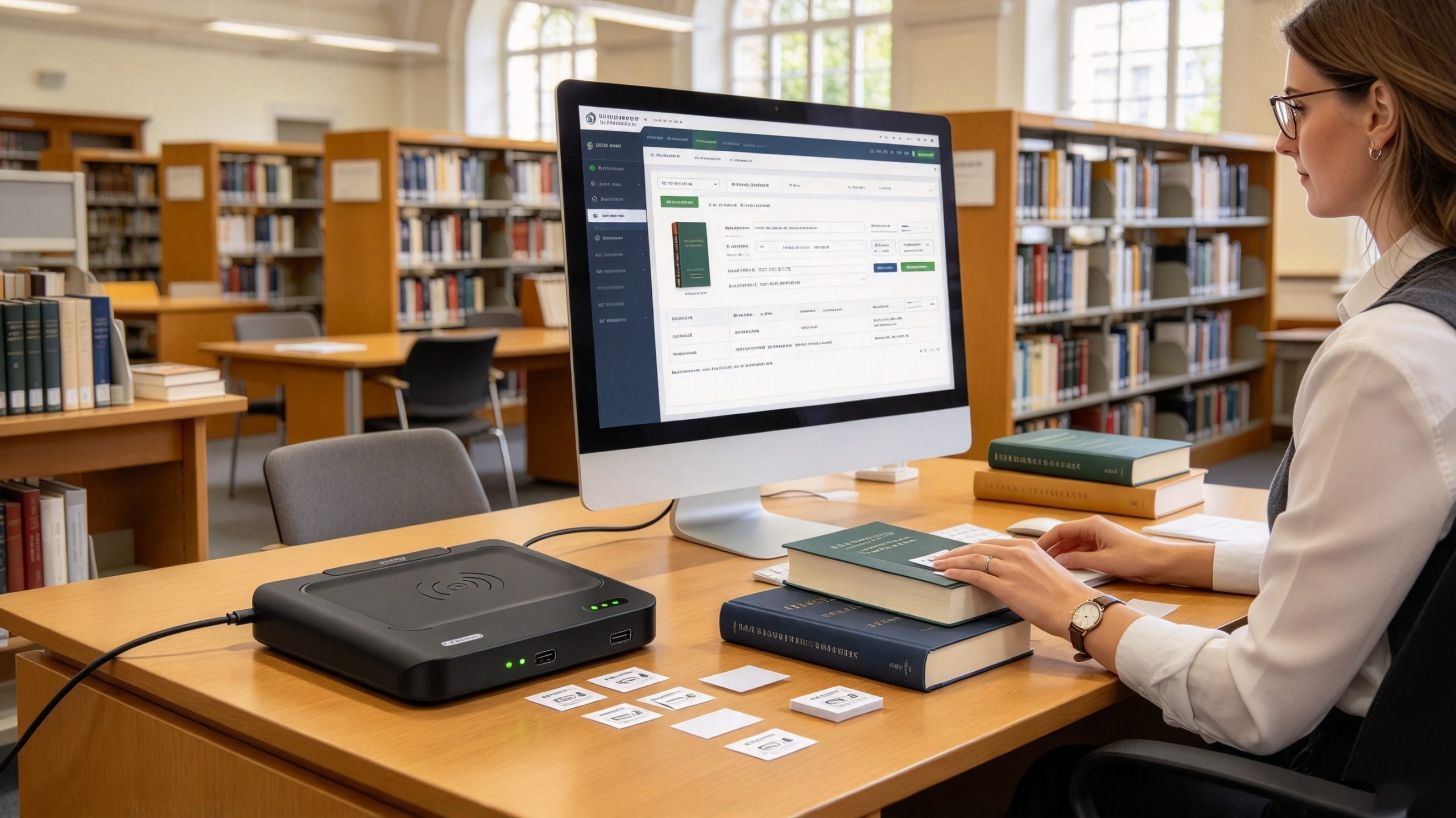
Libraries often need to register large collections of books and other materials before they can be circulated.
A typical process involves:
The tag becomes an electronic link between the physical book and its digital record.
This also supports later functions such as borrowing, returning, shelf inventory, and item searching.
Cykeo’s desktop RFID reading platform is designed to assist library administrators with tag registration, identity registration, shelf-label registration, borrowing and return operations, item queries, borrowing statistics, registration statistics, and log queries.
Its tag-conversion function is also useful when existing labels need to be reprogrammed as part of a system transition.
Tool-management departments face a different problem.
Tools frequently move between employees, departments, storage cabinets, maintenance areas, and project locations. A handwritten number or barcode may identify the tool, but staff still need a reliable way to associate the physical object with its management record.
RFID tags can provide that electronic identification.
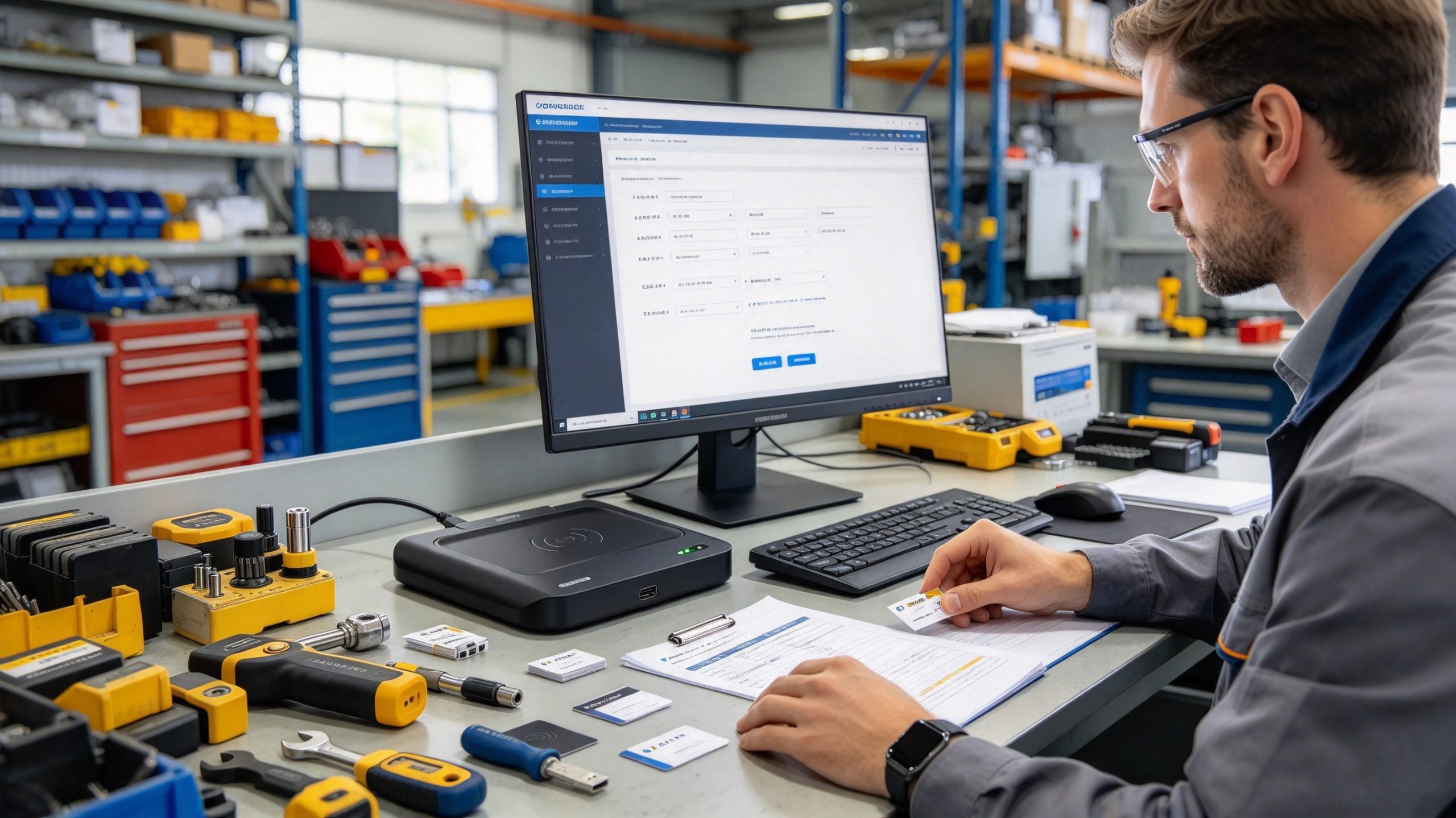
During initial registration, an operator assigns a unique EPC to each tool and links it to the corresponding database entry.
The system can then support:
For smaller tools, tag selection deserves particular attention. Metal surfaces can affect UHF antenna performance, so on-metal RFID tags or suitable mounting arrangements may be necessary.
A desktop reader-writer helps complete the initial encoding and verification process before the tagged tools enter daily circulation.
Commercial laundry operations handle large numbers of textiles that repeatedly move through collection, washing, sorting, storage, and distribution.
In this environment, RFID tag writing establishes the initial identity of each textile item.
For example, a hotel may assign an electronic identifier to individual towels, bed sheets, or uniforms. The identifier can be associated with the item’s category, ownership, department, and other relevant records.
A typical registration process includes:
The tag itself must be designed for the actual laundry environment. Ordinary RFID labels should not be assumed to withstand repeated washing, high temperatures, chemical exposure, and mechanical processing.
This is why tag selection and reader selection should be treated as separate engineering decisions.
Even when the reader, tag, and software are compatible, poor programming practices can create problems that only become visible after the tags enter daily use.
These are the issues worth checking before deploying a newly encoded batch.
An EPC should identify the intended physical item according to the application’s identification rules.
If an operator copies an identifier from the wrong database record, the tag may be programmed successfully but associated with the wrong object.
The RF operation is technically successful; the business registration is not.
Recommended approach: Generate EPC values from a controlled database and verify the physical item against the corresponding registration record.
UHF RFID tags have different memory areas for different purposes.
Writing application data into an unintended memory bank can overwrite existing information or produce a tag that the management software cannot interpret.
Before programming, check the selected memory bank, starting word address, data length, and tag capabilities.
GS1’s EPC Tag Data Standard provides the formal definitions for EPC encoding and the data carried in Gen2 RFID tag memory.
Locking is useful when an organization needs to prevent unauthorized changes to tag data.
However, permanent locking should not be part of every ordinary registration operation.
If a tag is permanently locked before the identifier has been verified, correcting an encoding mistake may become impossible.
GS1 distinguishes reversible password-protected locking from permanent locking. The latter prevents subsequent changes to the protected memory.
For this reason, a sensible sequence is:
RFID performance depends on more than the reader’s output power.
Tag antenna design, mounting surface, orientation, surrounding materials, and distance can all influence communication.
A standard adhesive label placed directly on a metal toolbox may perform differently from a purpose-built on-metal RFID tag.
Likewise, a laundry tag must be designed to withstand the washing process.
A desktop reader-writer can provide a controlled registration environment, but it cannot compensate for an unsuitable tag design.
In a professional RFID deployment, the registration process should leave an operational record.
At a minimum, the software should retain:
These records make troubleshooting easier and help prevent duplicate registrations when tags are replaced or converted.
Not every RFID reader is designed for tag programming.
Some devices are primarily intended for reading identification information, while others provide memory-writing functionality and software integration.
Before purchasing a desktop UHF RFID reader-writer, consider the following factors.
| Selection criterion | What to check | Why it matters |
|---|---|---|
| RFID protocol | EPC Gen2 / ISO 18000-63 compatibility | Ensures communication with the intended tags |
| Frequency | Regional UHF frequency support | Avoids regional compatibility problems |
| Writing capability | EPC and supported User memory writing | Enables actual tag programming |
| Antenna design | Near-field or far-field | Determines the practical working area |
| Output power | Adjustable RF power and maximum output | Supports stable communication |
| Anti-collision | Multiple-tag identification | Helps manage nearby tags |
| Data filtering | EPC filtering and target selection | Reduces unintended tag selection |
| RSSI | Signal-strength reporting | Provides additional information for tag selection |
| Interface | USB or other supported connections | Simplifies workstation integration |
| Development support | C#, Java, SDK, API documentation | Supports integration with existing software |
| Verification | Read-after-write functionality | Confirms the programmed result |
A common purchasing mistake is choosing an RFID reader based mainly on maximum reading distance.
For warehouse portals and conveyor systems, longer reading distances may be useful.
For individual tag registration, however, excessive reading distance can introduce unnecessary complexity.
Consider a workstation where an operator is encoding RFID labels for several books. The target label should be identified without accidentally selecting nearby tags attached to other books.
A controlled reading area makes this workflow easier to manage.
Cykeo’s desktop platform is designed around this type of application, with a near-field antenna, an effective reading range within 30 cm, and a writing range within 10 cm.
Its maximum port output is 33 dBm. The platform also supports USB connectivity, tag filtering, RSSI detection, multi-tag identification, and C# and Java development materials.
For organizations that perform regular tag registration, these functions are more relevant than simply comparing the maximum distance of different RFID readers.
| Feature | Specification |
|---|---|
| Product type | UHF RFID desktop reading platform |
| Interface | USB |
| Antenna | Near-field antenna |
| Reading range | Within 30 cm |
| Writing range | Within 10 cm |
| Maximum port output | 33 dBm |
| Tag identification | Multiple-tag identification |
| Anti-collision | Advanced tag-collision processing algorithm |
| Data management | Tag filtering and RSSI |
| Tag operations | Reading, writing, and tag conversion |
| Development support | C# and Java |
The platform is intended to assist tag administrators with routine registration and circulation-related work.
Its supported application functions include:
These functions make the platform suitable for libraries, tool-management departments, laundry management, and other organizations that need a centralized workstation for RFID label registration and modification.
It is important to distinguish the reader’s hardware capabilities from the complete management application’s functions. The reader provides RFID communication and writing capabilities, while the associated software implements the relevant business workflows.
To write to an RFID tag using a computer, connect a compatible RFID reader-writer, open its programming software, identify the target tag, select the appropriate memory bank, enter the required data, and execute the write command. Read the tag again afterward to verify that the information was stored correctly.
Yes. Many UHF RFID tags support rewriting EPC or User memory, provided the relevant memory area has not been permanently locked. Some tags require an access password before previously protected information can be modified. Always check the chip’s specifications and lock configuration before attempting to rewrite data.
You need RFID programming software compatible with your reader-writer. The software should support tag identification, memory-bank selection, data encoding, writing, and verification. For customized applications, developers can integrate RFID functions through an SDK or API. Cykeo provides C# and Java development materials for its desktop RFID platform.
Yes, some UHF RFID systems support operations involving multiple tags. However, identifying multiple tags and writing unique information to each tag are different operations. For batch encoding, the software must select each target correctly, assign the corresponding data, and verify the result individually.
Common causes include incorrect memory-bank selection, incompatible RFID protocols, insufficient RF communication quality, incorrect data length, locked memory, or an incorrect access password. Check the tag specifications and reader settings first. If possible, perform a fresh inventory operation and inspect the tag’s memory configuration before repeating the write command.
The required distance depends on the RFID frequency, antenna design, tag characteristics, and reader output. For Cykeo’s desktop UHF RFID platform, the effective reading range is within 30 cm and the writing range is within 10 cm. A controlled working distance helps reduce unintended tag selection during individual registration.
Yes. A desktop RFID reader-writer is suitable for registering book labels, encoding tool identifiers, modifying electronic tags, and associating RFID information with management records. With compatible software, it can also support borrowing, returning, item queries, registration statistics, and operation logs.
Learning how to write to RFID tag is not just a matter of connecting a reader and entering a hexadecimal value.
Reliable RFID programming requires compatible hardware, appropriate tag memory, correct data encoding, controlled RF communication, and a verification process that connects the electronic identifier to the correct physical object.
For organizations handling frequent RFID registration, a desktop reader-writer can simplify the work considerably.
Libraries can register books and shelf labels. Maintenance departments can encode tool identifiers. Laundry operators can establish electronic identities for individual textile items. In each case, the quality of the initial registration influences the accuracy of subsequent management operations.
Cykeo’s UHF RFID desktop reading platform combines a near-field antenna, USB connectivity, a maximum port output of 33 dBm, advanced anti-collision processing, multi-tag identification, data filtering, RSSI detection, and C# and Java development support.
Its controlled writing area is particularly useful for workstation-based registration and tag conversion.
When planning an RFID project, start with the tag’s actual memory requirements and the workflow that operators need to perform. Choose the reader and software around those requirements, rather than selecting equipment based on reading distance alone.
Ultimately, how to write to rfid tag is a question about much more than transferring data. It is about creating a dependable electronic identity for every item entering a management system.

Discover SSD-D4AL, a USB-HID UHF RFID reader with 4/8/16 antenna options, Impinj E710/X3M1 chipset, plug-and-play USB power, and OEM customization.
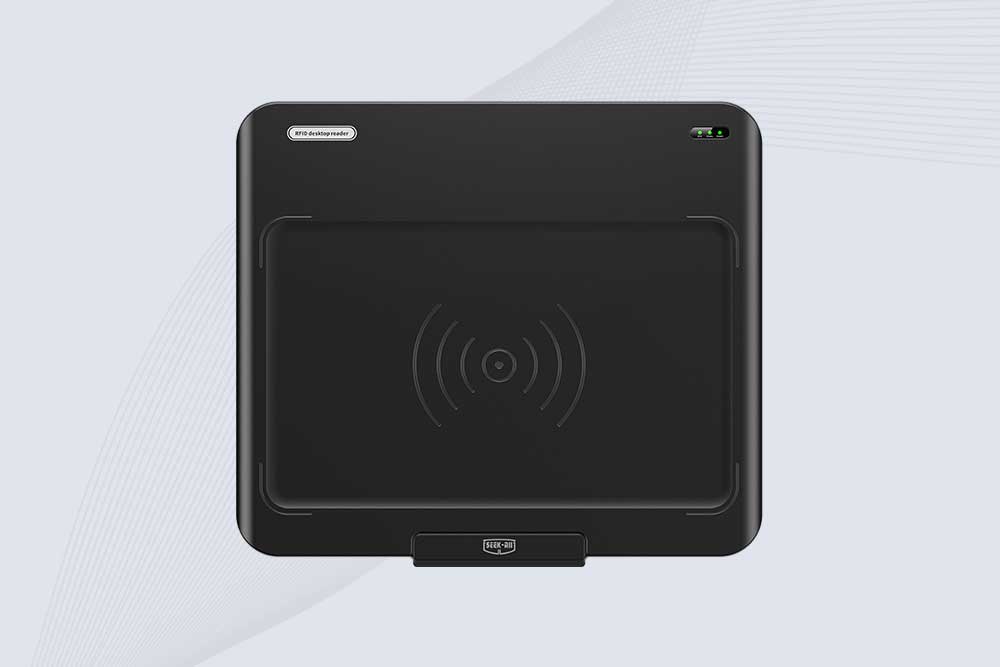
SSD-D3AL is a USB-HID UHF RFID reader with 0–30 cm reading, 0–15 cm writing, over 600 tags/s recognition, USB plug-and-play operation and OEM Logo customization.
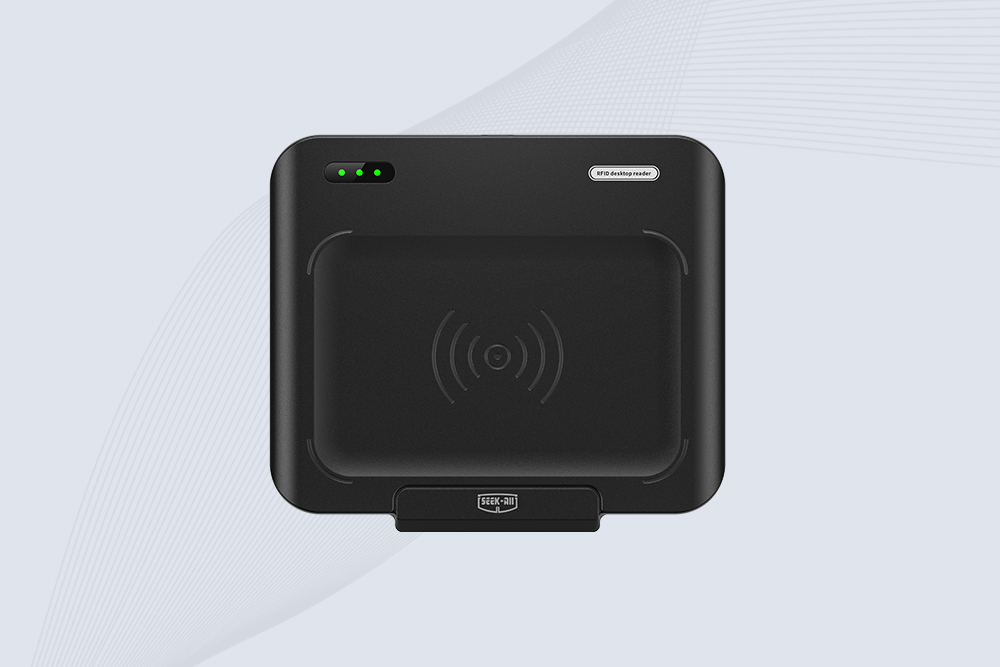
SSD-D1AL is a compact USB UHF RFID reader with Impinj E710/X3M1 chipset, USB-HID, 600+ tags/s recognition, 4/8/16 antenna support and plug-and-play USB power.
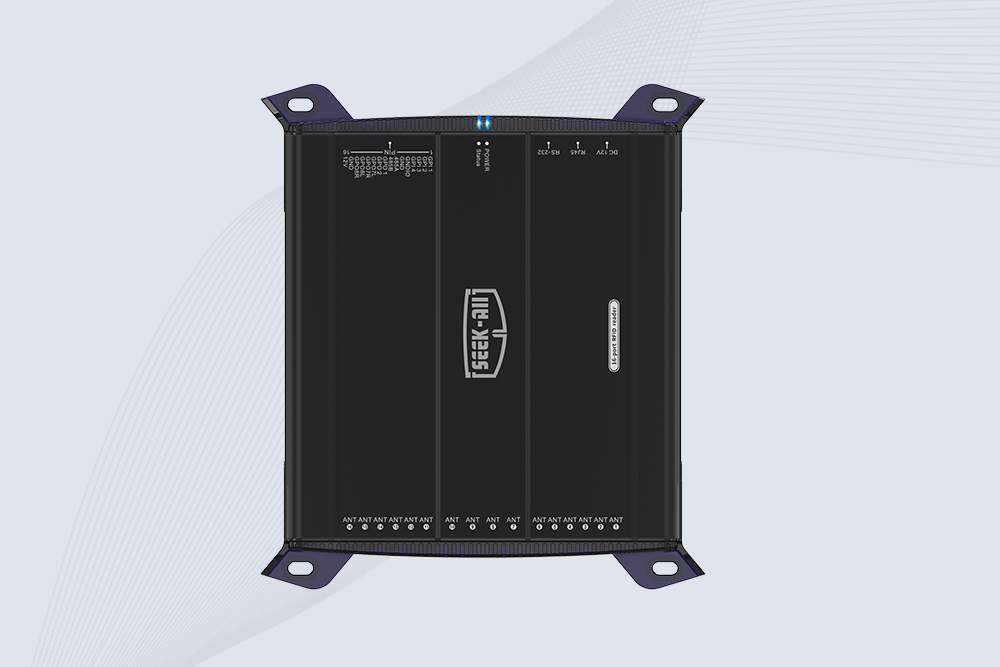
SSD-R16L Multi-Channel RFID Infrastructure for Automated Inventory Management ✔️ 16-Port High-Density RFID Reading Equipped with 16 SMA antenna ports, SSD-R16L supports multi-antenna deployment for warehouses, retail stores, logistics, production lines, and large-area RFID identification. ✔️ High-Speed & Long-Range Performance With up to 33…
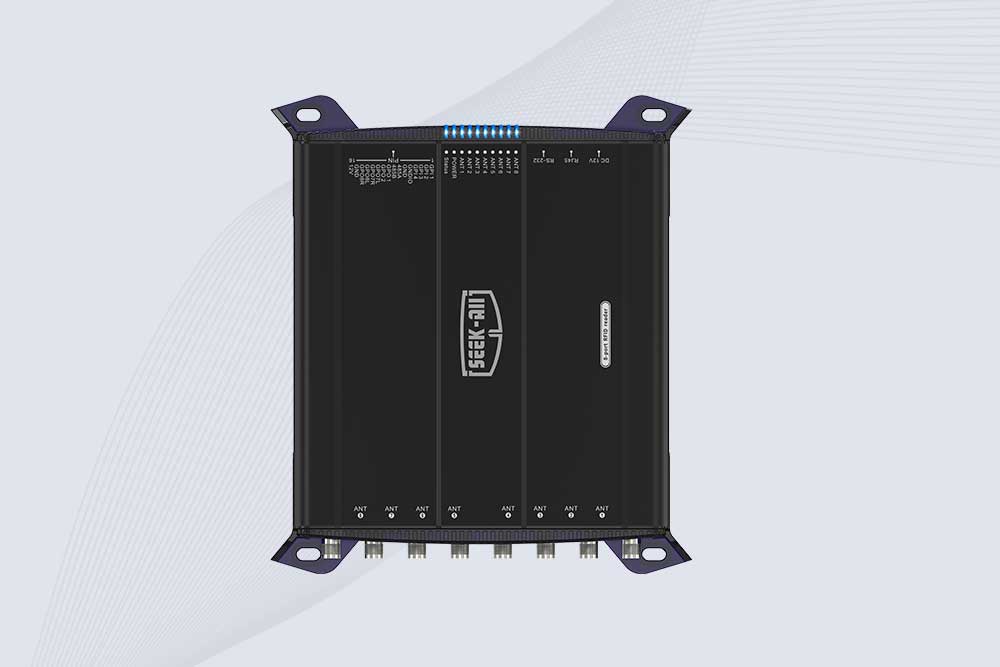
SSD-R8L 8-port UHF RFID reader with 33dBm output, up to 20m reading range and 600+ tags/s recognition. Ideal for warehouse, logistics, retail and asset tracking.
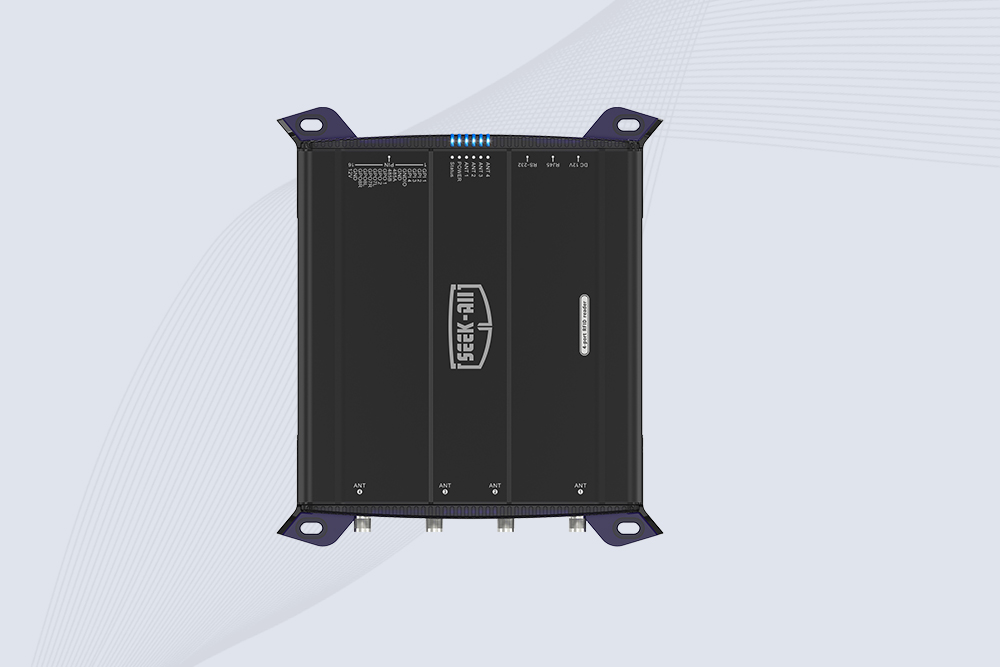
SSD-R4L is a 4-port UHF RFID fixed reader with 33dBm output power, up to 20m reading range, EPC C1G2 support and 600+ tags/s reading speed.

CYKEO CYKEO-D1LA USB RFID Reader is a compact desktop solution with near-field control for precise tag reading and encoding. Powered by USB, supporting ISO 18000-6C, and built for stable batch writing, this usb rfid tag reader fits retail, libraries, offices, and controlled RFID encoding tasks.
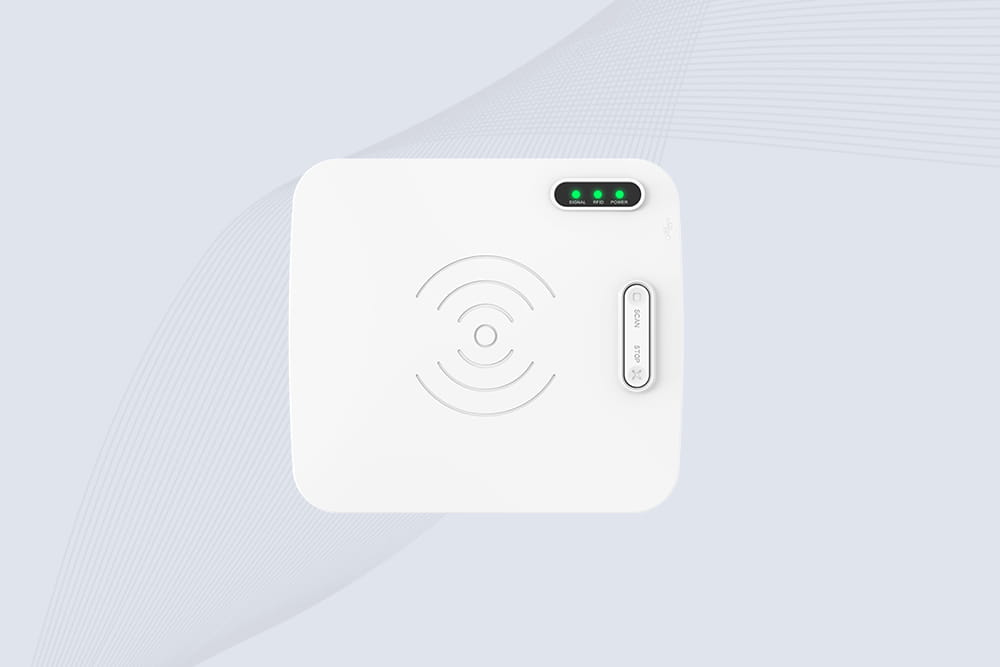
CYKEO CYKEO-D1L RFID scanner USB is a compact desktop UHF RFID scanner designed for short-range tag writing and verification. This usb rfid scanner supports batch encoding, stable 0–26 dBm output, and works across Windows, Linux, and Android systems.
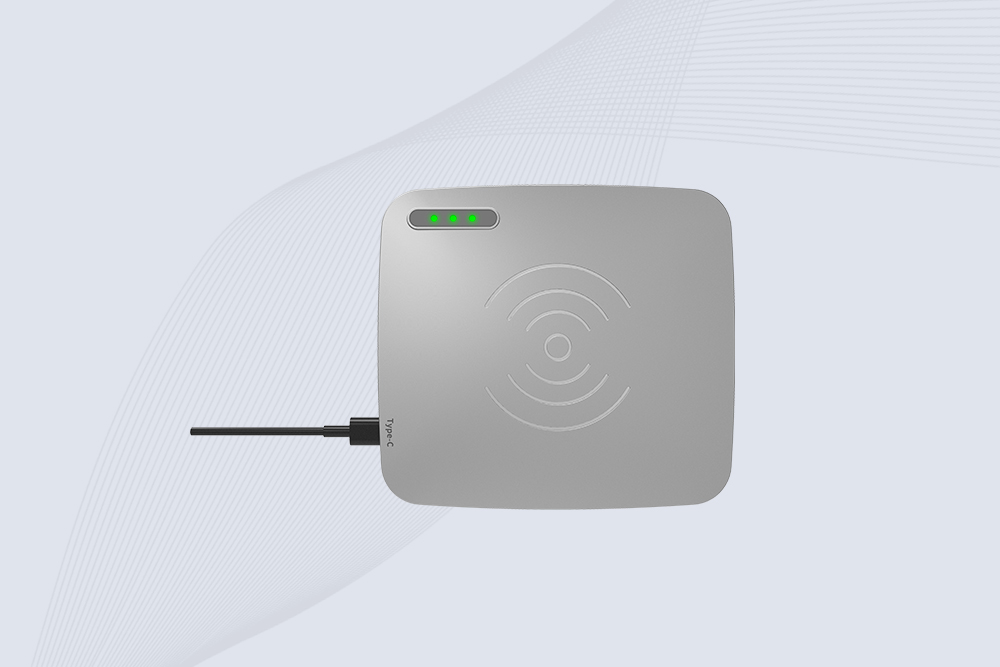
CYKEO CYKEO-D1C USB RFID Card Reader is a near-field UHF desktop writer designed for secure, short-range tag encoding. With USB-C connectivity and stable 26 dBm output, this rfid reader usb c is ideal for badge issuance, label encoding, and controlled desktop RFID workflows.
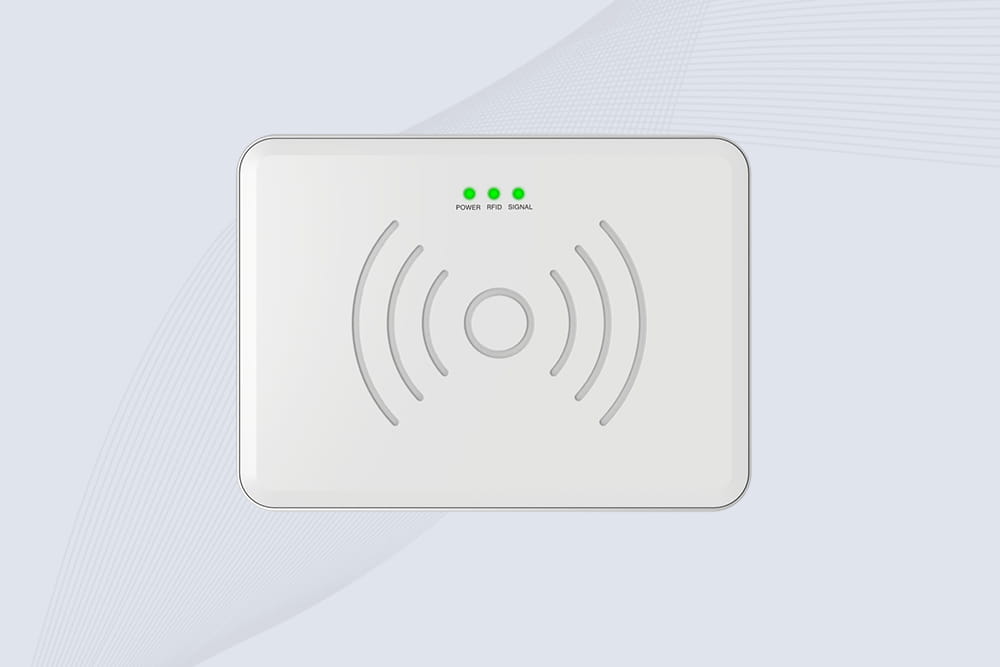
CYKEO CYKEO-D2L RFID Reader USB is a compact desktop encoder built on the Impinj R500 chip. With near-field control and stable USB power, this usb rfid card reader delivers precise tag writing for offices, retail counters, and small-scale logistics encoding tasks.
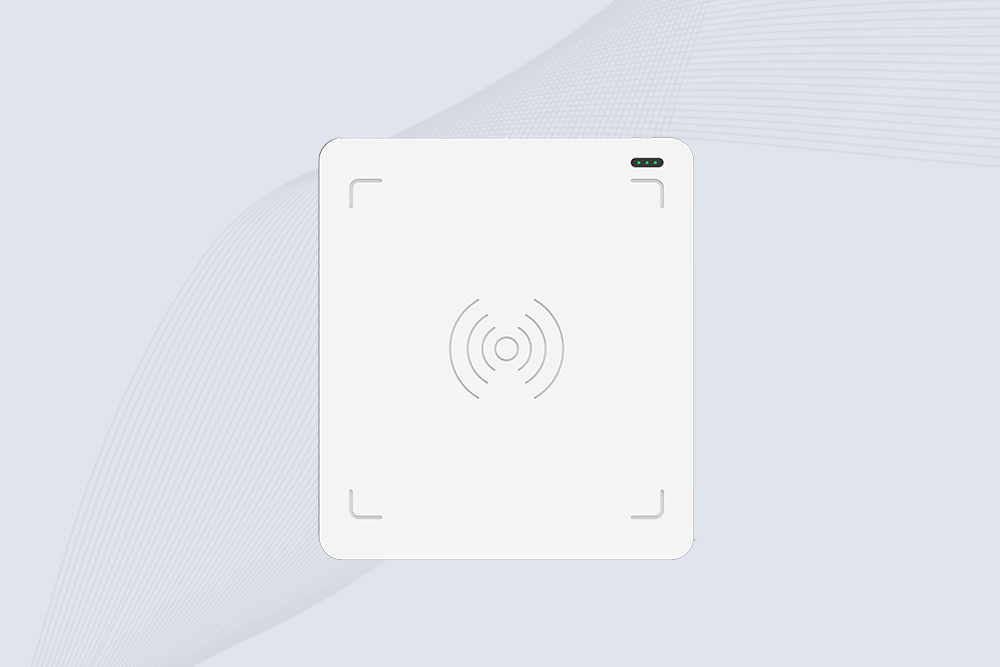
CYKEO CYKEO-D3L USB RFID Tag Reader delivers stable UHF tag reading and writing for daily desktop and light industrial tasks. Designed for controlled short-range operation, this USB RFID Tag Reader works reliably with rfid tag and reader systems in libraries, tool tracking, and inventory registration.
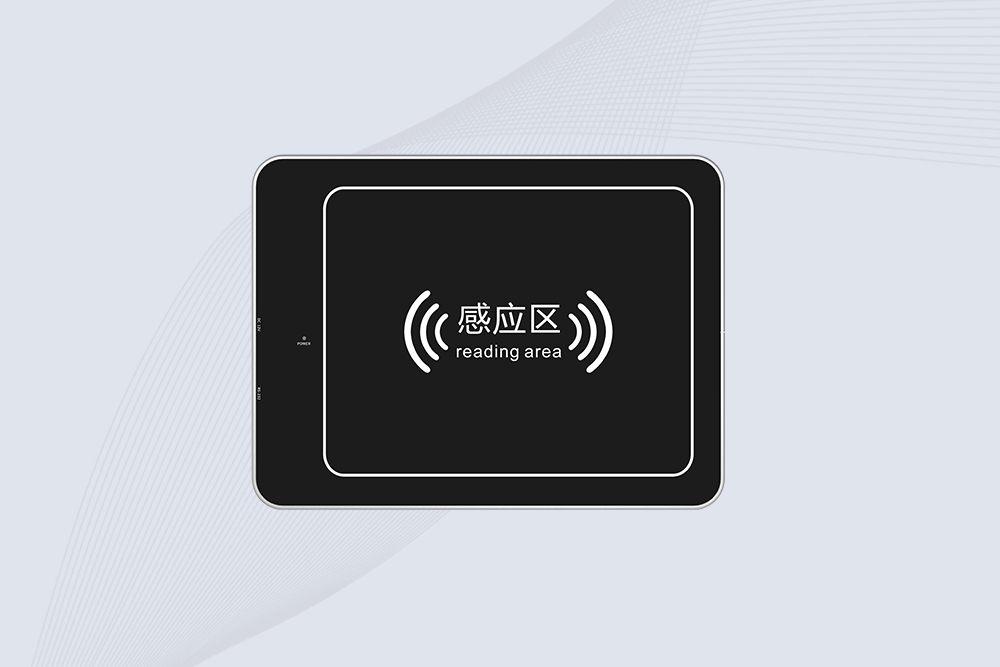
The CYKEO CYKEO-D4L UHF RFID Tag Reader is a stable Desktop RFID Reader designed for accurate tag registration, borrowing, and return workflows. Built with the Impinj R2000 chip, this UHF RFID Tag Reader delivers controlled short-range reads for libraries, asset tracking, and inventory management environments.
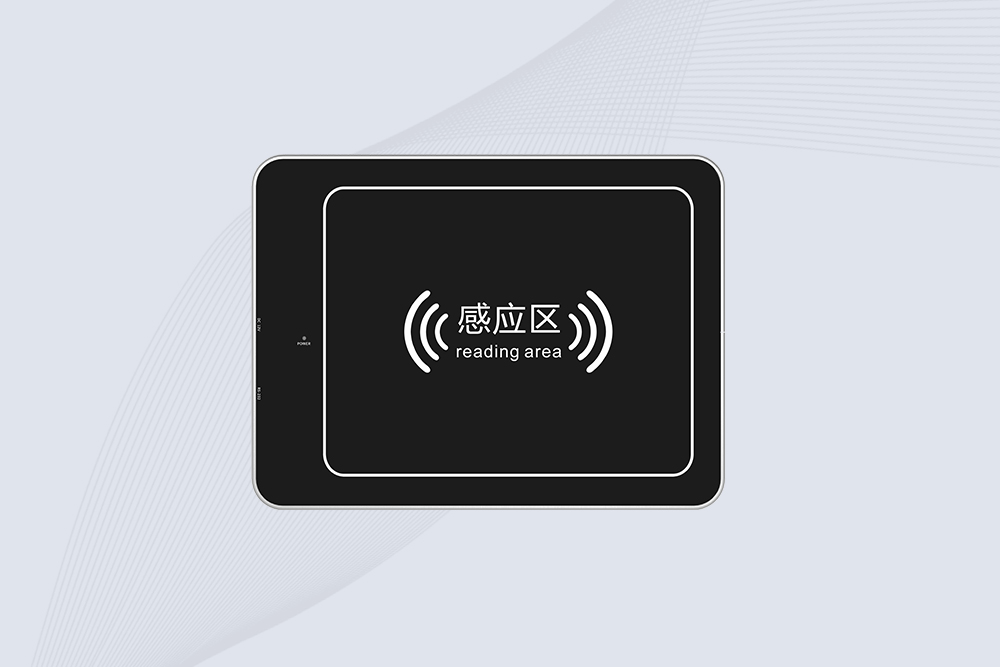
The CYKEO CYKEO-D5L Desktop RFID Card Reader is a stable UHF RFID Card Reader designed for controlled short-range reading and writing. Built for libraries, tool rooms, and asset desks, this UHF RFID Card Reader supports dense tag handling, secure data processing, and easy USB integration.
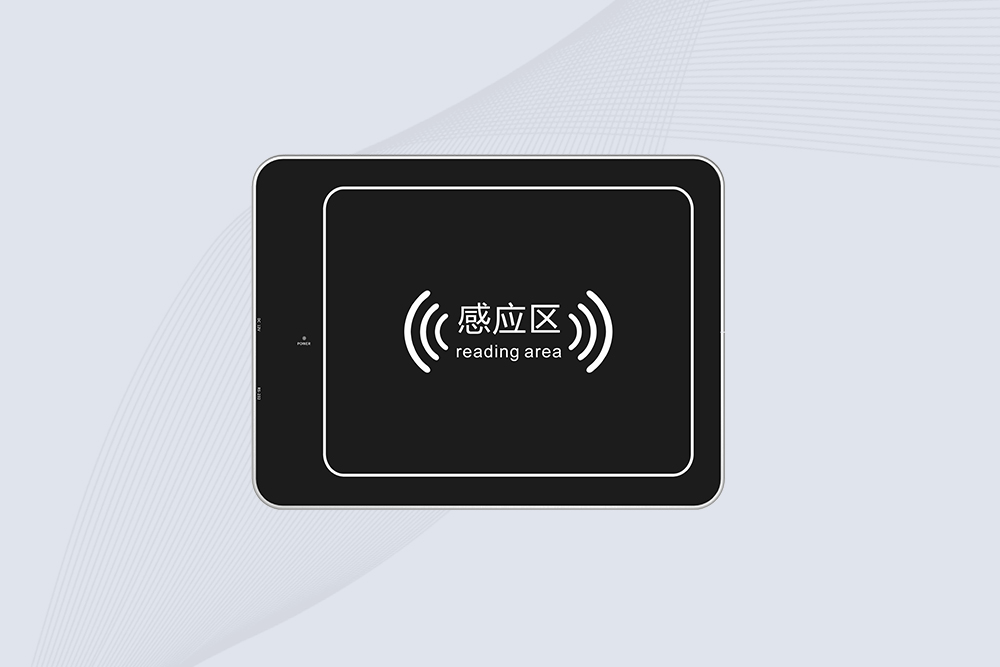
The CYKEO CYKEO-D6L RFID Reader Writer is a heavy-duty Desktop RFID Reader designed for short-range, high-accuracy tag programming. Built for libraries, labs, and asset desks, this RFID Reader Writer supports batch processing, stable 33dBm output, and seamless integration with existing management systems.
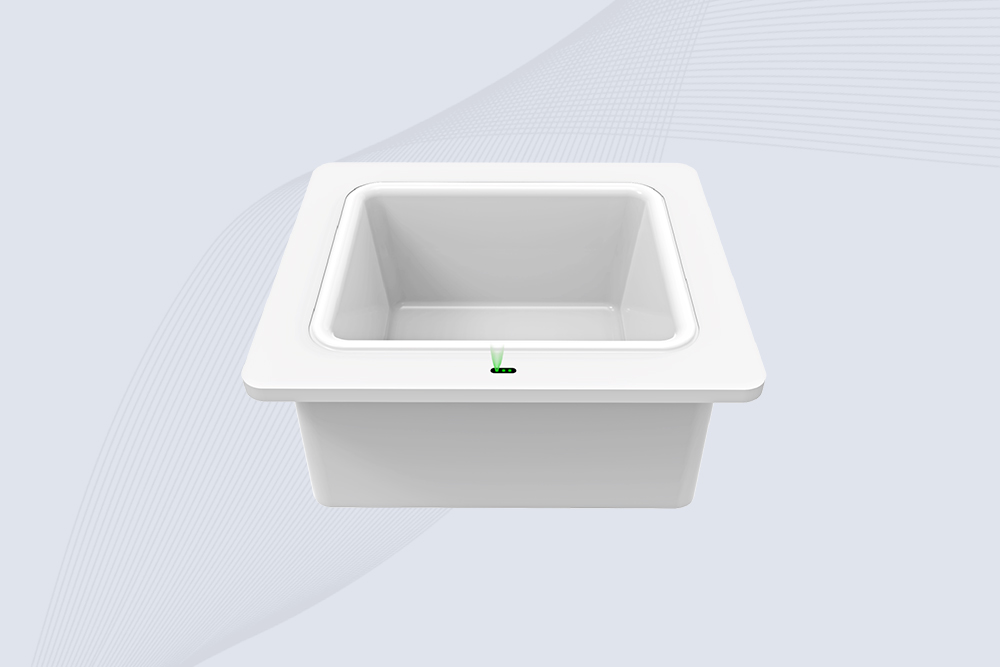
Cykeo CYKEO-D8B UHF RFID tunnel and RFID Desktop Reader features 30+ items batch reading,
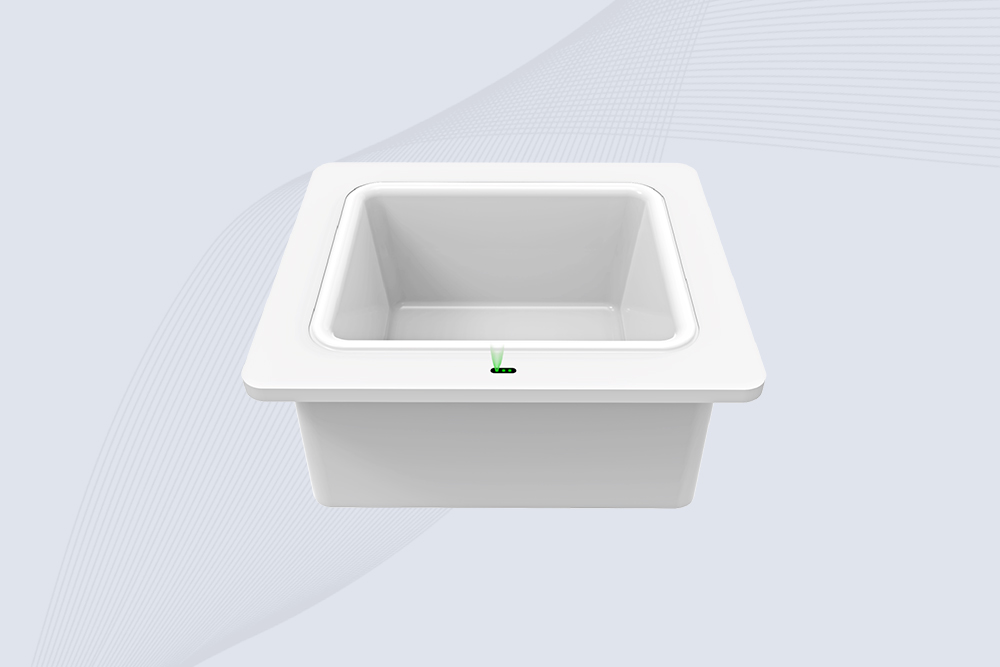
Cykeo CYKEO-D8A embedded RFID badge reader offers 30+ tags/sec scanning, 20cm anti-crosstalk precision, and DC 12V power for unmanned stores, warehouses, and smart inventory systems.
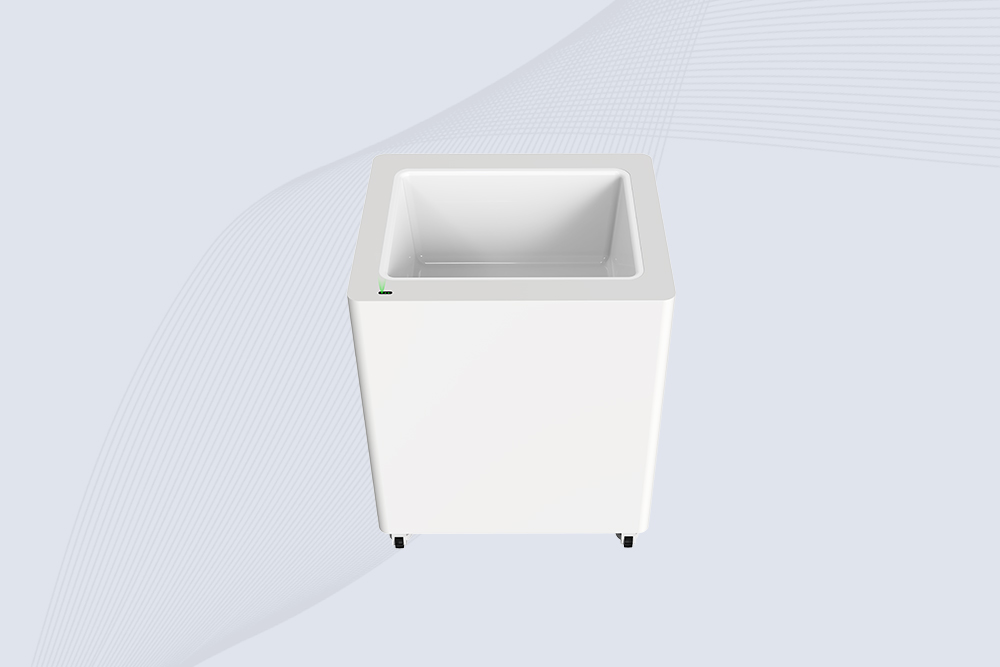
Cykeo’s CYKEO-D8C UHF RFID gate reader achieves 200-tag/batch scanning with adjustable power control, ideal for retail inventory and smart warehouse management.
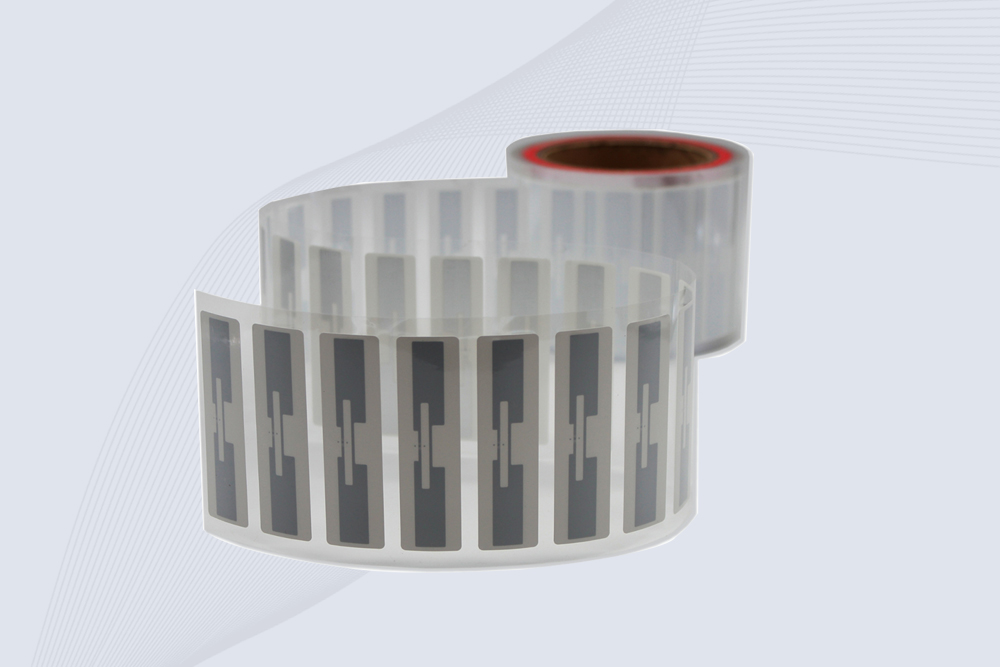
CYKEO Passive RFID Tags are made for wet and high-humidity environments where standard labels do not last. This rfid passive tag is often used around liquids, chemicals and temperature changes, providing stable reading distance and long data life for industrial tracking.
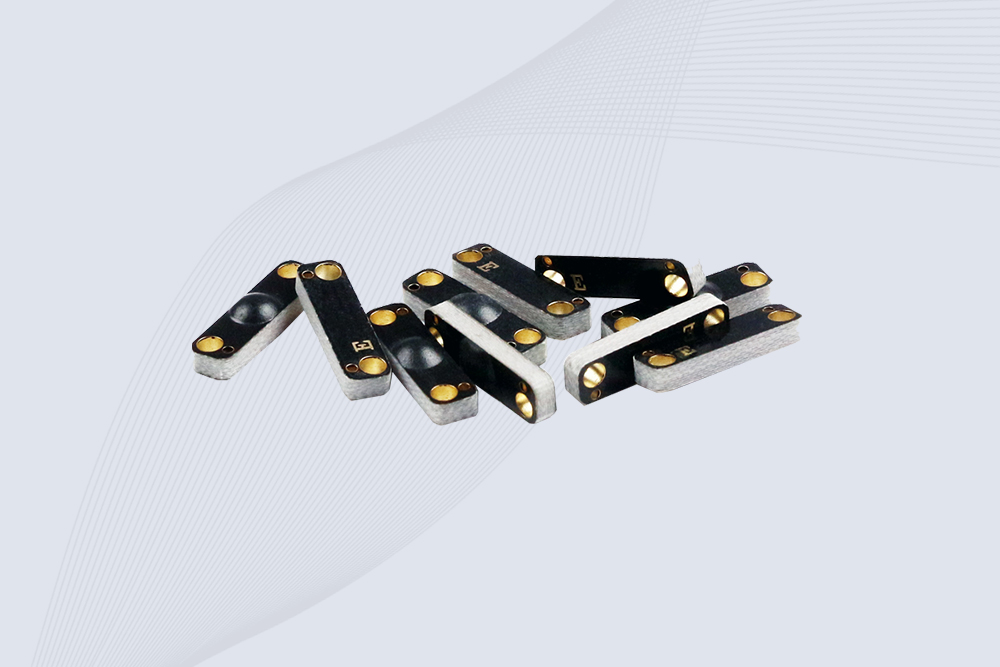
CYKEO CYKEO-PCB1504 Metal RFID Tags is a compact anti-metal UHF RFID solution built for direct mounting on metal surfaces. With stable 8-meter read range, Ucode-8 chip, and long data retention, this rfid metal tag fits tools, containers, automotive parts, and industrial asset tracking.
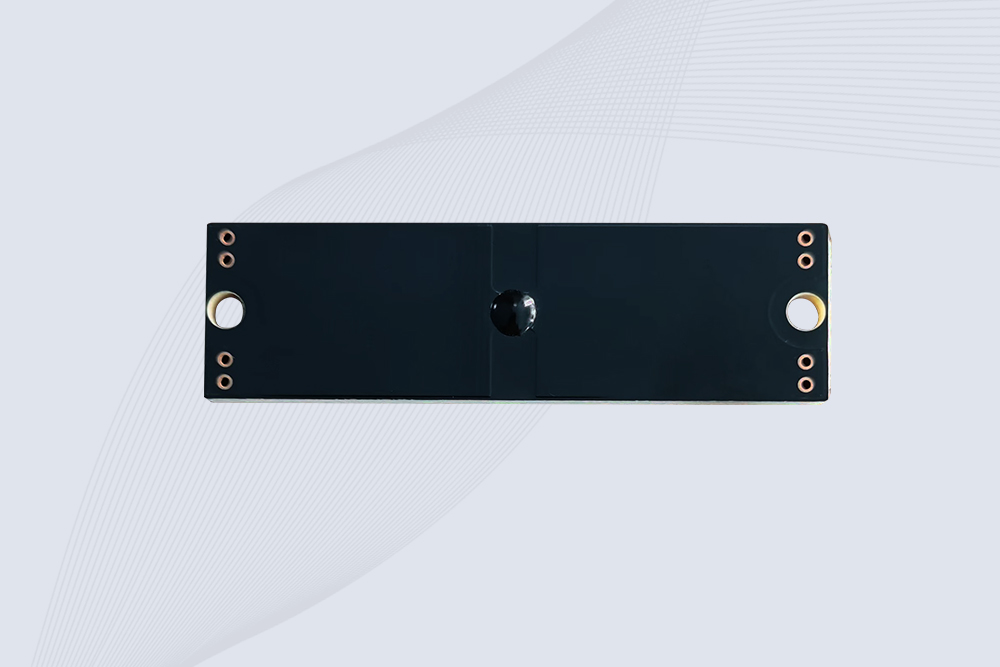
CYKEO CYKEO-PCB7020 On-Metal RFID Tags are designed for reliable tracking on steel and metal surfaces. Built with an FR4 epoxy body and industrial-grade chips, these On-Metal RFID Tags deliver stable performance, long data life, and chemical resistance, making them a dependable RFID anti-metal tag for harsh environments.
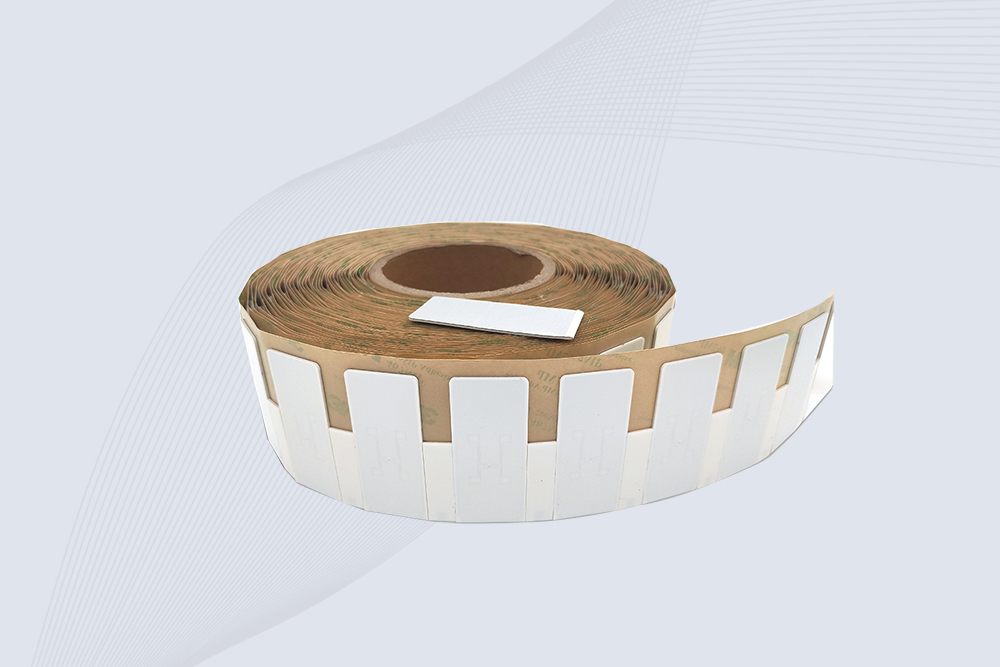
The CYKEO CYKEO-60-25 Anti-Metal RFID Tag is built for metal surfaces where standard tags fail. Designed for long-range performance, harsh environments, and stable data retention, this Anti-Metal RFID Tag is ideal for industrial assets, containers, and equipment tracking using on metal RFID tags.
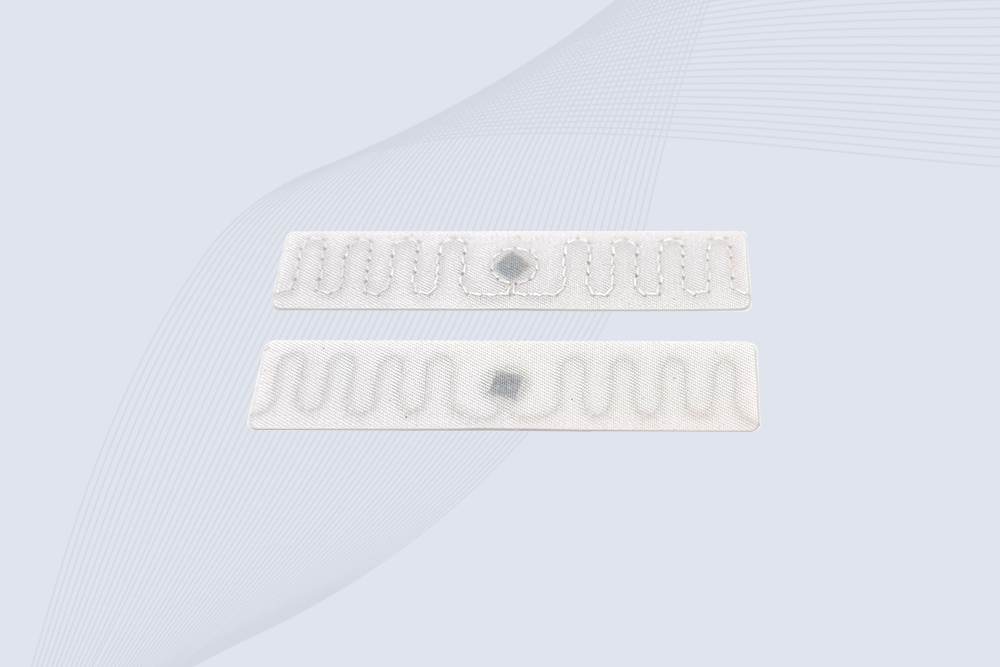
The CYKEO RFID Laundry Tag is designed for long-term textile identification in harsh laundry environments. Built to withstand high heat, chemicals, and repeated washing, this RFID Laundry Tag delivers stable performance for hotels, hospitals, and industrial laundry operations using laundry rfid tags at scale.
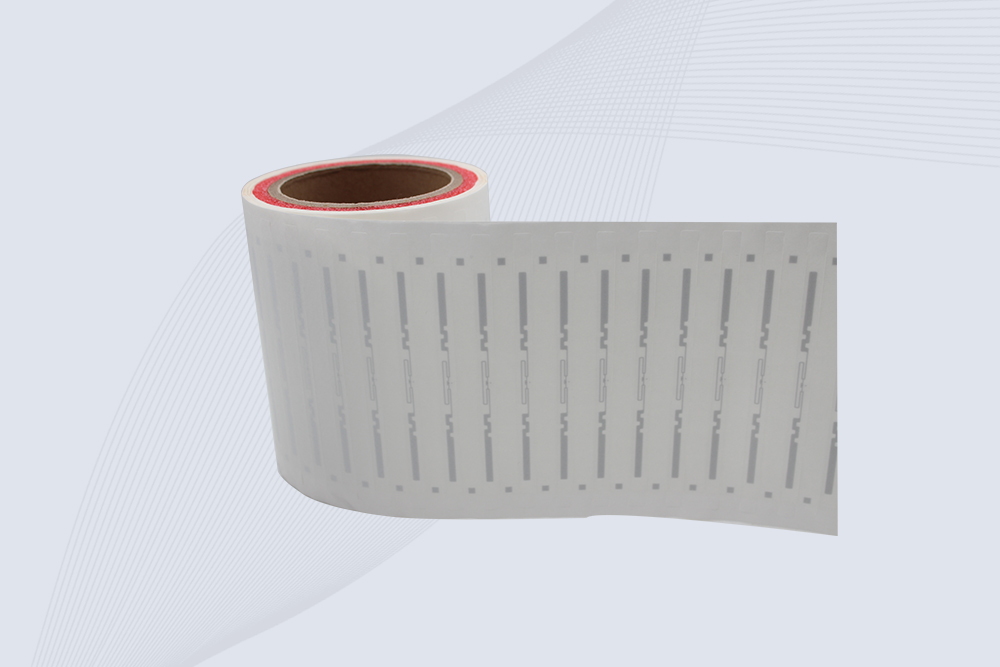
The CYKEO CYKEO-125-7 RFID Book Tag is designed for reliable book and document tracking in libraries and archives. This RFID Book Tag delivers long read range, dense placement support, and stable performance on shelves, making it a practical rfid tag on books for library automation, file management, and archival systems.
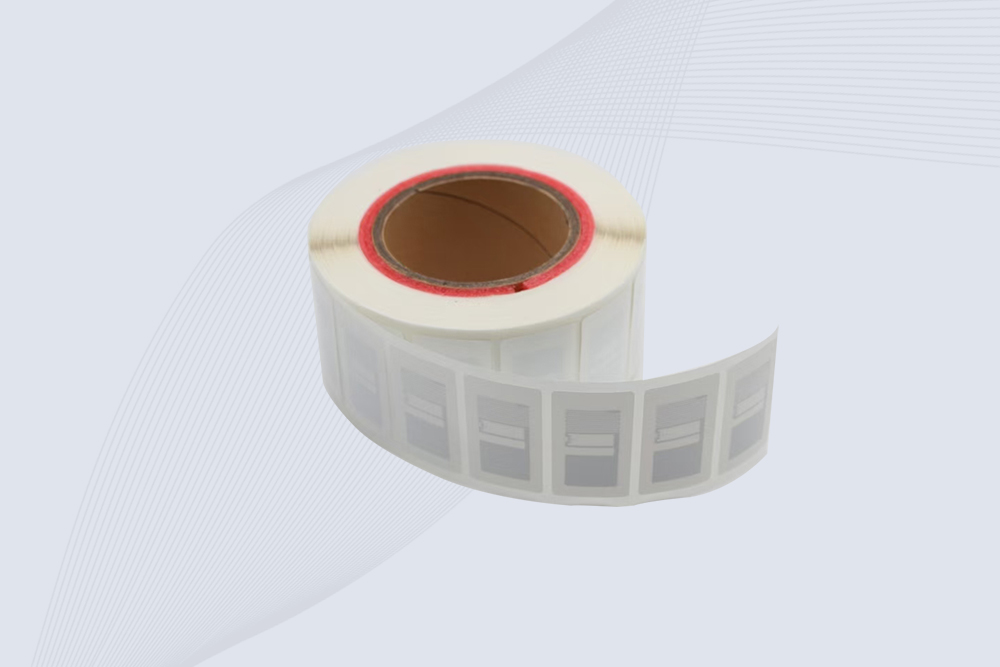
CYKEO RFID tags in hospitals are designed for sterile environments where accuracy matters. These autoclavable RFID tags support long-term tracking of surgical tools, implants, and medications, helping hospitals improve visibility, compliance, and patient safety.

CYKEO RFID Cable Tie Tag is built for reliable identification on metal surfaces. This UHF RFID Cable Tie Tag is widely used in rfid tags for inventory systems, industrial asset management and Hospital RFID Tags, offering stable read performance, long service life and global EPC Gen2 compatibility.
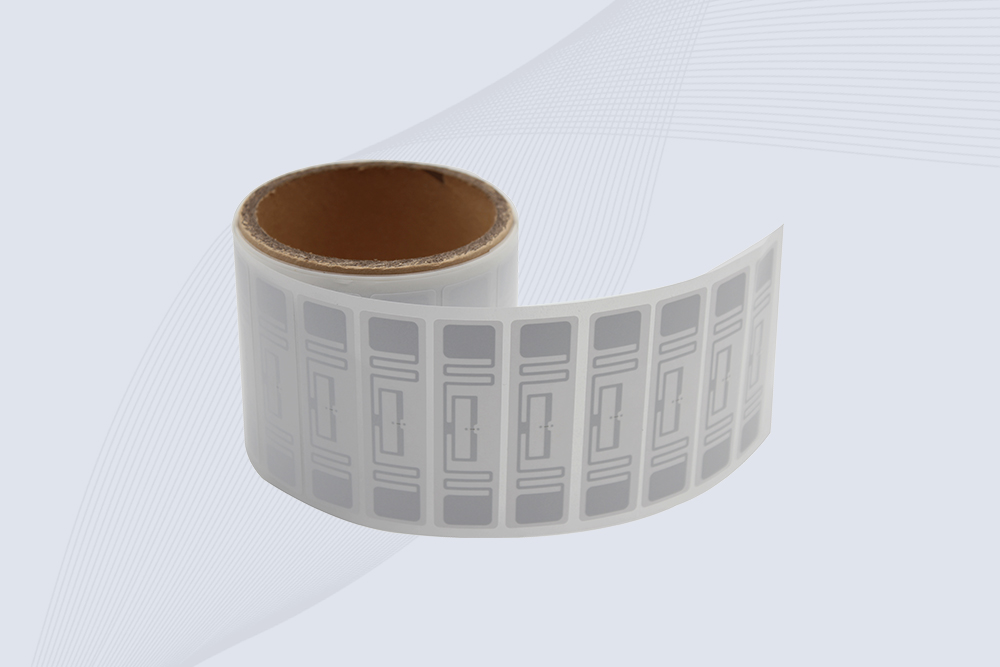
CYKEO RFID Asset Tag is designed for stable identification of metal assets in industrial environments. This UHF RFID Asset Tag is commonly used for rfid tag asset tracking on equipment, tools and containers, providing reliable reads, long service life and ISO/IEC 18000-6C support.
CYKEO UHF RFID Card is designed for fast identification and long-term use in industrial and commercial systems. Supporting ISO 18000-6C, this UHF RFID Card works at 860–960 MHz and is suitable for custom RFID cards used in asset tracking, access control and inventory management.
CYKEO HF RFID Cards are designed for secure and stable access control systems. These 13.56 MHz RFID key cards support ISO 14443-A, reliable rewriting and long service life, making HF RFID Cards suitable for offices, campuses, events and membership management.
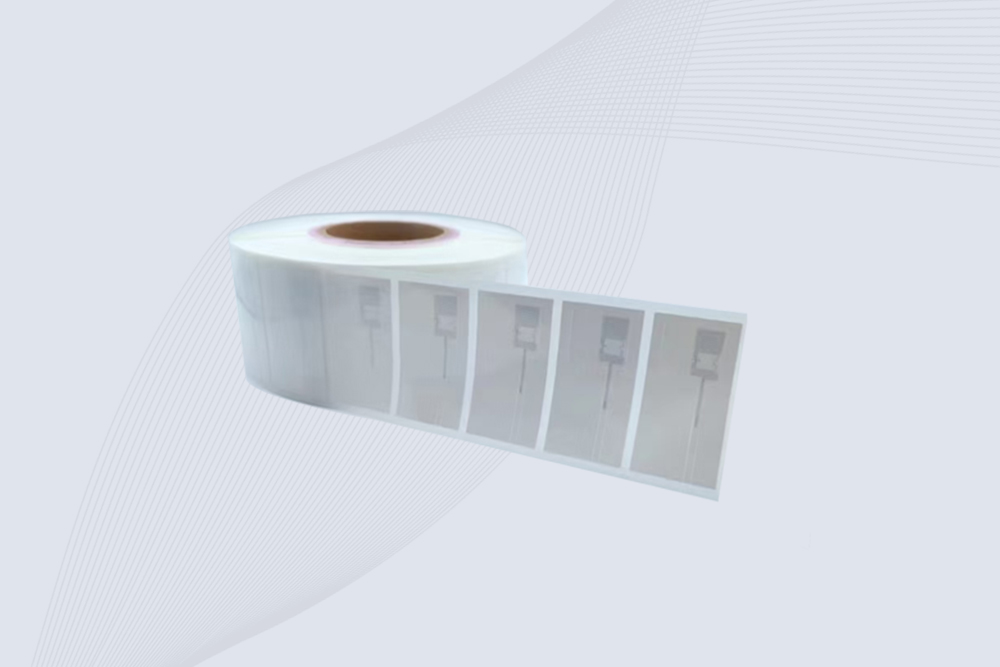
CYKEO UHF RFID Tag is designed for reliable tracking of metal jewelry and high-value items. This Jewelry RFID Tag supports long-range reading up to 8 meters, anti-counterfeit protection and stable performance on metal, making it suitable for retail, inventory control and asset management.
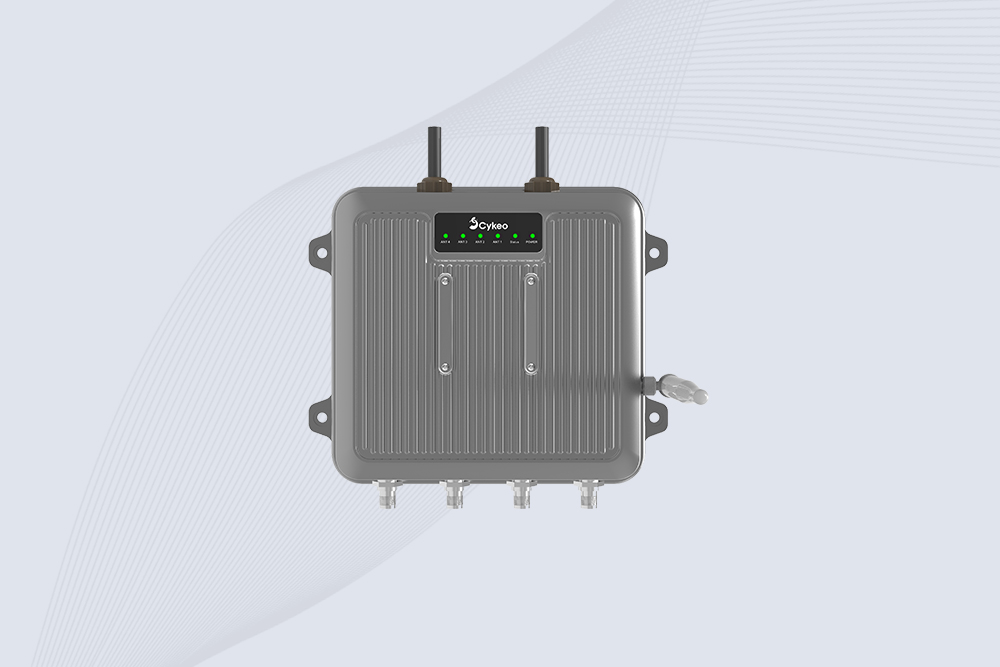
Cykeo CYKEO-C1 industrial Forklift RFID Reader features 20m read range, 600 tags/sec scanning, Impinj R2000 chipset, and IP67 rugged design. Ideal for warehouse logistics and manufacturing. Supports ISO 18000-6C/6B protocols.
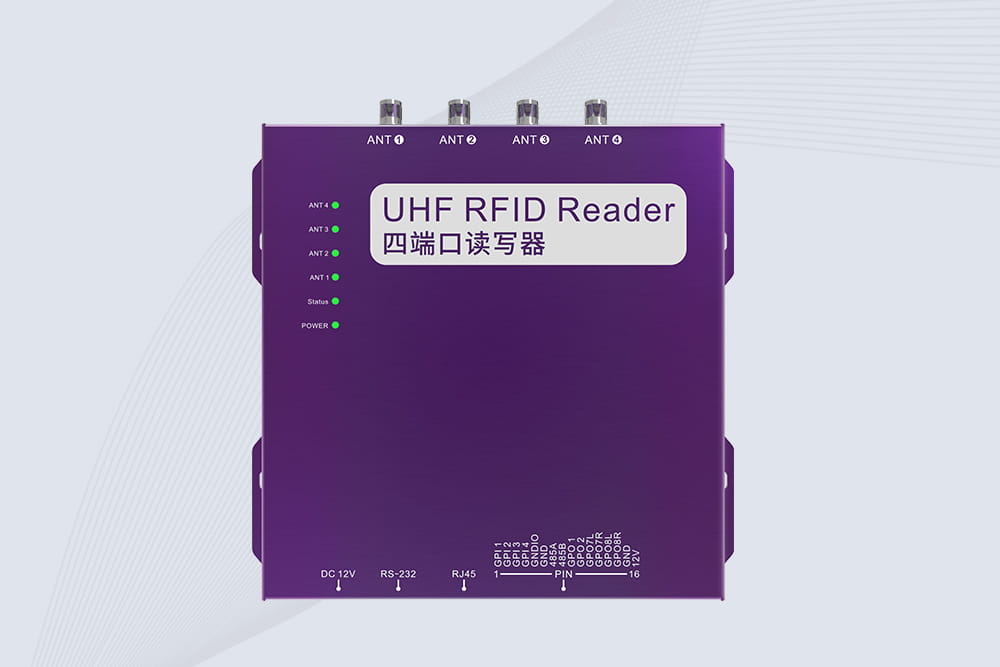
Cykeo CYKEO-R4 industrial UHF RFID Fixed Reader features 4 TNC ports, 400+ tags/sec speed, IP67 housing, and global frequency compliance for vehicle inspection, smart warehouse, and asset management systems.
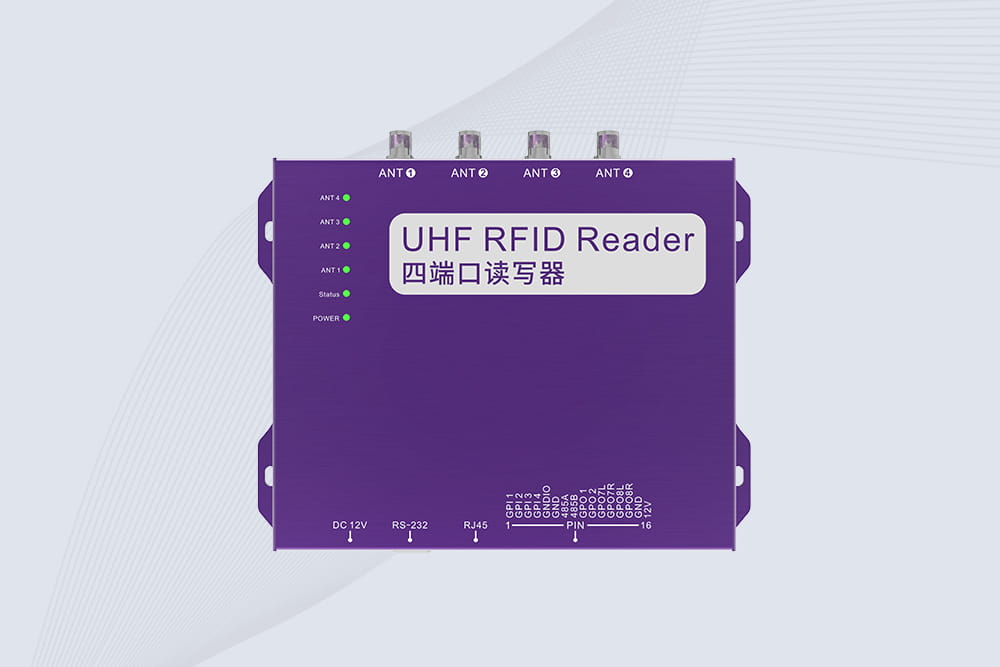
Cykeo’s CYKEO-R4L 4-port Fixed UHF RFID Reader delivers 400 tags/sec scanning, ISO 18000-6C compliance, and IP65 protection. Ideal for warehouse automation, manufacturing WIP tracking, and logistics management.
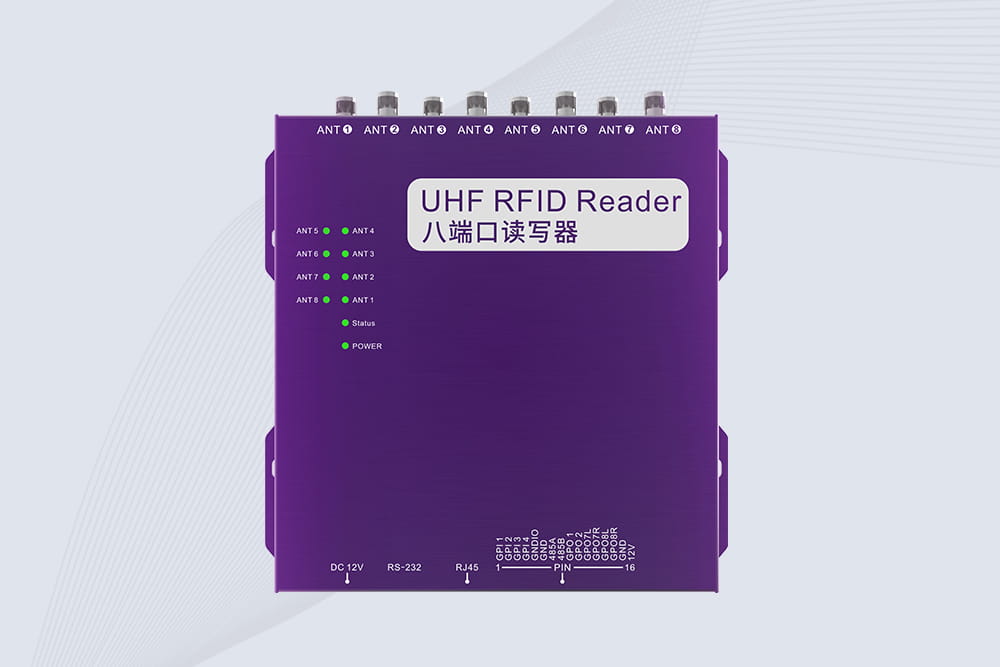
CYKEO CYKEO-R8L Fixed RFID Reader with 8-port UHF design, Impinj-based RF core and up to 20m read range. An industrial Fixed RFID Reader for vehicle inspection, warehouse portals, smart manufacturing lines and secure access checkpoints.
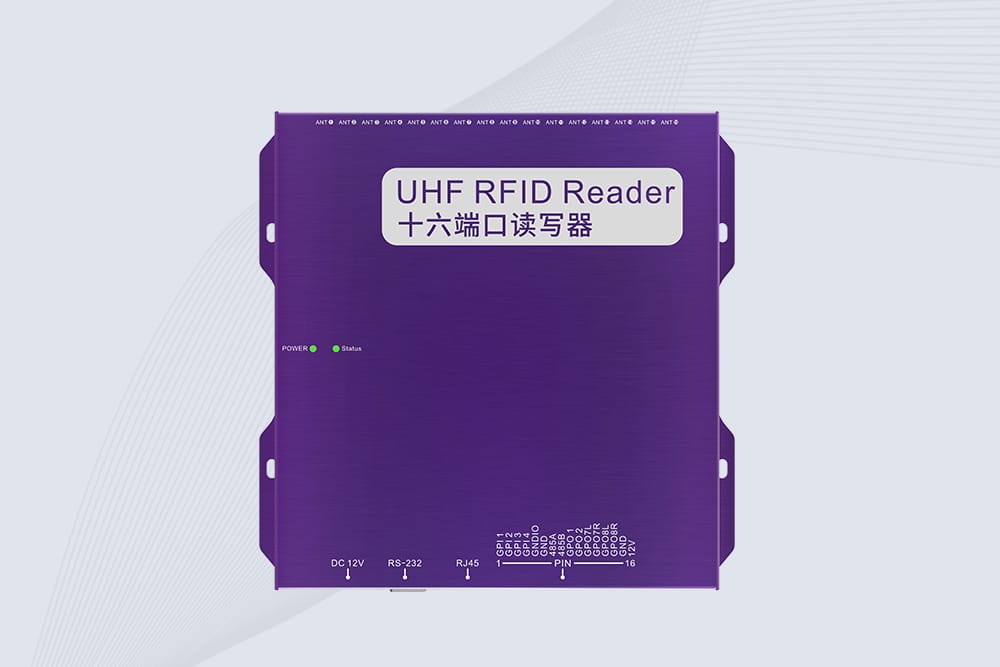
RFID Fixed Reader from CYKEO – the CYKEO-R16L 16-port UHF fixed reader for warehouses, smart cabinets, and production lines. Long-range, multi-tag reading, stable performance for 24/7 industrial use.
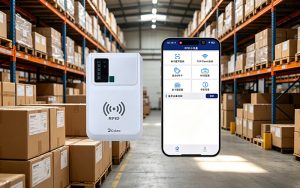
Learn how to read RFID with phone using UHF readers. Boost accuracy and speed with mobile RFID solutions trusted in logistics, retail, and healthcare.
More
Step-by-step guide to installing and configuring industrial RFID readers for maximum efficiency. Learn best practices and avoid common pitfalls with Cykeo’s expertise.
More
Discover why not all RFID tags work with every reader. Learn about frequency, standards, and how Cykeo’s multi-protocol readers ensure universal compatibility.
More
Upgrade your storage with the CK-G68 RFID Smart Book Inventory Cabinet. Featuring RFID tech, dual-system support, solar power, and an easy upgrade path, it’s perfect for universities, libraries, and archives.
More