 Cykeo RFID IoT Solution Products R&D Manufacturer

how to read an rfid chip
162Learn how to read an rfid chip with professional RFID readers, antennas, and software. Discover practical methods, technical factors, and Cykeo RFID solutions.
MoreAll RFID Product
When customers contact an NFC or RFID supplier, one of the first questions is often simple:
“Can I test this NFC reader with my Android phone?”
It sounds like an easy question, but in real projects, things are not always that straightforward.
A phone may support NFC but fail to read a specific tag. An NFC tag may work perfectly with one smartphone but not another. A reader module may detect cards but fail when integrated into an industrial device.
From our experience working with NFC and RFID applications, many testing problems are not caused by defective hardware. They are usually caused by compatibility, frequency differences, antenna design, or incorrect testing methods.
Before purchasing hundreds or thousands of NFC readers, testing with an Android phone is a good first step.
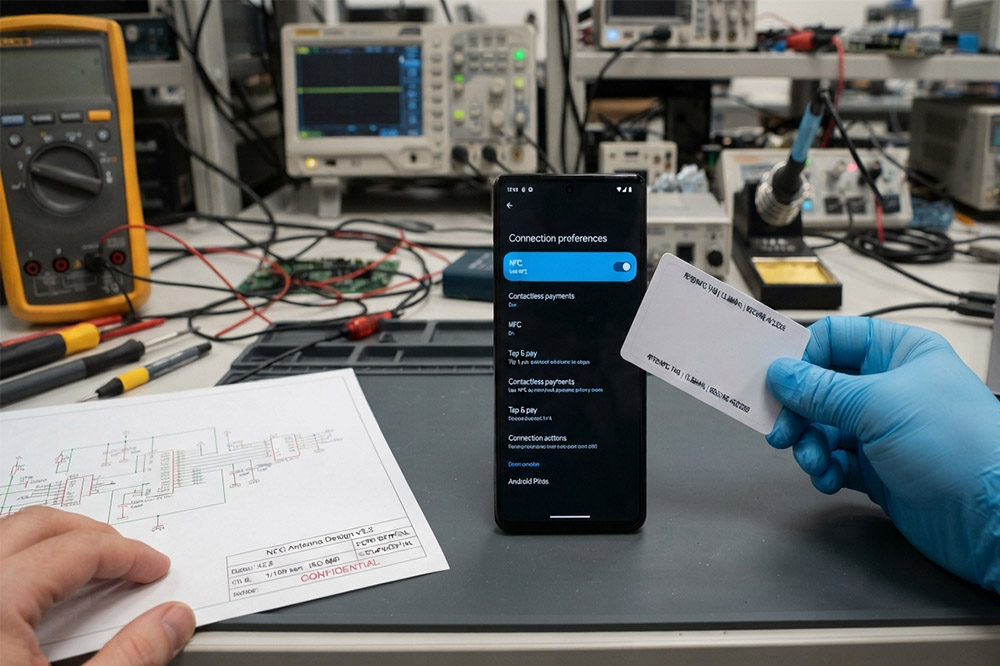
If you are testing NFC hardware for a project, it is also important to understand the relationship between smartphones, NFC tags, and external NFC readers.
We previously discussed how to test NFC/RFID reader compatibility with smartphones, including what factors affect communication between phones and RFID/NFC devices.
You can check this guide here:
“How to Test NFC RFID Reader Compatibility With Your Smartphone: No Tech Degree Needed”
This article focuses more on Android phone testing methods, especially for buyers, integrators, and companies evaluating NFC hardware before bulk orders.
The easiest mistake is assuming every modern Android phone supports NFC.
Many flagship phones include NFC, but some budget models remove the function to reduce cost.
To check:
The menu location is different depending on the Android brand.
For example:
Sometimes the NFC option is hidden because the phone model does not support it.
In production testing, we often recommend checking the exact phone model instead of only checking the Android version.
Android 14 does not automatically mean NFC exists.
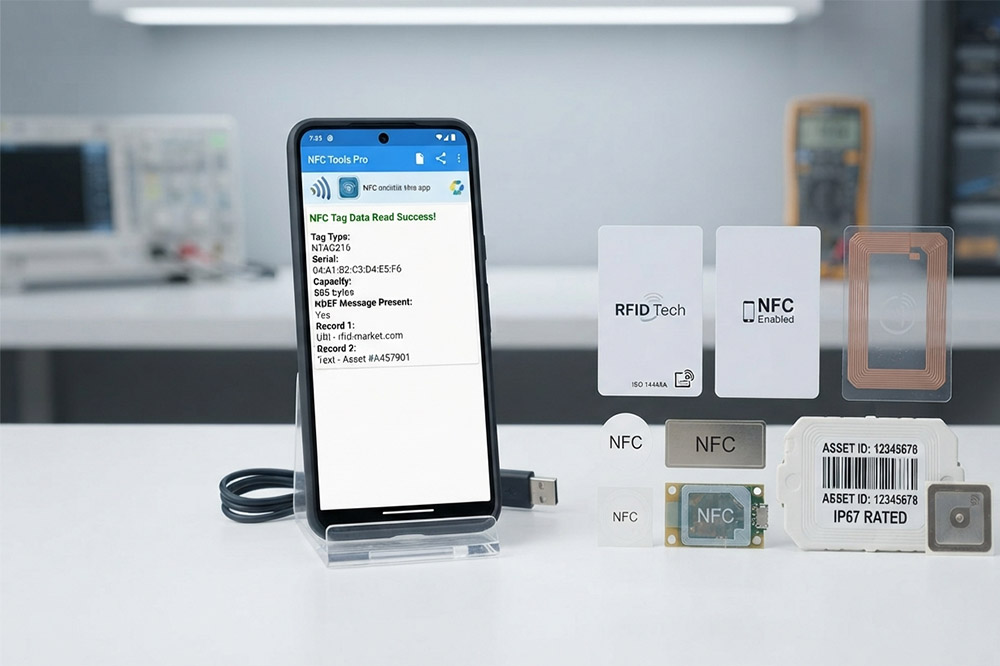
Android phones usually can read NFC tags directly, but for more detailed testing, an NFC application is helpful.
Common NFC test apps can display:
A typical test process looks like this:
The NFC antenna location is different between phones.
Some phones detect NFC near the top back cover, while others work closer to the center.
A common reason users think NFC is not working is simply placing the tag in the wrong position.
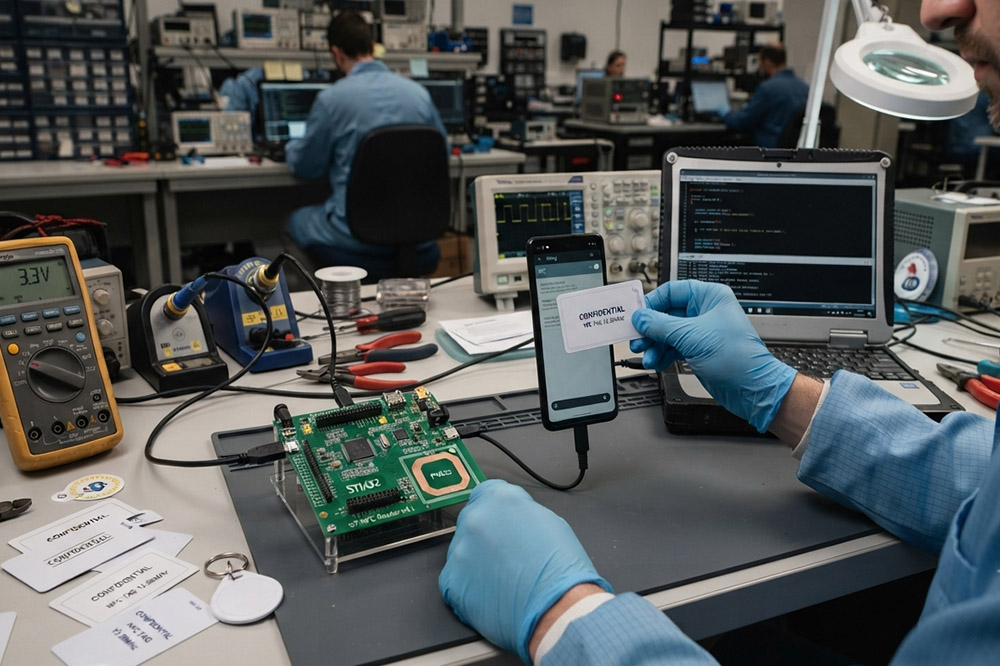
NFC is not just one technology.
Different NFC tags use different chips and standards.
Common NFC types include:
For example, a smartphone may easily read an NTAG213 sticker but fail with another industrial NFC card.
This does not necessarily mean the phone is damaged.
The tag frequency may be the same, but the communication protocol or security settings can be different.
For companies developing:
testing several tag types is usually necessary.
Many buyers misunderstand one point:
A phone NFC function and an external NFC reader are not exactly the same thing.
A smartphone usually works as an NFC reader.
However, most industrial NFC readers are designed for stable operation, longer working hours, and integration with software systems.
A typical test:
Depending on the model, connect through:
Check whether:
If the phone reads the tag but the reader does not:
Possible reasons:
If the reader works but the phone does not:
Possible reasons:
A customer developing smart lockers once tested NFC tags using several Android phones.
At first, everything looked normal.
The phone could read the tags.
However, after integrating the tags into the metal cabinet structure, reading performance dropped significantly.
The reason was not the NFC chip.
The metal environment affected the antenna performance.
This is common in industrial NFC applications.
Products like:
often need special NFC tag selection or antenna adjustment.
Testing in a real installation environment is much more valuable than testing on a desk.
Check:
Try another NFC tag.
Possible reasons:
Removing the phone case is a simple but often overlooked test.
This happens frequently in engineering projects.
The phone may support:
while the industrial device requires:
A compatibility test before purchasing is highly recommended.
If you are sourcing NFC readers for commercial products, smartphone testing is only the beginning.
Before mass production, confirm:
A supplier should be able to provide engineering samples before large orders.
For OEM projects, testing one sample is usually much cheaper than changing thousands of units later.
For small experiments, a smartphone NFC app may be enough.
For commercial applications, however, you need hardware designed for your environment.
Different industries require different NFC solutions:
A good NFC supplier should not only provide the reader but also help with:
Because NFC performance depends on the complete system, not only the chip inside.
CYKEO Passive RFID Tags are made for wet and high-humidity environments where standard labels do not last. This rfid passive tag is often used around liquids, chemicals and temperature changes, providing stable reading distance and long data life for industrial tracking.
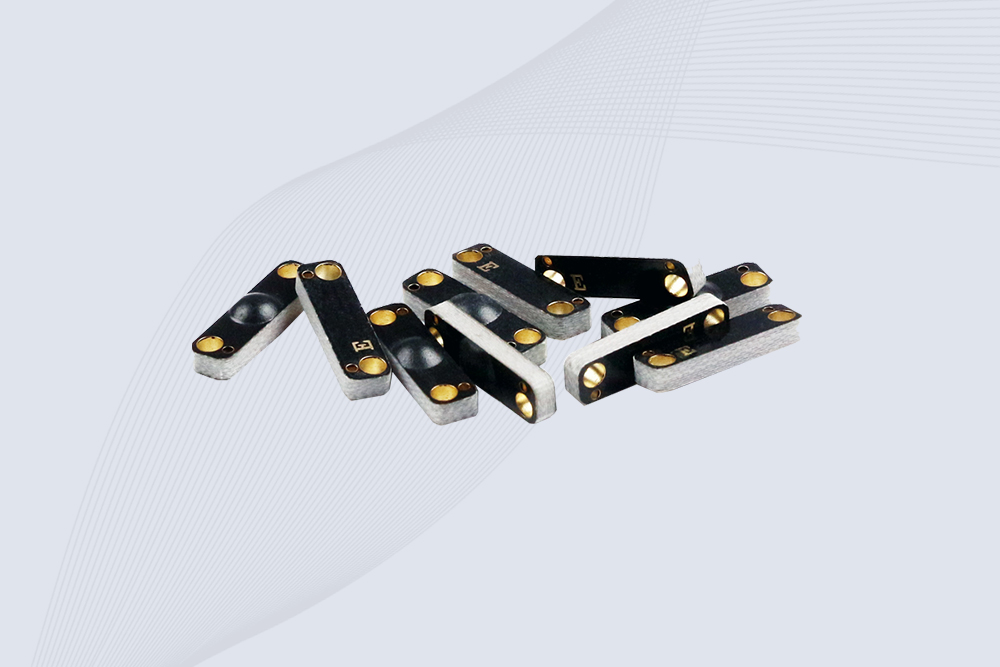
CYKEO CYKEO-PCB1504 Metal RFID Tags is a compact anti-metal UHF RFID solution built for direct mounting on metal surfaces. With stable 8-meter read range, Ucode-8 chip, and long data retention, this rfid metal tag fits tools, containers, automotive parts, and industrial asset tracking.
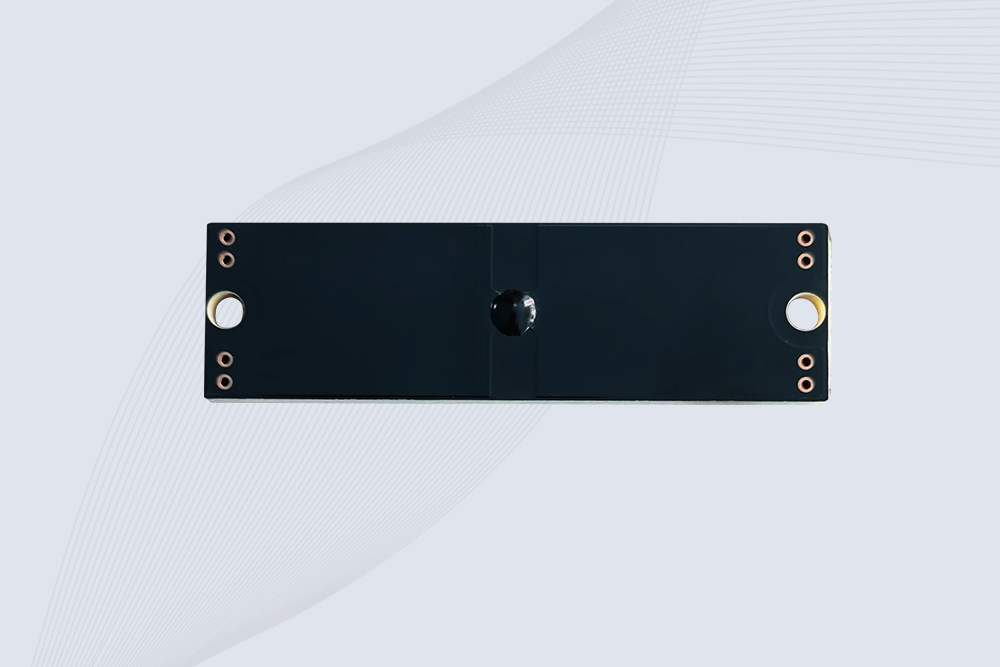
CYKEO CYKEO-PCB7020 On-Metal RFID Tags are designed for reliable tracking on steel and metal surfaces. Built with an FR4 epoxy body and industrial-grade chips, these On-Metal RFID Tags deliver stable performance, long data life, and chemical resistance, making them a dependable RFID anti-metal tag for harsh environments.
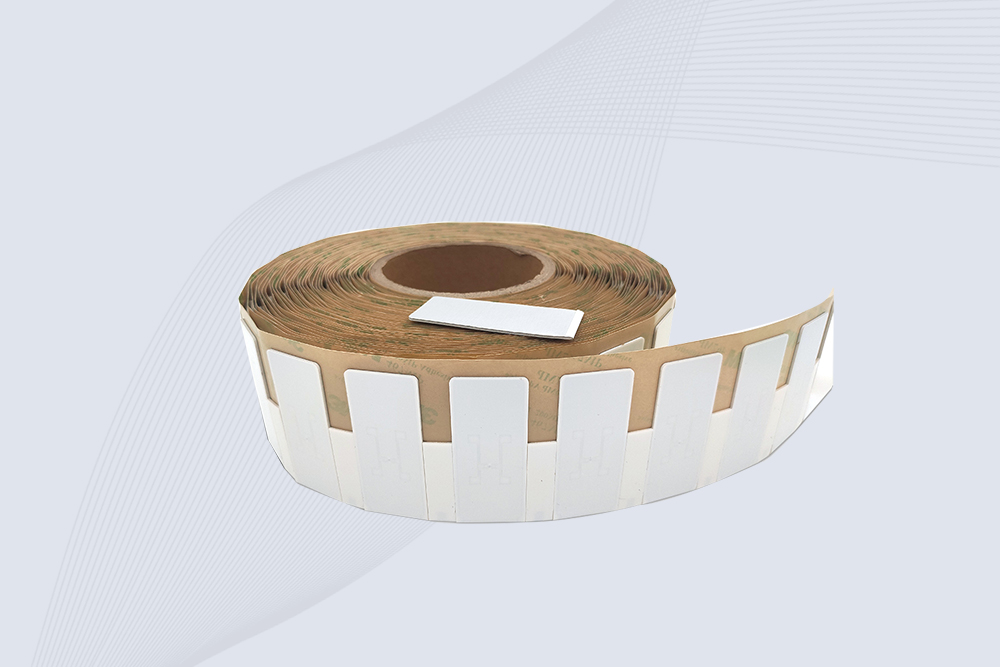
The CYKEO CYKEO-60-25 Anti-Metal RFID Tag is built for metal surfaces where standard tags fail. Designed for long-range performance, harsh environments, and stable data retention, this Anti-Metal RFID Tag is ideal for industrial assets, containers, and equipment tracking using on metal RFID tags.
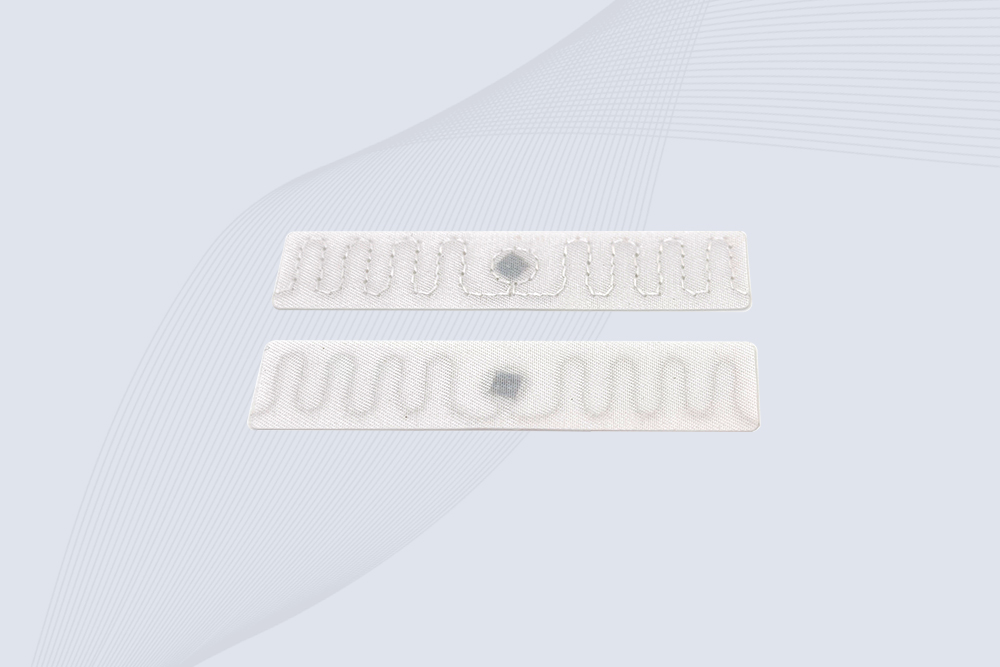
The CYKEO RFID Laundry Tag is designed for long-term textile identification in harsh laundry environments. Built to withstand high heat, chemicals, and repeated washing, this RFID Laundry Tag delivers stable performance for hotels, hospitals, and industrial laundry operations using laundry rfid tags at scale.
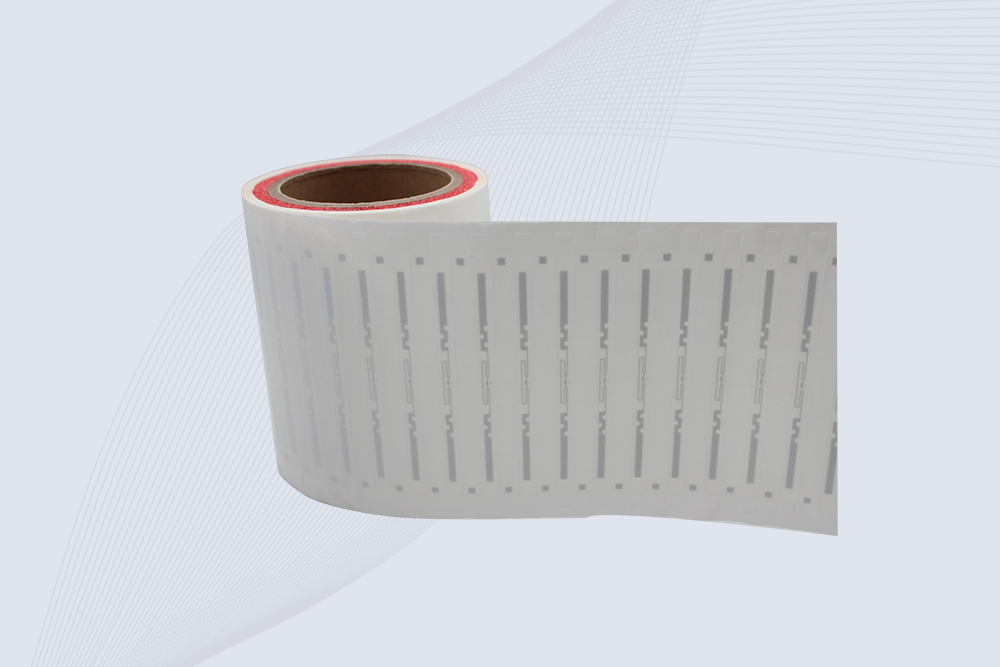
The CYKEO CYKEO-125-7 RFID Book Tag is designed for reliable book and document tracking in libraries and archives. This RFID Book Tag delivers long read range, dense placement support, and stable performance on shelves, making it a practical rfid tag on books for library automation, file management, and archival systems.
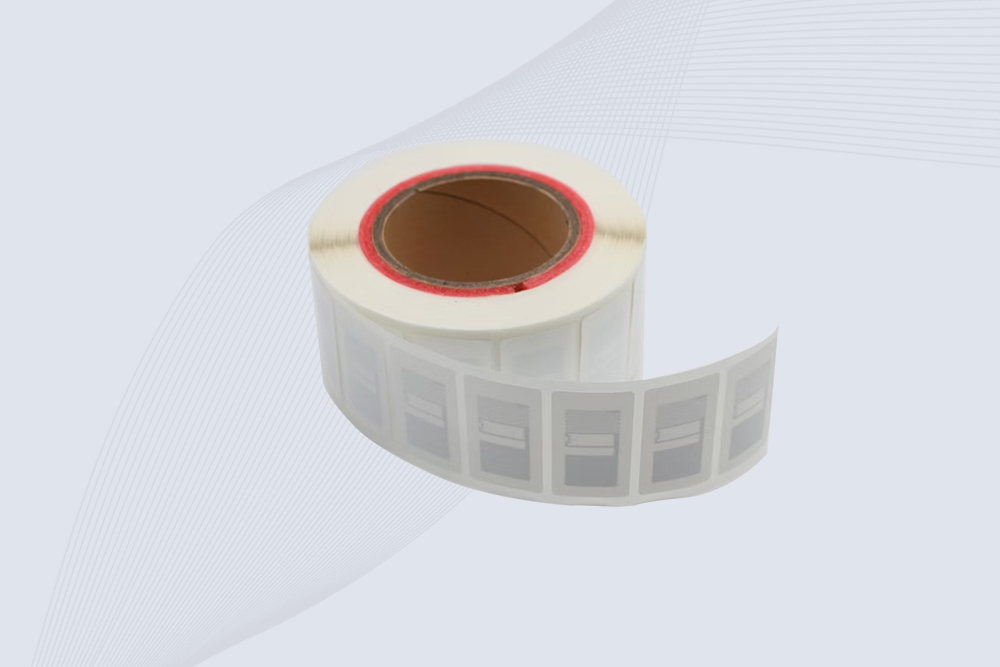
CYKEO RFID tags in hospitals are designed for sterile environments where accuracy matters. These autoclavable RFID tags support long-term tracking of surgical tools, implants, and medications, helping hospitals improve visibility, compliance, and patient safety.

CYKEO RFID Cable Tie Tag is built for reliable identification on metal surfaces. This UHF RFID Cable Tie Tag is widely used in rfid tags for inventory systems, industrial asset management and Hospital RFID Tags, offering stable read performance, long service life and global EPC Gen2 compatibility.
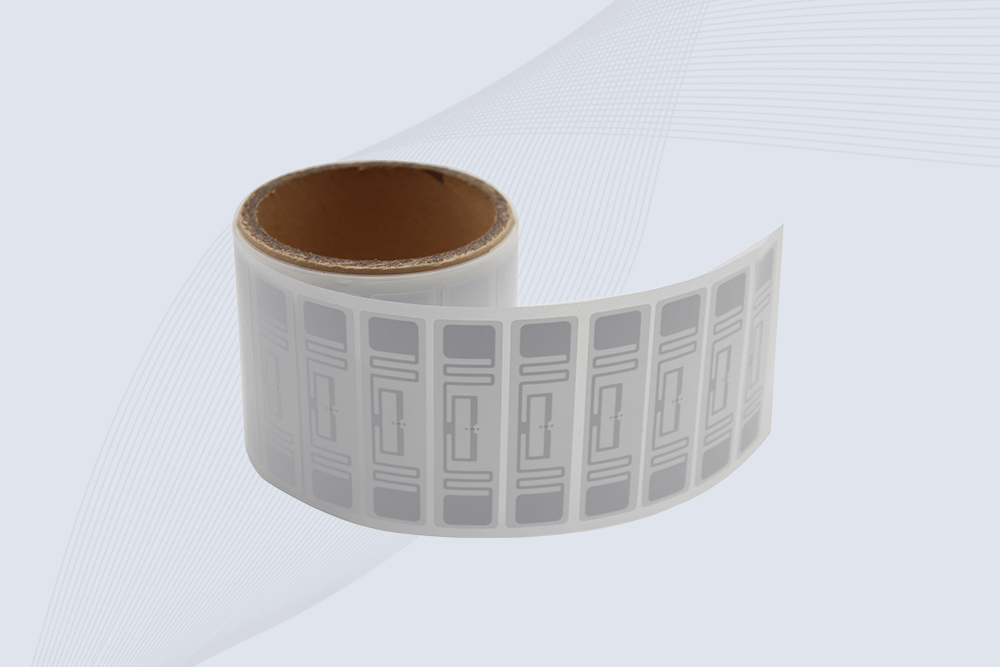
CYKEO RFID Asset Tag is designed for stable identification of metal assets in industrial environments. This UHF RFID Asset Tag is commonly used for rfid tag asset tracking on equipment, tools and containers, providing reliable reads, long service life and ISO/IEC 18000-6C support.
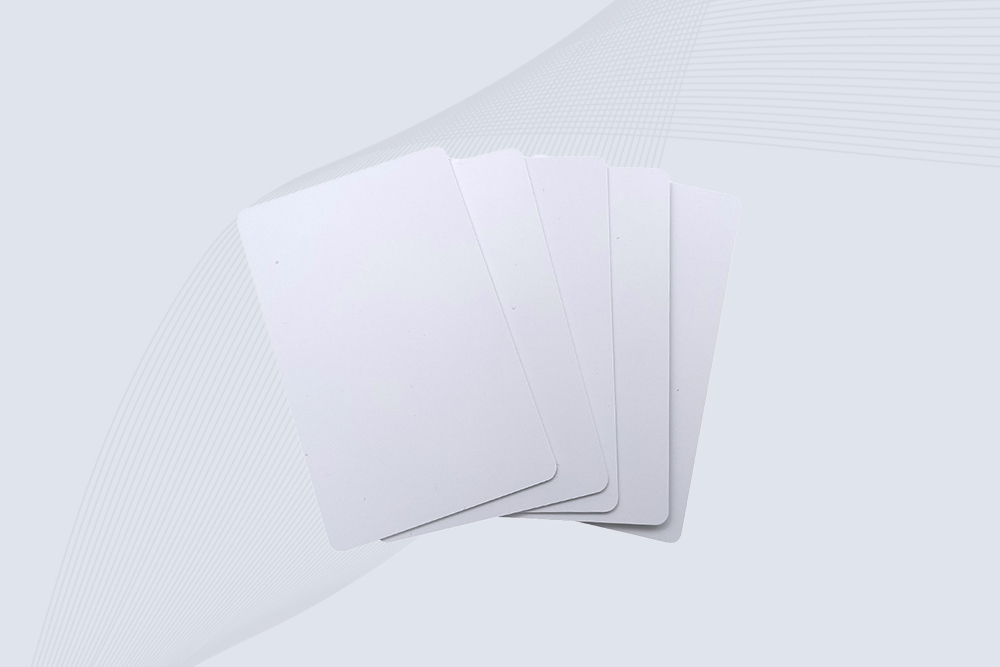
CYKEO UHF RFID Card is designed for fast identification and long-term use in industrial and commercial systems. Supporting ISO 18000-6C, this UHF RFID Card works at 860–960 MHz and is suitable for custom RFID cards used in asset tracking, access control and inventory management.
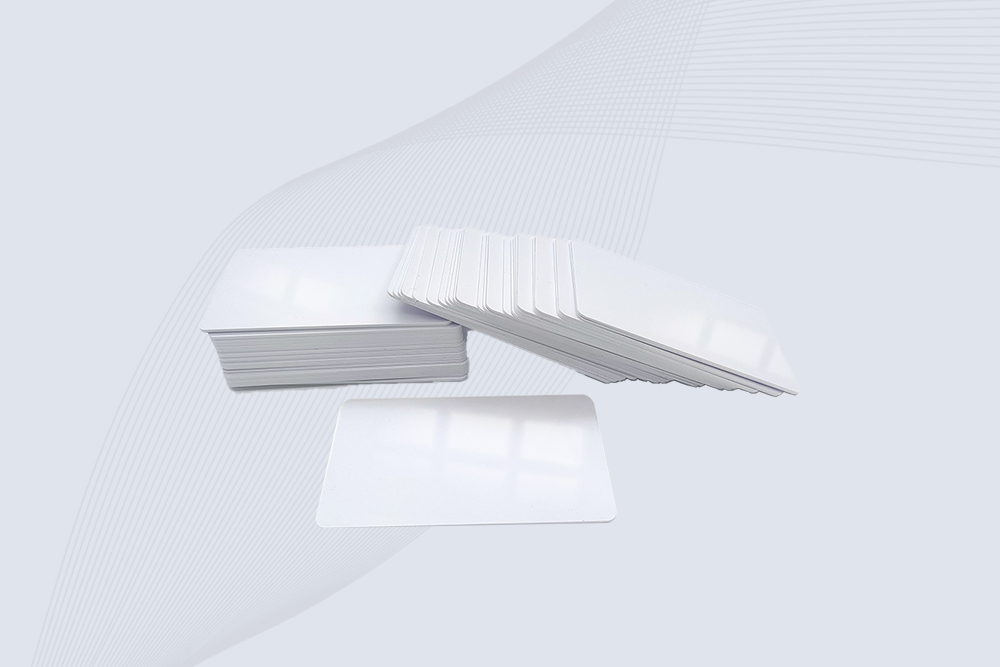
CYKEO HF RFID Cards are designed for secure and stable access control systems. These 13.56 MHz RFID key cards support ISO 14443-A, reliable rewriting and long service life, making HF RFID Cards suitable for offices, campuses, events and membership management.
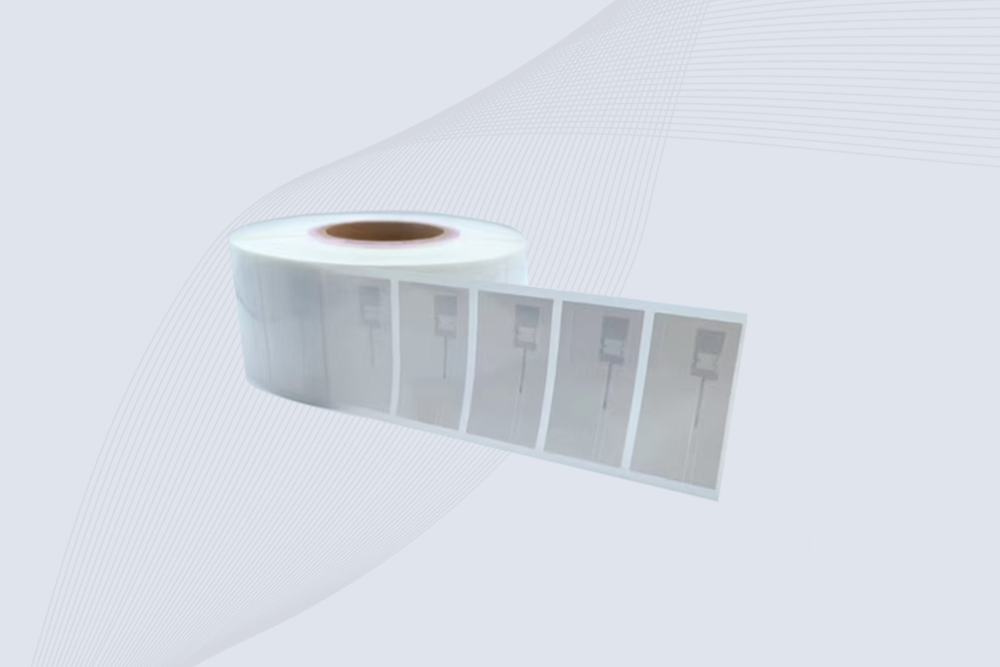
CYKEO UHF RFID Tag is designed for reliable tracking of metal jewelry and high-value items. This Jewelry RFID Tag supports long-range reading up to 8 meters, anti-counterfeit protection and stable performance on metal, making it suitable for retail, inventory control and asset management.
RFID Industry Writer | IoT & Asset Tracking Analyst
James writes about RFID technology, asset tracking, and the practical challenges of digital transformation across warehousing, retail, manufacturing, and logistics.
His work focuses on how RFID is applied in real-world operations—improving inventory visibility, automating workflows, and helping businesses manage assets with greater accuracy and efficiency.
He regularly covers topics including UHF RFID, smart cabinets, RFID portals, tool tracking, warehouse automation, and industrial IoT trends..

Learn how to read an rfid chip with professional RFID readers, antennas, and software. Discover practical methods, technical factors, and Cykeo RFID solutions.
More
Trying to solder your way to more range? We explain why the method for how to extend RFID chip antenna is a full redesign, not a simple mod, and what really works.
More
Discover how an RFID controller improves access control, asset visibility, and RFID system performance. Learn deployment insights, real industry data, and best practices from Cykeo RFID experts.
More
Discover how to use RFID reader effectively in real-world scenarios like inventory management, access control, and Arduino projects. Get expert tips from CYKEO.
More