All RFID Product

 How to Reduce RFID Tag Read Errors in High-Metal Warehouses?​

Cykeo News RFID FAQ 7740

RFID read errors in metal-dense warehouses are often caused by signal reflection, tag detuning, and electromagnetic interference. By optimizing tags, readers, and workflows, you can achieve ​​95%+ read accuracy​​ even in challenging environments. Here’s a step-by-step guide to troubleshooting and solving the issue.

​​1. Use Anti-Metal RFID Tags​​

  • ​​Why It Matters:​​ Standard tags fail near metal due to detuning. Anti-metal tags have built-in spacers (foam, ferrite) to isolate antennas from metal surfaces.
  • ​​Top Picks:​​
    • ​​Impinj H47 Metal Tag:​​ 10m read range on steel surfaces.
    • ​​Metalcraft MTI 240:​​ Adhesive foam layer for machinery or racks.
    • ​​Smartrac MetalDome:​​ Dome-shaped for curved metal surfaces (e.g., gas cylinders).
  • ​​Placement Tip:​​ Mount tags ​​2–5 cm away​​ from metal edges to minimize interference.

​​2. Optimize Reader Settings & Hardware​​

  • ​​Reader Power:​​ Increase ERP to ​​30–33 dBm​​ (check local FCC/ETSI limits).
  • ​​Antenna Type:​​ Use ​​directional antennas​​ (9–12 dBi) to focus signals and reduce reflection noise.
  • ​​Frequency Tuning:​​ Adjust to ​​865–868 MHz (EU)​​ or ​​902–928 MHz (US)​​ to avoid Wi-Fi/Bluetooth interference.
  • ​​Top Readers for Metal Environments:​​
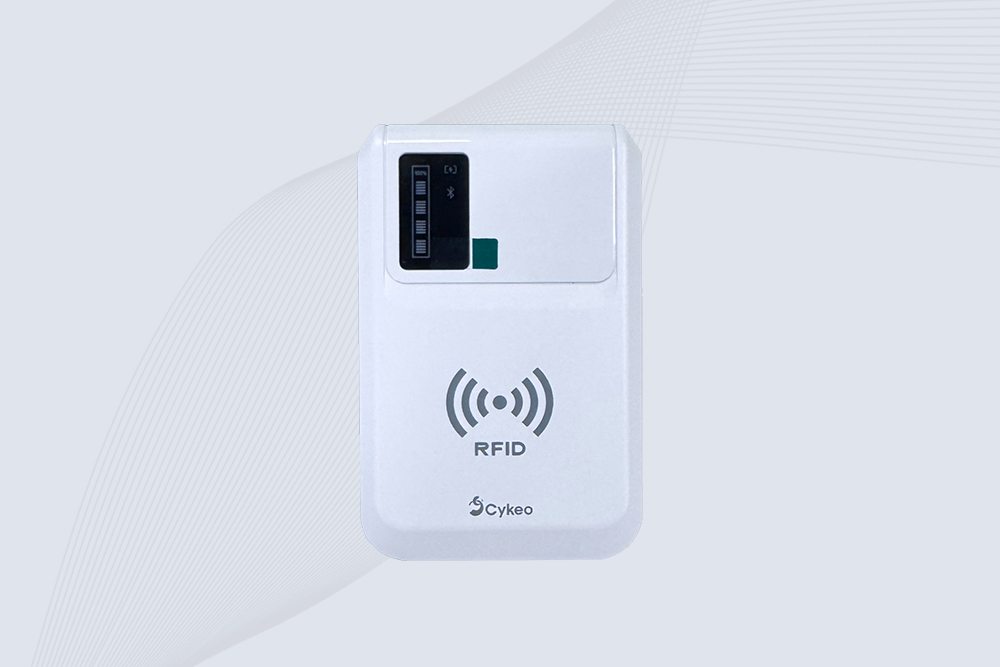
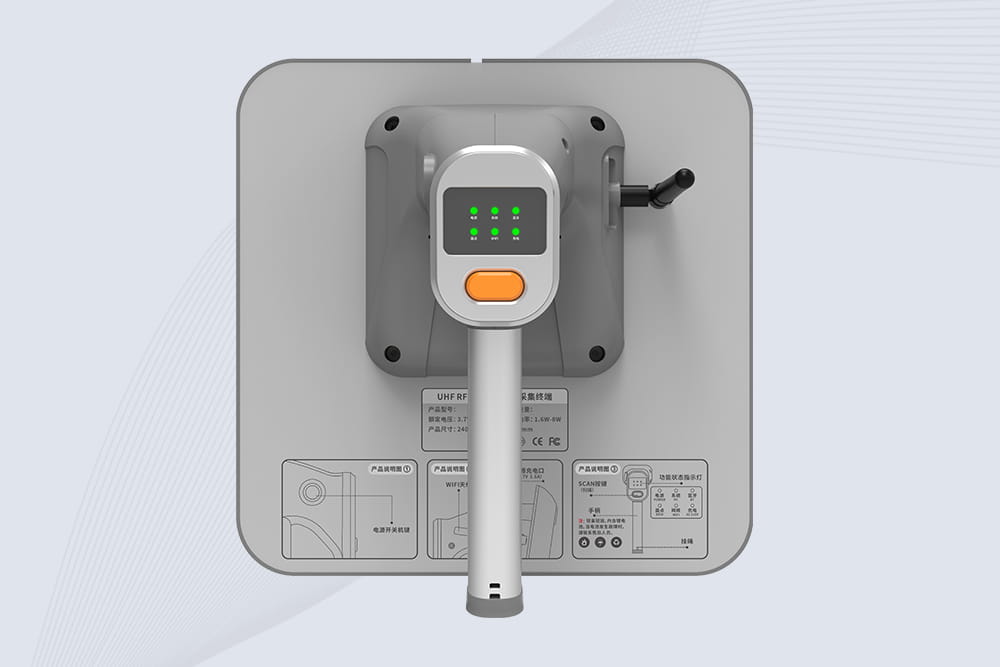
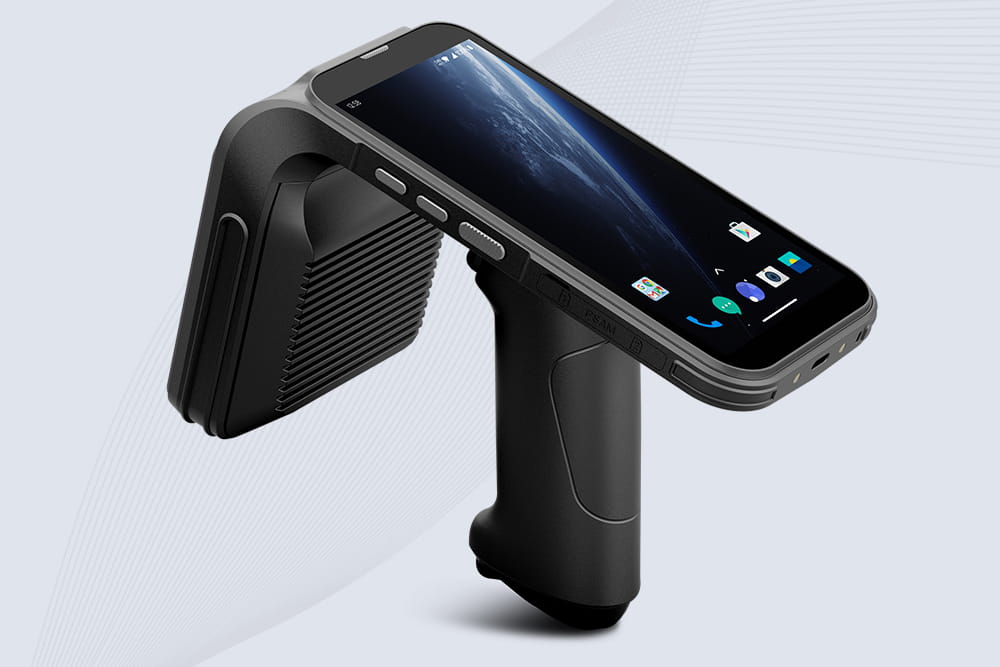
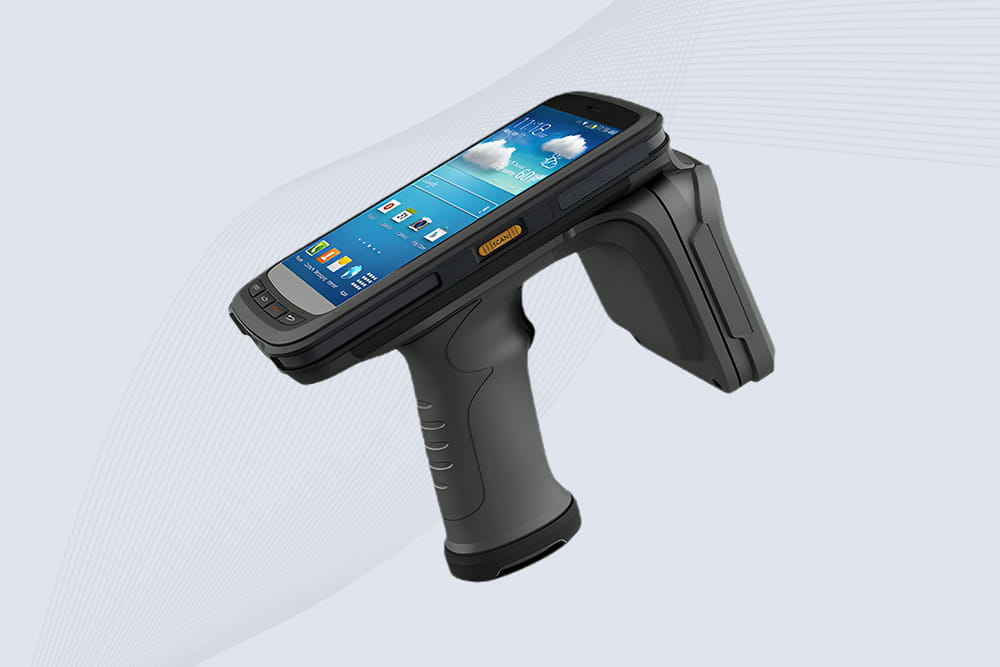
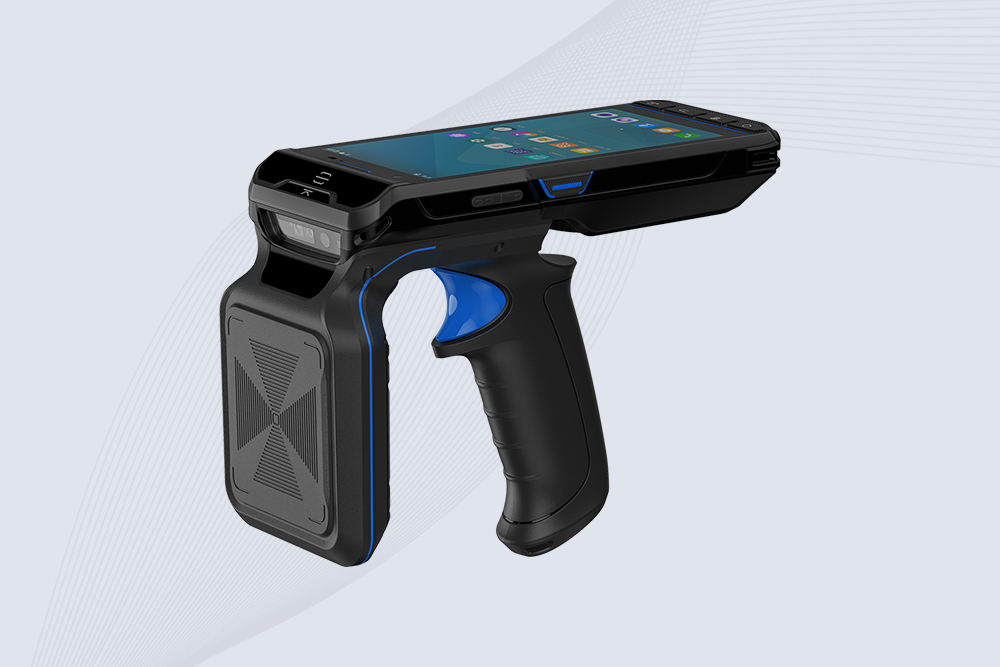
    • ​​Cykeo CK-B4:​​ Supports dense reader mode and anti-collision algorithms.
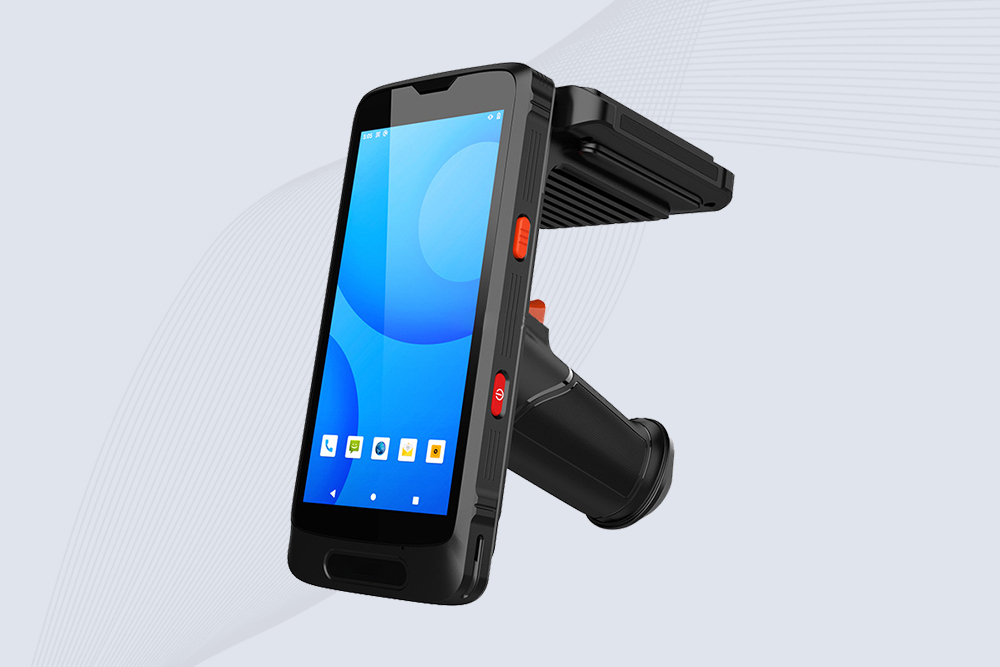
    • Cykeo CK-B2:​​ Configurable polarization for vertical/horizontal tags.

​​3. Reduce Environmental Interference​​

  • ​​Metal Layout Adjustments:​​
    • Angle shelves/racks to avoid parallel metal surfaces (reduces signal bouncing).
    • Use plastic or wooden spacers between tagged items and metal shelves.
  • ​​EMI Mitigation:​​
    • Keep RFID readers ​​3+ meters​​ from motors, conveyor belts, or high-voltage equipment.
    • Schedule scans during low-activity periods (e.g., after machinery shutdown).

​​4. Improve Tag Orientation & Density​​

  • ​​Orientation Rules:​​
    • Align tags perpendicular to the reader’s antenna (90° angle).
    • Avoid placing tags in “dead zones” behind metal obstructions.
  • ​​Tag Density:​​
    • Space tags ​​at least 30 cm apart​​ to prevent signal overlap.
    • Use ​​session control​​ (S0/S1/S2/S3) to manage multiple tags.

​​5. Software & Middleware Solutions​​

  • ​​Filtering Algorithms:​​ Deploy middleware like ​Cykeo SDK​​ :
    • Ignore duplicate reads.
    • Flag low-signal tags for manual checks.
  • ​​Real-Time Analytics:​​ Tools like ​​Lowry Solutions​​ provide heatmaps to identify high-error zones.

​​6. Case Study: 98% Accuracy in Auto Parts Warehouse​​

  • ​​Challenge:​​ A Detroit warehouse saw 25% read errors due to steel racks and engine parts.
  • ​​Solution:​​
    • Replaced standard tags with ​​Impinj H47 Metal Tags​​.
    • Deployed ​​ with directional antennas.
    • Adjusted shelf angles and spacing.
  • ​​Results:​​
    • ​​98% read accuracy​​.
    • Reduced inventory time by 60%.
PgUp: PgDn:

Relevance

View more