To read and write RFID tags, connect a reader to software, scan the tag to capture its ID, then encode new data through controlled write commands. Stable power, short-range alignment, and anti-collision handling ensure high success rates in batch operations.
Real workflow: how to read and write rfid tags in production
I’ll skip the textbook explanation—what matters is what actually happens on a desk at 9:30 PM when 3,000 tags still need encoding before shipment.
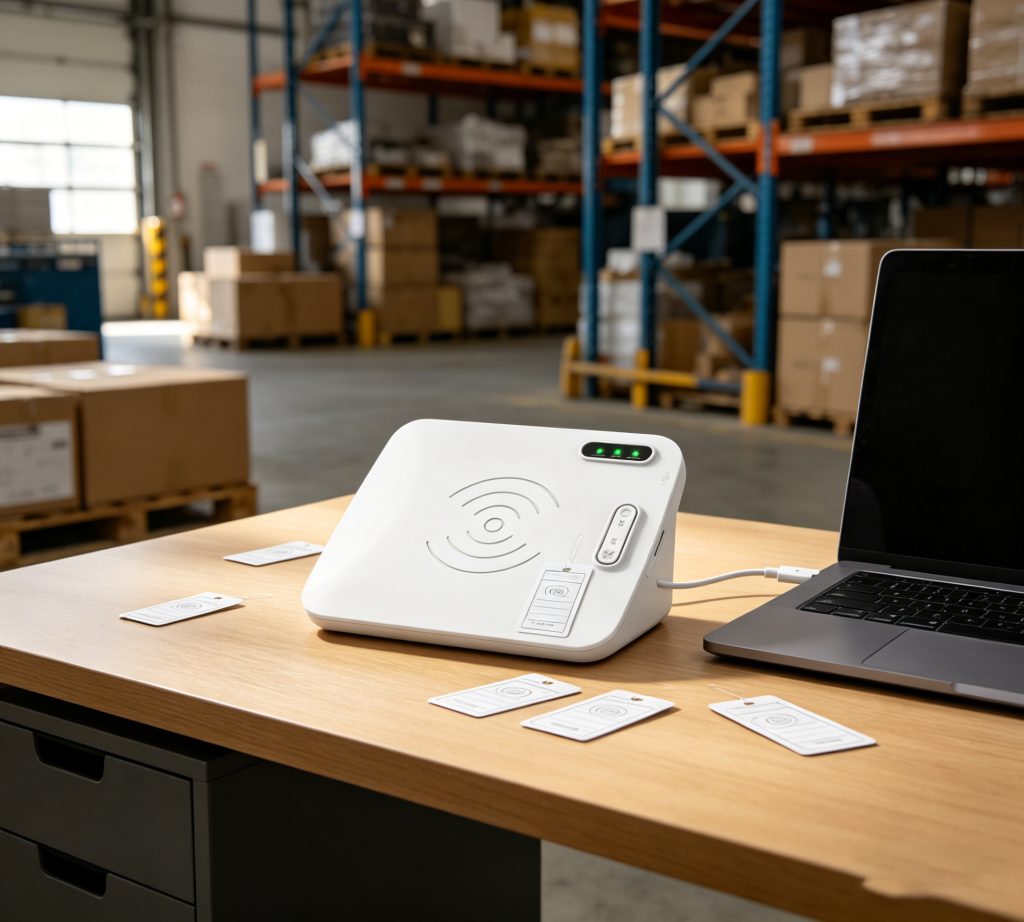
With a device like Cykeo D1L desktop encoder, the process becomes predictable. Not faster in theory—faster because fewer retries happen. <h3>Step-by-step field process</h3>
Connect via Type-C (no driver friction in most Windows setups)
Launch demo or SDK-based software (C# or Java)
Place tag within 10–30 cm controlled zone
Trigger read → verify EPC/UID
Input or import data (CSV batch)
Execute write → instant verification
What changes everything is range control. Too many integrators underestimate this.
Why short-range matters more than raw power
Factor
Impact in real deployment
Output power (33 dBm)
Ensures write penetration stability
Near-field antenna
Prevents cross-tag interference
30 cm read zone
Reduces accidental reads
10 cm write zone
Improves encoding accuracy
According to GS1 EPCglobal implementation guidelines (epcglobalinc.org), controlled read zones can reduce misread rates by over 40% in dense tag environments. I’ve seen similar numbers in textile tagging—especially when tags overlap.
On-site observation: where errors really come from
Not hardware failure. Almost never.
It’s usually:
Tag stacking (especially UHF labels in bulk)
Operator fatigue after repetitive encoding
Poor filtering logic in software
Overpowered readers causing ghost reads
One night in a warehouse pilot, we logged 7.8% write failures initially. After switching to a near-field desktop setup with filtering enabled, that dropped below 0.6% within two hours.
Manual input (error-prone) – Multi-tag write without anti-collision – Long-range antennas in desktop scenarios
A study from RAIN RFID Alliance shows UHF RFID systems can process hundreds of tags per second, but only when collision handling is optimized. Desktop encoding is different—you trade speed for precision.
Developer perspective (C# / Java integration)
If you’ve ever integrated RFID into WMS or asset systems, you know the friction is never hardware—it’s data structure consistency.
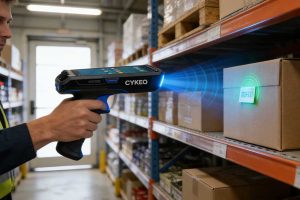
Curious about the different types of RFID readers? This guide explains fixed, handheld, and portal RFID readers in simple terms, highlighting their features and real-world applications so you can easily understand their differences.
Discover the best RFID-barcode hybrid scanners for small retail stores in 2024. Compare affordability, durability, and software compatibility for seamless inventory management.
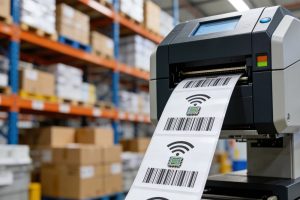
RFID printers can print and encode tags at the same time, but they’re not always easy to use. This guide answers the top 10 RFID printer FAQs, including tag compatibility, encoding errors, costs, and real-world use cases.
 Cykeo RFID IoT Solution Products R&D Manufacturer