 Cykeo RFID IoT Solution Products R&D Manufacturer

Fixed RFID Reader for Warehouse and Industrial Automation
287A fixed RFID reader is designed to stay in one location and continuously identify RFID-tagged items as they move through a defined reading zone. It is especi...
MoreAll RFID Product
RFID in a library uses radio-frequency identification tags attached to books and other materials, readers that detect those tags, and library software that records circulation events. Readers can identify multiple compatible tagged books in one operation, enabling self-service borrowing and returns while helping staff manage inventory and borrower accountability.
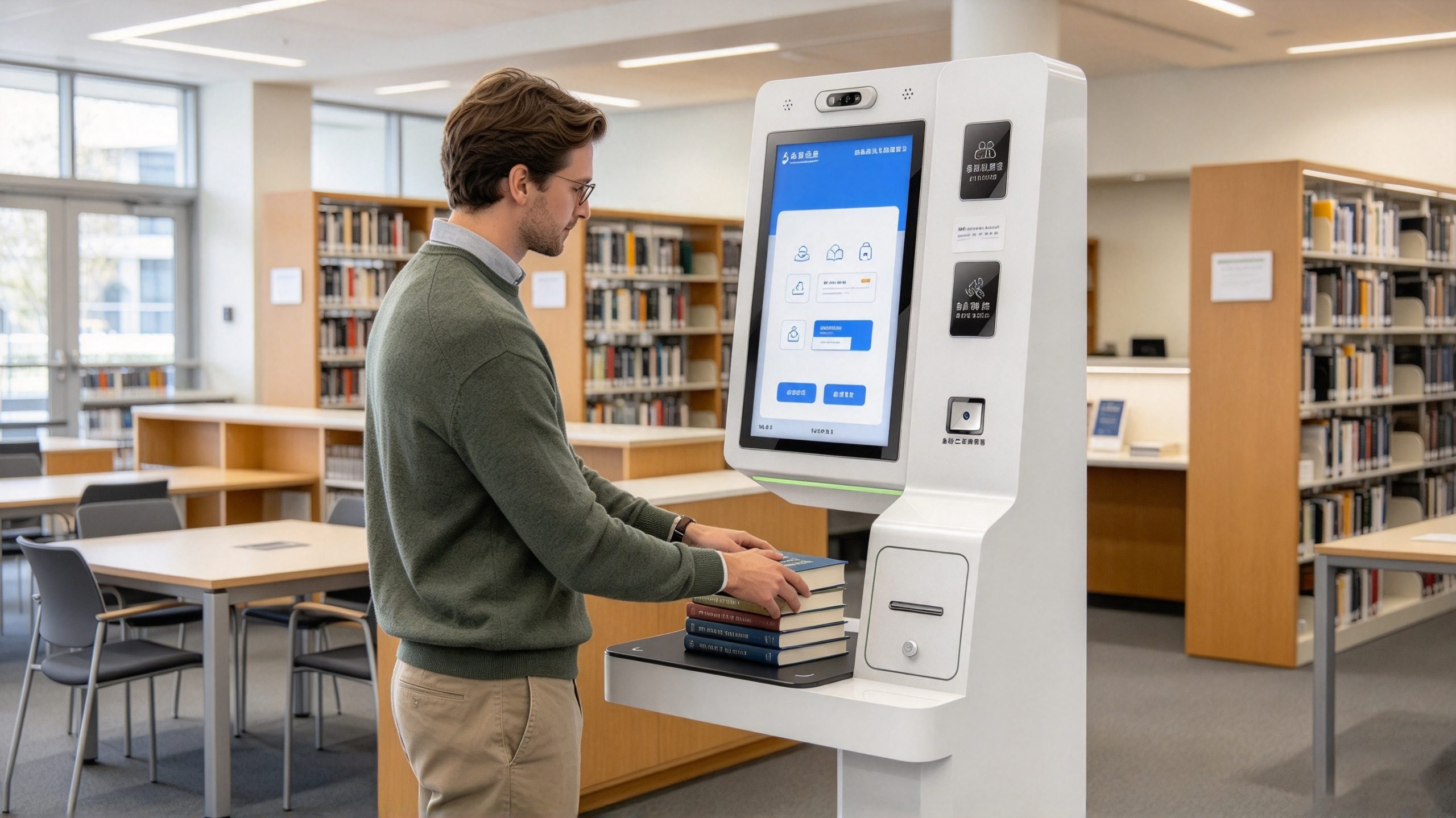
For a reader, the process can be as simple as placing several books on a self-service station, confirming the transaction on the screen, and leaving with the borrowed items. Behind that short interaction, however, several systems must work together: the book tags, RFID reader, library management software, borrower identification, and transaction records.
A library’s RFID system is not just a faster barcode scanner. With a suitable RFID setup, books do not have to be presented one at a time with each barcode positioned toward a scanner. The reader communicates wirelessly with compatible tags, which can make batch processing practical. The software still needs to verify which books are being borrowed, whether the borrower has permission, and whether the transaction has been completed correctly.
For libraries considering automation, the real question is not simply whether RFID can read books. It is whether the complete process makes borrowing and returning easier for readers while maintaining reliable circulation records.
RFID stands for radio-frequency identification. In a library, an RFID tag is typically attached to a book or another circulating item. The tag contains an electronic identifier that a compatible reader can detect using radio waves.
That identifier is associated with a bibliographic or item record in the library’s management system. When a reader detects the tag, the software can use the identifier to locate the corresponding record and process an operation such as borrowing, returning, registering, or counting the item.
A typical library RFID system includes the following components:
Not every library needs all these components in the same physical arrangement. A self-service station may integrate the reader, antenna, screen, and control electronics in one unit. Handheld readers and fixed readers can support other tasks elsewhere in the building.
The important distinction is that the tag identifies the item, while the library system determines what can be done with it.
A self-service RFID borrowing and return machine brings together item identification, borrower verification, and circulation software. The reader-facing workflow can be straightforward even though the underlying checks are more involved.
Before a book can be managed through RFID, the library needs a compatible tag associated with the correct item record. During registration, the RFID identifier is linked to information such as the item’s catalogue record and circulation status.
This preparation step is essential. A tag that can be read successfully is not necessarily a tag that the library system recognizes correctly.
For instance, two copies of the same title may share a bibliographic record but have different item identifiers. The RFID system needs to distinguish the physical copies so that the correct book is checked out or returned.
When a reader places books on the station, the RFID reader activates its antenna and communicates with the compatible tags. The reader then captures the identifiers returned by the tags.
A major advantage of a properly configured RFID station is its ability to read multiple tagged books in one operation. The reader does not necessarily need to scan each book separately, as a conventional barcode workflow often requires.
Batch reading still has limits. Book placement, tag position, antenna configuration, interference, and the station’s supported protocol all affect performance. The machine should be tested with the range of book sizes and stacks expected in the library.
The self-service station also needs to establish who is carrying out the transaction. Depending on the design, this may involve a library card, an RFID credential, a barcode credential, or another supported identification method.
Borrower identification and book identification are separate operations. Reading the books alone does not establish which reader account should be charged with the transaction.
The software must associate the identified borrower with the selected items and apply the library’s circulation rules. These may include loan eligibility, item restrictions, existing account conditions, and other policies configured by the library.
Once the station has received the necessary item and borrower information, the library management system checks the relevant records and determines whether the transaction can proceed.
If the books and borrower meet the applicable rules, the system records the borrowing or return operation. If an item is not recognized or a transaction cannot be completed, the station should provide an understandable message and a route for resolving the issue.
This is where interface quality matters. A large, clear screen can help readers distinguish a successful transaction from a warning that requires staff assistance.
After the transaction has been processed, the station should clearly communicate the result. Depending on the system, it may display the completed items, the transaction status, or instructions for handling an exception.
A useful self-service machine reduces the number of routine steps staff need to perform manually. It should not hide uncertainty: if a book was not read, the borrower should be told rather than being left to assume that every item was processed.
A self-service borrowing and return machine must do more than read tags quickly. Its screen, borrower-identification process, item-reading area, and library software all affect whether readers can complete a transaction without asking a librarian for help.
For a library planning a new installation, three practical requirements deserve particular attention.
A 21.5-inch display gives the station room to present instructions, item lists, transaction status, and error messages without crowding the interface. A graphical interface should guide readers through the process in a logical order, with clear visual feedback after each action.
For libraries serving readers who speak different languages, a Chinese-English language switch can make the same station usable by a wider audience. The translations should cover the entire workflow, including unsuccessful reads, restricted items, and instructions to seek staff assistance—not just the welcome screen.
Screen size alone does not determine usability. Screen height, glare, text contrast, button size, and accessibility for wheelchair users also deserve attention during installation.
A well-integrated RFID station can allow readers to identify themselves, place several books in the reading area, and complete a borrowing or return transaction through the on-screen workflow.
This can reduce repetitive manual registration at the service desk. It does not mean every transaction can be fully automated: damaged tags, unregistered items, special loan rules, and account restrictions may still require staff intervention.
The most useful performance measure is therefore not simply the number of tags read per second. Libraries should also assess how often readers complete transactions successfully without assistance and how frequently staff need to resolve exceptions.
A library may use supported identification credentials to associate a transaction with a specific borrower. The circulation system then records the relationship between the borrower, the item, and the transaction.
This helps the library maintain an auditable borrowing history, but the machine’s design should not imply that a tag alone establishes personal identity. Item identification and borrower identification are distinct functions, and the software must link them correctly.
The library should also define which staff members can access borrower records, how long records are retained, and how user privacy is protected.
When a library introduces RFID, compatibility is just as important as the physical equipment. A reader may successfully detect a tag while the library’s circulation software still fails to interpret the tag data correctly.
The international standard ISO 28560-1:2023 provides data elements and implementation guidance for RFID in libraries. Its scope includes circulation, acquisitions, interlibrary loans, and inventory or stock checking. It also addresses interoperability, privacy, tag placement, and implementation considerations.
For a library evaluating a self-service station, this has practical implications:
A supplier should be able to explain the supported standards and interfaces, rather than relying on a general claim that the machine is “RFID compatible.”
The connection between the RFID reader and the library system is an essential part of the architecture. ISO 28560-1 identifies protocols such as SIP-2 and NCIP as examples used to handle communication between RFID readers and library systems or other applications. The appropriate interface depends on the software and the intended workflow.
For example, a self-service station might follow this sequence:
The precise integration method must be confirmed with the library software provider. A compatible RFID reader does not automatically guarantee compatibility with every circulation platform.
Self-service is one visible application, but RFID can support other routine library tasks. A useful system design considers the entire collection workflow rather than focusing only on the checkout counter.
Library staff can use compatible handheld or other RFID readers to identify tagged materials during stocktaking. Rather than scanning the barcode of every book individually, staff can read multiple tags within the reader’s effective range.
The software can compare the identifiers detected during a stocktake with the library’s catalogue and item records. Depending on the system, this can help identify books that are missing from an expected area, items recorded in the wrong location, or discrepancies requiring further investigation.
RFID does not automatically identify the exact shelf position of every book. A handheld reader may establish that a tag was detected in a particular area, but precise shelf-level results depend on the reading method, location data, and software design.
An RFID-enabled return station can identify a returned book and pass its identifier to the circulation application. The software then processes the return according to the library’s rules.
In a larger installation, return equipment may be connected to sorting or book-handling equipment. The design can be more complex than a self-service kiosk because it must account for item identification, physical movement, and the destination assigned to each returned book.
RFID may also form part of a library’s item-security workflow. Depending on the system design, the tag, reader, software, and compatible security equipment can help identify items that need further checking.
However, security functions should not be assumed from the presence of an RFID tag alone. The library needs to verify that the selected tags, readers, software, and any security gates support the intended workflow.

The value of RFID in libraries is not limited to faster identification. The International Organization for Standardization recognizes circulation, inventory checking, and interoperability as key areas covered by its library RFID framework. This reflects the fact that library RFID is an integrated information-management application, not simply a wireless scanning technique.
Operational figures should be interpreted carefully. A library’s self-service adoption rate depends on factors such as opening hours, user training, available service alternatives, collection policies, and how exceptions are handled. One institution’s results should not be presented as a guaranteed outcome for another.
The American Library Association also highlights privacy as a specific consideration in library RFID deployments. RFID systems can improve circulation and inventory workflows, but libraries need safeguards against unauthorized reading or inappropriate use of information associated with patrons.
For a library considering automation, it is useful to measure:
These measurements provide a more credible basis for evaluating a project than an unsupported promise of a particular percentage improvement.
Choosing a library RFID self-service machine requires more than comparing screen sizes or checking whether the reader supports multiple tags. The station must work with the library’s existing circulation software, identify borrowers correctly, and provide a clear route for resolving unsuccessful transactions.
For a library evaluating a 21.5-inch self-service machine, the following features are worth checking before purchase.
| Selection criterion | What to verify | Why it matters |
|---|---|---|
| Touchscreen and interface | Screen size, readability, accessible controls, and language switching | Readers need to understand each step without unnecessary assistance |
| Multi-book identification | Supported RFID tags, reading area, and performance with stacked books | Helps simplify routine borrowing and return transactions |
| Borrower identification | Supported library cards or other credentials | Connects circulation activity to the correct borrower account |
| Library software integration | Supported protocols, interfaces, and circulation workflows | Ensures tag reads become valid library transactions |
| Item and transaction records | Borrowing history, return status, and exception handling | Helps staff investigate discrepancies and maintain accountability |
| Privacy and access controls | User permissions, record retention, and data handling | Protects borrower information and circulation records |
| Maintenance and support | Remote diagnostics, software updates, spare parts, and service arrangements | Reduces disruption when equipment needs attention |
A supplier should be able to demonstrate the machine with the library’s actual tag type and a representative selection of books. A demonstration using one perfectly positioned book is not enough to assess a station expected to process several items in everyday use.
A 21.5-inch screen can provide enough space for a large transaction-status area, a visible list of identified books, and clear instructions. It can also make bilingual navigation easier when the interface supports Chinese and English.
The more important question is how the display behaves during an unsuccessful transaction. If one book in a stack is not detected, the screen should make the issue easy to understand and tell the reader what to do next.
Libraries should test the interface with different users and realistic lighting conditions. A large display does not automatically mean the station is accessible; text contrast, screen angle, button size, and the height of the reading surface also affect usability.
A library can avoid many common problems by treating RFID deployment as an operational project rather than a hardware installation alone.
Before choosing equipment, document how books are registered, borrowed, returned, renewed, and checked during inventory. Identify which tasks are handled by staff and which are suitable for self-service.
Also review the condition and format of the existing tags. If a library already uses RFID, new readers and stations must be compatible with the installed tags and data conventions. If the library is converting from barcode-based circulation, tag application and item-record association will be part of the implementation work.
Test the proposed reader with the intended library tags. Verify the tag data format, reader protocol, and integration method with the library management system.
ISO 28560-1:2023 is a useful reference for library RFID data elements and interoperability considerations. It should be reviewed alongside the library’s software requirements and the specific equipment documentation, rather than treated as a substitute for compatibility testing.
Decide how readers will identify themselves and which transactions they can complete without staff involvement. Define the rules for restricted materials, overdue items, account exceptions, and other conditions relevant to the library.
The user interface should clearly distinguish a completed transaction from one that requires intervention. Avoid designing the workflow around the assumption that every item and every borrower account will always pass validation.
Use representative books, including different sizes, covers, and tag placements. Test small and large stacks, books positioned at different angles, and materials placed on the reading surface as readers are likely to use it.
Record both successful and unsuccessful reads. A useful test checks not just whether the station detects tags, but whether the software records the correct items against the correct transaction.
Staff should know how to handle unrecognized tags, incomplete transactions, damaged tags, and software communication failures. They should also understand which records they are authorized to access and how to escalate technical problems.
After launch, monitor actual transaction completion, assistance requests, inventory discrepancies, and recurring read failures. These results can guide adjustments to the reading area, interface, and operating procedures.
Even a well-designed RFID installation can encounter problems once readers begin using it throughout the day. The most effective troubleshooting approach is to identify which stage has failed: tag detection, item identification, borrower verification, software communication, or transaction confirmation.
| Problem | Possible cause | Recommended response |
|---|---|---|
| One book is missing from a multi-book transaction | Tag placement, orientation, damaged tag, or reading-zone limitations | Reposition the book, test the tag, and review the reader’s coverage |
| The book is detected but the wrong record appears | Incorrect tag-to-item association or registration data | Check the tag identifier against the library catalogue |
| The reader cannot identify the borrower | Unsupported credential, reader configuration, or account issue | Verify the identification method and account workflow |
| The transaction remains incomplete | Communication failure or circulation-system validation error | Check the reader connection, application logs, and software response |
| Readers are unsure whether borrowing succeeded | Unclear confirmation messages or interface design | Display an explicit transaction result and identify any unresolved items |
| Staff cannot reconcile inventory | Missing reads, incorrect item records, or unsuitable stocktaking procedures | Repeat targeted checks and investigate discrepancies before updating records |
| A reader can see information they should not access | Inadequate permissions or data-handling controls | Review access permissions, logging, and privacy procedures |
A particularly important distinction is the difference between a successful tag read and a successful circulation transaction. The former confirms that the reader obtained tag data. The latter means the software has processed the relevant item and borrower records according to the library’s rules.
If the station displays a book identifier but fails to complete the loan, the problem may be in the software integration rather than the RF reading itself. Troubleshooting becomes faster when the system records these stages separately.
Libraries have a responsibility to protect the information associated with their readers. RFID can help automate circulation, but the deployment should not collect or expose more personal information than the workflow requires.
The American Library Association’s guidance on RFID and library privacy highlights the importance of protecting confidentiality when RFID technology is used in library services.
A privacy-conscious implementation should consider the following:
A machine that records borrower identity accurately should not be described as automatically guaranteeing privacy. Accuracy, authorization, and confidentiality are different requirements, and each needs to be addressed in the overall design.
RFID works in a library by allowing readers to identify tagged books wirelessly. A compatible reader captures the tag identifiers, and library software matches them to item records. When the borrower is identified and the transaction passes the library’s rules, the system records the borrowing or return operation.
Yes. A compatible RFID self-service station can identify multiple tagged books during one operation. Actual performance depends on tag compatibility, placement, reader configuration, and the arrangement of the books. Libraries should test representative stacks to confirm that all intended items are detected reliably.
It is a station that combines RFID reading, a user interface, borrower identification, and library software to let readers complete routine borrowing and return transactions. Some models provide large touchscreens, bilingual interfaces, and multi-book reading. The exact features depend on the machine and its software integration.
Not necessarily. RFID can support item identification and batch reading, while barcodes may remain in use for existing workflows or as an additional identification method. Whether a library replaces, retains, or combines these technologies depends on its collection, equipment, budget, and software requirements.
ISO 28560-1:2023 addresses data elements and implementation considerations for RFID in libraries. Libraries should also check the applicable tag and reader specifications, regional radio regulations, and compatibility requirements of their library management software.
Yes. Compatible handheld or fixed readers can identify tagged materials and provide data for comparison with library records. RFID can reduce the need to scan each item’s barcode individually, but inventory accuracy still depends on tag condition, reading coverage, data quality, and the stocktaking procedure.
Check the touchscreen and interface, multi-book reading performance, supported borrower credentials, RFID tag compatibility, software integration, transaction logging, privacy controls, and maintenance support. A practical demonstration using the library’s actual tags and books is more informative than a feature list alone.
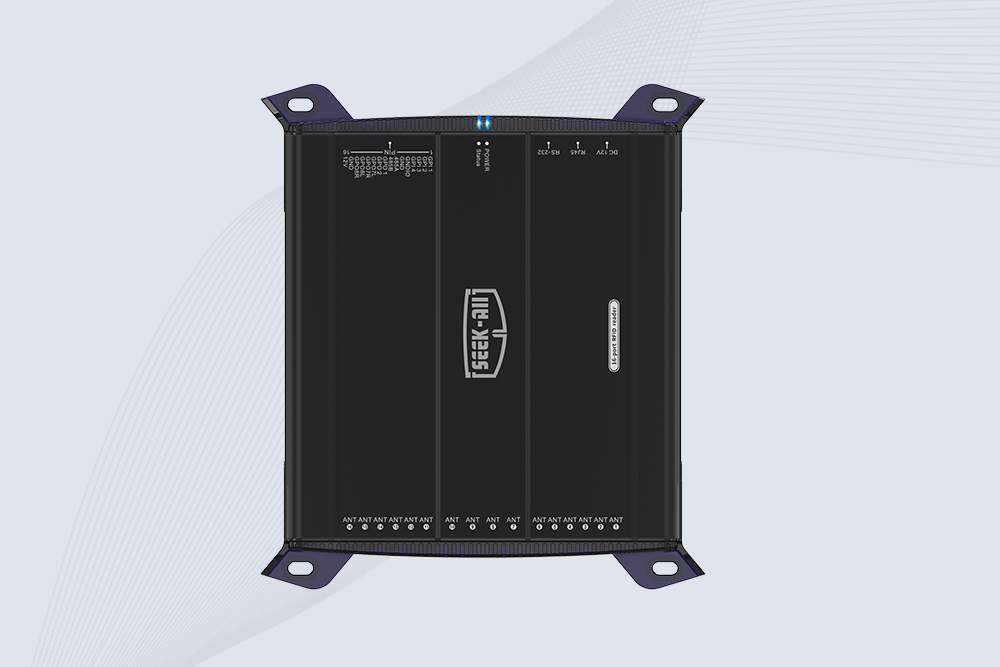
SSD-R16L Multi-Channel RFID Infrastructure for Automated Inventory Management ✔️ 16-Port High-Density RFID Reading Equipped with 16 SMA antenna ports, SSD-R16L supports multi-antenna deployment for warehouses, retail stores, logistics, production lines, and large-area RFID identification. ✔️ High-Speed & Long-Range Performance With up to 33…
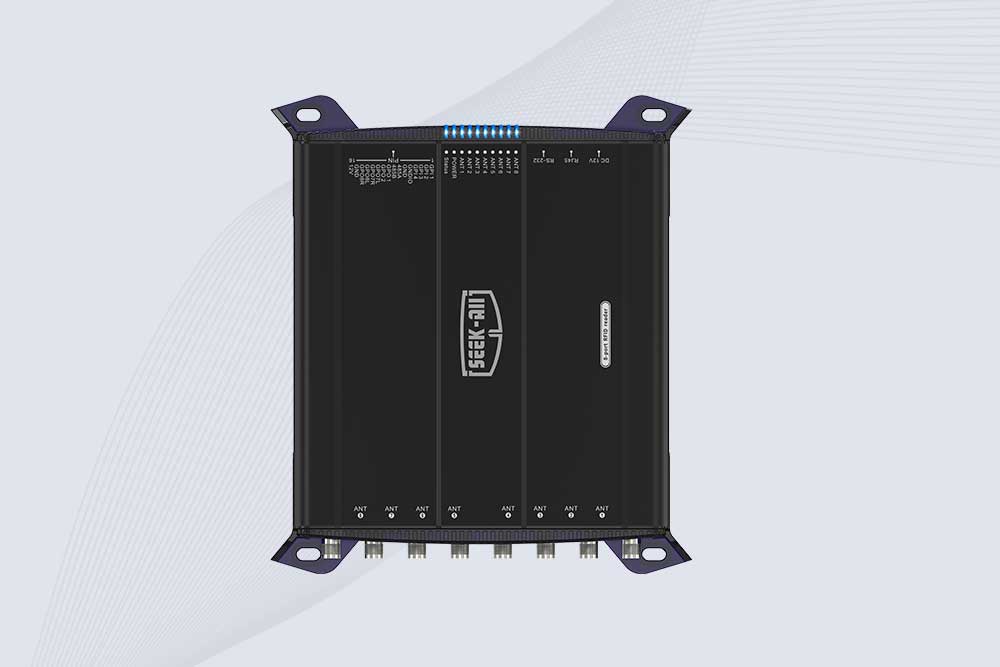
SSD-R8L 8-port UHF RFID reader with 33dBm output, up to 20m reading range and 600+ tags/s recognition. Ideal for warehouse, logistics, retail and asset tracking.
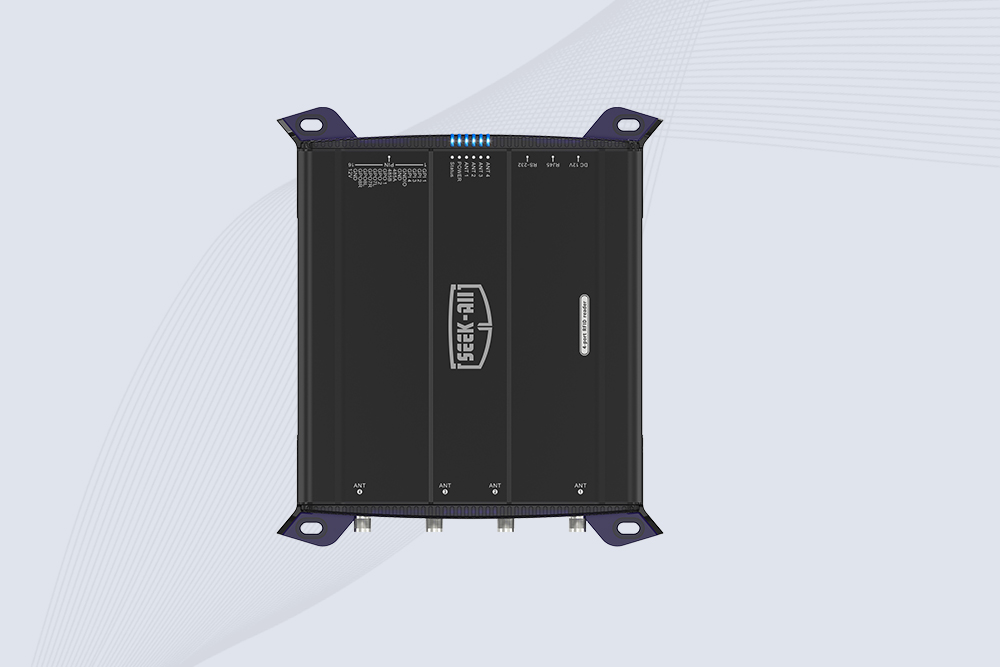
SSD-R4L is a 4-port UHF RFID fixed reader with 33dBm output power, up to 20m reading range, EPC C1G2 support and 600+ tags/s reading speed.
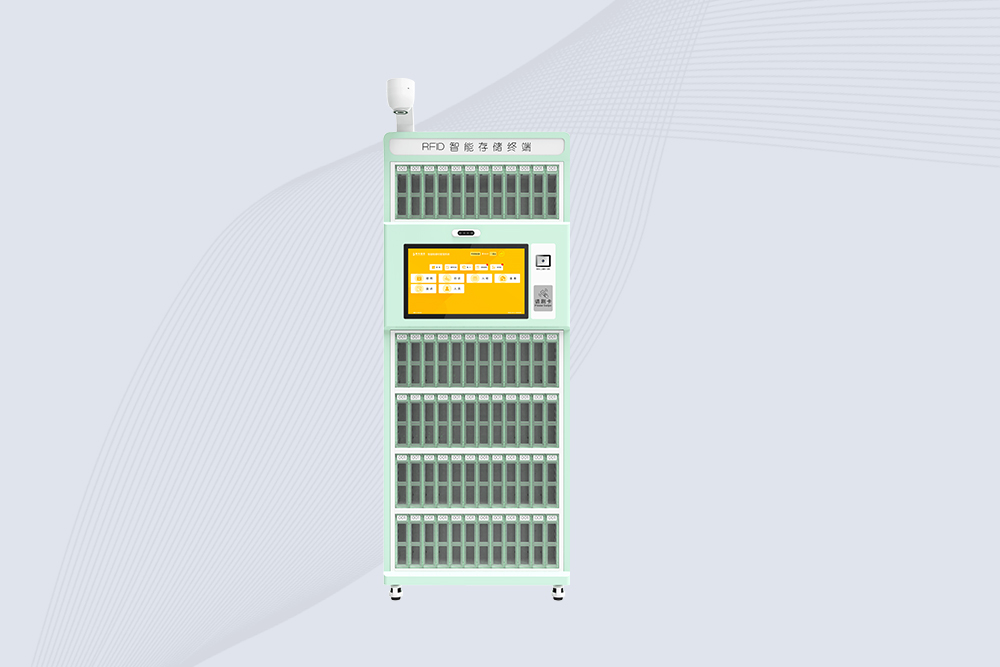
Cykeo’s RFID Library Management Cabinet offers 72-cell precision control for archives/labs/retail. Features dual-band UHF/HF scanning, facial authentication & cloud sync. ISO 18000-6C/15693 certified.
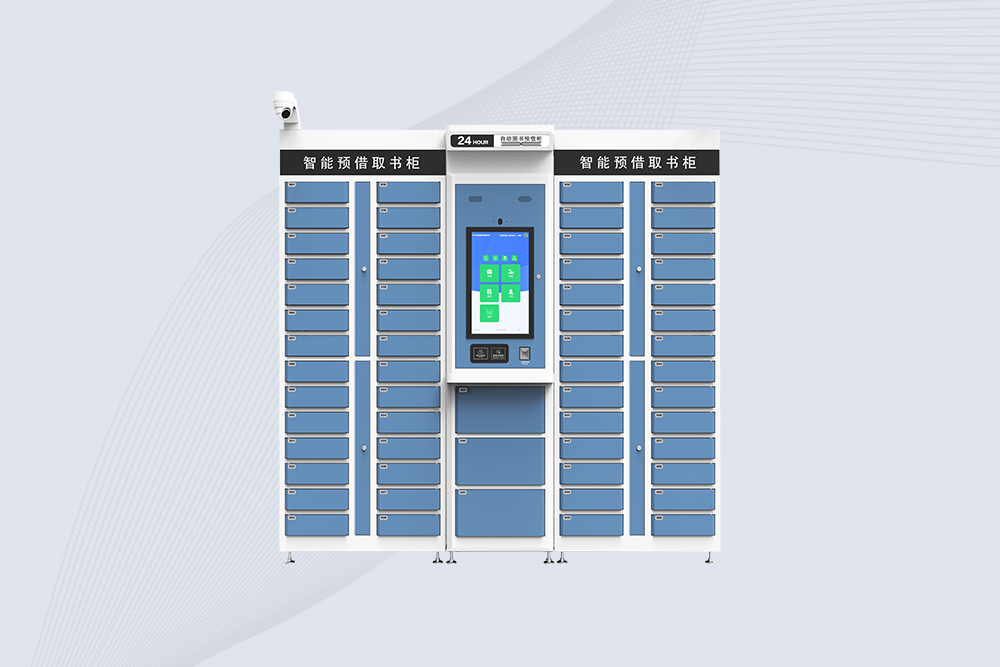
Cykeo’s RFID Smart Library Cabinet enables 24/7 book reservations with 59 compartments, biometric security & cloud sync. Ideal for universities/public libraries. Windows/Android OS.
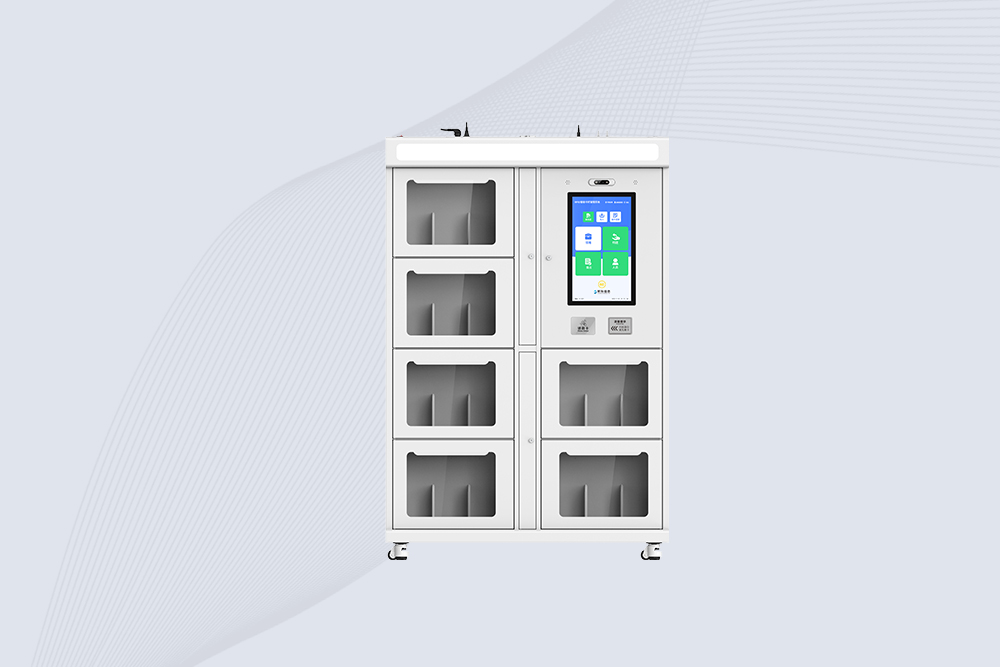
Cykeo’s RFID Book Inventory Cabinet features 7 compartments, Impinj R2000 UHF technology & dual OS for libraries/archives. 99.98% recognition accuracy with solar/cloud options.
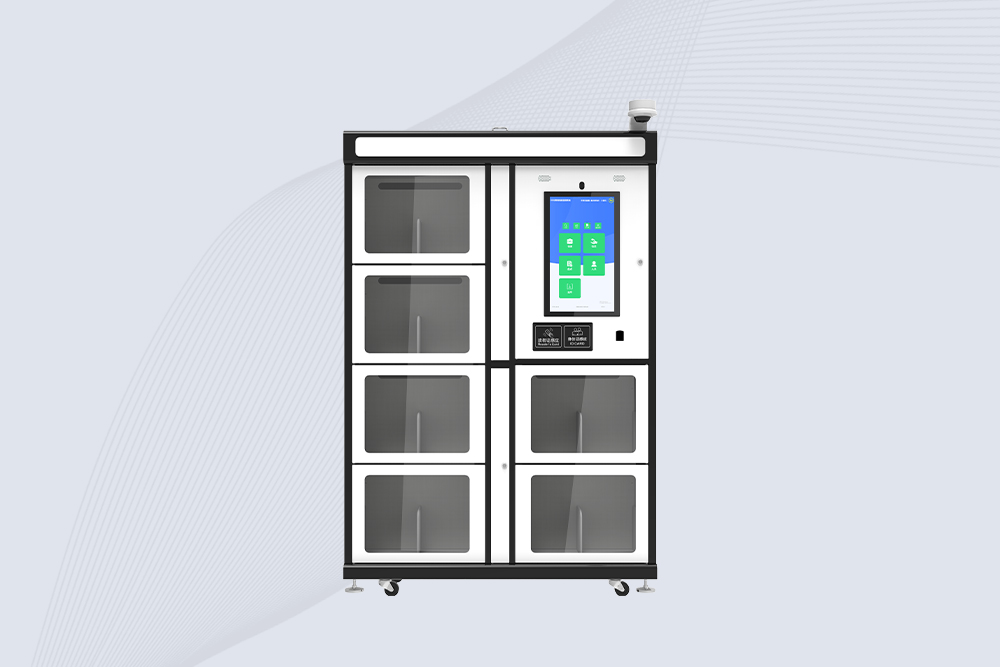
Cykeo’s industrial RFID School Library Cabinet features Impinj R2000 UHF technology, 21.5″ touchscreen & customizable compartments for academic archives, museums and libraries. Dual OS supports Windows/Android.
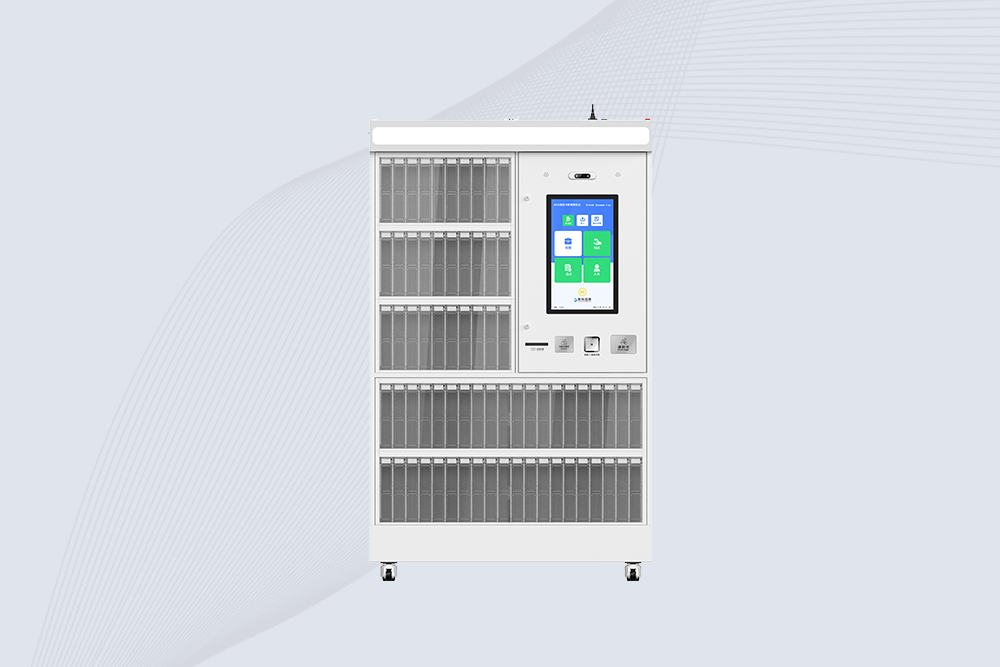
Cykeo’s RFID Mobile Library Cabinet enables 24/7 self-service book lending with 100-tag RFID scanning, facial recognition & solar power. Ideal for schools/communities.
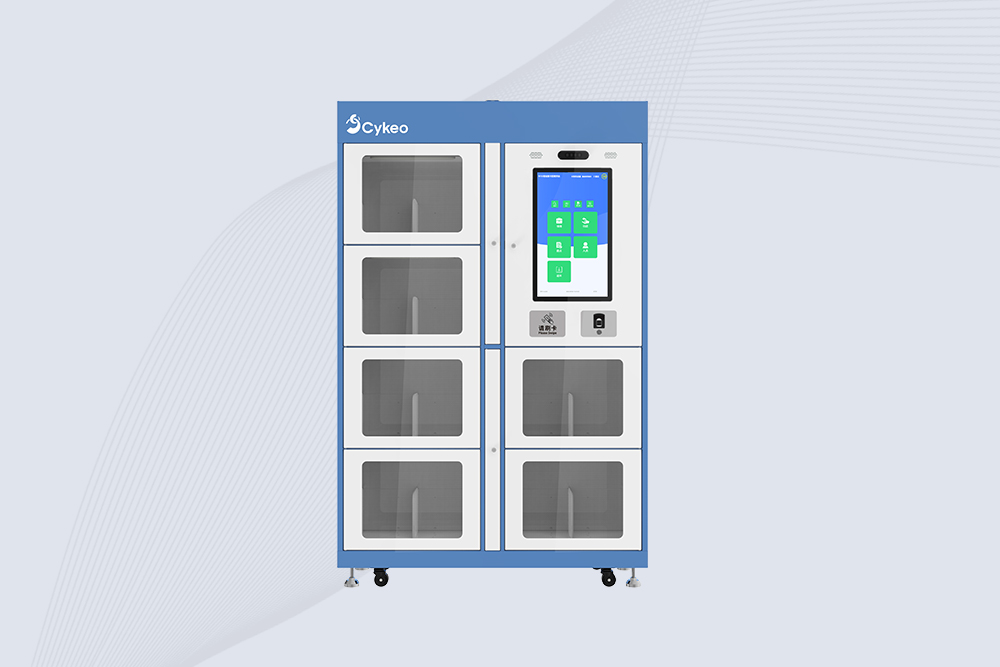
Cykeo CYKEO-G68B RFID smart bookcase features BookEye™ technology, 175-book capacity, and SAP integration for automated library management. Industrial-grade construction for 24/7 unmanned operations.
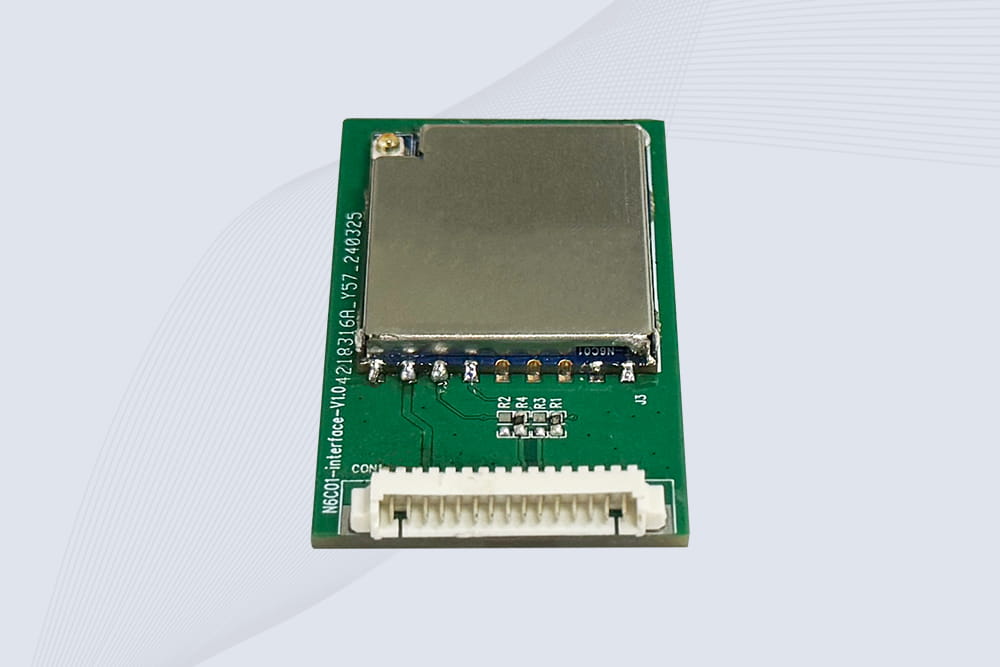
CYKEO Embedded RFID Modules are designed for compact industrial and IoT devices that require stable UHF performance. These UHF RFID Modules support global protocols, flexible power control, and reliable multi-tag reading for smart cabinets, production lines, and asset tracking systems.
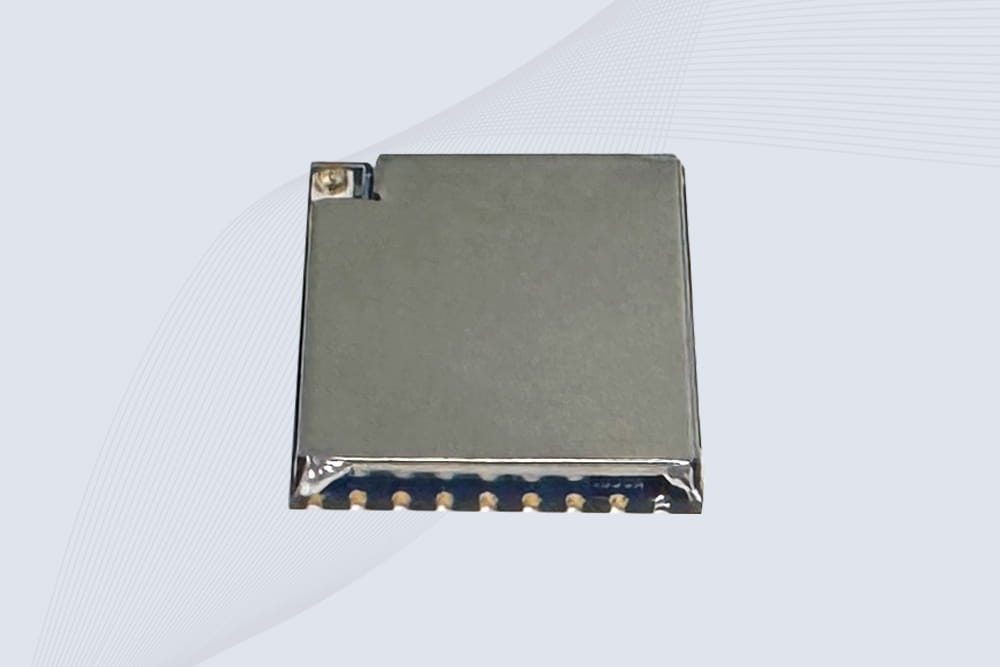
CYKEO Embedded RFID Module is built for compact IoT and industrial devices that need stable UHF performance. This UHF module supports global protocols, low power operation, and reliable multi-tag reading for smart lockers, production lines, and always-on RFID systems.
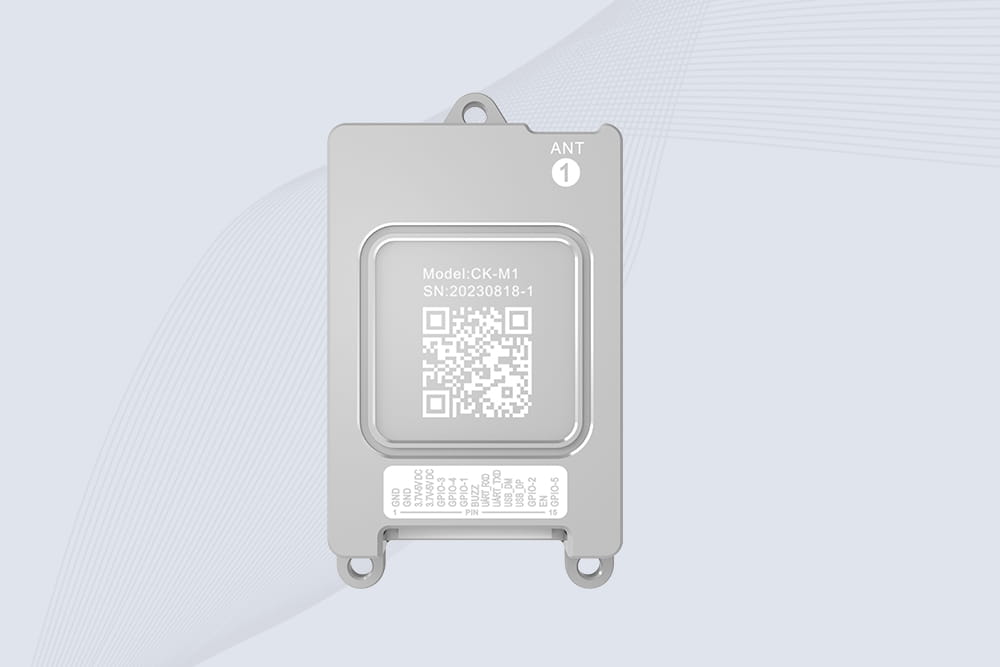
CYKEO CYKEO-M1 drone rfid module is a compact UHF RFID reader module designed for drones and UAV platforms. It supports long-range aerial scanning, fast multi-tag reading, and stable performance in wind, vibration, and outdoor environments.
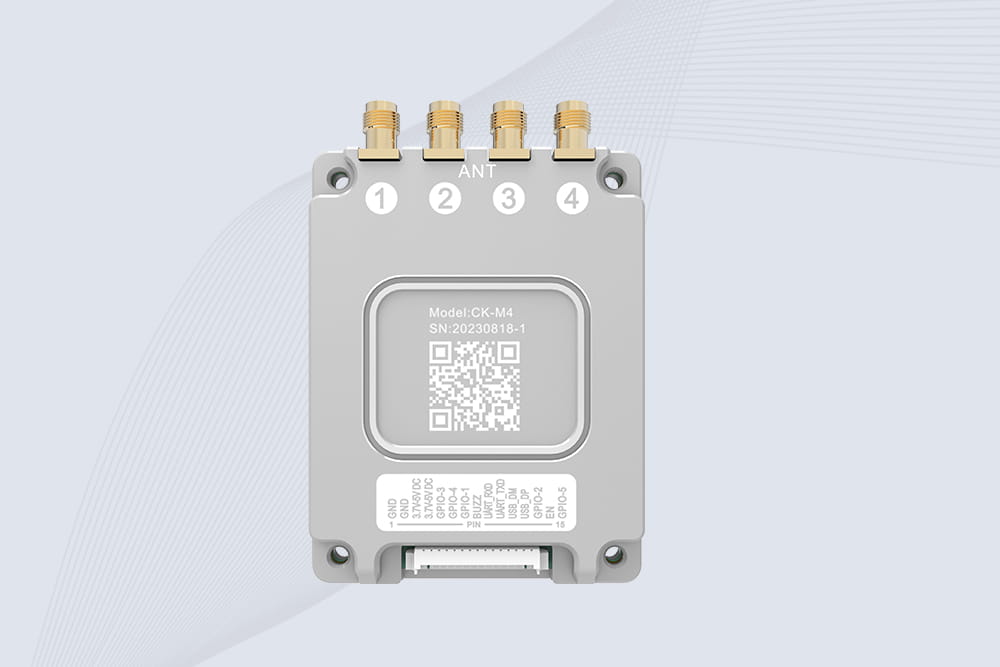
CYKEO CYKEO-M4 RC522 RFID Module is an industrial-grade UHF RFID reader with 4 ports, supporting ISO, EPC, and GB protocols. High-speed, accurate reading for IoT, automation, and warehouse applications.
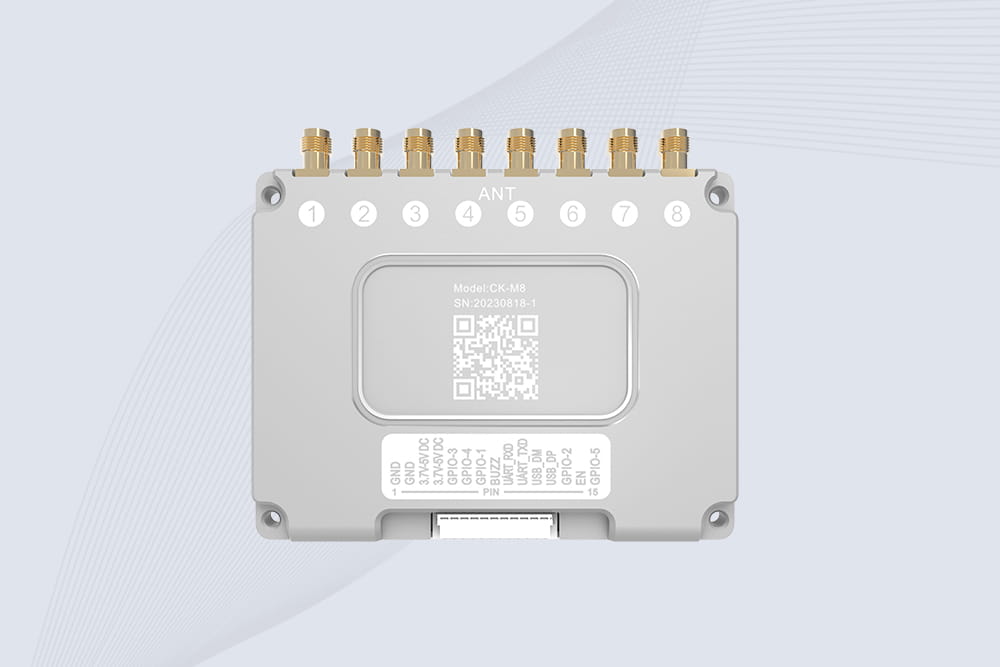
CYKEO CYKEO-M8 Module RFID is an 8-port UHF R2000 RFID Module designed for high-density, multi-tag environments. Stable 33dBm output, ISO & GB protocol support, ideal for warehouses, factories, and automated systems.
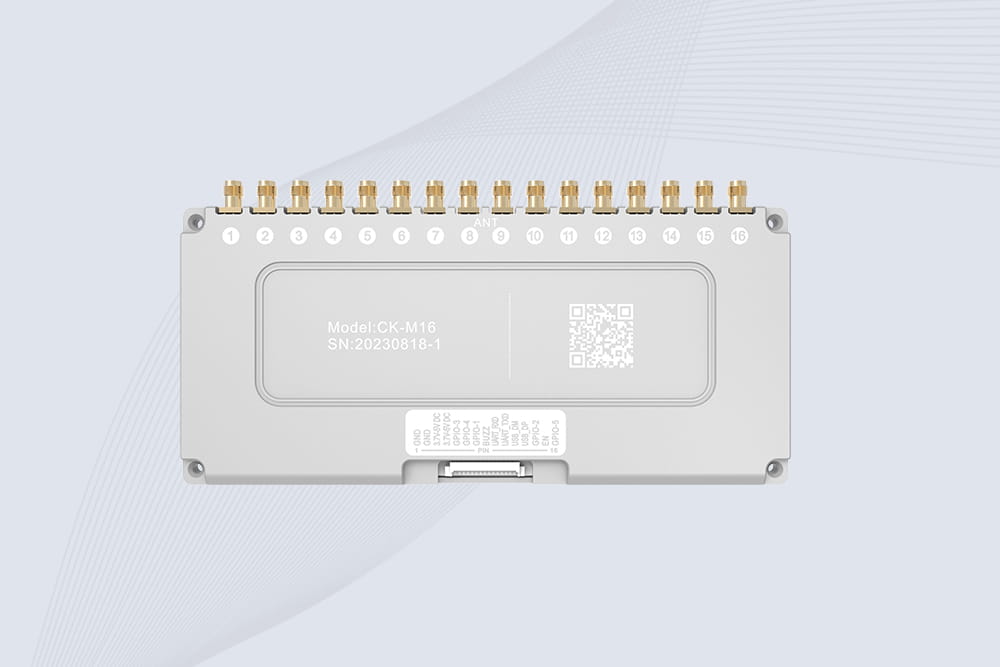
CYKEO CYKEO-M16 RFID Module is a 16-port UHF RFID reader module based on the R2000 chipset. Designed for dense tag environments, it supports ISO and GB standards and delivers stable multi-antenna control for industrial automation.
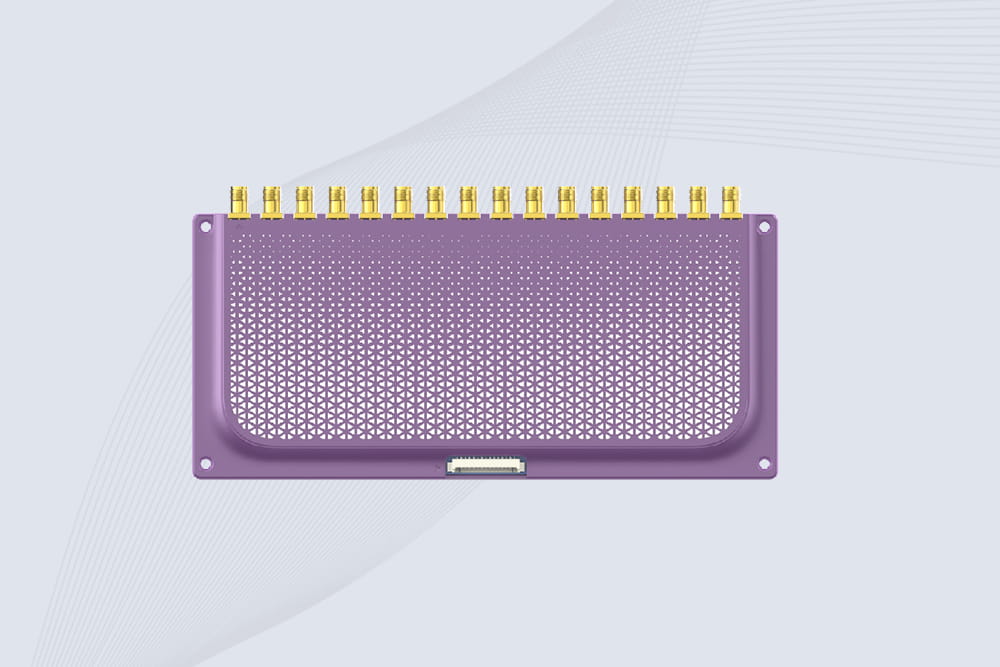
The CYKEO CYKEO-M16L RFID Reader Module is a 16-channel UHF RFID core designed for dense tag environments. With adjustable 33dBm output, multi-protocol support, and stable multi-antenna control, this RFID Tag Reader Module fits industrial automation, warehouse systems, and large-scale IoT deployments.
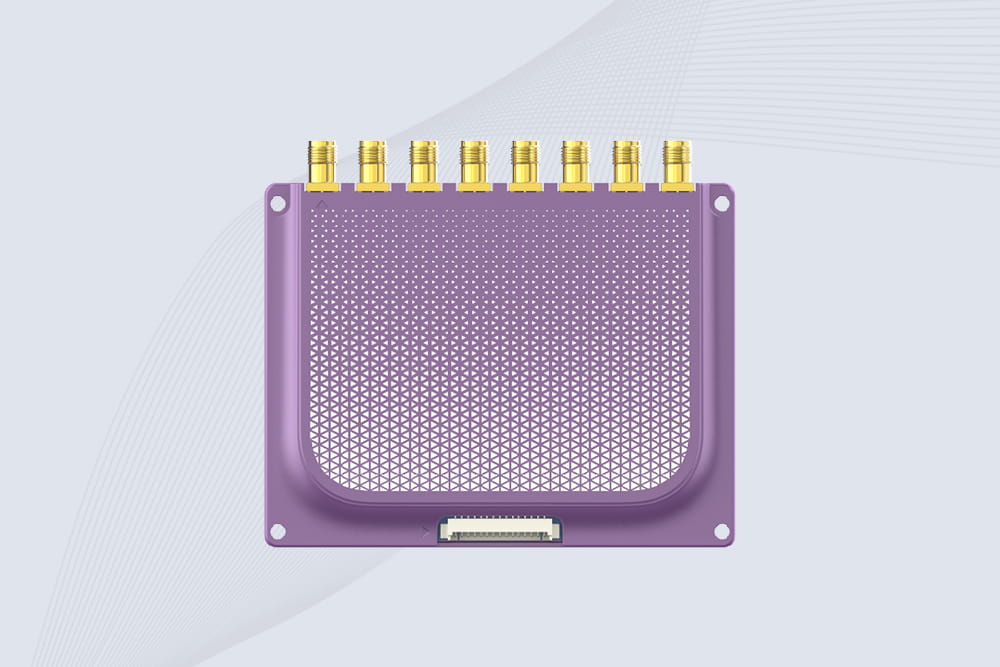
CYKEO CYKEO-M8L module RFID is a compact industrial UHF module built for dense tag and multi-antenna environments. With 8 RF ports, adjustable 33 dBm output, and ISO & GB protocol support, it is widely used in factories, warehouses, and automated tracking systems.
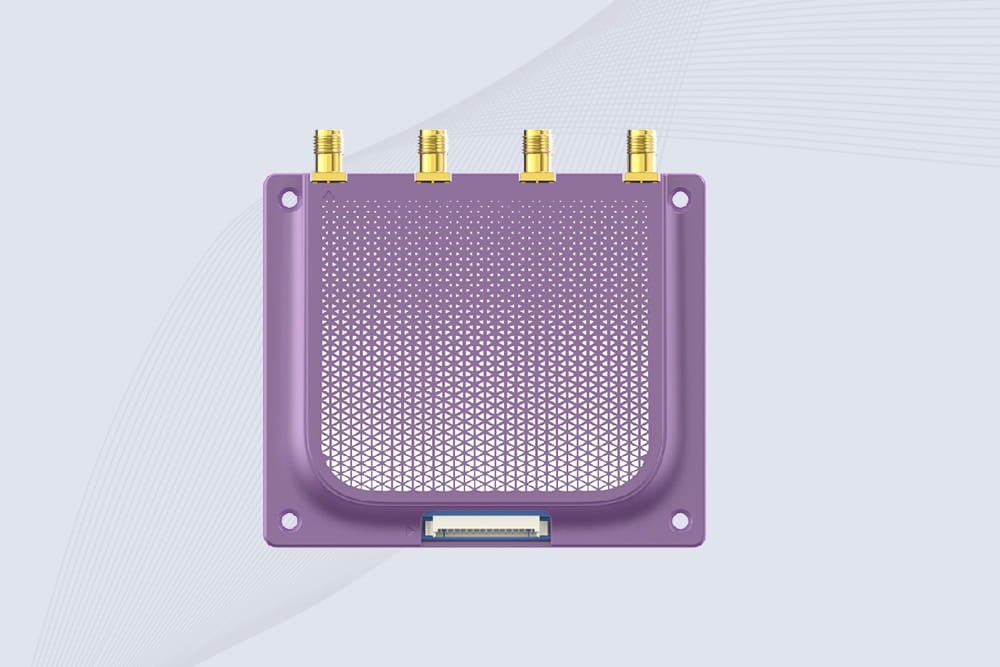
CYKEOCYKEO-M4L UHF RFID Module is a compact 4-channel RFID tag reader module designed for dense tag environments. Supporting ISO and GB protocols, it delivers stable reads up to 10 meters for industrial and IoT systems.
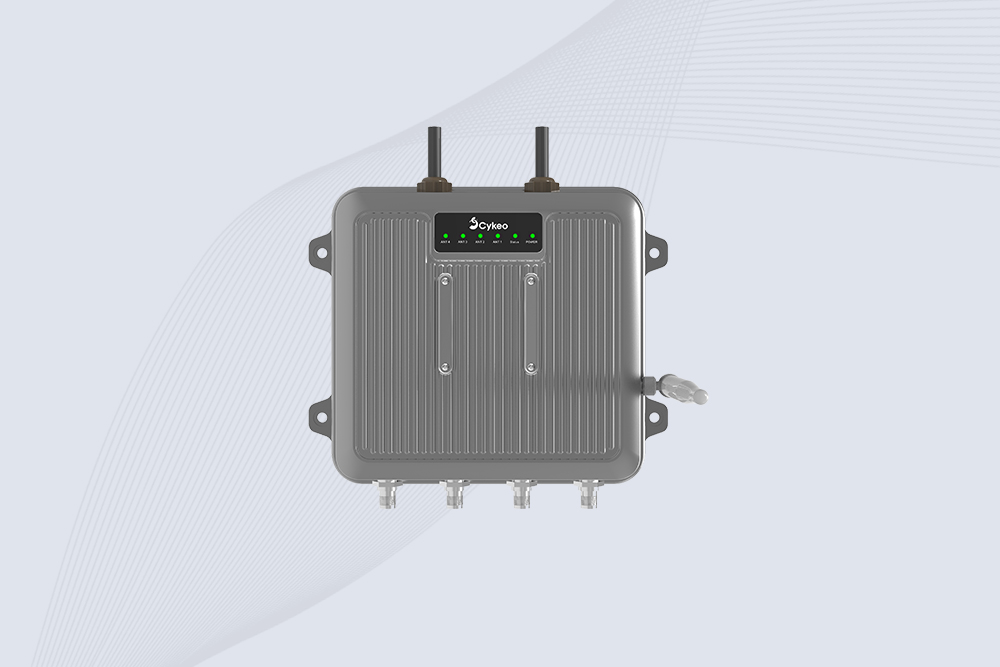
Cykeo CYKEO-C1 industrial Forklift RFID Reader features 20m read range, 600 tags/sec scanning, Impinj R2000 chipset, and IP67 rugged design. Ideal for warehouse logistics and manufacturing. Supports ISO 18000-6C/6B protocols.
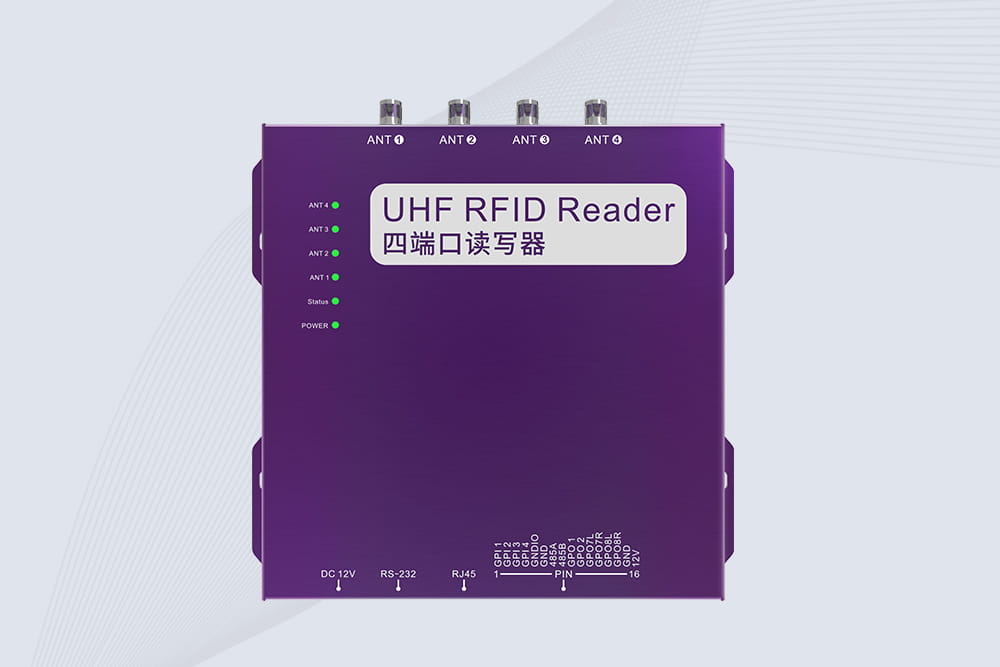
Cykeo CYKEO-R4 industrial UHF RFID Fixed Reader features 4 TNC ports, 400+ tags/sec speed, IP67 housing, and global frequency compliance for vehicle inspection, smart warehouse, and asset management systems.
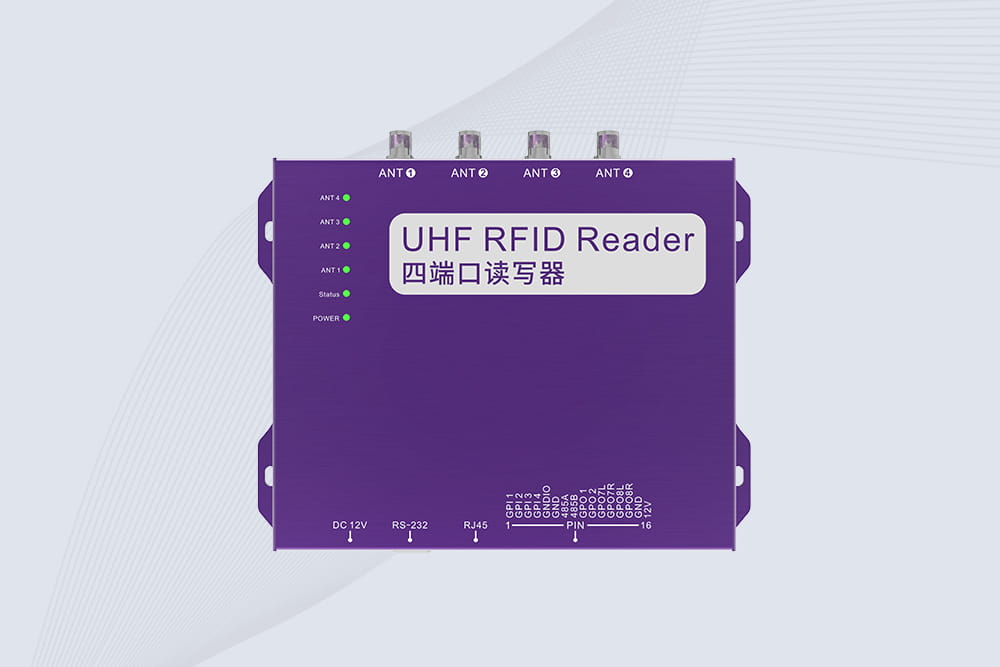
Cykeo’s CYKEO-R4L 4-port Fixed UHF RFID Reader delivers 400 tags/sec scanning, ISO 18000-6C compliance, and IP65 protection. Ideal for warehouse automation, manufacturing WIP tracking, and logistics management.
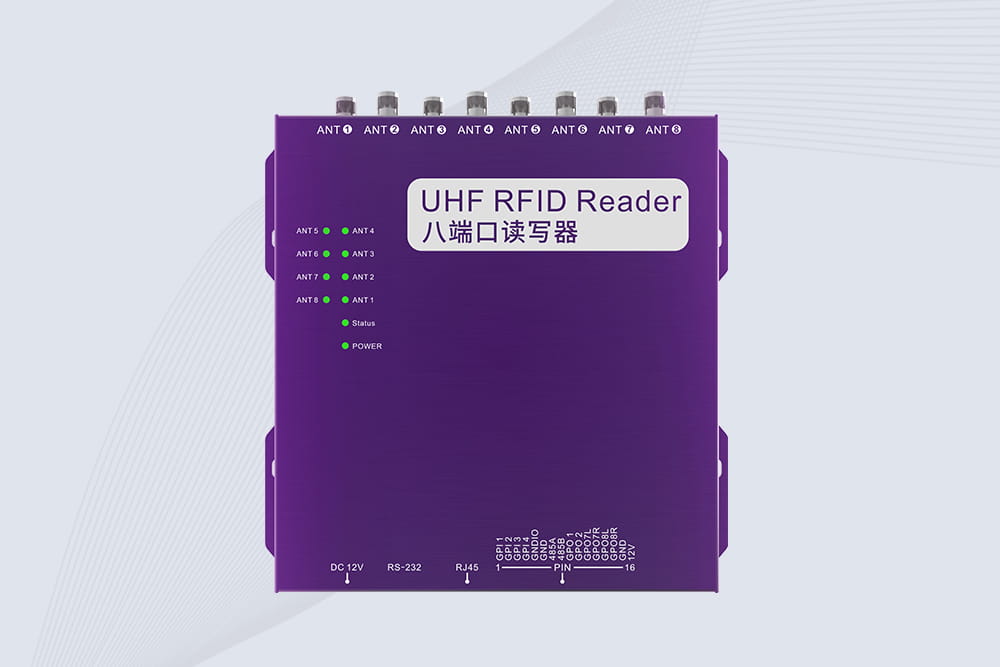
CYKEO CYKEO-R8L Fixed RFID Reader with 8-port UHF design, Impinj-based RF core and up to 20m read range. An industrial Fixed RFID Reader for vehicle inspection, warehouse portals, smart manufacturing lines and secure access checkpoints.
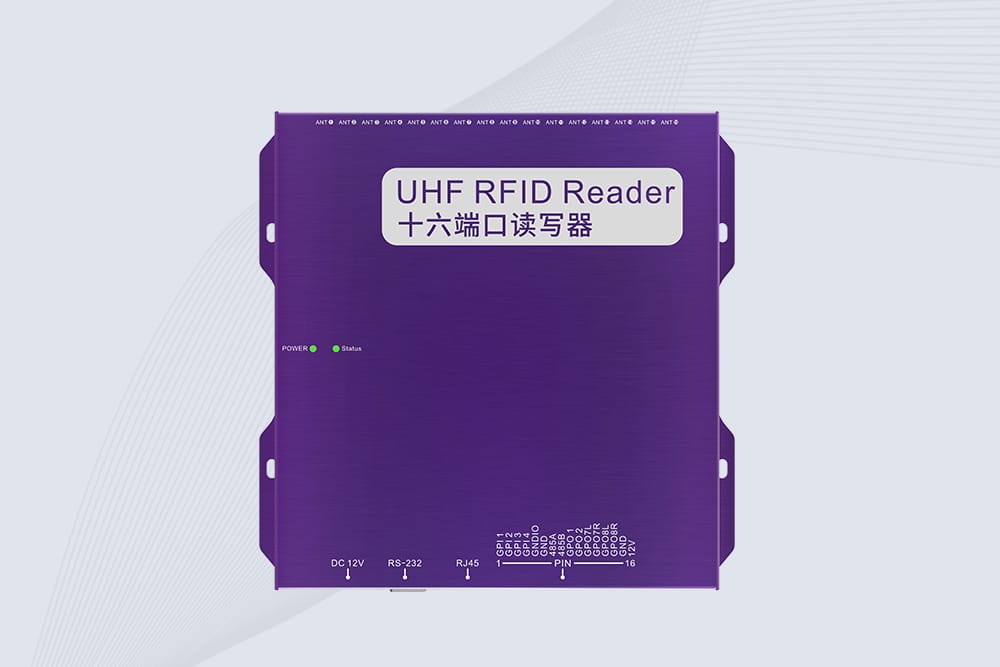
RFID Fixed Reader from CYKEO – the CYKEO-R16L 16-port UHF fixed reader for warehouses, smart cabinets, and production lines. Long-range, multi-tag reading, stable performance for 24/7 industrial use.

A fixed RFID reader is designed to stay in one location and continuously identify RFID-tagged items as they move through a defined reading zone. It is especi...
More
Learn what is rfid card technology, how RFID cards work, and how Cykeo RFID solutions support secure identification, smart access, and card management applications.
More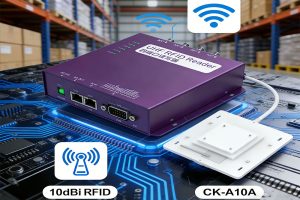
How to seamlessly integrate the CK-A10A 10dBi RFID antenna with your existing RFID reader system, improve signal strength, and enhance tracking accuracy. A straightforward approach to boosting RFID system performance.
More
rfid tag frequency affects reading distance, speed, and inventory accuracy. Learn how UHF RFID improves warehouse and asset tracking efficiency with Cykeo.
More