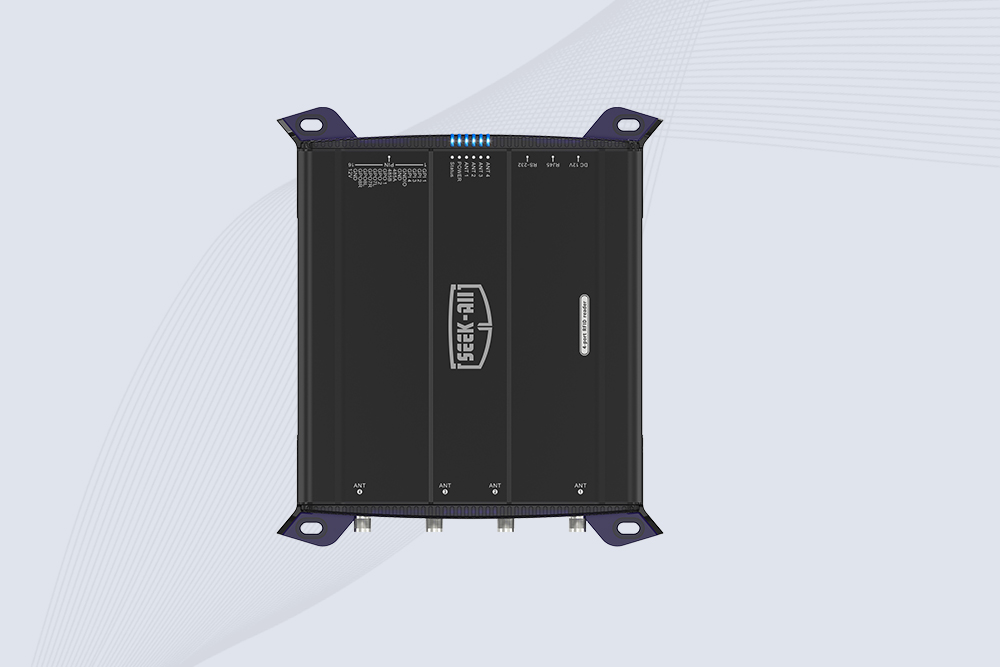
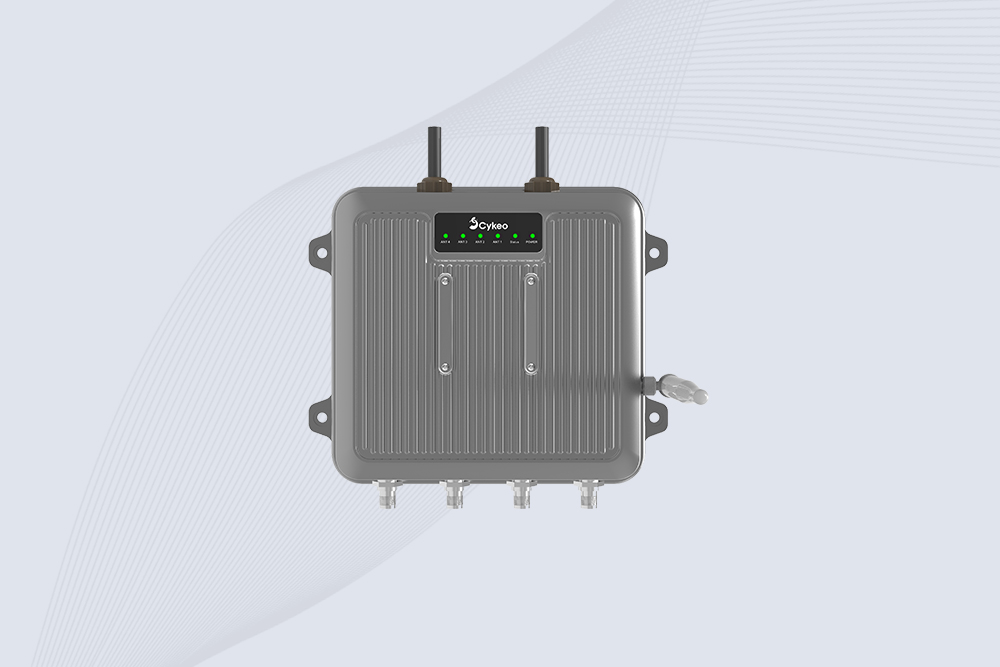
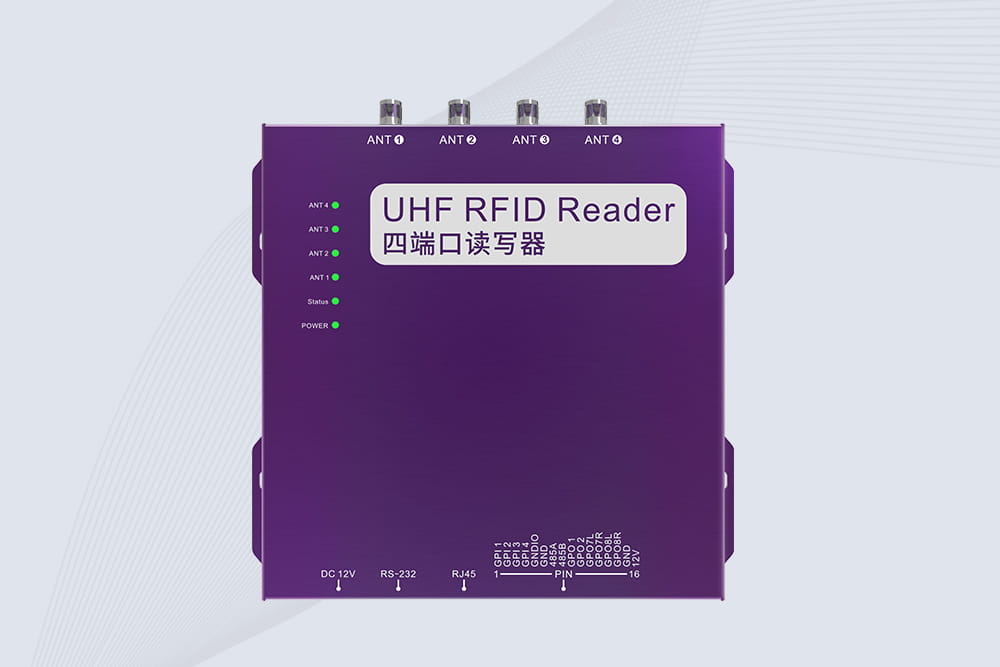
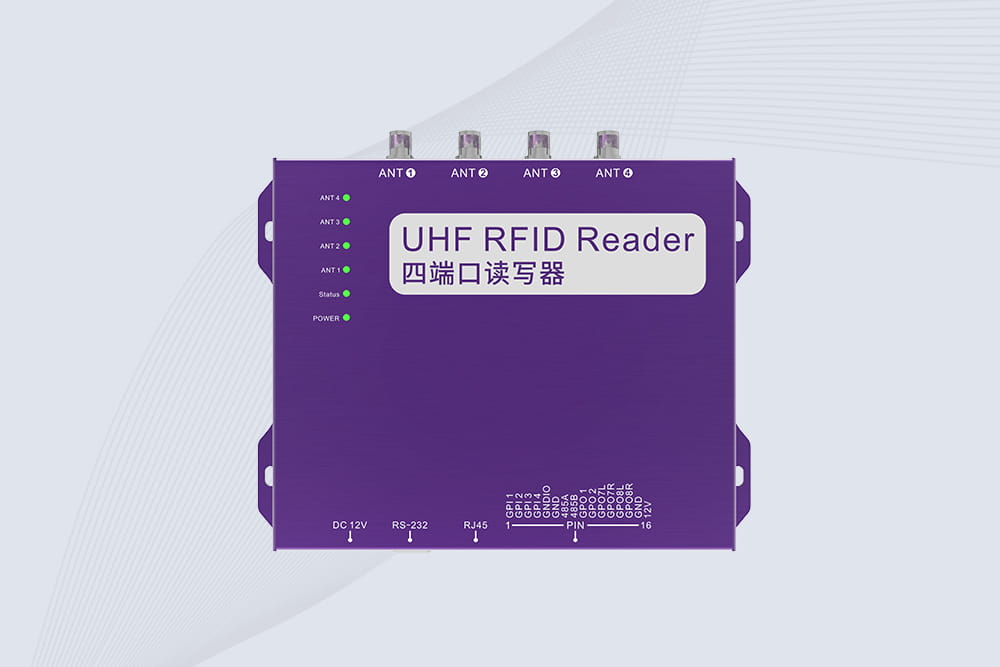
An RFID reader is used to identify and communicate with RFID-tagged items, then send the captured data to software for inventory updates, asset tracking, access management, or process control. Depending on the application, it may be handheld, installed at a workstation, or fixed at a doorway, conveyor, or storage area.
In a warehouse, the reader might identify tagged cartons as they pass a receiving point. In a retail store, it can help staff count merchandise without scanning every label individually. In a hospital, it may support equipment tracking or the management of tagged medical supplies. The reader performs the identification task; the connected software determines what the captured information means for the business.
That distinction is easy to overlook when choosing hardware. A reader that detects many tags in a laboratory test may still perform poorly at a busy loading bay if cartons move too quickly, tags face the wrong direction, or adjacent stock falls inside the reading zone.
Understanding how is an rfid reader used therefore involves more than switching on the device. It means choosing the right reader, matching it to the tags, controlling where reads occur, and connecting the resulting data to a workflow that people can trust.
What Does an RFID Reader Actually Do?
An RFID reader, also called an interrogator, communicates with RFID tags using radio-frequency signals. In a typical passive UHF RFID system, the reader transmits a signal that supplies energy to the tag. The tag responds by modulating the reflected signal, a process known as backscatter. The reader decodes that response and makes the resulting data available to the host system.
A standard RFID setup generally contains four elements:
RFID tag: An identifier attached to a product, carton, tool, document, or other asset.
Reader and antenna: Equipment that communicates with the tag and receives its response.
Host computer or controller: A device that receives tag data from the reader.
Application software: The system that matches identifiers to records and performs the required business action.
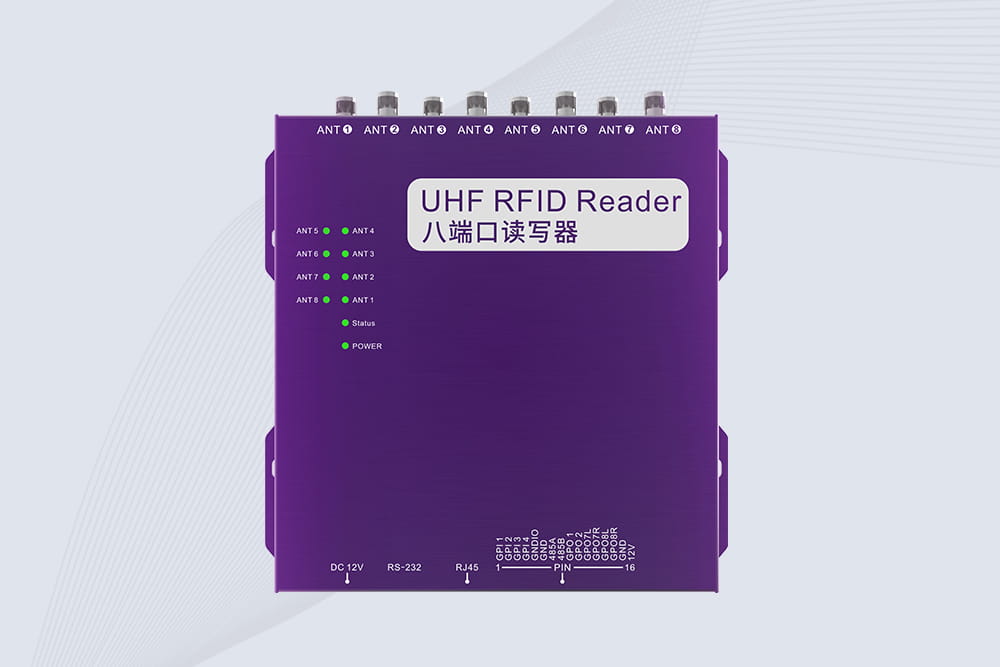
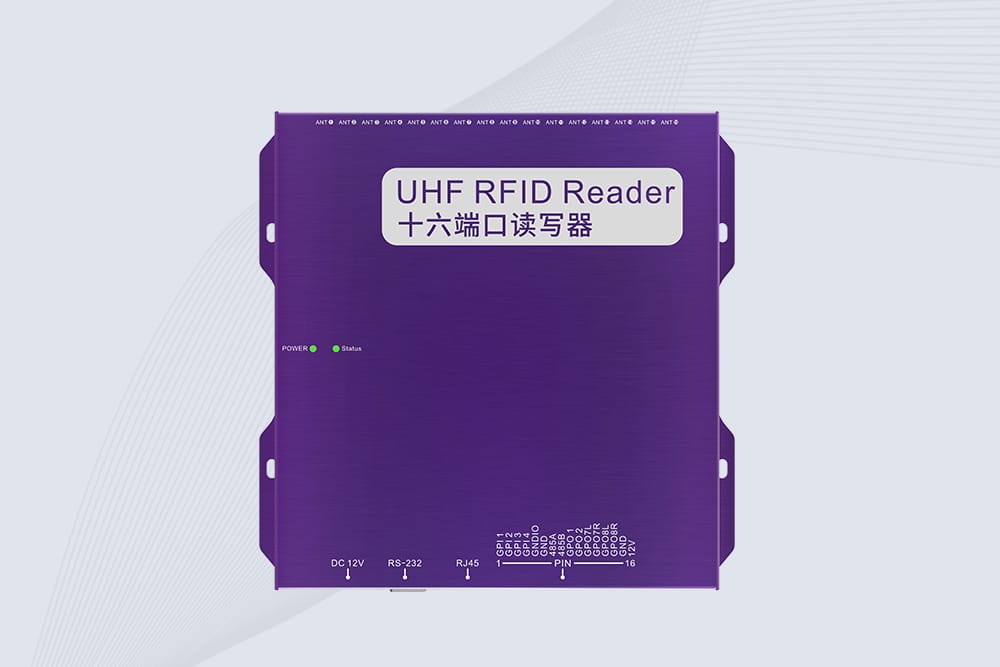
Some products integrate the reader and antenna into a single housing. Others use a reader connected to one or more external antennas, which can be positioned around a portal, production line, storage rack, or workstation.
The reader does not automatically know that an item has been sold, returned, sterilized, or moved to another department. It reports tag observations. Software and process rules must interpret those observations in context.
How an RFID reader identifies a tagged item
In a passive UHF installation, the process typically follows this sequence:
The reader sends a radio-frequency signal through its antenna.
A compatible tag within the effective reading zone receives energy from that signal.
The tag responds using its stored identification data.
The reader receives and decodes the response.
The reader transfers the data to connected software or a host application.
The software matches the identifier to an inventory or asset record and processes the event according to its rules.
This communication model is described in GS1’s RFID system documentation and underpins many passive UHF deployments.
The final step is where implementation quality makes a difference. A reader can capture a tag successfully, yet the application may still show an incorrect stock balance if the same observation is counted repeatedly or a tag from a neighboring area is mistakenly included.
How Is an RFID Reader Used in Different Industries?
RFID readers are selected according to the task, the movement of tagged items, and the environment in which the equipment operates. A reader used for a small desktop encoding station has different requirements from one installed above a warehouse conveyor.
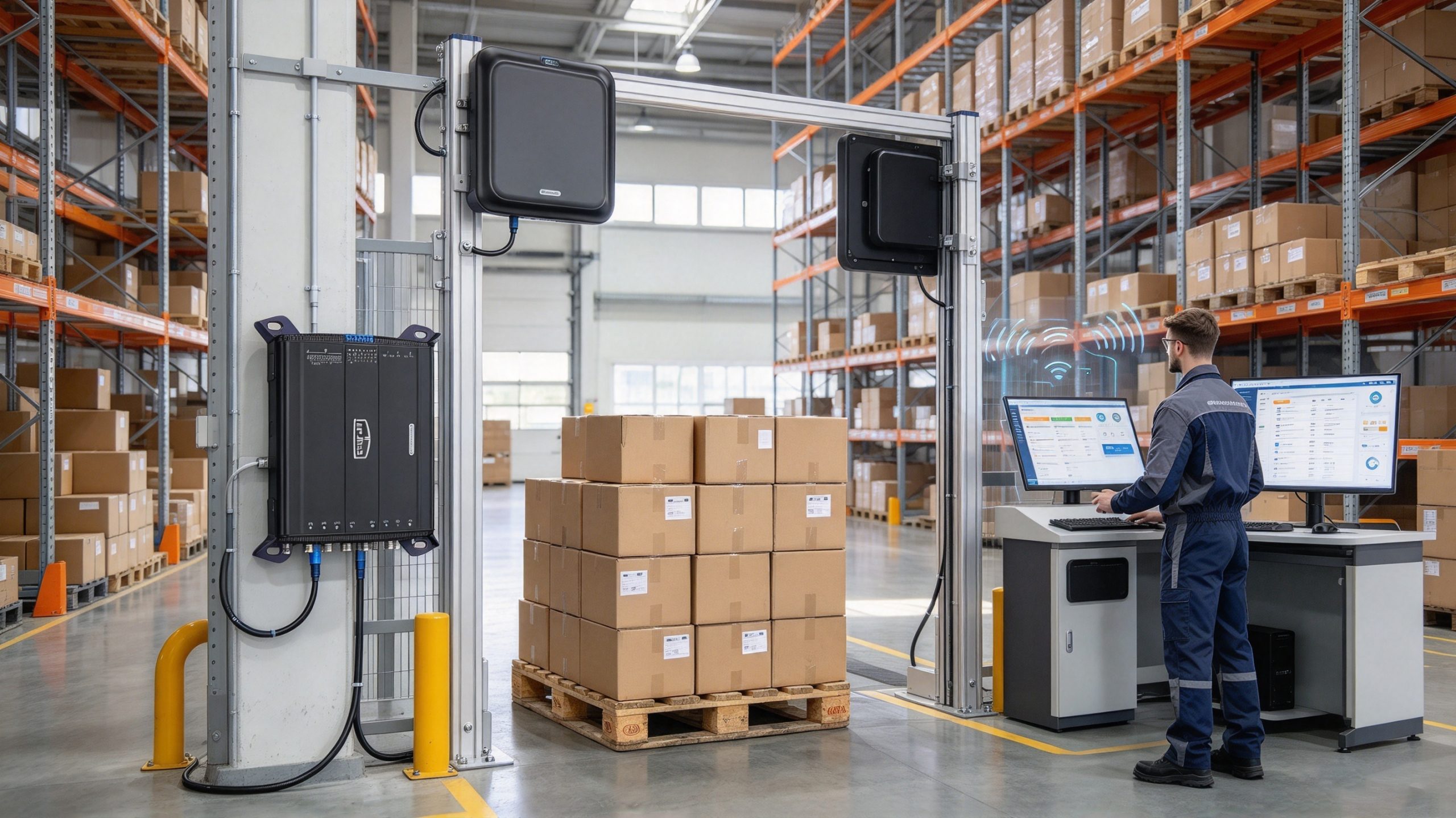
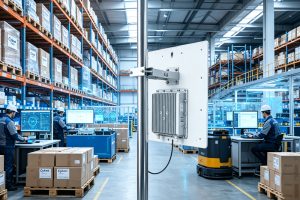
Fixed RFID readers can capture tagged cartons at defined receiving and dispatch points.
1. Warehouse inventory and logistics
In warehouse operations, fixed rfid readers are commonly installed at goods-receiving points, dispatch doors, conveyor systems, and other locations where inventory passes through a defined zone. When a tagged carton crosses that zone, the reader can capture its identifier without requiring an employee to scan every label manually.
The software can then compare the observed identifiers with an expected shipment list. Depending on the integration, this may help flag missing cartons, unexpected items, or discrepancies between physical movements and shipping records.
For a busy dock, the key design question is not simply how far the reader can read. It is whether the system reliably identifies the intended shipment while avoiding reads from nearby pallets or stock waiting for another process.
2. Retail inventory and stocktaking
Retail teams use handheld and fixed RFID readers to locate tagged merchandise, count stock, and support replenishment.
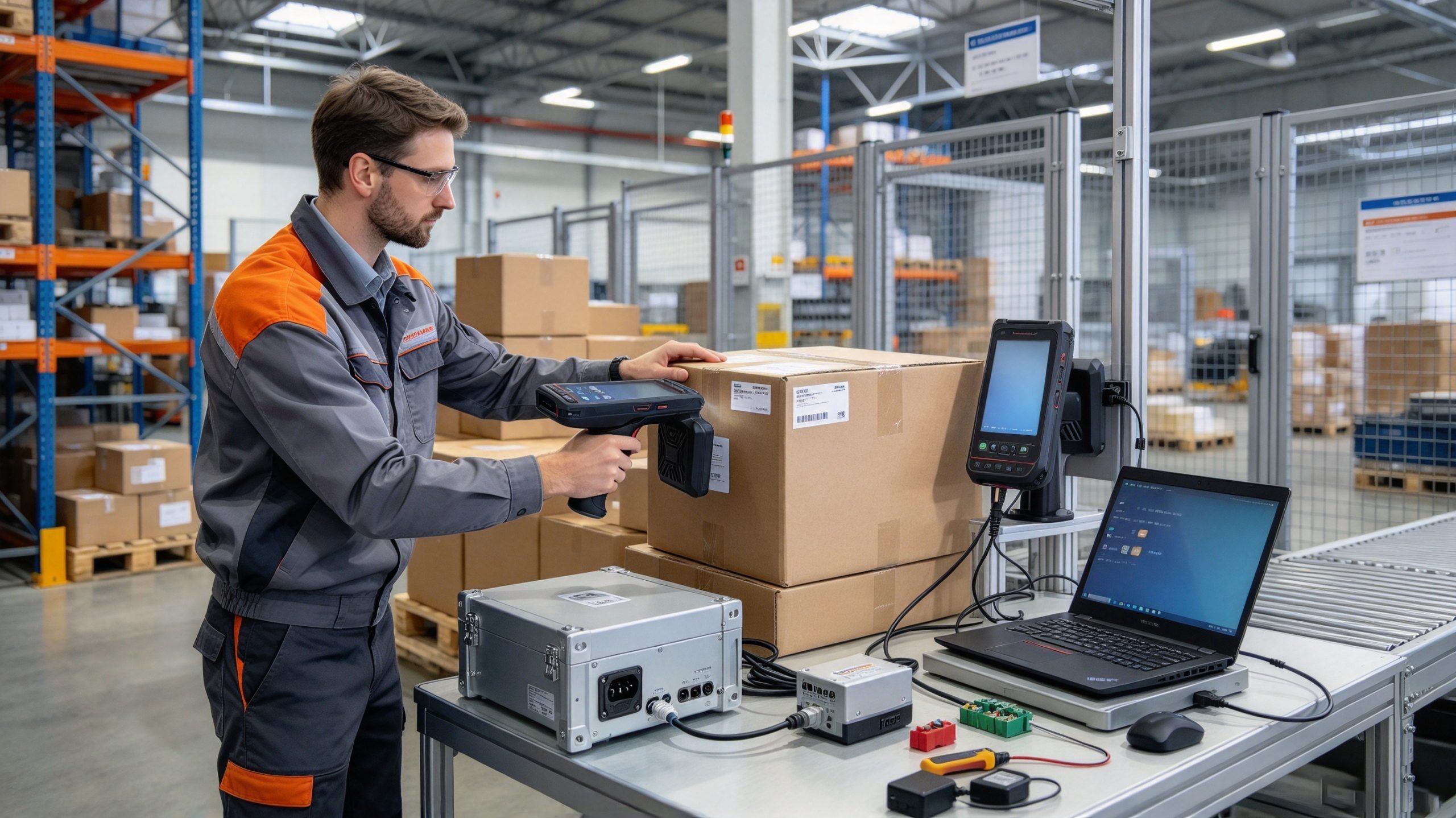
A handheld reader allows an employee to move along shelves or through a stockroom, collecting tag identifiers from multiple items within range. A fixed reader can automate data capture at a checkout, stockroom entrance, or another configured read point.
RAIN Alliance reports that 50% of the 45 billion RAIN RFID tags shipped in 2023 were allocated to retail. This is an industry-specific adoption statistic, not a measurement of reader accuracy or a guarantee of business results.
The practical value of a reader depends on how its data is used. A stocktaking application can compare observed tag identifiers with expected inventory, while a replenishment application can use verified stock information to help staff prioritize shelves that need attention.
3. Manufacturing and work-in-progress tracking
On a production line, an RFID reader can identify tagged components, reusable containers, work-in-progress items, or tools at defined process stages.
For example, a fixed reader near an assembly station can detect a tagged carrier as it arrives. The manufacturing execution system may use that observation to retrieve the work order, display the relevant instructions, or record that the carrier passed a checkpoint.
The reader itself does not verify that a component was assembled correctly. That requires appropriate production data, sensors, inspection procedures, or operator confirmation. RFID provides an identification event that can support those controls.
4. Healthcare and asset management
Hospitals may use RFID readers to locate tagged equipment, manage reusable assets, and improve visibility into medical supplies. Depending on the system, readers may be installed in storage rooms, equipment cabinets, designated doorways, or mobile inventory devices.
A reader can identify an equipment tag, but the software must connect that identifier to the asset record and any relevant location history. If the system uses a fixed read point, it may record that an item was detected at that point; it should not automatically assume that the equipment remains there indefinitely.
GS1 US identifies hospital surgical-tool tracking and other asset-management activities among the applications supported by RFID
Which Type of RFID Reader Should You Use?
The best choice depends on how the items are handled and where identification needs to occur.
Reader type
Typical application
Main consideration
Handheld RFID reader
Stocktaking, item searches, mobile asset checks
Portability, battery life, ergonomics, and antenna coverage
Fixed RFID reader
Portals, conveyor lines, production stations
Reliable reads within a defined zone and integration with the host system
Desktop RFID reader
Tag registration, encoding, verification, and small workstations
Short-range performance, software compatibility, and writing capability
Integrated reader with antenna
Compact installations and space-constrained work areas
Antenna pattern, mounting position, and environmental protection
RFID OEM module
Embedded systems and customized equipment
Development resources, interface compatibility, RF design, and software integration
Handheld readers versus fixed readers
A handheld reader is useful when an employee needs to move around and investigate individual items or storage locations. It provides flexibility, but the quality of the count may depend on the operator’s route, reading technique, and the application’s ability to filter repeated observations.
A fixed reader is more suitable when items pass through a predictable location or when a workstation needs continuous or scheduled identification. It can reduce manual scanning, but its antennas and reading zone must be carefully configured.
A fixed reader is not automatically the better option for every project. If the main task is locating one particular tool somewhere in a large facility, a handheld reader may be more practical. If the task is recording cartons passing through a shipping portal, fixed hardware may be a better fit.
How to Set Up and Use an RFID Reader
The setup process depends on the reader model and the application, but most projects need to establish communication between the reader, compatible tags, and the software that will process the data.
Step 1: Confirm the tag and reader are compatible
Start by checking the RFID frequency and air-interface protocol. A reader designed for one frequency band will not necessarily communicate with tags designed for another.
For passive UHF systems, confirm support for the appropriate regional frequency allocation and protocol, such as EPC Gen2 or ISO/IEC 18000-63. RAIN Alliance identifies ISO/IEC 18000-63 as the air-interface standard used by RAIN RFID systems.
Do not assume that all UHF readers can be used in every country with identical settings. The permitted frequency range and radio requirements vary by market, so select and configure equipment for the intended installation location.
Step 2: Connect the reader to the host system
Depending on the device, the reader may communicate with a computer or controller through USB, Ethernet, serial communication, Wi-Fi, Bluetooth, or another supported interface.
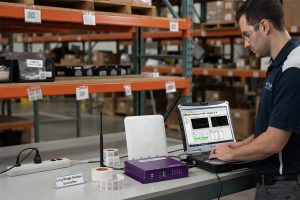
For a desktop reader, USB may be sufficient for a tag-registration workstation. A fixed reader at a warehouse portal may use Ethernet to send observations to a local computer or server. An embedded RFID module may require additional integration work before it can communicate with the final application.
Check the manufacturer’s documentation for the required drivers, SDK, API, and communication settings. Physical connection alone does not confirm that the host application can interpret the returned tag data.
Step 3: Test with a known tag
Before testing a full shipment or shelf, use a known compatible tag and confirm that the reader detects it. Check whether the displayed identifier matches the expected value and whether the host receives the same data.
If the application supports tag writing, verify that the reader has the appropriate write permissions and that the intended memory bank is selected. Reading and writing are different operations; a reader that can identify tags does not necessarily have the correct configuration or authorization to modify their data.
Step 4: Configure the reading zone
For a handheld reader, test at the distance and orientation employees will actually use. For a fixed reader, position the antenna so that it covers the intended passage or storage area without unnecessarily detecting neighboring stock.
Start with conservative power settings and increase them only when the intended tags are not being detected reliably. Higher output is not always better: it can increase unwanted reads and make it harder to determine which process an observed tag belongs to.
Step 5: Connect tag observations to a business event
Finally, confirm what the application should do when a tag is read. A tag detected at a receiving portal might trigger a shipment check; the same tag detected in a stockroom might simply update an inventory snapshot.
The application should also handle repeated observations, temporary missed reads, and network interruptions. A well-configured reader is one part of a reliable system, not the entire solution.
What Determines RFID Reader Range and Reading Accuracy?
RFID read range is not a fixed property that can be guaranteed for every tag. GS1 explains that the range of passive UHF RFID depends on factors including operating frequency, reader power, radio-frequency interference, antenna characteristics, polarization, and tag orientation. Passive UHF tags typically operate over several meters, with longer distances possible under special conditions.
Factor
Effect on performance
What to test
Tag design
Different antenna designs respond differently to the reader’s field
Test the actual tag model on the intended item
Tag placement
Orientation and mounting position can affect the received signal
Rotate and reposition tags on real products
Reader power
Higher power may improve detection but expand the reading zone
Increase power gradually while monitoring unwanted reads
Antenna position
Antenna direction and polarization influence coverage
Test the intended mounting position and item movement
Materials nearby
Metal and liquids can affect UHF radio performance
Test packaging and shelf arrangements under normal conditions
Item density and speed
Closely packed or fast-moving items can be harder to identify consistently
Test a full load moving at the normal operating speed
Software filtering
Poor event handling can create duplicates or false transactions
Verify deduplication, zone filtering, and transaction rules
Why a long read range is not always desirable
Imagine a fixed reader mounted at a warehouse receiving door. If it can detect cartons waiting in a nearby staging area, the software may record stock before the receiving process has officially begun. The radio link may be working correctly, but the business event is wrong.
A shorter, well-defined reading zone can be more valuable than maximum range. Antenna direction, shielding where appropriate, tag placement, and software filtering all help determine whether the reader captures the right items at the right point in the workflow.
Multi-tag performance also needs realistic testing. The RAIN Alliance states that RAIN RFID can identify up to 1,000 items per second under suitable conditions. That is a technology-level capability, not a guaranteed rate for every reader, tag population, or installation.
For acceptance testing, record both successful identification and unwanted reads. A system that detects nearly every intended tag but frequently includes neighboring items may still create unacceptable inventory errors.
Common RFID Reader Problems and Troubleshooting
When an RFID reader fails to produce the expected result, check the complete communication path rather than immediately replacing the hardware.
Symptom
Possible cause
Practical troubleshooting
No tags are detected
Incorrect frequency, incompatible protocol, disconnected antenna, or unsuitable tag
Verify reader settings, connections, and tag compatibility
Reading distance is shorter than expected
Tag orientation, nearby materials, low power, or antenna placement
Test the tag in its actual mounting position and adjust the reading setup
Too many unexpected tags appear
Reading zone is too broad or neighboring inventory is within range
Adjust antenna coverage and apply software filtering
Some items are repeatedly missed
Dense packing, poor tag placement, interference, or inconsistent movement
Test a full load and vary tag positions and movement speed
The reader detects tags but the application does not update
Driver, API, network, data-format, or application configuration issue
Check reader output, host communication, and application logs separately
Duplicate inventory transactions appear
Repeated reads are treated as separate business events
Add deduplication and transaction-state rules
Tag writing fails
Incorrect write settings, locked memory, insufficient permissions, or incompatible tag
Confirm the memory bank, access settings, and supported writing operation
A useful troubleshooting method is to divide the system into three checkpoints:
Radio communication: Does the reader detect the expected tag?
Data communication: Does the reader transfer the correct identifier to the host?
Application processing: Does the software associate that identifier with the correct item and business event?
Testing each checkpoint separately makes faults easier to isolate. If the reader sees the tag but the host does not receive the data, changing the antenna position is unlikely to solve the actual problem.
Testing actual tags, materials, and reading positions helps identify RFID coverage and integration problems.
Frequently Asked Questions
1. How is an RFID reader used in inventory management?
An RFID reader detects tags attached to products and sends their identifiers to inventory software. The software matches those identifiers with stock records and can compare observed items with expected inventory. Handheld readers support mobile stocktaking, while fixed readers can automate identification at defined locations.
2. Can an RFID reader read multiple tags at once?
Yes. Compatible UHF RFID readers can identify multiple tags within their reading zone during an inventory operation. The achievable rate depends on the reader, tag population, radio conditions, settings, and application requirements. The RAIN Alliance cites rates of up to 1,000 items per second under suitable conditions, but actual installations should be tested.
3. Does an RFID reader need a direct line of sight?
Generally, passive UHF RFID does not require the same direct visual alignment as barcode scanning. Radio waves can communicate with tags through many common non-metallic materials, including cardboard. However, metal, liquids, tag orientation, and surrounding structures can reduce performance, so the actual installation still requires testing.
4. How far away can an RFID reader detect a tag?
The range depends on the RFID frequency, tag design, reader power, antenna, and environment. Passive UHF RFID commonly reads over several meters, while LF and HF systems often operate at shorter distances. Some specialized UHF setups achieve longer ranges, but those results should not be assumed for every tag or installation.
5. Can an RFID reader write information to a tag?
Some RFID readers support both reading and writing. Writing depends on the tag’s supported memory, reader capabilities, access permissions, and software configuration. Before modifying tags, confirm which memory bank is intended and whether the operation could affect identification or downstream system compatibility.
6. What is the difference between a fixed RFID reader and a handheld RFID reader?
A fixed RFID reader is installed at a specific location, such as a doorway, conveyor, or workstation, to capture tag data as items pass through a defined zone. A handheld reader is carried by an operator for mobile inventory checks, item searches, or exception handling. The right choice depends on the workflow.
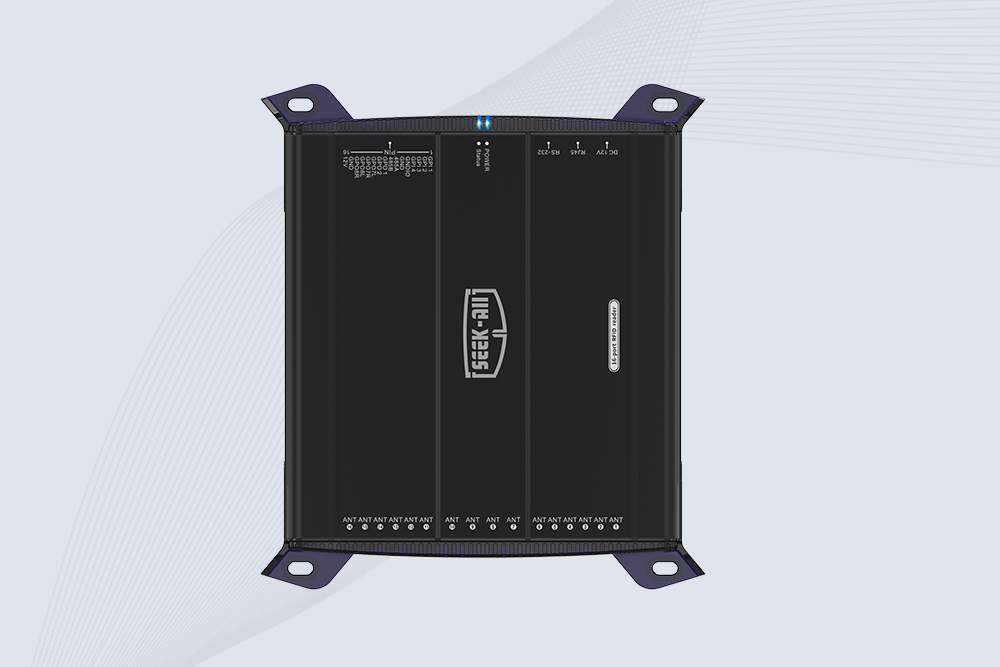
SSD-R16L Multi-Channel RFID Infrastructure for Automated Inventory Management ✔️ 16-Port High-Density RFID Reading Equipped with 16 SMA antenna ports, SSD-R16L supports multi-antenna deployment for warehouses, retail stores, logistics, production lines, and large-area RFID identification. ✔️ High-Speed & Long-Range Performance With up to 33…
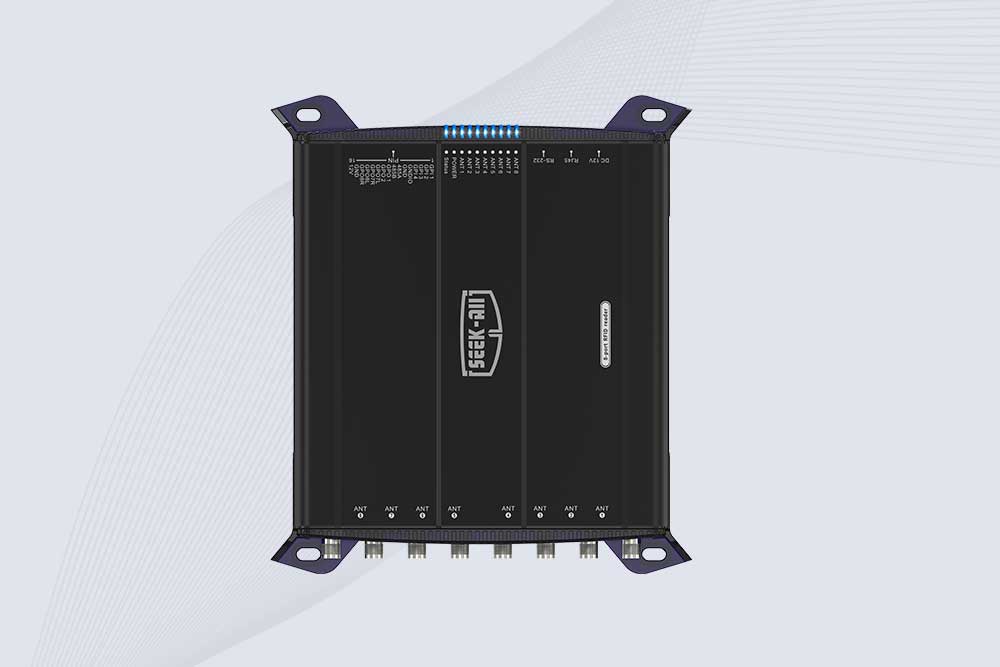
SSD-R8L 8-port UHF RFID reader with 33dBm output, up to 20m reading range and 600+ tags/s recognition. Ideal for warehouse, logistics, retail and asset tracking.
Cykeo CYKEO-C1 industrial Forklift RFID Reader features 20m read range, 600 tags/sec scanning, Impinj R2000 chipset, and IP67 rugged design. Ideal for warehouse logistics and manufacturing. Supports ISO 18000-6C/6B protocols.
Cykeo CYKEO-R4 industrial UHF RFID Fixed Reader features 4 TNC ports, 400+ tags/sec speed, IP67 housing, and global frequency compliance for vehicle inspection, smart warehouse, and asset management systems.
CYKEO CYKEO-R8L Fixed RFID Reader with 8-port UHF design, Impinj-based RF core and up to 20m read range. An industrial Fixed RFID Reader for vehicle inspection, warehouse portals, smart manufacturing lines and secure access checkpoints.
RFID Fixed Reader from CYKEO – the CYKEO-R16L 16-port UHF fixed reader for warehouses, smart cabinets, and production lines. Long-range, multi-tag reading, stable performance for 24/7 industrial use.
Explore rfid system for asset tracking solutions that improve asset visibility, automate monitoring, reduce losses, and optimize enterprise management with reliable RFID technology.
Wondering how to read RFID tags with an iPhone? We explain what your iPhone can actually read, why it fails for most tags, and the hardware you need for real work.
Choosing the right long range RFID scanner is not only about reading distance. Learn what RFID solution providers should consider before buying readers for warehouse, logistics, and industrial projects.
The rfid gate access control system uses RFID technology to enable efficient identity verification and access control. It’s widely used in corporate campuses, factories, warehouses, and schools. This article explains how the system works, its adva...
 Cykeo RFID IoT Solution Products R&D Manufacturer