When people start working with RFID, they usually focus on the “main parts” — readers, antennas, and tags. That’s normal. But once a project actually goes live, you quickly realize something:
Auxiliary equipment is what makes the system truly usable.
One of the most overlooked — but super practical — components is GPIO.
Let’s break it down in plain English, no fluff.
What is GPIO (in simple terms)?
GPIO stands for General Purpose Input/Output.
Sounds technical, but it’s really not complicated:
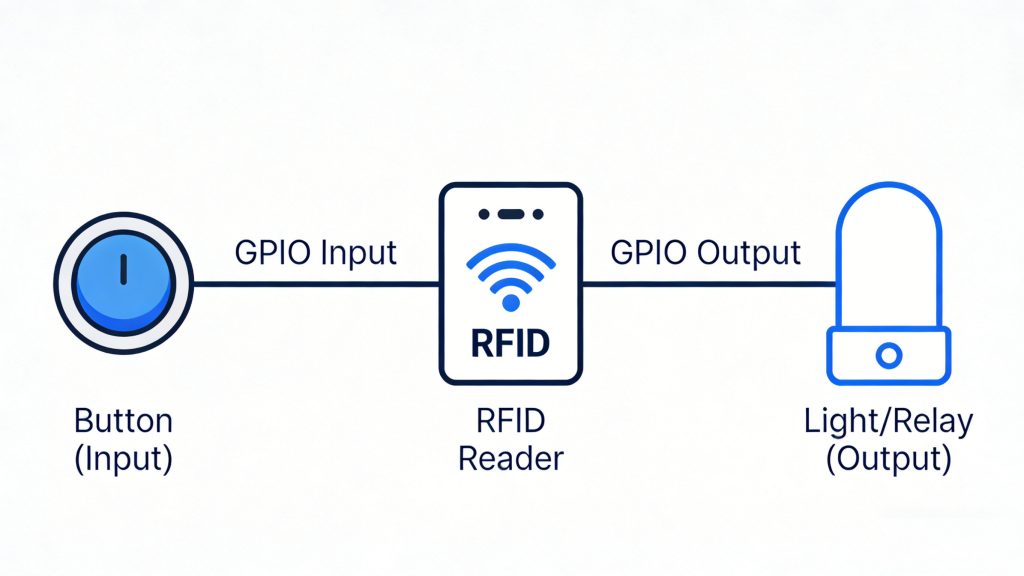
Input → an external device sends a signal to the RFID system
Output → the RFID system sends a signal to control something else
Think of it like a switch interface between your RFID system and real-world devices.
What does GPIO actually do in an RFID system?
One sentence:
It turns “reading a tag” into a real-world action.
Reading a tag alone doesn’t do much. The real value is what happens after the tag is read — opening a door, triggering an alarm, starting a process. That’s where GPIO comes in.
Common GPIO use cases in RFID (real-world stuff)
1. Access control / gate systems
This is probably the most common setup:
Valid tag → door opens
Invalid tag → access denied or alarm
Typical flow:
RFID reader → tag detected → GPIO output → door controller
If you’re doing any kind of access system, GPIO is almost always involved.
2. Indicator lights & buzzers
Simple but extremely useful:
Green light → success
Red light → failure
Buzzer → alert
A lot of people skip this at first — and regret it later. Without feedback, operators have no idea if the system is working or not.
3. Triggered reading (input signal)
This is the input side of GPIO.
Examples:
Press a button → start scanning
Photoelectric sensor detects an object → trigger reading
Common in:
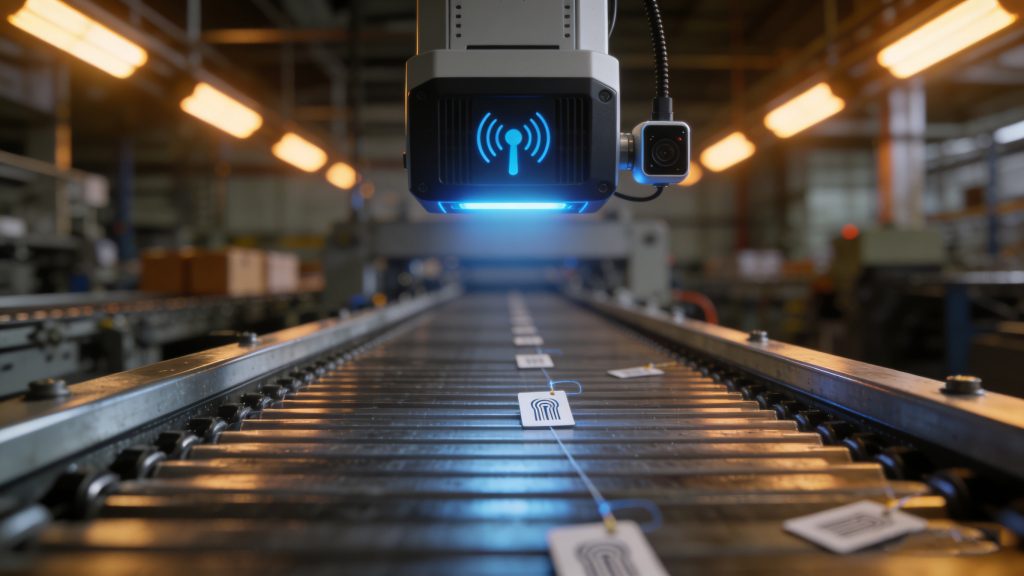
Production lines
Conveyor systems
Automation setups
Key idea: don’t read continuously — read when triggered. This makes the system more stable and efficient.
4. Conveyor & sorting systems
A more advanced use case:
RFID reads the tag
System decides what to do
GPIO controls sorting mechanism
Example:
Item A → go left
Item B → go right
This is widely used in logistics and warehouse automation.
What do GPIO devices look like?
Two common setups:
1. Built into RFID readers
Many industrial RFID readers already have GPIO ports:
Input ports (IN)
Output ports (OUT)
You just wire them directly — no extra hardware needed.
2. External GPIO modules
If you need more control or more ports, you can add:
I/O control modules
Relay modules
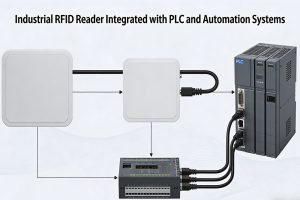
PLC integration
This is more common in complex or large-scale projects.
Common mistakes when using GPIO
This is where most real-world problems happen.
Mistake 1: Voltage mismatch
Different devices use different voltages (5V, 12V, 24V).
Wrong connection = best case, it doesn’t work Worst case, you damage the device
Mistake 2: Poor wiring
Very common on-site issues:
Loose connections
Long cables causing interference
No shielding
Result: unstable system, random failures
Mistake 3: Bad logic design
Examples:
Signals triggering too frequently
No debounce logic
Conflicts between multiple devices
The system ends up behaving unpredictably
A simple real-world example
Let’s say you’re building a warehouse exit control system:
Goods pass through a gate
RFID reader detects the tag
System checks authorization
GPIO sends signal
Green light turns on + gate opens
If not authorized:
Red light turns on
Buzzer sounds
That’s a classic RFID + GPIO setup.
Final thoughts
A lot of people focus only on “can the system read tags?” But in real projects, the real question is:
What happens after the tag is read?
That’s where GPIO makes all the difference.
If your project involves:
Warehousing
Manufacturing
Access control
Automation
Then GPIO is not optional — it’s essential.
If you’re working on a specific project (like a gate system or production line), getting the GPIO logic right early will save you a lot of headaches later.
Discover the top UHF RFID scanners for warehouse inventory tracking in 2025. Compare range, durability, software integration, and future-ready features for logistics efficiency.
Learn how industrial RFID readers are integrated into automation systems. Covers system architecture, PLC connectivity, long-range reader deployment, and real-world integration considerations.
tracking tags for equipment enable real-time asset visibility, loss reduction, and automated inventory control. Learn Cykeo RFID tracking solutions for industrial use.
 Cykeo RFID IoT Solution Products R&D Manufacturer