 Cykeo RFID IoT Solution Products R&D Manufacturer
Can Budget RFID Scanners Accurately Track Retail Apparel Inventory?
1164Find out if budget RFID scanners can handle retail apparel inventory tracking. Compare accuracy, UHF performance, and top affordable models for clothing stores.
MoreAll RFID Product
RFID stickers work by using an embedded antenna to receive radio signals from reader, allowing data exchange. Improper placement, angle, or surface contact may result in:
In particular, installation on metal surfaces or in high-temperature, humid environments can lead to system instability if done incorrectly.
A standard RFID sticker consists of:
Different frequency bands (LF 125kHz, HF 13.56MHz, UHF 860-960MHz) react differently to surface materials. UHF tags, for example, are more sensitive to metal reflections and require specific installation methods.
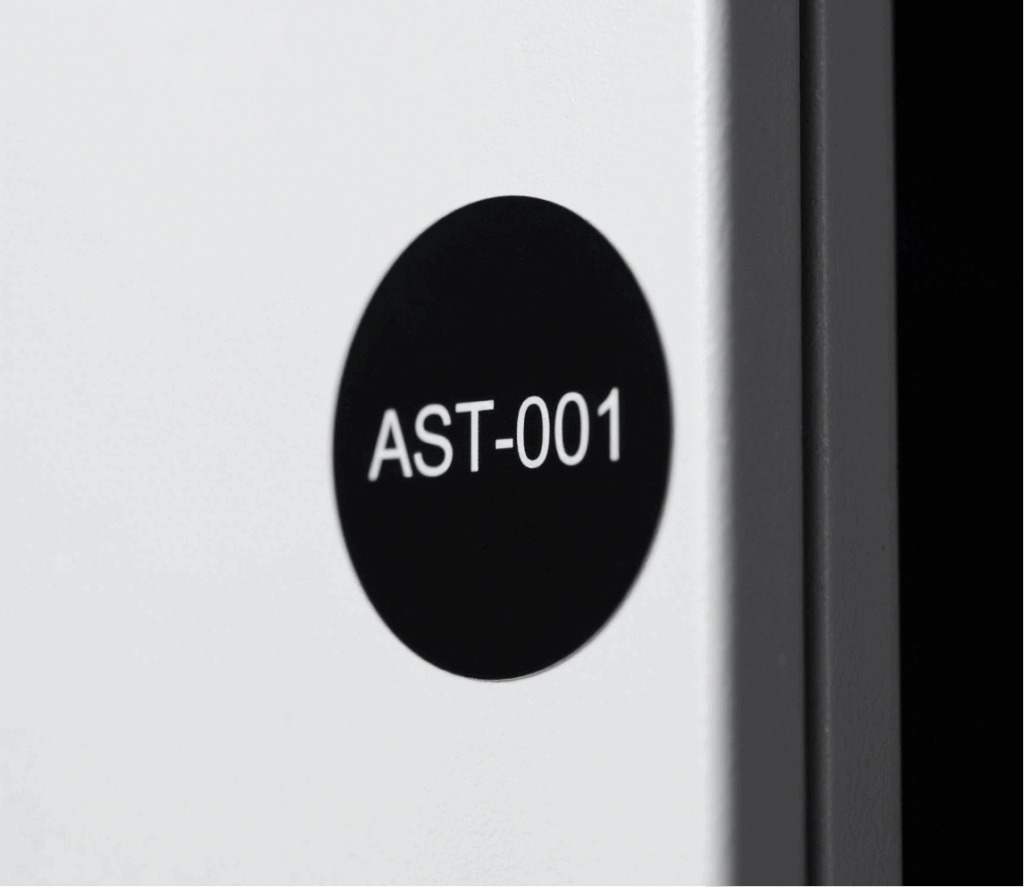
Non-metal Surfaces (Plastic, Glass, Cardboard)
Metal Surfaces (Device Housing, Shelving)
Metal interferes with RF signals. To address this:
Note: Do not use standard RFID stickers directly on metal—read failures are inevitable.
Fabric, Irregular or Curved Surfaces
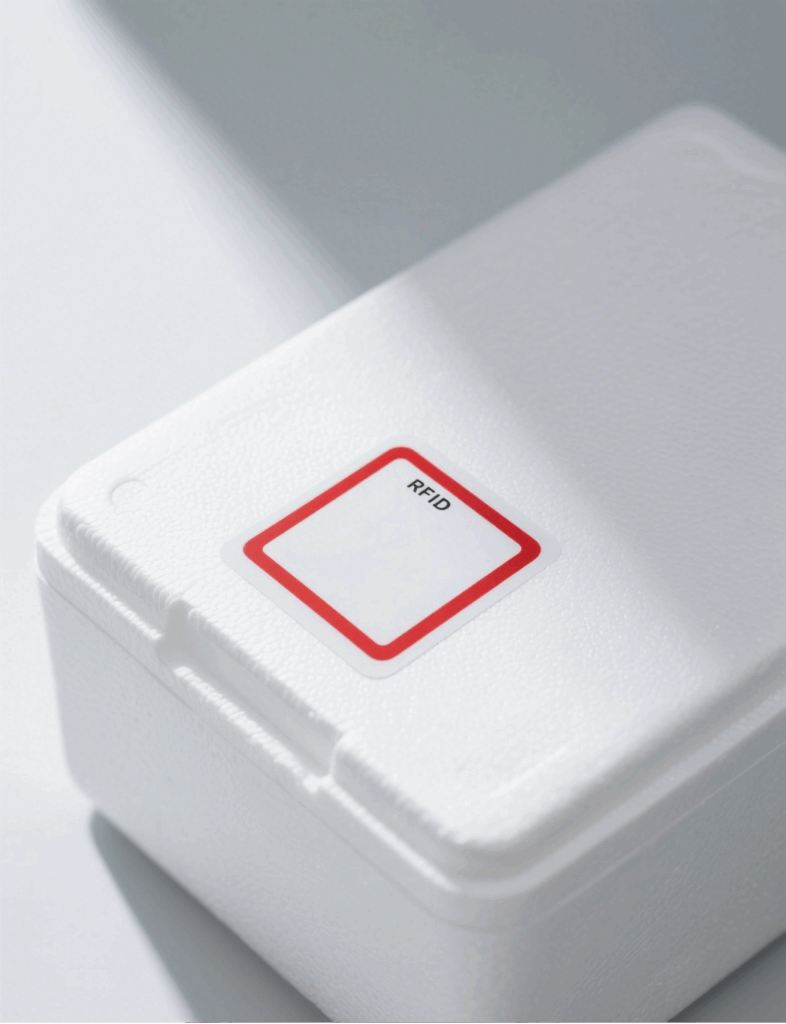
Tip: Conduct on-site simulations to determine the best angle and tag type before full deployment
Manual Installation
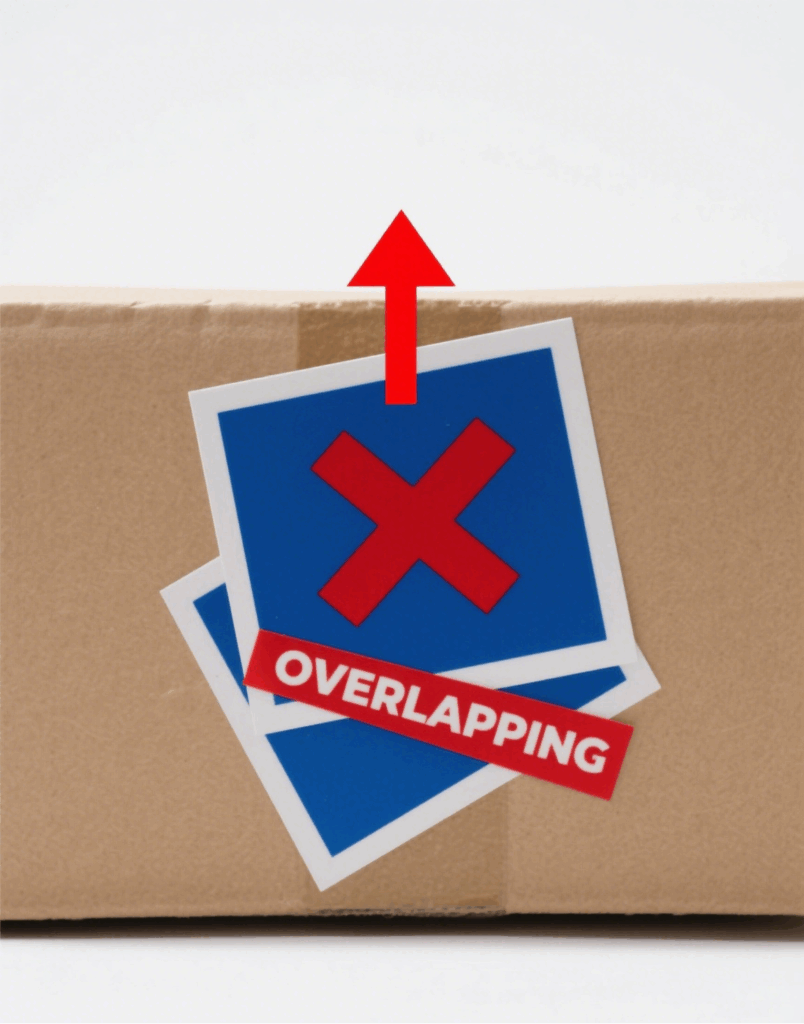
Automated Mass Deployment
| Problem | Cause | Recommended Solution |
|---|---|---|
| Tag not readable | Metal interference | Use on-metal tags or add a spacer |
| Poor adhesion | Unclean surface or incompatible glue | Clean surface, switch to proper adhesive tag |
| Short read range | Misaligned or angled tag | Adjust orientation and alignment |
| Multiple tag confusion | Tags too close, signal collision | Space out tags or enable anti-collision mode |
RFID system success depends not only on tag quality but also on installation precision. After choosing the right tag type, businesses should tailor deployment strategies to fit material types, environments, and scale.
Behind a seemingly simple sticker lies the key to system stability and efficiency.
If you need a reliable RFID sticker solution for warehouse management, asset tracking, logistics, or anti-counterfeiting applications, feel free to contact us for expert installation guidance and customized support.
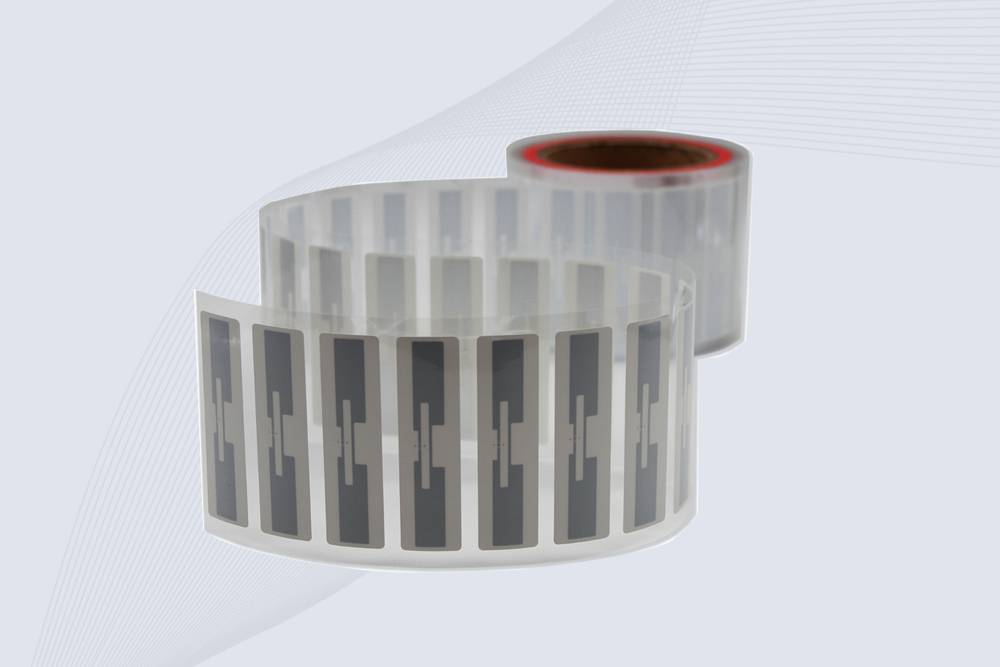
CYKEO Passive RFID Tags are made for wet and high-humidity environments where standard labels do not last. This rfid passive tag is often used around liquids, chemicals and temperature changes, providing stable reading distance and long data life for industrial tracking.
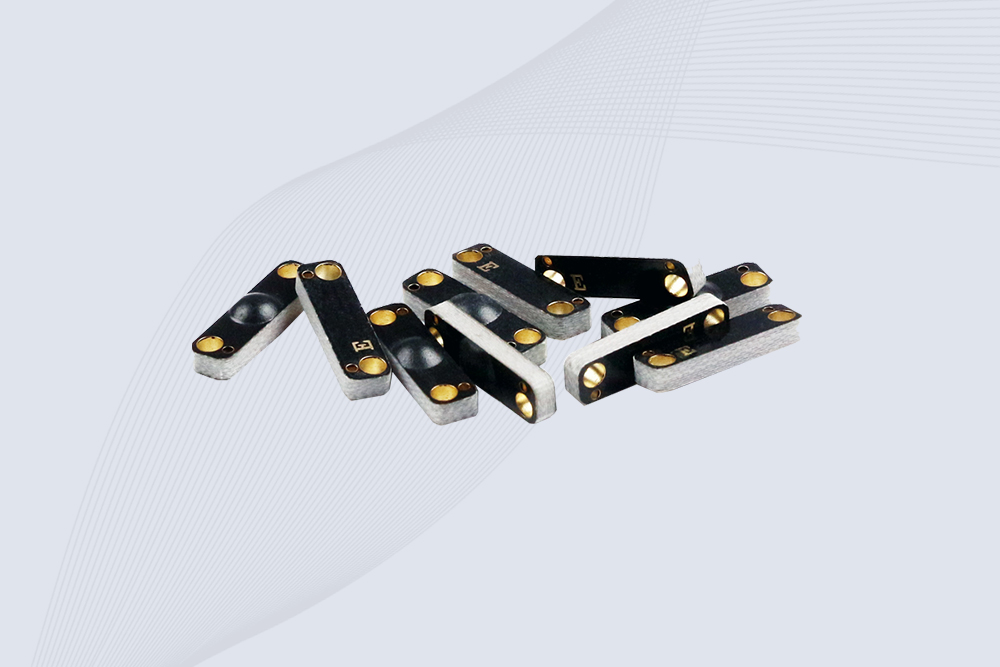
CYKEO CK-BQ1504 Metal RFID Tags is a compact anti-metal UHF RFID solution built for direct mounting on metal surfaces. With stable 8-meter read range, Ucode-8 chip, and long data retention, this rfid metal tag fits tools, containers, automotive parts, and industrial asset tracking.
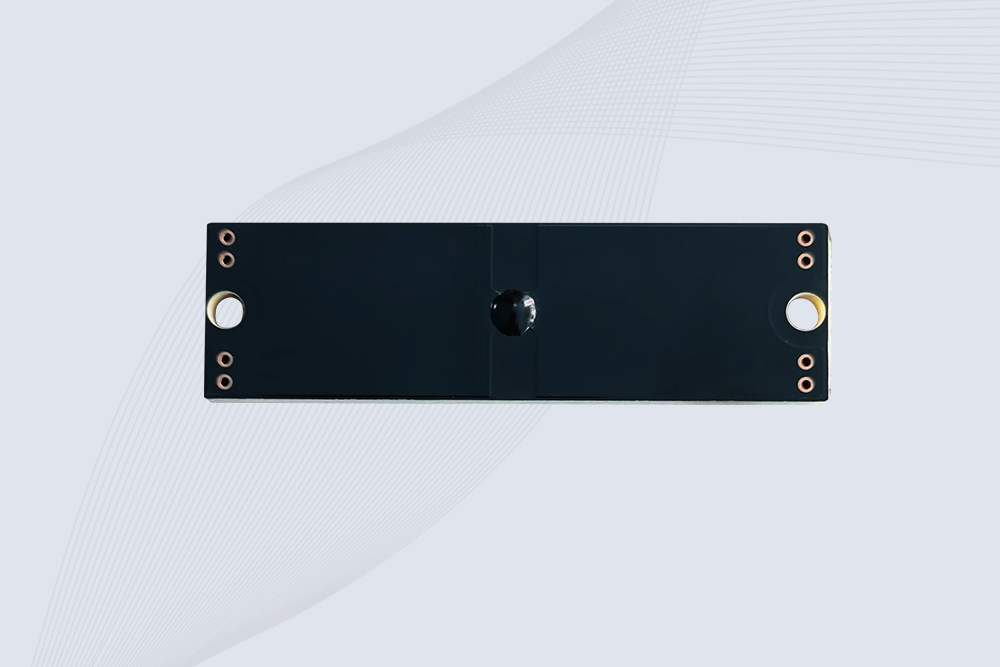
CYKEO CK-BQ7020 On-Metal RFID Tags are designed for reliable tracking on steel and metal surfaces. Built with an FR4 epoxy body and industrial-grade chips, these On-Metal RFID Tags deliver stable performance, long data life, and chemical resistance, making them a dependable RFID anti-metal tag for harsh environments.
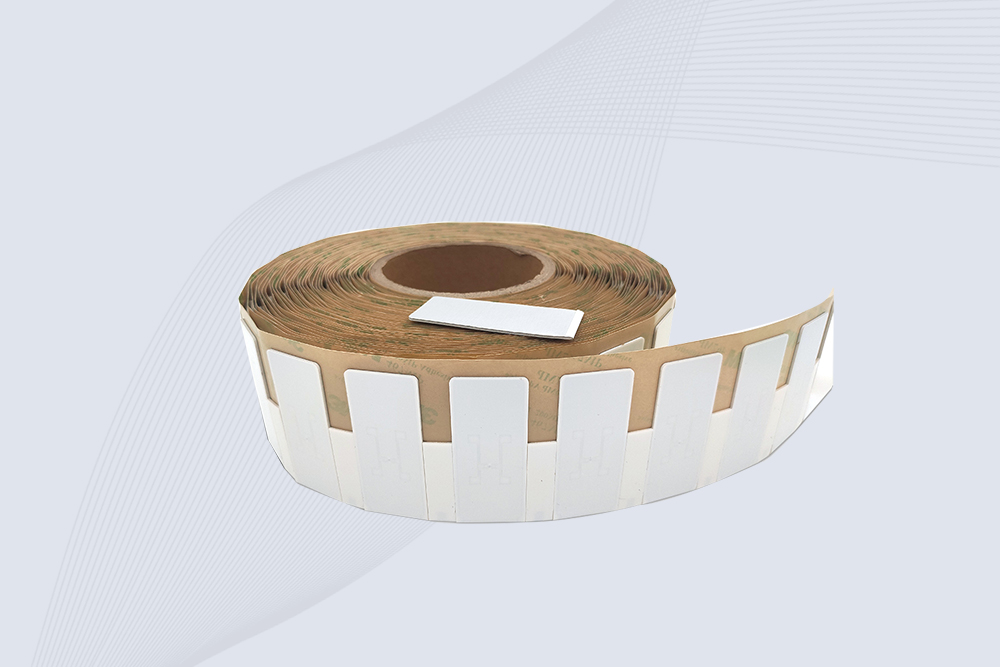
The CYKEO CK-BQ6025 Anti-Metal RFID Tag is built for metal surfaces where standard tags fail. Designed for long-range performance, harsh environments, and stable data retention, this Anti-Metal RFID Tag is ideal for industrial assets, containers, and equipment tracking using on metal RFID tags.

Find out if budget RFID scanners can handle retail apparel inventory tracking. Compare accuracy, UHF performance, and top affordable models for clothing stores.
More
Struggling with weak RFID signals? Learn how to boost antenna range using software tweaks, placement hacks, and free tools—no extra hardware needed.
More
Confused by RFID tech? Learn what a RFID reader is, how it works, and why it's used in warehouses, stores, and access control. Get the plain facts here.
More
Descubre cómo funciona el RFID en logística, sus ventajas reales, obstáculos al implementar, y consejos prácticos basados en experiencias reales para mejorar visibilidad y eficiencia.
More