 Cykeo RFID IoT Solution Products R&D Manufacturer
How to Write RFID Card ,Without Overthinking It
762Ever tried to write an RFID card and hit a wall? Here’s a hands-on guide that mixes real-world experience with step-by-step tips for programming LF, HF, and UHF RFID tags.
MoreAll RFID Product
Handheld RFID scanners can revolutionize inventory management—if your team knows how to use them. Without proper training, even the best tech becomes a source of frustration and costly mistakes. Here’s how to turn skeptics into experts, whether your crew works in a warehouse, hospital, or retail store.
Before handing out scanners, clarify how RFID improves their daily work:
Pro Tip: Share real-world examples. A retailer using Cykeo scanners reduced stocktake labor by 70%, freeing staff for customer-facing tasks.

Avoid overwhelming your team. Structure sessions around core tasks:
Keep It Interactive: Let trainees scan sample items (e.g., tagged boxes, tools) during demos.
Create exercises that mirror daily challenges:
Gamify It: Offer small rewards (e.g., coffee cards) for fastest accurate scan times.
Prevent these rookie errors from becoming habits:
Fix It Together: Role-play scenarios where scans fail, and guide the team to solutions.
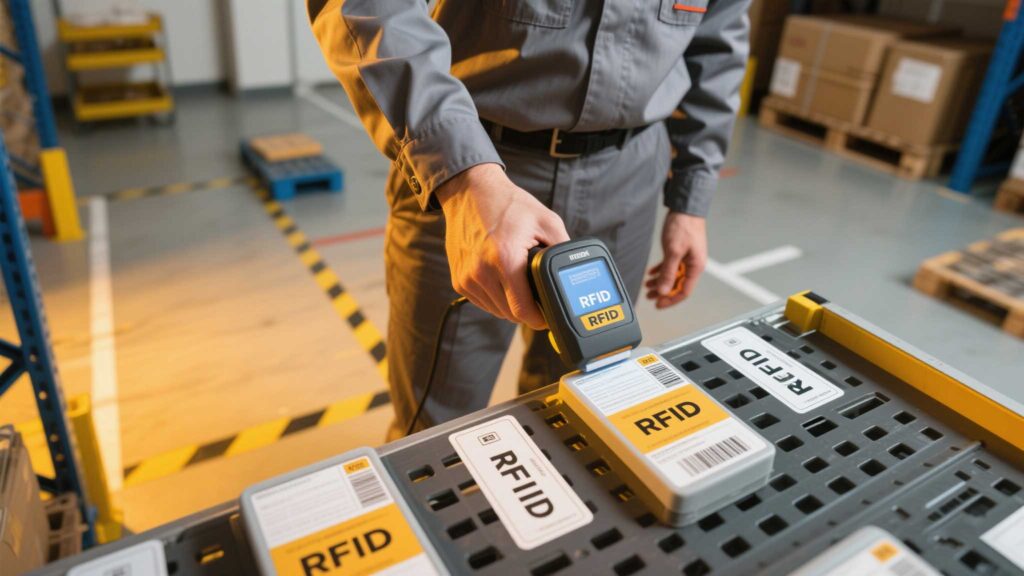
Create a quick-reference guide for common issues:
| Problem | Quick Fix |
|---|---|
| Scanner won’t turn on | Check battery charge; try a different charger |
| Tags not reading | Clean the scanner antenna; check tag placement |
| Data not syncing | Restart the scanner; check Wi-Fi/cable connection |
Note: Laminate copies and post them in high-traffic areas like charging stations.
Training doesn’t end after day one. Reinforce skills with:
Track Progress: Use scan accuracy rates and speed metrics to identify who needs extra help.
Most brands offer free training tools:
Takeaway: Effective RFID training blends clear communication, hands-on practice, and ongoing support. By focusing on real-world tasks and preempting common pitfalls, you’ll empower your team to work smarter—not harder. Remember, even the most user-friendly scanners, like Cykeo’s intuitive models, require patience and practice. Celebrate small wins, iterate based on feedback, and watch confidence (and efficiency) soar.
Ever tried to write an RFID card and hit a wall? Here’s a hands-on guide that mixes real-world experience with step-by-step tips for programming LF, HF, and UHF RFID tags.
More
This article explains how to use an Android RFID Emulator, a Bluetooth smart lock, and an NFC reader module to build a cost-effective access control demo system. It's ideal for educational institutions, system integrators, and prototype development.
More
Discover UHF RFID: How ultra-high frequency tags enable long-range tracking up to 15m, enhance supply chains, and transform industrial automation.
More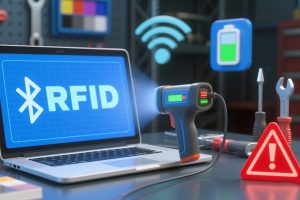
Learn how to resolve RFID handheld scanner connectivity issues. Follow step-by-step fixes for Bluetooth, Wi-Fi, and hardware problems with Cykeo’s troubleshooting tips.
More