 Cykeo RFID IoT Solution Products R&D Manufacturer
RFID Tool Management: How RFID Makes Tool Control Easier
123RFID tool management uses RFID tags, readers, smart cabinets, mobile devices, and software to track tools and improve inventory control. It helps companies r...
MoreAll RFID Product
You’ve got a Zebra ZT510 industrial printer running smoothly on your production line, and now you need to add RFID encoding capability. The big question is: is RFID module field install ZT510 something your team can handle on-site, or does it require a factory return? The short answer is yes, it is a field-installable option, but it’s not just a simple plug-and-play card. It’s a deliberate hardware upgrade that requires careful attention.
Here’s what a successful field installation actually involves, based on hands-on experience with these units.
First, Confirm Your Printer’s Readiness.
Before ordering the Zebra ZT510 RFID field upgrade kit (like the kit labeled R1106000), you must check two critical things inside your printer:
Gather the Right Tools and Kit.
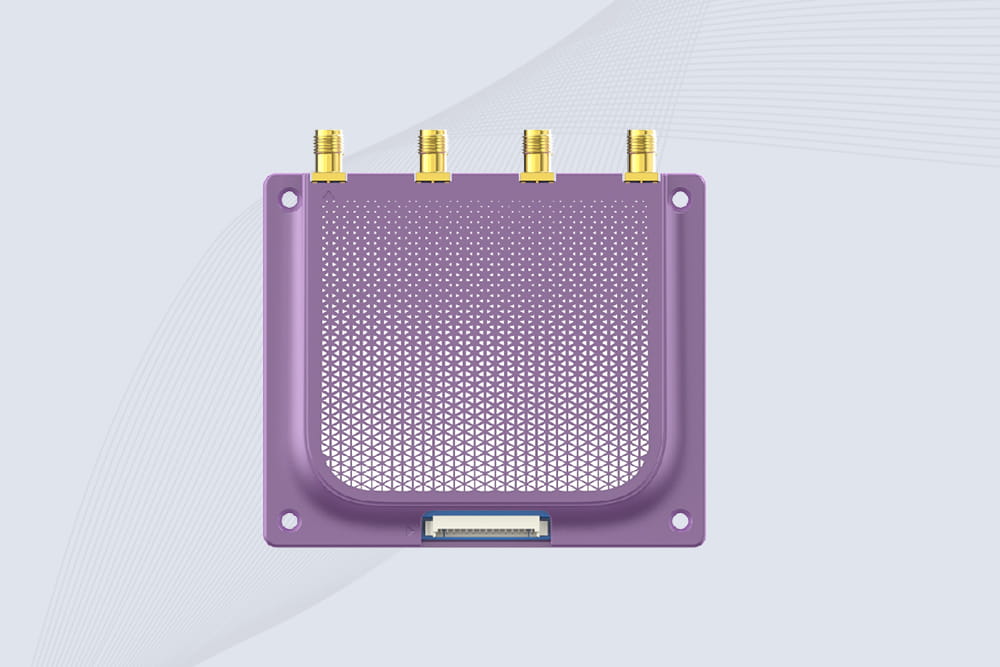
The upgrade kit typically includes the RFID encoder module, a new printhead/encoder assembly (often called the “RFID sled”), brackets, screws, and a new front housing cover with an antenna window. You’ll also need:
The Installation Process: A High-Level Walkthrough.
Important: Always consult the official Zebra field installation guide for your specific kit and printer serial number. This is an overview, not a replacement for the manual.
Post-Installation: Where the Real Work Begins.
Once physically installed, power up. This is when you configure the Zebra printer after RFID install.
Menu > RFID > Calibrate). This teaches the printer the specific timing for your RFID labels.The Bottom Line
So, is RFID module field install ZT510 possible? Absolutely. It’s designed for it. However, success hinges on verifying hardware compatibility beforehand, following the installation guide to the letter, and completing the crucial post-install firmware and calibration steps. If your team is comfortable with detailed hardware procedures and printer configuration, it’s a viable on-site project. If not, partnering with a certified technician is a wise investment to avoid costly downtime.

RFID tool management uses RFID tags, readers, smart cabinets, mobile devices, and software to track tools and improve inventory control. It helps companies r...
More
Curious what RFID scanners look like? Explore designs, sizes, and applications of handheld, fixed, and integrated RFID scanners across industries.
More
Improve hospital workflows with the CK-GY2A Medical RFID Cabinet. Touchscreen control, dual-door design, RESTful and native API, Java/C# SDK for ERP and IoT integration. Perfect for clinical teams and storage equipment providers.
More
RFID file cabinet lets you track files automatically, locate them instantly, and secure access with real audit trails. A practical, honest look at why it’s replacing traditional file cabinets in modern offices.
More