 Cykeo RFID IoT Solution Products R&D Manufacturer
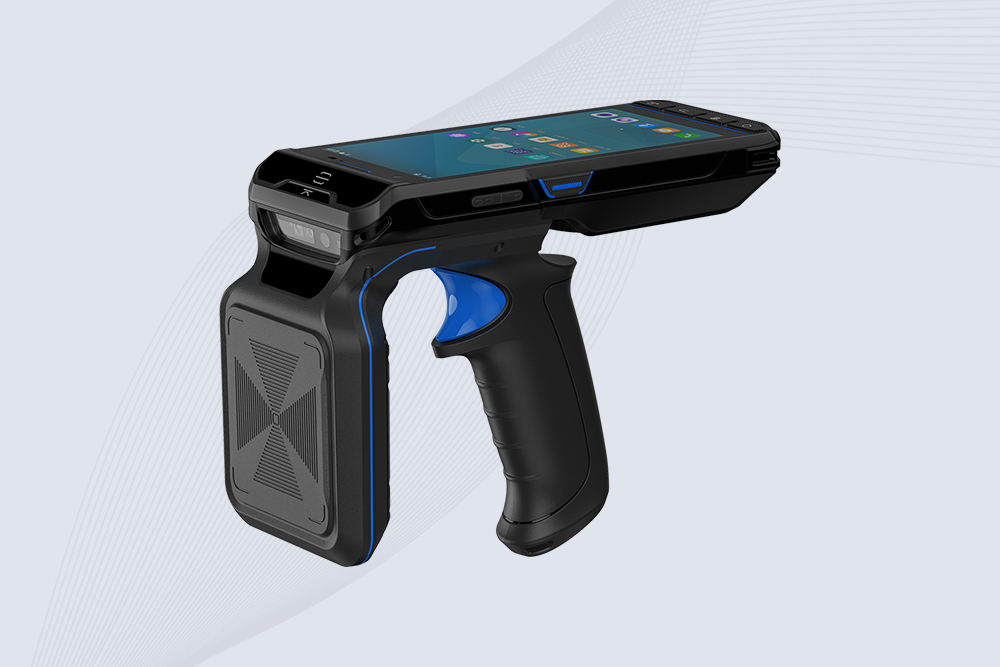
Can Fixed RFID Readers Withstand Extreme Temperatures?
1379Discover if fixed RFID readers can operate in extreme temperatures. Learn how Cykeo’s industrial-grade solutions handle freezing cold, intense heat, and harsh environments.
MoreAll RFID Product
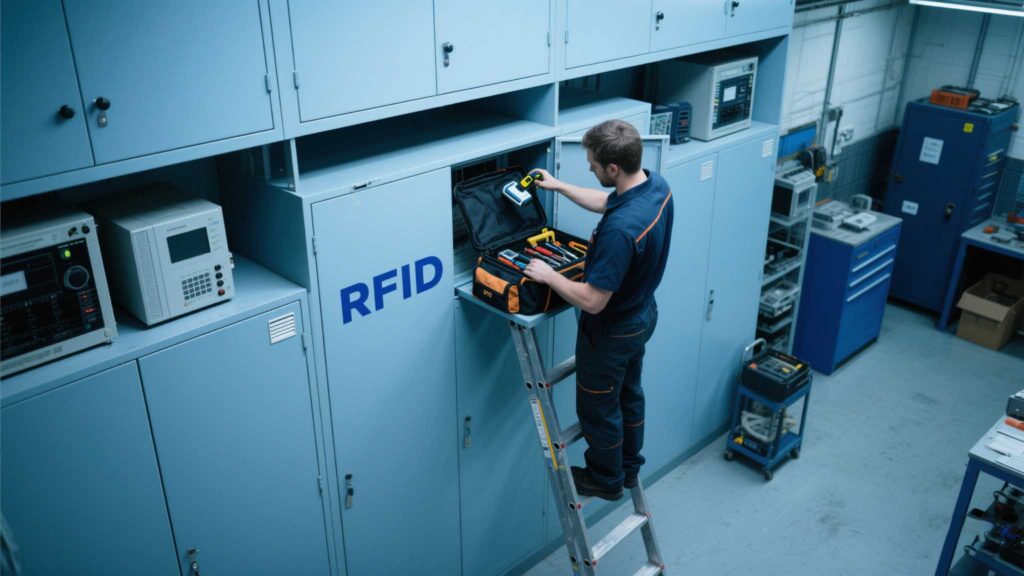
Handheld RFID scanners streamline inventory management—until glitches like failed tag reads or sudden shutdowns disrupt workflows. Here’s a practical guide to diagnosing and resolving the most frequent errors, ensuring minimal downtime for your operations.
Cause:
Fix:
Cause:
Fix:
Cause:
Fix:
Cause:
Fix:
Cause:
Fix:
A retail chain using Cykeo scanners reduced error rates by 62% after implementing these checks.
Discover if fixed RFID readers can operate in extreme temperatures. Learn how Cykeo’s industrial-grade solutions handle freezing cold, intense heat, and harsh environments.
More
Discover whether NFC phones can function as RFID tags, how NFC-RFID integration works, and Cykeo’s solutions for cross-technology applications.
More
Discover how Cykeo card reader and writer devices improve UHF RFID encoding accuracy, batch card issuance, and asset tracking efficiency in real workflows.
More
In today digital era, businesses are increasingly demanding efficient management and precise data collection. As key technology in the age of the Internet of Things (IoT), RFID tag readers offer transformative benefits across industries through fe...
More