 Cykeo RFID IoT Solution Products R&D Manufacturer
RFID Check-In Check-Out System: Intelligent Entry and Exit Management Solution
988RFID Check-In Check-Out System is becoming the preferred choice across industries for managing the movement of people and goods
MoreAll RFID Product
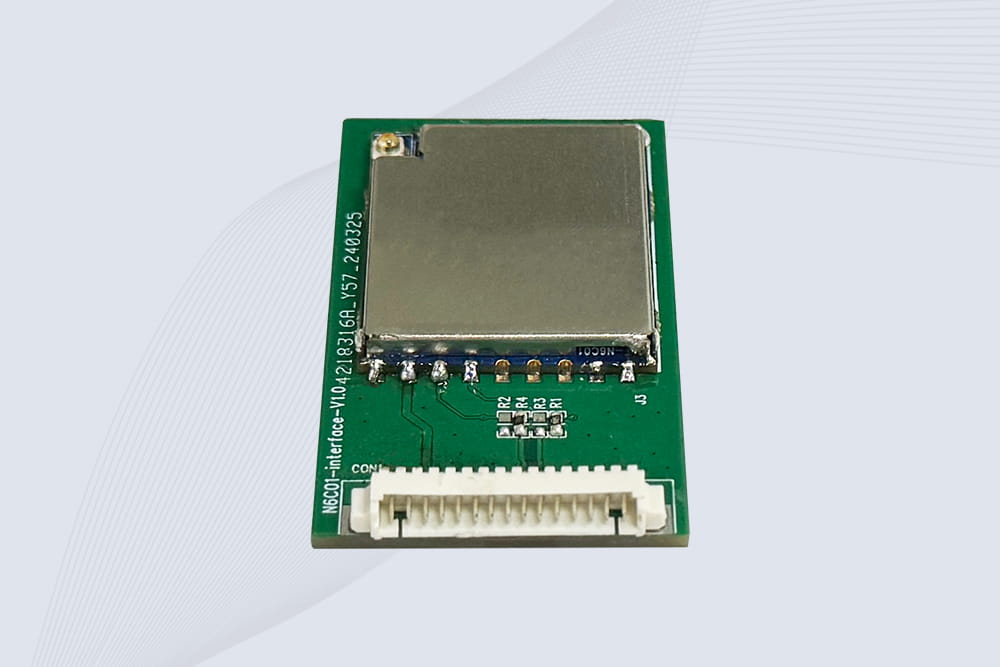
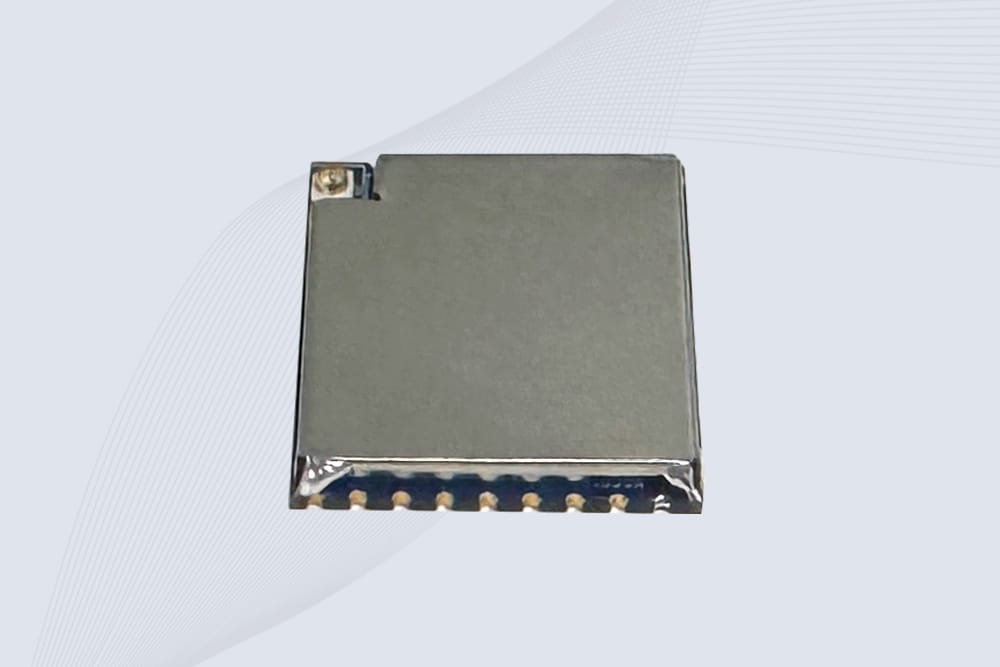
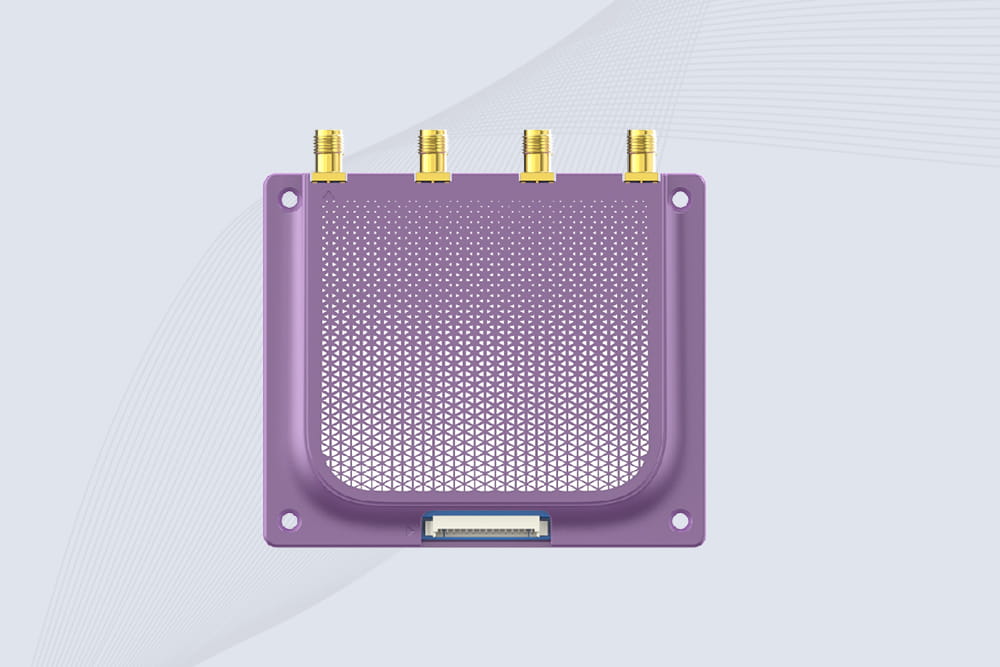
So you’ve got an RFID module—maybe fresh out of the box, or maybe it’s acting up in your project. The question is straightforward: how to test rfid module to see if it’s actually working? It’s not just about waving a tag and hoping for a beep. A systematic check saves hours of frustration. Here’s the down-to-earth process we use in our lab at CYKEO when we validate units.
First, Gather Your Basic Arsenal.
You don’t need a full RF lab for a basic go/no-go test. Here are the tools needed for testing rfid reader at a minimum:
The Step-by-Step Functionality Check
Follow this sequence. Skipping steps is where most people waste time.
1. The Obvious (But Often Wrong) Stuff: Power.
2. The Communication Handshake.
This is where common rfid module communication errors live. Your module likely uses UART (serial), I2C, or SPI.
3. The RF Part: Antenna and Tags.
4. Environmental & Software Snags.
What Your Test Results Mean:
Learning how to test rfid module is less about magic and more about patient, logical elimination. Start with solid power, verify basic communication, then introduce the RF element with a known tag. This method will diagnose 95% of issues, letting you know if you have a bad module, a wiring mistake, or a code problem.
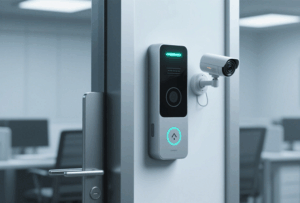
RFID Check-In Check-Out System is becoming the preferred choice across industries for managing the movement of people and goods
More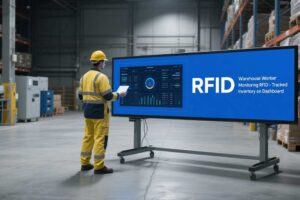
Discover how RFID antennas drive modern supply chain automation—reduce errors, enable real-time tracking, and streamline operations without manual bottlenecks.
More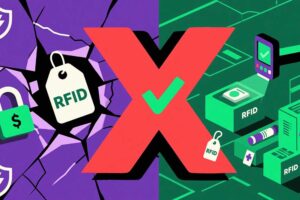
Uncover the truth behind common RFID myths—security risks, cost, and performance. Learn how Cykeo’s solutions overcome misconceptions for efficient inventory management.
More
This article explains what a rugged RFID tag is, how it handles tough environments, tips for choosing and maintaining them, plus some hands-on experience for better performance in industrial or outdoor use.
More