 Cykeo RFID IoT Solution Products R&D Manufacturer

What is the Use of an RFID Tag in a Car?
1150Discover how RFID tags enhance automotive security, streamline maintenance, and improve user experiences. Explore Cykeo’s RFID solutions for modern vehicles.
MoreAll RFID Product
To read RFID data, use a reader compatible with the tag’s frequency and protocol, then run an inventory or read command through its software or API. The reader captures the tag’s response and returns accessible identification or memory data, which can then be interpreted or matched with a database record.
An RFID reader does not automatically display every detail associated with an item. In many business systems, the tag stores a unique identifier while product descriptions, stock quantities, ownership, and transaction history remain in a connected database. Understanding this distinction is essential when choosing equipment or troubleshooting an RFID application.
A warehouse operator scanning a pallet, a technician checking an NFC card, and a developer retrieving EPC memory from a UHF label are all reading RFID data—but they are not necessarily using the same reader, command, or data format.
The first question should therefore be: what data do you need to retrieve, and where is that data stored?
Reading RFID data means receiving information stored or represented by an RFID tag through radio-frequency communication. A compatible reader sends a signal, the tag responds according to its communication protocol, and the reader passes the returned information to software or another connected system.
The returned data can take several forms:
These fields are not interchangeable. A tag identifier is not necessarily a product description, and a successful inventory operation does not prove that every memory bank has been read.
Consider a carton moving through a warehouse RFID portal. Its UHF tag may return an EPC value such as:
3034257BF4001E4000000001
The EPC is an identifier. The warehouse management system can use it to look up the corresponding SKU, product name, purchase order, storage location, or shipment record.
The reader has retrieved the tag’s identification data. The software has retrieved the associated business information.
This separation matters in real installations. If the reader displays an EPC but the application shows “Unknown Item,” the radio-frequency communication may be working correctly. The problem could instead be an unregistered tag, an incorrect database mapping, or a data-format mismatch.
A practical way to diagnose the system is to check the returned tag data before investigating the business application. It helps establish whether the problem is at the RFID communication layer or in the software and database.
The type and amount of data available depend on the RFID frequency, chip design, memory architecture, protocol, and access permissions. Some tags are designed mainly to provide an identifier. Others support additional user memory or application-specific information.
EPC stands for Electronic Product Code. In many passive UHF RFID applications, the EPC is the principal identifier returned during an inventory operation.
EPC data can identify a product instance, logistics unit, or other tagged object according to the numbering scheme used by the application. In a GS1-based deployment, an EPC may encode a standardized identifier such as an SGTIN or SSCC.
For example, a retailer may associate each garment with an EPC. When the reader detects the tag, inventory software uses that identifier to locate the relevant product record.
The EPC does not inherently contain every detail about the garment. Size, color, price, supplier, and stock status may be stored in the retailer’s database rather than in the RFID chip itself.
GS1’s EPC/RFID resources explain how EPC identifiers and RFID data are used to identify physical objects across supply chains.
TID means Tag Identifier. In UHF RFID systems, it is stored in the TID memory bank and is associated with the RFID chip’s identity and manufacturer-defined information.
TID is useful when a system needs to inspect the tag itself rather than only the business identifier programmed into it.
Depending on the chip, TID information may include manufacturer and chip-model details. The exact structure and availability vary by IC.
A useful distinction:
| Data type | What it identifies | Typical use |
|---|---|---|
| EPC | The tagged item or object | Inventory and supply-chain identification |
| TID | The RFID IC or tag identity | Chip identification and technical verification |
| User memory | Application-defined information | Additional tag data, where supported |
| Reserved memory | Security-related information | Access and kill passwords on compatible UHF tags |
Do not assume that every tag contains all four memory banks with freely readable content. Memory size, access conditions, and supported commands are chip-specific.
Some RFID chips provide User memory for application-defined data. A system may use this area to store additional identifiers, batch information, maintenance details, or other data needed by the application.
However, User memory is not universal. Some tags have no User memory, some have only a small amount, and others support larger capacities. The memory may also be locked or protected.
Before writing software that expects a particular data field, check the chip datasheet. A reader cannot retrieve memory that the tag does not contain, and an application cannot assume that a memory bank is readable without considering its access conditions.
HF RFID and NFC tags commonly operate at 13.56 MHz. Their data structures differ from the EPC memory-bank model commonly used for UHF inventory tags.
For example, many NFC tags store NDEF messages. An NDEF record may contain a web address, text, or another supported application payload. A smartphone or NFC reader can interpret that information when the tag and device are compatible.
NXP’s NTAG213, NTAG215, and NTAG216 documentation provides a concrete example of NFC tag memory differences. Their user memory capacities are 144, 504, and 888 bytes respectively. These figures apply to those specific products, not to all NFC tags
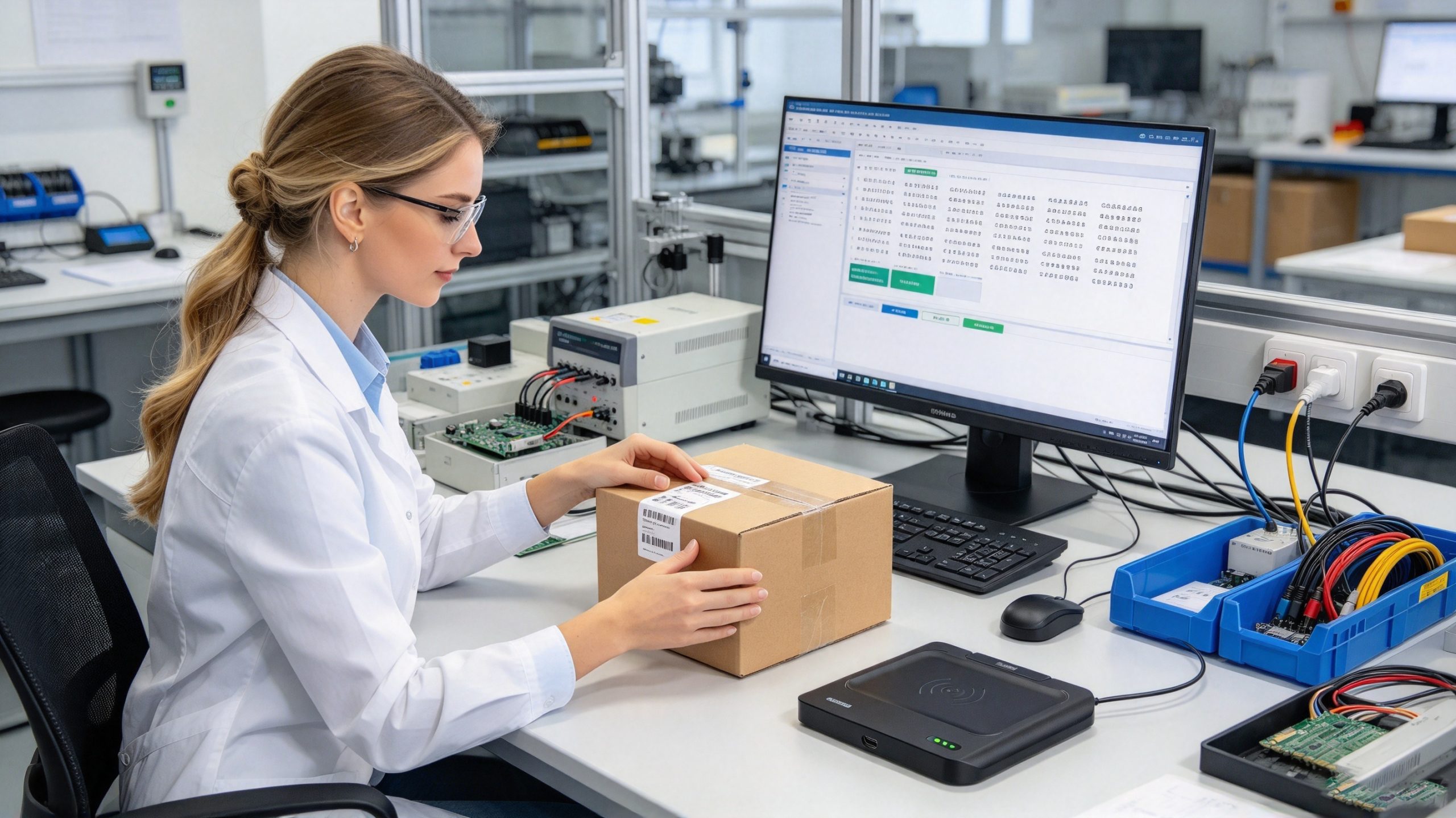
Before retrieving RFID data, identify the frequency and protocol used by the tag. A reader designed for one RFID frequency cannot normally communicate directly with a tag operating at another frequency.
| RFID category | Typical frequency | Common data-reading applications |
|---|---|---|
| LF RFID | 125–134.2 kHz | Animal identification and certain access systems |
| HF RFID | 13.56 MHz | Contactless cards, library tags, NFC applications |
| UHF RFID | Regional bands around 860–960 MHz | Warehouse inventory, retail, logistics, asset tracking |
LF tags are commonly used in applications such as animal identification and certain access-control systems. The reader must support the relevant LF frequency and communication format.
The data returned may be a fixed identification number or another format defined by the tag system. Do not assume that an LF identifier follows the same memory structure as a UHF EPC tag.
HF systems operate at 13.56 MHz and include several technologies and protocols. Some are used for contactless cards, while NFC is widely used for smartphone interactions and short-range data exchange.
In a library, an HF RFID reader may retrieve a book’s tag identifier and pass it to the library management system. In an NFC application, a phone may retrieve an NDEF message from a compatible tag.
The reader and application must support the relevant technology. Sharing the same nominal frequency does not guarantee that two devices support the same protocol or security features.
UHF RFID is widely used for supply-chain and inventory applications because compatible passive tags can be identified without direct line-of-sight contact. A fixed reader may detect tagged cartons as they pass through a portal, while a handheld device can collect identifiers during stocktaking.
For UHF systems, EPC Gen2 (ISO/IEC 18000-63) is an important air-interface standard. It defines how compatible readers and tags communicate, including inventory operations and access to tag memory.
The practical reading result still depends on the tag IC, antenna design, reader configuration, RF environment, and the software’s handling of returned data.
Reading RFID data involves more than detecting a tag. The reader must communicate with the chip, retrieve the required information, and deliver the result in a format that the connected application can process.
The following workflow applies to many RFID projects, although the exact commands and software interfaces depend on the reader and tag technology.
Start by confirming the tag’s frequency, protocol, and memory structure.
Check the tag datasheet or supplier documentation for:
Also decide what information the application actually needs.
For example, a warehouse inventory application may only require the EPC identifier. A tag-management workstation may need to retrieve TID information, inspect User memory, or write additional data.
This decision affects the reader, software, and integration work. There is little benefit in developing an application to retrieve User memory if the selected tag does not provide it.
Choose the reader based on the tag technology and the intended reading environment.
| Reader type | Typical application | Data retrieval requirements |
|---|---|---|
| Desktop RFID reader | Tag testing, encoding, workstation operations | USB or other supported computer interface |
| Handheld RFID reader | Warehouse stocktaking, asset searches | Mobile application or connected host |
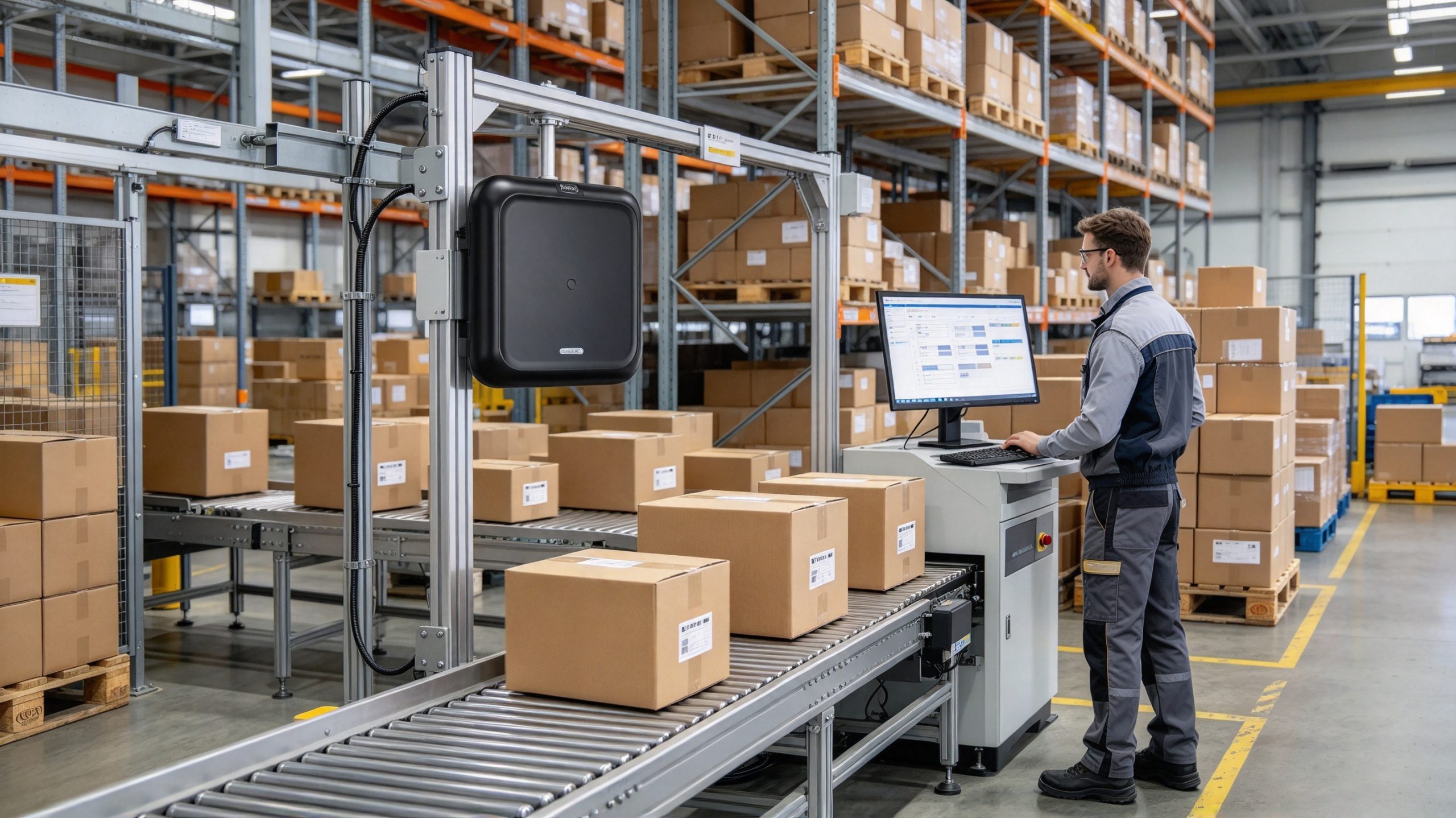
| Fixed RFID reader | Conveyor lines, warehouse portals, automated identification | Ethernet, serial interface, SDK, or API |
| NFC smartphone | Compatible NFC tags and cards | NFC-compatible operating system and application |
For example, a desktop reader is convenient when a technician needs to test individual tags or manage tag data at a workstation. A fixed UHF reader is more appropriate when a business needs to identify tagged goods automatically as they move through a defined reading zone.
Cykeo’s SSD-D1AL desktop RFID platform is designed for tag reading and writing applications. Its supplied specifications include USB connectivity, a read range within 30 cm, and a write range within 10 cm. Actual results depend on the tag, antenna arrangement, and test conditions.
For industrial installations, the CYKEO-RA9L/CK-D9L reader family offers an integrated UHF design with RS-232 or Ethernet interface options. It can be evaluated for applications requiring fixed-position tag identification and connection to external software.
Connect the reader using its supported interface.
Common connection options include:
After connecting the device, install the required driver or software package if the manufacturer specifies one.
Open the reader’s demonstration software and check whether the device is recognized. If the software cannot communicate with the reader, verify the cable, power supply, interface settings, driver installation, and communication parameters.
A useful first test is to confirm that the reader can perform a basic inventory operation before integrating it into a warehouse management system or other business application.
Reader settings influence which tags can be detected and what data can be retrieved.
Depending on the device, the configuration may include:
For UHF RFID, make sure the reader uses the correct regional frequency configuration. Frequency regulations differ between markets, so the reader should be configured according to the applicable local requirements.
Start the inventory operation through the demonstration software, SDK, API, or reader interface.
An inventory command normally asks the reader to identify compatible tags within its RF field. Depending on the protocol and software, the reader may return:
An inventory operation is not necessarily the same as reading every memory bank. The application may need to issue additional memory-access commands to retrieve specific data from a tag.
For example, a warehouse system may only need the EPC to identify each carton. A tag programming workstation may need to read or write additional memory, subject to the chip’s supported functions and access permissions.
RFID software may display tag data in hexadecimal, decimal, binary, or decoded application formats.
A hexadecimal EPC value, for instance, may look like this:
3034257BF4001E4000000001This value should not be treated as a human-readable product description. It is an encoded identifier whose meaning depends on the numbering scheme and the system using it.
A typical business application follows a process like this:
If the EPC is registered correctly, the application may display a product name, SKU, warehouse location, or stock status.
If it is not registered, the reader can still have performed its job correctly. The application simply has no matching record to display.
Before using the returned data in a business process, verify that the result is consistent and complete.
Check the following:
For a new installation, test actual tags on actual products. A laboratory test using a loose tag does not establish that the same tag will work reliably after being attached to a metal asset, liquid container, or densely packed carton.
For UHF RFID projects, understanding the tag’s memory organization is important. EPC Gen2-compatible tags use distinct memory banks, and the data available from each bank depends on the specific IC.
EPC memory usually contains the identifier used by an RFID application.
In a typical inventory process, the reader identifies the tag and returns its EPC. The application can then use that value to locate the corresponding record in a database.
EPC data may be displayed as hexadecimal characters. To interpret it correctly, determine whether the identifier uses a GS1 EPC scheme or another application-specific format.
For GS1-based systems, the EPC may represent identifiers such as:
The data structure and decoding method depend on the EPC scheme. GS1 provides technical resources explaining EPC identifiers and their use in RFID applications.
TID memory contains tag identification information defined by the chip manufacturer.
A reader may retrieve TID information to help identify the IC or inspect tag characteristics. However, the content and length are not identical across all tag models.
When reading TID data, check the manufacturer’s datasheet rather than assuming that a fixed number of hexadecimal characters will always represent the same information.
TID can be especially useful during tag testing, product verification, and technical troubleshooting. It is not automatically a substitute for an EPC or business asset identifier.
User memory is available only on tags that support it. If the selected chip provides this memory bank, the reader may be able to retrieve application-defined information from it.
The process normally involves:
For example, a tag may contain a batch code or an internal reference in User memory. The application must know how that information was encoded before it can interpret the returned bytes correctly.
Do not assume that User memory contains readable text. It may contain binary data, encoded numbers, or an application-specific structure.
RFID reading software provides the interface between the reader and the application that uses the tag data.
For basic testing, demonstration software may be sufficient. For commercial deployments, a software development kit or API is often needed to integrate the reader with inventory, asset-management, library, or production systems.
| Function | Purpose |
|---|---|
| Inventory | Detect compatible RFID tags |
| EPC display | Show returned tag identifiers |
| Memory access | Read supported tag memory areas |
| Tag writing | Program writable memory when permitted |
| Filtering | Reduce irrelevant or duplicate reports |
| RSSI display | Show received signal-strength information |
| Data export | Pass or save tag results for further processing |
| API integration | Connect reader operations with business software |
Demo software is useful during installation because it helps establish whether the reader and tag can communicate before more complex integration begins.
A technician can use it to check:
This first stage helps isolate hardware and configuration problems.
When RFID data must flow into an existing business application, developers commonly use the manufacturer’s SDK or API.
For example, a warehouse application may need to receive EPC reports from a fixed reader and update inventory records. A library system may use tag identifiers to retrieve book information and record borrowing or return transactions.
The integration should account for more than simply receiving a tag number. It should also handle duplicate reports, communication interruptions, invalid data, and database response errors.
For fixed-reader applications, the communication interface and API capabilities should be checked before selecting the hardware. A reader that can successfully detect tags may still be unsuitable if its supported interface does not match the application’s integration requirements.
A reader may detect a tag but still fail to provide the expected data. The most efficient troubleshooting method is to separate the problem into three areas: radio communication, memory access, and software interpretation.
| Problem | Possible cause | Recommended check |
|---|---|---|
| No tag data appears | Frequency or protocol mismatch | Verify the tag specification and reader settings |
| EPC appears but product details do not | Database mapping issue | Check whether the EPC exists in the application database |
| User memory cannot be read | Unsupported or protected memory | Review the IC datasheet and access permissions |
| Reading is intermittent | Tag orientation or RF interference | Test actual mounting positions and antenna coverage |
| Too many tags appear | Reading zone is too large | Adjust antenna placement and RF output power |
| Duplicate records appear | Repeated inventory reports | Apply suitable software filtering and deduplication |
| Data appears in an unexpected format | Incorrect decoding or byte order | Verify the data structure and encoding method |
Start by checking which operation was performed.
An inventory command may return an EPC but not retrieve User memory. If the application expects additional information, it may need to perform a separate memory-access operation.
Next, verify that the selected memory bank exists and that the reader has permission to access it.
Hexadecimal output is common in RFID applications. It does not necessarily indicate an error.
The application may need to decode the value according to the relevant EPC scheme, NDEF record structure, or application-specific data format.
Avoid converting hexadecimal data into text without knowing how the original information was encoded. Incorrect decoding can produce meaningless characters or incorrect business records.
During a continuous UHF inventory operation, the same tag may be detected repeatedly.
This is normal in many reading scenarios. The reader is reporting observations, not necessarily separate physical items.
The software should decide how to handle repeated reports. For stocktaking, it may maintain a collection of unique EPC values. For movement tracking, it may need to retain timestamps and antenna information to determine when an item enters or leaves a reading zone.
Check tag orientation, antenna coverage, packaging materials, and the physical environment.
Metal and liquids can affect UHF communication. Dense groups of tags may also require different antenna arrangements or reader settings.
Test the complete product configuration rather than relying on the performance of a loose tag. A tag attached to a carton may behave differently when the carton is stacked with other goods.
If the reader consistently returns a valid identifier but the application displays the wrong product, investigate the data mapping.
Check whether:
This distinction prevents unnecessary changes to the RF hardware when the actual issue is in the application or database.
RFID data access should follow the security rules of the tag and the wider application.
For UHF EPC Gen2-compatible tags, the memory architecture includes Reserved, EPC, TID, and User banks. Some operations may require passwords or specific access conditions. Certain memory areas can also be locked or protected, depending on the chip and its configuration.
When designing an RFID data-reading process:
It is also important to distinguish between tag-level security and application-level security. A protected memory bank does not automatically secure the entire inventory application, just as a secure database does not automatically protect an RFID tag from unauthorized reading.
The value of RFID data depends on how the returned information is used. The same basic reading process can support very different business operations.
A handheld reader can collect EPC identifiers during stocktaking. The inventory application compares the returned identifiers with its expected stock records and identifies missing, misplaced, or unregistered items.
A fixed reader can also collect tag data at a warehouse entrance or conveyor station, supporting automated movement records.
Retailers can associate EPC identifiers with product records. When a compatible reader detects a tagged garment or product, the retail application can retrieve its SKU and other relevant details.
The RFID tag provides the identifier; the retail system provides the product information.
Library RFID systems use compatible tags to identify books and other media. A reader retrieves the tag information, and library software uses it to support circulation, inventory, and self-service borrowing or return.
Organizations can assign RFID identifiers to equipment, tools, containers, or other assets. Readers collect those identifiers at designated locations or during periodic inspections.
The asset-management system then uses the returned data to retrieve ownership, maintenance, or location records.
To read RFID data from a tag, use a compatible reader, configure the correct frequency and protocol, and run an inventory or memory-read operation. The reader returns accessible identifiers or memory contents, which software can interpret or match with a database record.
Yes, if the tag supports NFC and the smartphone has compatible NFC hardware. Most NFC-enabled phones can read supported 13.56 MHz NFC tags, but they generally cannot directly read LF or passive UHF inventory tags.
Depending on the tag and reader, accessible information may include EPC identifiers, TID information, User memory, NDEF records, and technical reading data such as RSSI. The exact information available depends on the chip’s memory architecture, protocol, and access permissions.
Use a UHF reader that supports the tag’s protocol, such as EPC Gen2/ISO/IEC 18000-63. Start an inventory operation to retrieve the EPC. If additional memory information is required, use the appropriate memory-access operation supported by the reader and tag.
Many RFID readers display raw tag information in hexadecimal format. This is a representation of the returned bytes, not necessarily an error. You need to interpret the value according to its EPC scheme, NDEF structure, or application-specific encoding.
Yes, if the reader software supports exporting data or the reader can communicate with an application that writes the results to a spreadsheet. Depending on the system, data may be exported as CSV or another supported format before being opened in Excel.
Some RFID tags support writing or modifying memory, but this depends on the chip, reader, memory area, and access permissions. Before writing data, verify the tag’s specifications and ensure the operation is authorized. Some memory areas may be permanently locked or protected.
The right reader depends on the information you need, the number of tags involved, and where the reading operation takes place.
| Business requirement | Suitable reader type | Important selection criteria |
|---|---|---|
| Read and test individual tags | Desktop RFID reader | Supported frequency, USB interface, software |
| Read and encode tags | Desktop RFID reader/writer | Memory access and write functions |
| Conduct mobile stocktaking | Handheld UHF reader | Mobility, battery life, reading coverage |
| Collect data automatically | Fixed UHF RFID reader | Antenna configuration, interfaces, SDK/API |
| Read NFC messages | NFC reader or smartphone | NFC compatibility and supported tag type |
| Integrate RFID into an industrial system | Industrial fixed reader or OEM module | Protocol, communication interface, integration resources |
For businesses evaluating UHF equipment, Cykeo offers desktop, fixed-reader, and OEM module options for different RFID applications.
The SSD-D1AL desktop platform can be considered for workstation-based tag reading and writing. The CYKEO-RA9L/CK-D9L industrial reader family is designed for fixed-position UHF applications, while the CYKEO-M4L OEM module can be evaluated when RFID functionality needs to be integrated into a larger device or system.
The final selection should be based on the actual tag specification, required data fields, reading environment, and software integration requirements—not just the maximum advertised reading distance.
Reliable RFID data reading depends on three things working together: compatible tag and reader communication, correct retrieval of the required memory information, and accurate interpretation by the application.
A reader may successfully return an EPC even when the business application cannot identify the product. Likewise, a tag may be detected while protected or unsupported memory remains inaccessible. These are different technical situations and should be diagnosed separately.
For any new project, test the actual tags, reader, antenna arrangement, and software together before deployment. This provides a more useful picture of real performance than testing a reader with a single loose tag.
Understanding how to read RFID data allows businesses to move beyond basic tag detection and build more reliable systems for inventory management, asset identification, retail operations, and industrial automation.

Discover SSD-D4AL, a USB-HID UHF RFID reader with 4/8/16 antenna options, Impinj E710/X3M1 chipset, plug-and-play USB power, and OEM customization.
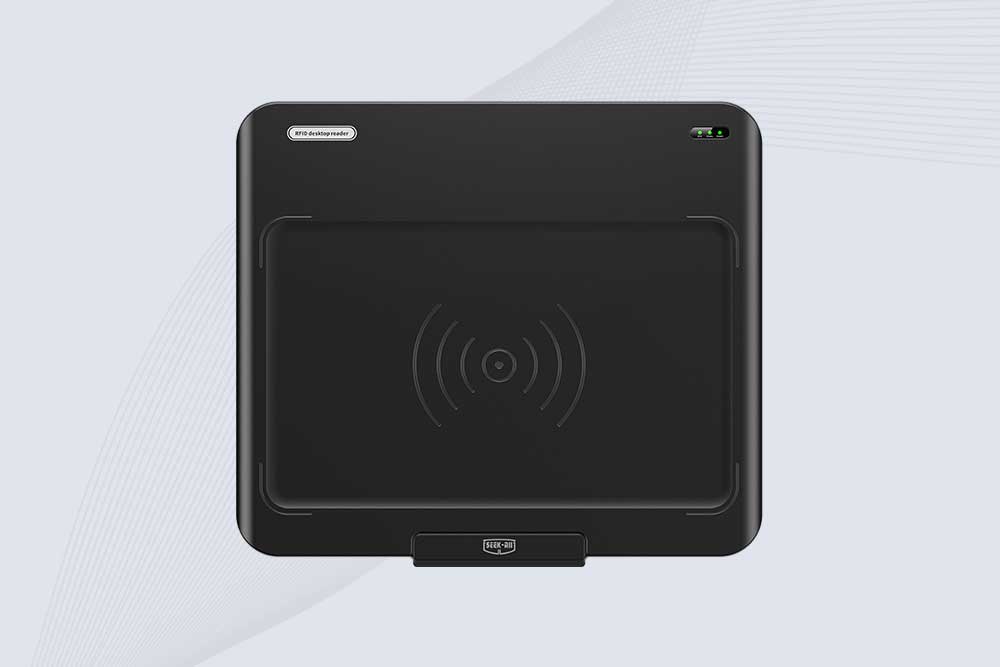
SSD-D3AL is a USB-HID UHF RFID reader with 0–30 cm reading, 0–15 cm writing, over 600 tags/s recognition, USB plug-and-play operation and OEM Logo customization.
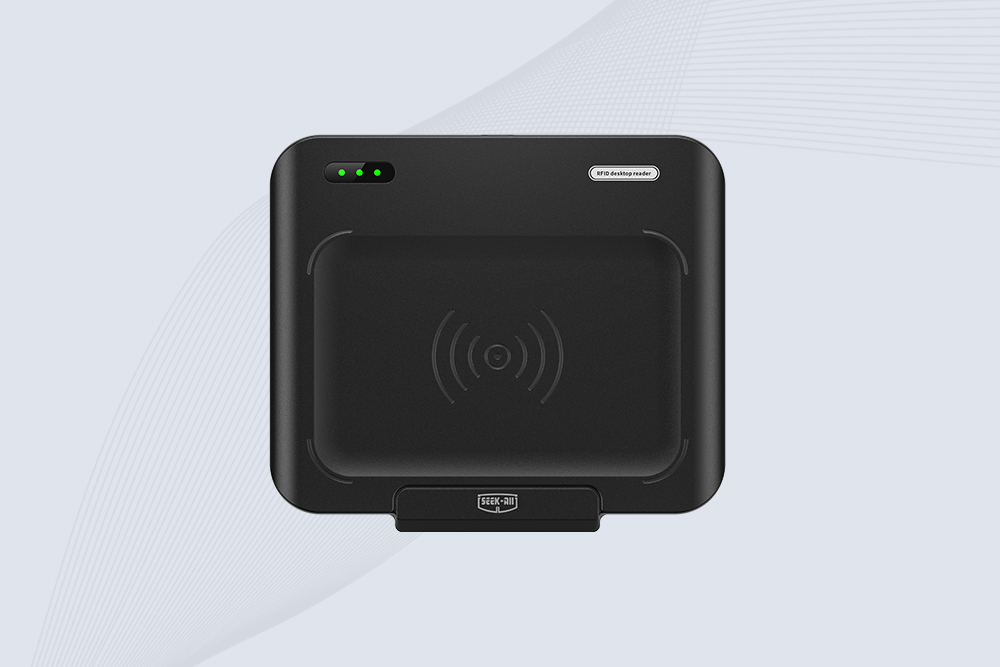
SSD-D1AL is a compact USB UHF RFID reader with Impinj E710/X3M1 chipset, USB-HID, 600+ tags/s recognition, 4/8/16 antenna support and plug-and-play USB power.
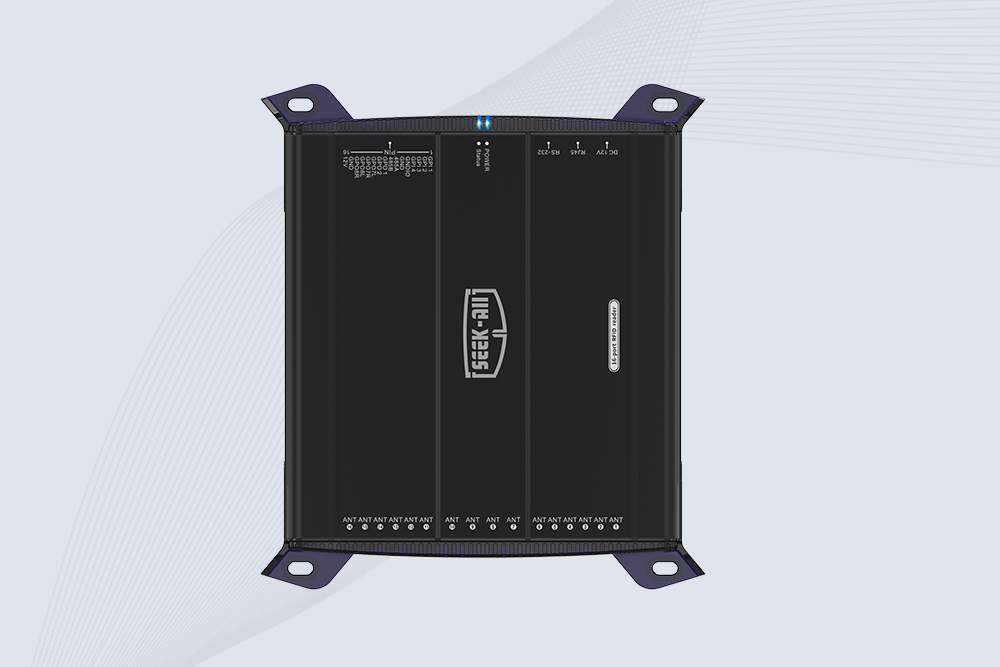
SSD-R16L Multi-Channel RFID Infrastructure for Automated Inventory Management ✔️ 16-Port High-Density RFID Reading Equipped with 16 SMA antenna ports, SSD-R16L supports multi-antenna deployment for warehouses, retail stores, logistics, production lines, and large-area RFID identification. ✔️ High-Speed & Long-Range Performance With up to 33…
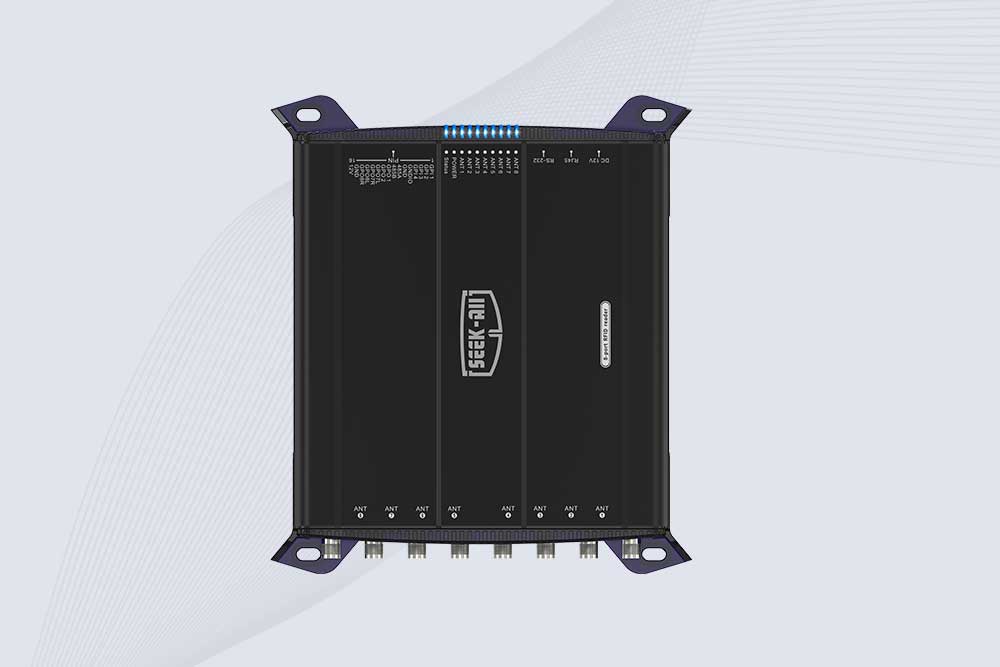
SSD-R8L 8-port UHF RFID reader with 33dBm output, up to 20m reading range and 600+ tags/s recognition. Ideal for warehouse, logistics, retail and asset tracking.
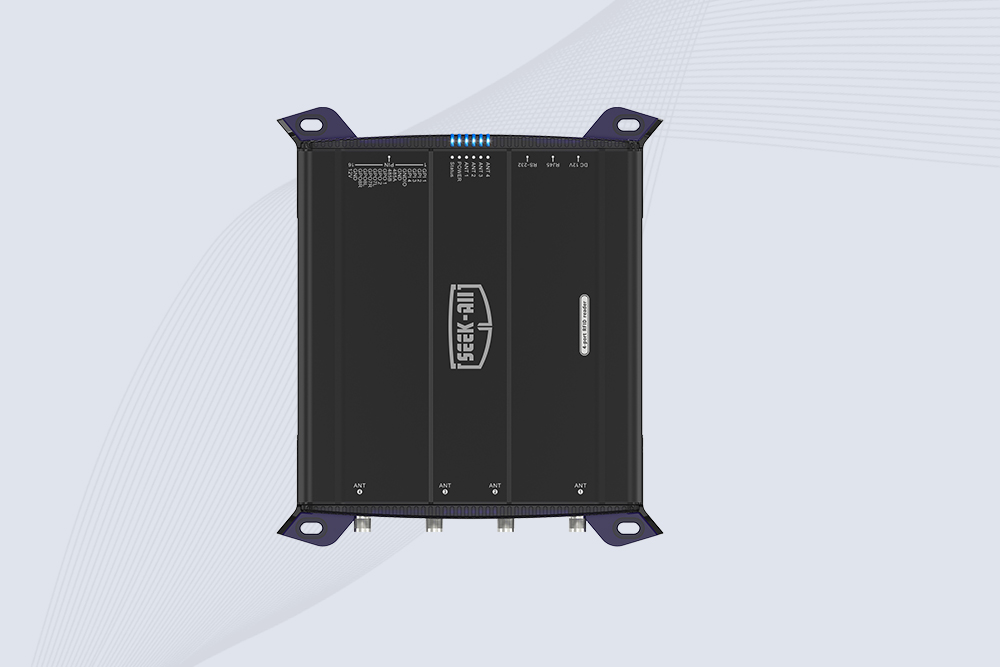
SSD-R4L is a 4-port UHF RFID fixed reader with 33dBm output power, up to 20m reading range, EPC C1G2 support and 600+ tags/s reading speed.

CYKEO CYKEO-D1LA USB RFID Reader is a compact desktop solution with near-field control for precise tag reading and encoding. Powered by USB, supporting ISO 18000-6C, and built for stable batch writing, this usb rfid tag reader fits retail, libraries, offices, and controlled RFID encoding tasks.
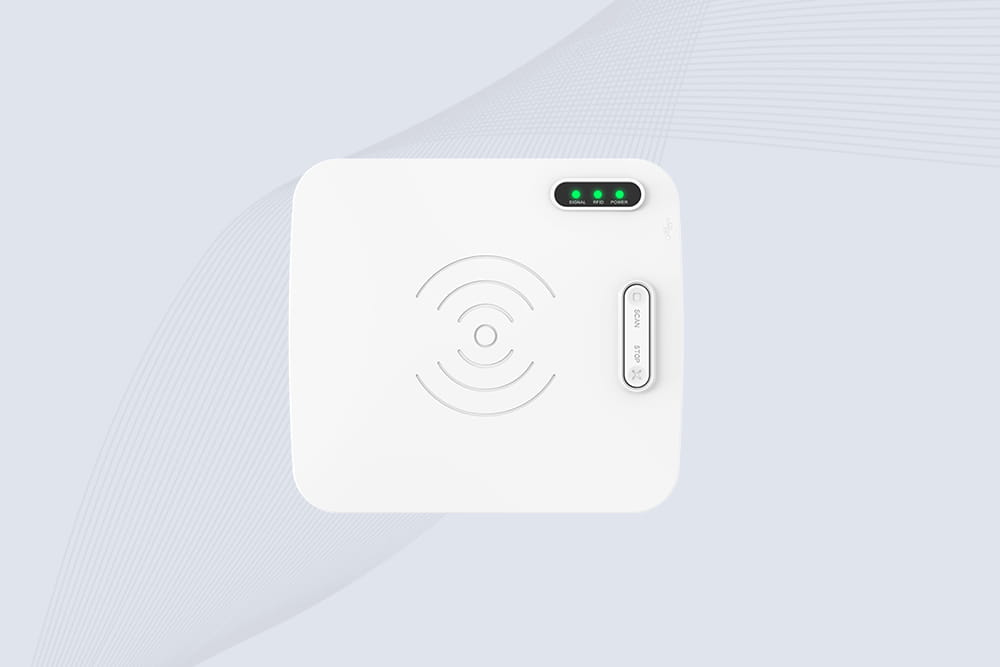
CYKEO CYKEO-D1L RFID scanner USB is a compact desktop UHF RFID scanner designed for short-range tag writing and verification. This usb rfid scanner supports batch encoding, stable 0–26 dBm output, and works across Windows, Linux, and Android systems.
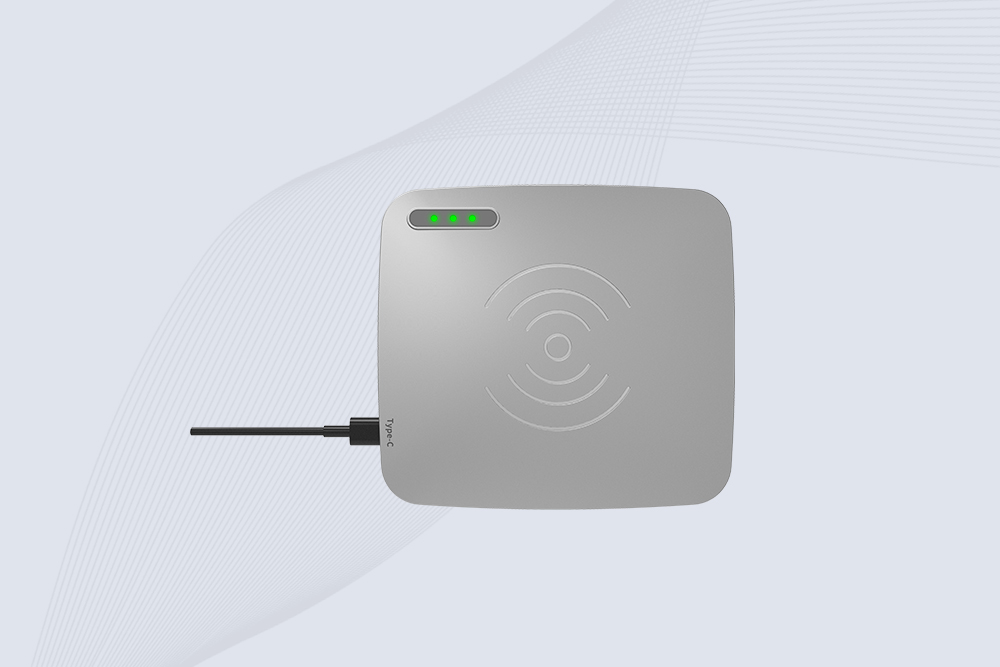
CYKEO CYKEO-D1C USB RFID Card Reader is a near-field UHF desktop writer designed for secure, short-range tag encoding. With USB-C connectivity and stable 26 dBm output, this rfid reader usb c is ideal for badge issuance, label encoding, and controlled desktop RFID workflows.
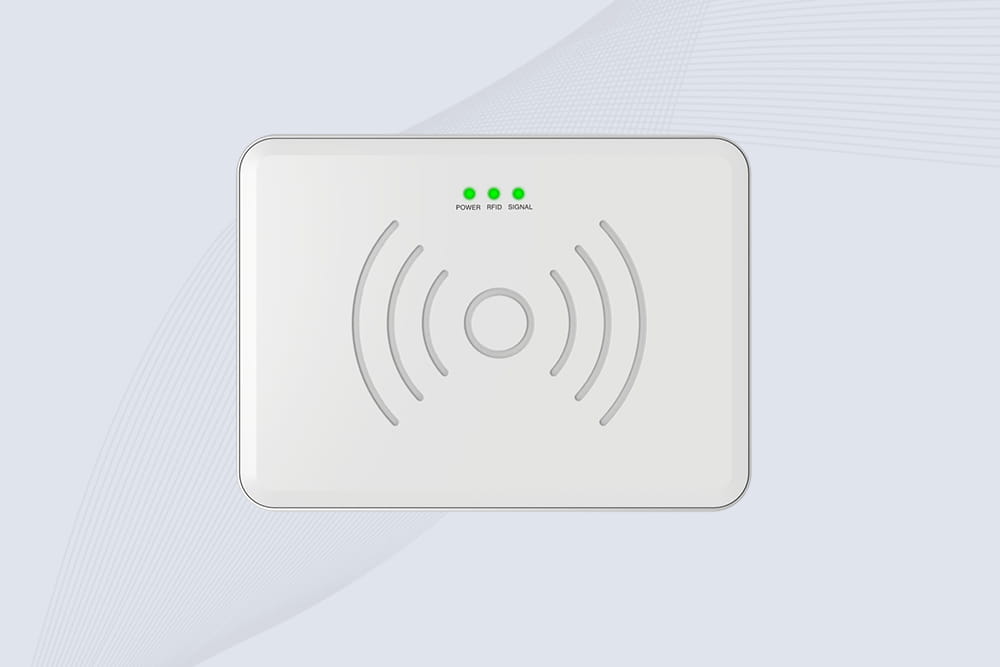
CYKEO CYKEO-D2L RFID Reader USB is a compact desktop encoder built on the Impinj R500 chip. With near-field control and stable USB power, this usb rfid card reader delivers precise tag writing for offices, retail counters, and small-scale logistics encoding tasks.
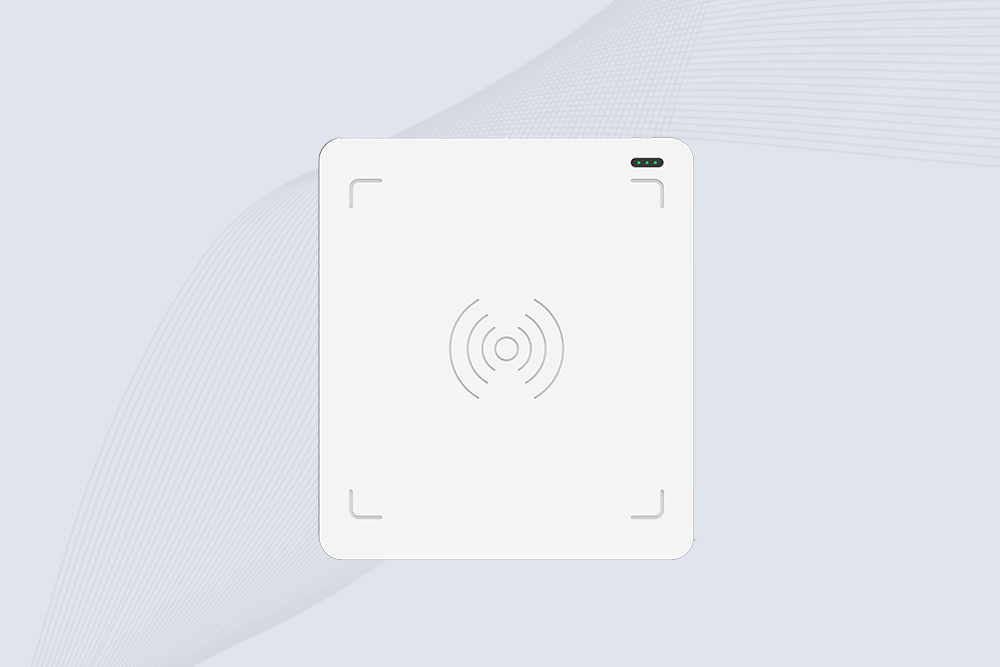
CYKEO CYKEO-D3L USB RFID Tag Reader delivers stable UHF tag reading and writing for daily desktop and light industrial tasks. Designed for controlled short-range operation, this USB RFID Tag Reader works reliably with rfid tag and reader systems in libraries, tool tracking, and inventory registration.
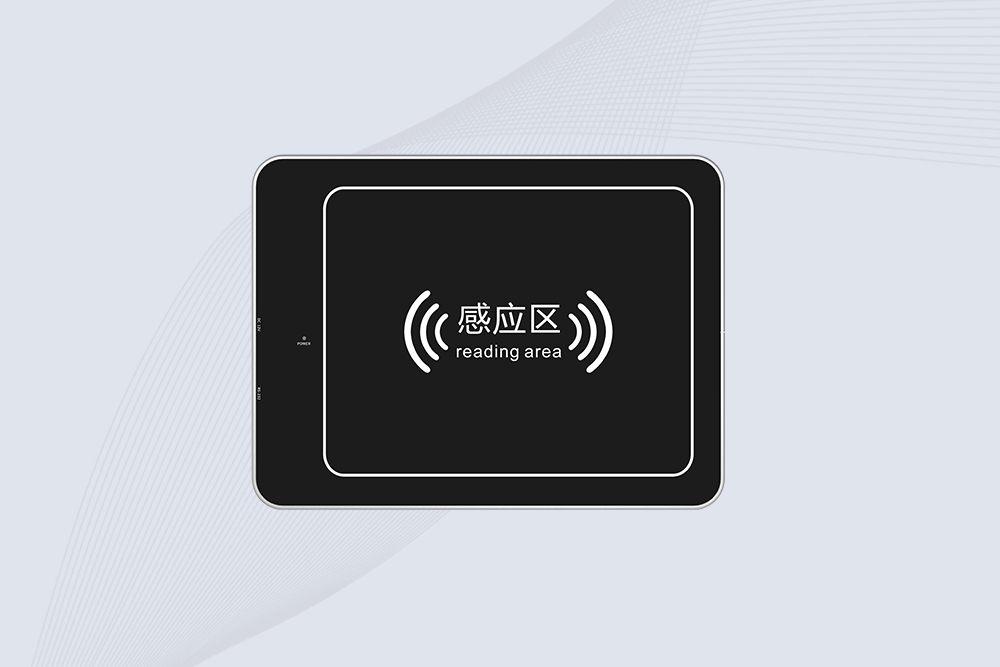
The CYKEO CYKEO-D4L UHF RFID Tag Reader is a stable Desktop RFID Reader designed for accurate tag registration, borrowing, and return workflows. Built with the Impinj R2000 chip, this UHF RFID Tag Reader delivers controlled short-range reads for libraries, asset tracking, and inventory management environments.
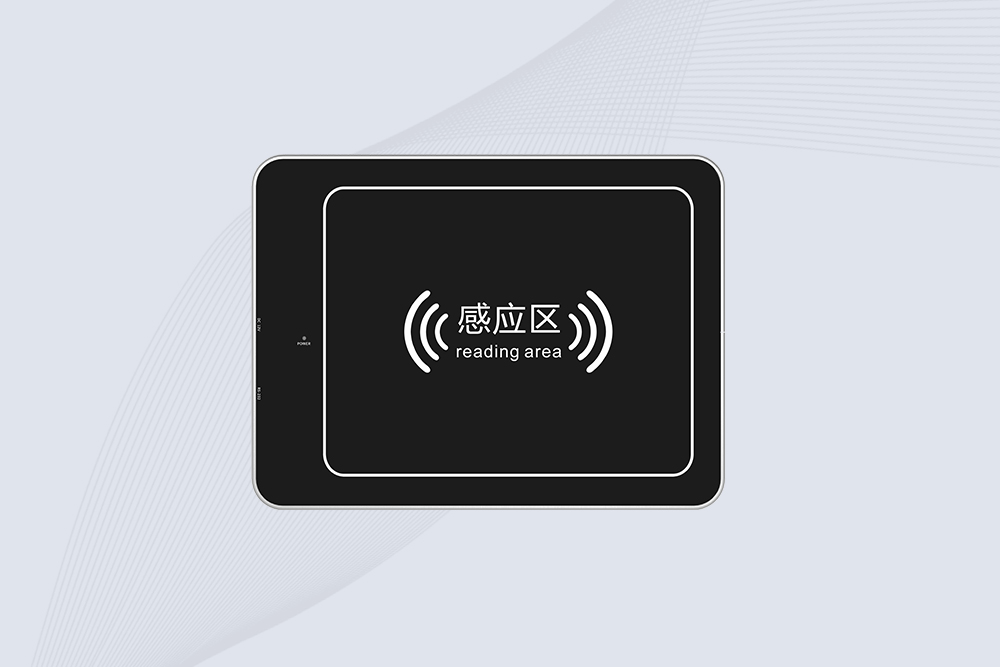
The CYKEO CYKEO-D5L Desktop RFID Card Reader is a stable UHF RFID Card Reader designed for controlled short-range reading and writing. Built for libraries, tool rooms, and asset desks, this UHF RFID Card Reader supports dense tag handling, secure data processing, and easy USB integration.
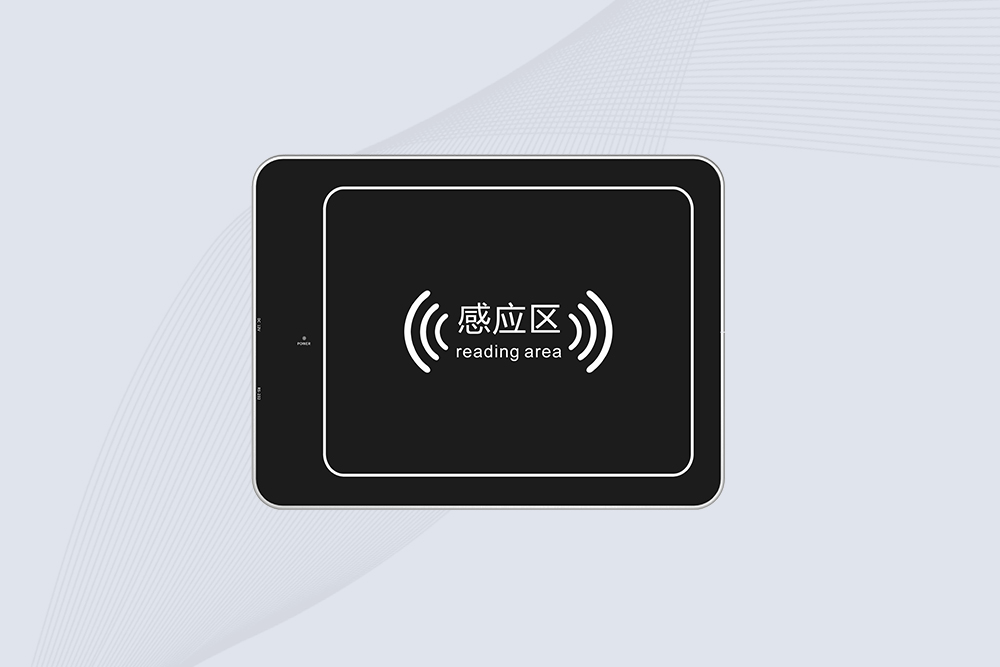
The CYKEO CYKEO-D6L RFID Reader Writer is a heavy-duty Desktop RFID Reader designed for short-range, high-accuracy tag programming. Built for libraries, labs, and asset desks, this RFID Reader Writer supports batch processing, stable 33dBm output, and seamless integration with existing management systems.
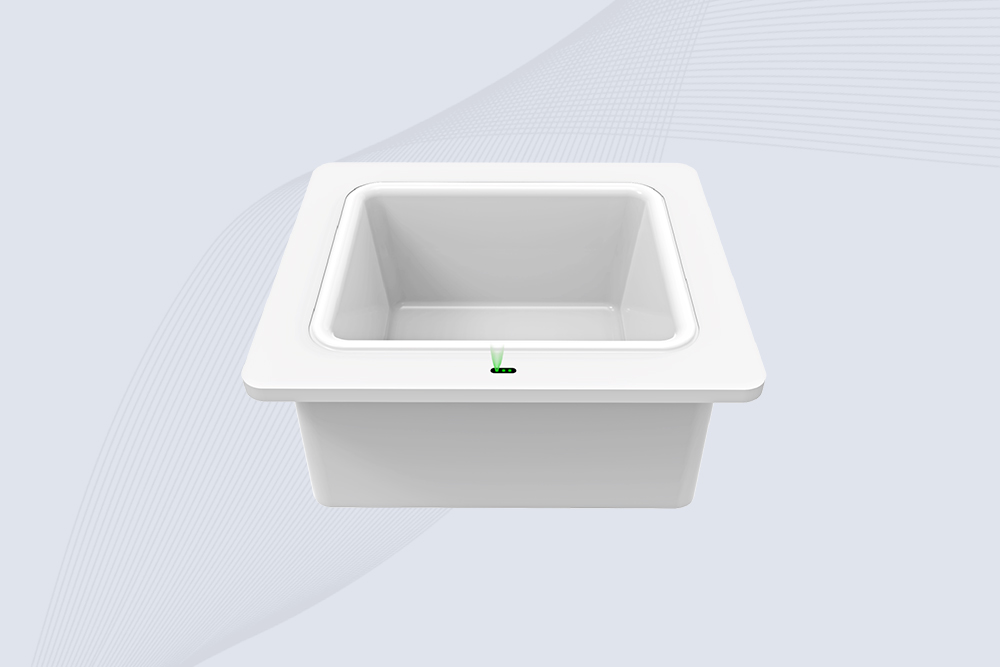
Cykeo CYKEO-D8B UHF RFID tunnel and RFID Desktop Reader features 30+ items batch reading,
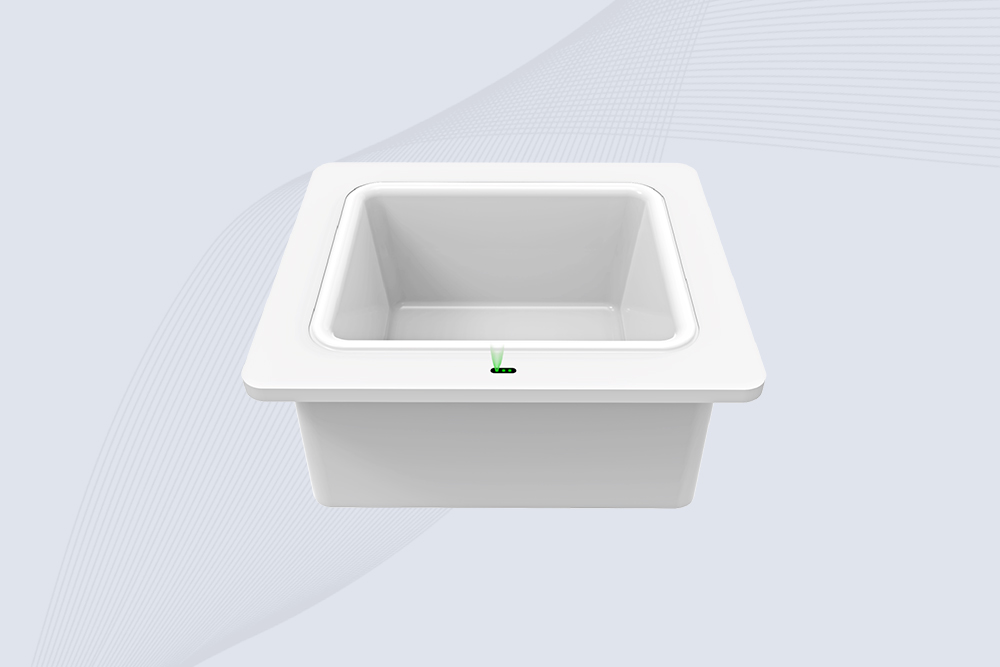
Cykeo CYKEO-D8A embedded RFID badge reader offers 30+ tags/sec scanning, 20cm anti-crosstalk precision, and DC 12V power for unmanned stores, warehouses, and smart inventory systems.
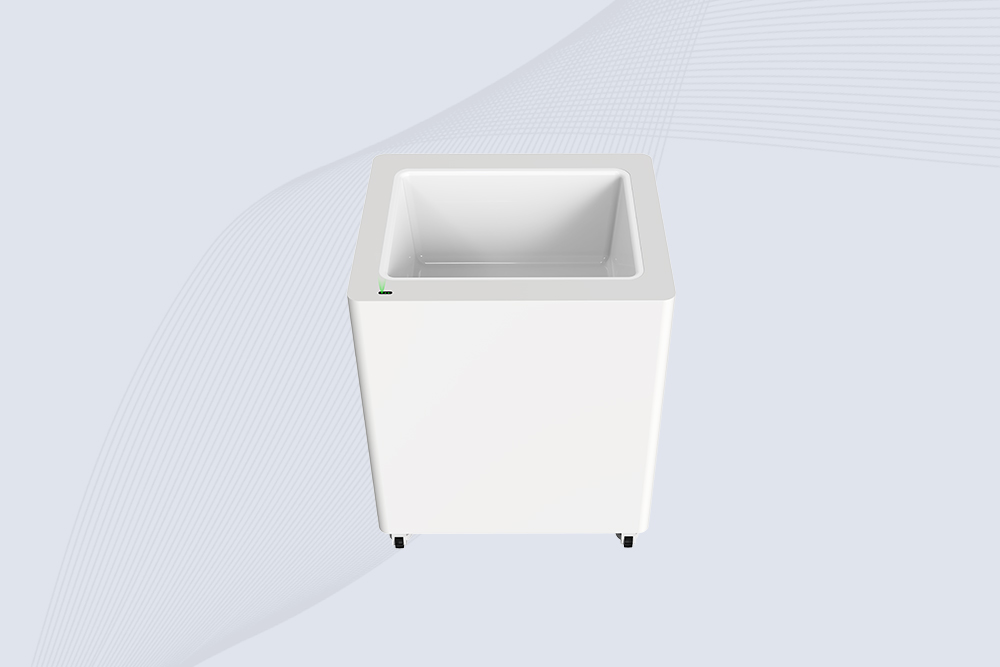
Cykeo’s CYKEO-D8C UHF RFID gate reader achieves 200-tag/batch scanning with adjustable power control, ideal for retail inventory and smart warehouse management.
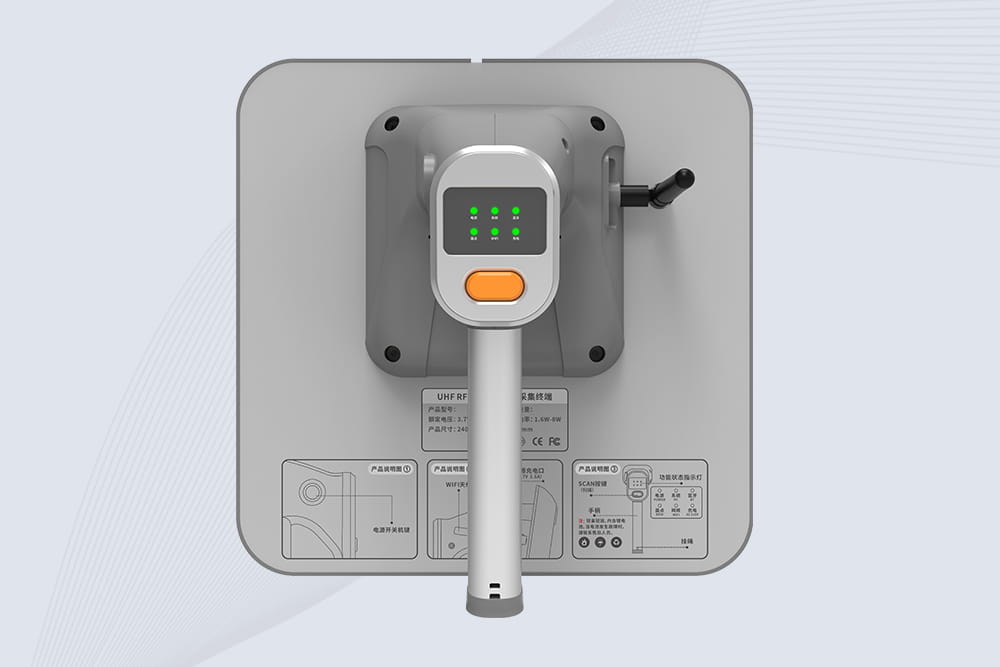
Cykeo CYKEO-B9 UHF Bluetooth handheld RFID scanner features 12m UHF range, 200+ tags/sec scanning, IP67 rugged design for retail/warehouse/pharma. Supports Android SDK & real-time Bluetooth 5.0 transmission.
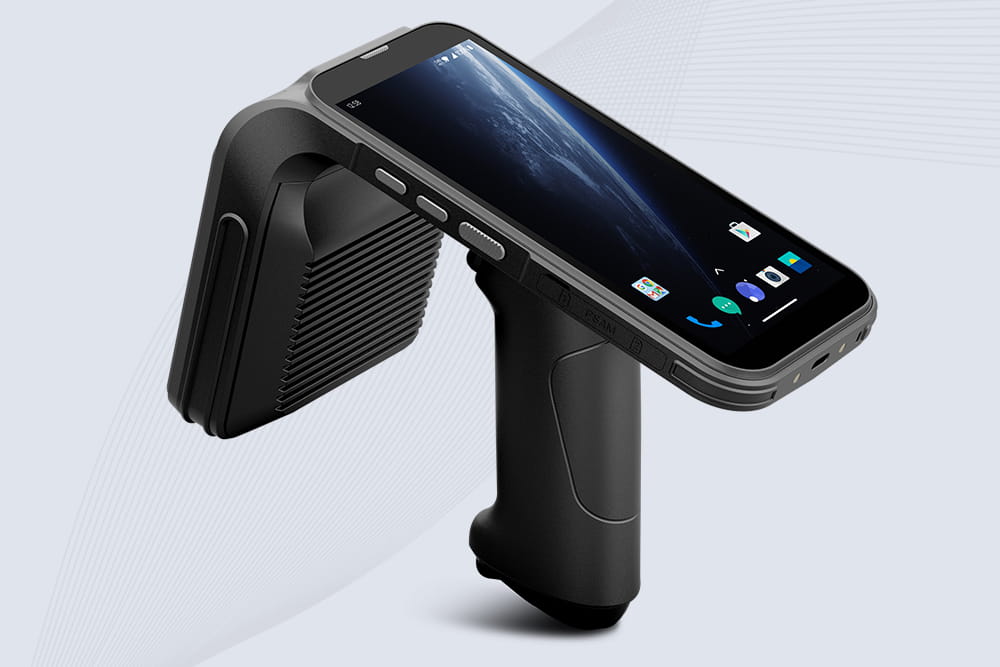
Cykeo CYKEO-B4 UHF Handheld RFID Reader scanner delivers 1300 tags/sec reading, 30m UHF range, and 12-hour battery life. IP65 rugged design with barcode/NFC/ID scanning for retail/manufacturing/logistics.
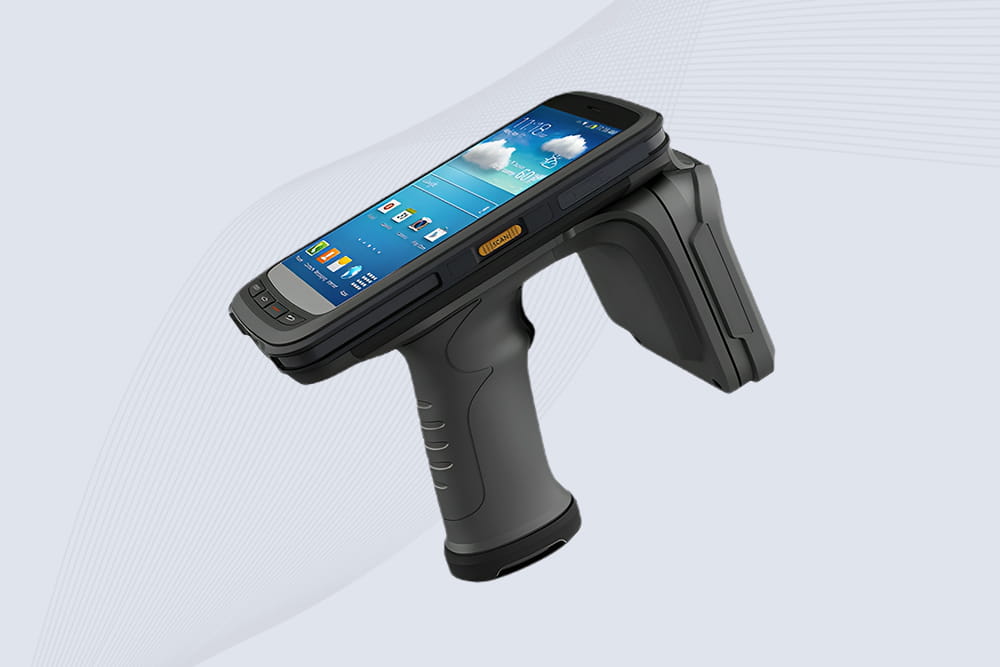
Cykeo CYKEO-B2 industrial UHF RFID handheld Scanner offers 10m range, 500 tags/sec scanning, Android 11 OS, and IP65 rugged design for retail/warehouse/manufacturing.
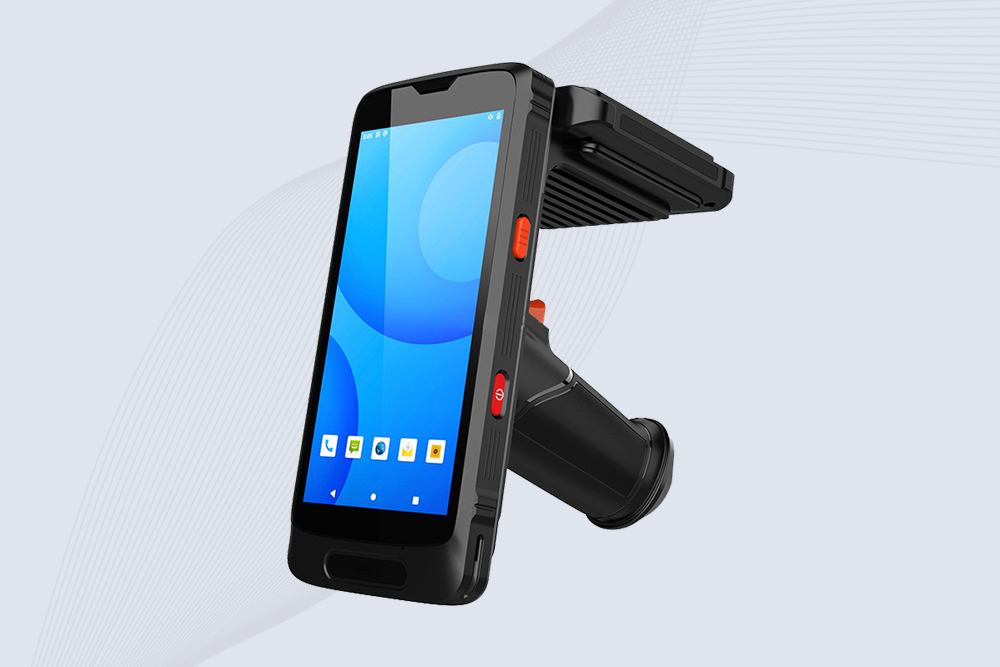
Cykeo CYKEO-B3 industrial RFID Reader Handheld, terminal offers 2m read range, multi-protocol scanning (NFC/barcode/ID), Android 10 OS, and IP65 ruggedness for logistics/retail/manufacturing.
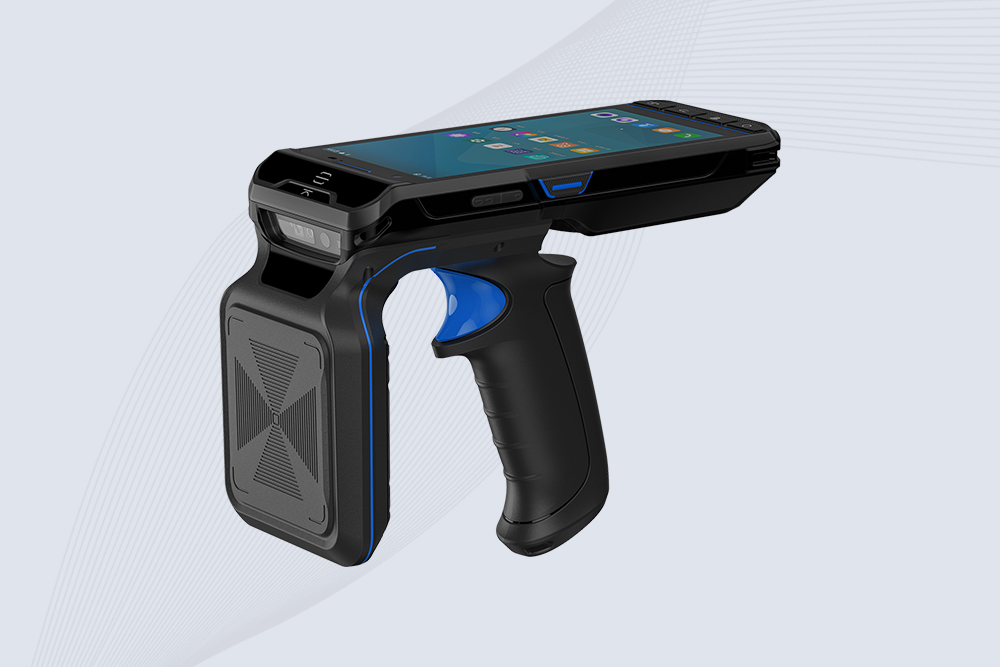
Cykeo CYKEO-B3L industrial handheld UHF RFID Reader terminal features 20m read range, 500 tags/sec scanning, Android 13 OS, 12-hour battery for logistics/retail/manufacturing. Supports barcode/NFC/ID reading.
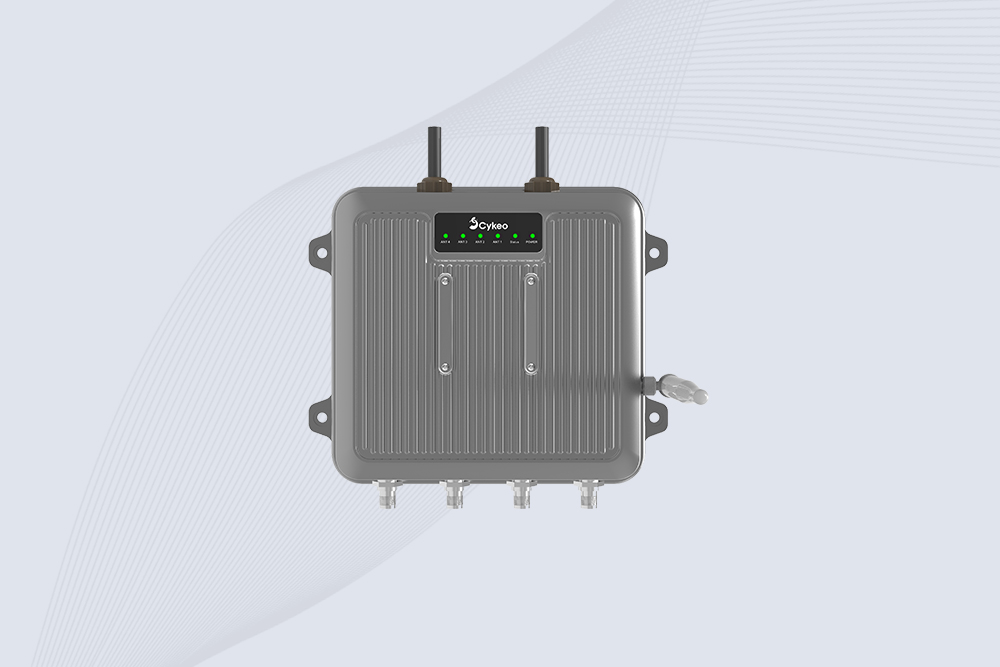
Cykeo CYKEO-C1 industrial Forklift RFID Reader features 20m read range, 600 tags/sec scanning, Impinj R2000 chipset, and IP67 rugged design. Ideal for warehouse logistics and manufacturing. Supports ISO 18000-6C/6B protocols.
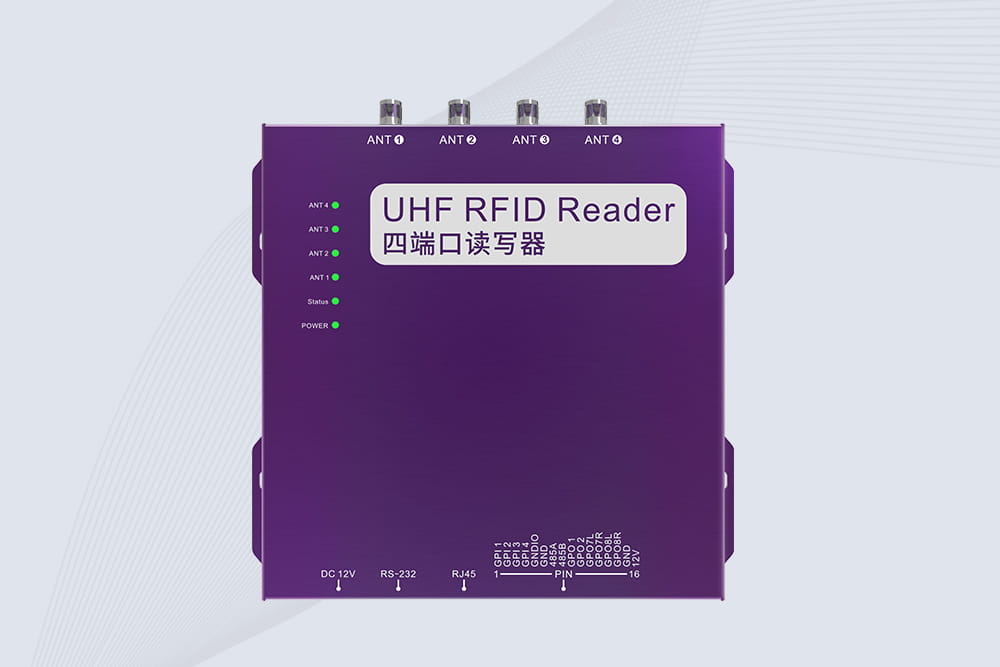
Cykeo CYKEO-R4 industrial UHF RFID Fixed Reader features 4 TNC ports, 400+ tags/sec speed, IP67 housing, and global frequency compliance for vehicle inspection, smart warehouse, and asset management systems.
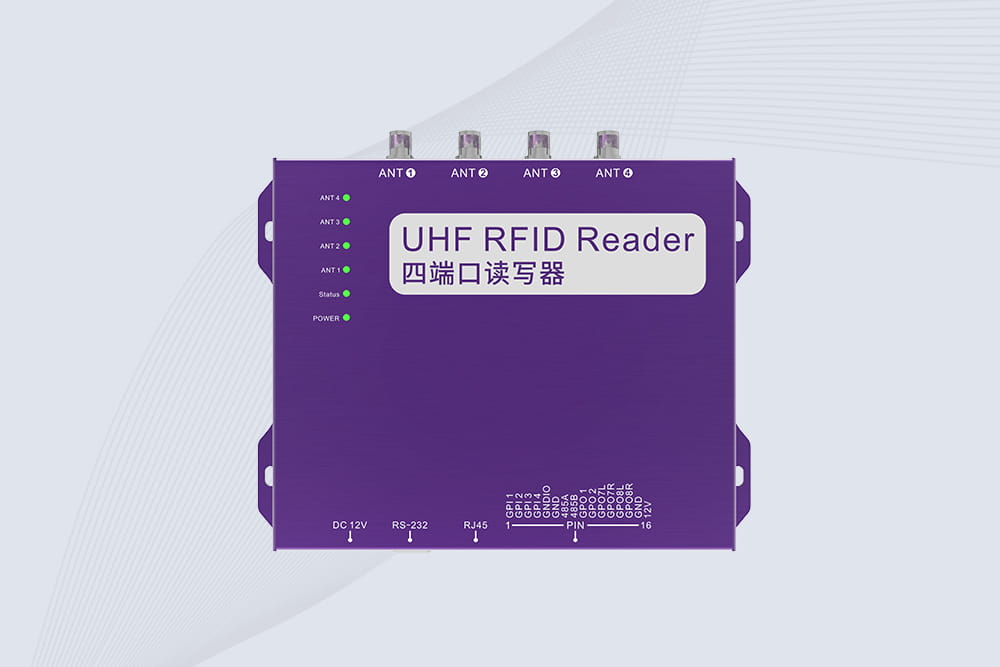
Cykeo’s CYKEO-R4L 4-port Fixed UHF RFID Reader delivers 400 tags/sec scanning, ISO 18000-6C compliance, and IP65 protection. Ideal for warehouse automation, manufacturing WIP tracking, and logistics management.
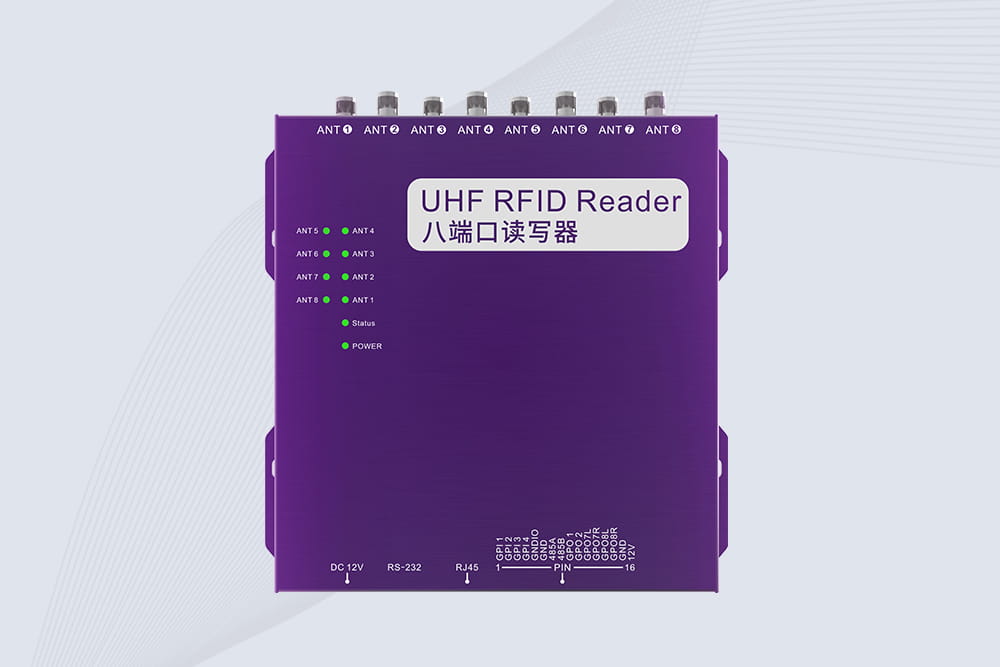
CYKEO CYKEO-R8L Fixed RFID Reader with 8-port UHF design, Impinj-based RF core and up to 20m read range. An industrial Fixed RFID Reader for vehicle inspection, warehouse portals, smart manufacturing lines and secure access checkpoints.
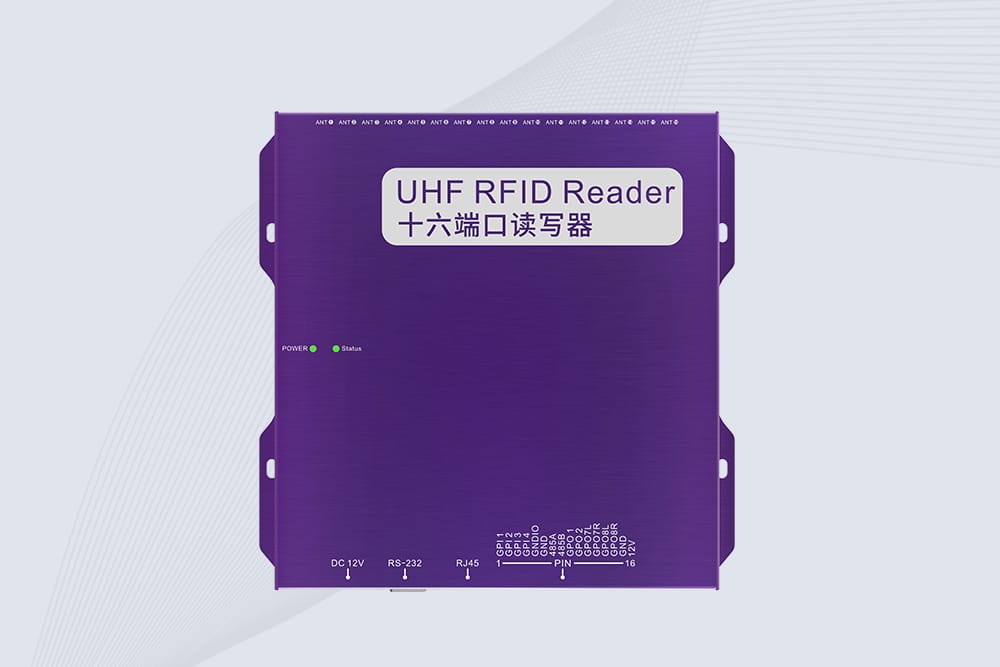
RFID Fixed Reader from CYKEO – the CYKEO-R16L 16-port UHF fixed reader for warehouses, smart cabinets, and production lines. Long-range, multi-tag reading, stable performance for 24/7 industrial use.

Discover how RFID tags enhance automotive security, streamline maintenance, and improve user experiences. Explore Cykeo’s RFID solutions for modern vehicles.
More
Ever wondered "can phones read RFID"? We reveal what smartphones can actually do, their serious limitations, and why businesses need dedicated readers.
More
Learn how an RFID tag tracking system helps businesses locate, monitor, and manage assets in real time. Discover how RFID tags, readers, and frequencies work together to boost visibility, accuracy, and efficiency across industries.
More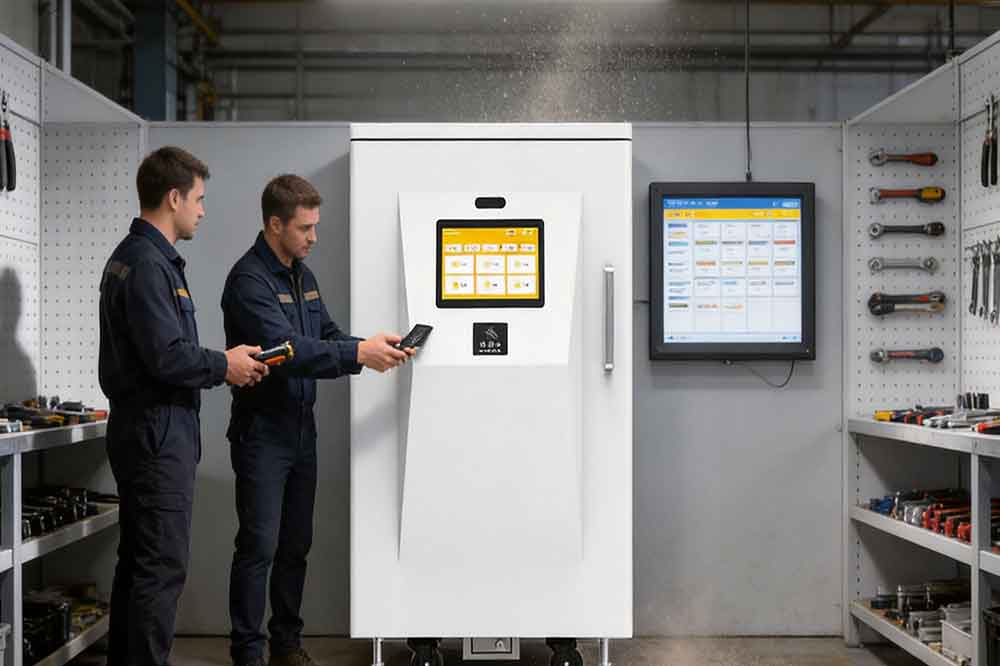
RFID tool cabinet can help factories allocate tools according to department needs, work orders, user permissions, and recorded availability. With clear assig...
More