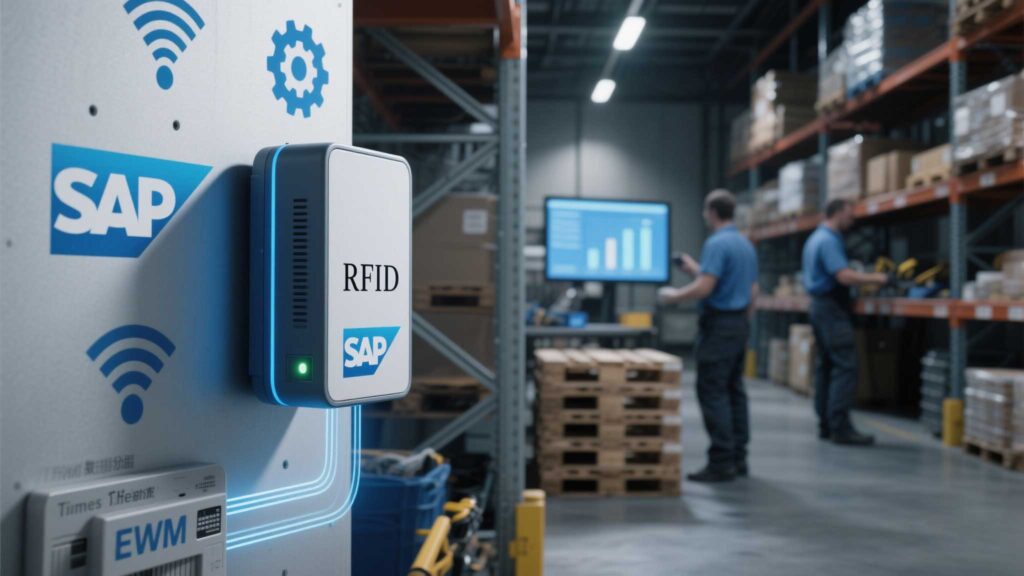
Integrating RFID with SAP enables businesses to automate inventory tracking, reduce manual data entry errors, and gain real-time visibility into stock levels. This process involves configuring middleware, aligning RFID data with SAP’s material master tables, and ensuring seamless communication between hardware and ERP modules. Below, we outline a step-by-step approach to achieve this integration.
1. Select RFID Hardware Compatible with SAP
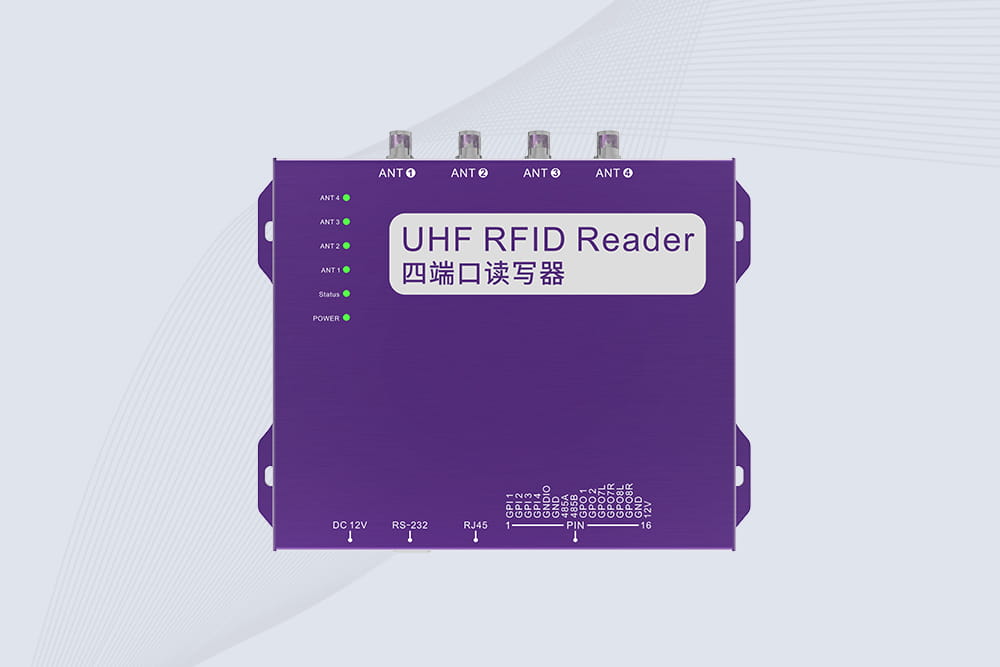
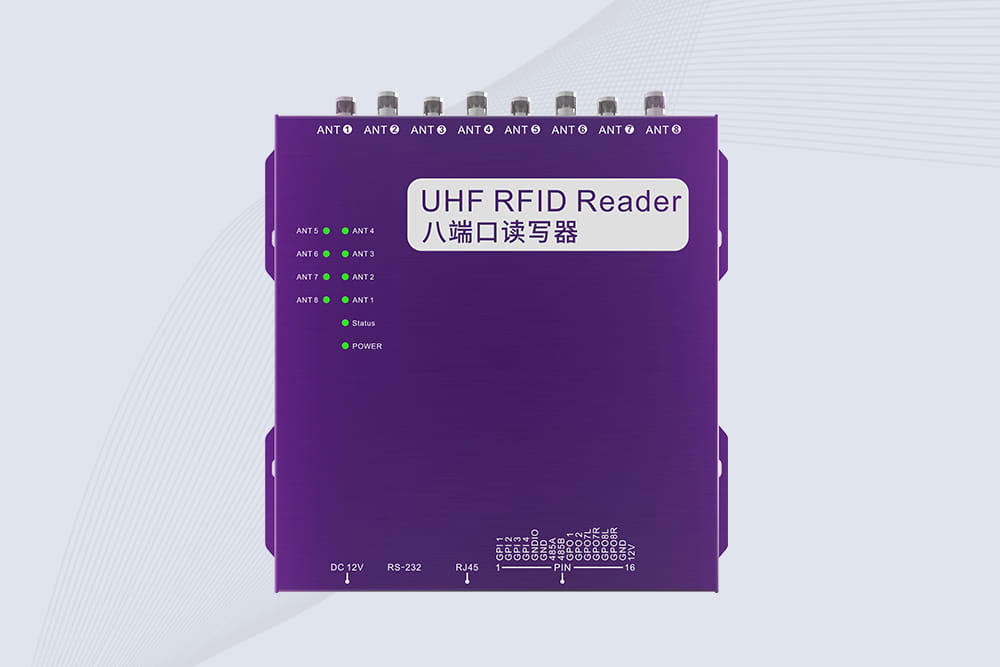
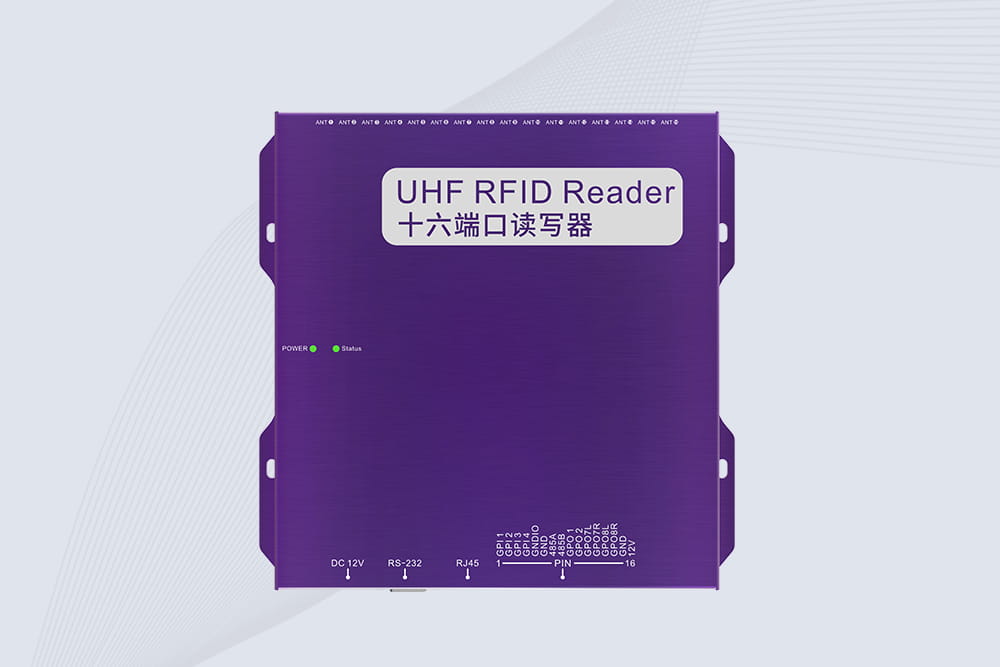
Reader Requirements:
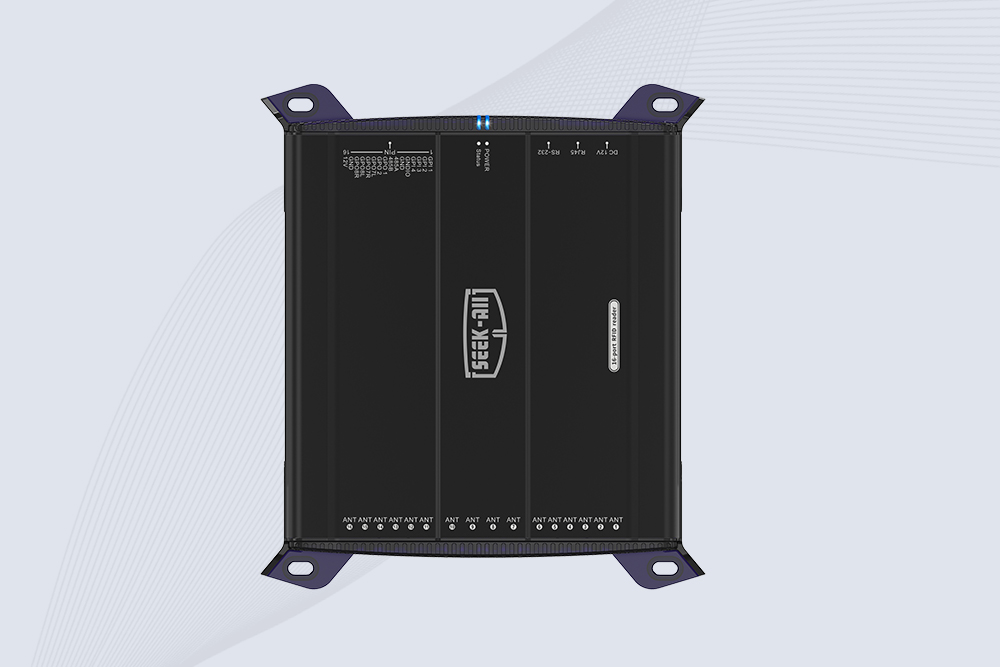
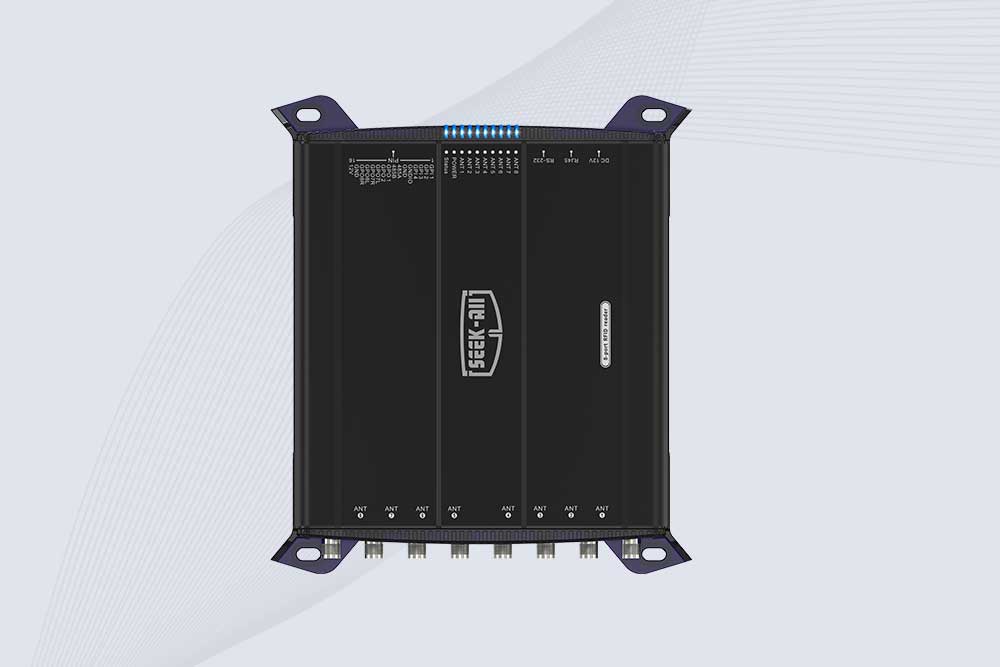
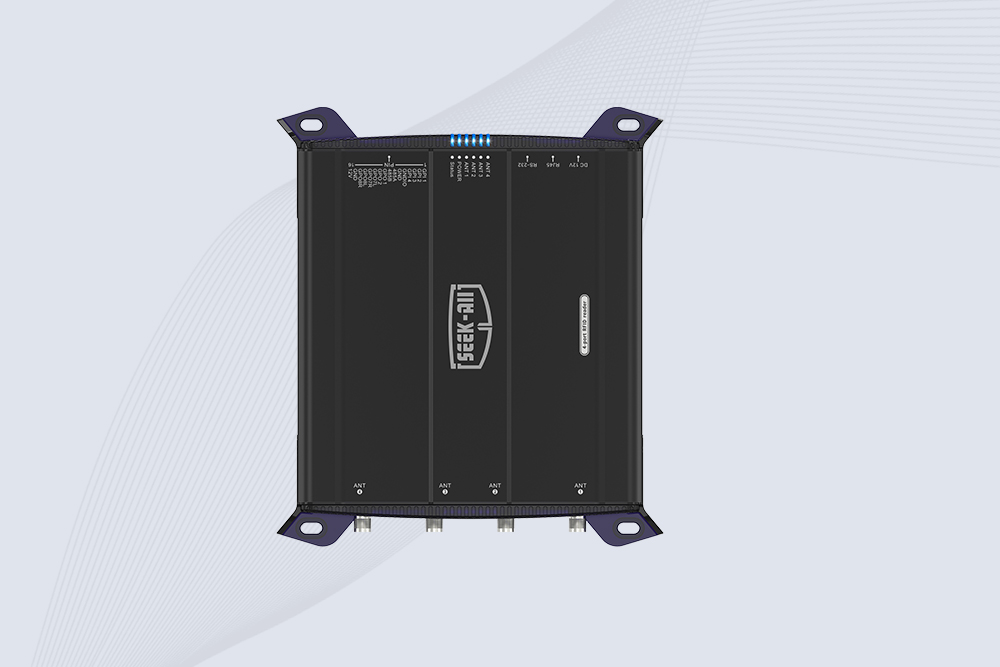
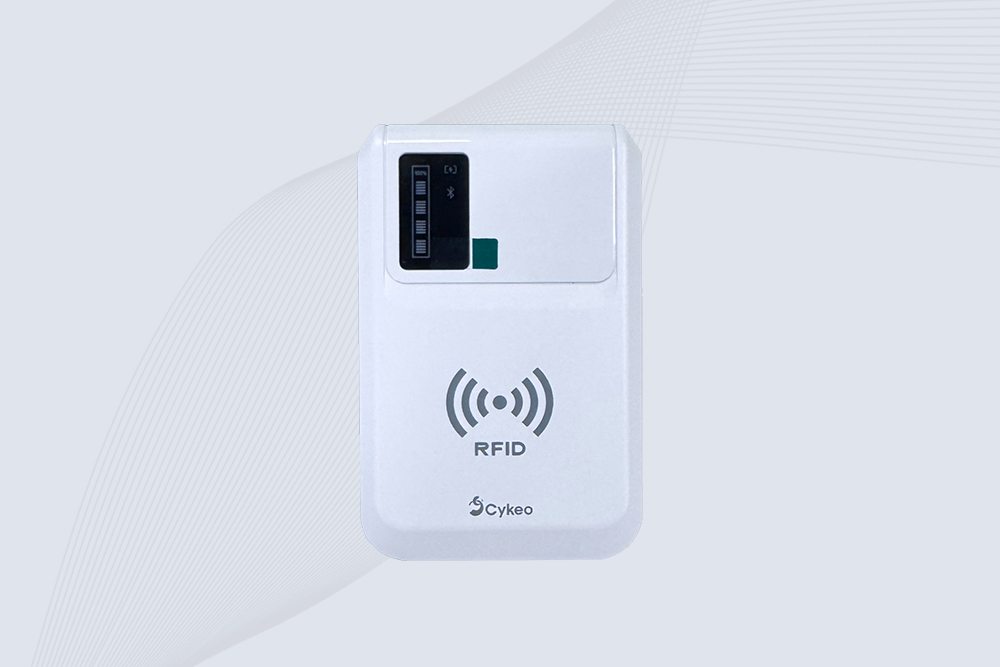
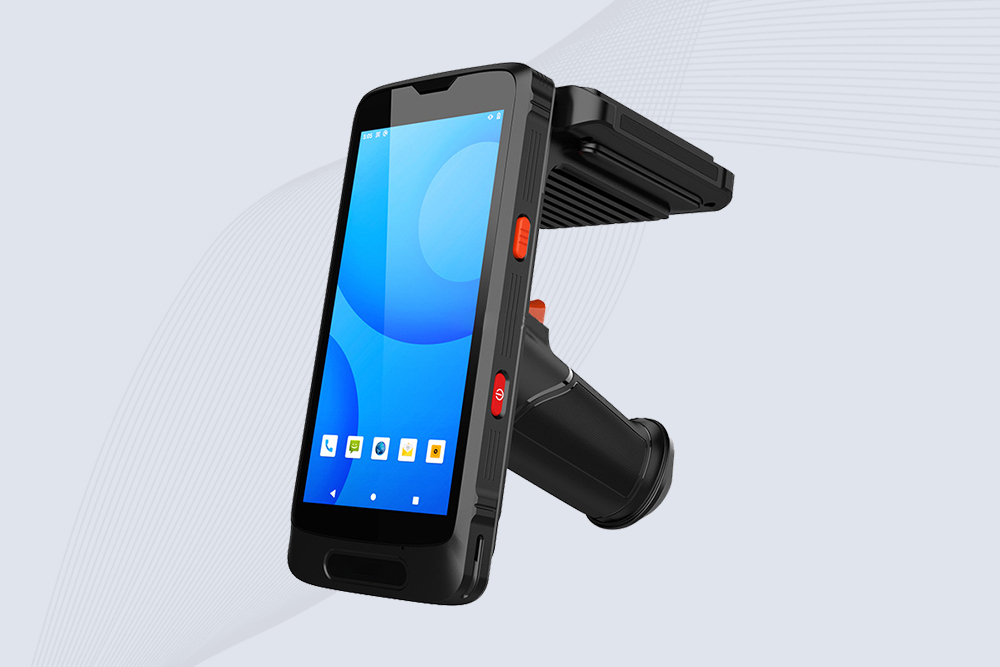
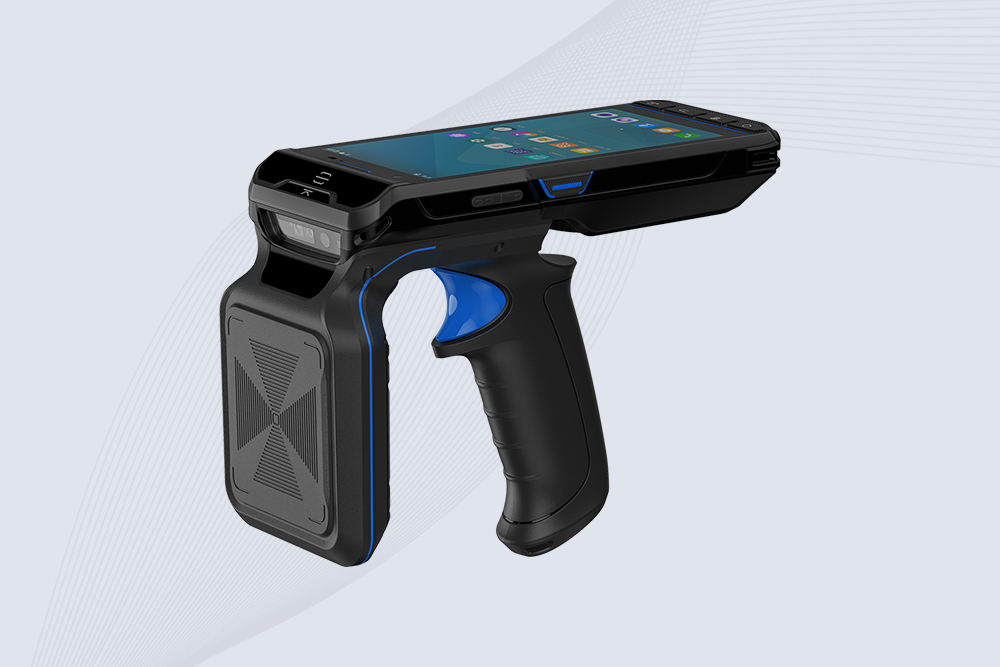
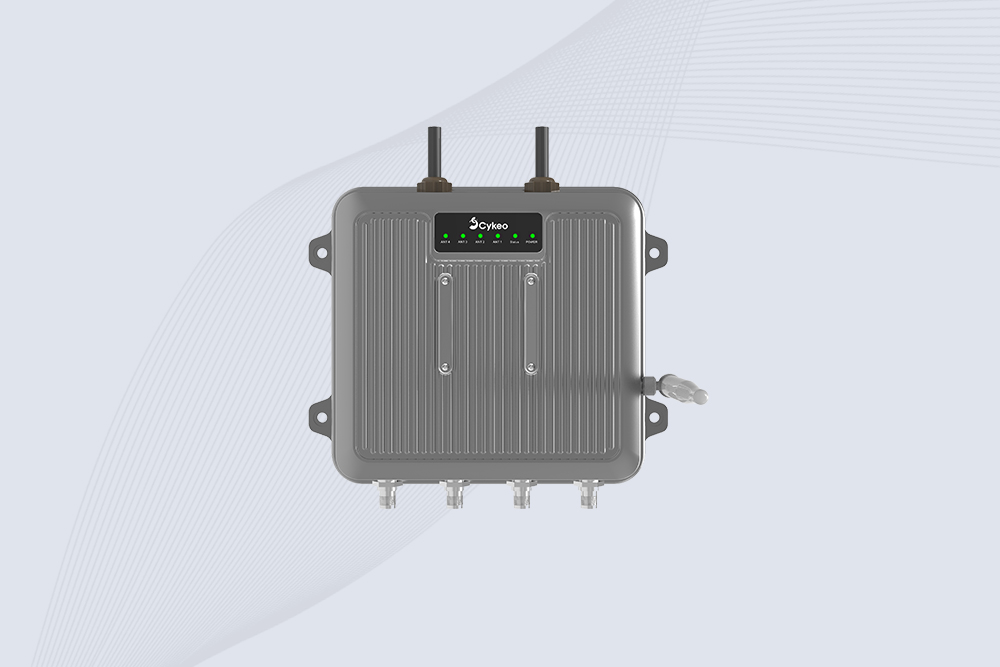
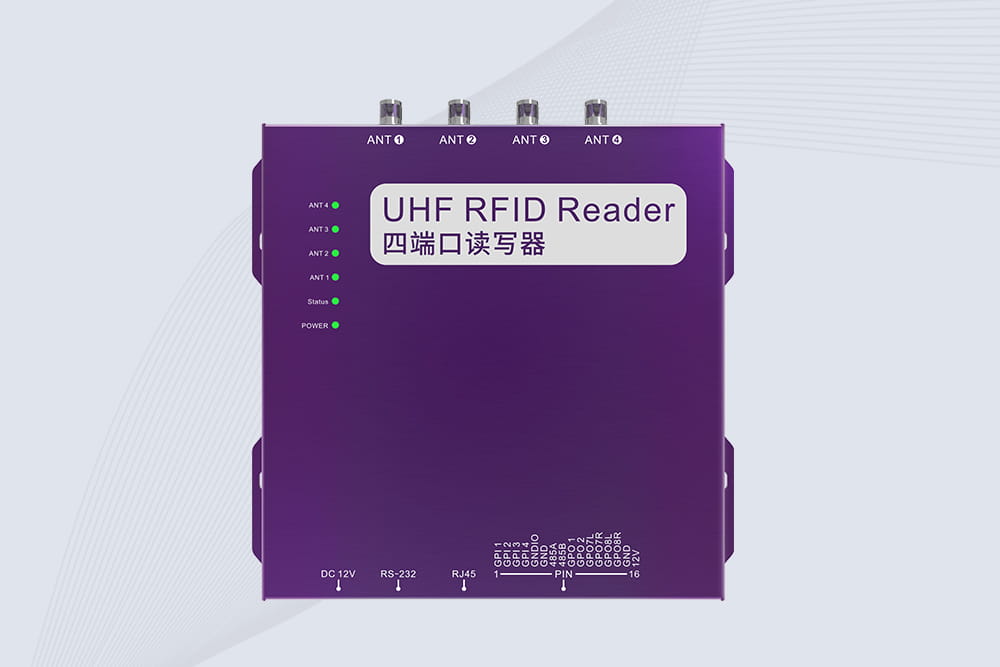
UHF RFID readers with EPC Gen2v2 compliance for global interoperability.
Support for OPC UA or REST APIs to connect with SAP’s IoT framework.
Middleware:
Deploy RFID middleware (e.g., SAP® Asset Intelligence Network) to filter, aggregate, and format raw RFID data for SAP consumption.
Cykeo’s RFID systems, for example, include pre-built SAP connectors that map tag data to SAP MM (Materials Management) or EWM (Extended Warehouse Management) fields.
2. Configure SAP for RFID Data Ingestion
Material Master Setup:
Add RFID tag IDs as custom fields in SAP’s material master (MM01/MM02 transactions).
Link tags to batches, serial numbers, or storage locations.
IDoc or BAPI Integration:
Use Intermediate Documents (IDocs) or BAPIs to transfer RFID data to SAP.
Set up ALE/EDI for asynchronous communication between edge devices and SAP.
3. Establish Real-Time Data Flows
Event-Driven Triggers:
Configure RFID readers to send updates to SAP upon critical events (e.g., goods receipt, stock transfer).
Use SAP PI/PO or Cloud Platform Integration for real-time sync.
Error Handling:
Implement alerts for mismatched tags or failed transactions to avoid SAP posting errors.
A European automotive supplier using Cykeo’s integration cut inventory reconciliation time by 60% by auto-updating SAP EWM during pallet movements.
4. Validate and Optimize the Workflow
Testing:
Run test cycles to ensure RFID scans trigger correct SAP transactions (e.g., MB1A for goods issue).
Validate data accuracy with SAP’s LT10 or LS24 reports.
Performance Tuning:
Adjust RFID read intervals to balance SAP load and real-time requirements.
Use SAP HANA for high-speed analytics on RFID-generated data.
5. Train Staff and Monitor Systems
User Training:
Teach warehouse teams to troubleshoot RFID-SAP mismatches using SAP LX02 (Logistics Execution).
Ongoing Maintenance:
Schedule regular audits to ensure tag readability and SAP field alignment.
Monitor middleware health via SAP Solution Manager.
Why Cykeo Simplifies SAP-RFID Integration
Cykeo’s platform supports SAP-certified connectors and edge computing to preprocess RFID data, reducing SAP’s transactional load. Their solutions are validated in complex environments like pharmaceutical warehouses, where real-time batch tracking is critical for compliance.
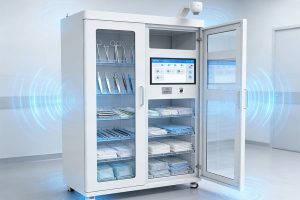
A UHF RFID medical cabinet designed for real-time surgical instrument and high-value consumables tracking. Supports RFID hardware integration for traditional medical cabinets and provides APIs and SDKs for RFID software developers.
What does rfid mean on a tag? Learn RFID tag technology, chip functions, stored data, and practical applications with professional RFID insights from Cykeo.
Upgrade to the CK-G0628 UHF RFID Locker System for smarter, faster, and more secure item management. Automate tracking, enhance security, and provide real-time monitoring—all with the power of RFID technology.
A field-based look at UHF RFID reader performance in real warehouse environments. Covers installation surprises, signal behavior, integration issues, and what wholesale buyers often realize only after deployment begins.
 Cykeo RFID IoT Solution Products R&D Manufacturer