 Cykeo RFID IoT Solution Products R&D Manufacturer

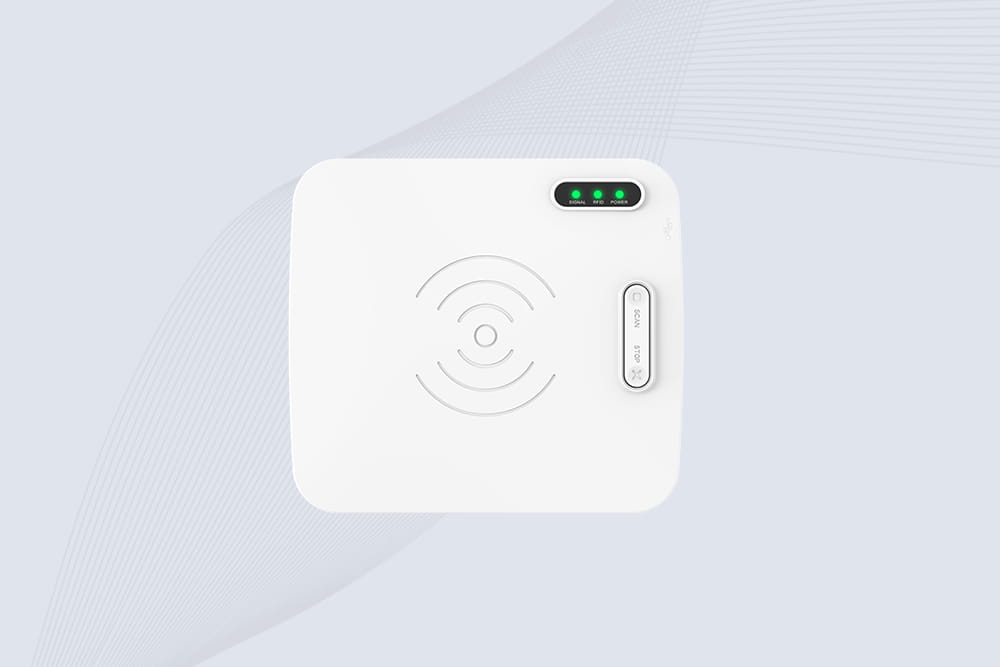
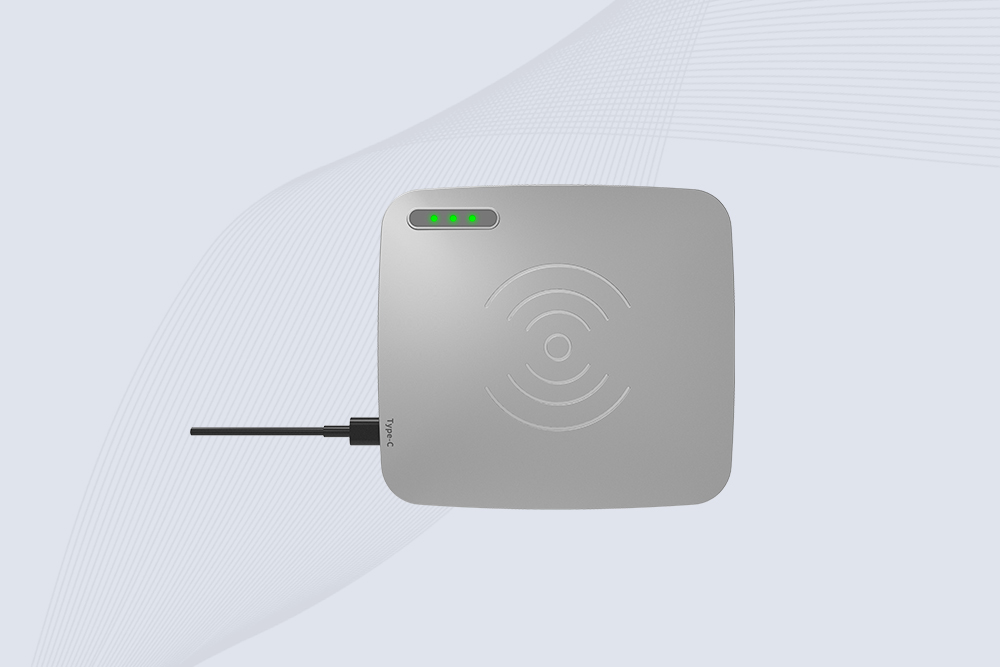
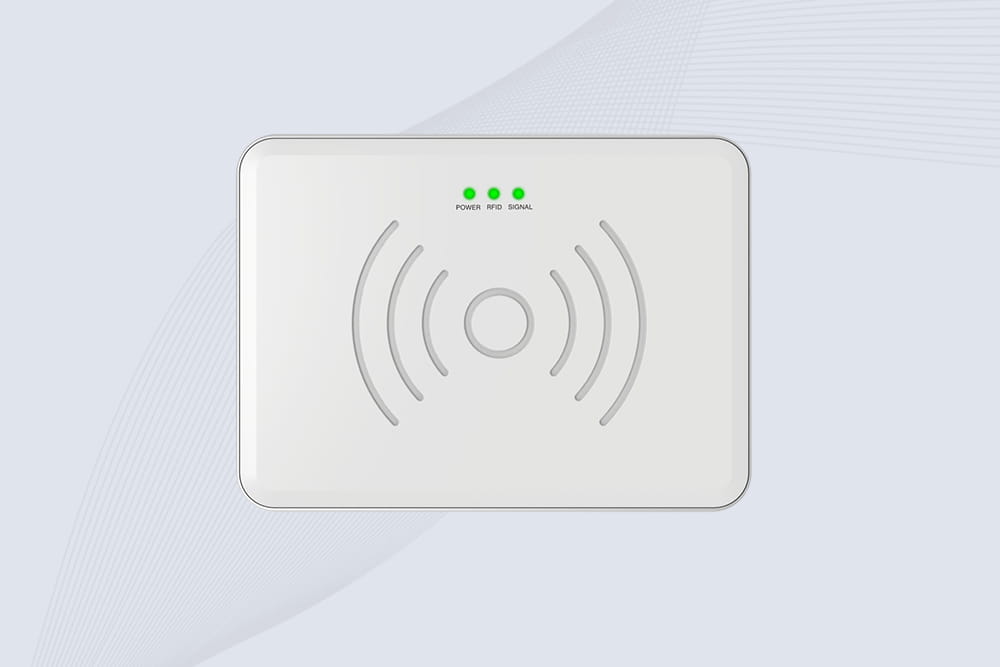
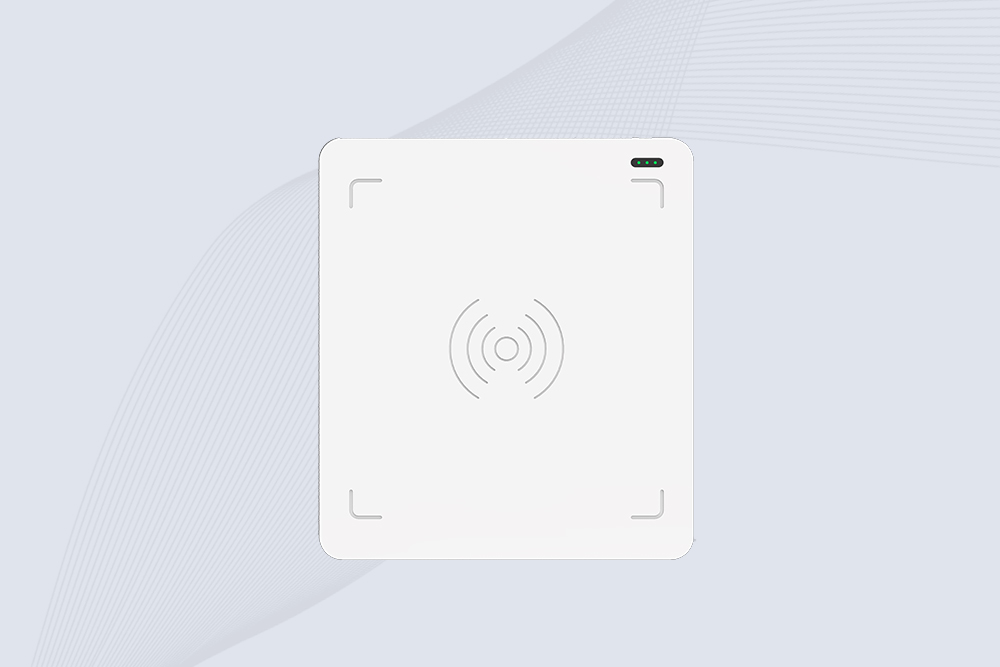





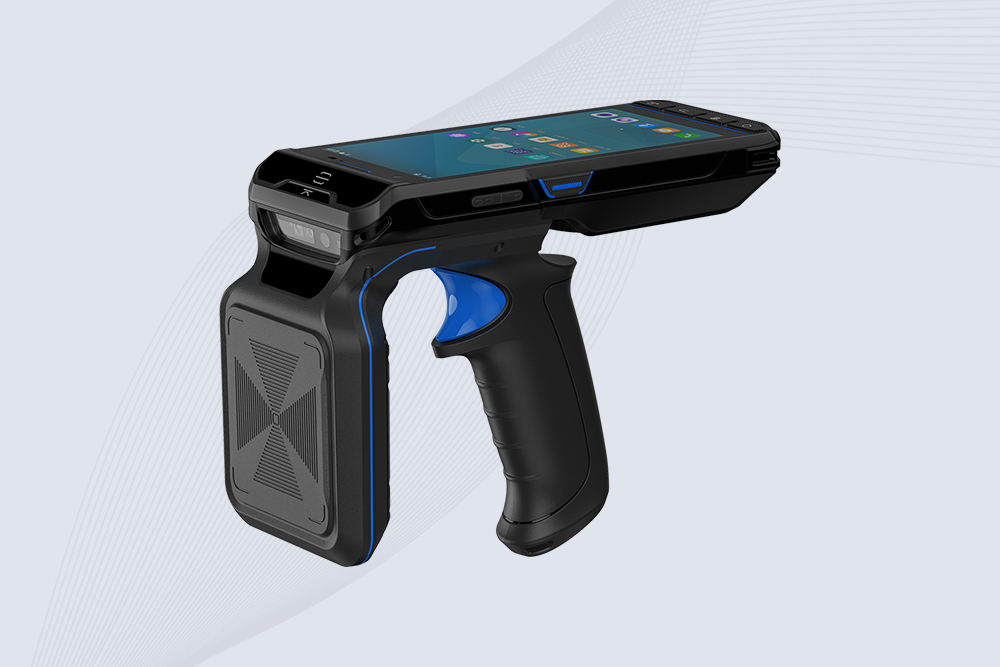
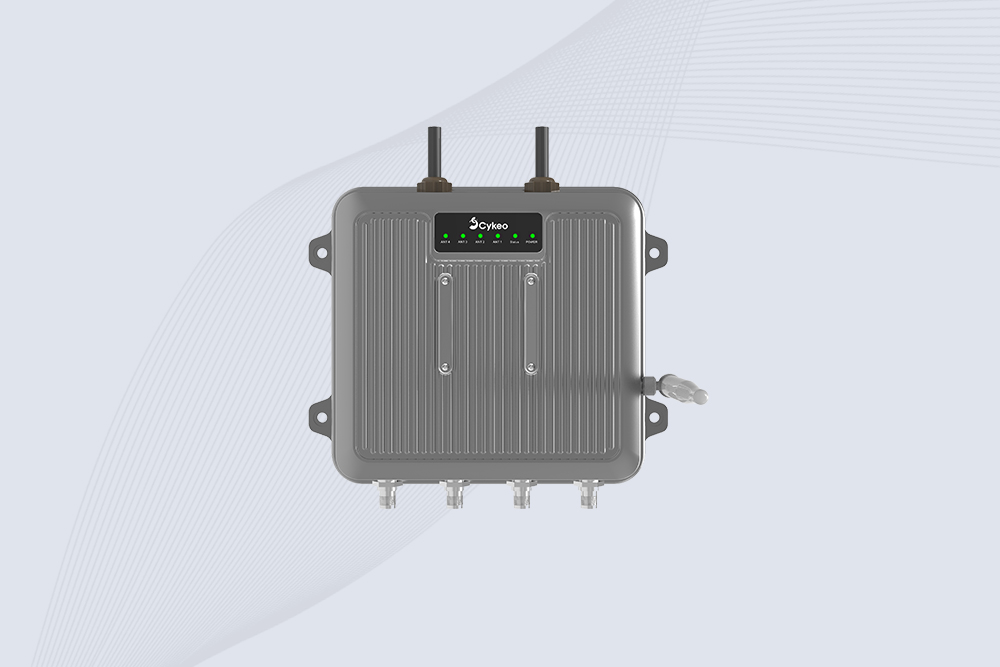
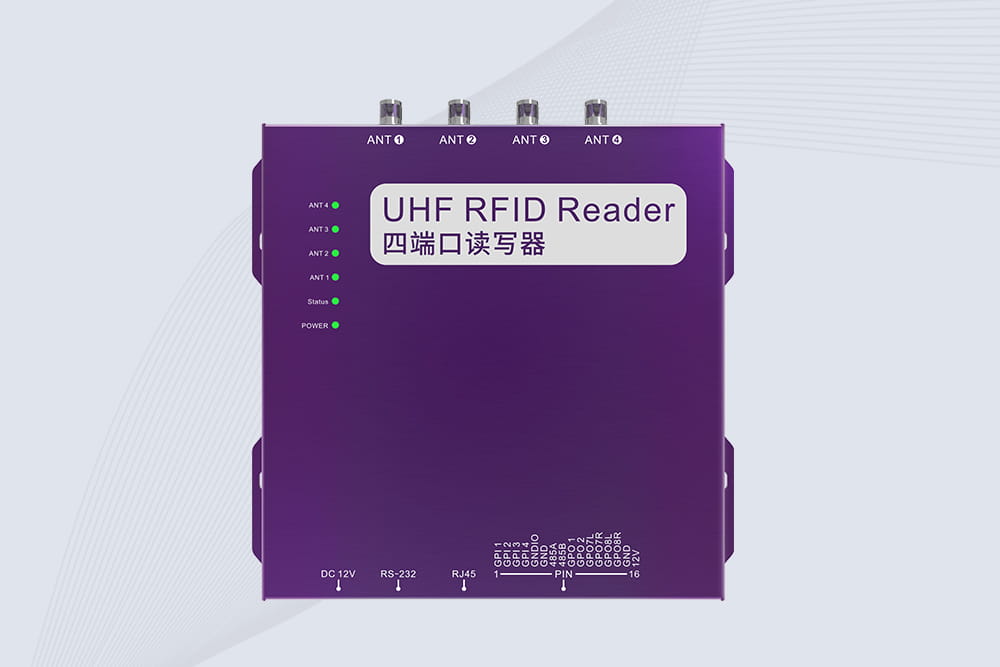
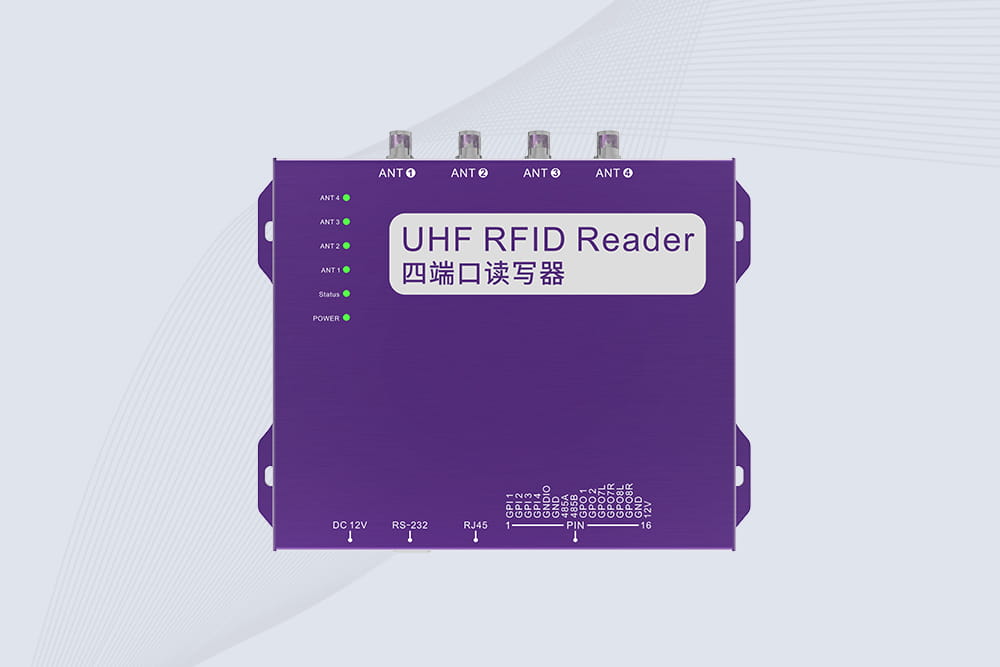
What are the best fixed RFID readers for manufacturing plants?
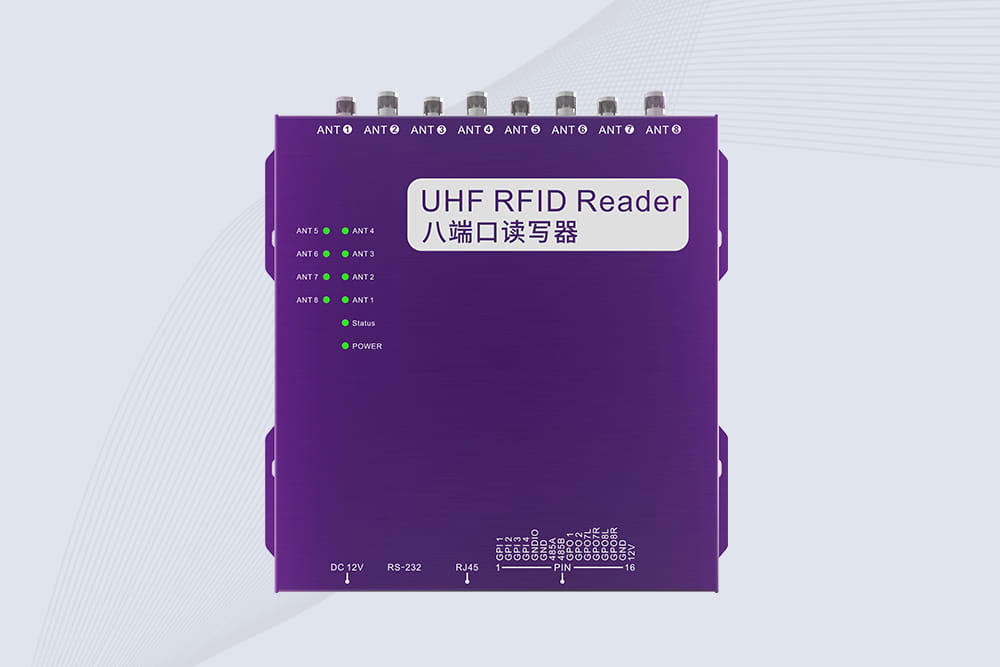
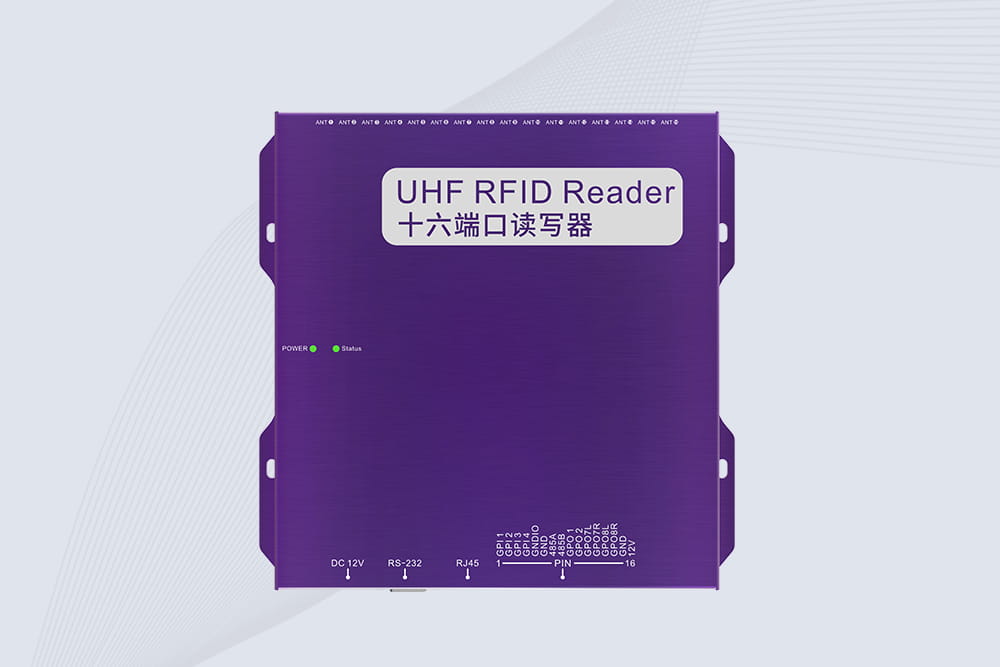
598Discover the top fixed RFID readers for manufacturing plants. Compare durability, UHF performance, and integration with industrial automation systems.
MoreAll RFID Product
Integrating RFID with SAP enables businesses to automate inventory tracking, reduce manual data entry errors, and gain real-time visibility into stock levels. This process involves configuring middleware, aligning RFID data with SAP’s material master tables, and ensuring seamless communication between hardware and ERP modules. Below, we outline a step-by-step approach to achieve this integration.

Cykeo’s RFID systems, for example, include pre-built SAP connectors that map tag data to SAP MM (Materials Management) or EWM (Extended Warehouse Management) fields.
A European automotive supplier using Cykeo’s integration cut inventory reconciliation time by 60% by auto-updating SAP EWM during pallet movements.
Cykeo’s platform supports SAP-certified connectors and edge computing to preprocess RFID data, reducing SAP’s transactional load. Their solutions are validated in complex environments like pharmaceutical warehouses, where real-time batch tracking is critical for compliance.

Discover the top fixed RFID readers for manufacturing plants. Compare durability, UHF performance, and integration with industrial automation systems.
More
RFID CFS systems integrate RFID technology with container freight station (CFS) management to enable automatic cargo identification, real-time tracking, and full process visibility, helping logistics companies enhance efficiency, reduce costs, an...
More
UHF (Ultra High Frequency) RFID readers stand out for their unique performance, becoming a powerful tool for enterprises to achieve efficient management and intelligent upgrades.
More
RFID in manufacturing is reshaping shop floors, from asset tracking to real-time production visibility. See how factories use RFID to cut errors and gain control.
More