When you want to check if your RFID (Radio Frequency Identification) system is functioning correctly, there are a few simple steps you can follow to verify its operation. RFID technology is commonly used in access control systems, inventory management, and contactless payments, making it important to ensure it’s working properly.
Here’s how you can check if your RFID is working:
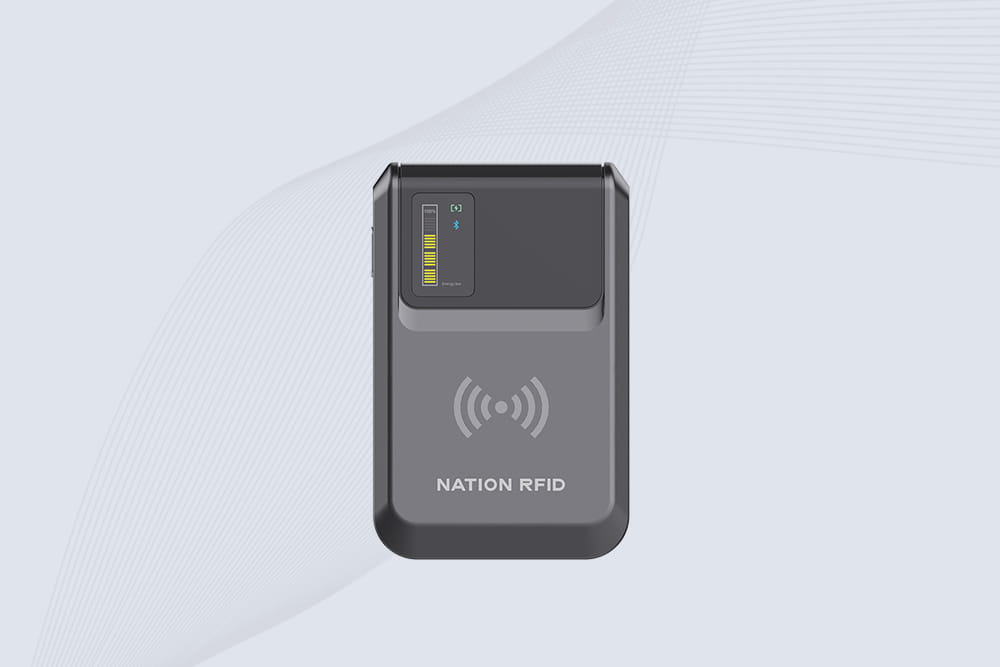
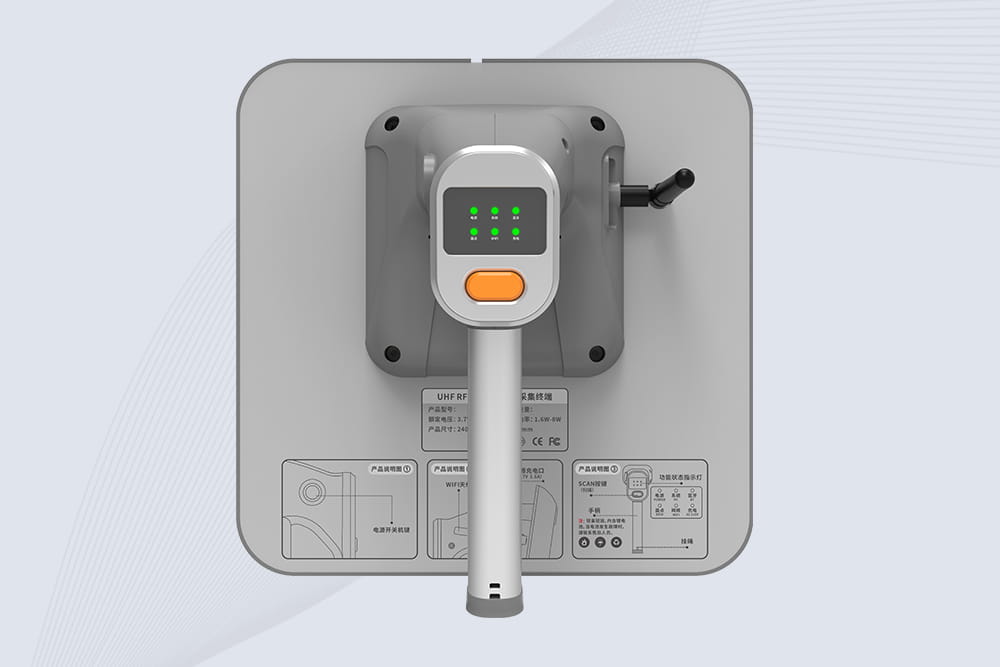
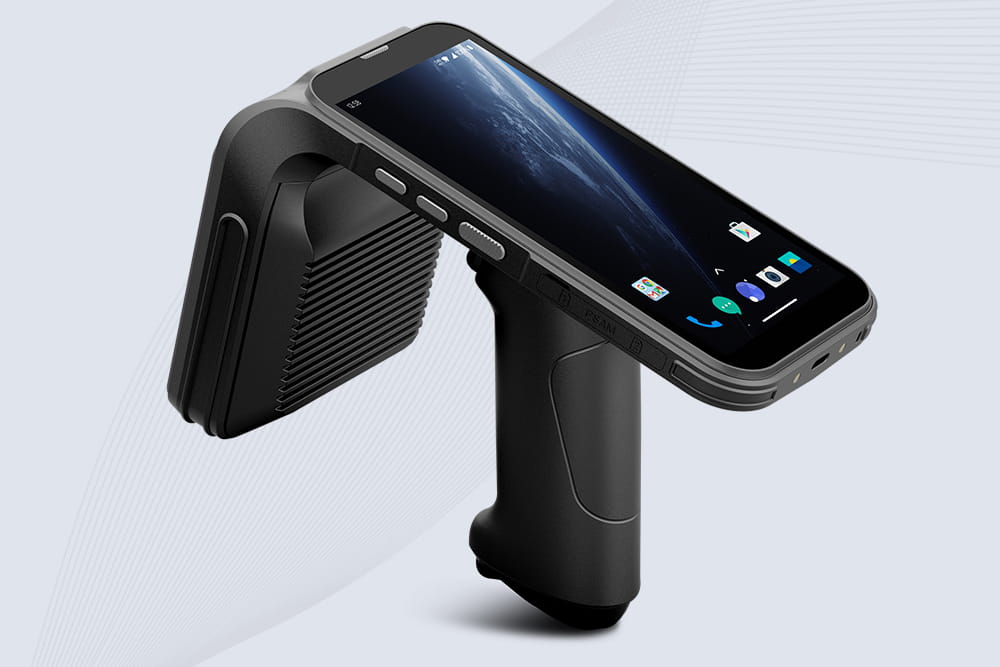
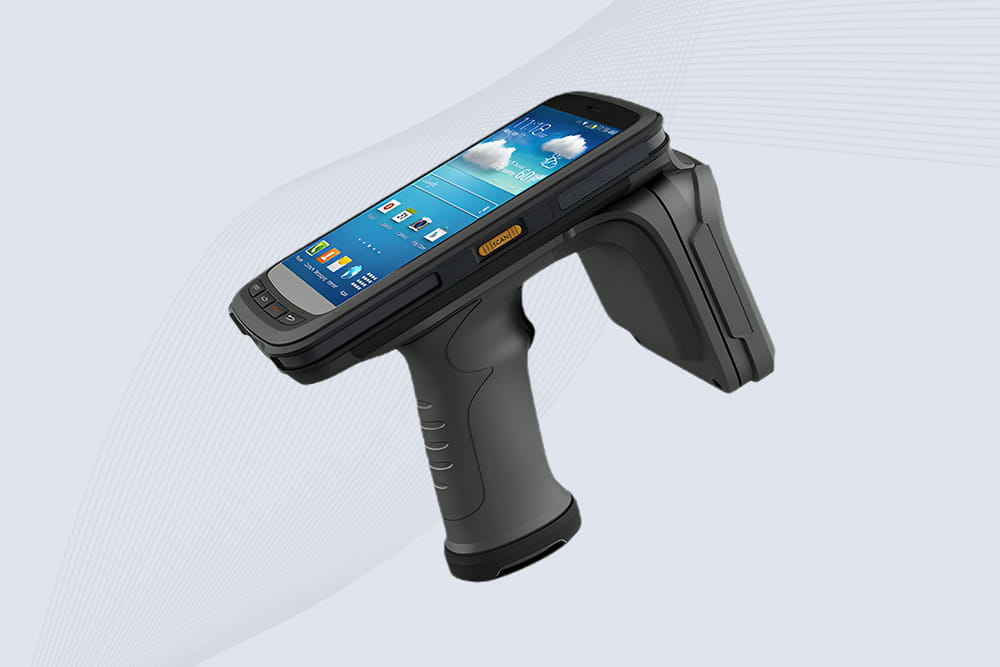
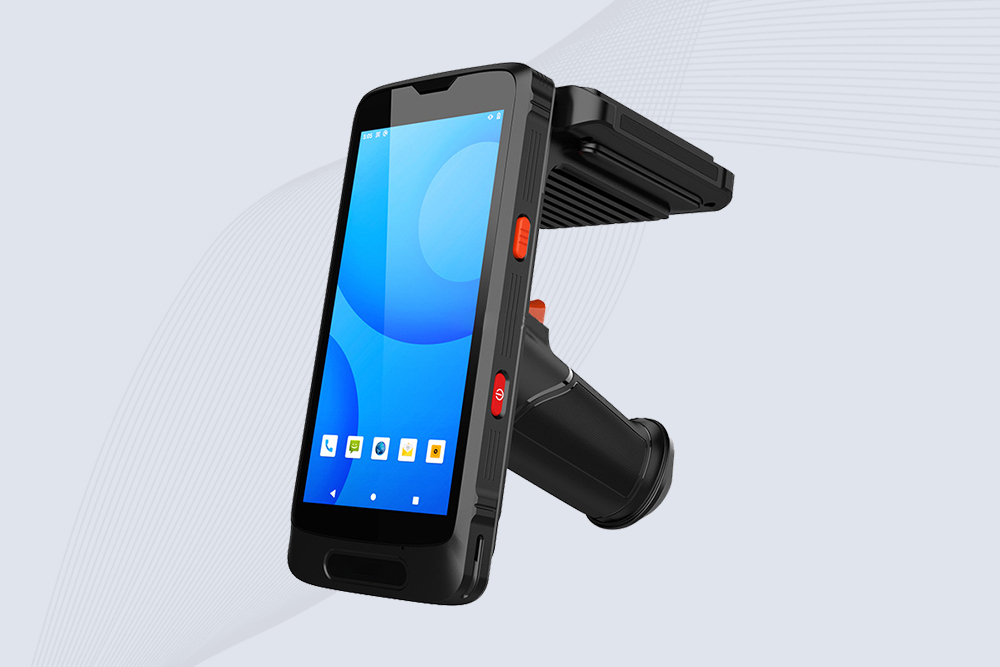
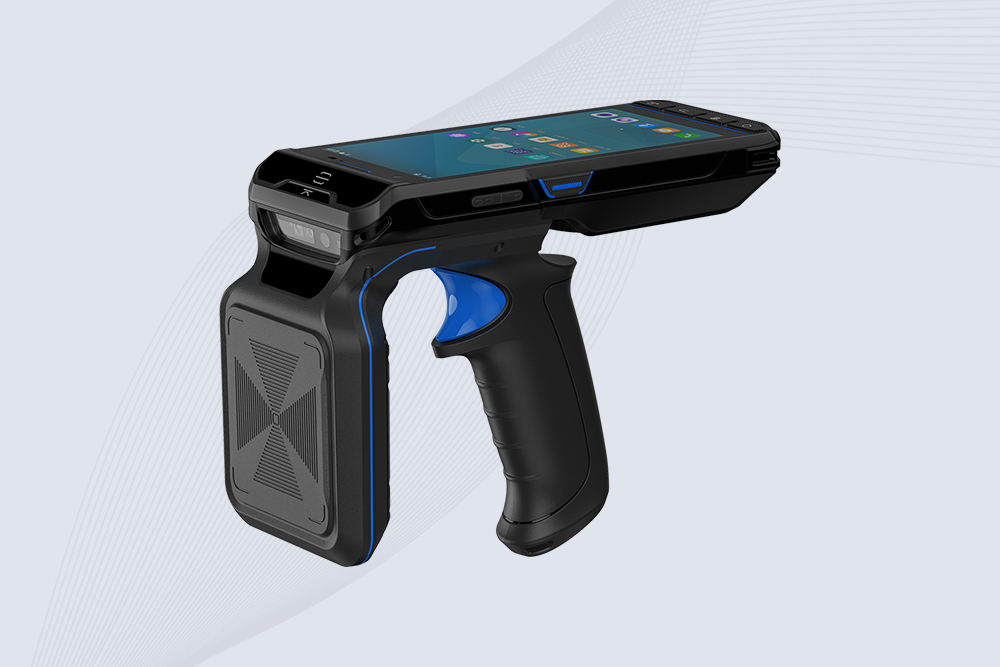
Check the RFID Tag and Reader Interaction First, ensure that the RFID tag is properly positioned and is within range of the Handheld RFID Reader. The device should be able to read the tag when it is in proximity. If it’s not detecting the tag, the issue may be related to the positioning or alignment.
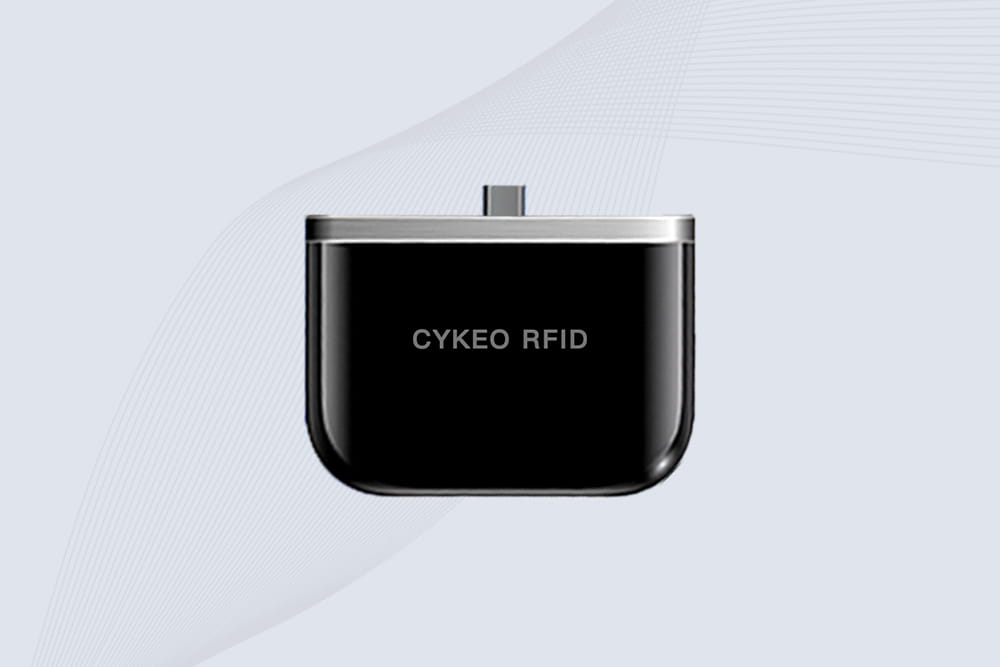
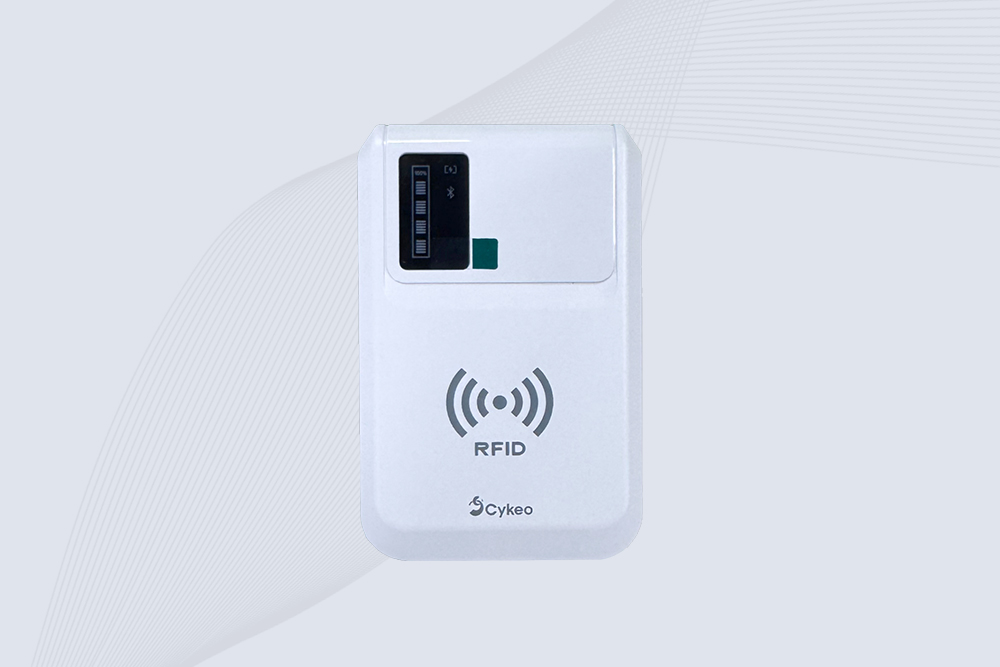
Test with an RFID Reader App or Device Use a compatible RFID reader to check if the tag is being read. Some devices, like those from Cykeo, come with built-in testing features. If the reader gives feedback such as a green light or confirmation on the device’s screen, your RFID is likely working fine. If you’re not getting any reaction, try using another reader or app to cross-check.
Inspect for Interference RFID systems can sometimes experience interference due to metal surfaces, electronic devices, or other environmental factors. Ensure that the area around the reader is clear of obstructions that might prevent the signal from being transmitted effectively.
Check for Power Issues If your RFID system uses battery-powered devices, check to ensure the batteries are charged or replaced as needed. If the RFID reader or tag is powered down, it won’t be able to communicate effectively.
Consult the Manufacturer If you’ve followed all the steps above and the RFID system still doesn’t seem to work, it might be time to consult the manufacturer for troubleshooting. Cykeo, for example, offers customer support to help you diagnose potential issues with your RFID devices and recommend solutions.
By following these steps, you can easily determine whether your RFID system is functioning properly and identify any issues early. If you are still facing challenges, reaching out to the support team of your RFID brand like Cykeo can provide you with further assistance.
RFID Troubleshooting – Quick FAQs
How to check RFID tag is working or not?
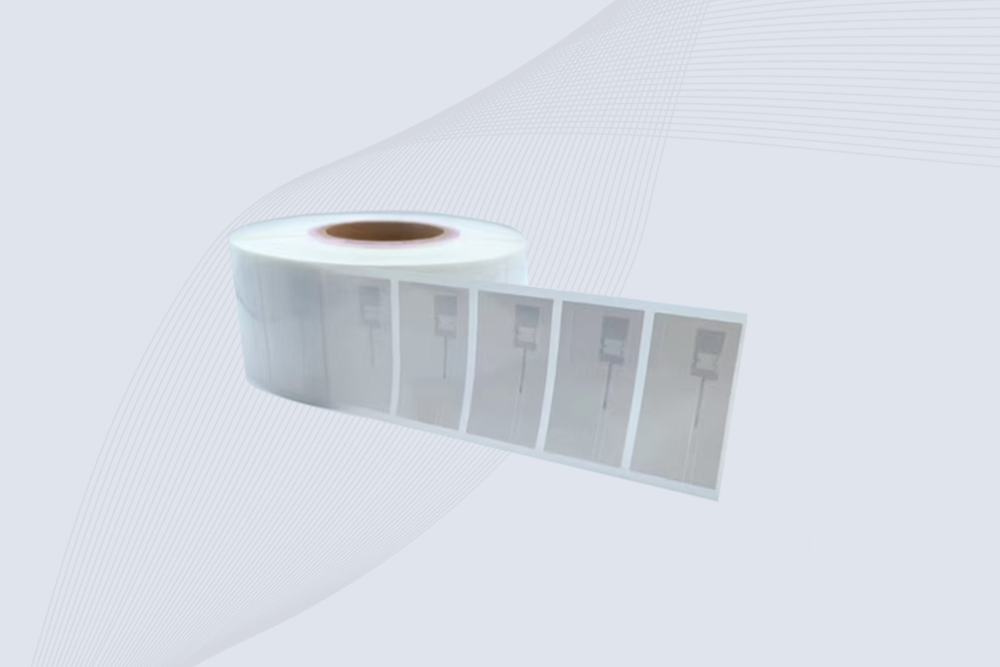
The simplest way is to scan the tag with a compatible RFID reader. Bring the tag within the reader’s normal detection range and see if the system responds. Most readers will either display the tag ID, beep, or show a signal indicator.
If nothing happens, try another tag with the same reader. If the second tag works, then the first tag may be damaged. If neither works, the problem is probably with the reader or the configuration rather than the tag itself.
Why my RFID cannot detect?
There are several reasons this happens, and it’s rarely just one thing.
First check the distance and orientation between the tag and the reader. RFID signals are sensitive to angles. A tag that works perfectly at one angle might fail at another.
Metal surfaces, liquids, and electronic equipment nearby can also weaken the signal. Another common cause is frequency mismatch—for example, trying to read a 125 kHz tag with a 13.56 MHz reader.
When troubleshooting RFID detection problems, testing the tag with another reader is usually the fastest way to narrow it down.
How to know if RFID is activated?
Most RFID tags don’t have an “on/off” switch. Passive tags are activated automatically when they enter the electromagnetic field of a reader. If the reader can detect the tag and display its ID, the tag is active and working.
For systems like access cards or asset tracking tags, activation may also involve registering the tag number in software. In that case, the tag itself works, but it won’t trigger any action until the system recognizes its ID.
What to do if RFID is not working?
Start with the basic checks first.
Make sure the reader has power and the antenna is connected properly. Then try scanning the tag again at different distances or angles. Sometimes a small position change is enough.
If the issue continues, test another tag with the same reader. This helps determine whether the problem is with the tag or the reader. Environmental interference—especially metal surfaces or nearby electronics—can also affect performance.
If none of these steps solve the issue, contacting the RFID device manufacturer for technical support is usually the next step.
How to check RFID tag number?
To check the RFID tag number, you need a reader that supports the tag’s frequency. When the reader scans the tag, it will display a unique identifier—often called a UID, EPC code, or serial number.
In many applications such as inventory tracking or access control, that number is then linked to a record in the system database. So while users see a product name or employee ID on screen, the RFID tag number is what the reader actually captures.
RFID and barcode technologies are widely used in international trade, manufacturing, warehousing, and retail industries. This article provides a detailed comparison of the two in terms of identification methods, reading efficiency, data capacity, ...
Wondering "can RFID sensors read through aluminum"? Discover how aluminum blocks RFID signals, why metal causes interference, and solutions for tracking assets in metal-rich environments with CYKEO.
Wondering "can you read NFC with RFID"? Discover how HF RFID readers work with NFC tags, real-world testing results, protocol requirements, and solutions from CYKEO.
 Cykeo RFID IoT Solution Products R&D Manufacturer