All RFID Product

How to Set Up an RFID Workstation for Inventory Management?​

Cykeo News RFID FAQ 6730

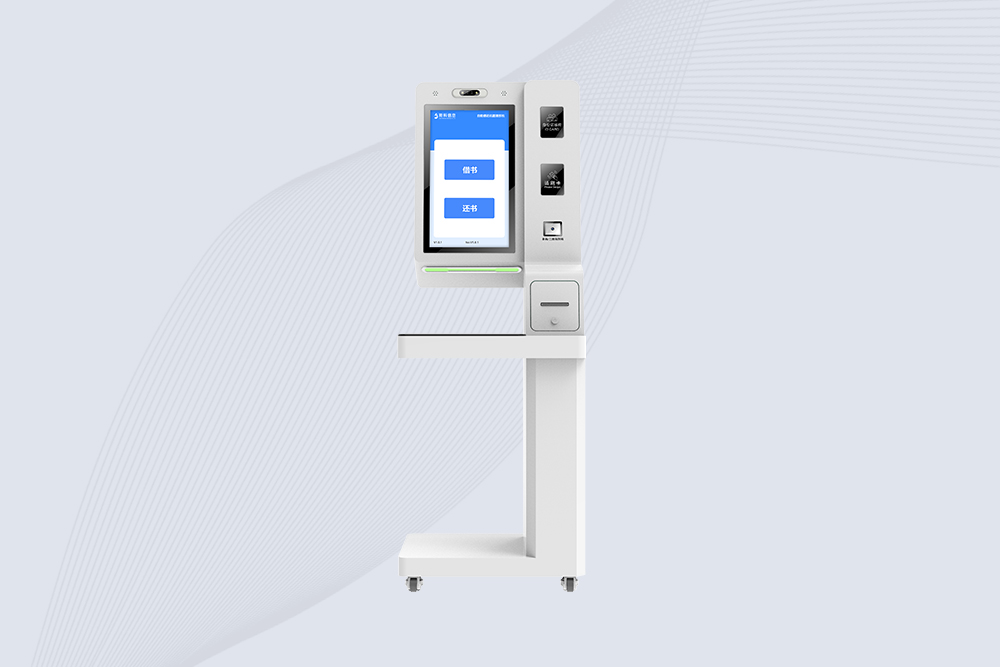
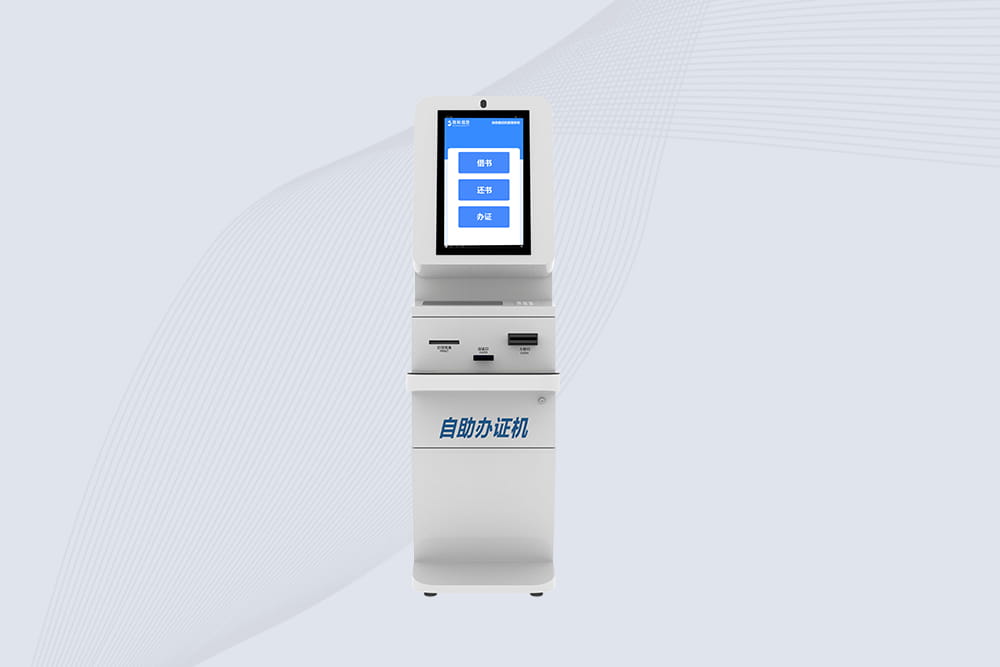
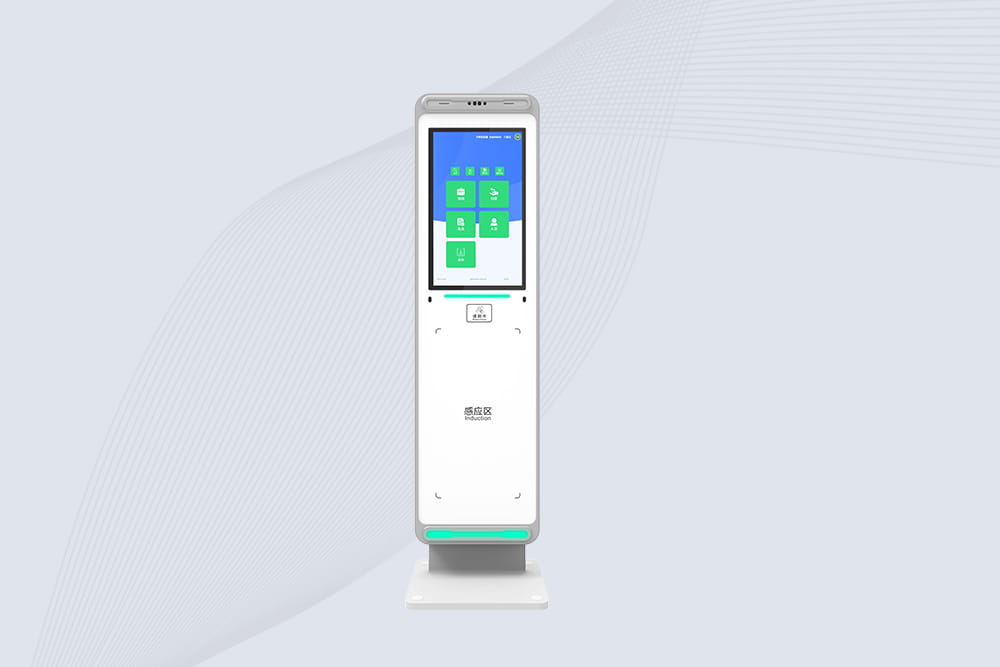
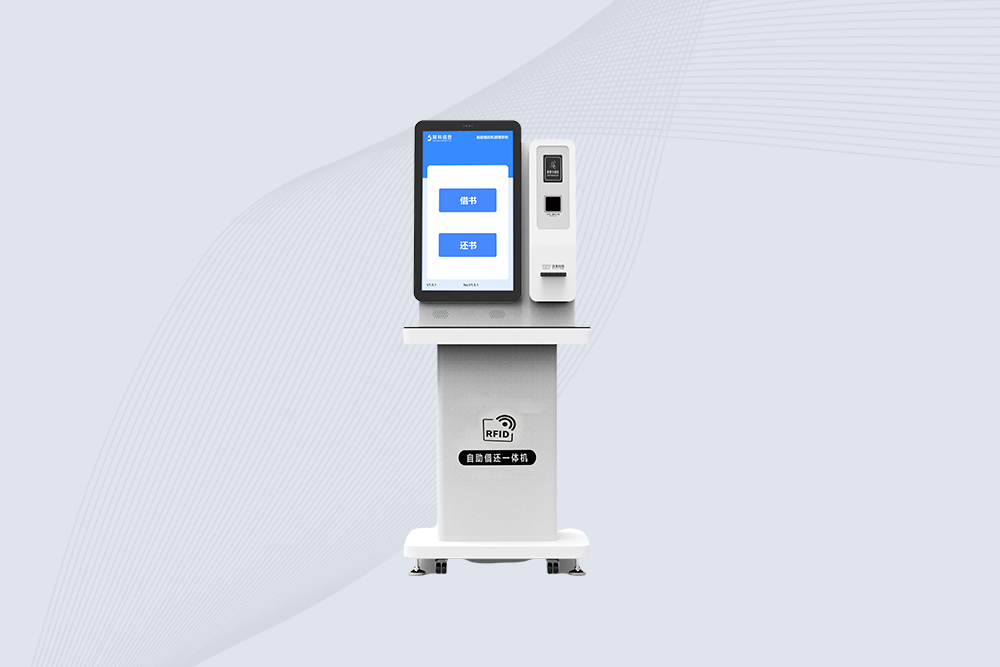
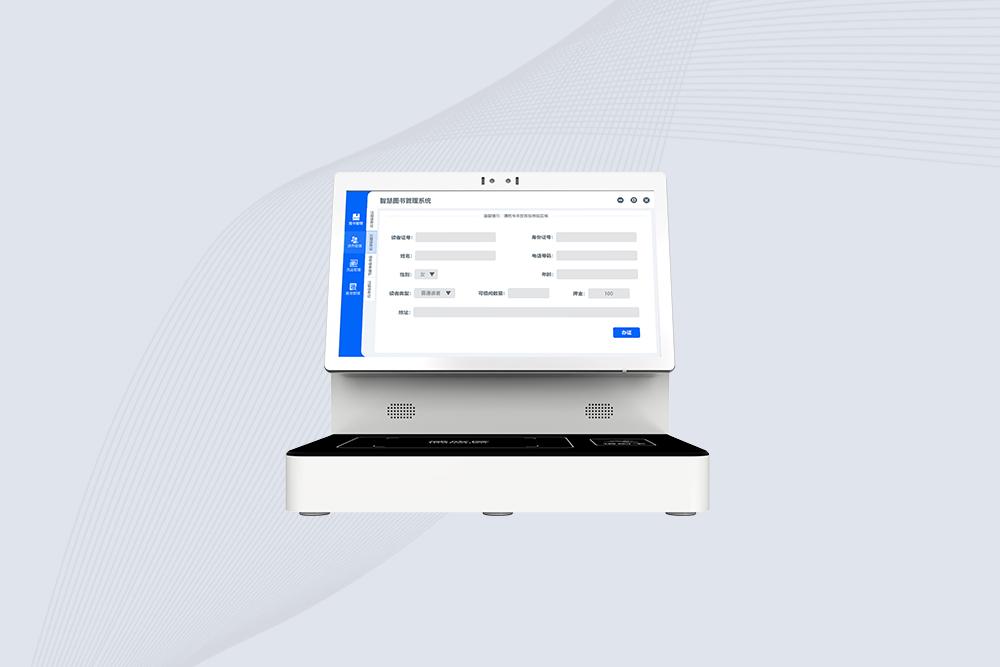
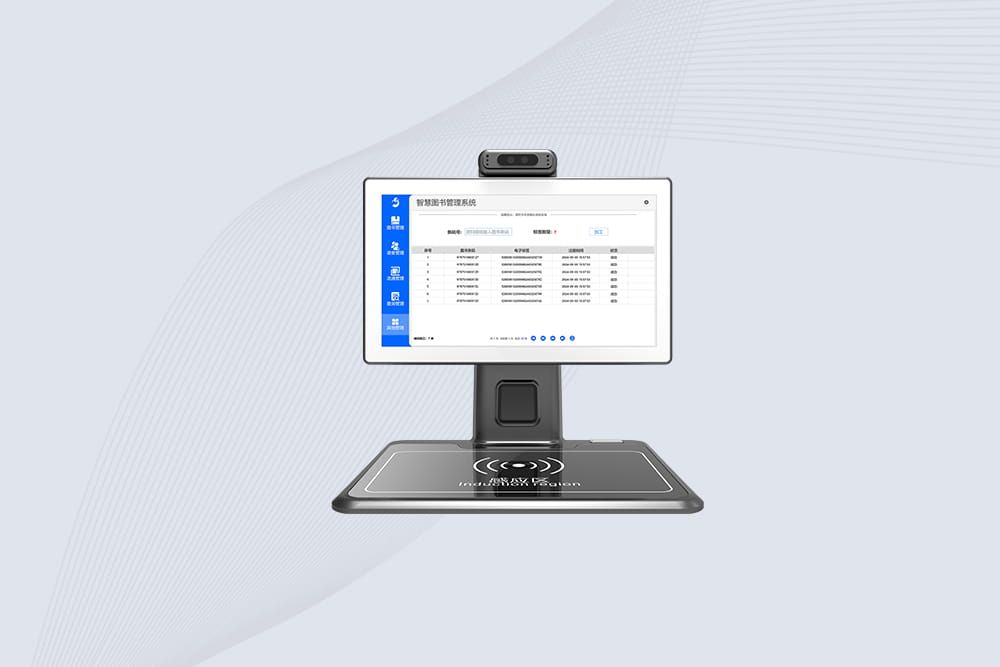
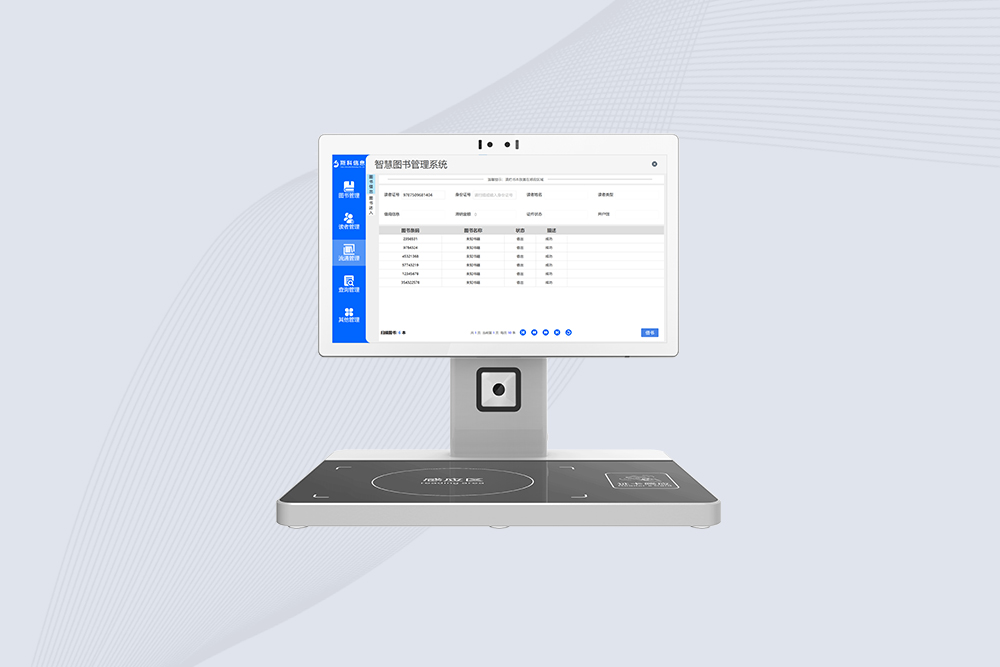
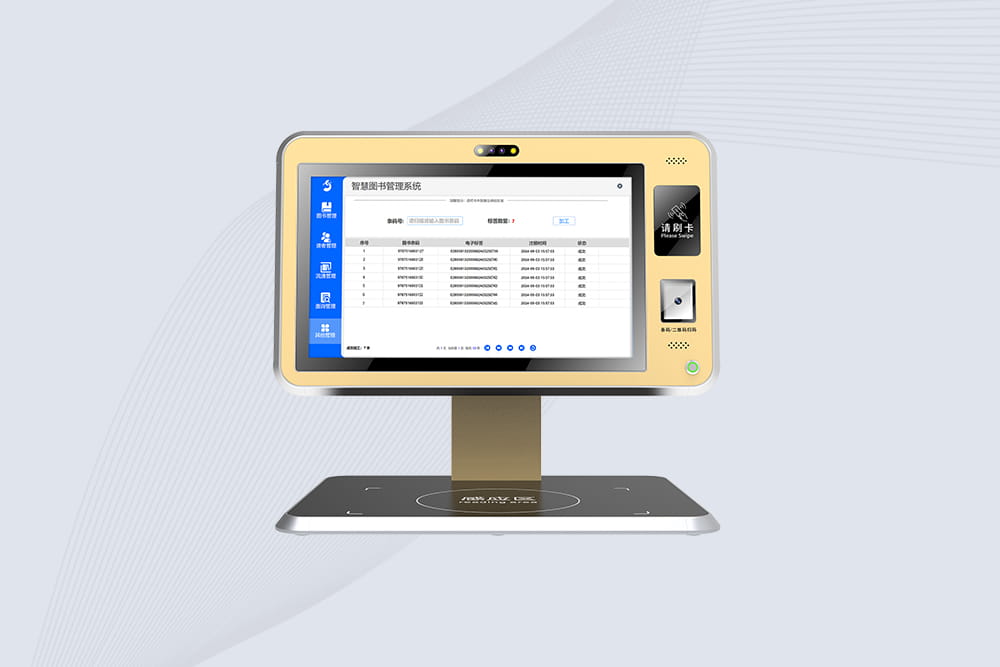
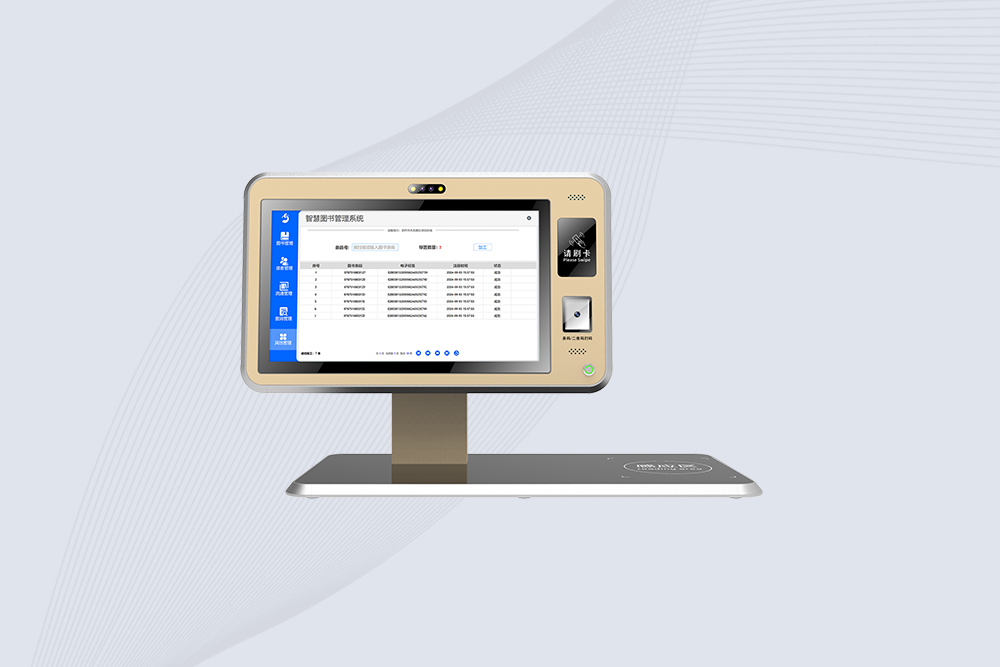
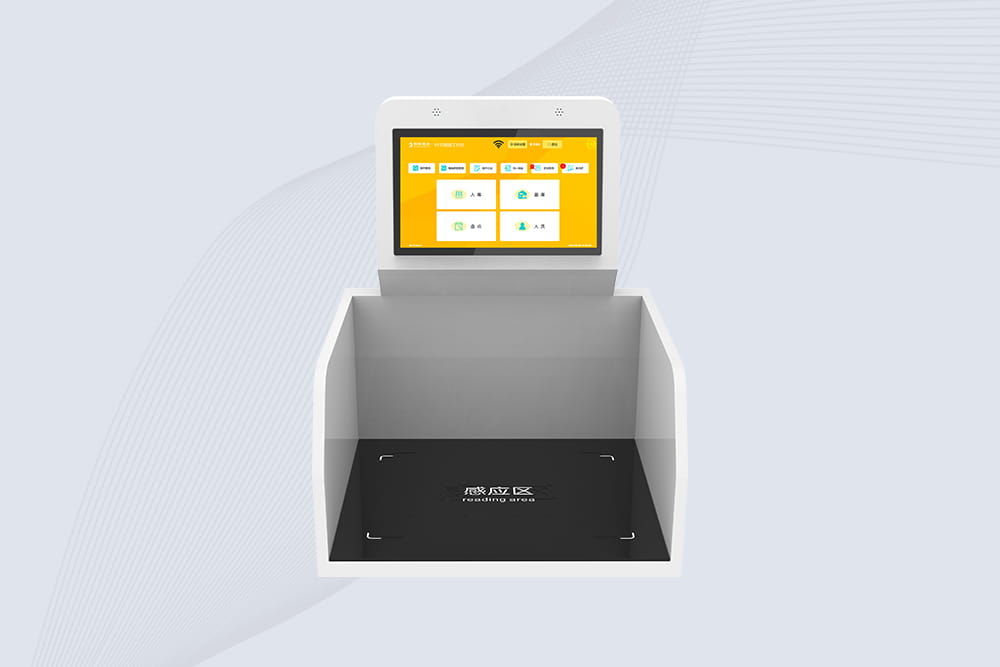
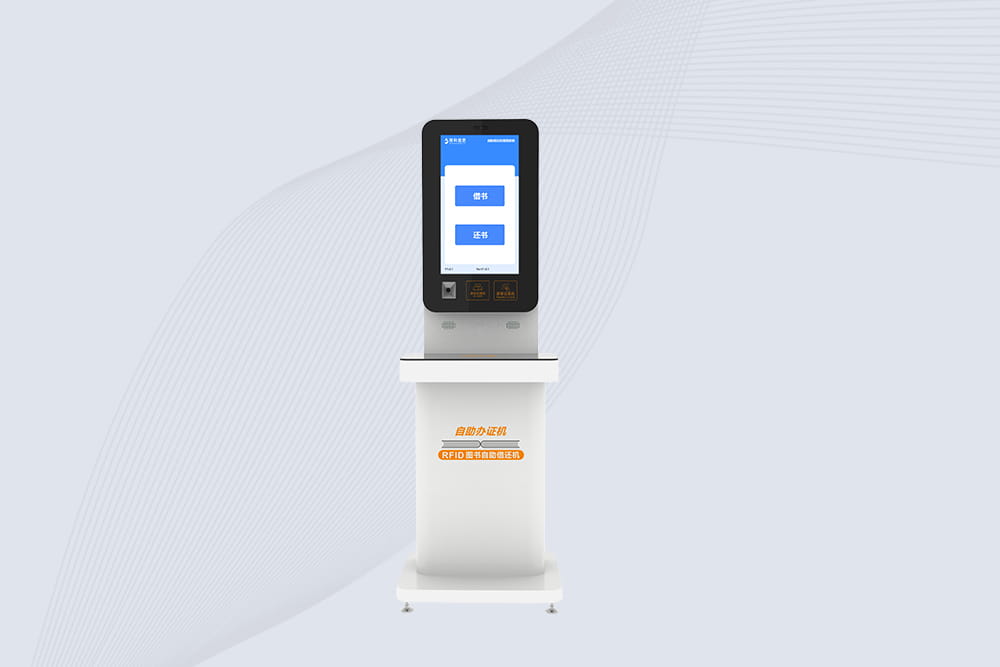
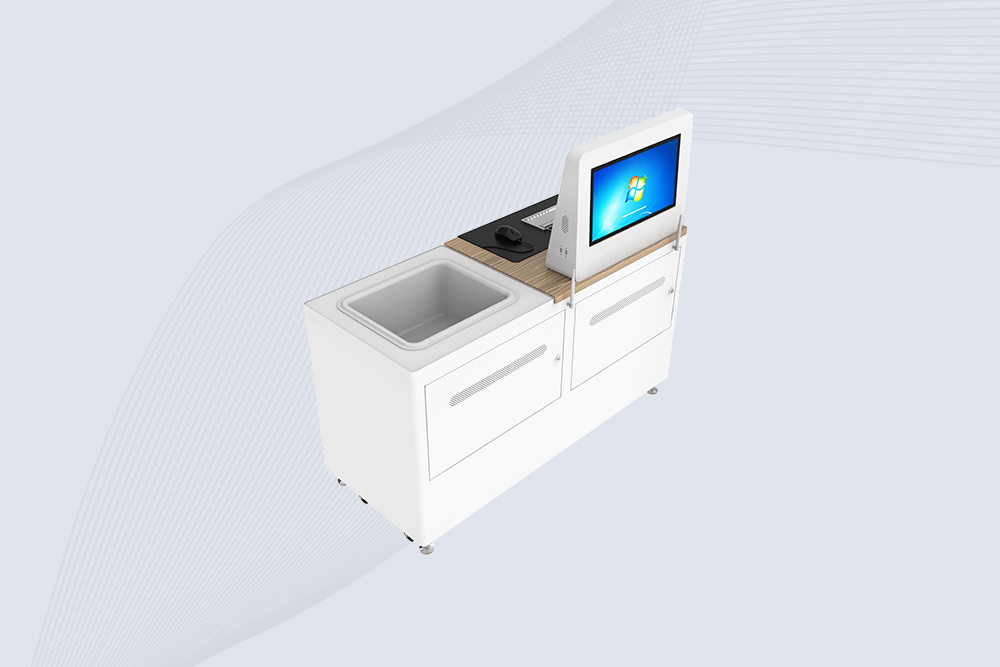
Setting up an RFID workstation for inventory management streamlines stock tracking, reduces errors, and boosts operational efficiency. Follow these steps to deploy a Cykeo-powered system tailored for retail, warehouses, or manufacturing.

​​1. Hardware Selection & Placement​​

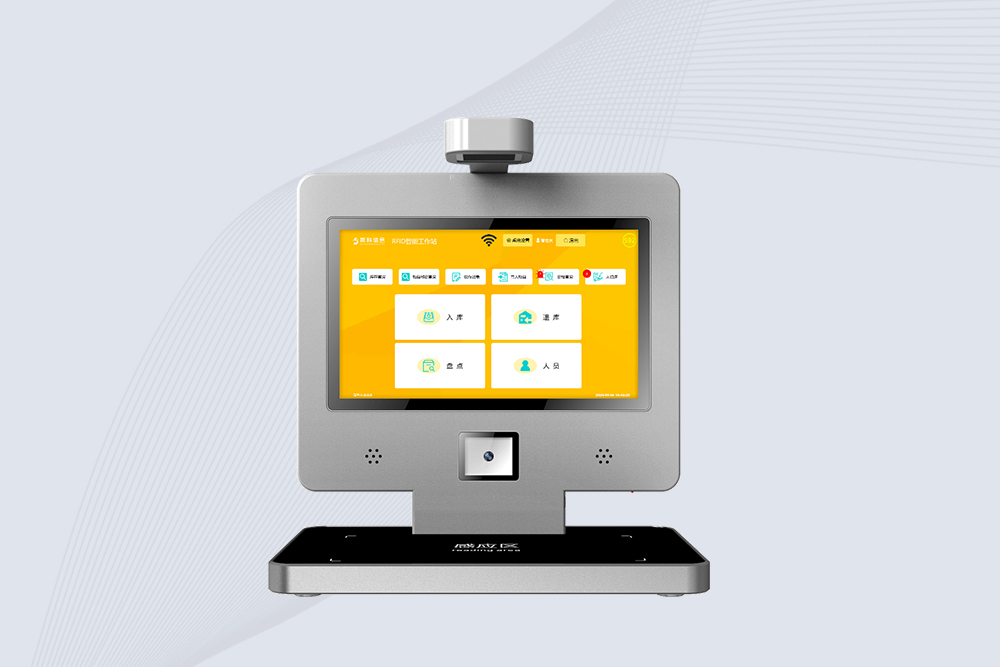
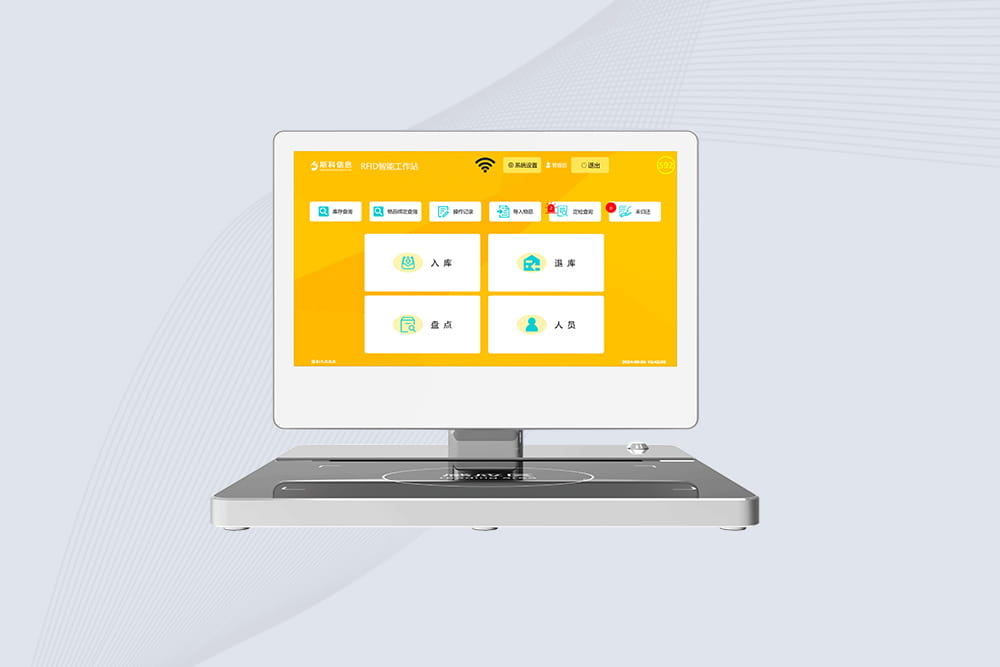
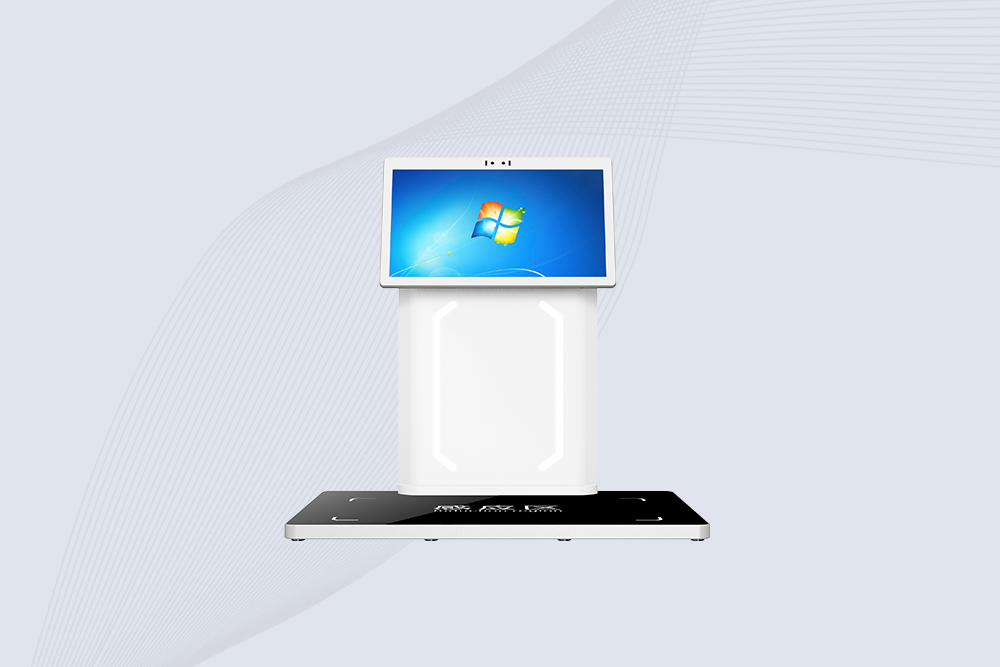
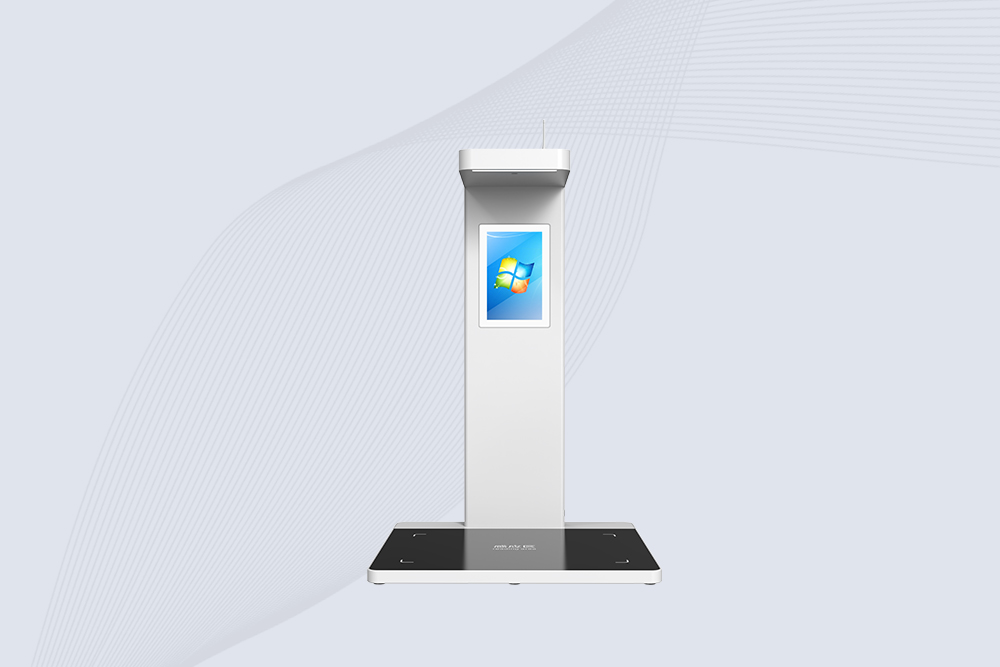
  • ​​RFID Workstation:​​
    • Choose a Cykeo workstation with ​​UHF RFID capabilities​​ (860–960 MHz) for broad compatibility.
    • Ensure it supports ​​anti-collision protocols​​ to read multiple tags simultaneously.
  • ​​Antenna Placement:​​
    • Mount antennas ​​1–2 meters​​ above the scanning zone (e.g., conveyor belts, shelves).
    • Angle antennas at ​​30°–45°​​ to maximize tag detection.

​​2. Tagging & Encoding​​

  • ​​Tag Type:​​
    • Use passive UHF tags for cost-effective bulk scanning.
    • For metal or liquid items, select Cykeo’s ​​on-metal or high-dielectric tags​​.
  • ​​Encoding:​​
    • Assign unique EPCs (Electronic Product Codes) via Cykeo’s ​​Tag Manager Software​​.

​​3. Software Integration​​

  • ​​Middleware:​​
    • Sync Cykeo’s workstation with inventory platforms like ​​SAP​​, ​​Zoho Inventory​​, or custom databases.
  • ​​Automation Rules:​​
    • Set triggers to update stock levels, flag low inventory, or generate reorder alerts.

​​4. Testing & Calibration​​

  • ​​Read Rate Test:​​
    • Scan 100+ items to ensure >99% accuracy. Adjust antenna power (25–30 dBm) if needed.
  • ​​Interference Check:​​
    • Relocate Wi-Fi routers or microwaves causing UHF signal disruption.

​​5. Training & Maintenance​​

  • ​​Staff Training:​​
    • Teach teams to troubleshoot missed reads or tag placement issues.
  • ​​Cykeo Support:​​
    • Schedule firmware updates and antenna cleaning every 6 months.

​​Why Cykeo?​​
Cykeo’s workstations are pre-configured for quick deployment, compliant with ​​EPCglobal​​ standards, and backed by 24/7 technical support. A Midwest warehouse reduced stock discrepancies by ​​90%​​ using Cykeo’s system.

PgUp: PgDn:

Relevance

View more