 Cykeo RFID IoT Solution Products R&D Manufacturer
Can Handheld RFID Scanners Read Tags Through Walls or Metal?
992Discover whether handheld RFID scanners can read tags through walls or metal barriers. Learn how Cykeo’s technology tackles signal challenges.
MoreAll RFID Product
I still remember the first time I tried to write an RFID card. I thought it was going to be plug-and-play — buy a cheap writer, slap the card on, done. Nope. The thing just beeped, and nothing actually wrote. That’s when I learned the first hard truth: not all RFID cards are even writable.
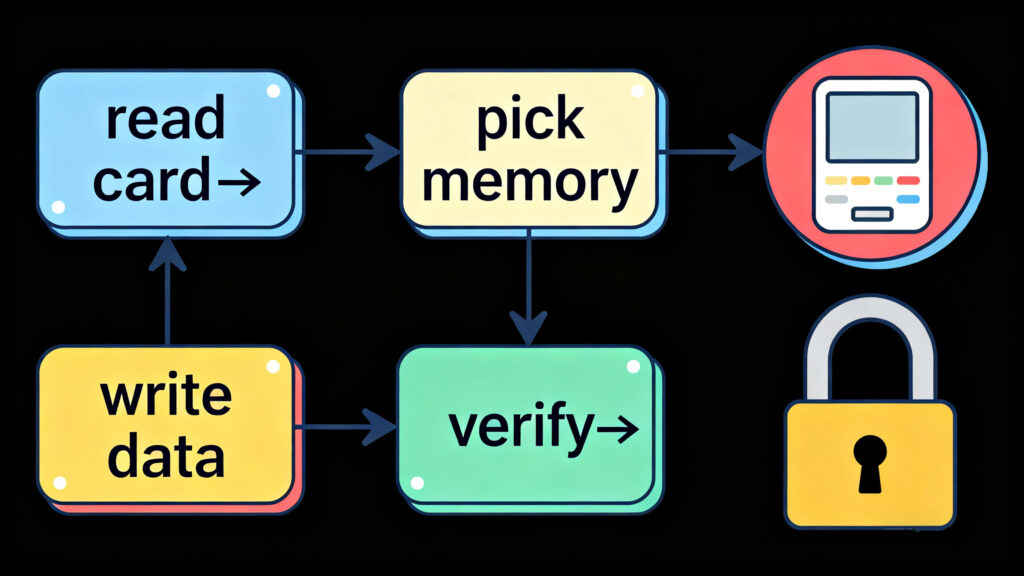
So, let’s cut through the noise. If you’re trying to figure out how to write RFID card, here’s the way I’d explain it to a friend over coffee.
Before you even plug anything in, check what card you’ve got:
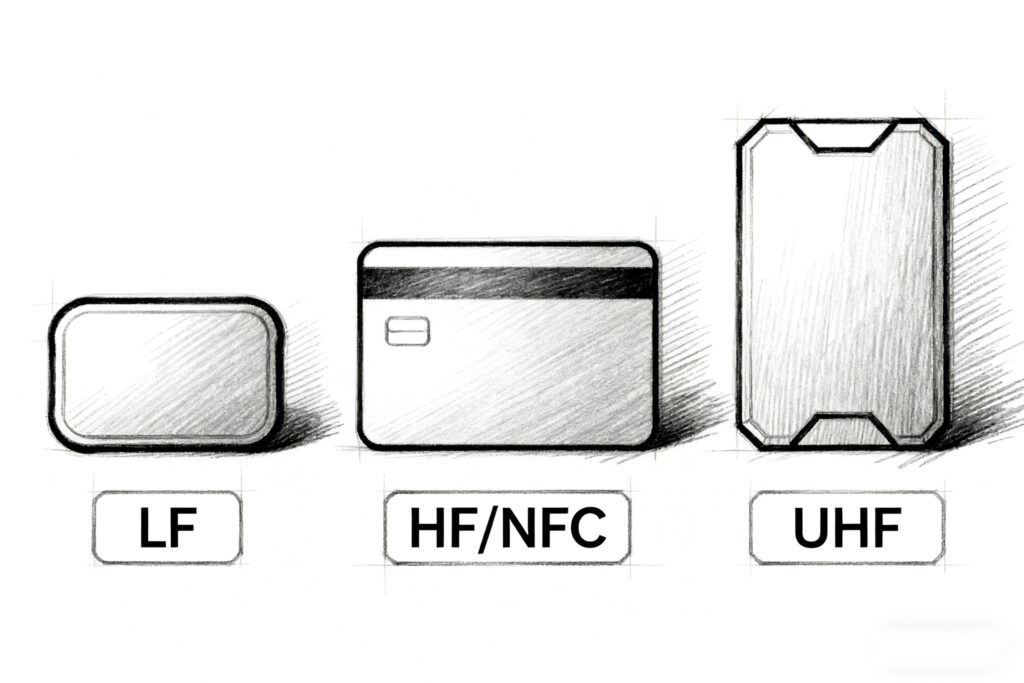
Quick tip: if the card only ever spits out a UID and never accepts data, don’t waste your time trying to write on it. Been there, done that.
Here’s where people mess up. A writer for 125kHz won’t touch NFC, and your phone’s NFC chip can’t program UHF tags. Match the tool to the card.
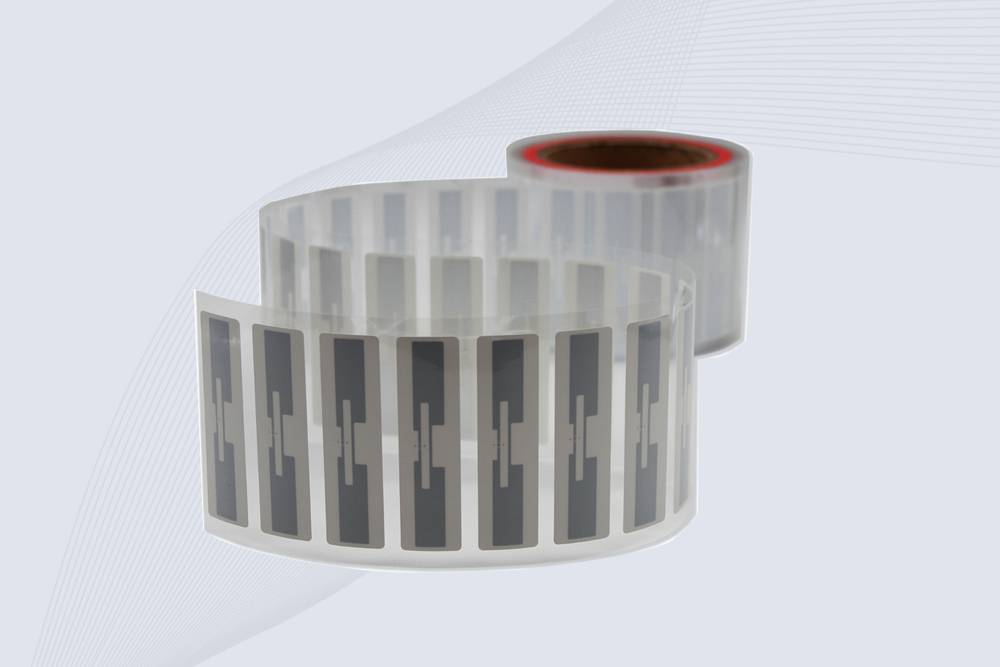
CYKEO Passive RFID Tags are made for wet and high-humidity environments where standard labels do not last. This rfid passive tag is often used around liquids, chemicals and temperature changes, providing stable reading distance and long data life for industrial tracking.
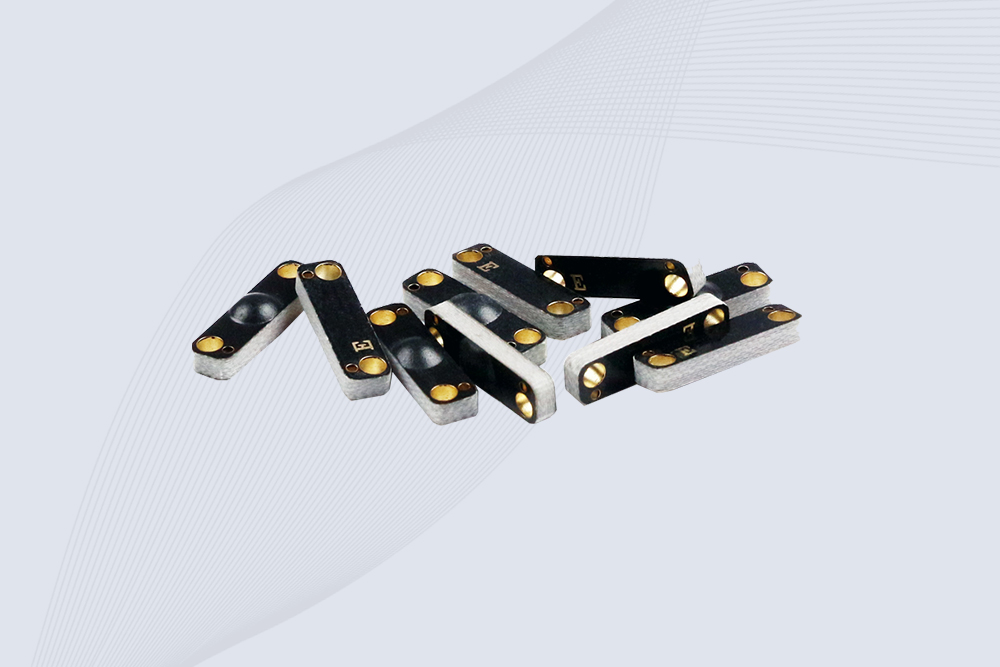
CYKEO CYKEO-PCB1504 Metal RFID Tags is a compact anti-metal UHF RFID solution built for direct mounting on metal surfaces. With stable 8-meter read range, Ucode-8 chip, and long data retention, this rfid metal tag fits tools, containers, automotive parts, and industrial asset tracking.
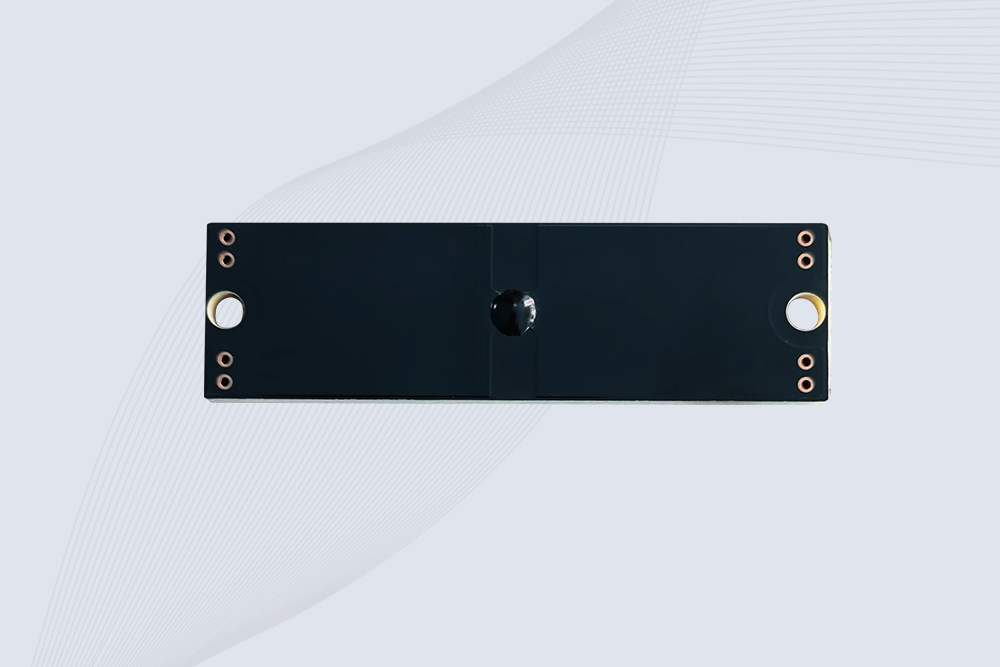
CYKEO CYKEO-PCB7020 On-Metal RFID Tags are designed for reliable tracking on steel and metal surfaces. Built with an FR4 epoxy body and industrial-grade chips, these On-Metal RFID Tags deliver stable performance, long data life, and chemical resistance, making them a dependable RFID anti-metal tag for harsh environments.
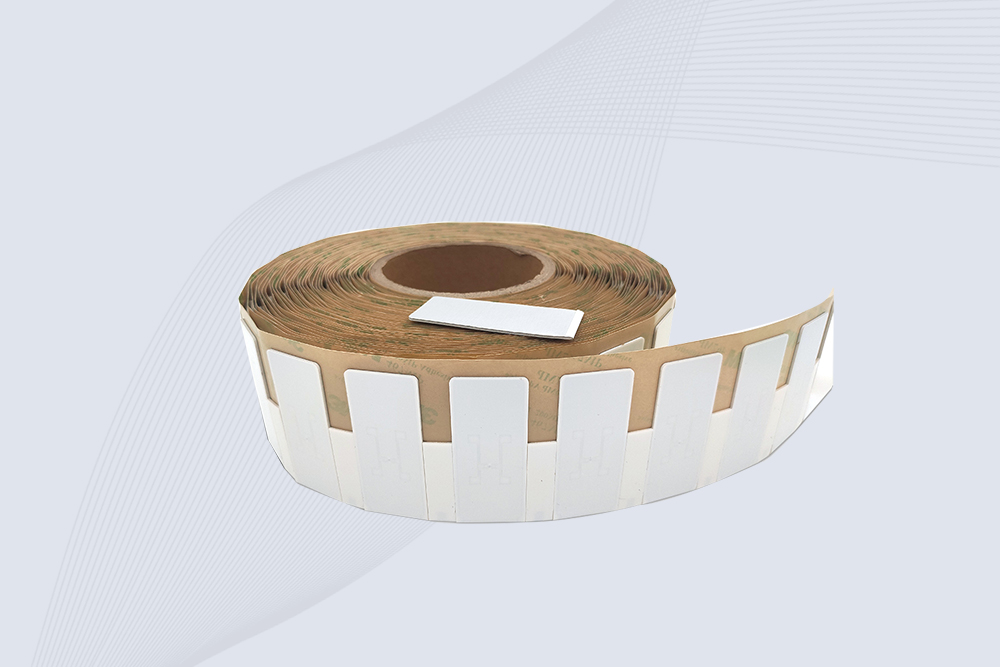
The CYKEO CYKEO-60-25 Anti-Metal RFID Tag is built for metal surfaces where standard tags fail. Designed for long-range performance, harsh environments, and stable data retention, this Anti-Metal RFID Tag is ideal for industrial assets, containers, and equipment tracking using on metal RFID tags.

Discover whether handheld RFID scanners can read tags through walls or metal barriers. Learn how Cykeo’s technology tackles signal challenges.
More
Learn what an RFID tag is, how it works, and the different types used in inventory tracking, logistics, and industrial asset management.
More
Discover how handheld RFID scanners improve livestock tracking, health monitoring, and farm efficiency. Learn key features for agricultural use.
More
Discover the top software tools to program RFID tags, including encoding, data management, and integration solutions. Learn how Cykeo simplifies RFID development.
More