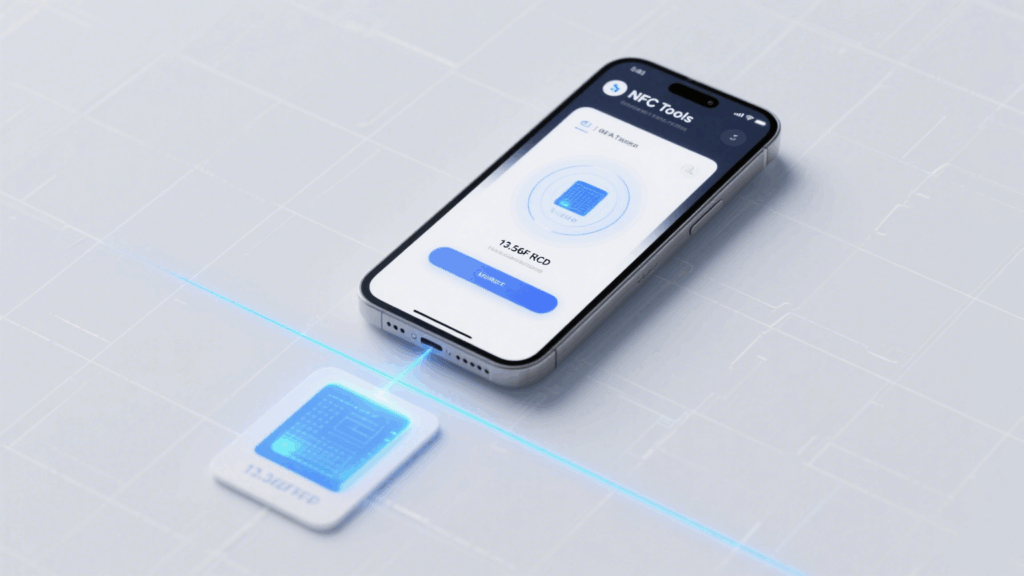
Most modern smartphones—especially Android devices—are equipped with an NFC (Near Field Communication) module, which is a form of RFID technology. This makes it possible to test RFID tags under certain conditions.
Important Notes:
Phones can only test high-frequency (HF) RFID tags, operating at 13.56 MHz (NFC type).
They do not support low-frequency (LF, 125 kHz) or ultra-high-frequency (UHF, 860–960 MHz) RFID tags.
What You Need: Phone + RFID Tag + App
To test RFID tags with a smartphone, prepare the following:
A smartphone with NFC support (Android 9.0 or above recommended)
RFID/NFC tag (must be HF, 13.56 MHz)
An NFC tool app such as:
NFC Tools
NXP TagInfo
NFC Tag Reader
After downloading one of these apps, you’re ready to begin testing.
Step-by-Step: How to Test RFID Tags with Your Phone
Follow these steps to test RFID tags using an Android phone:
Go to Settings > turn on NFC
Open your chosen testing app (e.g., NFC Tools)
Gently bring the RFID tag close to the back of your phone (near the NFC chip area)
The app will automatically detect and display tag information, including:
UID (Unique Identifier)
Tag type
Stored data
Depending on the tag, you can also perform read/write actions or format the tag.
Common Problems and Fixes If the Tag Isn’t Detected
If your phone fails to read the tag, it could be due to:
Incompatible tag frequency (only 13.56 MHz is supported)
NFC is turned off or not positioned correctly on the phone
The tag is damaged or inactive
App permissions are not fully granted (e.g., NFC access or background permissions)
Recommendations:
Try another tag
Restart your phone
Reinstall the app
Test with a different phone
Practical Use: Quick Check + Field Inventory
For RFID system integrators, warehouse staff, or hospital logistics personnel:
A smartphone can quickly confirm if a tag is functioning
It allows initial UID checks without using a professional reader
Suitable for field inventory, trial setups, or temporary asset labeling
While smartphones can’t replace dedicated RFID readers, for compatible tags, using a phone to test RFID is a convenient, cost-free method. Paired with the right app, it helps users quickly verify tag status and read basic info—useful for education, tag testing, or field inspections.
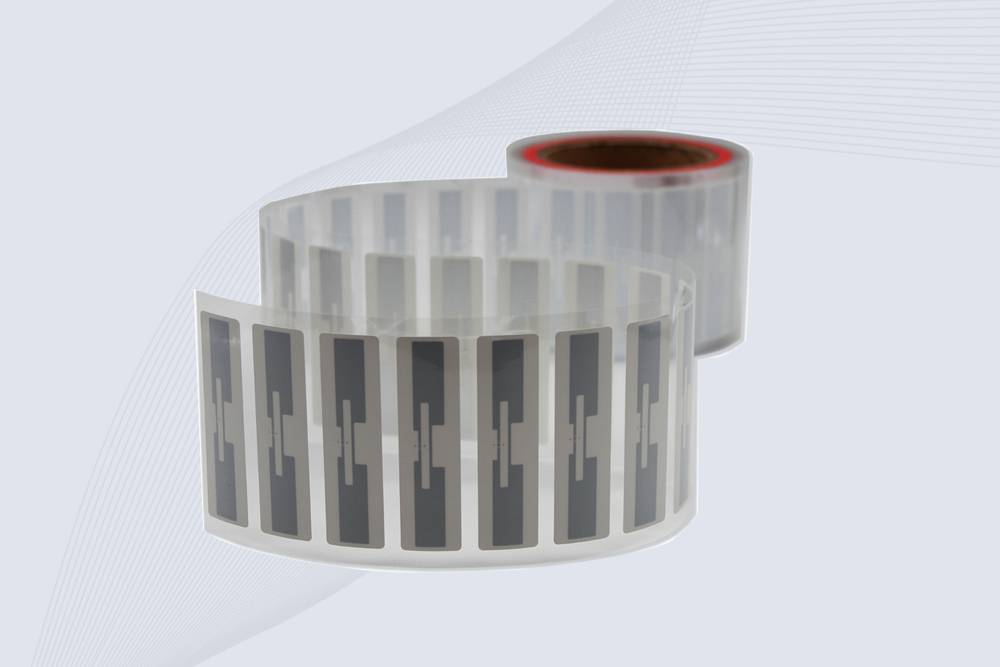
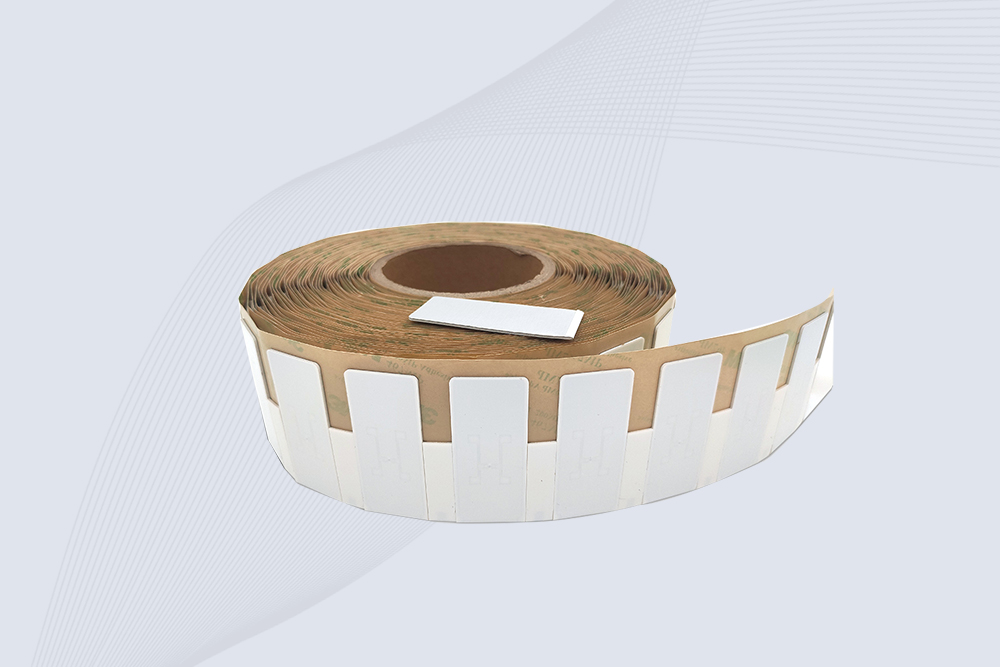
CYKEO Passive RFID Tags are made for wet and high-humidity environments where standard labels do not last. This rfid passive tag is often used around liquids, chemicals and temperature changes, providing stable reading distance and long data life for industrial tracking.
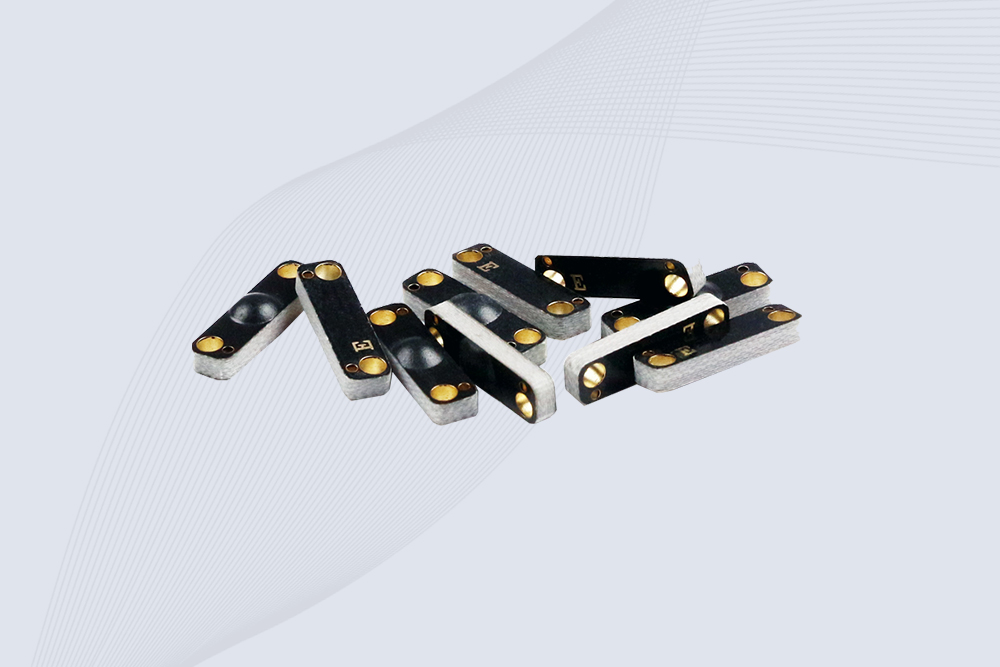
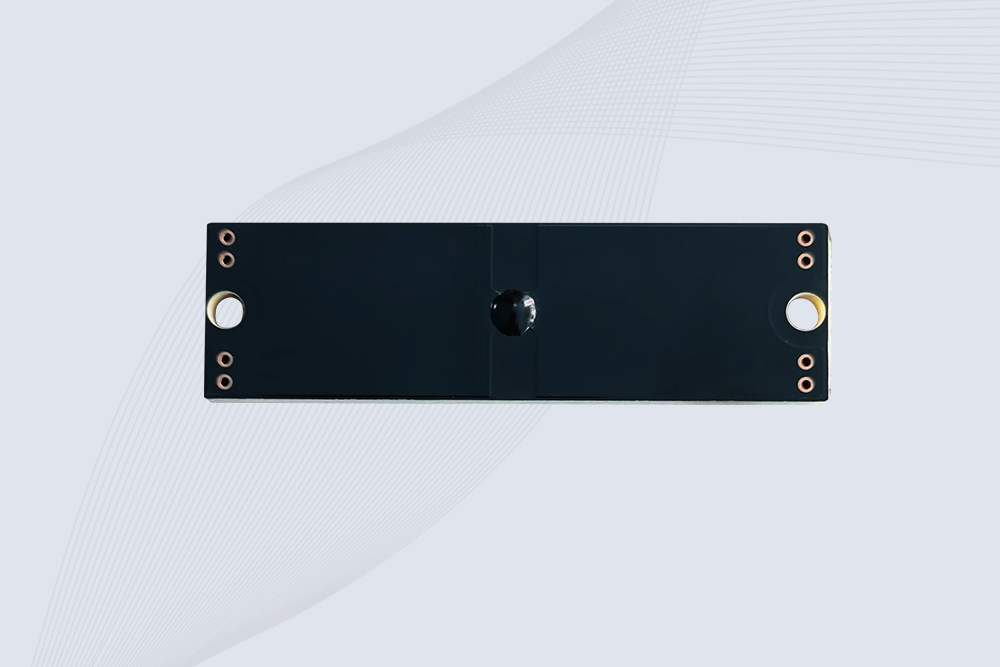
CYKEO CK-BQ1504 Metal RFID Tags is a compact anti-metal UHF RFID solution built for direct mounting on metal surfaces. With stable 8-meter read range, Ucode-8 chip, and long data retention, this rfid metal tag fits tools, containers, automotive parts, and industrial asset tracking.
CYKEO CK-BQ7020 On-Metal RFID Tags are designed for reliable tracking on steel and metal surfaces. Built with an FR4 epoxy body and industrial-grade chips, these On-Metal RFID Tags deliver stable performance, long data life, and chemical resistance, making them a dependable RFID anti-metal tag for harsh environments.
The CYKEO CK-BQ6025 Anti-Metal RFID Tag is built for metal surfaces where standard tags fail. Designed for long-range performance, harsh environments, and stable data retention, this Anti-Metal RFID Tag is ideal for industrial assets, containers, and equipment tracking using on metal RFID tags.
handheld RFID reader is a portable intelligent device widely used in asset inventory, warehouse logistics, and medical tracking. This article introduces its working principle, structural components, frequency support, and selection suggestions to ...
Struggling with how to add RFID module in Proteus? Follow our practical guide to find, install, and simulate common RFID readers like EM-18 in your schematic design.
how RFID fixed asset systems help companies automate inventory, prevent asset loss, and improve visibility. Learn how RFID tags and readers make asset tracking faster, more accurate, and easier to manage.
Learn how to track livestock efficiently using handheld RFID readers. Discover best practices for tagging, data collection, and integrating with farm management software.
 Cykeo RFID IoT Solution Products R&D Manufacturer