 Cykeo RFID IoT Solution Products R&D Manufacturer


Top RFID Long Range Reader Mistakes (From Real Projects) and How to Avoid Them
147Discover the most common RFID long range reader mistakes in real projects and learn how to avoid costly deployment failures.
MoreAll RFID Product
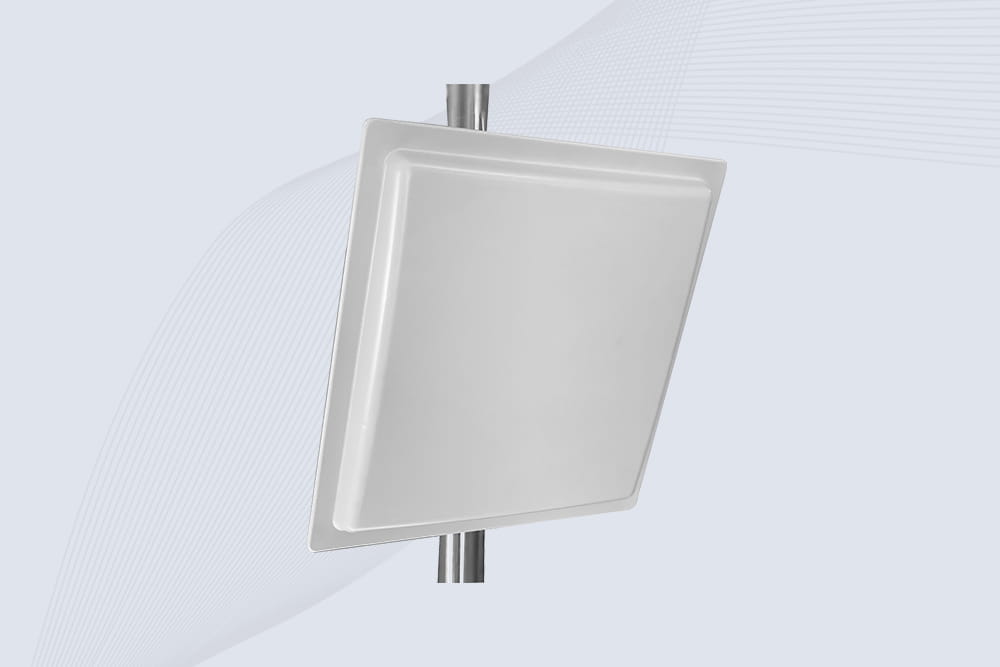
Your warehouse isn’t a quiet library—it’s a thunderdome of Wi-Fi routers, forklift radios, and metal shelves that eat RFID signals for lunch. If your UHF RFID reader struggles to scan past 10 feet, you’re not alone. Let’s fix this without burning $10K on “enterprise solutions.”

Interference Culprits:
Quick Test:
Place a tagged box 15ft away. If your reader misses it 3/10 times, interference’s your enemy.
Hack 1: Go Circular (Polarization, That Is)
Hack 2: Raise the Antenna
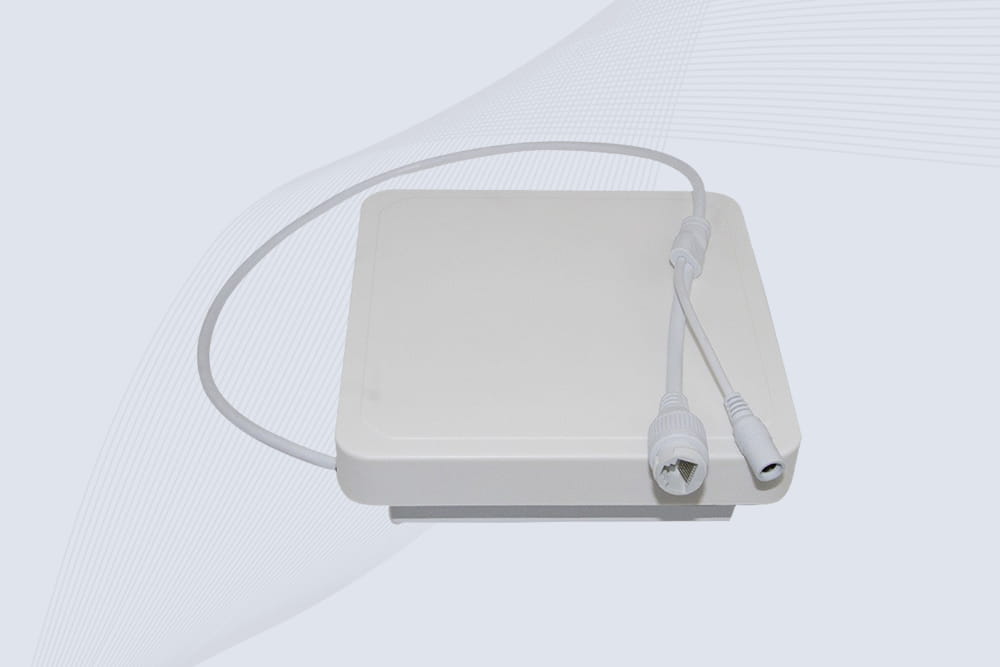
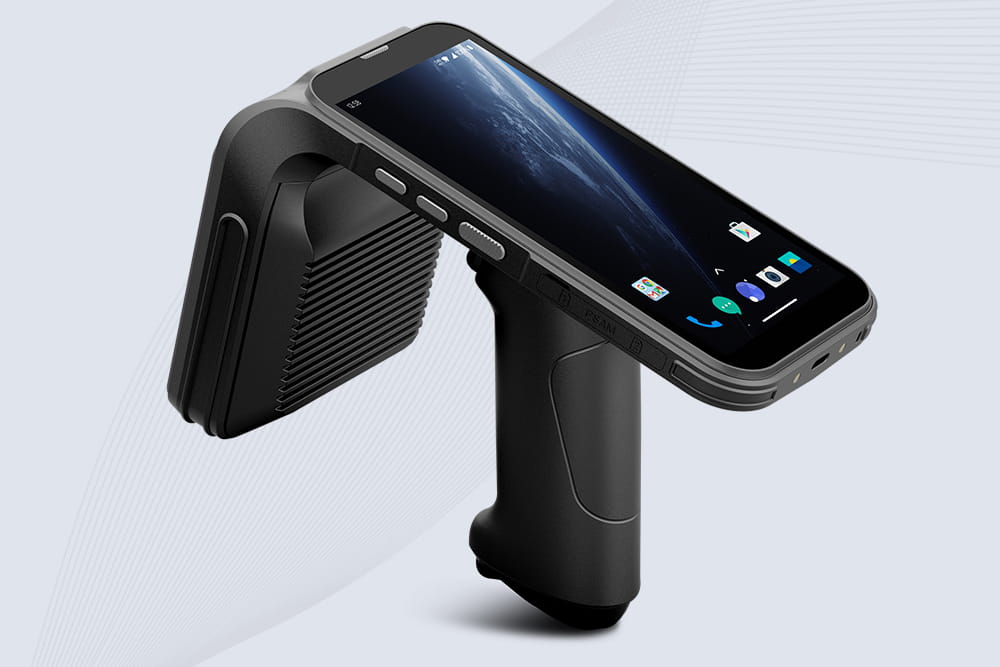
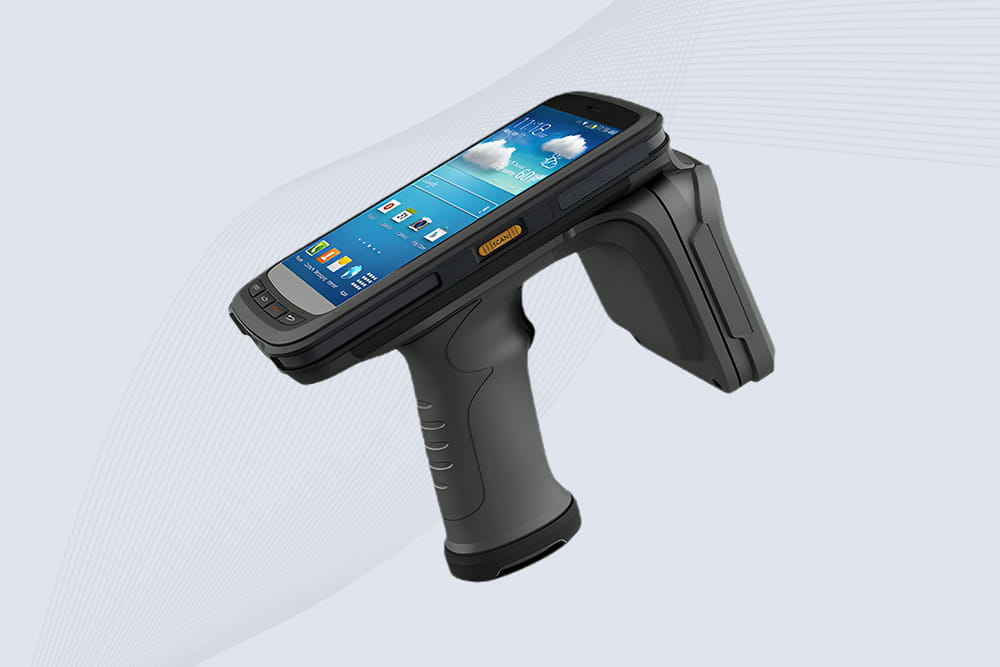
Cykeo Tip: Their warehouse-grade readers auto-adjust power based on interference. Plug-and-play for forklift-level chaos.
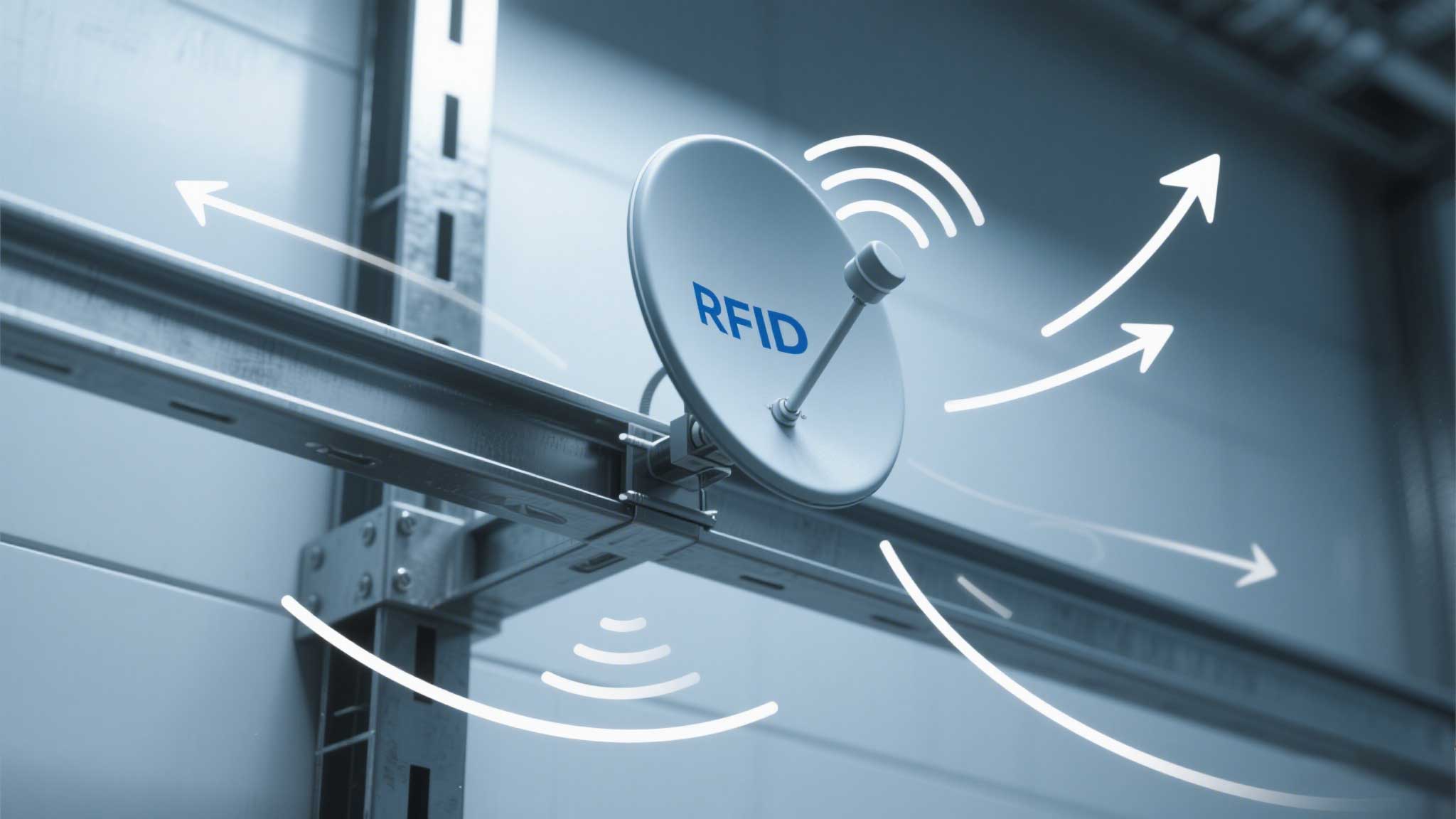
Step 1: Map Your Warehouse’s “Dead Zones”
Step 2: Reposition or Shield
Pro Move: Use a $50 RF spectrum analyzer app (like WiFiman) to spot “noise hotspots.”
Reader Transmit Power:
Danger: Overpowering creates signal “echoes” that confuse the reader. Test increments of 2dBm.
Cykeo Bonus: Their readers include a “warehouse mode” that optimizes power/frequency hopping automatically.
Setup:
Results:
Cost: $1,200 for antenna + 2 hours of repositioning routers. Cheaper than hiring a “RFID consultant” who quotes Shakespeare.
Extending UHF range in a messy warehouse isn’t about throwing money at it—it’s about outsmarting the noise. Reposition antennas, foil-wrap your lights, and stop letting Wi-Fi routers bully your RFID gear. And if you’re lazy? Grab a Cykeo reader. Their “set it and forget it” mode is for folks who’d rather fight bears than tweak RF settings.

Discover the most common RFID long range reader mistakes in real projects and learn how to avoid costly deployment failures.
More
Discover why multi-protocol RFID modules are critical for adapting to diverse supply chain requirements—future-proof your operations and avoid costly retrofits.
More
Wondering how far a passive RFID tag can be read? We break down real-world ranges for UHF, HF, and LF tags and what factors actually affect the distance.
More
Learning how to read write RFID tags? Step-by-step guide for UHF RAIN and HF Mifare tags. Access EPC, user memory, authentication, and SDK examples. Real advice from CYKEO engineers.
More