 Cykeo RFID IoT Solution Products R&D Manufacturer





How UHF RFID Antenna Layout Affects System Performance
69Learn how proper UHF RFID antenna layout can improve read rates and system reliability. Practical tips for solution providers and integrators using Cykeo RFID antennas.
MoreAll RFID Product
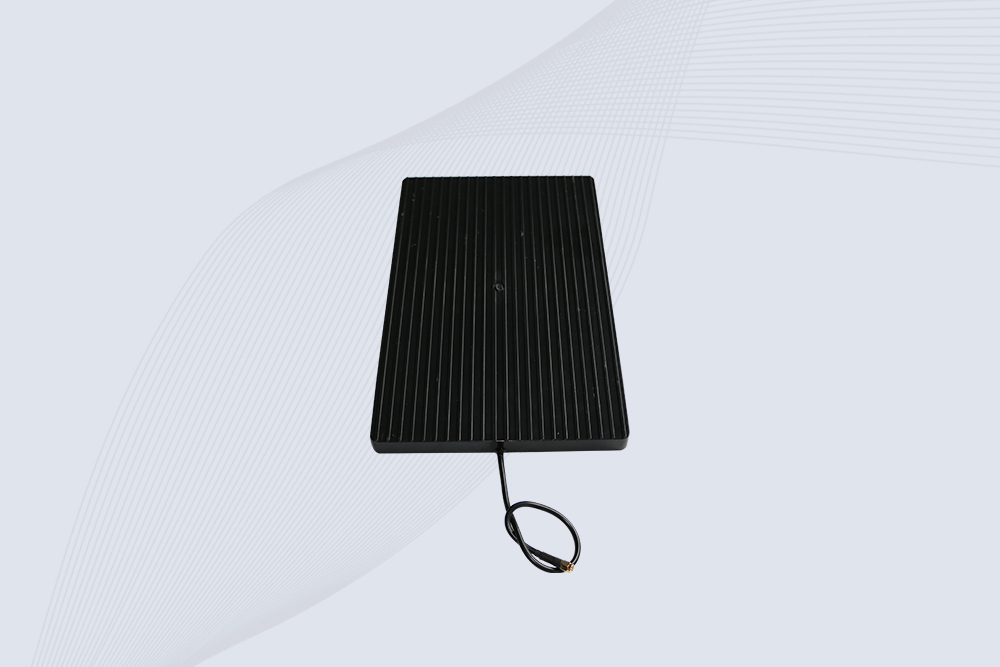
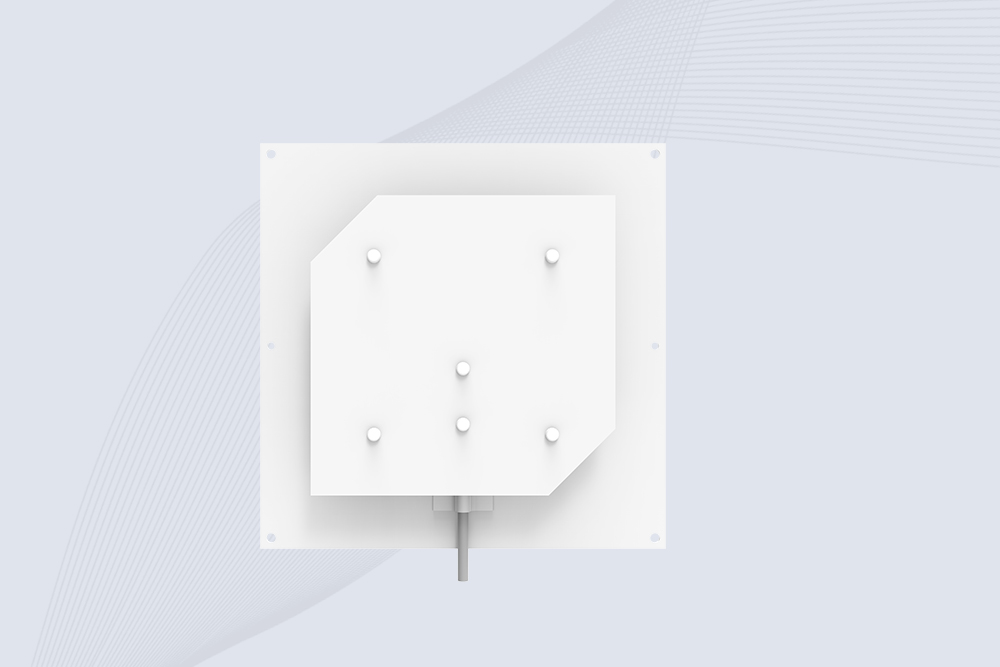
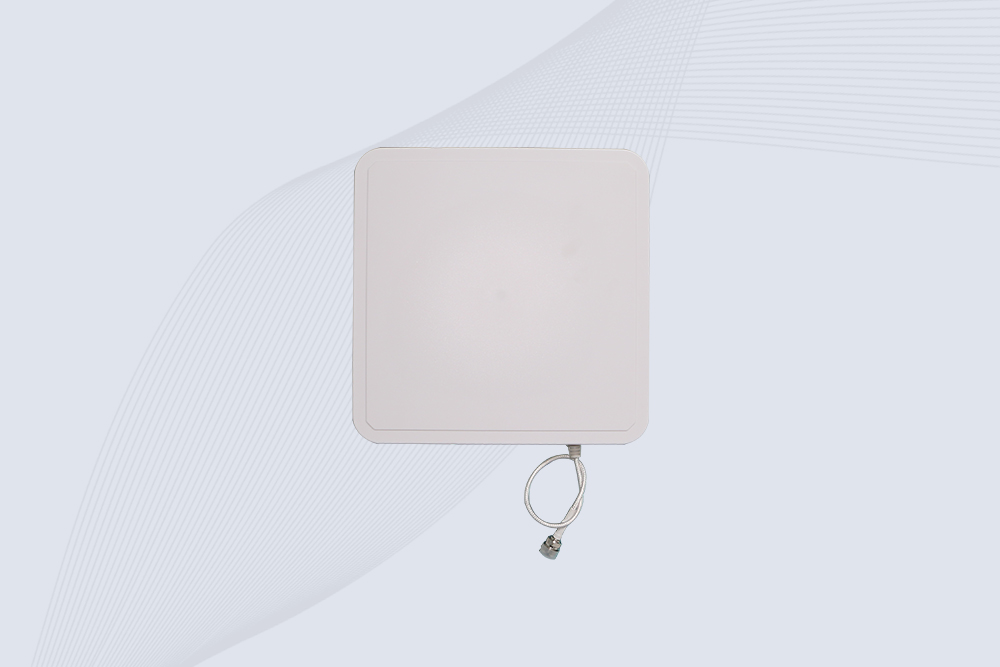
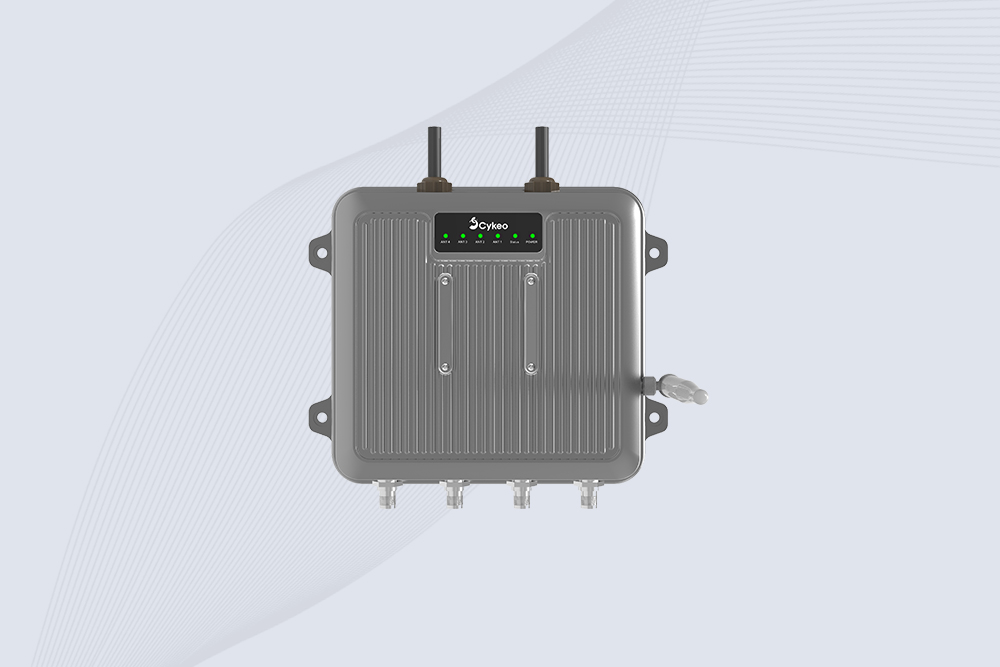
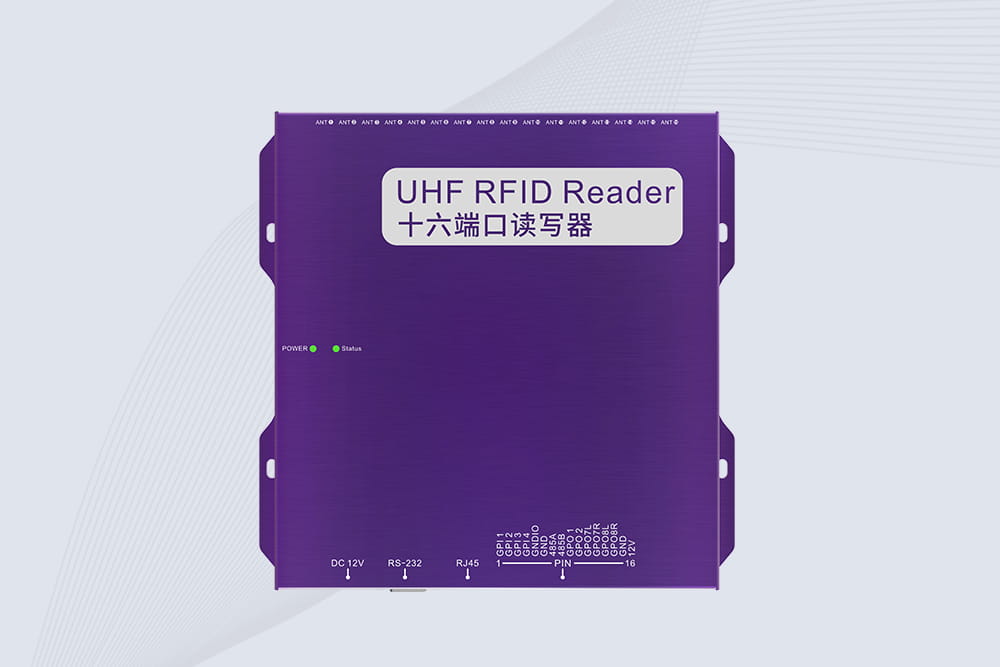
If you’ve just unboxed a Cykeo RFID reader and are holding one of their antennas, the question of exactly how to connect Cykeo RFID antennas is your first practical step. While it might seem as simple as screwing on a cable, doing it correctly ensures you get the performance you paid for and avoid damaging sensitive equipment. Here’s a no-nonsense guide based on common field setups.
Before you touch a cable, verify two things. First, ensure your Cykeo reader model (e.g., CK-A9, CK-A12) and the antenna are designed for the same frequency region (e.g., 902-928 MHz for North America). Using a European-spec antenna on a US-spec reader will lead to poor performance.
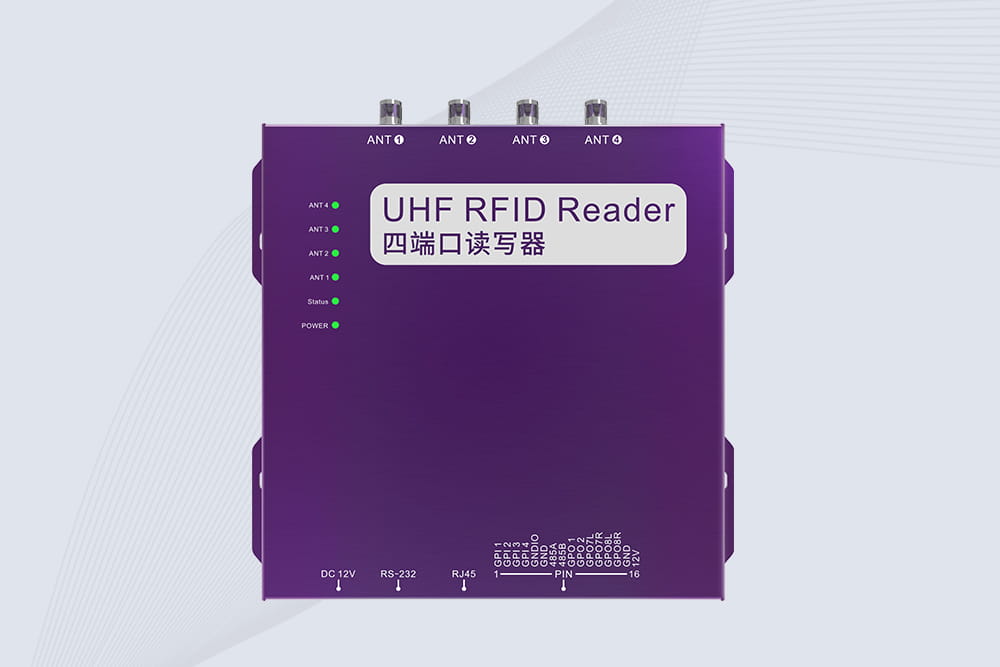
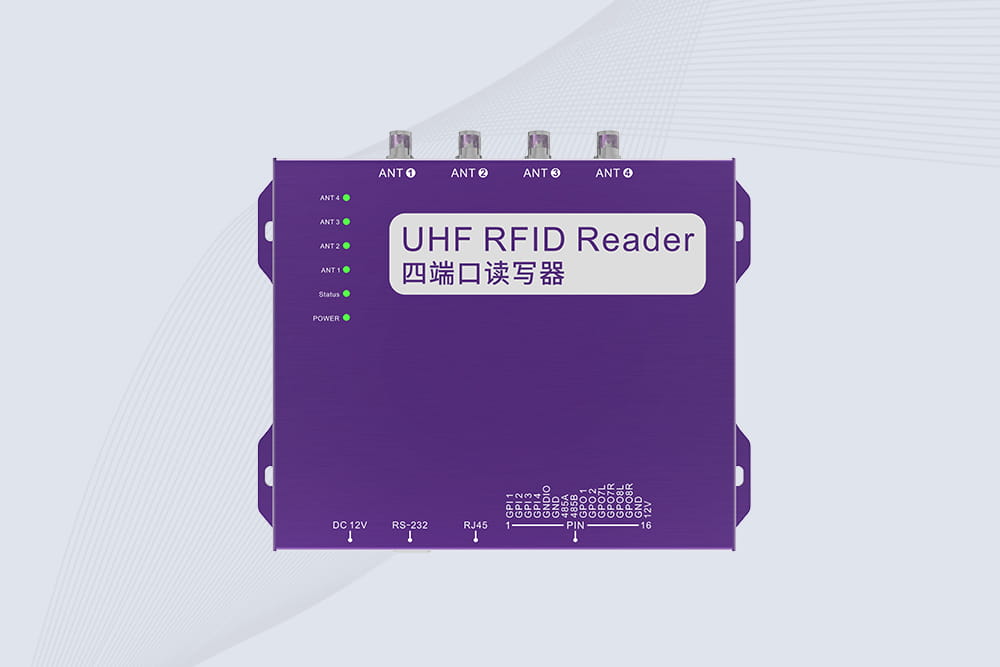
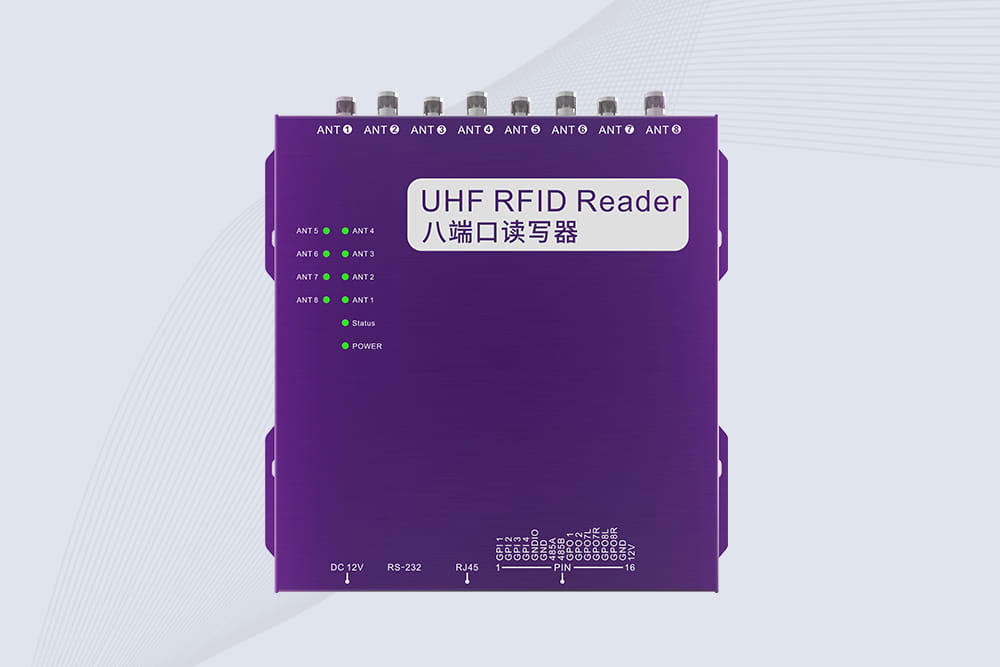
Second, and most critically, identify the connector type. Cykeo fixed RFID readers predominantly use RP-TNC connectors. The antenna’s cable should have a male RP-TNC plug, and the reader’s port is a female RP-TNC jack. It’s a threaded connector. Do not force a different connector (like a standard TNC or N-type) into the port; you’ll damage the threads. If you have a mismatch, you need the correct adapter or cable.
Once compatibility is confirmed, the physical Cykeo RFID reader antenna setup is straightforward:
If you’ve followed the steps but get no reads, here’s a quick troubleshooting checklist:
For long cable runs (over 5 meters/16 feet) between the reader and antenna, using high-quality, low-loss coaxial cable (like LMR-400) is crucial. Standard, thin cables cause significant signal loss over distance, reducing your effective read range. Cykeo offers recommended cables, and third-party options must meet the same electrical specifications.
Disclaimer: This guide is for general informational purposes. Always consult the official Cykeo RFID Reader Installation Guide for your specific model for definitive instructions and safety information.
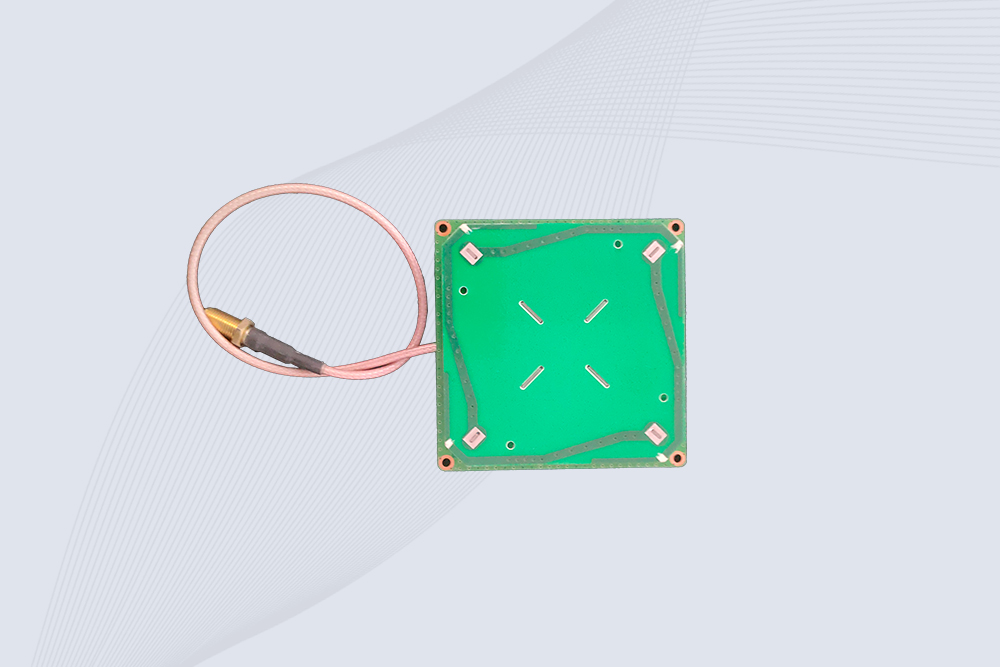
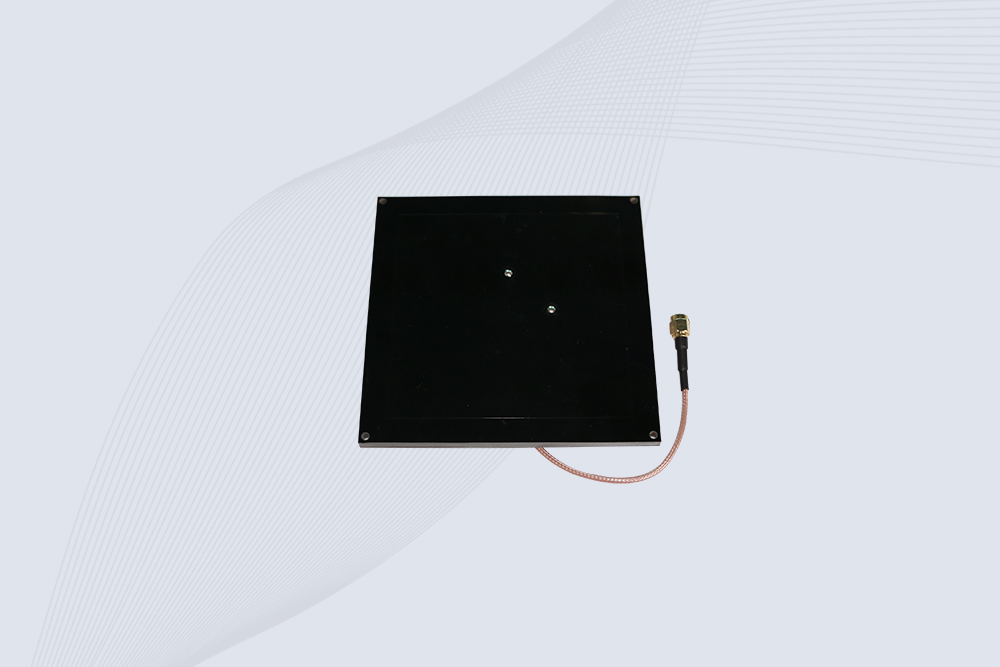
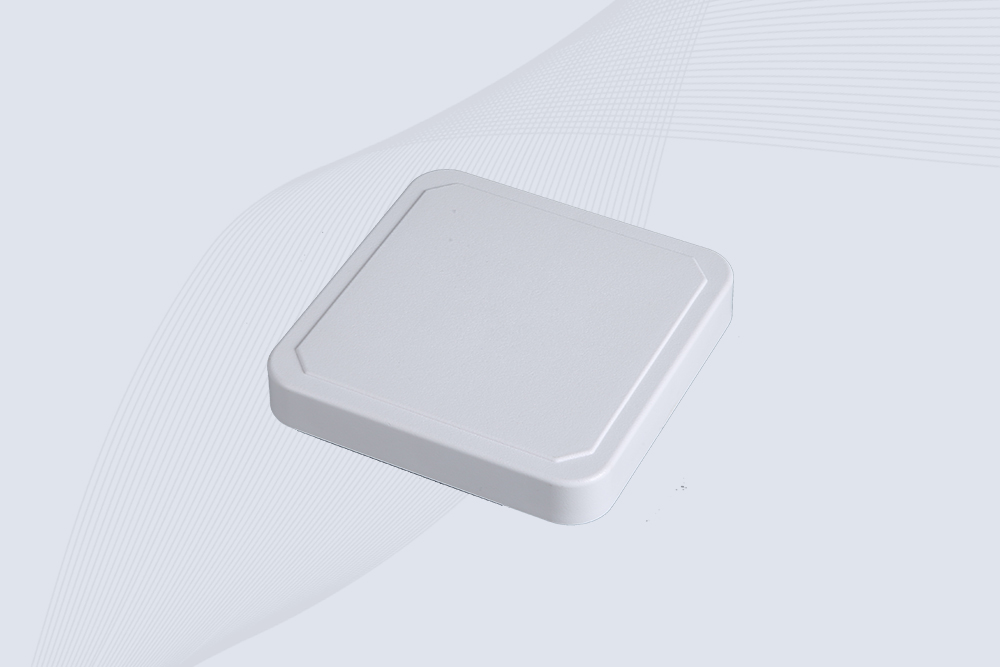
Finally, while this guide focuses on how to connect Cykeo RFID antennas, it’s worth noting that for optimal system design, antenna selection is key. CYKEO provides a range of high-performance, compatible antennas that can be matched precisely to challenging environments (near-metal, extreme weather) where a standard antenna might underperform, offering a potential upgrade path for your Cykeo-based system.
Learn how proper UHF RFID antenna layout can improve read rates and system reliability. Practical tips for solution providers and integrators using Cykeo RFID antennas.
More
High Frequency (HF) RFID automatic identification technology is driving the intelligent transformation of various industries. It is widely used in logistics, retail, healthcare, and many other fields.
More
Learn how to seamlessly connect handheld RFID scanners to your inventory system for real-time tracking, reduced errors, and improved efficiency.
More
How to deactivate RFID tags safely and correctly. Learn real methods, what actually works, what fails, and how professionals handle RFID deactivation.
More