 Cykeo RFID IoT Solution Products R&D Manufacturer

How to Install an RFID Gate Reader for Retail Theft Prevention?
1041Learn how to install an RFID gate reader to prevent retail theft. Follow Cykeo’s step-by-step guide for optimal placement, calibration, and integration with security systems.
MoreAll RFID Product
To change an RFID tag number, use a compatible RFID reader/writer and software to read the existing tag, select its writable identifier memory, enter the new number in the required format, write it, and verify the result. The process depends on the tag’s protocol, memory layout, write permissions, and the identification rules used by your application.
Changing an RFID tag number sounds straightforward until the new number is written successfully but the inventory system can no longer identify the item. The physical tag and the software record must agree. In a library, that record might belong to a book; in a tool room, it could identify a drill or measuring instrument; in a commercial laundry, it may be linked to a reusable textile.
The first question is not simply which number to enter. It is which number your system actually uses.
Some applications identify items through an EPC stored on a UHF RFID tag. Others rely on a database record associated with that EPC, while certain systems use additional memory or application-specific data. Rewriting the wrong field can leave the tag readable but break its relationship with the item.
Before attempting to rewrite a tag, identify what the existing number represents. The phrase RFID tag number can refer to several different values, and they are not interchangeable.
| Identifier or data type | What it means | Can it normally be changed? |
|---|---|---|
| EPC | An electronic product code or identifier stored in EPC memory on compatible UHF tags | Often writable, subject to tag capabilities and access permissions |
| TID | Tag Identifier memory associated with the chip’s identification information | Generally manufacturer-programmed and not ordinarily user-writable |
| User memory | Additional memory available on some tags for application data | Depends on chip design, available memory, and write permissions |
| Software record number | A number stored in an inventory, library, or asset-management database | Usually updated through the relevant software, not by rewriting tag memory |
| Printed label number | A visible number printed on a label or attached to an item | Requires a separate label-printing or replacement process |
GS1’s documentation for RAIN RFID describes the tag memory structure and the role of EPC and TID information. Not every tag provides the same memory capacity or writable fields, so check the specific chip and tag datasheet before making changes.
For many UHF RFID inventory applications, the EPC is the identifier administrators expect to update. A compatible tag may allow its EPC memory to be rewritten, provided the memory is not locked and the required access conditions are satisfied.
TID is different. It is associated with the tag chip itself and is generally programmed by the manufacturer. A desktop reader/writer should not be assumed to have the ability to change it.
If a management application displays a number that cannot be rewritten on the tag, check whether the screen is showing TID, EPC, a user-memory value, or a database field. A label that says “Tag Number” does not by itself tell you which memory bank contains that number.
For routine registration and tag conversion, a desktop reader/writer gives an administrator a controlled workstation for reading, writing, and checking compatible tags. A USB-connected device is particularly convenient when the workflow involves a computer-based management application.
The following procedure applies to compatible UHF RFID tags. Exact software menus and commands vary by reader model, tag chip, and application.
Start by reading the existing tag before writing anything.
Record the current identifier, the item’s description, and the relevant database record. If you are changing numbers in a batch, make sure each physical item is matched to the correct record before the first write command is sent.
Check these points:
Do not assume that a number displayed in hexadecimal is wrong simply because it looks different from the decimal number printed on a label. Hexadecimal and decimal are different representations, and some encoding schemes divide the stored bits into fields. Convert and validate the data according to the intended format rather than pasting a visible number into an arbitrary memory location.
Place the target tag within the reader’s effective operating zone and run a read operation. Confirm that the software returns the expected tag.
This is also a useful point to check whether other tags are present. A desktop rfid reader may support multiple-tag identification, but a single-item writing task should still have a clear target. If several tags are lying on the work surface, isolate the one you intend to modify or use supported selection and filtering functions.
Keep a record of the original number before proceeding. If the new identifier is entered incorrectly, that record helps the administrator investigate the change and restore the previous value when the tag’s permissions and application rules allow it.
A successful read is only the starting point. It confirms that the reader can obtain data from the tag; it does not guarantee that the target memory is writable.

Once you have confirmed the tag’s existing identifier, select the memory area supported by your application. For many UHF inventory workflows, this is the EPC memory bank. If the application stores additional data in user memory, do not overwrite that area unless the data format and intended changes are understood.
GS1 explains that EPC memory contains the EPC, while optional user memory can hold additional application information. Its EPC Tag Data Standard defines how supported EPC identifiers are represented and encoded.
The difference between a displayed number and the data actually written to the tag deserves attention. GS1 US provides an EPC Encoder/Decoder for translating supported GS1 identification keys into EPC representations. This is useful when the identifier follows a GS1 scheme; it is not a universal converter for every proprietary RFID number.
Before writing, confirm:
A number that looks correct on screen can still encode the wrong item if the wrong scheme, prefix, serial field, or data representation is used. In a GS1-based workflow, use the relevant encoding rules rather than treating the EPC as an arbitrary string of digits.
Send the write command only after checking the target tag and new identifier. When the operation completes, read the tag again and compare the returned value with the intended value.
For a single item, this may take only a moment. For a batch of hundreds of tools or books, verification should be part of the procedure rather than an optional final check. A write confirmation from the reader does not, by itself, prove that the application record is correct.
Use a simple verification checklist:
GS1 notes that RAIN RFID memory can be protected against overwriting, including through reversible password-based locking and permanent locking. If a tag’s EPC memory has been locked, the write procedure must respect that protection; a reader cannot legitimately bypass a missing password or reverse a permanent lock through ordinary software commands.
A desktop RFID platform is designed for controlled tag administration, rather than simply detecting tags from a distance. For organizations that register books, tools, documents, or reusable linen, this distinction matters: staff need to identify the intended item, update the correct data, and confirm that the change has been recorded properly.
Based on the supplied Cykeo platform specifications, the device supports the following functions:
| Feature | How it supports tag administration |
|---|---|
| USB interface | Connects the desktop reader/writer to a computer for workstation-based operations |
| Near-field antenna | Keeps the intended tag close to the reading and writing area |
| Tag collision processing | Supports identification when multiple tags are present |
| Tag data filtering | Helps narrow the data returned to the application |
| RSSI support | Provides signal-strength information that can assist with reader setup and tag detection |
| C# and Java development materials | Helps developers integrate supported reader functions into their applications |
| Stated read range | Within 30 cm under the specified operating conditions |
| Stated write range | Within 10 cm under the specified operating conditions |
| Maximum port output | 33 dBm, according to the supplied specifications |
These figures describe the platform specifications provided for this article. They should not be interpreted as guaranteed performance for every tag, material, or workstation configuration.
Imagine a library employee registering a new batch of books. Several tagged books are stacked beside the reader. If the software selects the wrong tag, a successful write can still create a serious inventory error.
The same issue can arise in tool management or linen registration. A compact desktop setup makes it easier to isolate the target item, but the administrator should still verify the selected identifier and the physical item before committing the change.
RSSI can help indicate signal strength, but it should not be treated as a unique tag-selection mechanism. Use the reader’s supported filtering and selection functions, and verify the identifier returned by the device.
For application developers, the available C# and Java materials can provide a starting point for connecting the reader to existing management software. The integration should handle write results, read-back verification, duplicate checks, and error logging—not just send a command to the reader.
The best way to change an RFID tag number depends on how the organization uses that number. A library may connect it to a catalogue record, a tool room may use it to track equipment, and a laundry operation may associate it with a reusable textile. In each case, the physical tag and the software record must remain consistent.
Library administrators may need to assign identifiers to newly tagged books, replace unreadable tags, or convert tags when changing to a new data format.
A practical workflow looks like this:
Tag conversion requires particular care. If a library changes its data format, staff should establish whether the conversion involves only the physical tag’s EPC, application-specific user memory, or a database mapping. Rewriting an EPC alone does not automatically convert every data field or update every linked record.
For a large collection, test the process on a small sample first. Confirm that the new identifiers can be read by the intended readers and interpreted correctly by the library system before converting the entire batch.
Tool-management teams may use RFID to associate individual tools with inventory records, locations, departments, or custodians. When a tool changes ownership or location, however, rewriting its tag number may not be necessary.
Suppose a tagged torque wrench moves from the maintenance department to a production line. If the RFID tag stores a stable identifier and the management software holds the location and custodian, updating the database may be sufficient. Rewriting the physical identifier could create unnecessary work and introduce a mismatch between the tag and existing records.
Change the tag number when the application requires a new physical identifier—for example, when replacing a tag or correcting an incorrectly encoded value. Before writing, confirm that the new number is unique within the inventory system.
In commercial laundry operations, RFID tags may be associated with garments, towels, uniforms, and other reusable textiles. When an item receives a replacement tag, the administrator must ensure that the new tag number points to the correct existing item record.
A safe replacement workflow is:
Do not assume that a tag that writes successfully at a desk will perform equally well in every operational environment. Tag construction, placement, nearby materials, and reader configuration can affect read performance. Test representative tagged items in the actual workflow before processing a full batch.

When an RFID tag can be read but cannot be rewritten, start by checking its memory capabilities and access permissions. Repeating the same write command without understanding the failure may waste time or create inconsistent records.
| Problem | Possible reason | Recommended action |
|---|---|---|
| The tag reads, but writing fails | The target memory is locked or password-protected | Check the tag’s write permissions and authorized access credentials. |
| The written number differs from the intended number | Incorrect encoding, memory address, or data format | Confirm the selected memory bank and validate the encoded value. |
| The reader detects several tags | Other tags are within the reading field | Isolate the target tag and use supported tag-selection or filtering functions. |
| The new number appears on the tag but not in the software | The database still references the old identifier | Update the appropriate record or mapping, then refresh and verify the item. |
| Some tags in a batch fail while others succeed | Tags may differ in chip type, memory configuration, or lock status | Check tag compatibility and test a representative sample before continuing. |
| The new number duplicates another item | The identifier is already assigned in the inventory | Check the database for duplicates before writing or registering the new value. |
GS1’s RAIN RFID documentation describes memory access and locking mechanisms. Some lock states are permanent, so an ordinary desktop reader/writer cannot make every tag writable again.
A useful operational habit is to separate three outcomes in the software log: write failed, write completed but verification failed, and tag verified but database update failed. These represent different problems and should not be treated as the same error.
Yes. A compatible RFID tag can often be reprogrammed if the relevant memory area supports writing and is not permanently locked. Check the tag’s chip specifications, memory layout, and access permissions first. After writing, read the tag again and confirm that the new number matches the intended item record.
Use a compatible UHF RFID reader/writer and software that supports EPC memory writing. Read the existing EPC, prepare the new identifier in the required format, write it to the correct memory area, and verify it by reading the tag again. Also check that the new EPC is not already assigned to another item.
Generally, no. TID memory is associated with the RFID chip’s identification information and is normally programmed by the manufacturer. Most routine tag-administration workflows change writable EPC or user memory instead. Confirm the tag’s datasheet if you are unsure which memory bank contains the number displayed by your software.
Not necessarily. If the tag contains a stable identifier and the management software stores the item’s location separately, updating the database may be enough. Rewrite the tag only when required by the system’s identifier design or when replacing or correcting the physical tag.
The tag may have locked memory, password protection, unsupported memory, or an incompatible data format. The selected memory bank may also be incorrect. Check the tag specifications and permissions before trying again. A permanently locked memory area cannot be made writable through ordinary software settings.
Some desktop platforms support multi-tag identification and tag filtering, but identifying multiple tags is not the same as safely assigning new identifiers to all of them. For bulk changes, the application needs reliable tag selection, unique-number allocation, write-result handling, and post-write verification. Test the workflow on a small batch before scaling up.
Read the tag again and compare the result with the intended identifier. Then confirm that the management software recognizes the correct item, check for duplicate numbers, and record the change. For replacement tags, make sure the new identifier is linked to the existing item record rather than creating an unintended duplicate item.
The key to how to change RFID tag number is understanding which identifier needs to change and where it is stored. Read the original tag, confirm that the correct memory area is writable, encode the new value according to the application’s rules, and verify both the tag and its database record.
For libraries, tool inventories, and linen-management operations, a USB-connected UHF RFID desktop reader/writer can support controlled registration and rewriting at a workstation. Cykeo’s described platform provides near-field reading and writing, tag filtering, multi-tag identification, RSSI support, and C# and Java development materials for supported integration workflows.
Technical content note: Prepared by the Cykeo RFID Technical Content Team. The technical explanations reference GS1 documentation; device capabilities and operating distances are based on the product specifications supplied for this article. Actual performance depends on tag compatibility, configuration, and operating conditions.

Discover SSD-D4AL, a USB-HID UHF RFID reader with 4/8/16 antenna options, Impinj E710/X3M1 chipset, plug-and-play USB power, and OEM customization.
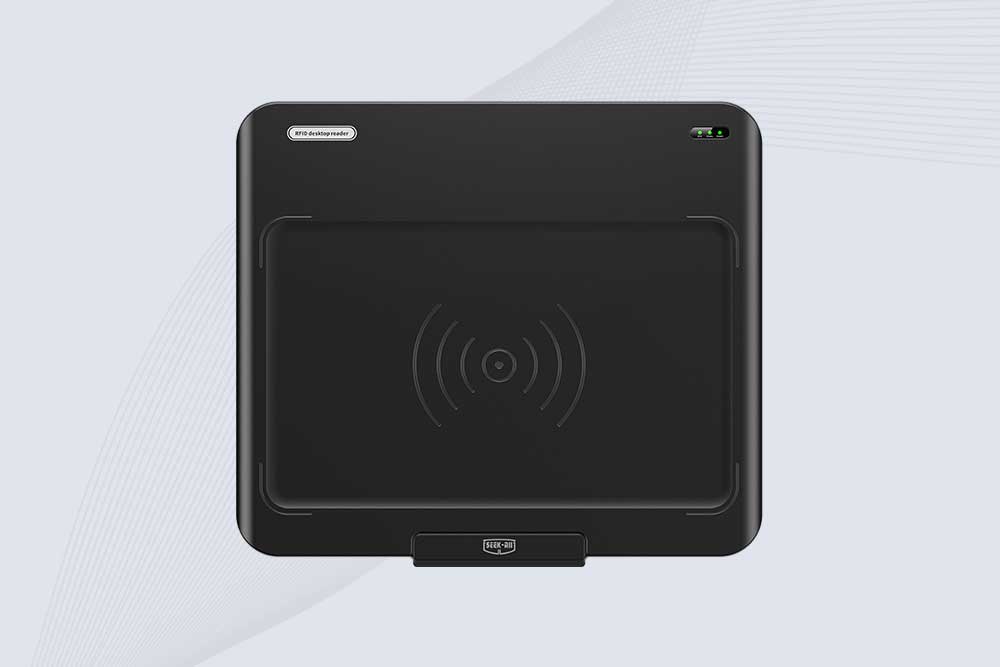
SSD-D3AL is a USB-HID UHF RFID reader with 0–30 cm reading, 0–15 cm writing, over 600 tags/s recognition, USB plug-and-play operation and OEM Logo customization.
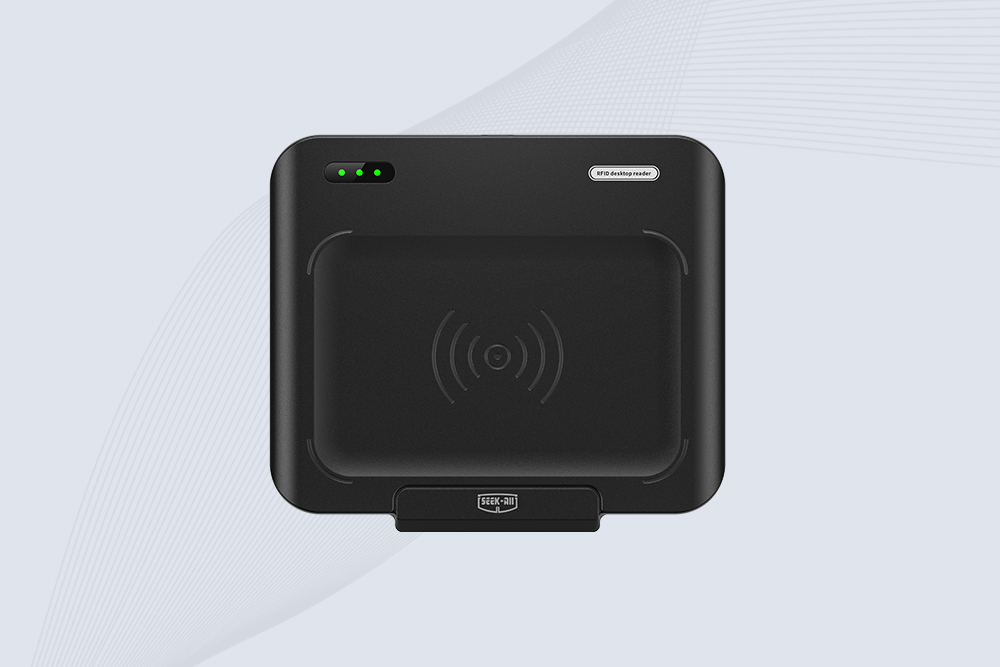
SSD-D1AL is a compact USB UHF RFID reader with Impinj E710/X3M1 chipset, USB-HID, 600+ tags/s recognition, 4/8/16 antenna support and plug-and-play USB power.

CYKEO CYKEO-D1LA USB RFID Reader is a compact desktop solution with near-field control for precise tag reading and encoding. Powered by USB, supporting ISO 18000-6C, and built for stable batch writing, this usb rfid tag reader fits retail, libraries, offices, and controlled RFID encoding tasks.
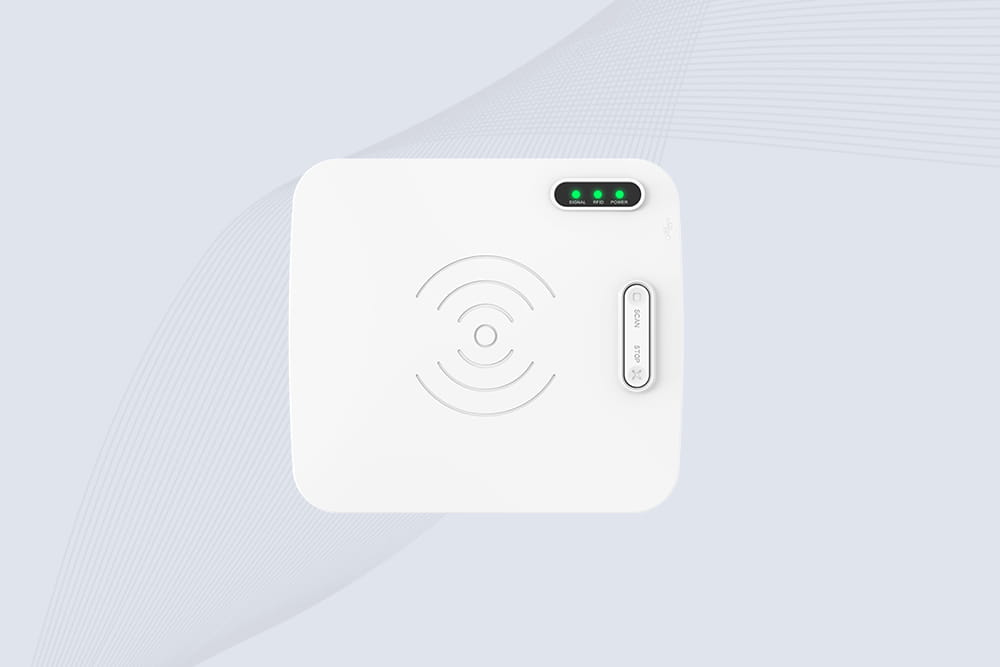
CYKEO CYKEO-D1L RFID scanner USB is a compact desktop UHF RFID scanner designed for short-range tag writing and verification. This usb rfid scanner supports batch encoding, stable 0–26 dBm output, and works across Windows, Linux, and Android systems.
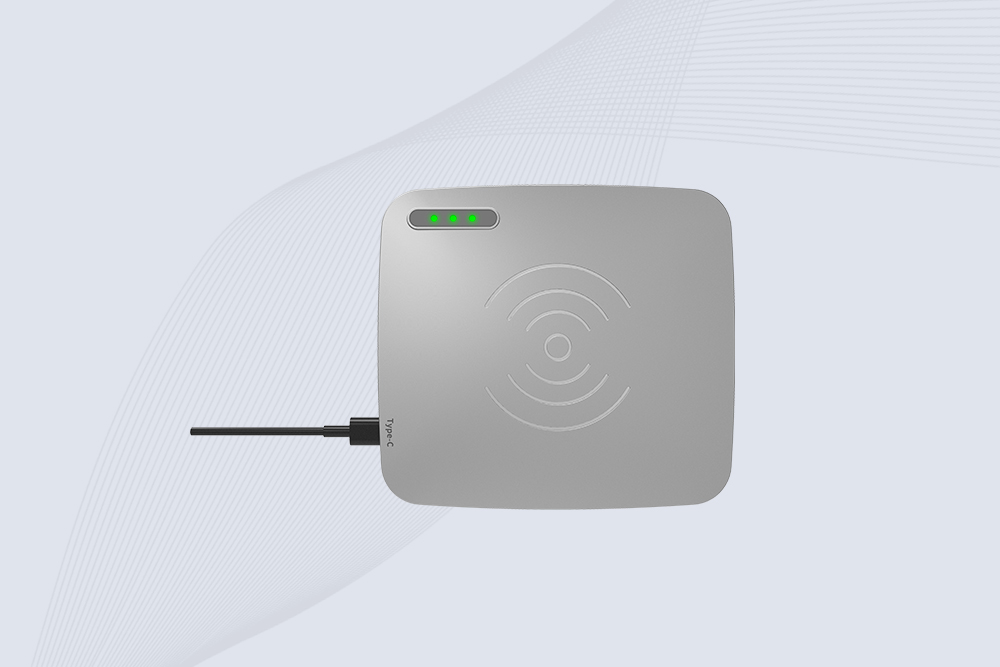
CYKEO CYKEO-D1C USB RFID Card Reader is a near-field UHF desktop writer designed for secure, short-range tag encoding. With USB-C connectivity and stable 26 dBm output, this rfid reader usb c is ideal for badge issuance, label encoding, and controlled desktop RFID workflows.
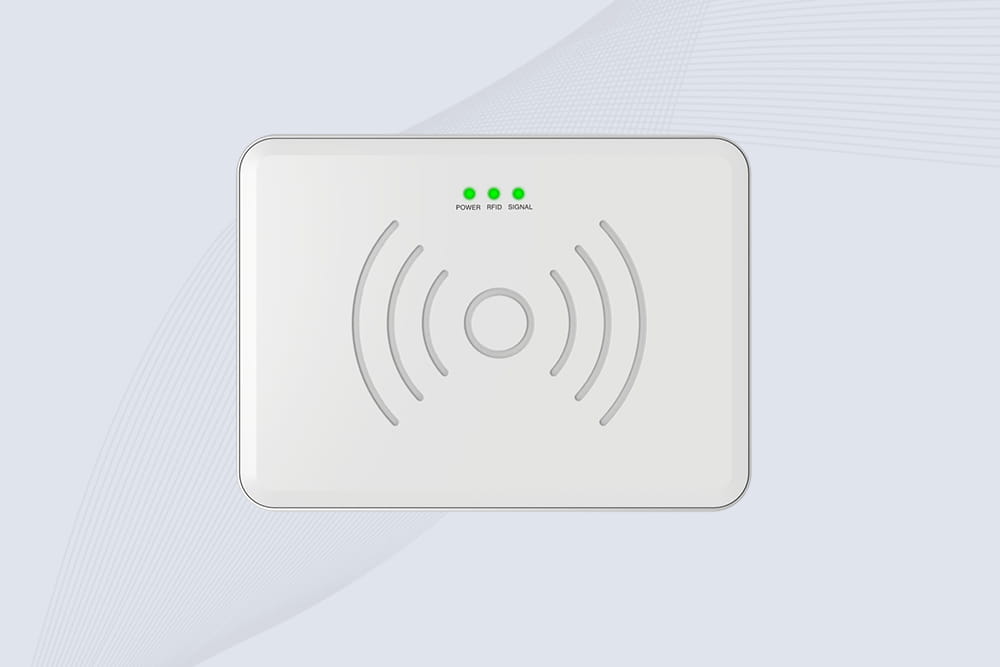
CYKEO CYKEO-D2L RFID Reader USB is a compact desktop encoder built on the Impinj R500 chip. With near-field control and stable USB power, this usb rfid card reader delivers precise tag writing for offices, retail counters, and small-scale logistics encoding tasks.
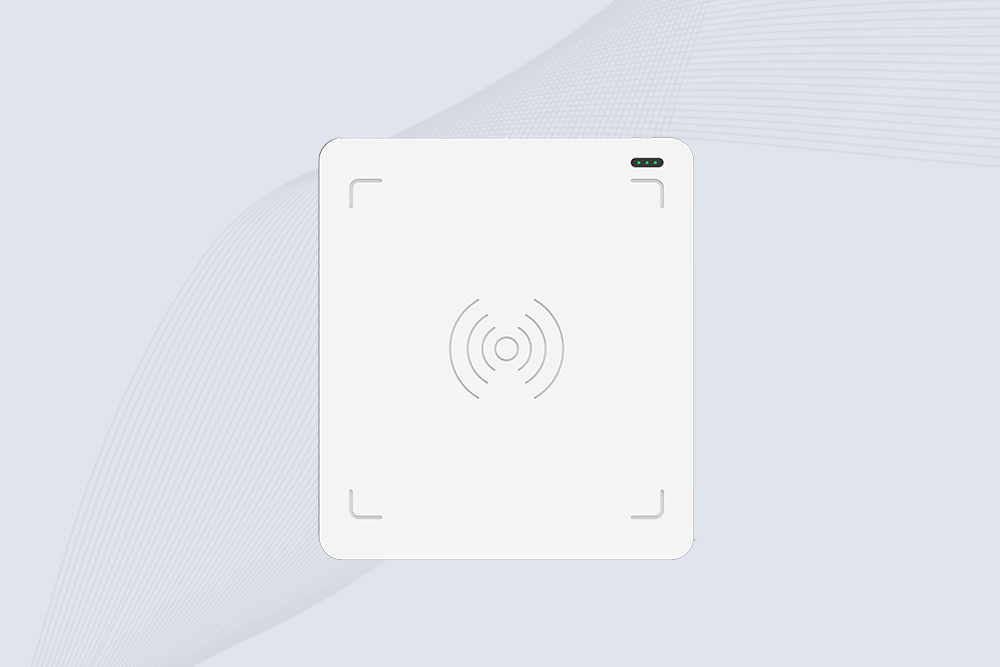
CYKEO CYKEO-D3L USB RFID Tag Reader delivers stable UHF tag reading and writing for daily desktop and light industrial tasks. Designed for controlled short-range operation, this USB RFID Tag Reader works reliably with rfid tag and reader systems in libraries, tool tracking, and inventory registration.
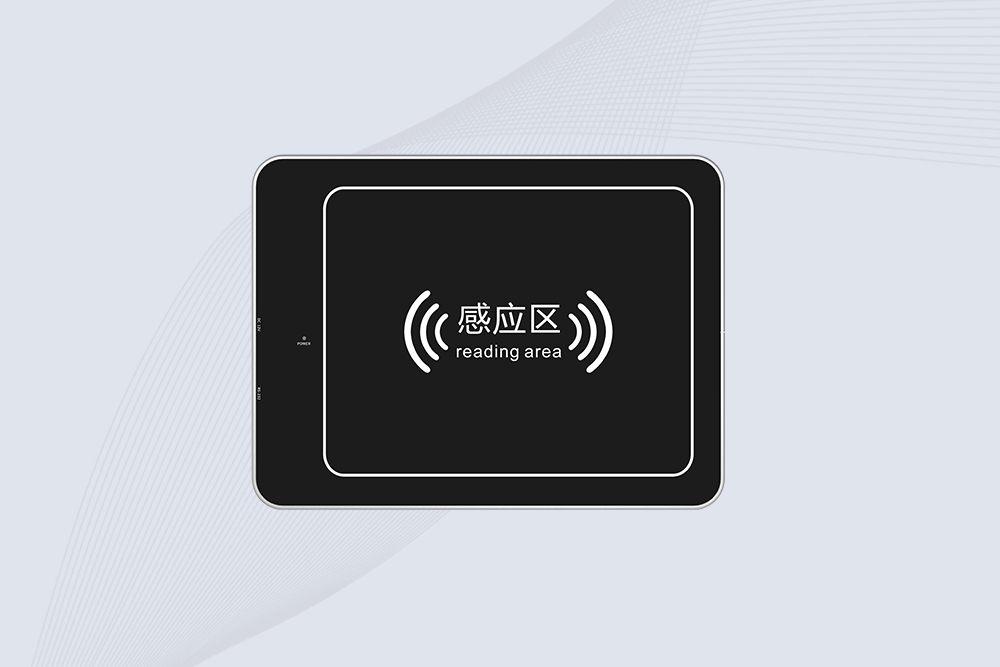
The CYKEO CYKEO-D4L UHF RFID Tag Reader is a stable Desktop RFID Reader designed for accurate tag registration, borrowing, and return workflows. Built with the Impinj R2000 chip, this UHF RFID Tag Reader delivers controlled short-range reads for libraries, asset tracking, and inventory management environments.
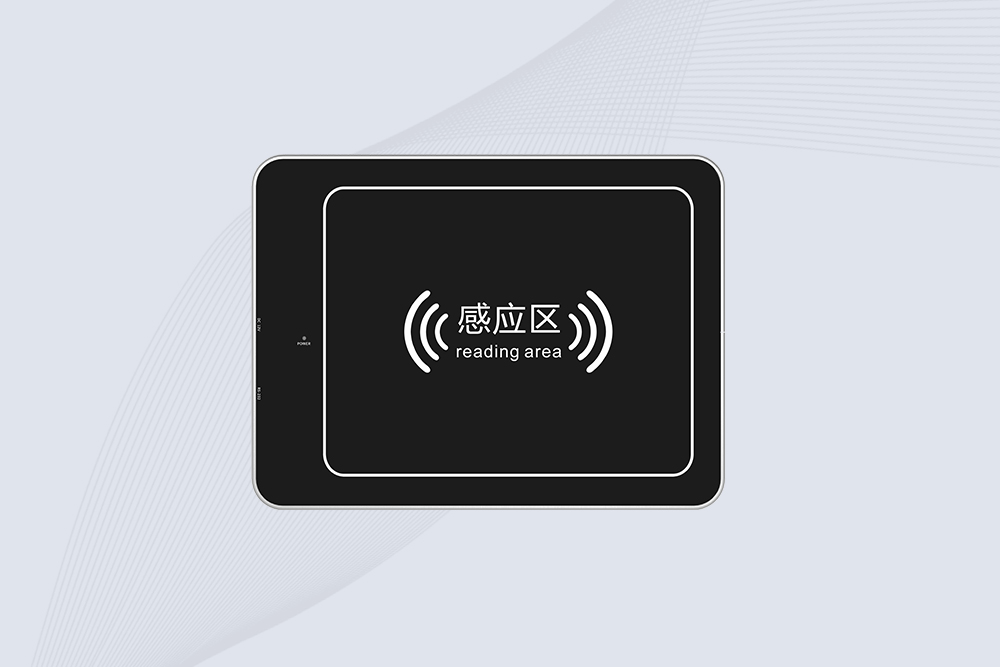
The CYKEO CYKEO-D5L Desktop RFID Card Reader is a stable UHF RFID Card Reader designed for controlled short-range reading and writing. Built for libraries, tool rooms, and asset desks, this UHF RFID Card Reader supports dense tag handling, secure data processing, and easy USB integration.
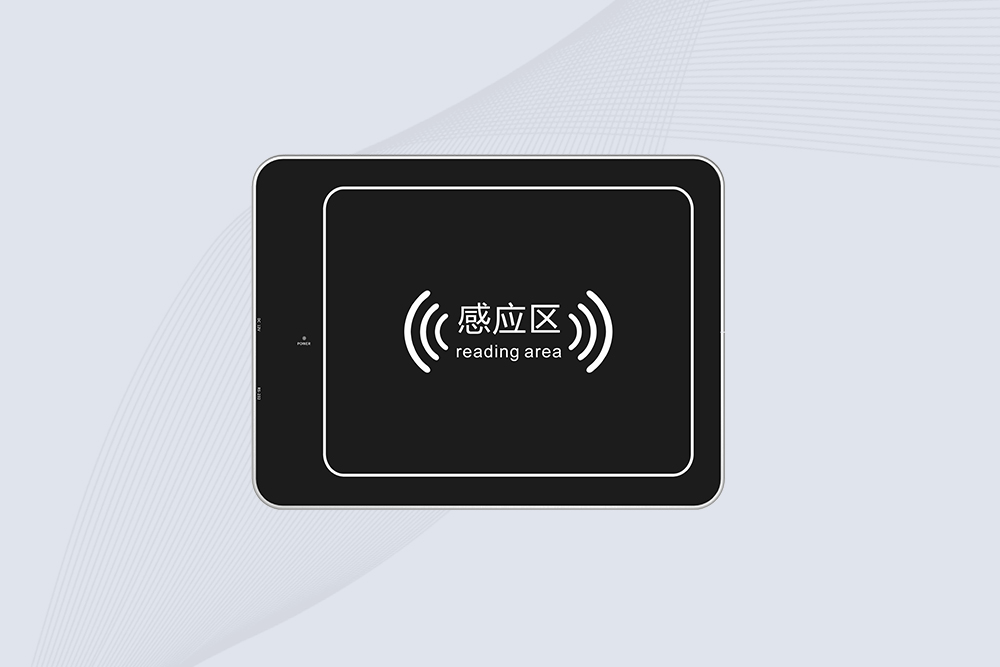
The CYKEO CYKEO-D6L RFID Reader Writer is a heavy-duty Desktop RFID Reader designed for short-range, high-accuracy tag programming. Built for libraries, labs, and asset desks, this RFID Reader Writer supports batch processing, stable 33dBm output, and seamless integration with existing management systems.
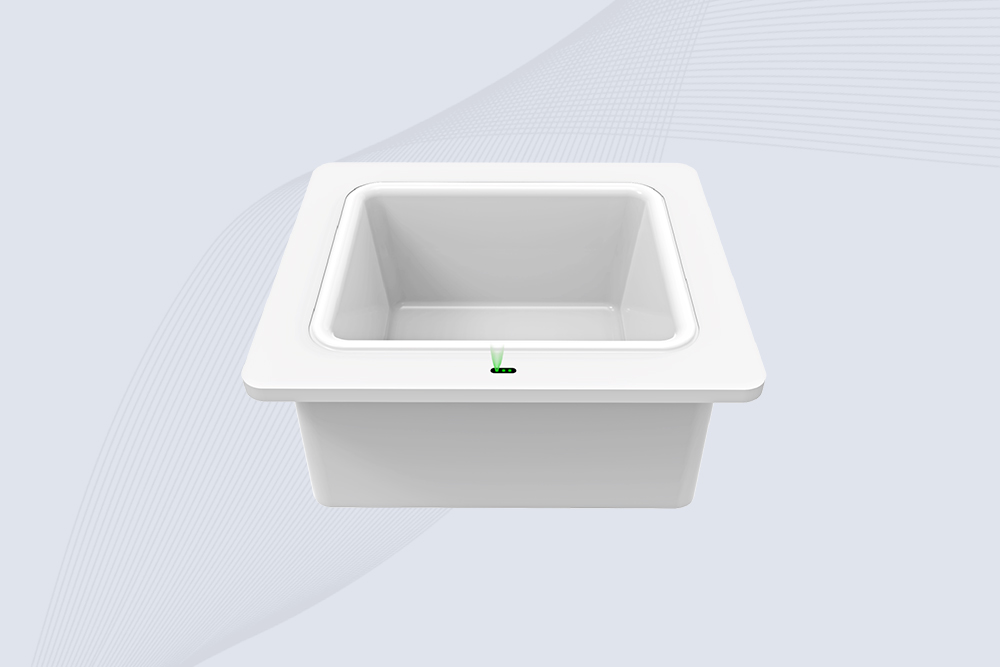
Cykeo CYKEO-D8B UHF RFID tunnel and RFID Desktop Reader features 30+ items batch reading,
Cykeo CYKEO-D8A embedded RFID badge reader offers 30+ tags/sec scanning, 20cm anti-crosstalk precision, and DC 12V power for unmanned stores, warehouses, and smart inventory systems.
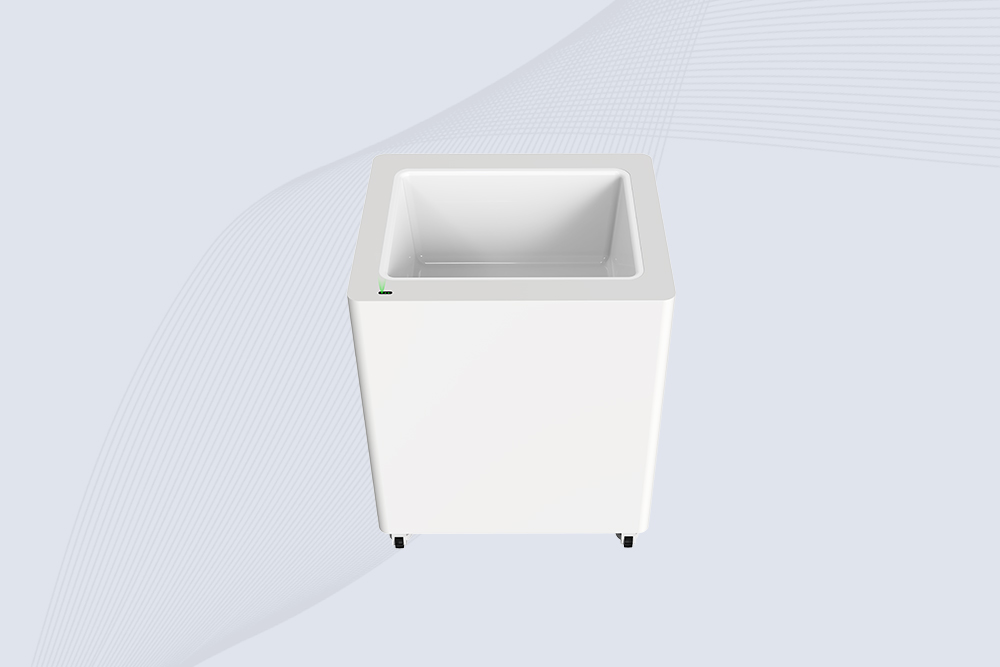
Cykeo’s CYKEO-D8C UHF RFID gate reader achieves 200-tag/batch scanning with adjustable power control, ideal for retail inventory and smart warehouse management.
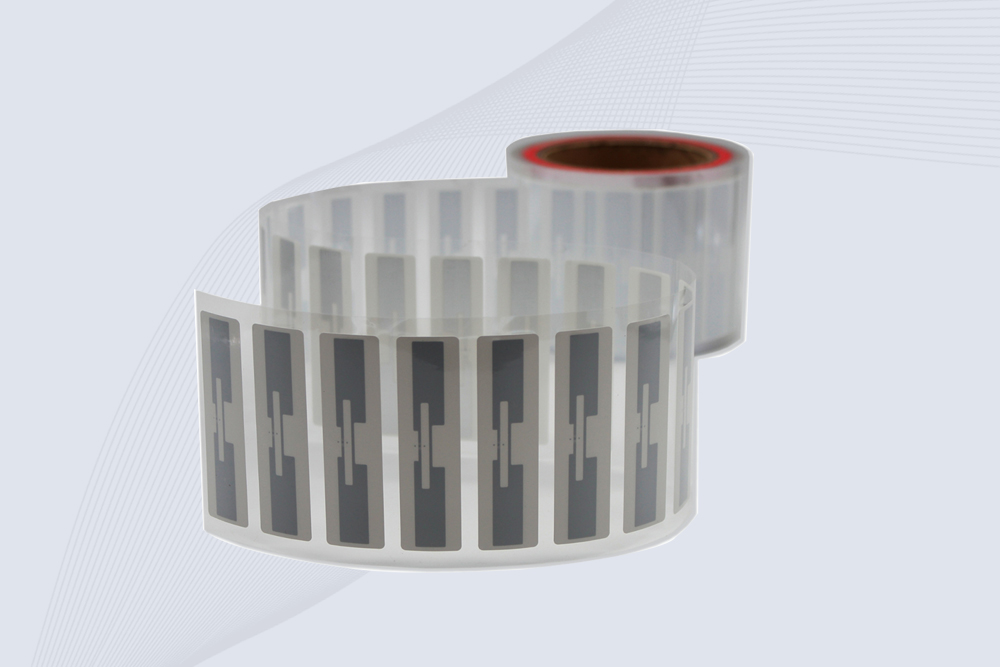
CYKEO Passive RFID Tags are made for wet and high-humidity environments where standard labels do not last. This rfid passive tag is often used around liquids, chemicals and temperature changes, providing stable reading distance and long data life for industrial tracking.
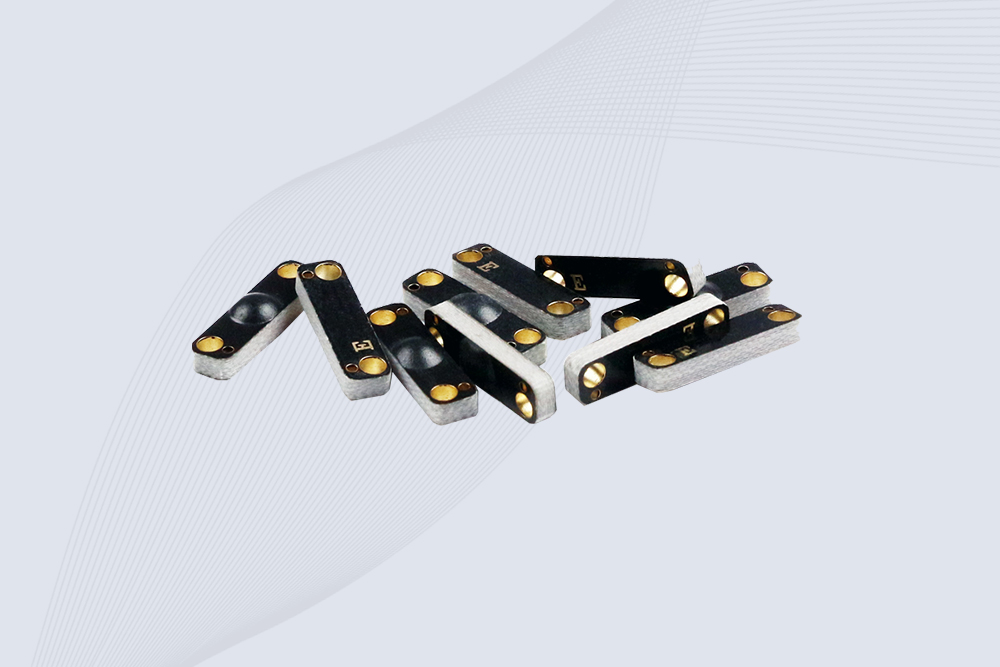
CYKEO CYKEO-PCB1504 Metal RFID Tags is a compact anti-metal UHF RFID solution built for direct mounting on metal surfaces. With stable 8-meter read range, Ucode-8 chip, and long data retention, this rfid metal tag fits tools, containers, automotive parts, and industrial asset tracking.
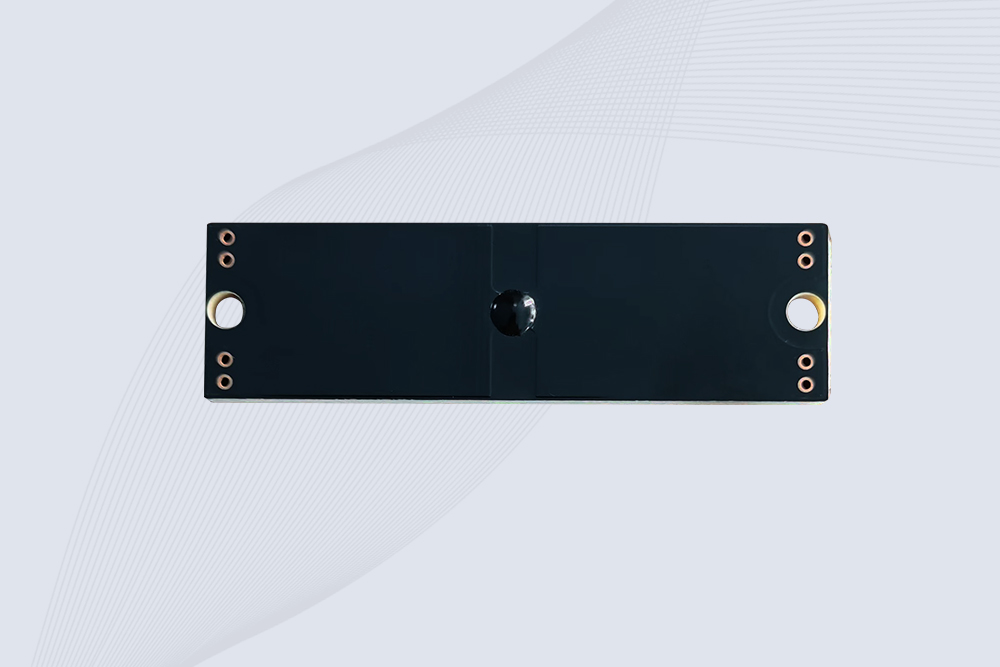
CYKEO CYKEO-PCB7020 On-Metal RFID Tags are designed for reliable tracking on steel and metal surfaces. Built with an FR4 epoxy body and industrial-grade chips, these On-Metal RFID Tags deliver stable performance, long data life, and chemical resistance, making them a dependable RFID anti-metal tag for harsh environments.
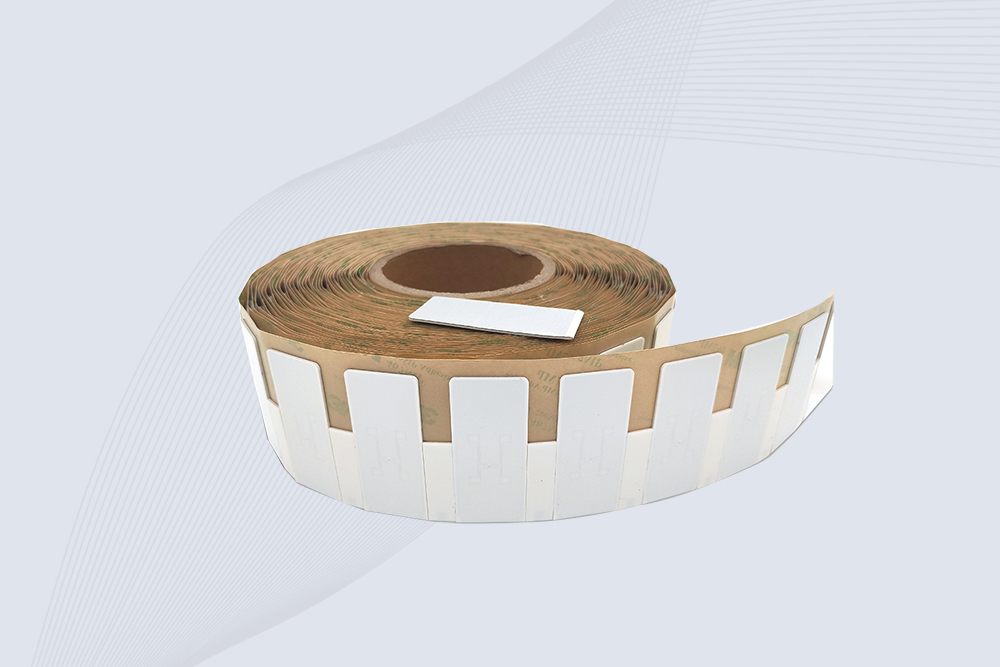
The CYKEO CYKEO-60-25 Anti-Metal RFID Tag is built for metal surfaces where standard tags fail. Designed for long-range performance, harsh environments, and stable data retention, this Anti-Metal RFID Tag is ideal for industrial assets, containers, and equipment tracking using on metal RFID tags.
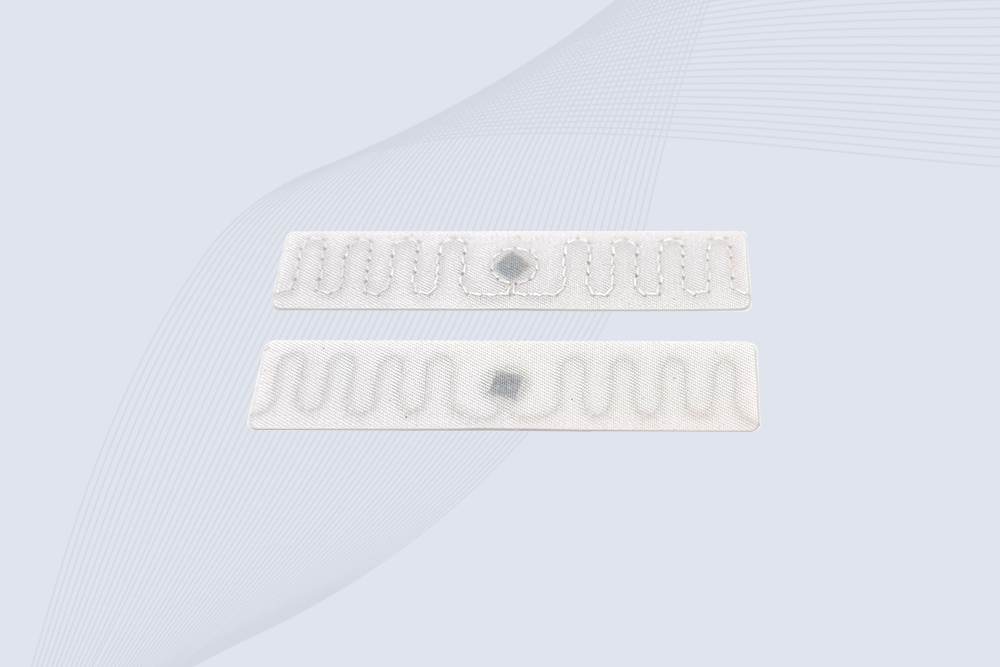
The CYKEO RFID Laundry Tag is designed for long-term textile identification in harsh laundry environments. Built to withstand high heat, chemicals, and repeated washing, this RFID Laundry Tag delivers stable performance for hotels, hospitals, and industrial laundry operations using laundry rfid tags at scale.
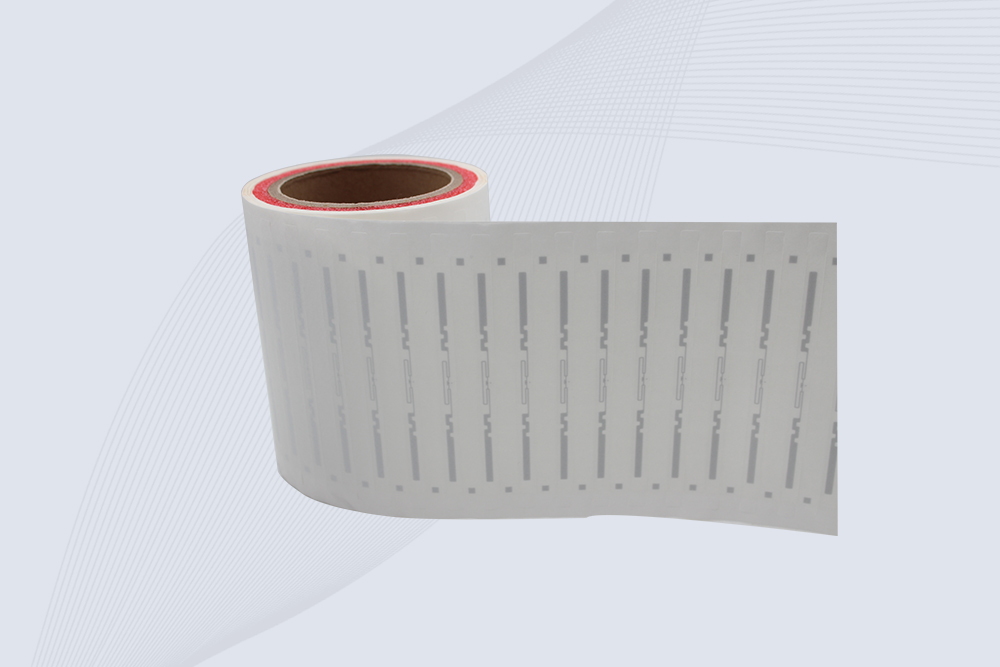
The CYKEO CYKEO-125-7 RFID Book Tag is designed for reliable book and document tracking in libraries and archives. This RFID Book Tag delivers long read range, dense placement support, and stable performance on shelves, making it a practical rfid tag on books for library automation, file management, and archival systems.
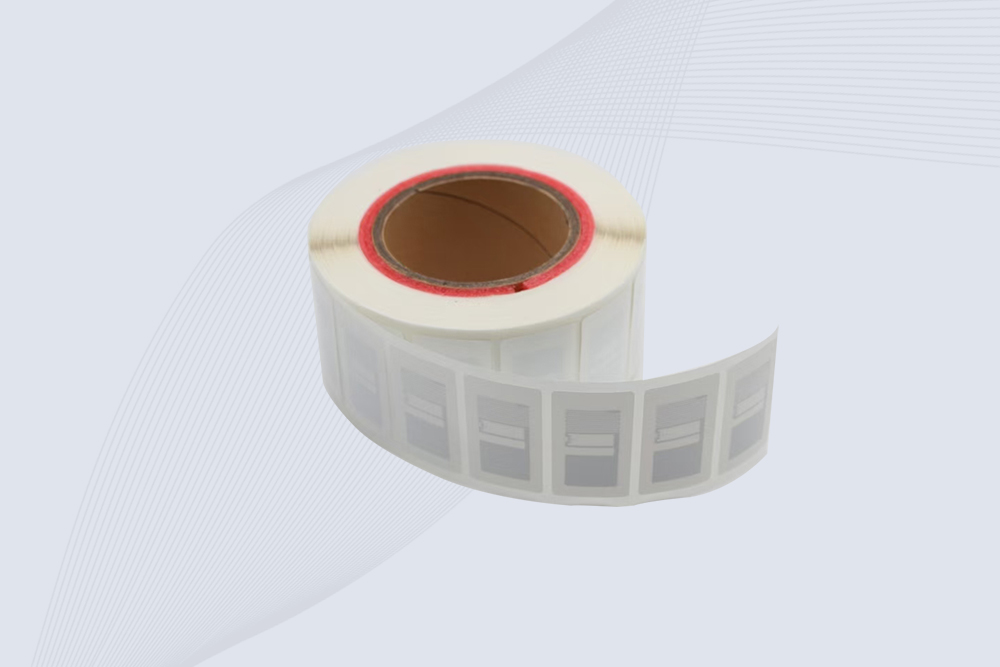
CYKEO RFID tags in hospitals are designed for sterile environments where accuracy matters. These autoclavable RFID tags support long-term tracking of surgical tools, implants, and medications, helping hospitals improve visibility, compliance, and patient safety.

CYKEO RFID Cable Tie Tag is built for reliable identification on metal surfaces. This UHF RFID Cable Tie Tag is widely used in rfid tags for inventory systems, industrial asset management and Hospital RFID Tags, offering stable read performance, long service life and global EPC Gen2 compatibility.
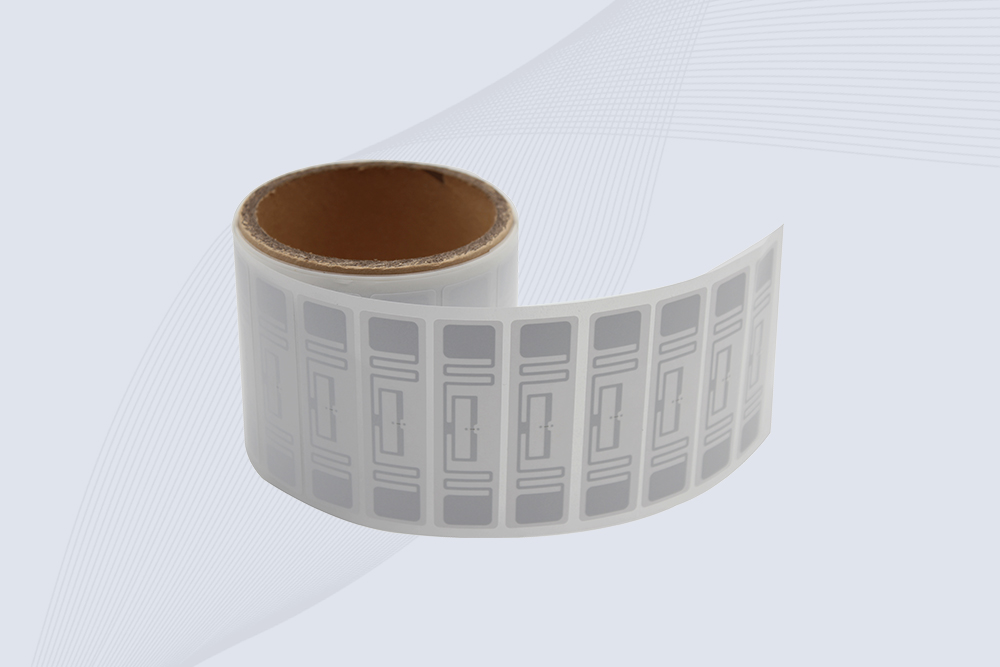
CYKEO RFID Asset Tag is designed for stable identification of metal assets in industrial environments. This UHF RFID Asset Tag is commonly used for rfid tag asset tracking on equipment, tools and containers, providing reliable reads, long service life and ISO/IEC 18000-6C support.

CYKEO UHF RFID Card is designed for fast identification and long-term use in industrial and commercial systems. Supporting ISO 18000-6C, this UHF RFID Card works at 860–960 MHz and is suitable for custom RFID cards used in asset tracking, access control and inventory management.
CYKEO HF RFID Cards are designed for secure and stable access control systems. These 13.56 MHz RFID key cards support ISO 14443-A, reliable rewriting and long service life, making HF RFID Cards suitable for offices, campuses, events and membership management.
CYKEO UHF RFID Tag is designed for reliable tracking of metal jewelry and high-value items. This Jewelry RFID Tag supports long-range reading up to 8 meters, anti-counterfeit protection and stable performance on metal, making it suitable for retail, inventory control and asset management.

Learn how to install an RFID gate reader to prevent retail theft. Follow Cykeo’s step-by-step guide for optimal placement, calibration, and integration with security systems.
More
RFID in manufacturing industry improves production visibility, asset tracking, and workflow control. See how CYKEO delivers results on the shop floor.
More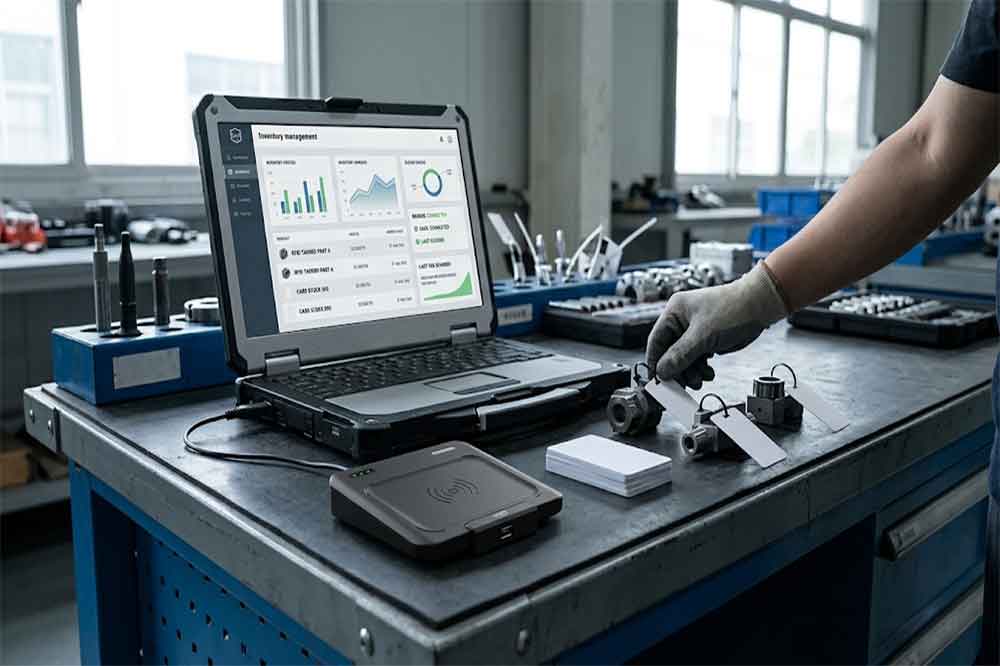
USB RFID reader integration connects tag identification with inventory, ERP, production, and asset management software. This article explains HID keyboard em...
More
Discover the best practices for RFID tag placement on metal surfaces to ensure reliable reads. Learn tag selection, adhesive tips, and signal optimization strategies.
More