 Cykeo RFID IoT Solution Products R&D Manufacturer



How to Pair RFID Modules with Edge AI for Real-Time Decision-Making?
1055Learn how to integrate RFID modules with edge AI processors for instant data insights. Discover setup tips, use cases, and Cykeo’s hybrid solutions.
MoreAll RFID Product
Straight answer: No, your iPhone can’t natively scan RFID tags. Those YouTube demos showing magical scans? Either staged or using hidden hardware. After burning three months testing solutions, here’s what actually works when you need to scan 200+ boxes daily.

Apple’s Hardware Reality:
What This Means On Warehouse Floors:
How Pros Actually Scan RFID with iPhones:
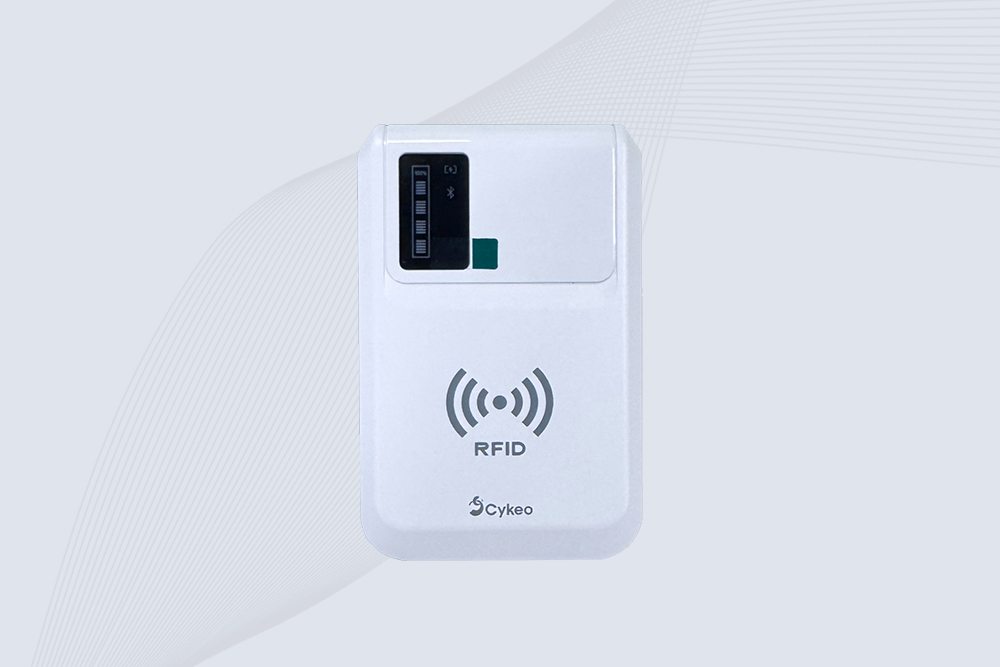
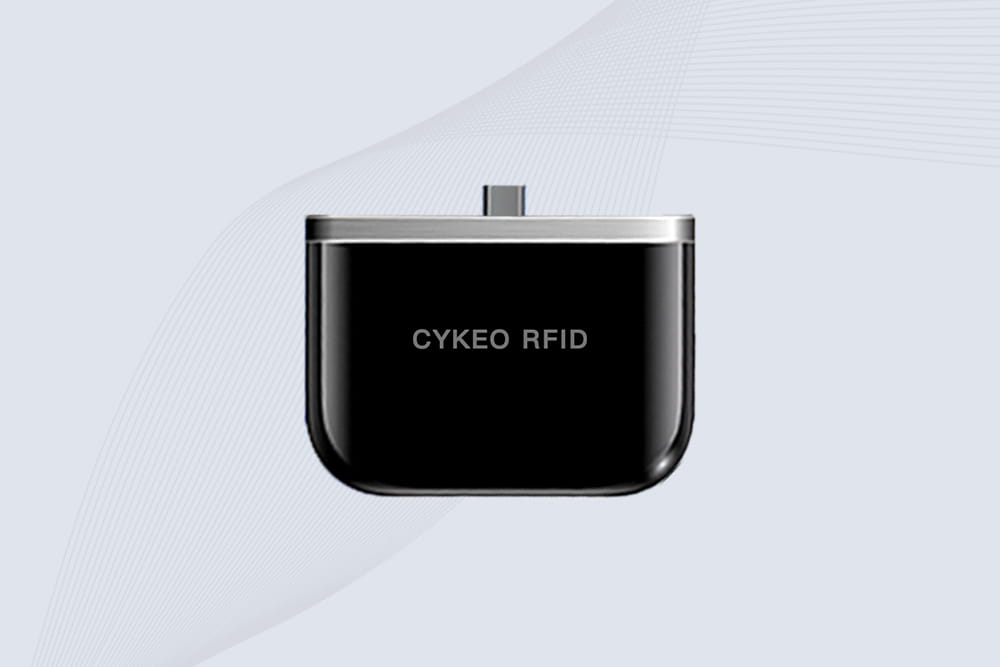
Cykeo‘s Field-Proven Setup:
Pro tip: Cykeo’s kit includes a glove-compatible trigger – saved our team 15+ minutes/hour.
Worth Using When:
Still Fails With:
Our result: Cut inventory time 62% – paid back in 14 weeks.
User Guide
Does iPhone support RFID natively? Absolutely not.
Can you make it work? Yes – with industrial Bluetooth gear.
Just avoid “magic solution” lies. Demand equipment that survives your environment. Cykeo’s rig passed our concrete-drop test when three others failed.

Learn how to integrate RFID modules with edge AI processors for instant data insights. Discover setup tips, use cases, and Cykeo’s hybrid solutions.
More
Improve hospital linen control with the Cykeo CK-G2224 RFID smart cabinet — real-time tracking, automated inventory, reduced loss, and full workflow digitization.
More
Boost your inventory tracking and logistics efficiency with the CK‑A11 UHF RFID antenna. High gain, circular polarization, IP65 rugged design—perfect for warehouses, retail shelves, and industrial environments. Reliable, long-range reads every time.
More
Want to know how to make a long range RFID reader? We explore the real engineering hurdles—RF design, certification, costs—and why a professional system is often the smarter path.
More