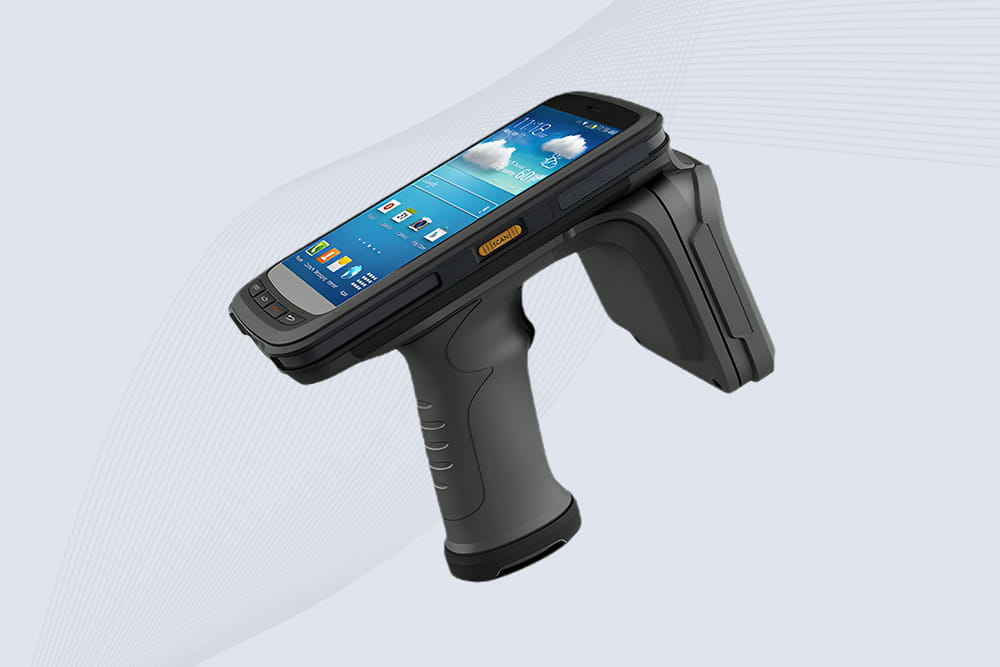
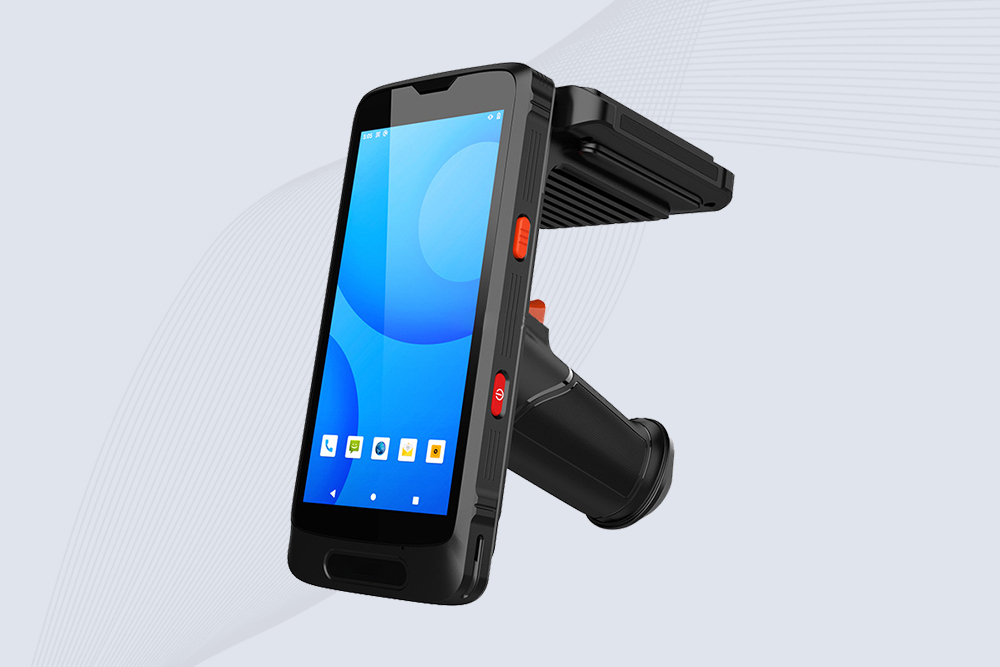
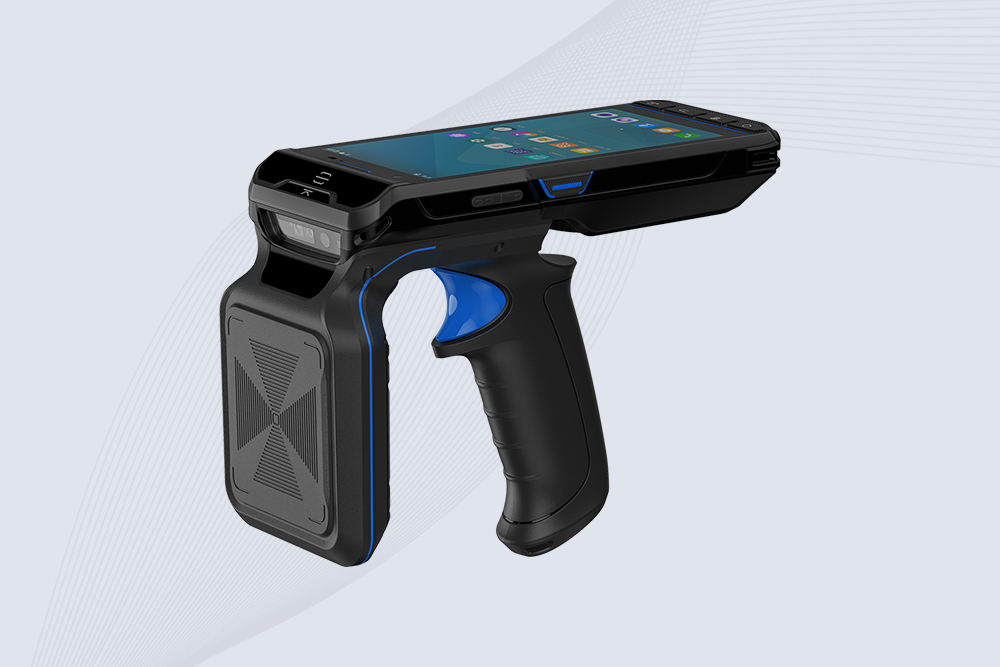
Proper cleaning and maintenance of RFID handheld readers can extend their lifespan by 3–5+ years, even in harsh environments like warehouses, hospitals, or construction sites. Follow these steps to avoid performance degradation, battery failure, and costly repairs.
1. Daily Cleaning Routine
Tools Needed:
Microfiber cloth
Isopropyl alcohol (70% or less) or EPA-approved disinfectant wipes
Compressed air (for vents/ports)
Steps:
Power Off: Disconnect the reader and remove the battery.
Wipe Surfaces: Gently clean the screen, trigger, and casing with a microfiber cloth lightly dampened with alcohol.
Clean Ports/Vents: Use compressed air to blow dust from USB ports, charging pins, and ventilation slots.
Dry Thoroughly: Let the device air-dry for 5 minutes before reassembly.
Note: Avoid bleach, ammonia, or abrasive cleaners—they can damage anti-glare coatings or RFID antennas.
2. Deep Cleaning for High-Risk Environments
Healthcare/COVID-19 Settings:
Use Clinell Universal Wipes (kills 99.99% of pathogens) without damaging the device.
Clean every 2–4 hours during shifts.
Industrial/Dusty Sites:
Apply silicone spray to seals monthly to prevent dust ingress.
Use a soft brush to remove debris from crevices.
3. Battery Maintenance
Lithium-Ion Care:
Avoid full discharges—recharge at 20–30% remaining.
Store at 50% charge if unused for >1 month.
Battery Replacement:
Replace swollen or underperforming batteries immediately .
4. Hardware Protection
Screen Protectors: Apply Glas.tR or ZAGG InvisibleShield to prevent scratches.
Protective Cases: Use OtterBox Defender or Seidio Convert for drop/water resistance.
Antenna Care: Inspect UHF antennas monthly for bends/cracks .
5. Software & Firmware Updates
Schedule Updates:
Install firmware patches (e.g., Cykeo SDK) to fix bugs and improve RFID sensitivity.
Update companion apps quarterly.
Reset Defaults: Perform factory resets annually to clear software glitches.
Learn actionable strategies to boost RFID tag read accuracy using high-performance antennas. Discover antenna selection, placement, and interference reduction techniques.
Discover industrial-grade RFID antennas that withstand dust storms, moisture, and -40°F to 185°F temps. Ensure reliable tracking in mines, farms, and factories.
A practical comparison of RFID vs barcode in hospital equipment tracking. Learn the real differences in speed, accuracy, and daily usability in healthcare environments.
Not sure which RFID reader to buy? Learn how to choose RFID readers by frequency, range, antenna, tags, environment, interfaces and application requirements.
 Cykeo RFID IoT Solution Products R&D Manufacturer