 Cykeo RFID IoT Solution Products R&D Manufacturer














Can Android Read RFID?
248Wondering if you can skip buying a scanner? We explain if Android can read RFID, what actually works, and why it won't replace professional RFID systems.
MoreAll RFID Product
Let’s face it: small businesses need inventory tracking that works without draining the budget. USB RFID readers are a no-brainer—they’re cheap, plug-and-play, and cut manual counts by hours. But with dozens of models under $100, how do you avoid buying junk that dies in a month? We tested 15+ readers in real shops and warehouses to find the ones that deliver.
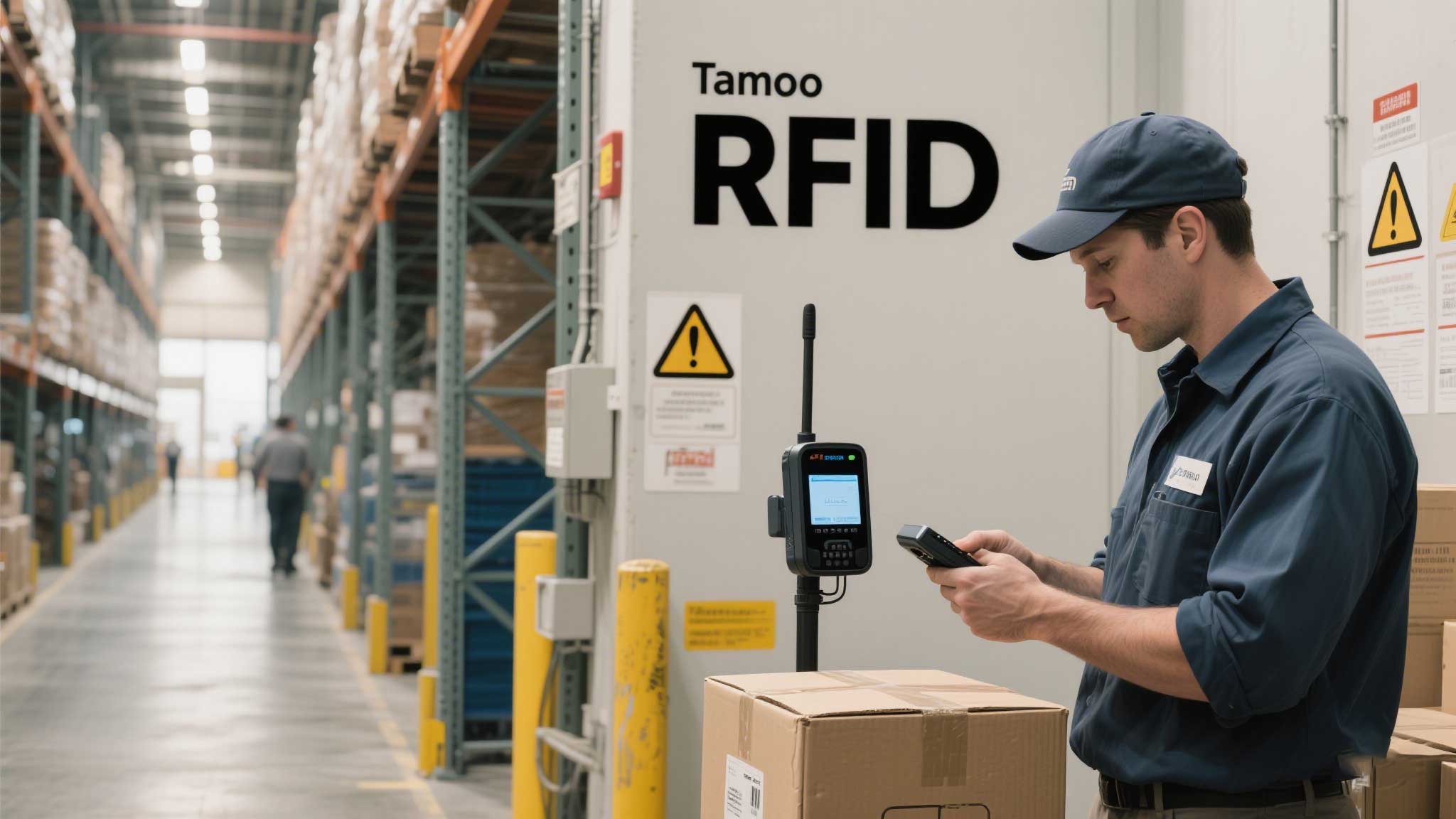
But Beware: Cheap readers often skimp on read range or fry in dusty environments.
a. Read Range Matters More Than You Think
b. Durability for Daily Grind
c. Software Compatibility
d. Plug-and-Play Drivers
a. For Tiny Retail Shops
b. For Coffee Shops/Bakeries
c. For Micro-Warehouses
a. Don’t Ignore Cable Length
b. Test Return Policies
c. Watch for “Fake” USB 3.0 Claims
a. Reduce Interference
b. Tag Placement Tricks
c. Free Software Tweaks
Real-World Win: A Brooklyn boutique used Cykeo’s SlimScan + free software to cut inventory time from 6 hours to 45 minutes weekly.
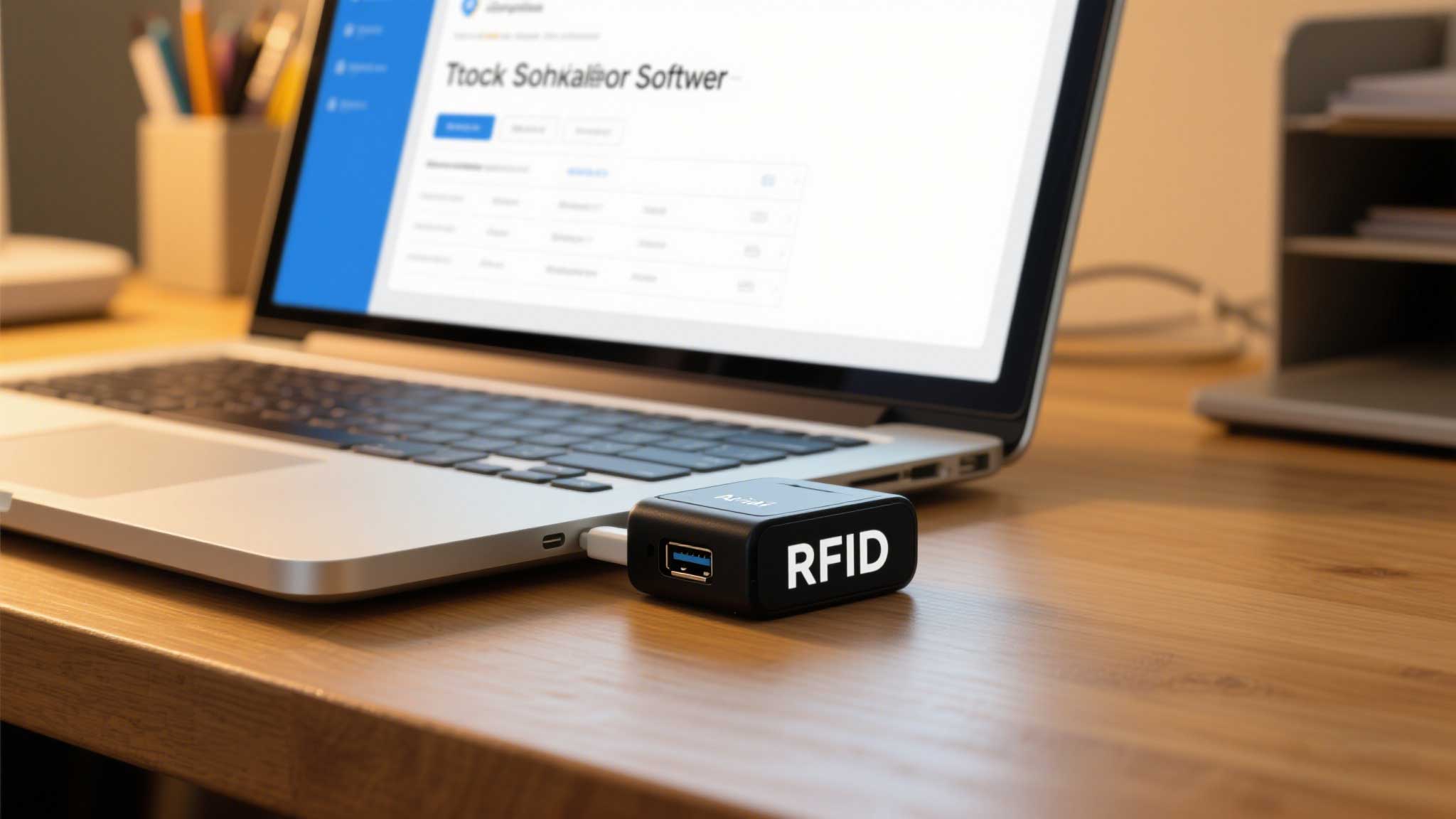
Upgrade if you need:
Takeaway: USB RFID readers under $100 can transform small biz inventory—if you pick wisely. Focus on read range, durability, and hassle-free setup. Start with one reader, test it hard for 30 days, then scale. Because time saved counting socks or screws is time earned growing your business.
Wondering if you can skip buying a scanner? We explain if Android can read RFID, what actually works, and why it won't replace professional RFID systems.
More
Antennas rfid uhf play irreplaceable role in many fields with their outstanding performance.
More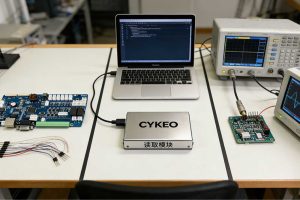
Want to learn how to make an RFID reader? We break down the real engineering choices: build a simple HF cloner, integrate a UHF module, or embark on a multi-year RF design journey.
More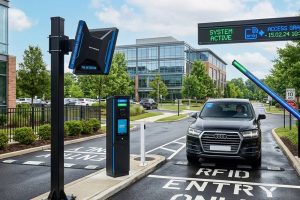
Looking for the best RFID reader for parking? Learn what to consider, from lane width and antenna type to vehicle speed and long-range UHF RFID performance.
More