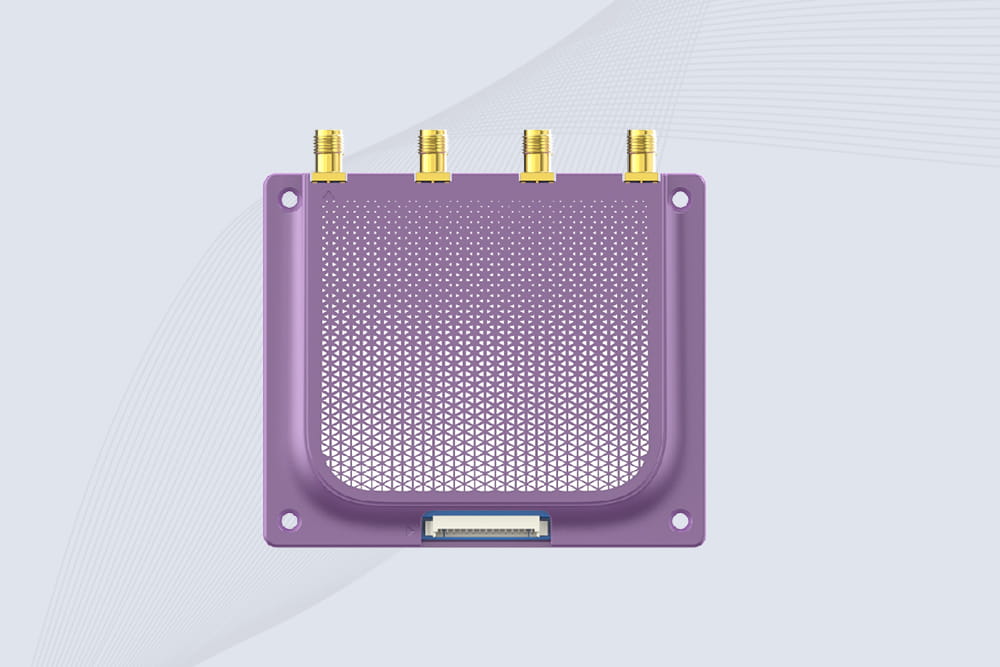
Alright, let’s talk about getting an RFID reader module to actually work. You’ve probably got this little green board covered in pins and a weird coil, maybe from a brand like CYKEO, and you’re staring at it thinking, “Where do I even start?” I was there too. My first attempt was for a makeshift clubhouse “security system” that ended up letting everyone in because I’d wired it backwards. Not my finest hour. But after burning through a module (yes, I fried one), I figured out a reliable process. This guide is that process—no theory deep dives, just the practical steps you need to go from a box of parts to something that beeps and lights up when you wave a card at it.
First, What Are You Actually Holding?
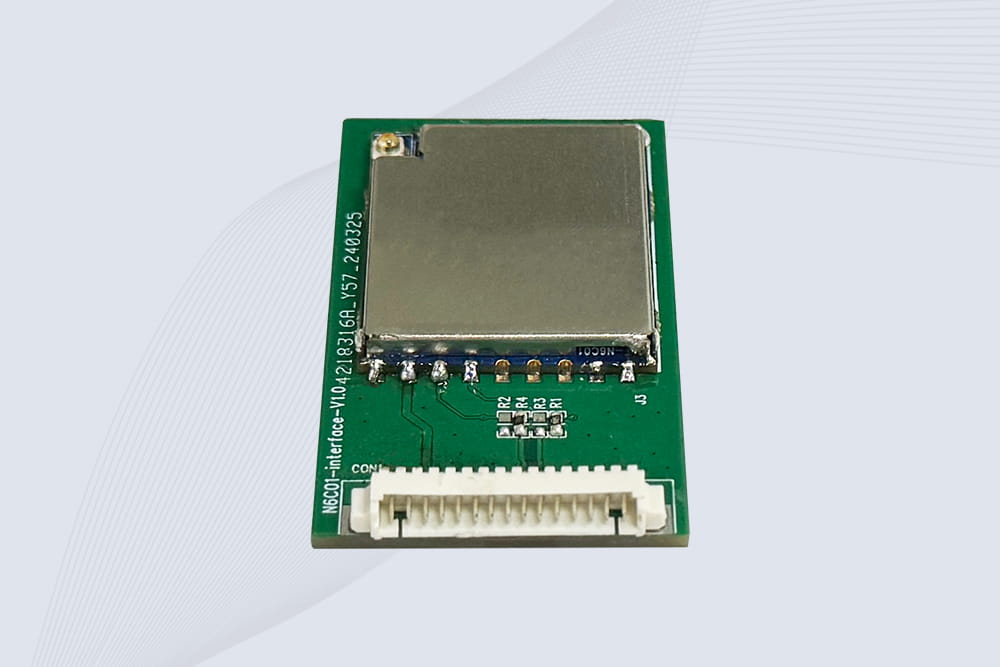
That little board is an RFID reader, usually the MFRC522 model. It talks to little chips embedded in keycards, tags, or stickers using radio waves. Think of it like a very short-range, dumbed-down version of the contactless payment on your credit card. The module handles all the tricky radio communication; your job is just to power it, wire it correctly, and tell it what to do. The CYKEO ones I’ve used are solid, but the cheap no-name modules work exactly the same way. The core challenge isn’t the tech—it’s getting the physical connections right.
Grab This Stuff Before You Start
Don’t overcomplicate it. You need:
- Something with a brain: An Arduino Uno or Nano. The Uno is easier for beginners because it’s tough to mess up.
- The reader itself: The RFID-RC522 module.
- Tags: Should come with the reader. You’ll get a white card and maybe a keychain tag.
- Wires: A mix of male-to-male and male-to-female jumper wires saves headaches. The male ends plug into the Arduino, the female ends clip onto the module’s pins nicely.
- A breadboard: Seriously, use one. It keeps things organized and saves you from chasing down loose connections later.
- An LED and a 220-ohm resistor: For your first “it works!” moment. The resistor keeps the LED from burning out instantly.
Forget the servo motor and LCD screen for now. Just get the basic reader-to-LED circuit working first. Trust me.
The Wiring: This Is Where Most Projects Fail
Here’s the step everyone rushes. Look at your module. See the eight pins? Ignore the one labeled “IRQ.” You need the other seven. The single most important rule: This is a 3.3V device. Plug it into 5V and you’ll smell magic smoke. I learned that the expensive way.
Here’s the wiring map for an Arduino Uno. Say it out loud as you connect each wire:
- Module VCC → Arduino 3.3V pin (Not 5V! I’m serious.)
- Module GND → Arduino GND (Any GND pin is fine.)
- Module SDA (or SS) → Arduino Digital Pin 10
- Module SCK → Arduino Digital Pin 13
- Module MOSI → Arduino Digital Pin 11
- Module MISO → Arduino Digital Pin 12
- Module RST → Arduino Digital Pin 9
The antenna is that squiggly copper rectangle. The tag needs to be parallel to it, within an inch or two. Don’t try to scan from the side; it won’t work.
Software & Code: Making It Talk
Hardware is silent without software. Here’s the quickest path to a successful scan:
- Install the Librarian: In your Arduino IDE, go to
Sketch -> Include Library -> Manage Libraries.... A box pops up. In the search bar, type “MFRC522.” Find the one by “GithubCommunity” and click “Install.” That’s it. This library holds all the secret handshakes the module needs.
- Run the Diagnosis Tool: Go to
File -> Examples -> MFRC522 -> DumpInfo. This sketch is your best friend. Upload it to your Arduino.
- Open the Chat Window: Click the magnifying glass icon in the top-right (Serial Monitor). A new window opens. Make sure the dropdown menu in the bottom-right says “9600 baud.” You should see text like “Scan PICC to see UID…”
- The Magic Moment: Take your white RFID card and hold it flat over the antenna coil. Move it slowly. If everything is wired right, the Serial Monitor will suddenly fill with a bunch of numbers and letters. Find the line that says “Card UID.” Those four chunks of hex (like
A3 4B C1 9F) are your card’s unique fingerprint. Write this down. This is the key you’ll use to control things.
Build Your First “Real” Thing: Tag-Controlled LED
Seeing text is cool, but making light happen is cooler. Let’s make an LED turn on for 3 seconds when the right tag is scanned. This is the core logic of every RFID project.
Replace everything in your Arduino IDE with this code. But first, change the line String authorizedUID = "a34bc19f"; to use your own card’s UID. Use the letters/numbers from the Serial Monitor without the spaces or colons, and make them lowercase.
cpp
#include <SPI.h>
#include <MFRC522.h>

#define RST_PIN 9
#define SS_PIN 10
#define LED_PIN 2 // LED on Pin 2

MFRC522 mfrc522(SS_PIN, RST_PIN);

// >>> REPLACE THIS WITH YOUR TAG'S UID! <<<
// My card's UID was A3 4B C1 9F, so I write:
String authorizedUID = "a34bc19f";

void setup() {
  Serial.begin(9600);
  SPI.begin();
  mfrc522.PCD_Init();
  pinMode(LED_PIN, OUTPUT);
  Serial.println("Ready. Scan a tag.");
}

void loop() {
  // Is a card even there?
  if ( ! mfrc522.PICC_IsNewCardPresent()) {
    return; // Nope. Go back and check again.
  }
  // Can we read it?
  if ( ! mfrc522.PICC_ReadCardSerial()) {
    return; // Failed to read. Check again.
  }

  // Build the UID from the card's data
  String readUID = "";
  for (byte i = 0; i < mfrc522.uid.size; i++) {
    readUID += String(mfrc522.uid.uidByte[i], HEX);
  }
  readUID.toLowerCase(); // Keeps things consistent

  Serial.print("Scanned: ");
  Serial.println(readUID);

  // THE BIG DECISION: Does the UID match?
  if (readUID == authorizedUID) {
    Serial.println("  >> Access GRANTED! LED ON.");
    digitalWrite(LED_PIN, HIGH);
    delay(3000); // LED stays on for 3 seconds
    digitalWrite(LED_PIN, LOW);
  } else {
    Serial.println("  >> Access DENIED.");
    // Maybe flash a red LED here later?
  }
  delay(500); // Short pause before next scan
}
Upload it. If you scan your authorized tag, the LED on Pin 2 should light up. If you scan a different tag, nothing happens. This if-then block is the heart of everything. You can now replace that digitalWrite with commands for a servo, a relay, or a message on a screen.
When It Doesn’t Work (And It Won’t, At First)
We all hit these. Let’s fix them:
- Silent Serial Monitor: 1) Is the VCC pin in 3.3V? Check it twice. 2) Are pins 9, 10, 11, 12, 13 connected correctly? 3) Is the baud rate 9600?
- “Unknown Error” or Garbage Text: The library didn’t install properly. Close and reopen the Arduino IDE, then try again.
- Reader Gets Warm: POWER OFF IMMEDIATELY. You have VCC in the 5V pin. The module might be damaged.
- Tag Not Recognized: Hold it closer and parallel to the coil. Did you type the UID correctly? No spaces, all lowercase.
Where to Go From Here: Keep It Simple
Once you have the LED trick working, you’ve unlocked the core skill. Now you can start real projects:
- Add a Buzzer: One beep for success, two beeps for failure.
- Control a Relay: This lets you turn a lamp or fan on/off with a tag.
- Use a Servo: Make a little arm move to “unlock” a box lid.
- Try Multiple Tags: Use an
if / else if chain to give different tags different effects.
The goal isn’t to build a fortress on day one. It’s to make one small thing work reliably. Nail the process of how to use RFID reader module for a single LED, and you can scale it up to almost anything.
RFID Reader Module Recommendation

2025-12-15
CYKEO Embedded RFID Modules are designed for compact industrial and IoT devices that require stable UHF performance. These UHF RFID Modules support global protocols, flexible power control, and reliable multi-tag reading for smart cabinets, production lines, and asset tracking systems.
2025-12-15
CYKEO Embedded RFID Module is built for compact IoT and industrial devices that need stable UHF performance. This UHF module supports global protocols, low power operation, and reliable multi-tag reading for smart lockers, production lines, and always-on RFID systems.
2025-12-15
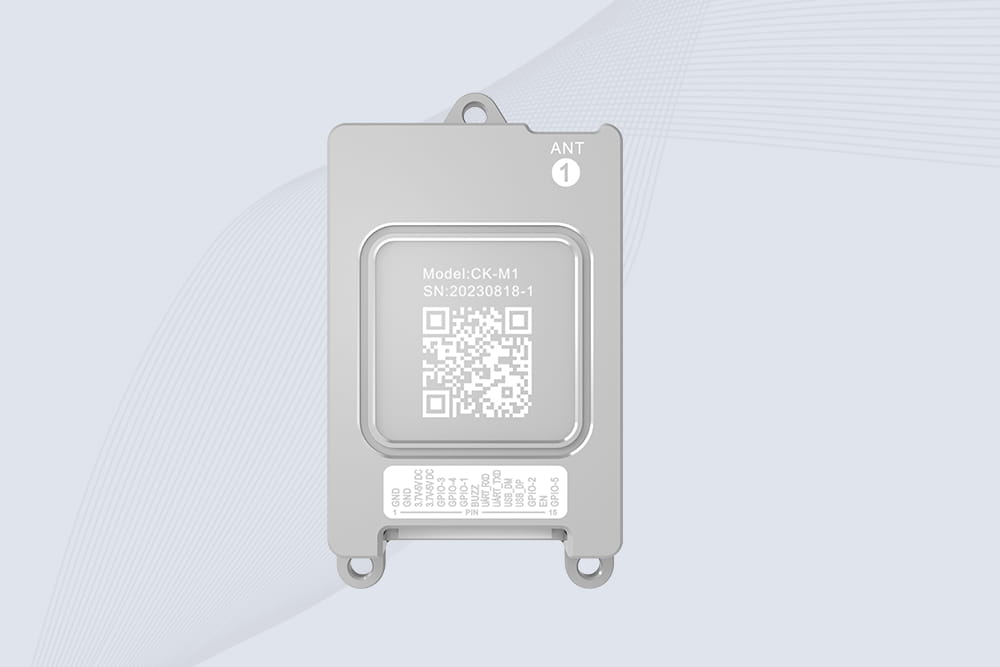
CYKEO CYKEO-M1 drone rfid module is a compact UHF RFID reader module designed for drones and UAV platforms. It supports long-range aerial scanning, fast multi-tag reading, and stable performance in wind, vibration, and outdoor environments.
2025-12-15
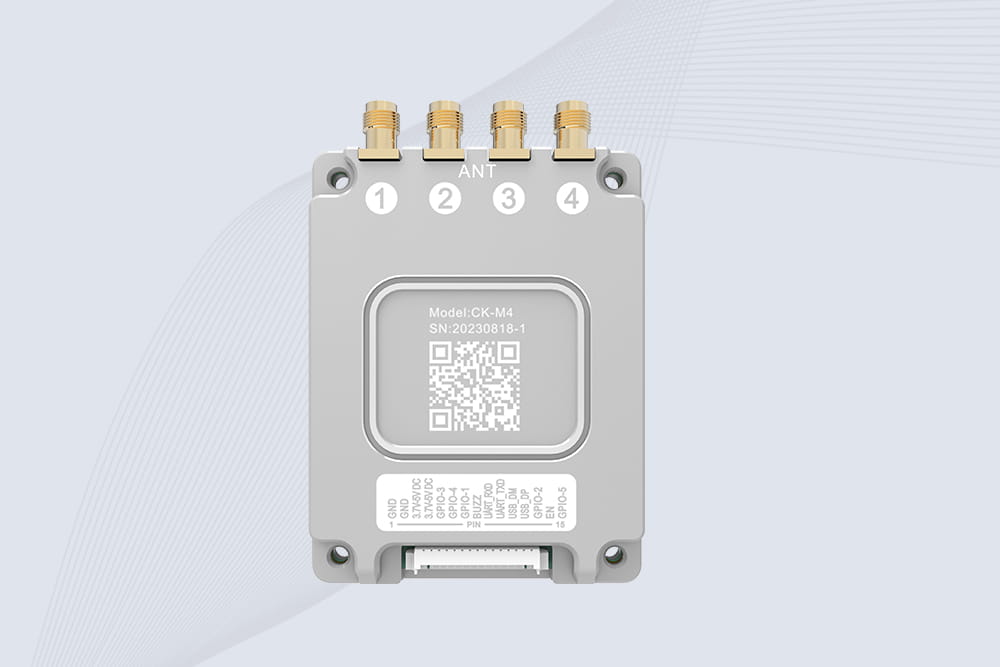
CYKEO CYKEO-M4 RC522 RFID Module is an industrial-grade UHF RFID reader with 4 ports, supporting ISO, EPC, and GB protocols. High-speed, accurate reading for IoT, automation, and warehouse applications.
2025-12-15
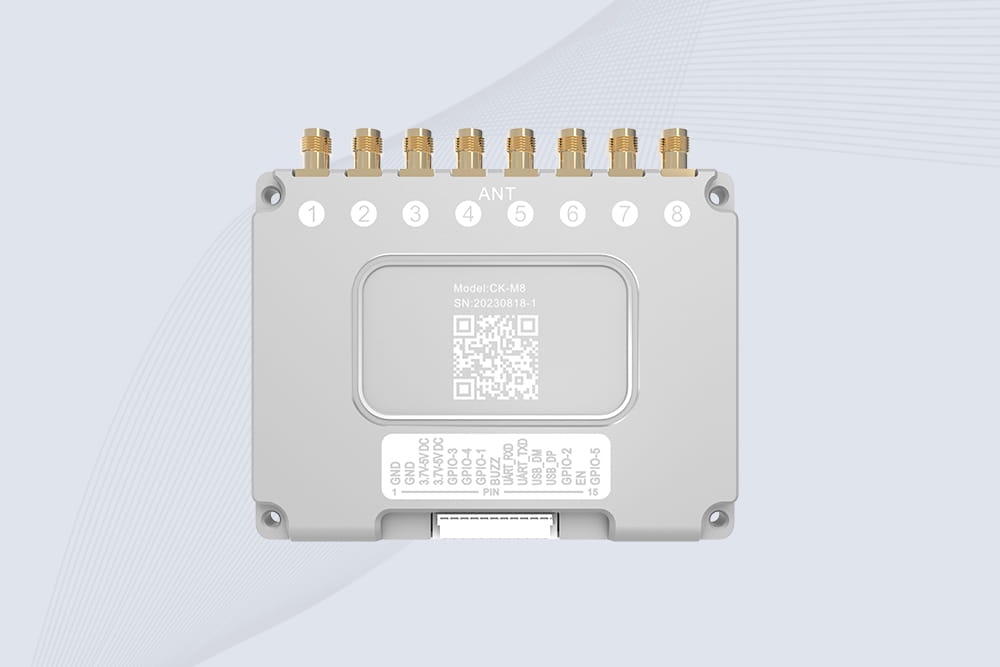
CYKEO CYKEO-M8 Module RFID is an 8-port UHF R2000 RFID Module designed for high-density, multi-tag environments. Stable 33dBm output, ISO & GB protocol support, ideal for warehouses, factories, and automated systems.
2025-12-15
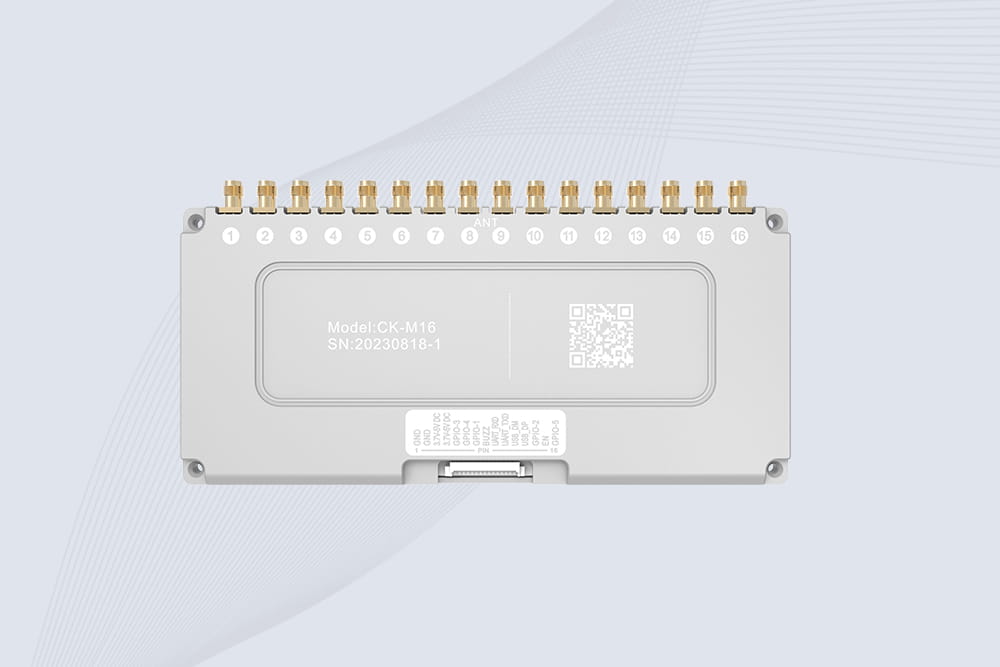
CYKEO CYKEO-M16 RFID Module is a 16-port UHF RFID reader module based on the R2000 chipset. Designed for dense tag environments, it supports ISO and GB standards and delivers stable multi-antenna control for industrial automation.
2025-12-15
The CYKEO CYKEO-M16L RFID Reader Module is a 16-channel UHF RFID core designed for dense tag environments. With adjustable 33dBm output, multi-protocol support, and stable multi-antenna control, this RFID Tag Reader Module fits industrial automation, warehouse systems, and large-scale IoT deployments.
2025-12-15
CYKEO CYKEO-M8L module RFID is a compact industrial UHF module built for dense tag and multi-antenna environments. With 8 RF ports, adjustable 33 dBm output, and ISO & GB protocol support, it is widely used in factories, warehouses, and automated tracking systems.
2025-12-15
CYKEOCYKEO-M4L UHF RFID Module is a compact 4-channel RFID tag reader module designed for dense tag environments. Supporting ISO and GB protocols, it delivers stable reads up to 10 meters for industrial and IoT systems.
 Cykeo RFID IoT Solution Products R&D Manufacturer