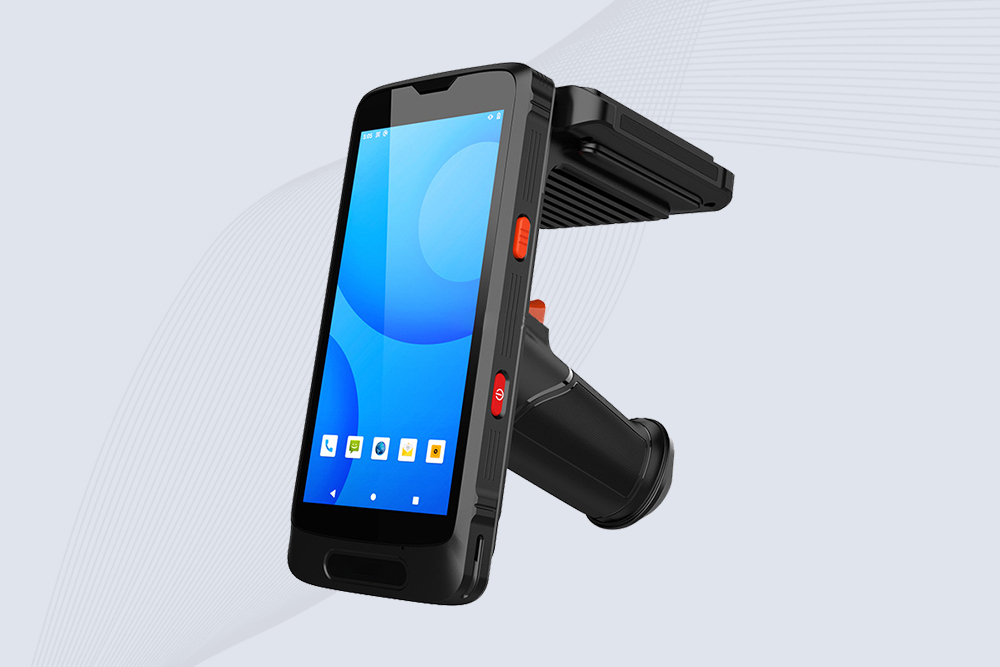
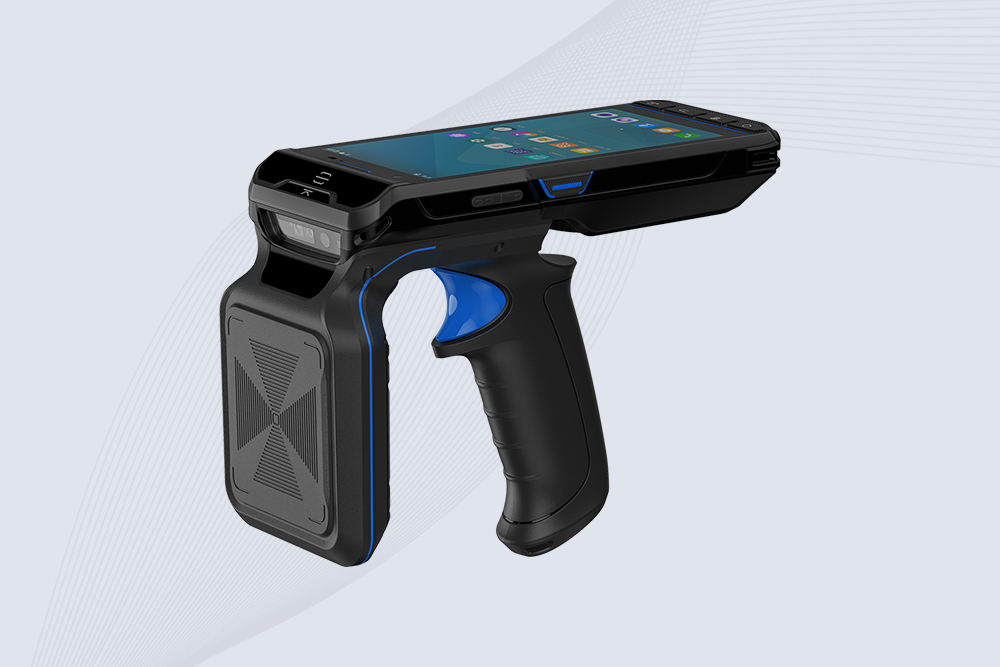
Handheld RFID scanners streamline inventory management—until glitches like failed tag reads or sudden shutdowns disrupt workflows. Here’s a practical guide to diagnosing and resolving the most frequent errors, ensuring minimal downtime for your operations.
1. “No Tags Detected” Errors
Cause:
Weak RFID signals due to low battery, damaged antennas, or interference from metal/water.
Incorrect frequency settings for the tags (e.g., UHF vs. HF).
Fix:
Check battery levels and recharge or swap batteries.
Ensure the scanner’s frequency matches the tags (e.g., 865–868 MHz for EU tags).
Test in a low-interference area. Cykeo scanners include a “Signal Boost” mode to enhance weak reads.
2. Intermittent Connectivity Issues
Cause:
Bluetooth/Wi-Fi dropouts caused by distance, obstructions, or software bugs.
Fix:
Stay within 10 meters (33 ft) of the paired device.
Restart the scanner and host device (tablet/PC).
Update the scanner’s firmware via Cykeo’s Device Manager Suite to patch connectivity bugs.
3. Rapid Battery Drain
Cause:
Background apps, high screen brightness, or outdated firmware overloading the battery.
Fix:
Activate “Power Saver Mode” to disable non-essential features.
Lower screen brightness and disable GPS/Bluetooth when unused.
Replace aging batteries if runtime drops below 50% of original capacity.
4. Software Freezes or Crashes
Cause:
Memory overload from large data batches or corrupted firmware.
Fix:
Clear the scanner’s cache under Settings > Storage.
Perform a soft reset (hold power button for 15 seconds).
Reinstall the RFID app or restore factory settings as a last resort.
5. Physical Damage Impacting Performance
Cause:
Drops, water exposure, or extreme temperatures damaging internal components.
Fix:
Inspect for cracks, loose ports, or moisture under the screen.
Use silica gel packs to dry out waterlogged devices (power off first!).
For severe damage, contact Cykeo’s support team for repair/replacement.
Pro Tip: Prevent Errors with Regular Maintenance
Weekly: Clean the scanner’s antenna and ports with compressed air.
Monthly: Update firmware and calibrate the RFID reader.
Quarterly: Test backup batteries and replace if below 80% capacity.
A retail chain using Cykeo scanners reduced error rates by 62% after implementing these checks.
In healthcare, precise and efficient asset management directly impacts patient safety and operational costs. Traditional manual records and barcode scanning are inefficient and error-prone. Handheld RFID readers leverage wireless radio...
How to seamlessly integrate the CK-A10A 10dBi RFID antenna with your existing RFID reader system, improve signal strength, and enhance tracking accuracy. A straightforward approach to boosting RFID system performance.
Discover how Cykeo’s UHF RFID readers reduced inventory errors by 90% for a global retailer. Learn key strategies for RFID warehouse implementation in 2024
How the Cykeo CK‑T9HF HF RFID security gate enhances asset protection, theft prevention, and real-time inventory tracking in libraries, archives, and industrial environments. High-density tag detection, rapid scanning, and seamless API integration.
 Cykeo RFID IoT Solution Products R&D Manufacturer