 Cykeo RFID IoT Solution Products R&D Manufacturer
Antena lectora RFID: A Practical Guide from Basics to Real-World Applications
664A complete overview of RFID reader antennas — how they work, types, and deployment tips across industries from warehousing to retail.
MoreAll RFID Product
How to scan RFID tags into Google Sheets? You can scan RFID tags into Google Sheets by connecting an RFID reader to a computer or mobile device and sending tag data directly into spreadsheet cells. Cykeo RFID solutions are designed for real-time data capture, helping businesses record inventory, assets, and tracking information without manual entry.
Many companies still rely on barcode-based spreadsheets, but RFID changes the workflow because multiple tags can be captured faster and with less human interaction. During RFID deployment projects, our Cykeo team has tested readers in warehouses, retail environments, and equipment management applications where operators needed immediate data visibility.
The basic process is straightforward:
Most UHF RFID readers work similarly to a wireless keyboard. When a tag is detected, the reader sends the unique EPC (Electronic Product Code) number into the active spreadsheet field.
According to GS1, EPC-based RFID identification provides standardized item-level identification, allowing companies to improve supply chain visibility. GS1 explains that RFID technology is widely used for inventory accuracy, asset tracking, and logistics management.
Source: https://www.gs1.org/standards/rfid
This is the simplest approach for small inventory projects.
A USB RFID reader can act like a keyboard device. After scanning, the RFID tag number appears directly inside Google Sheets.
Typical applications include:
This method requires almost no programming knowledge, which is why many small businesses choose it for their first RFID implementation.
For field operations, a Bluetooth RFID reader provides more flexibility.
A worker can connect a handheld RFID scanner to an Android phone or tablet, open Google Sheets, and collect tag information while moving around a facility.
Cykeo portable RFID readers are commonly used in scenarios where operators need mobility instead of fixed scanning stations.
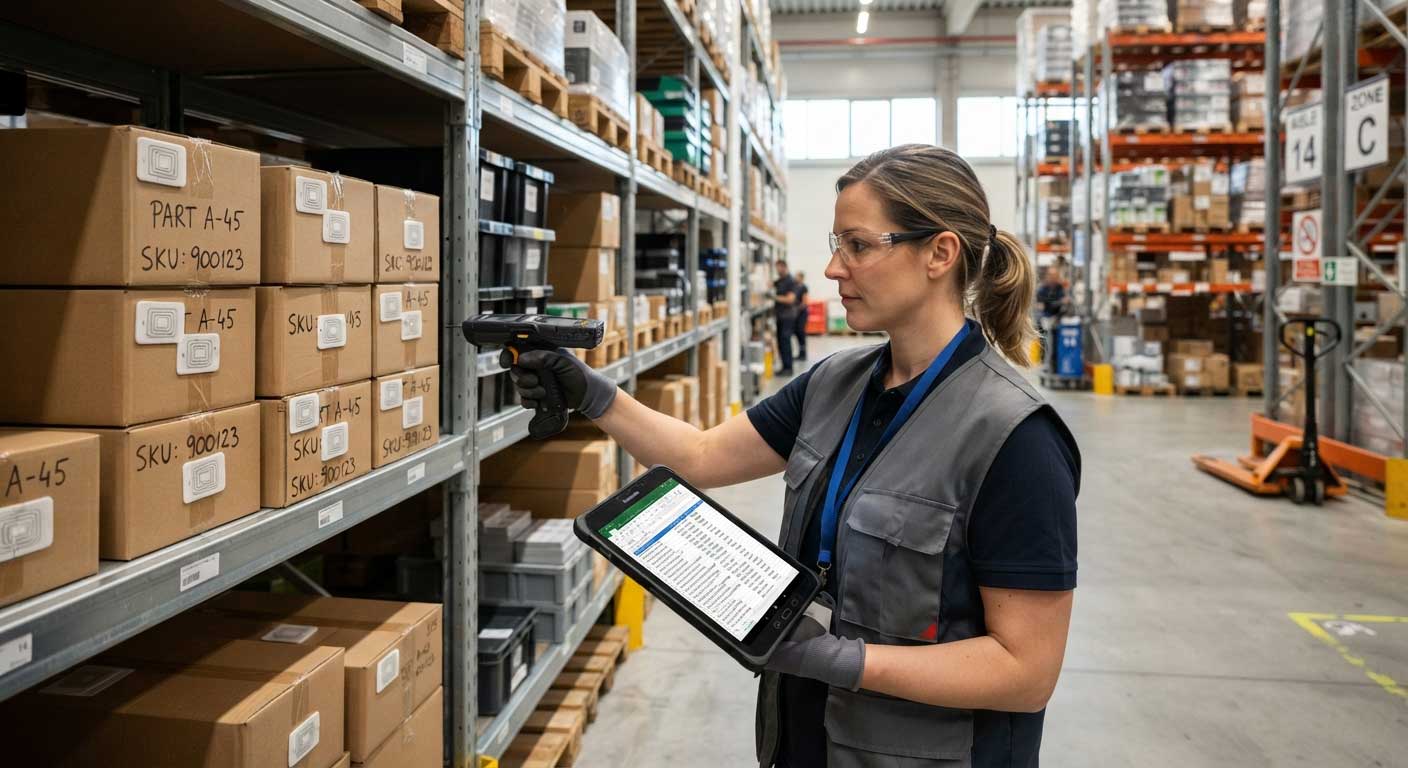
An RFID scanning workflow can capture more than just tag numbers.
Common data fields include:
| Data Field | Example |
|---|---|
| RFID Tag ID | E200341201234567 |
| Product Name | Industrial Sensor |
| Location | Warehouse Zone A |
| Scan Time | 10:35 AM |
| Employee ID | Staff 102 |
| Quantity | 50 Units |
For companies managing thousands of assets, automatic data collection reduces repetitive typing and improves record consistency.
A 2023 report from Auburn University RFID Lab highlighted that RFID adoption in retail supply chains can significantly improve inventory accuracy when properly implemented.
Source: https://rfid.auburn.edu/
Manual data entry creates several problems:
RFID provides a faster connection between physical products and digital records.
From our experience working with RFID hardware customers, the biggest improvement is usually not only scanning speed but reducing the gap between “what exists in the warehouse” and “what appears in the database.”
For example, during equipment tracking tests, operators who previously recorded serial numbers manually could replace repeated typing with a simple scan-and-confirm process. The spreadsheet became a live record instead of a document updated after the work was completed.
For larger companies, direct scanning into Google Sheets may not be enough. Businesses managing thousands of RFID tags usually connect RFID readers with middleware, cloud platforms, or APIs.
A typical automated workflow looks like this:
RFID Reader → Data Processing Software → Google Sheets → Cloud Database
The reader captures the tag EPC number, software processes the information, and the final data appears automatically in Google Sheets.
Google provides official documentation for Google Sheets API integration, allowing applications to read and write spreadsheet data programmatically.
Source: https://developers.google.com/sheets/api
This approach is commonly used for:
At Cykeo, we have worked with system integrators who combine RFID handheld readers with customized software platforms. In these projects, the RFID hardware is only one part of the solution. The real value comes from creating a reliable connection between physical assets and business data.
You need:
The reader frequency must match the RFID tags being used. For example, UHF RFID systems commonly operate in the 860–960 MHz range depending on regional regulations.
According to the Federal Communications Commission, UHF RFID devices must comply with radio frequency regulations to ensure reliable operation without interference.
Source: https://www.fcc.gov/
Before scanning, configure:
For simple projects, keyboard emulation is usually enough.
For industrial environments, companies often choose:
A practical RFID inventory sheet may include:
| Tag ID | Item Name | Category | Location | Status | Last Scan |
|---|---|---|---|---|---|
| RFID001 | Laptop | IT Asset | Office A | Available | 09:30 |
| RFID002 | Tool Kit | Equipment | Workshop | Checked Out | 09:45 |
This structure allows teams to search, filter, and analyze RFID records immediately.
Possible reasons:
A quick test is opening a blank text document. If the RFID reader types the tag number there, the hardware connection is working.
Large inventory areas may detect the same tag several times.
Solutions include:
In real warehouse environments, the goal is not simply maximum reading distance. A controlled read zone is usually more valuable because it prevents unwanted tag collection.
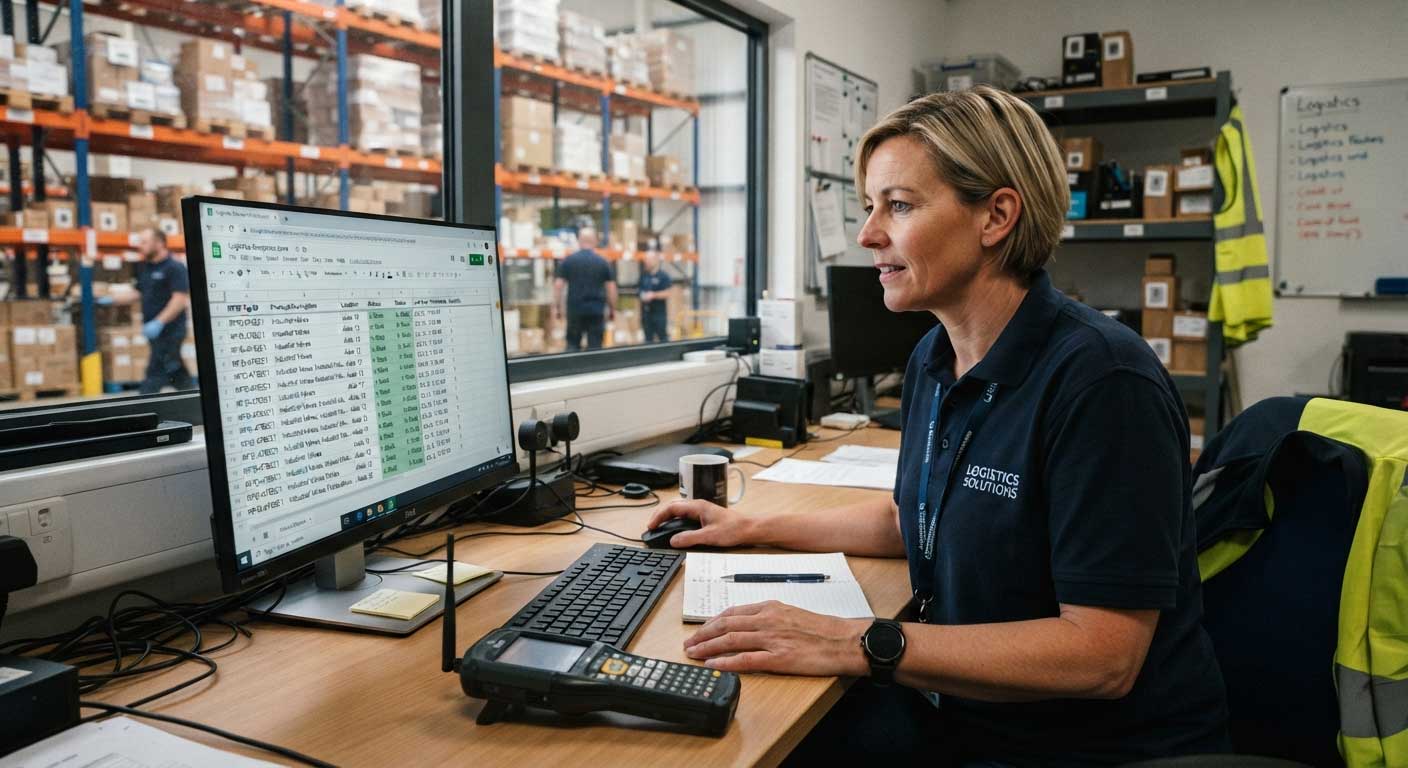
Yes. RFID tags can be scanned directly into Google Sheets by using an RFID reader that sends tag information as keyboard input. The reader places the RFID tag ID into the selected spreadsheet cell automatically.
Most USB, Bluetooth, and wireless RFID readers that support keyboard emulation can work with Google Sheets. Cykeo RFID readers are designed for flexible integration with computers, mobile devices, and custom software platforms.
No. Basic RFID scanning does not require programming. A plug-and-play RFID reader can enter tag data directly into Google Sheets. Advanced systems may require API or software development.
Yes. Google Sheets can store large amounts of inventory information, but performance depends on formulas, data complexity, and workflow design. For enterprise-scale RFID deployments, companies often connect Sheets with dedicated databases.
Yes. Bluetooth RFID scanners can connect with smartphones and tablets, allowing users to update Google Sheets while moving around warehouses, stores, or outdoor locations.
RFID accuracy depends on tag quality, reader performance, environment, and system configuration. Properly designed RFID systems can significantly improve inventory visibility compared with manual counting methods.
Yes. Cykeo RFID readers support integration projects through hardware communication protocols and software development tools, allowing businesses to build customized RFID tracking solutions.
Most modern smartphones—especially Android devices—are equipped with an NFC (Near Field Communication) module, which is a form of RFID technology. This makes it possible to test RFID tags under certain conditions.
Important Notes:
How to scan RFID tags into Google Sheets is no longer a complicated process. With the right RFID reader, companies can capture tag information instantly and transform Google Sheets into a simple inventory management platform.
For small businesses, keyboard-emulation RFID readers provide an affordable starting point. For larger operations, API-based integration creates a more scalable workflow connecting RFID hardware with enterprise systems.
Based on Cykeo’s experience supporting RFID projects, successful implementation depends less on the scanner alone and more on choosing the correct combination of tags, readers, software, and workflow design.
RFID technology continues moving businesses from manual records toward real-time visibility, making spreadsheet-based tracking faster, cleaner, and easier to manage.
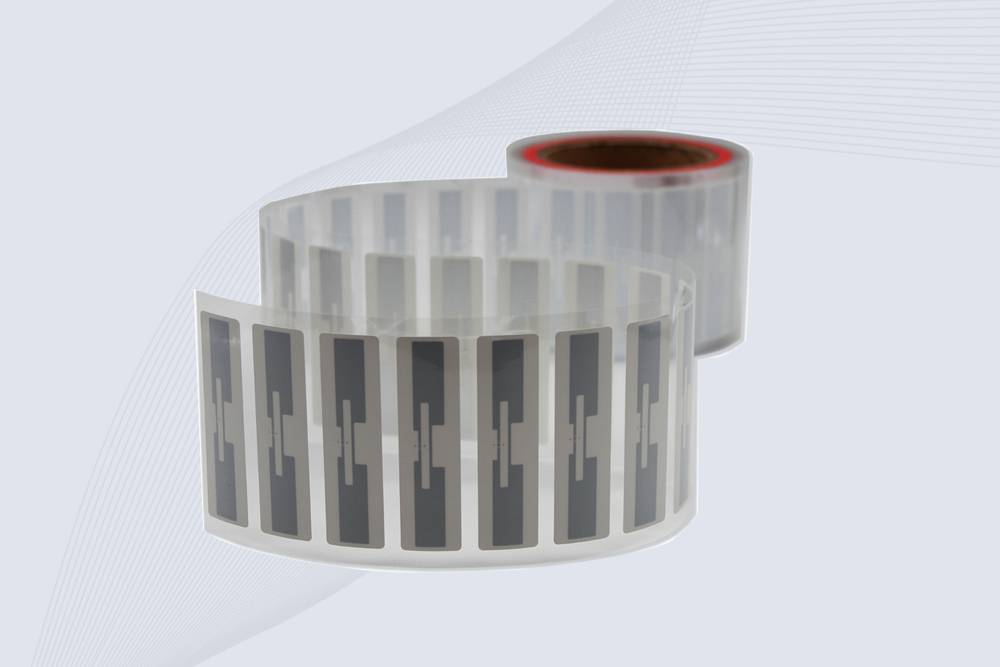
CYKEO Passive RFID Tags are made for wet and high-humidity environments where standard labels do not last. This rfid passive tag is often used around liquids, chemicals and temperature changes, providing stable reading distance and long data life for industrial tracking.
More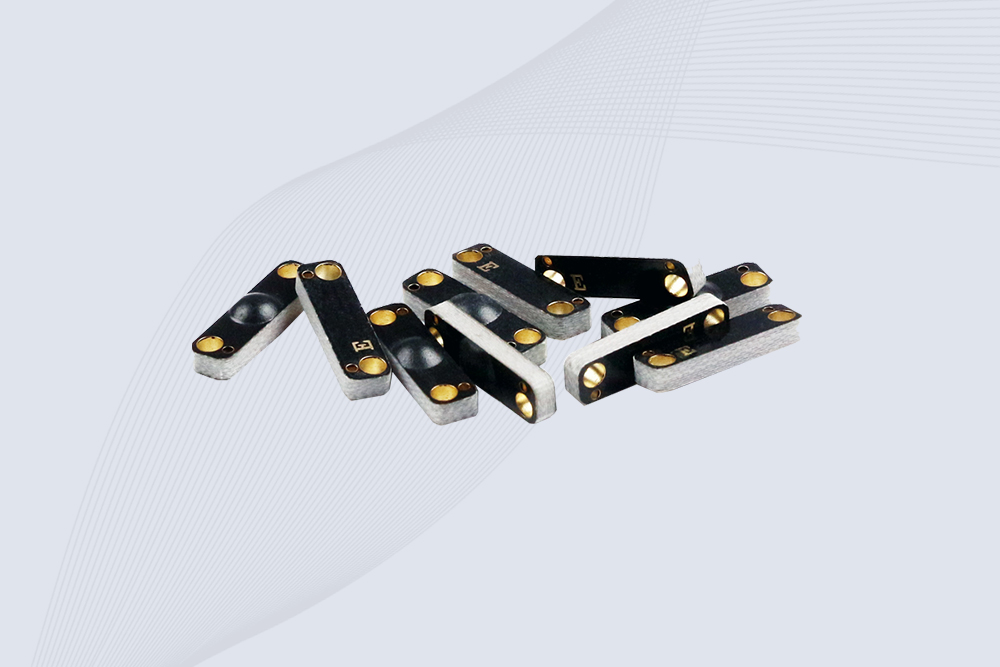
CYKEO CYKEO-PCB1504 Metal RFID Tags is a compact anti-metal UHF RFID solution built for direct mounting on metal surfaces. With stable 8-meter read range, Ucode-8 chip, and long data retention, this rfid metal tag fits tools, containers, automotive parts, and industrial asset tracking.
More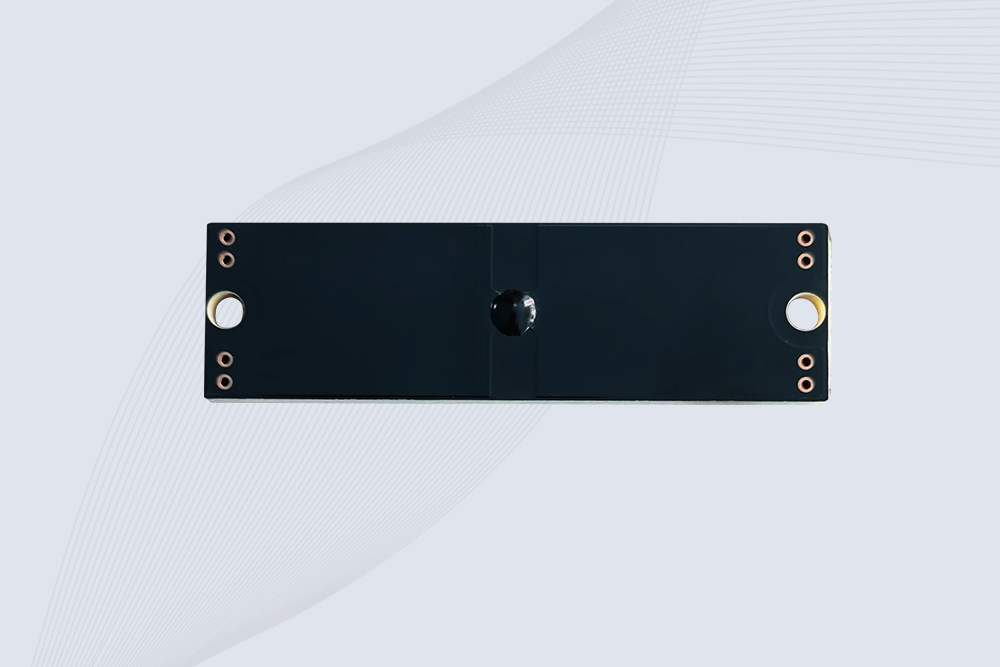
CYKEO CYKEO-PCB7020 On-Metal RFID Tags are designed for reliable tracking on steel and metal surfaces. Built with an FR4 epoxy body and industrial-grade chips, these On-Metal RFID Tags deliver stable performance, long data life, and chemical resistance, making them a dependable RFID anti-metal tag for harsh environments.
More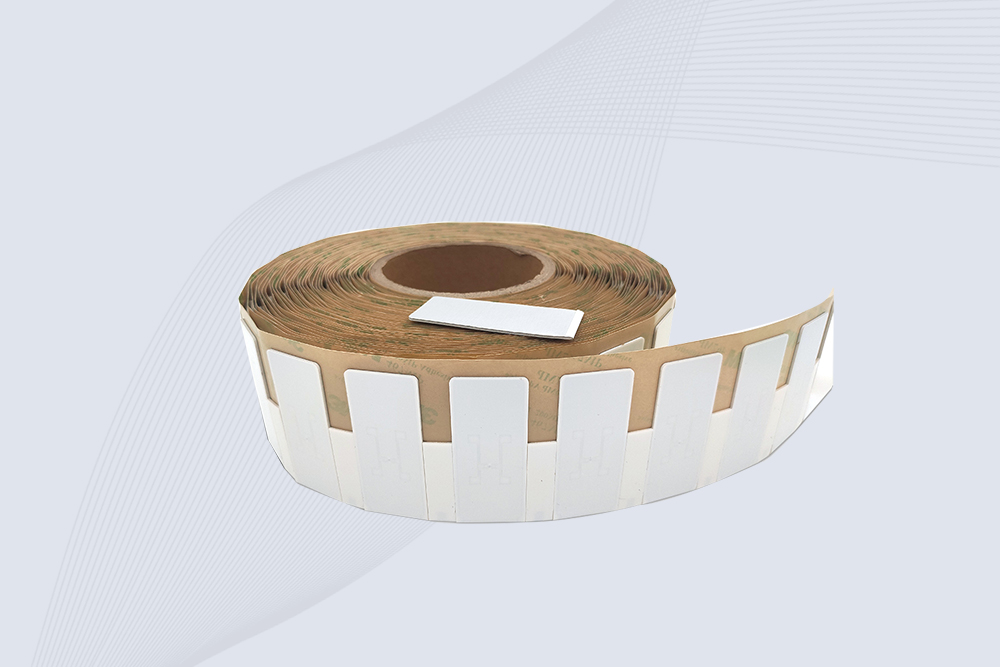
The CYKEO CYKEO-60-25 Anti-Metal RFID Tag is built for metal surfaces where standard tags fail. Designed for long-range performance, harsh environments, and stable data retention, this Anti-Metal RFID Tag is ideal for industrial assets, containers, and equipment tracking using on metal RFID tags.
More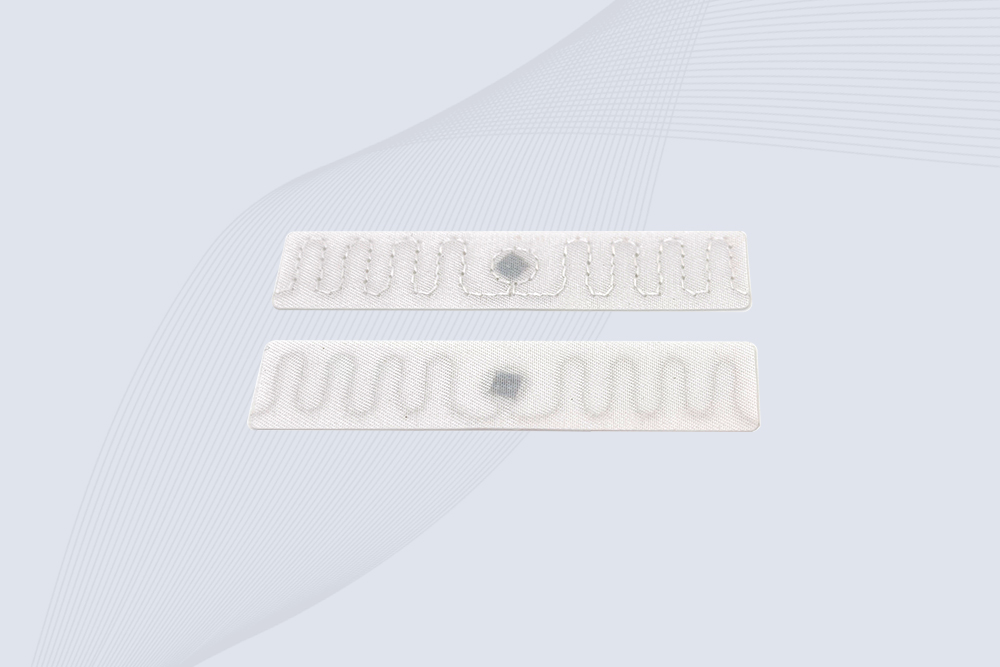
The CYKEO RFID Laundry Tag is designed for long-term textile identification in harsh laundry environments. Built to withstand high heat, chemicals, and repeated washing, this RFID Laundry Tag delivers stable performance for hotels, hospitals, and industrial laundry operations using laundry rfid tags at scale.
More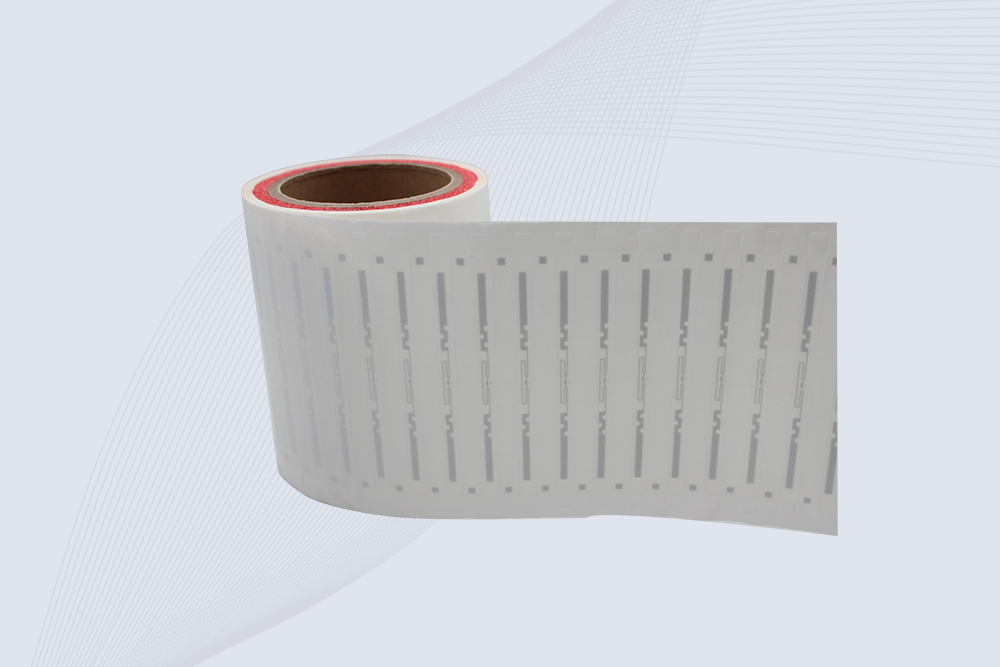
The CYKEO CYKEO-125-7 RFID Book Tag is designed for reliable book and document tracking in libraries and archives. This RFID Book Tag delivers long read range, dense placement support, and stable performance on shelves, making it a practical rfid tag on books for library automation, file management, and archival systems.
More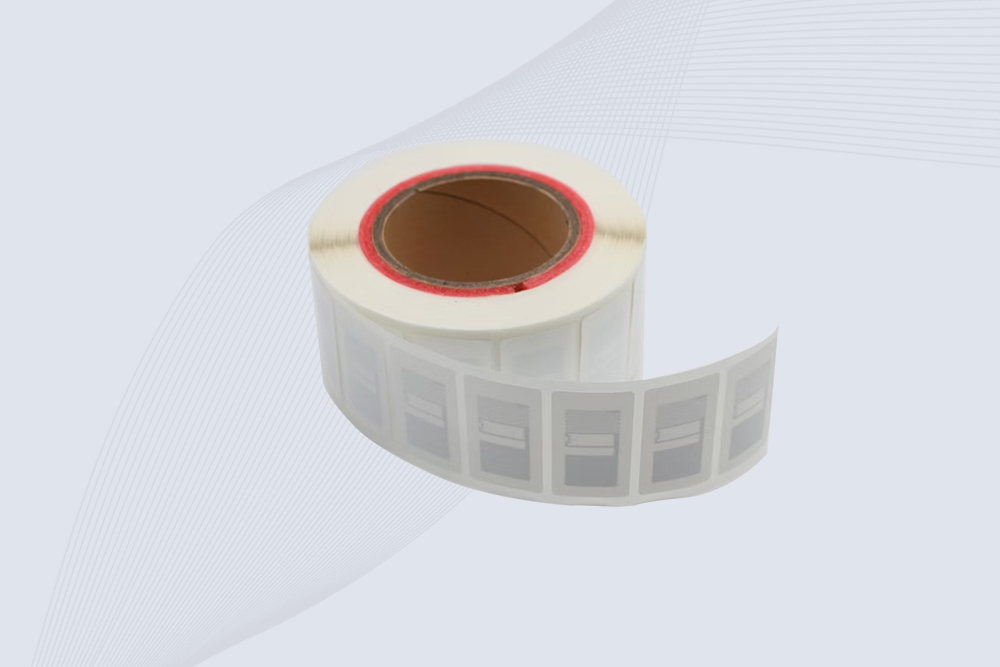
CYKEO RFID tags in hospitals are designed for sterile environments where accuracy matters. These autoclavable RFID tags support long-term tracking of surgical tools, implants, and medications, helping hospitals improve visibility, compliance, and patient safety.
More
CYKEO RFID Cable Tie Tag is built for reliable identification on metal surfaces. This UHF RFID Cable Tie Tag is widely used in rfid tags for inventory systems, industrial asset management and Hospital RFID Tags, offering stable read performance, long service life and global EPC Gen2 compatibility.
More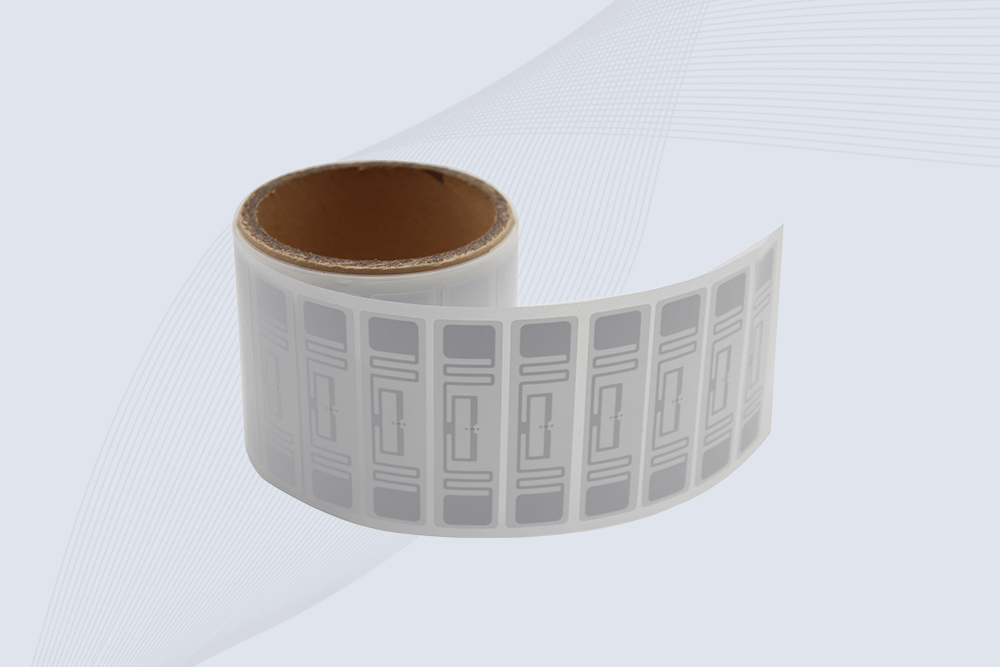
CYKEO RFID Asset Tag is designed for stable identification of metal assets in industrial environments. This UHF RFID Asset Tag is commonly used for rfid tag asset tracking on equipment, tools and containers, providing reliable reads, long service life and ISO/IEC 18000-6C support.
More
CYKEO UHF RFID Card is designed for fast identification and long-term use in industrial and commercial systems. Supporting ISO 18000-6C, this UHF RFID Card works at 860–960 MHz and is suitable for custom RFID cards used in asset tracking, access control and inventory management.
More
CYKEO HF RFID Cards are designed for secure and stable access control systems. These 13.56 MHz RFID key cards support ISO 14443-A, reliable rewriting and long service life, making HF RFID Cards suitable for offices, campuses, events and membership management.
More
CYKEO UHF RFID Tag is designed for reliable tracking of metal jewelry and high-value items. This Jewelry RFID Tag supports long-range reading up to 8 meters, anti-counterfeit protection and stable performance on metal, making it suitable for retail, inventory control and asset management.
More
A complete overview of RFID reader antennas — how they work, types, and deployment tips across industries from warehousing to retail.
More
Learning how to install RFID HID reader from wall? Step-by-step for surface mount and flush mount installations. Wire colors, drill sizes, and reader testing. Real access control advice from CYKEO engineers.
More
The 2025 USDA regulation requires cattle to wear RFID electronic ear tags. This article shares selection, deployment, and management insights from frontline ranch experience, helping farmers quickly comply while improving management efficiency.
More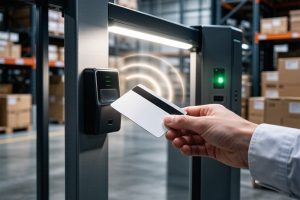
A practical explanation of how RFID readers and passive RFID cards work in real environments. Understand the real signal process, system behavior, and what matters in deployment for warehouses, access control, and logistics systems.
More